iPhone Interaction Effect AI: Gesture Effects, Starring You
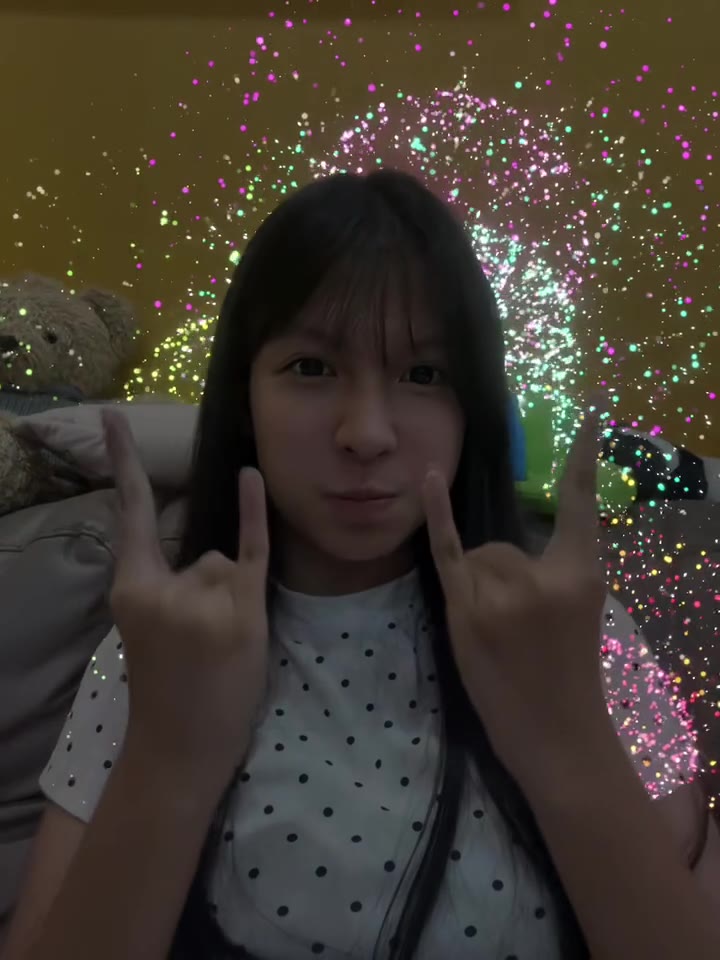
Thumbs down brings rain, thumbs up brings fireworks, rock signs bring lasers and heart hands bring hearts, all on you. One photo is all it takes.
Updated : Page published.
1Add your photo
What you'll get
Front-facing, well-lit selfies work best. One face per photo.
2Choose quality
By generating you confirm you have permission to use the people in your photos. Terms
No subscription needed · Ready in 4–6 minutes · Failed renders are free
The iPhone interaction effect is a 15-second selfie clip in which hand gestures trigger screen effects (rain cloud, fireworks, lasers, hearts) around the person; videosi makes it from one photo of you.
- Fast facts
- First seen
- Stage
- Just starting
- Started on
- TikTok (unconfirmed)
- Sound
- No single sound: clips use different songs and original sounds. The videosi video comes with the reference clip's sound already on it.
- Meaning
- The iPhone interaction effect is a selfie trend in which hand gestures such as thumbs down, thumbs up, rock signs and heart hands trigger screen effects like rain, fireworks, lasers and hearts, based on the reactions built into iPhone cameras and video calls.
- Related trends
- Aura Farming AI, AI Dance, Tiny Desk AI
Page updates
- November 8, 2026 — Page published.
The iPhone Interaction Effect AI prompt and model
iPhone Interaction Effect AI is made with Seedance 2.0 / 2.5 (you pick the tier) by ByteDance. The prompt behind it has 5 parts, and the timing is what makes or breaks it.
- Model
- Seedance 2.0 / 2.5 (you pick the tier)
- Mode
- Photo + motion reference to video
- Length
- 15 seconds, 9:16, 1:1 or 16:9
- Input
- 1 photo
- Identity lock Your photo is the only source for your face, hair, skin tone, build and clothes, kept identical in every frame.
- Motion reference A short selfie clip supplies the framing, the order of the gestures and the timing of every effect.
- Scene A bright indoor corner like the original clips, with you filmed from the front camera, chest up.
- Timeline Six beats over 15 seconds: rain, thumbs up, fireworks, lasers, hearts and a clean finish.
- Rules One adult, real hands with five fingers, no on-screen phone interface, no text, logos or lip sync.
Replace the young woman in Video 1 with the person from Image 1. Keep everything else from Video 1 as it is: the handheld front-camera selfie framing from the chest up…
Why it goes wrong when you do it yourself
- Without an identity lock the model keeps the woman from the reference clip and only borrows your hair or clothes.
- Hands are the weak spot: crossed fingers and fast gesture changes can give six fingers or fused hands.
- Effects like the rain cloud and the lasers can wash over your face and soften the likeness for a few frames.
- Each try costs model credits and several minutes, and the heart hands beat is the one that most often drifts.
More videos from this trend
Trend inspiration · not a selectable template
How to make your iPhone Interaction Effect AI video
Upload one photo of you
A sharp, front-facing photo of one adult, face and shoulders in view. Your hair and clothes in the photo are the ones in the video.
Pick the format
Choose 9:16 for TikTok, Reels and Shorts, or 1:1 or 16:9, and the quality tier.
Generate
Press Generate. The 15-second MP4 has no watermark and comes with the trend's original sound already on it.
Post it
Post it and label the clip as AI-generated. You can swap the sound on TikTok or Instagram if you like.
What is the iPhone Interaction Effect AI trend?
Updated · videosi is an independent tool. It is not affiliated with TikTok, Instagram, YouTube, or with the owners of any trend, song, game or brand named on its pages.
The iPhone interaction effect (in Vietnamese, hiệu ứng tương tác iPhone, also called hiệu ứng bá khí) is a selfie-video trend built on a real iPhone feature: when you hold up a hand gesture in front of the camera, the screen answers with an effect. Two thumbs down bring a grey rain cloud, two thumbs up bring fireworks, rock signs bring coloured laser beams, a peace sign brings balloons or confetti, and heart hands bring floating hearts. Apple calls them Reactions (people search for them as iPhone reactions or FaceTime reactions) and introduced them with iOS 17 in 2023, first for FaceTime and other video-call apps.
The new wave started in Vietnam in early November 2026. The earliest posts we found are dated 2026-11-06, with tutorials showing how to switch the effects on for the iPhone camera and in TikTok, and by 2026-11-07 creators were posting their own clips and CapCut AI tutorials that recreate the effects on any video. No single original creator is confirmed, and clips use many different sounds, so we call the stage emerging.
The clip on this page follows the most-viewed clean selfie version we found: a person facing the front camera, gesturing in a fixed order while the effects react, 15 seconds, no text on screen. The videosi video comes with that clip's original sound already on it.
Upload one clear photo of yourself and videosi renders a 15-second selfie in which you make the same gestures and the same effects burst out around you. The effects are generated by the AI model, not by a real phone, so they look like the originals but are not pixel-identical.
iPhone Interaction Effect AI: shot by shot
- 0–2 s
Thumbs down, rain
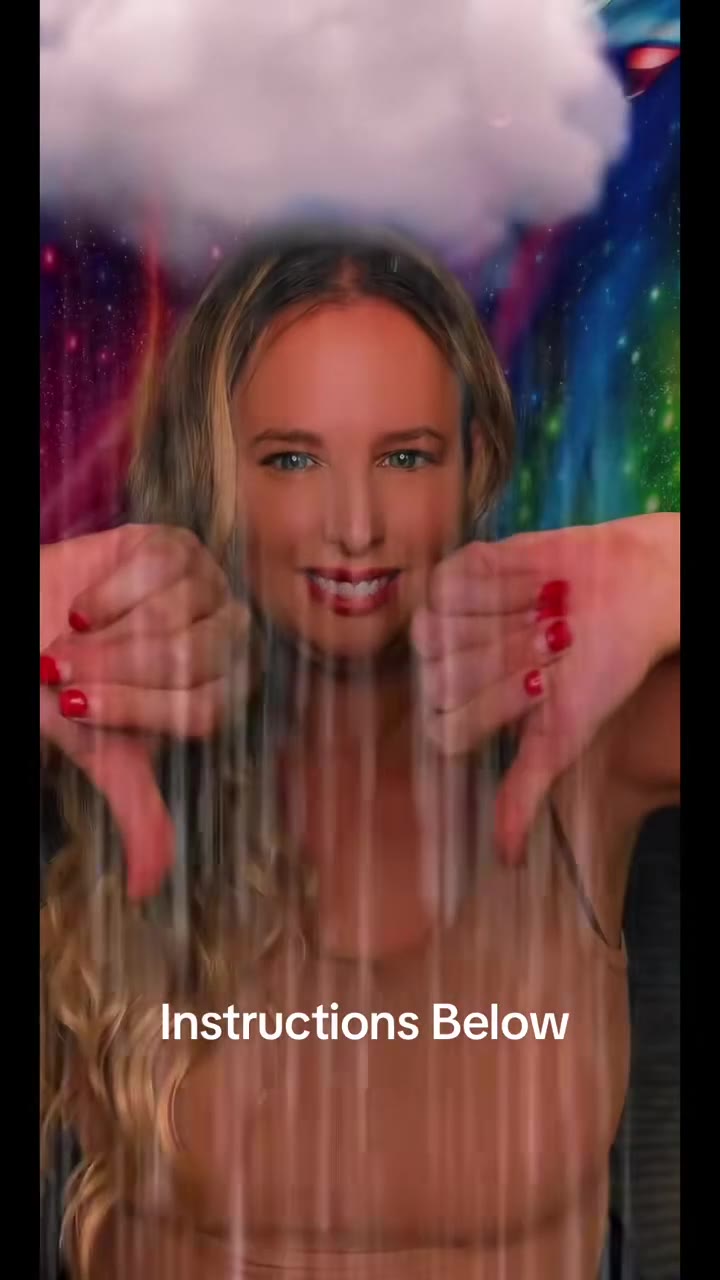
Two thumbs down at the lens and a grey cloud drops in above your head with rain falling in front of your face.
- 2–4 s
Thumbs up
The cloud clears as both thumbs turn up, with the room back to normal for a beat.
- 4–7 s
Fireworks
Colourful fireworks burst behind you while you keep the thumbs up, then switch to rock signs as the sparks fade.
- 7–10.5 s
Laser beams
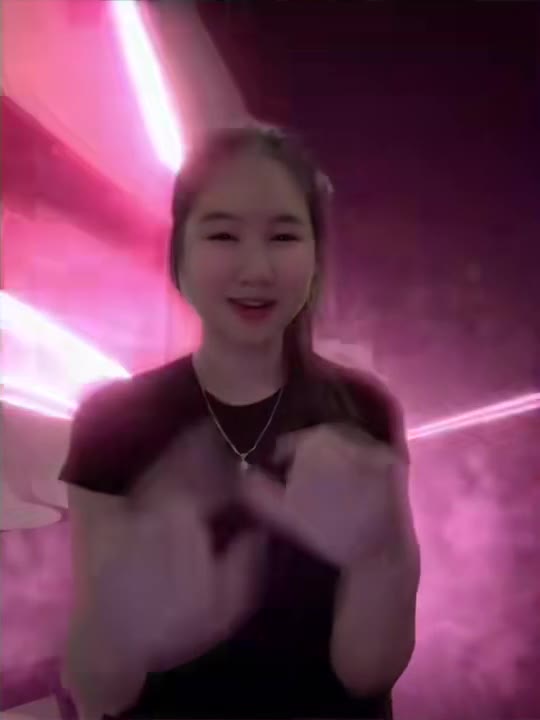
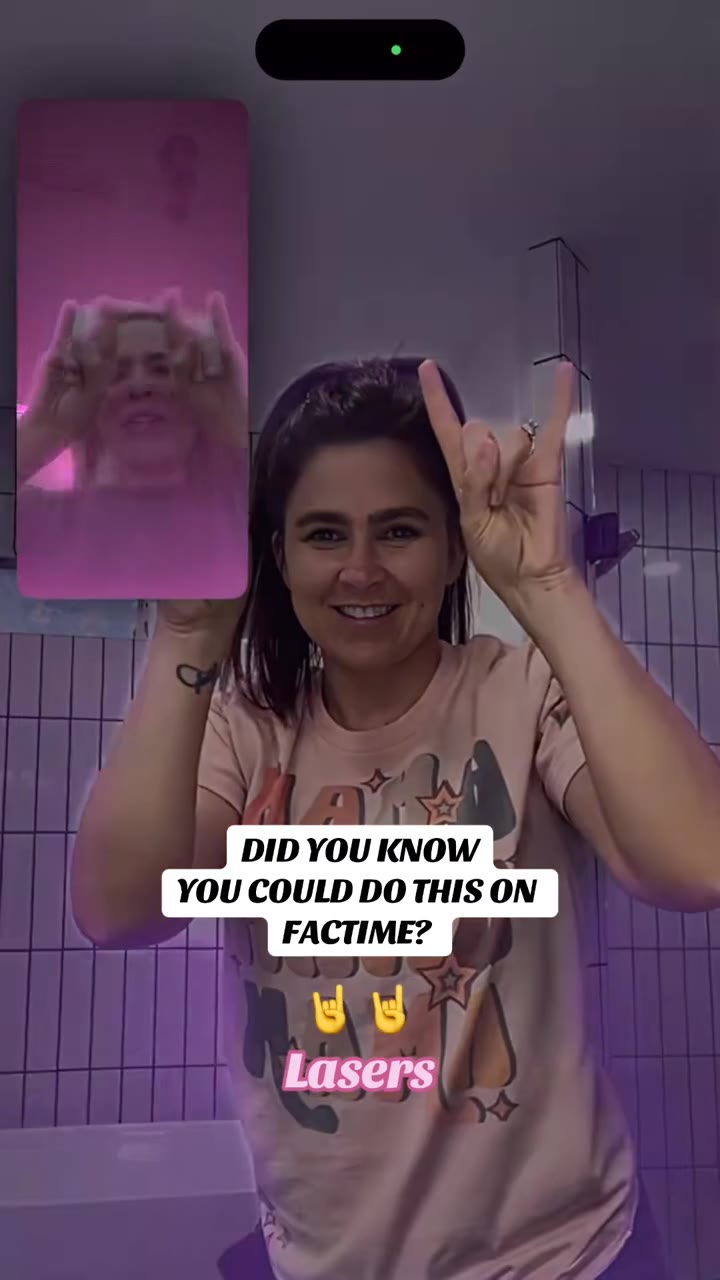
Rock signs and heart hands light the room with purple, orange and green laser beams sweeping across the wall.
- 10.5–14 s
Hearts
Heart hands send red hearts floating up around your face, then two fists with thumbs keep them circling over your head.
- 14–15 s
Clean finish
One last thumbs up and the effects are gone, ending on a plain selfie.
Tips for a better result
Face and shoulders in view
The clip is a chest-up selfie, so a photo cropped to your head and shoulders matches best.
Even light, no filters
Daylight from the front keeps your skin tone and the likeness. Beauty filters and heavy colour grading drift in the video.
Hands out of the shot
A photo without hands in front of your face is better, because the model draws the gestures itself.
One person only
Crop to the one adult you want in the video. Group photos and collages can merge faces.
Good to know before you make a iPhone Interaction Effect AI video
- Likeness is not guaranteed, and hands are the most common flaw.
- The effects are drawn by the AI model, not by a real iPhone, so they look similar but are not identical.
- You cannot choose which gestures or effects appear; the order follows the original clip.
- The video comes with the original sound already on it. A failed, timed-out or blocked render returns its credits automatically.
iPhone Interaction Effect AI: questions
What is the iPhone interaction effect trend and where did it come from?
The iPhone interaction effect is a selfie trend in which hand gestures set off screen effects, and videosi makes the 15-second version from one photo. It is based on the iPhone reactions Apple added in iOS 17 in 2023. The current wave began in Vietnam, with the earliest posts we found dated 2026-11-06 and no confirmed original creator.
How do I make the iPhone interaction effect video from one photo?
Upload one clear photo of yourself to videosi, choose 9:16, 1:1 or 16:9 and press Generate. The 15-second video shows you making the gestures while rain, fireworks, lasers and hearts react around you. You write no prompt, and rendering takes several minutes. The result is kept in My creations if you close the page.
Is there a website or generator for the iPhone interaction effect?
Yes, videosi is a website that makes it: you upload one photo and get a 15-second MP4 without a watermark. It does not need an iPhone, because the effects are generated by the AI model rather than recorded by a phone. The 15-second video is 13 credits on the Standard tier at 720p, and an account's first video costs at most 10.
Is there a TikTok filter or CapCut template for the iPhone interaction effect?
Vietnamese creators posted CapCut AI tutorials on 2026-11-06 and 2026-11-07 that copy a finished effect video onto your own clips, and many posts use the phone's own reactions. videosi is the one-photo route: you need no footage, and the 15-second clip is built from your photo alone.
What AI model and prompt does videosi use for it?
videosi renders it with ByteDance Seedance 2.0 or 2.5, depending on the tier you pick, using your photo plus a short selfie reference clip. The prompt replaces the person in the clip with you and keeps the gestures and effects. We do not publish the full prompt, and you do not need to write one.
How much does the iPhone interaction effect video cost on videosi?
A 15-second iPhone interaction effect video on videosi is 13 credits on the Standard tier at 720p, and an account's first video costs at most 10, so the $6.90 Single pack of 10 credits covers it. There is no free generation, and credits never expire. A failed, timed-out or blocked render gives its credits back automatically, and higher tiers cost more credits.
Why does my video not look like me or have bad hands?
Likeness drifts when the photo is dark, filtered, cropped too tight or shows more than one person, and hands are the hardest part of this clip because the gestures change every second. For the best result on videosi, use a sharp front-facing photo of one adult in daylight, with your hands out of the frame.
Can I use someone else's photo, a friend or a pet?
Use photos of adults who agree to it: videosi made this effect for one adult per video, and the page does not support pets or children. Do not upload photos of strangers or people who have not agreed, and label the video as AI-generated when you post it.
What does hiệu ứng tương tác iPhone mean?
Hiệu ứng tương tác iPhone is Vietnamese for iPhone interaction effect, and creators also call it hiệu ứng bá khí. It means a video effect that reacts to your hand gestures: two thumbs down bring rain, thumbs up bring fireworks, rock signs bring lasers and heart hands bring hearts. The videosi page makes the AI version from one photo.
What song or sound is used in the iPhone interaction effect trend?
There is no single confirmed sound: the Vietnamese clips we found from 2026-11-06 and 2026-11-07 use different songs and original sounds. The videosi video comes with the original sound of the reference selfie clip already on it, and you can swap it on TikTok or Instagram when you post.
Is the iPhone interaction effect trend still trending or over?
As of 8 November 2026 the trend is just starting: the first Vietnamese posts are dated 2026-11-06 and tutorials followed within a day. The iPhone feature behind it has existed since 2023, so interest in the gestures does not depend on this one wave; videosi will update this page as it spreads.
Can I do this myself with ChatGPT, Sora, Veo or Kling?
You can try a text prompt in any video model, but you need to describe the gestures, the order and the effects, and the model must keep your face across 15 seconds. videosi packages that as one photo in, one video out, using Seedance with a reference clip. Expect several tries elsewhere.
Is the iPhone interaction effect the same as iPhone Reactions in FaceTime?
Yes. The gestures and effects are the Reactions Apple added in iOS 17 for FaceTime and other video apps, which people also search for as iPhone reactions or FaceTime reactions. The name iPhone interaction effect comes from the Vietnamese trend name hiệu ứng tương tác iPhone. The videosi version is a 15-second AI clip made from one photo, so its effects look like Apple's but are generated, not recorded. videosi is not affiliated with Apple.
Trending this week
All trends this week




Make your iPhone Interaction Effect AI video
Upload a photo and press Generate. 13 credits, refunded if it fails.
Get the next trend first
One email when new trends land on videosi, about once a week. Unsubscribe in one click.
See videosi first on Google
Add videosi as a preferred source and our trend pages show up first in your Top Stories and AI answers on Google.