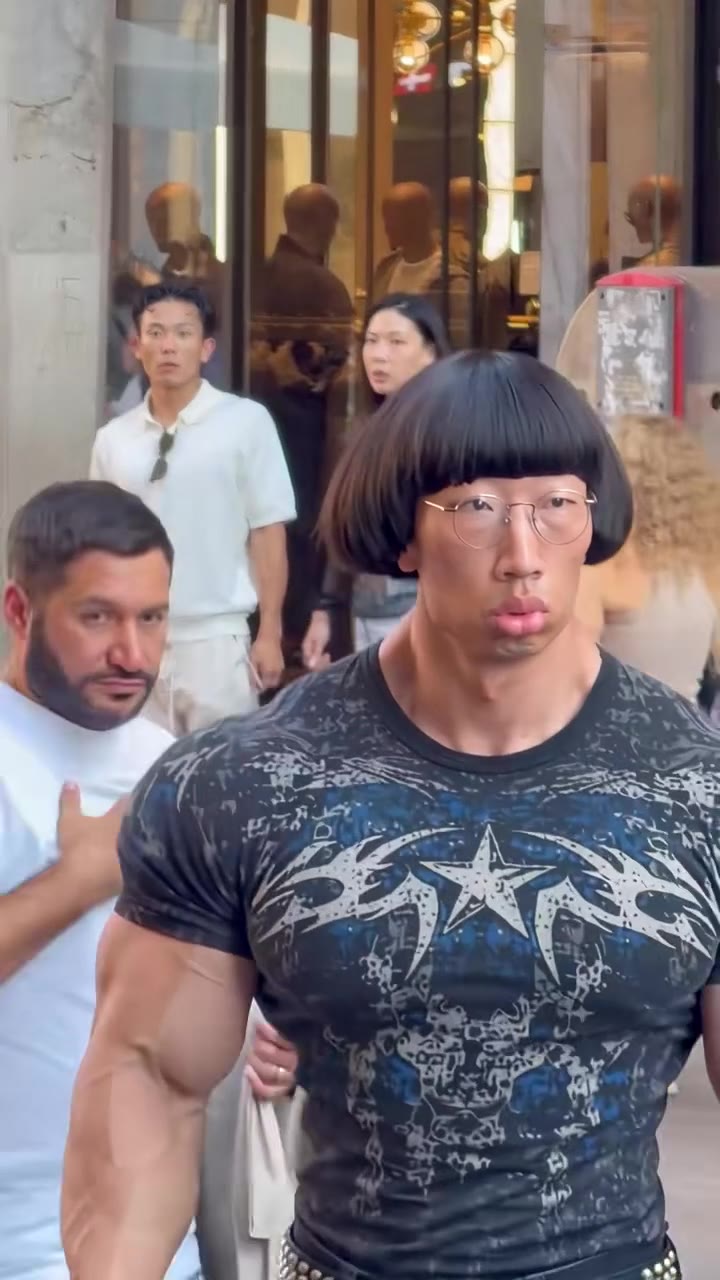
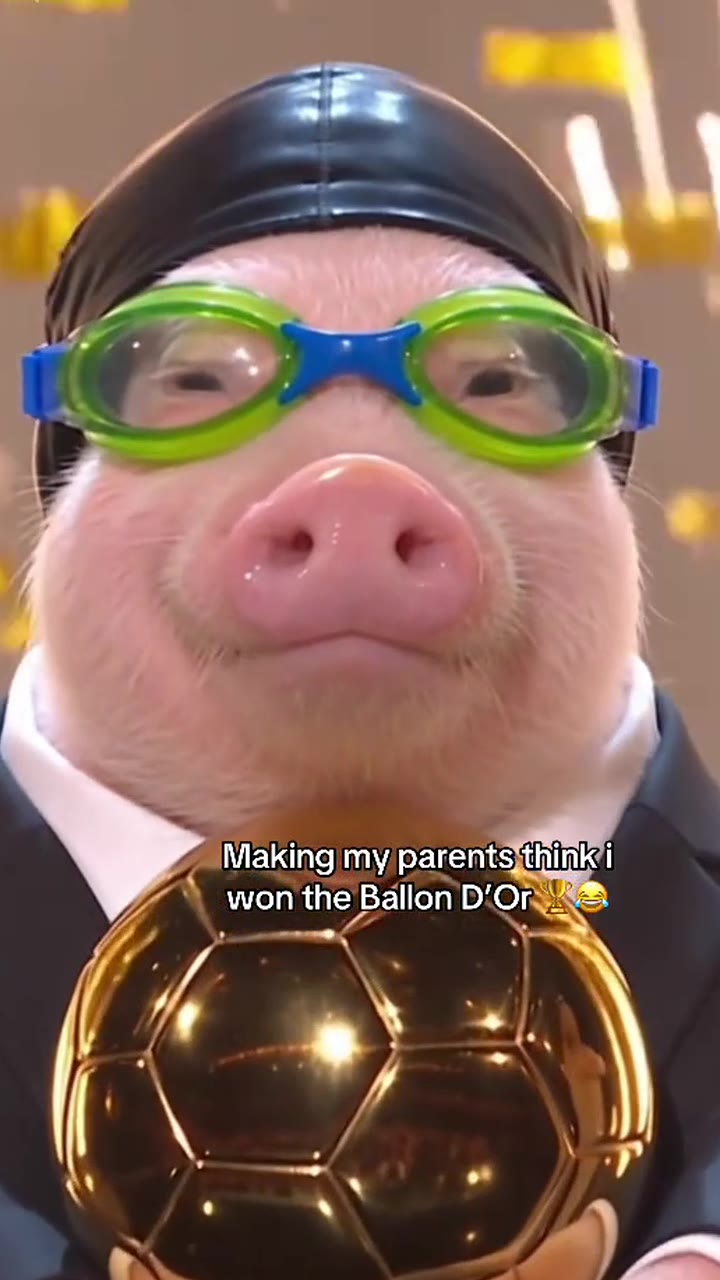
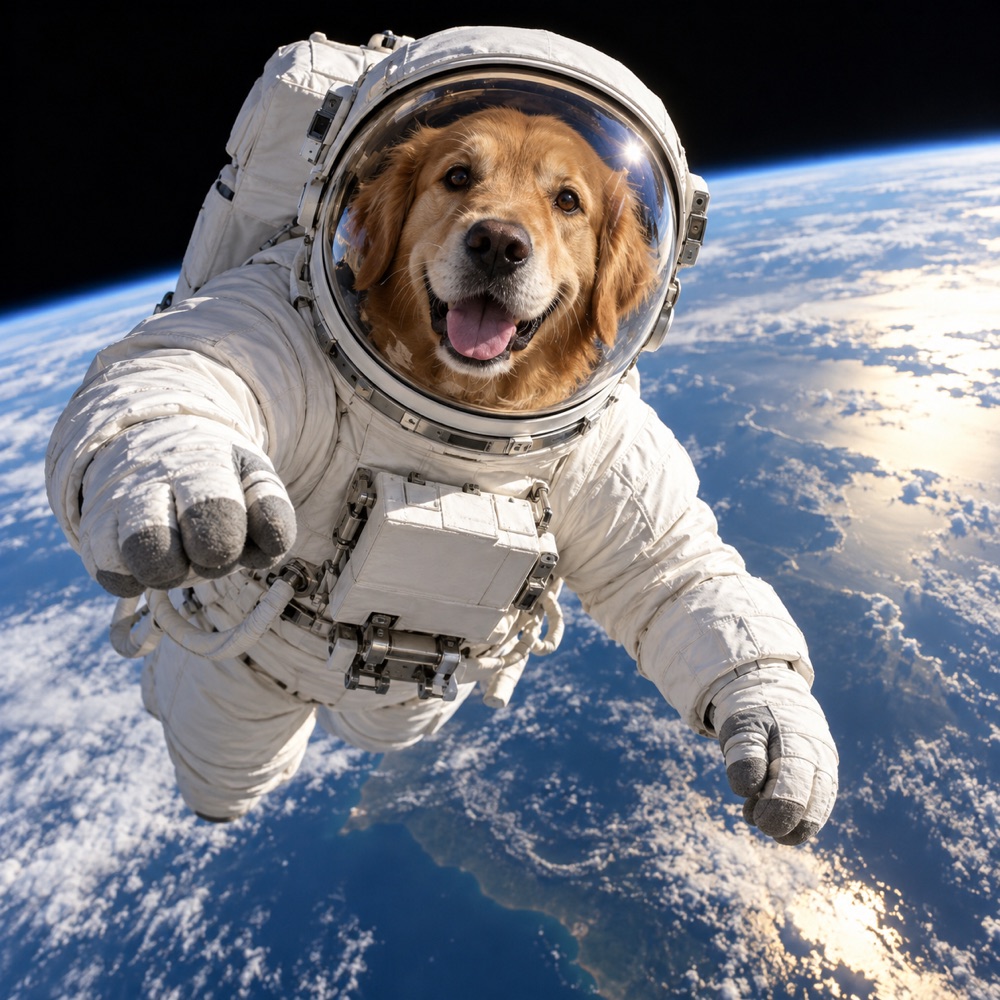
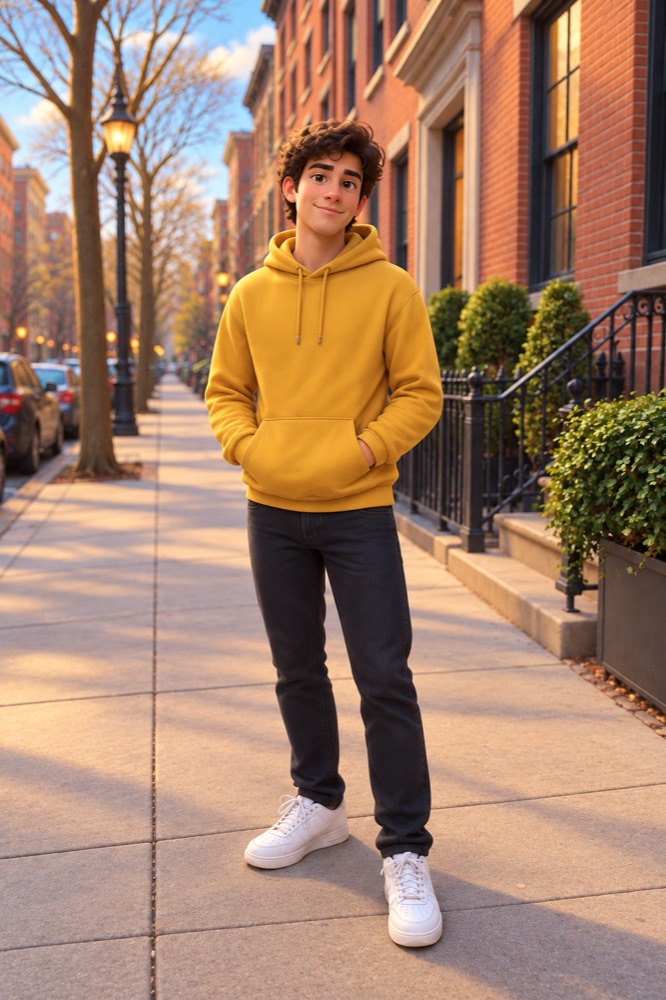
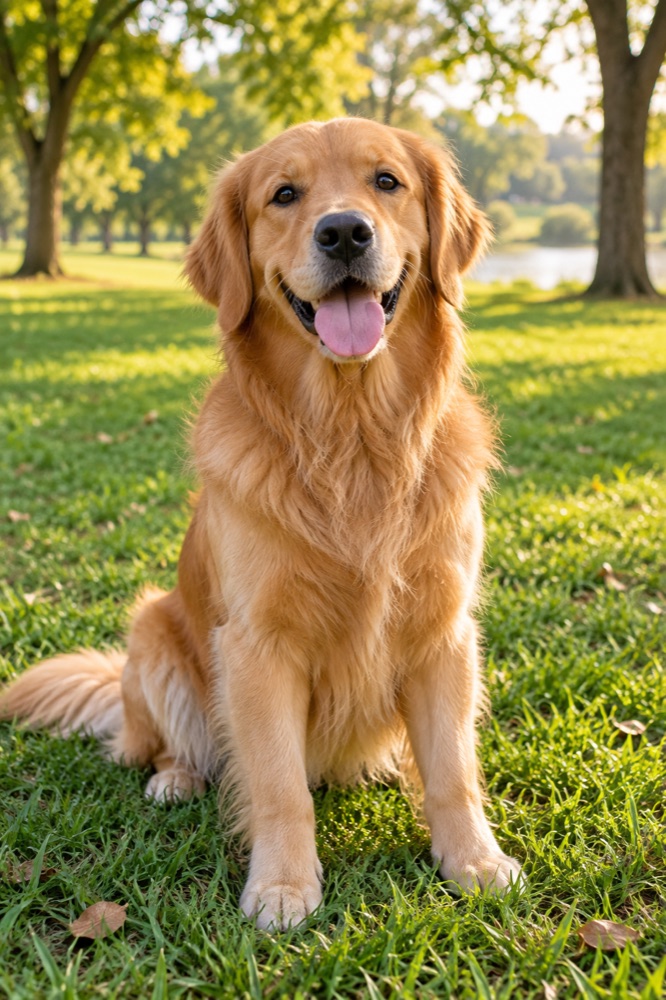
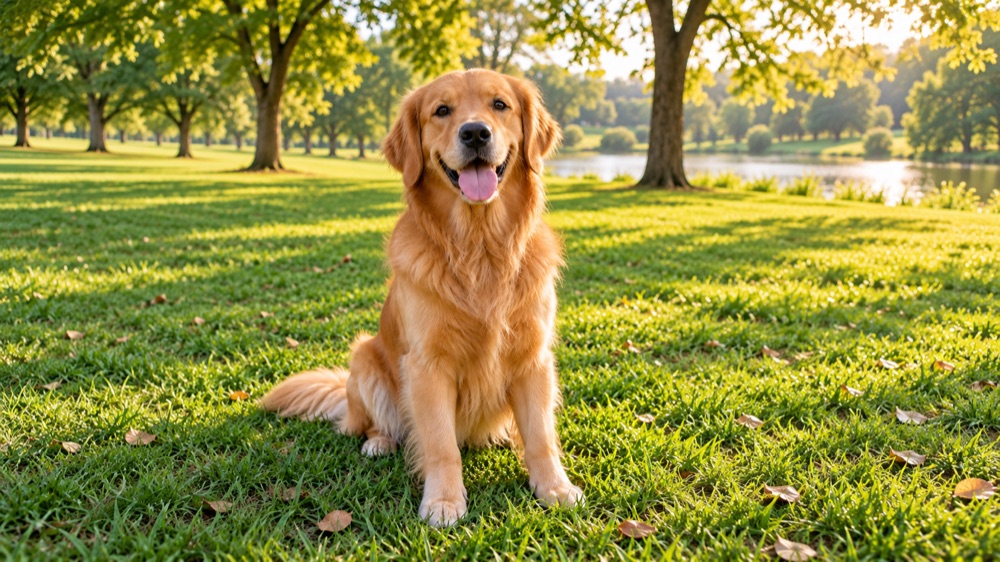
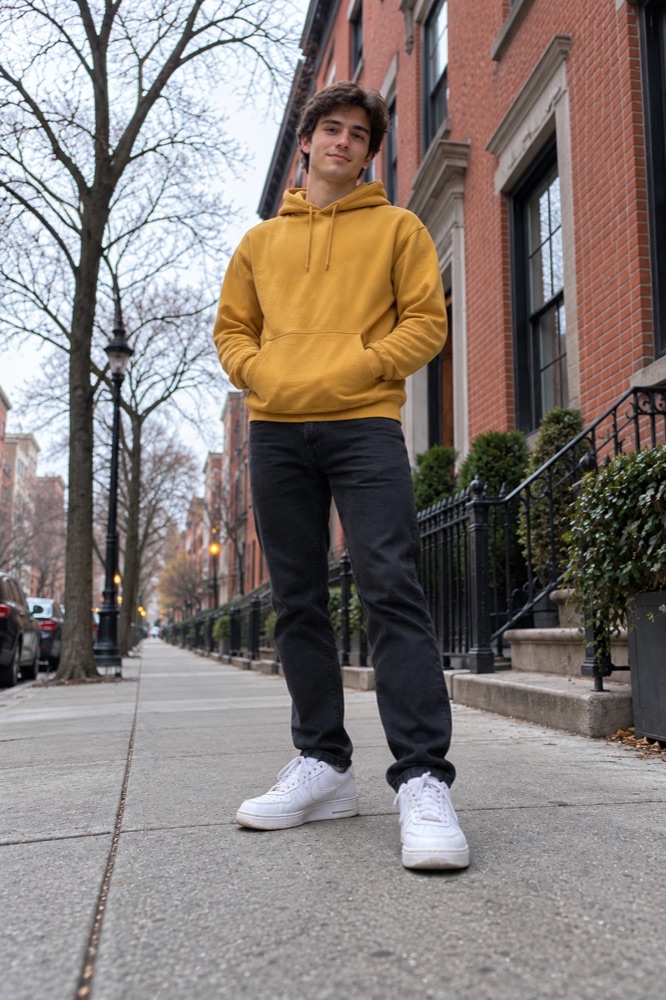
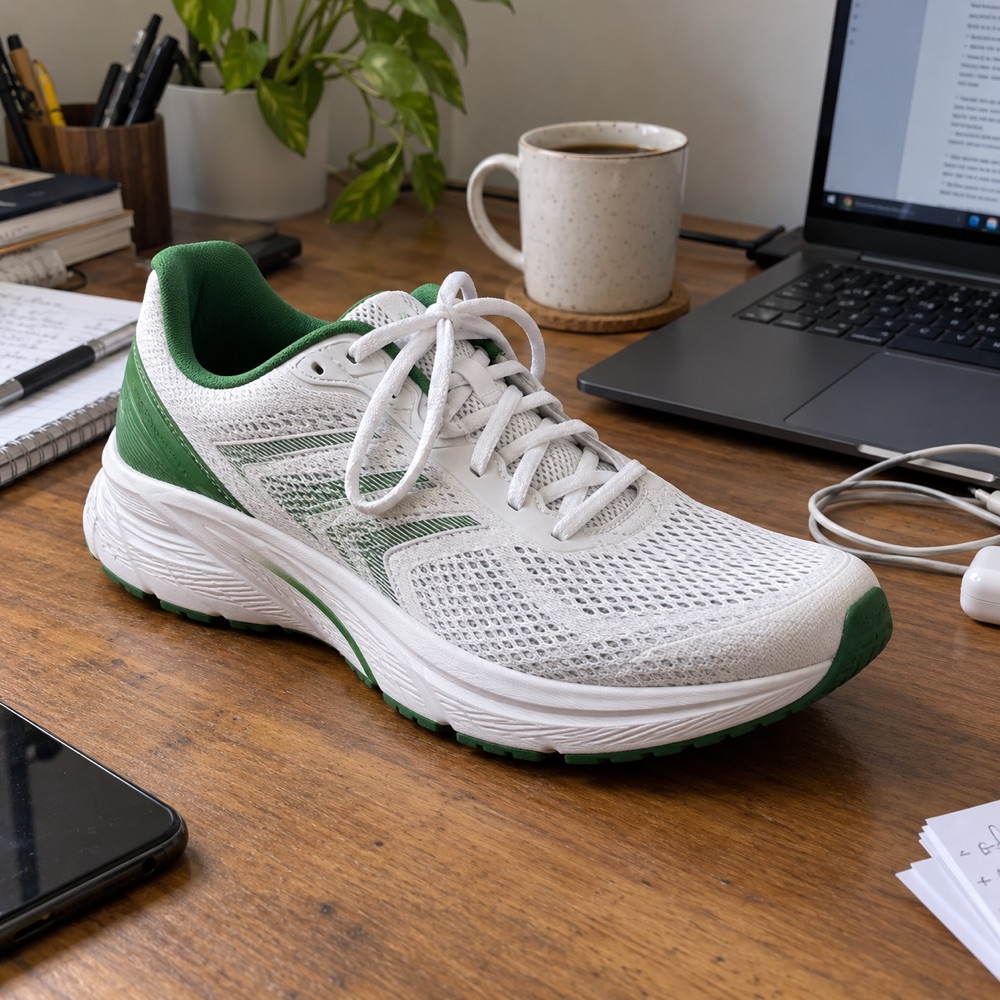
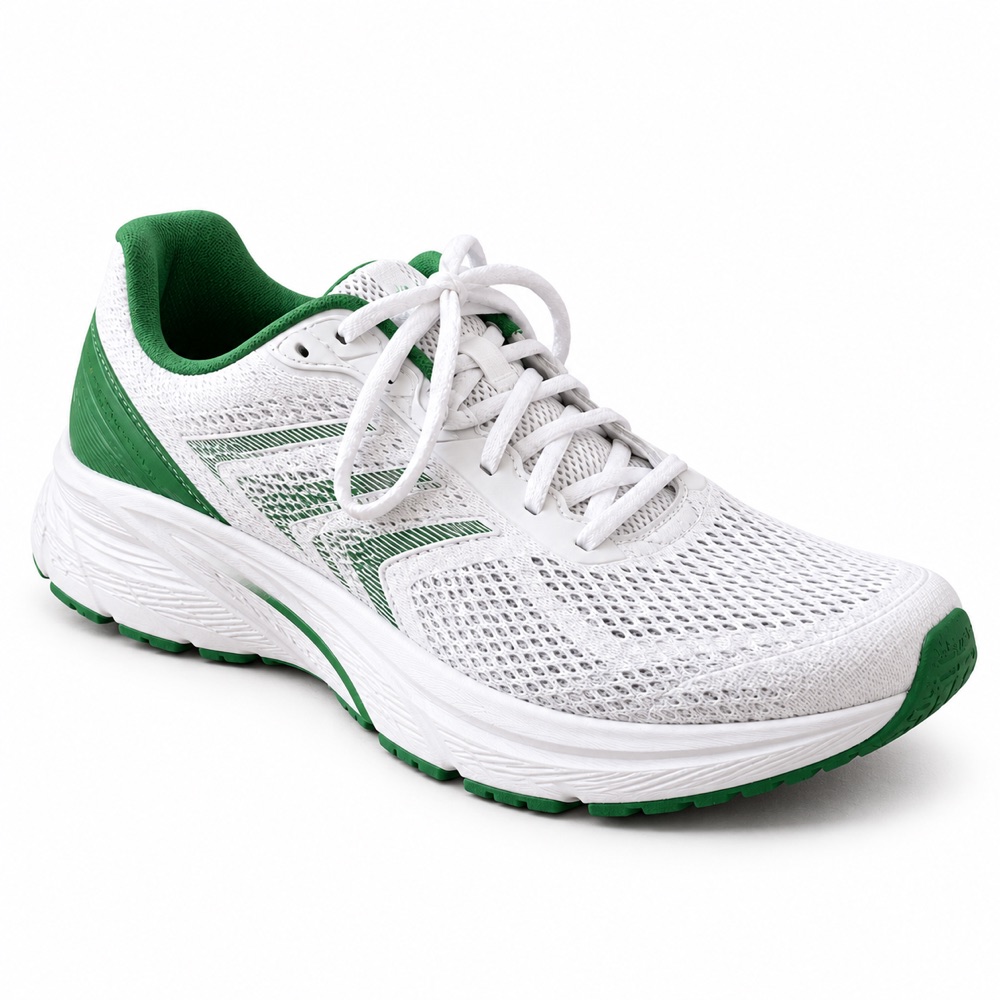
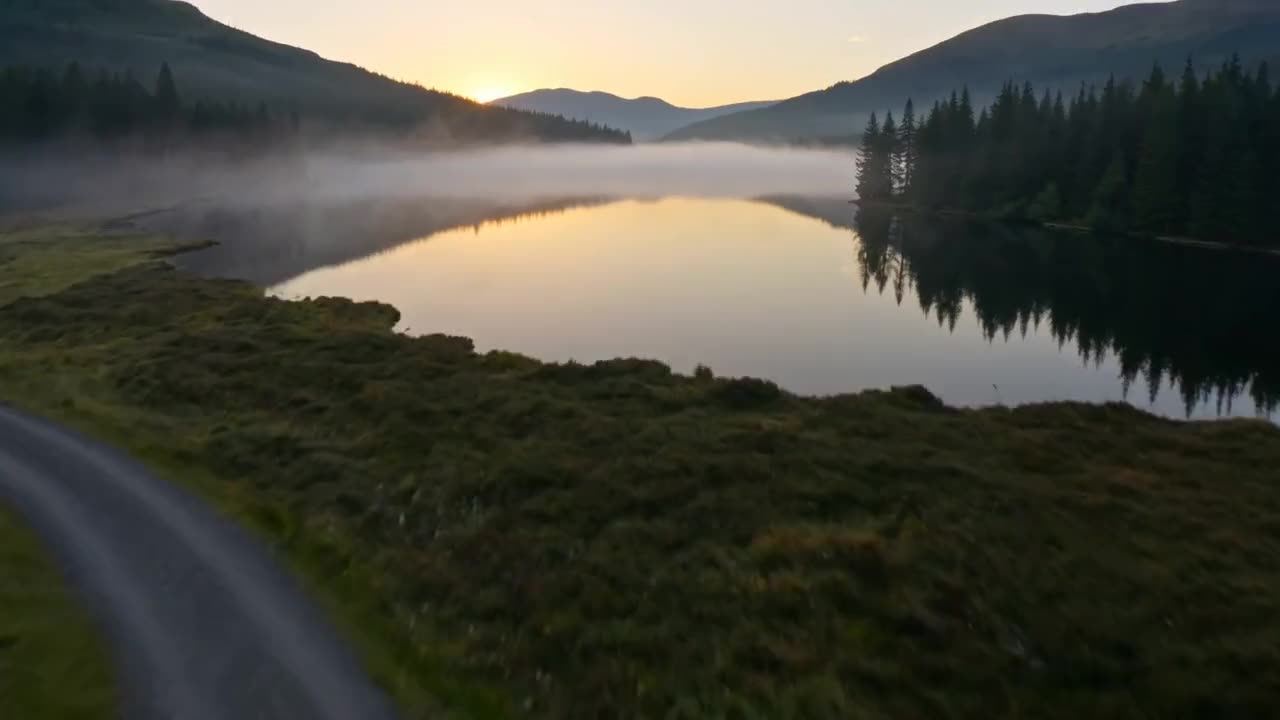
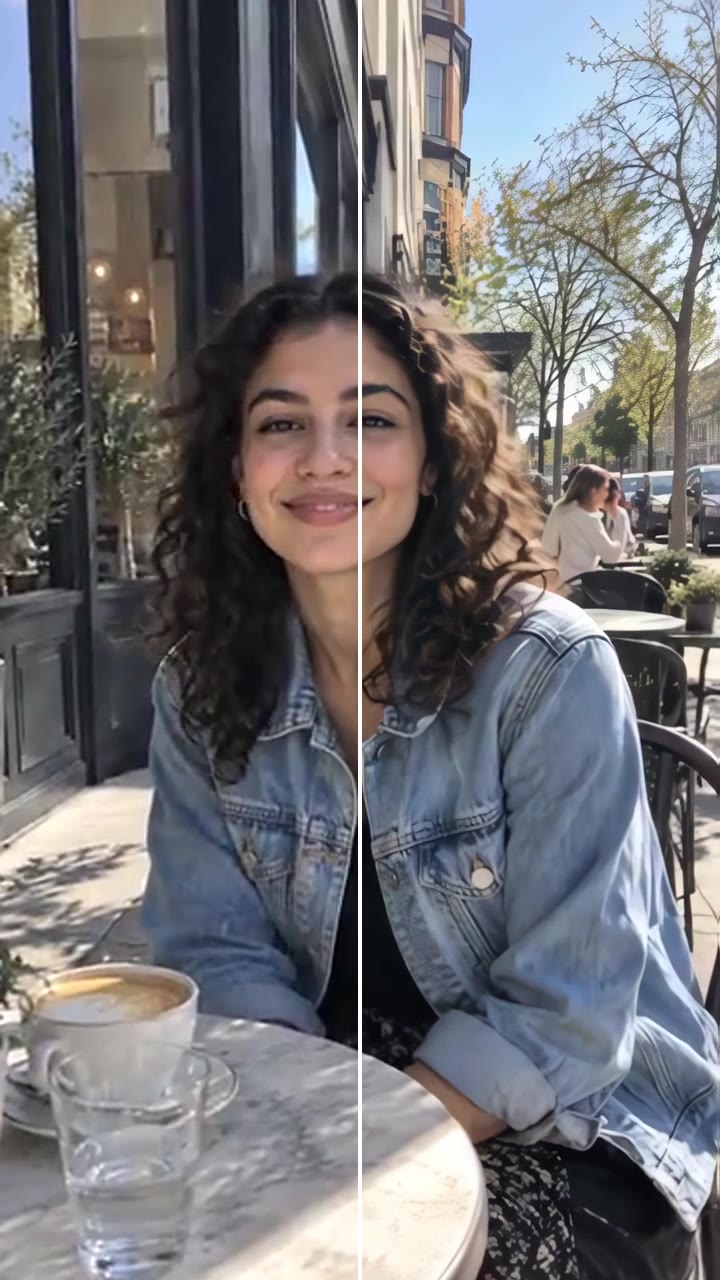
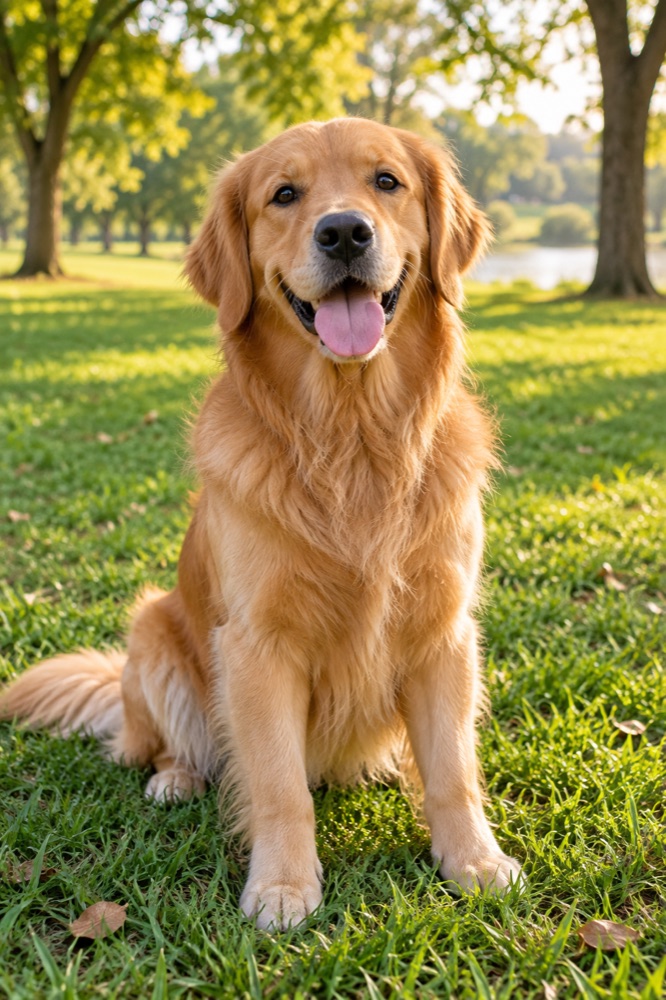
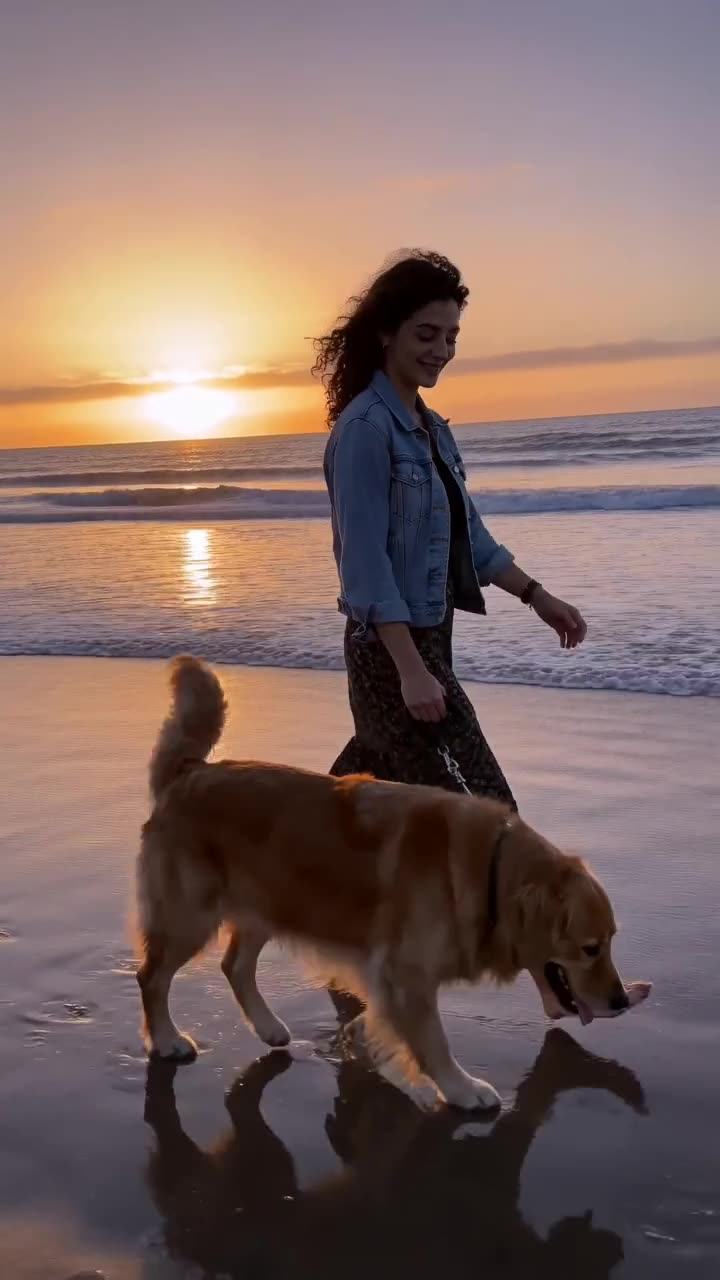
The space is filled with the wall, sky, sand or floor that belongs there, in the same light and texture.
3
Everything else untouched
Only what you named changes, so the rest of the photo stays as sharp as you took it.
Models
The model behind it
GPT Image 2.5OpenAI · 1K resolution
1 credit an image
Square, portrait, story or wide
Up to 3 reference photos
How to use the AI Object Remover
Upload a photo
Any photo with something you want gone.
Say what to remove
Be specific about which person or object, and where it is.
Generate
The clean photo is ready in about 20 to 40 seconds.
What is the videosi AI Object Remover?
The AI Object Remover erases what you name from a photo with GPT Image 2.5 and fills the gap with a natural background. No selection or brush is needed.
Typical uses: photobombers and crowds, wires and poles, stray objects in product shots, and clutter in room photos.
One image costs 1 credit, shown before you start. A new account's first image is free and carries a videosi watermark; removing the watermark costs 1 credit. A render that fails returns its credits automatically.
Which model does the videosi AI Object Remover use?
GPT Image 2.5 by OpenAI, at 1K resolution. It follows long prompts closely, writes legible text inside images and keeps faces from a reference photo recognisable.
Can I use the images commercially?
Yes, images you make with credits are yours to use, including commercially, as long as the prompt and any photos you upload are yours to use and follow our acceptable use policy.
Can I turn the image into a video?
Yes. Under every finished image there is an Animate button: it opens Image to Video with the image already loaded, and you describe the motion.