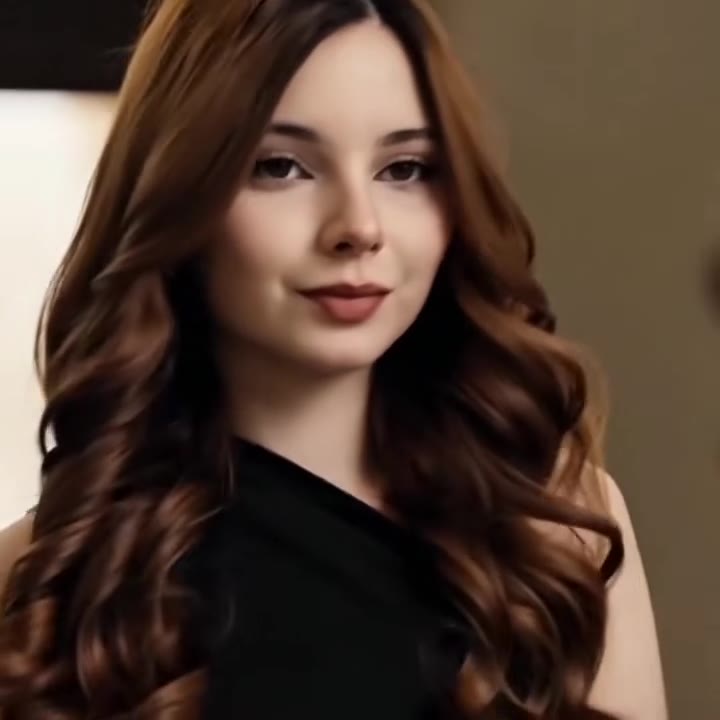
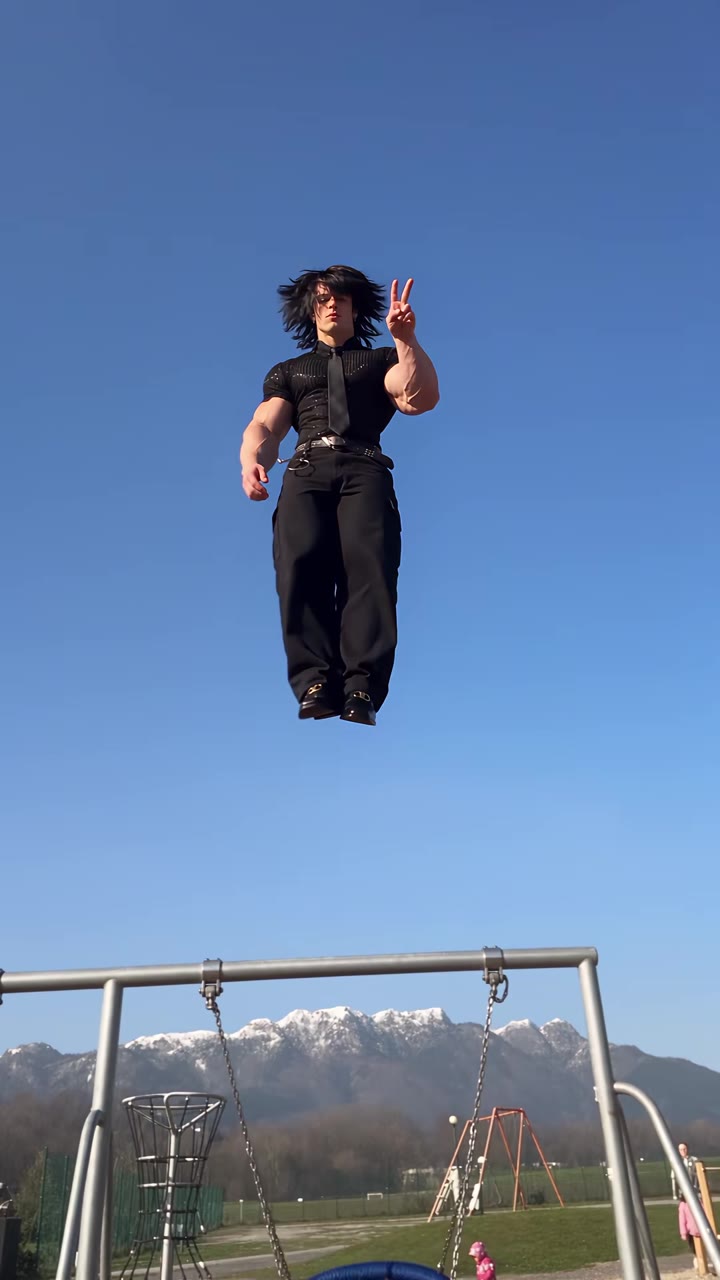
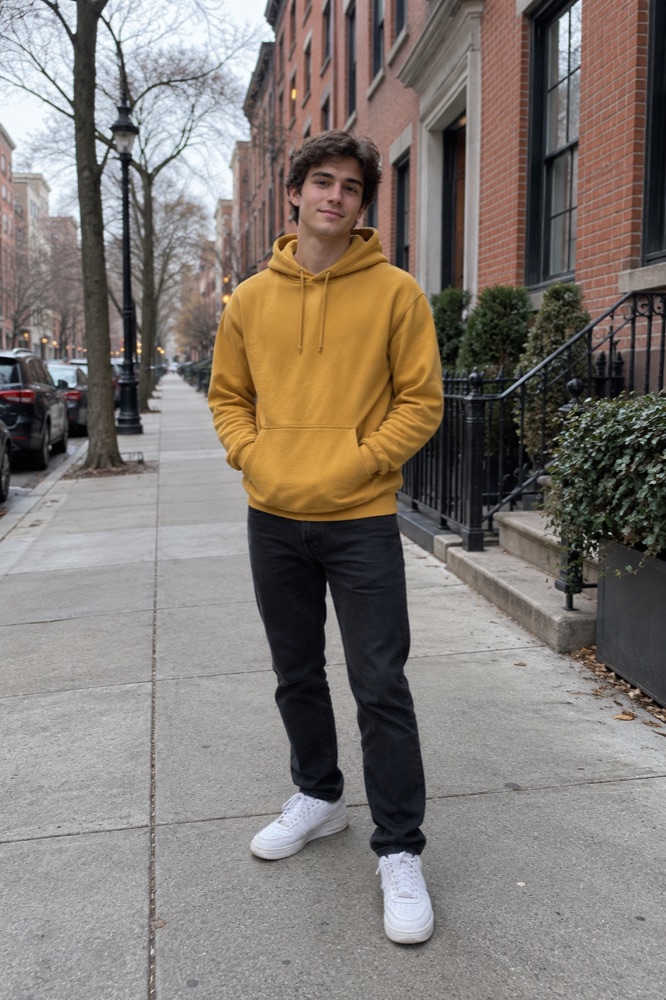
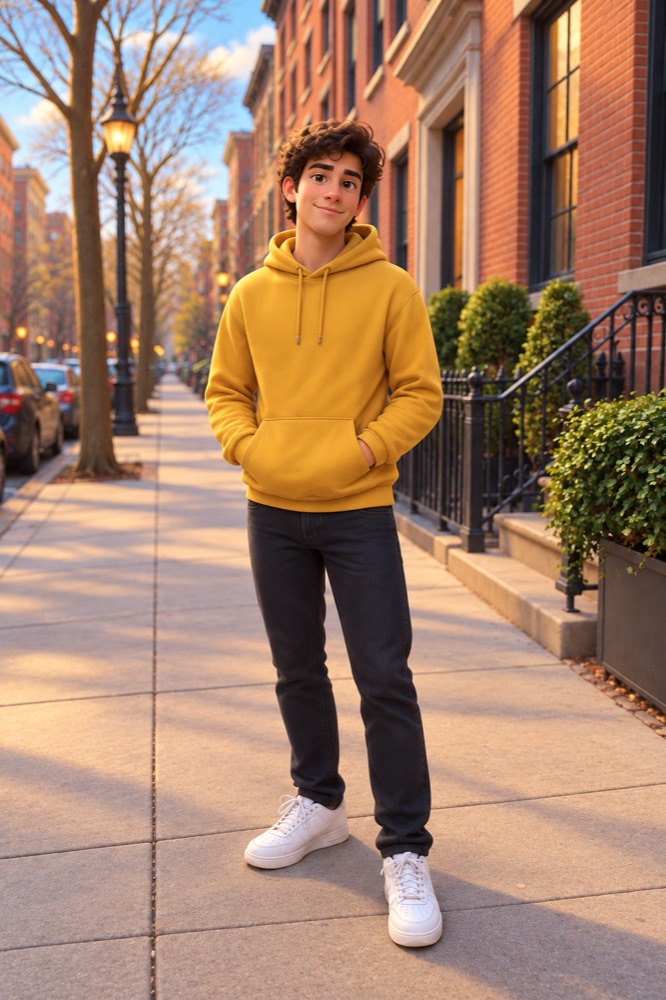
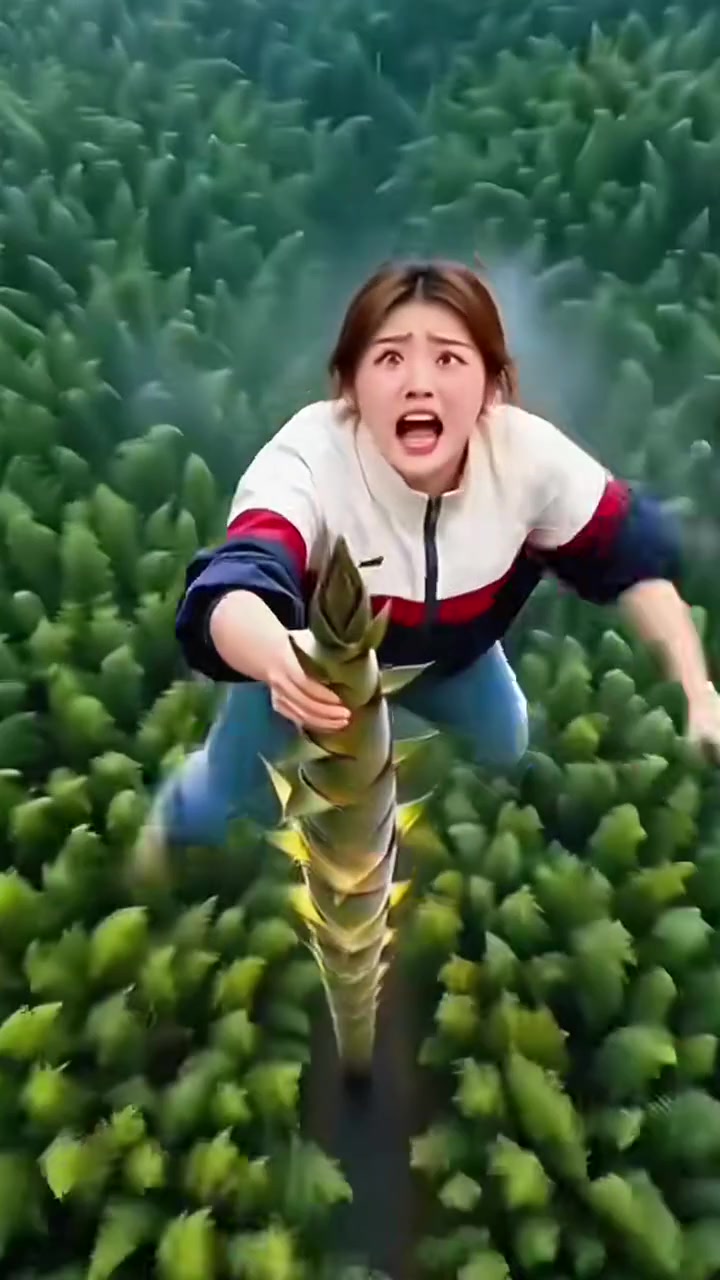
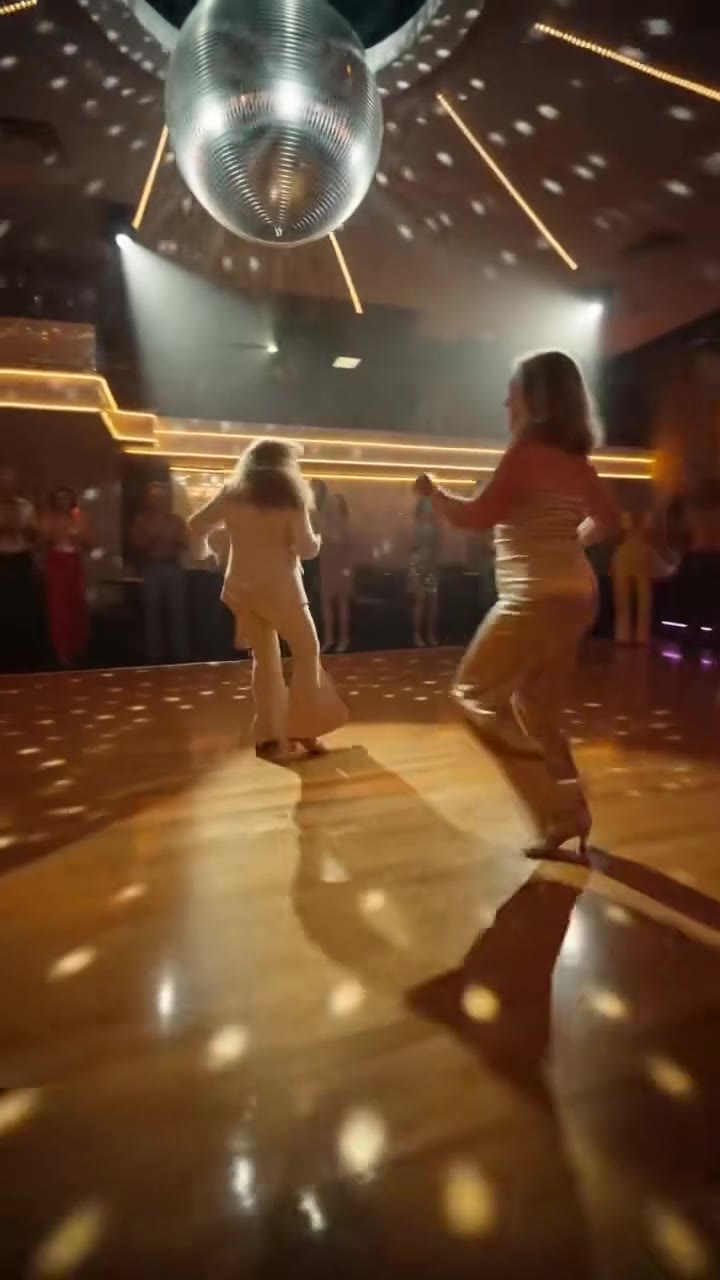
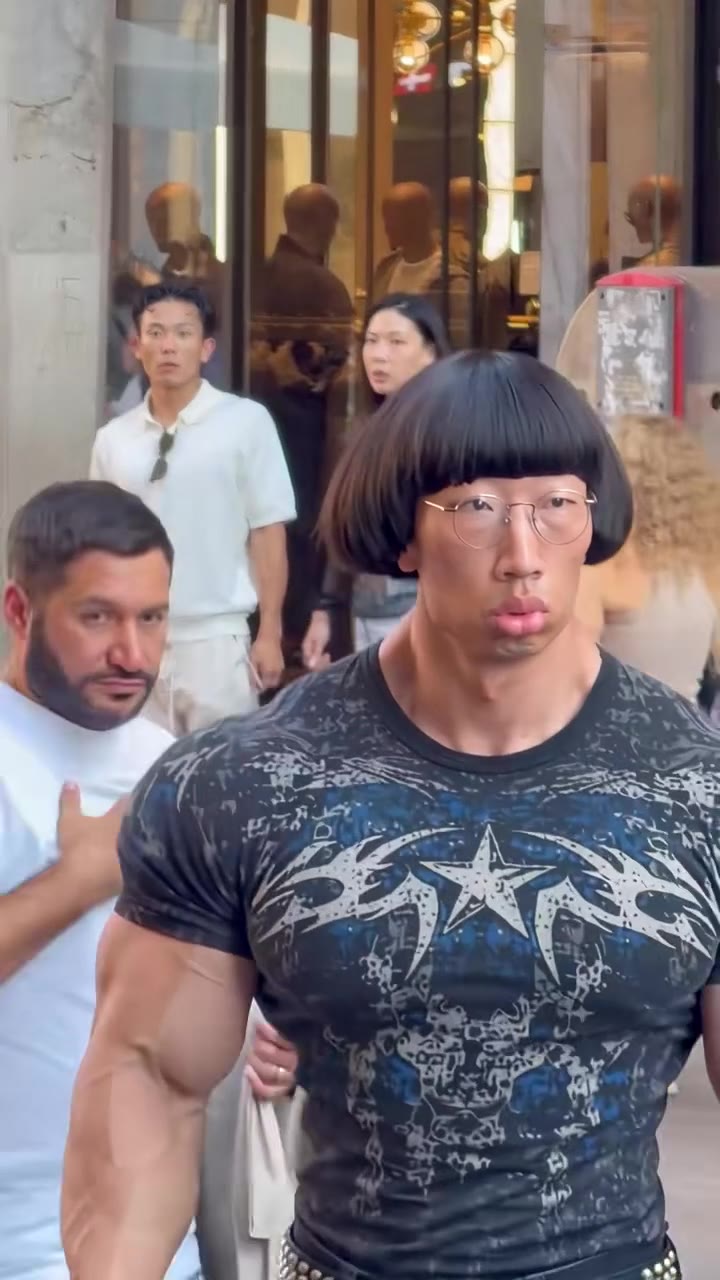
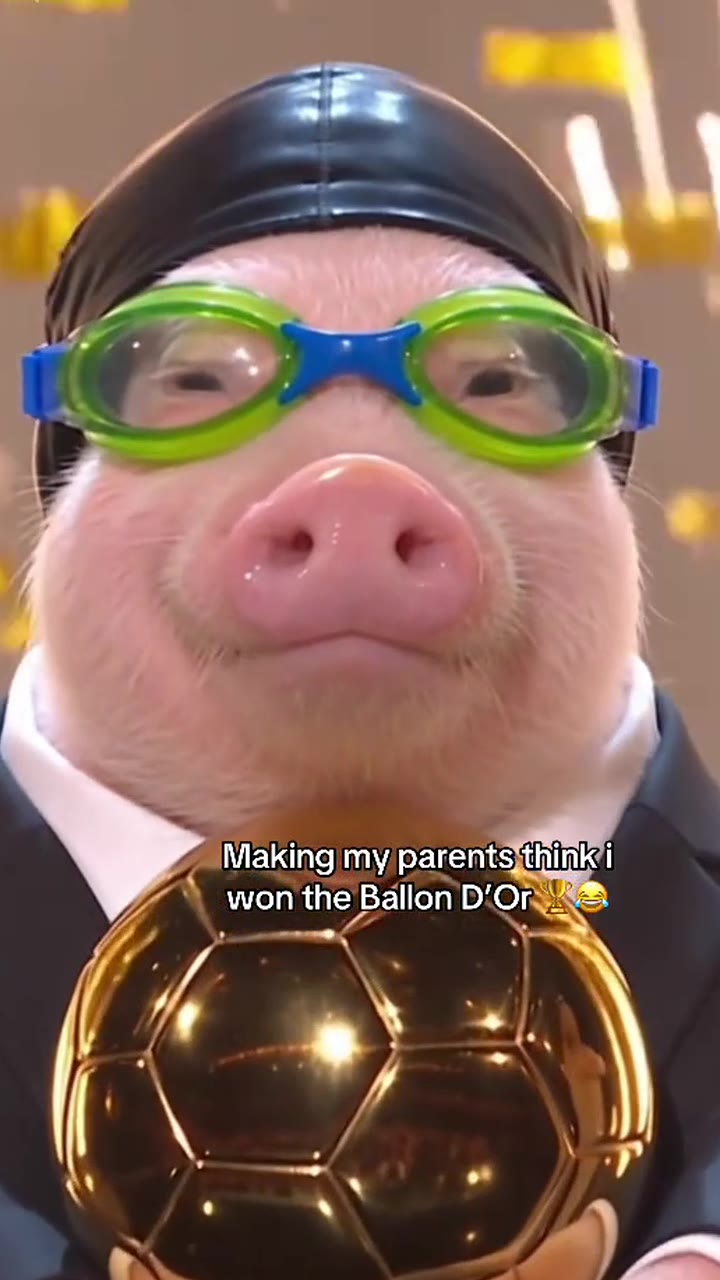
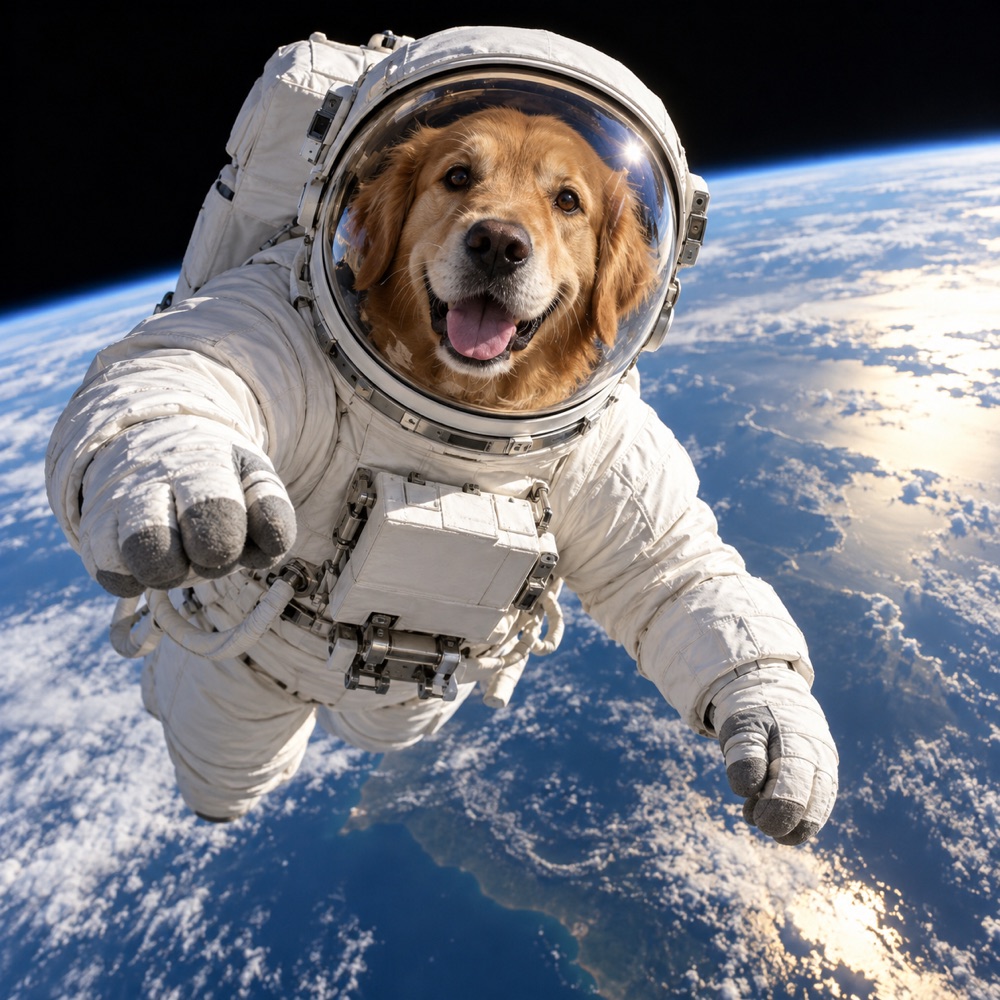
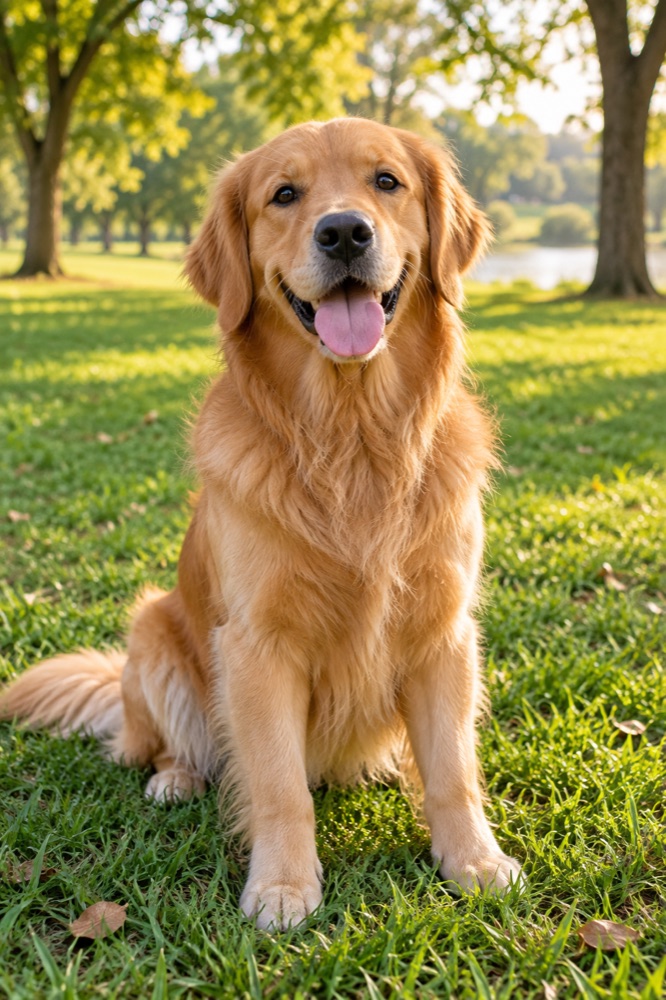
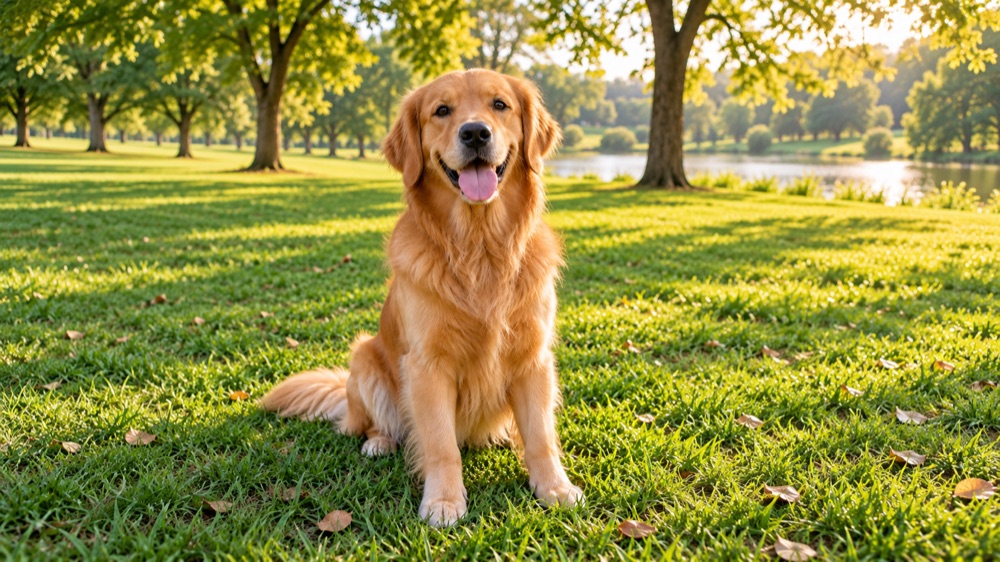
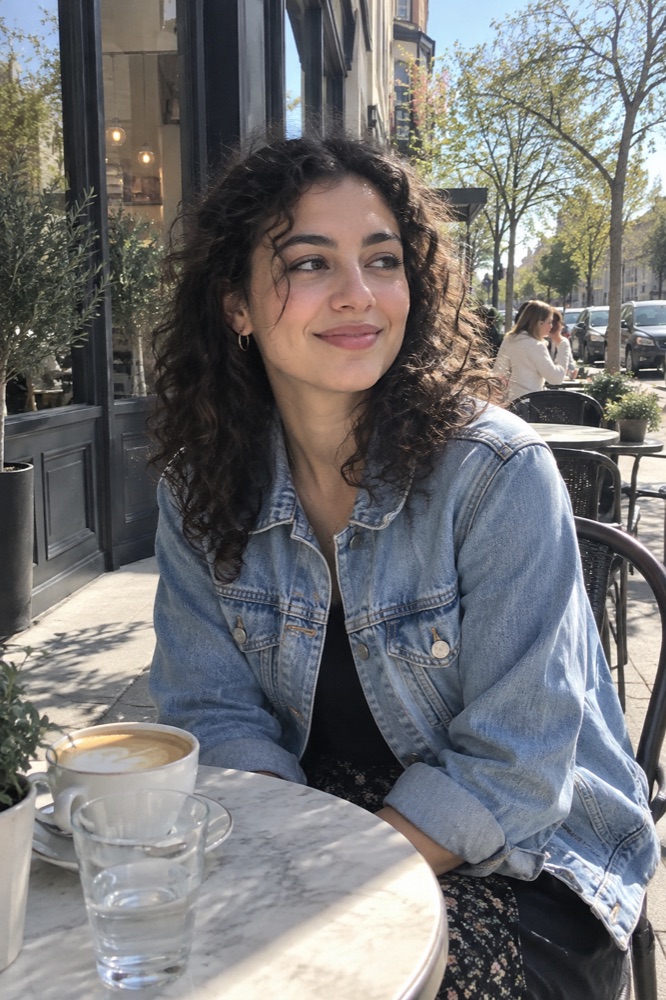
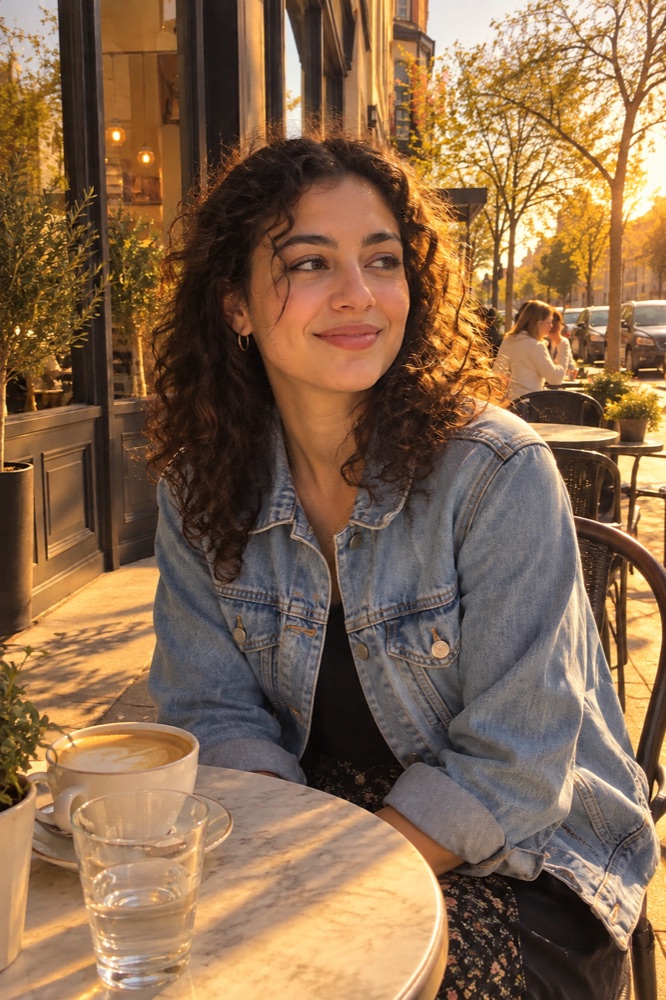
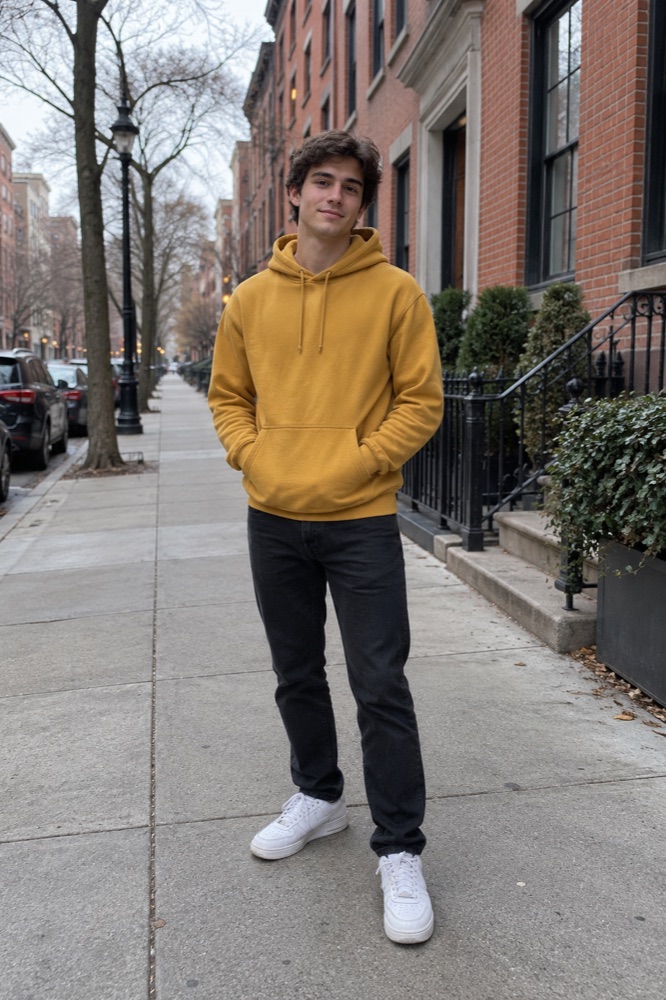
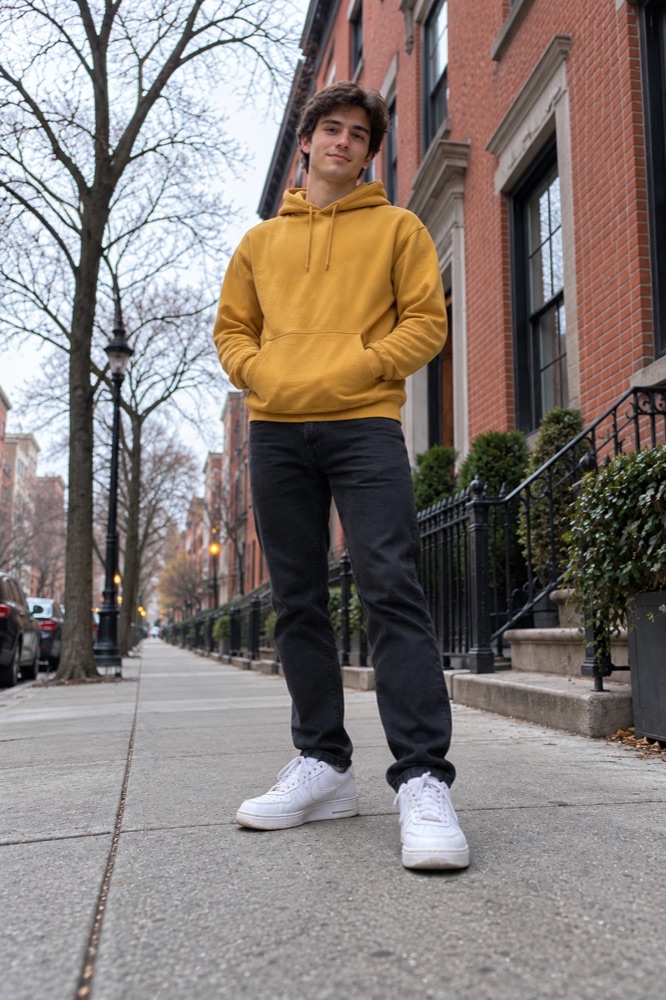
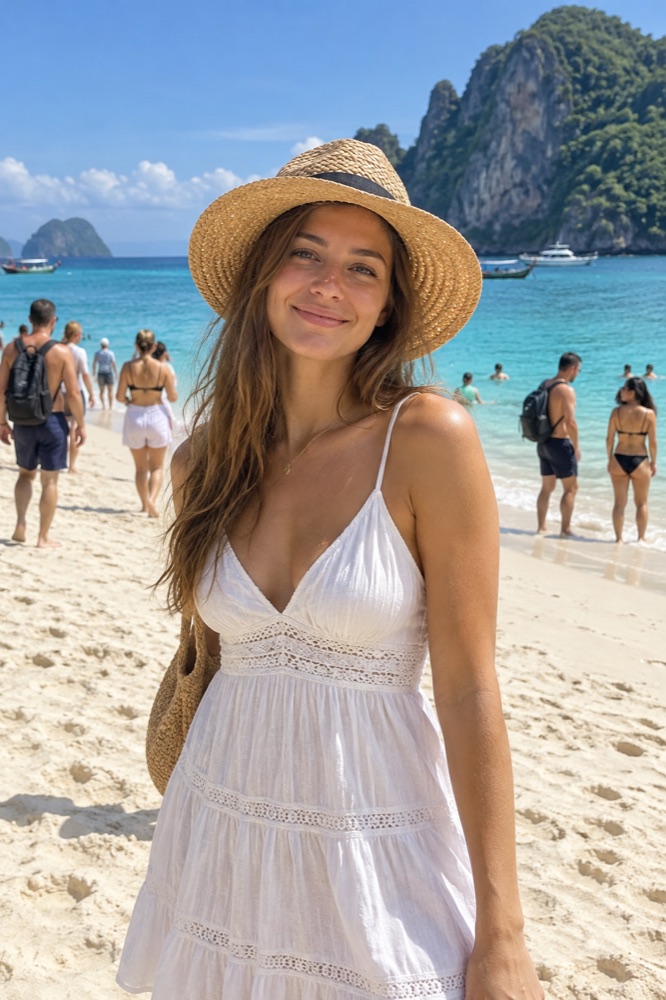
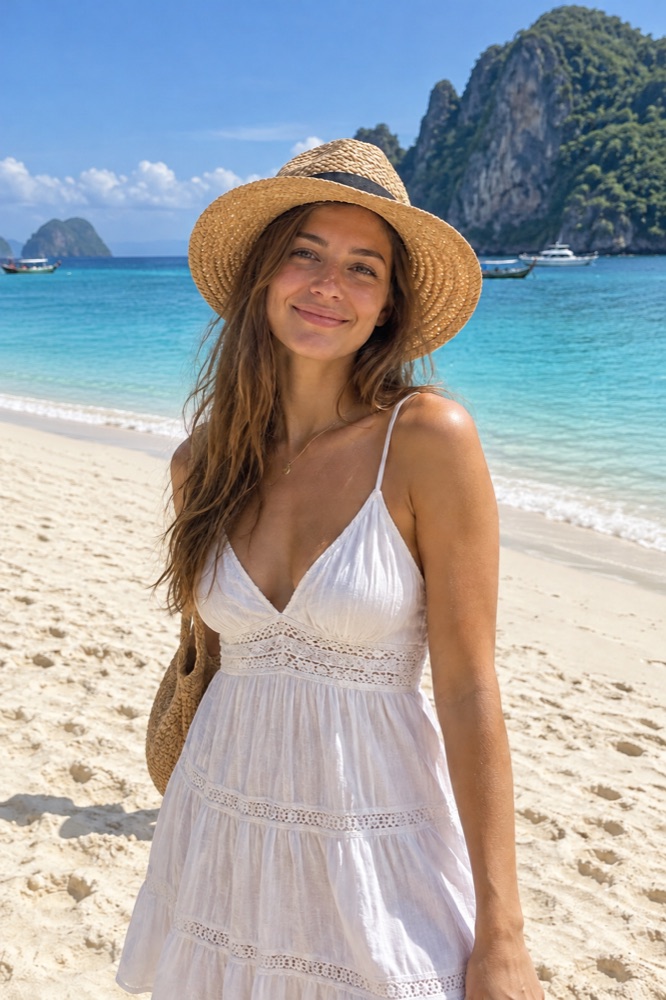
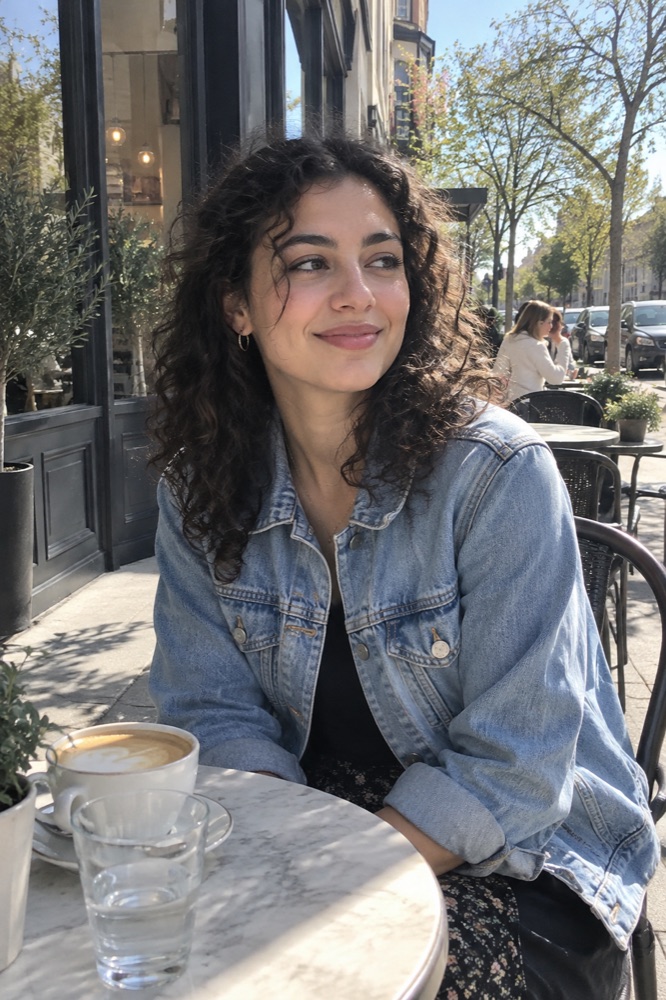
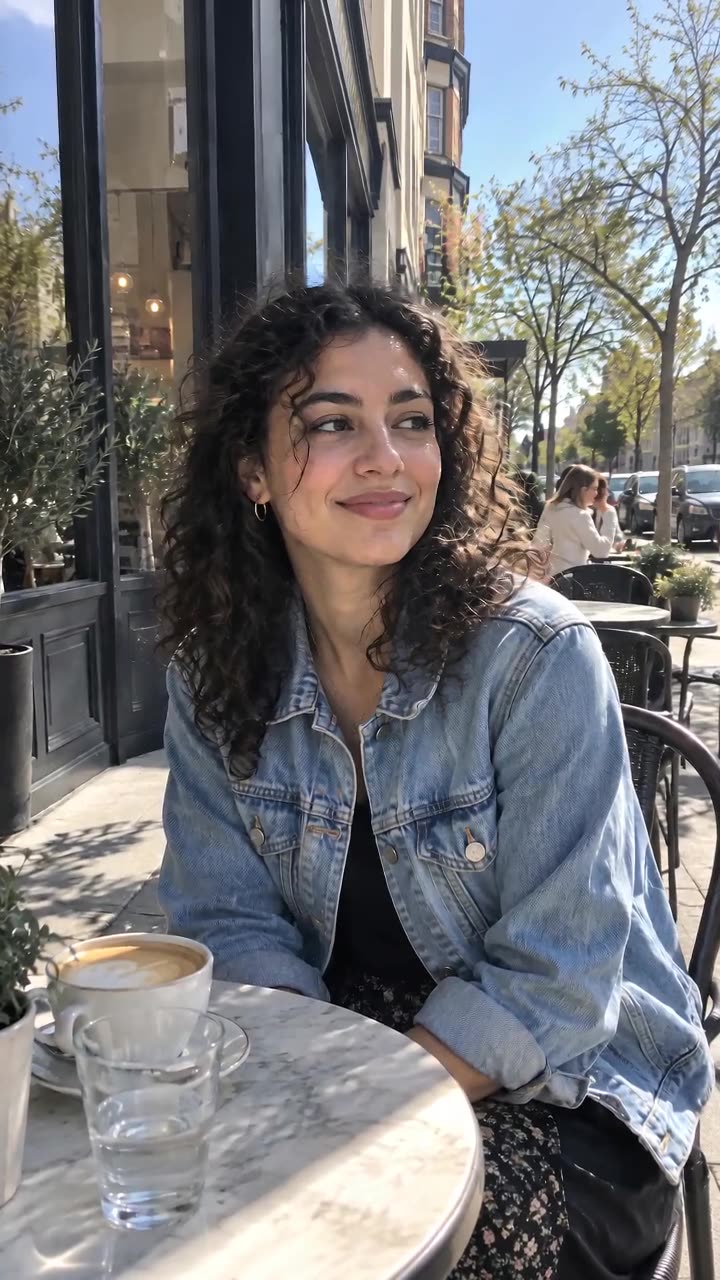
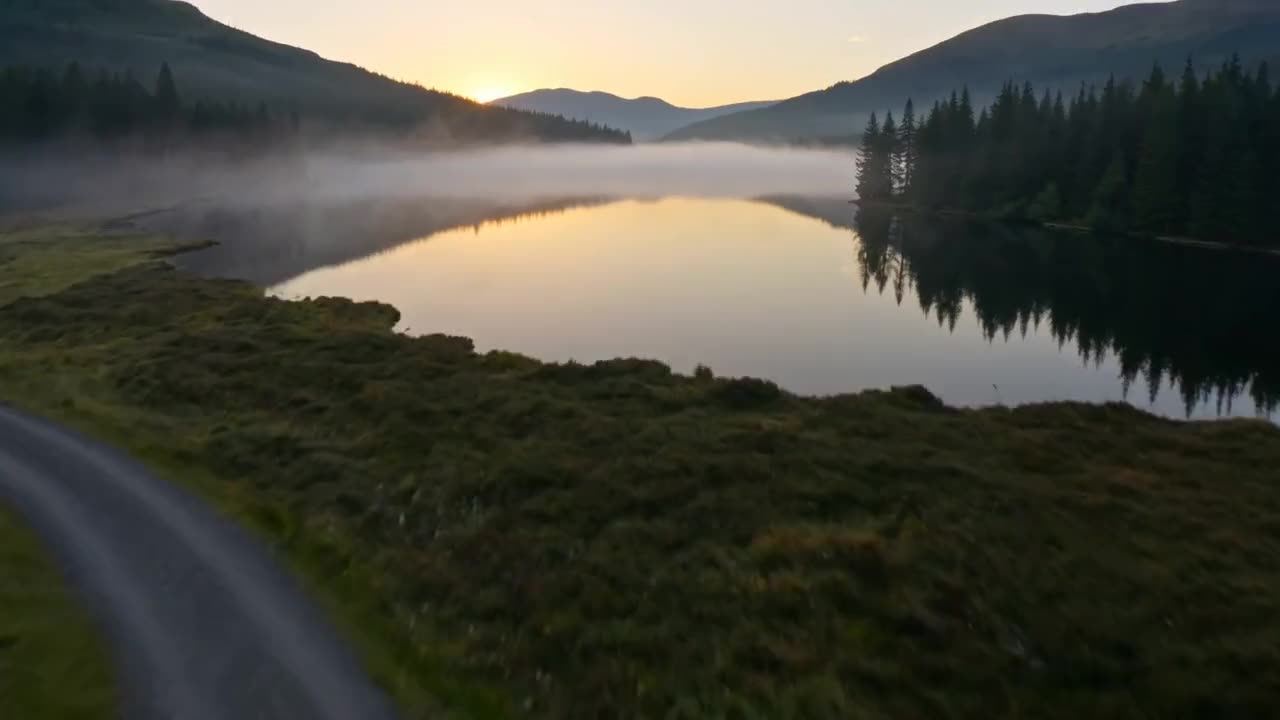
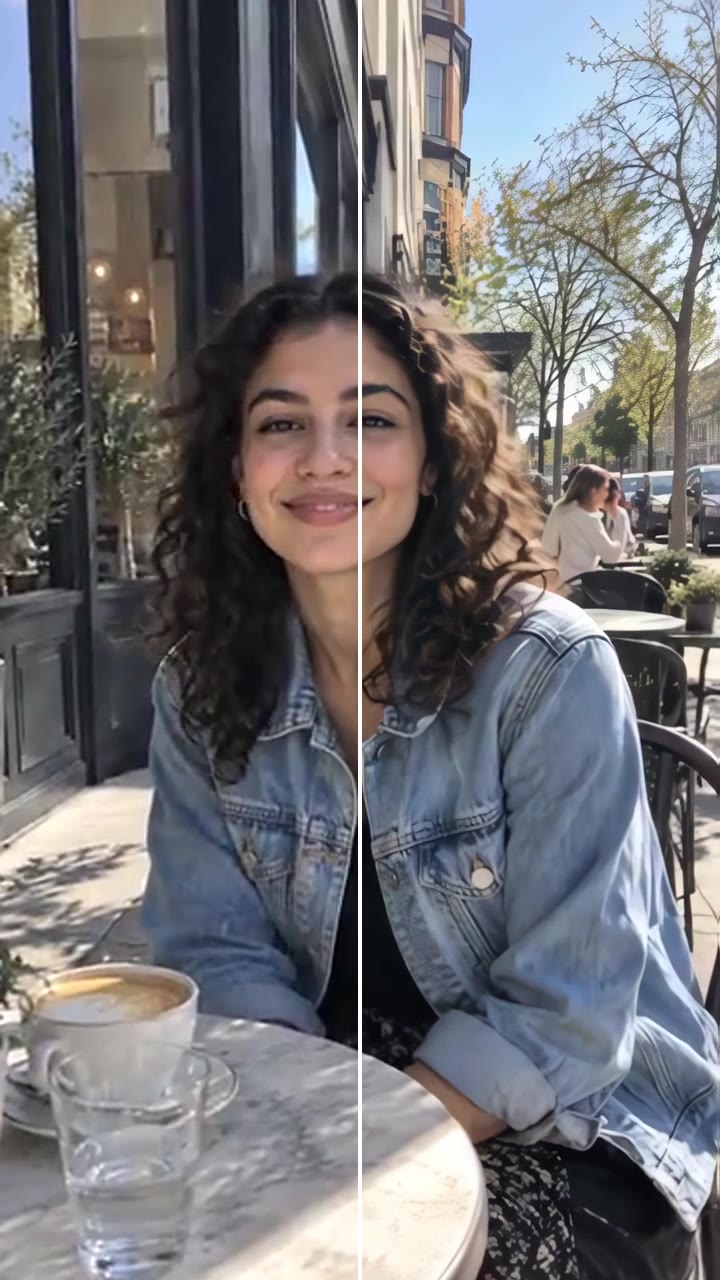
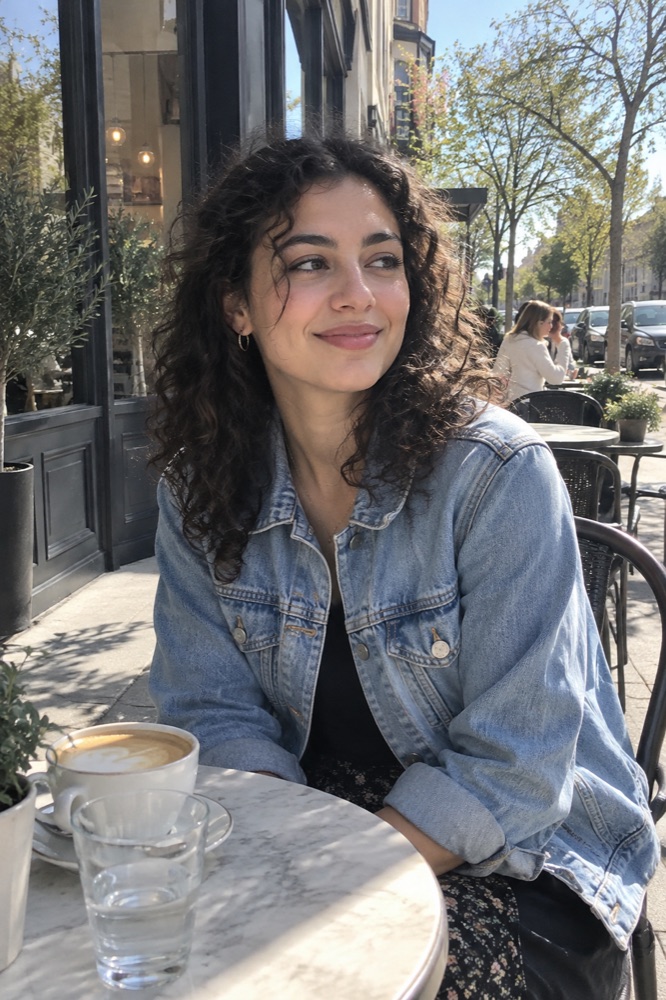
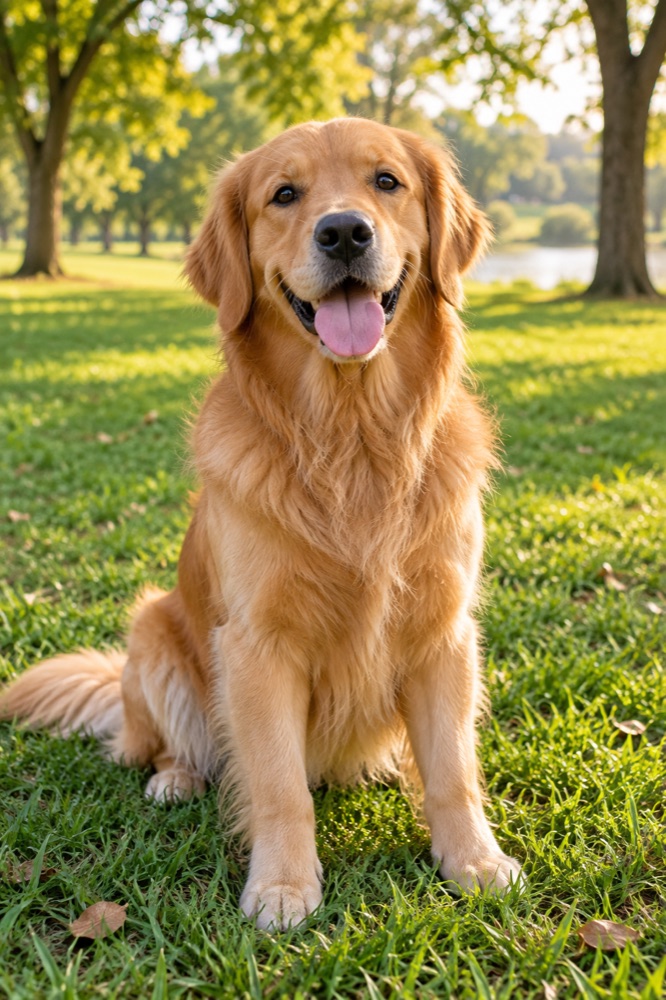
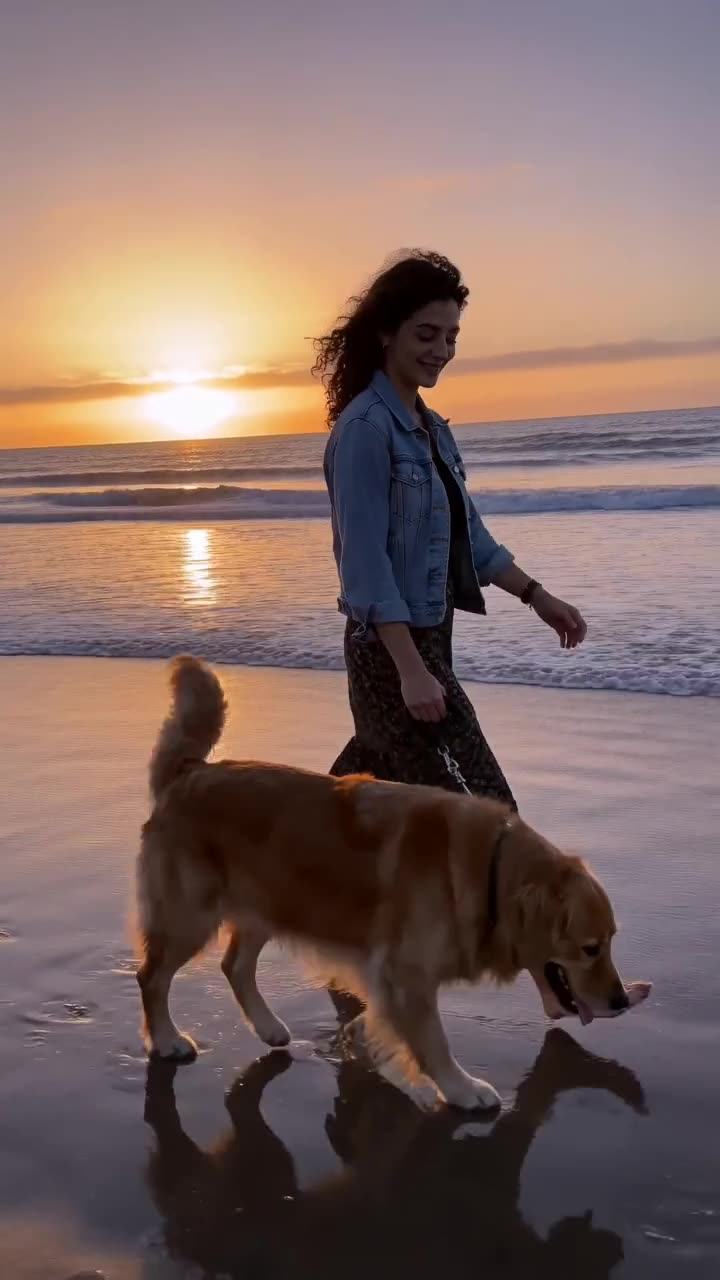
Restyle a selfie as anime, a 3D character or a film photo and it still looks like you. Clear, front-facing photos keep identity best.
3
Headshots, outfits, scenes
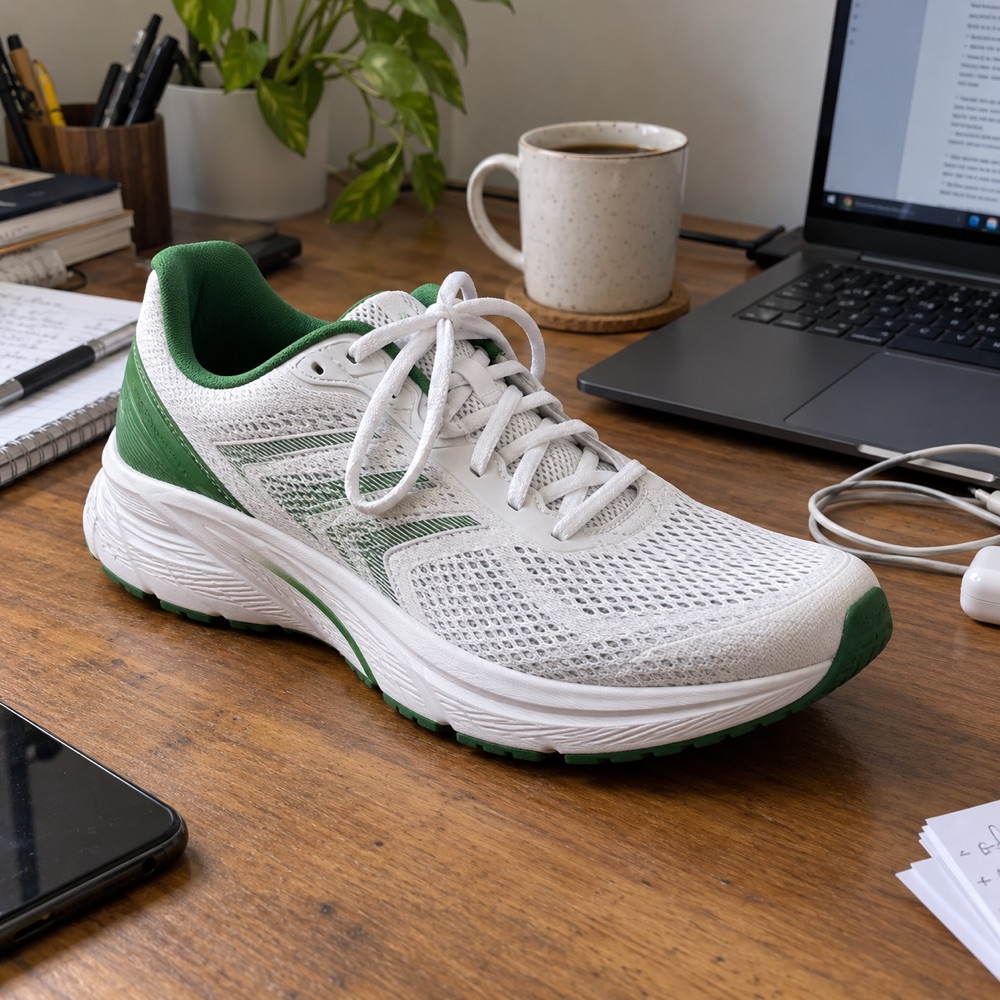
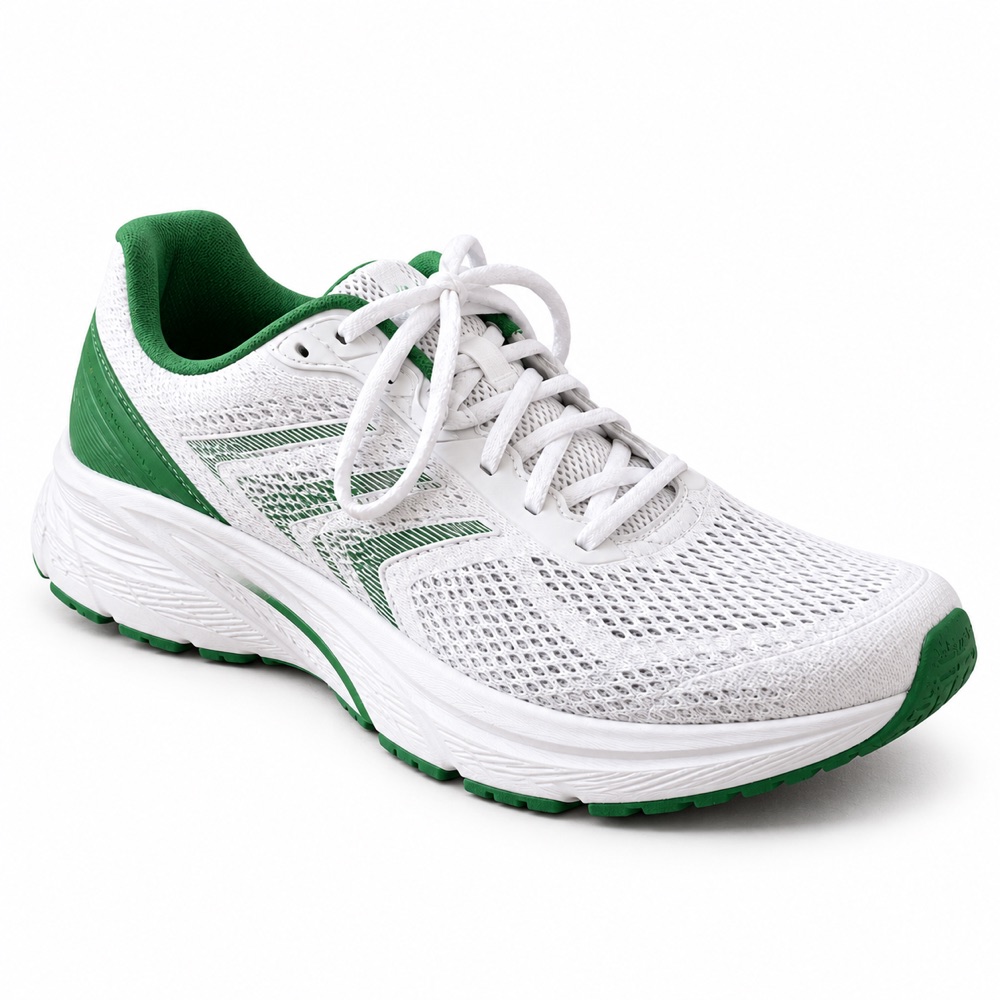
Turn a casual photo into a studio headshot, try on a suit, or move your product onto a clean set for a listing.
Models
The model behind it
GPT Image 2.5OpenAI · 1K resolution
1 credit an image
Square, portrait, story or wide
Up to 3 reference photos
How to use the Image to Image AI
Upload a photo
A clear, well-lit photo works best. Add up to two more as references.
Say what to change
One instruction at a time: "make the background a snowy forest".
Generate
The edited image is ready in about 20 to 40 seconds. Download it or animate it.
What is the videosi Image to Image AI?
Image to Image edits a photo you upload by following a written instruction, with GPT Image 2.5. What you do not mention stays as it is, so faces and identity are kept.
Use it for new backgrounds, outfits, art styles, headshots, product shots on a clean set, or to remove what you do not want in the frame.
One image costs 1 credit, shown before you start. A new account's first image is free and carries a videosi watermark; removing the watermark costs 1 credit. A render that fails returns its credits automatically.
Which model does the videosi Image to Image AI use?
GPT Image 2.5 by OpenAI, at 1K resolution. It follows long prompts closely, writes legible text inside images and keeps faces from a reference photo recognisable.
Can I use the images commercially?
Yes, images you make with credits are yours to use, including commercially, as long as the prompt and any photos you upload are yours to use and follow our acceptable use policy.
Can I turn the image into a video?
Yes. Under every finished image there is an Animate button: it opens Image to Video with the image already loaded, and you describe the motion.