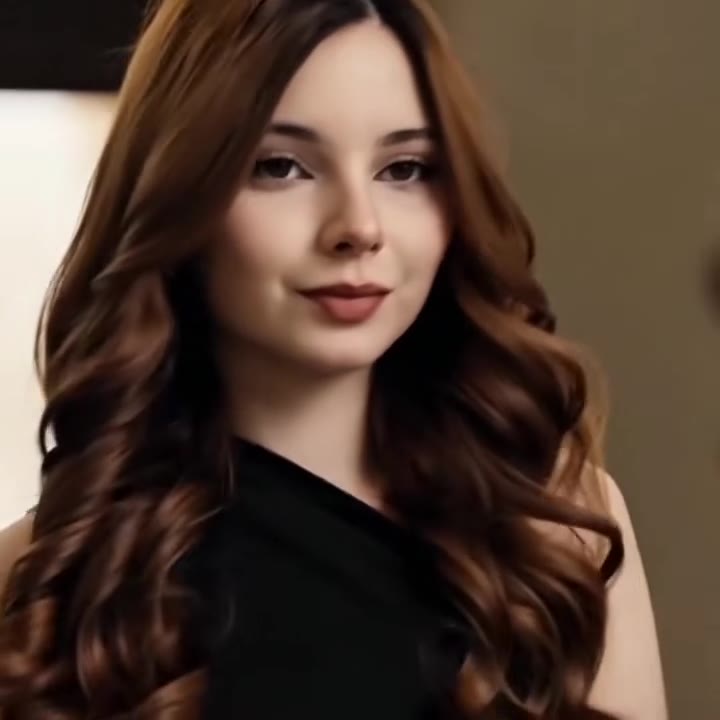
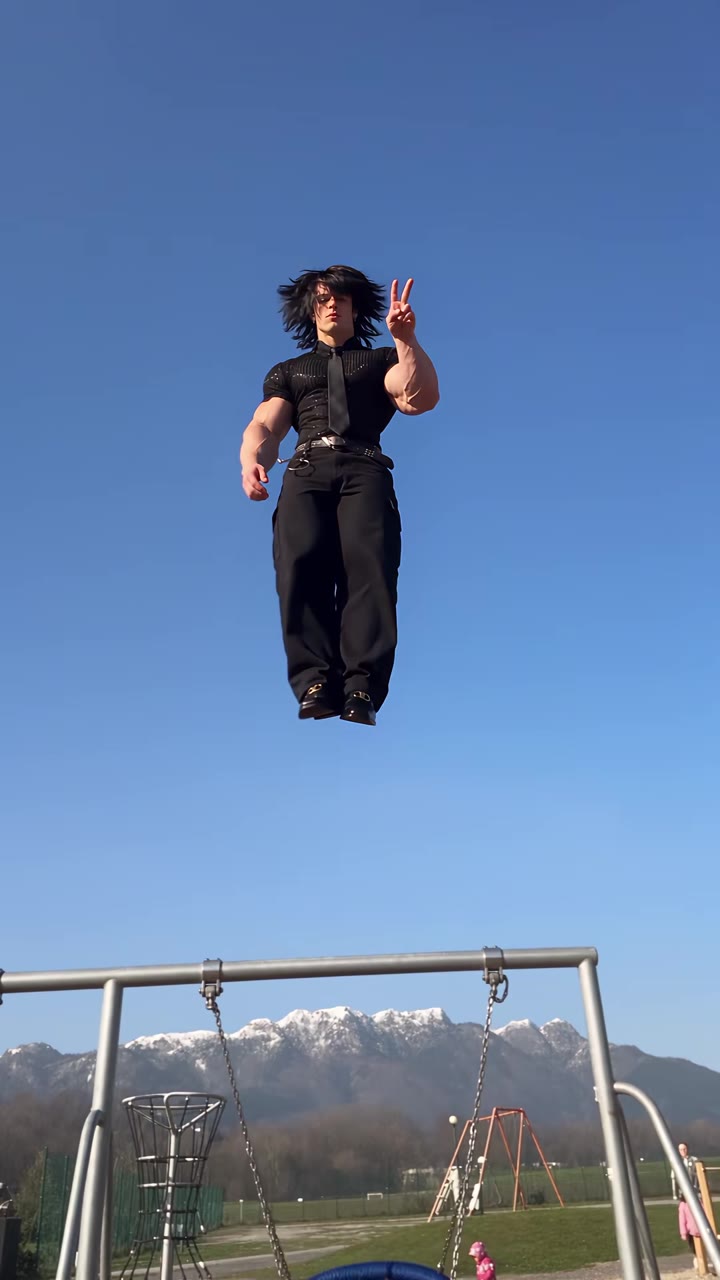
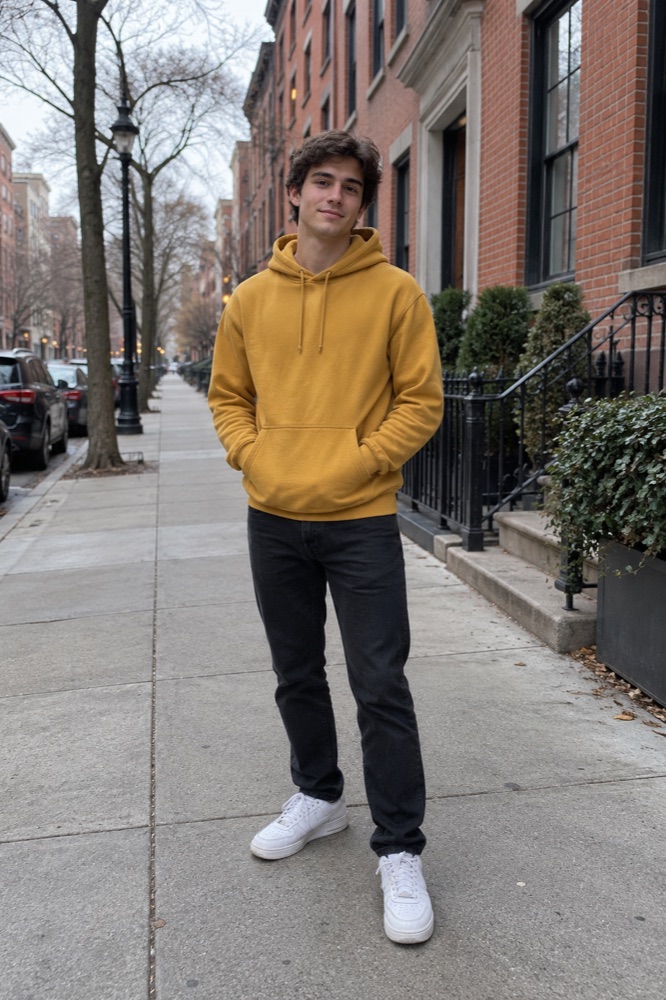
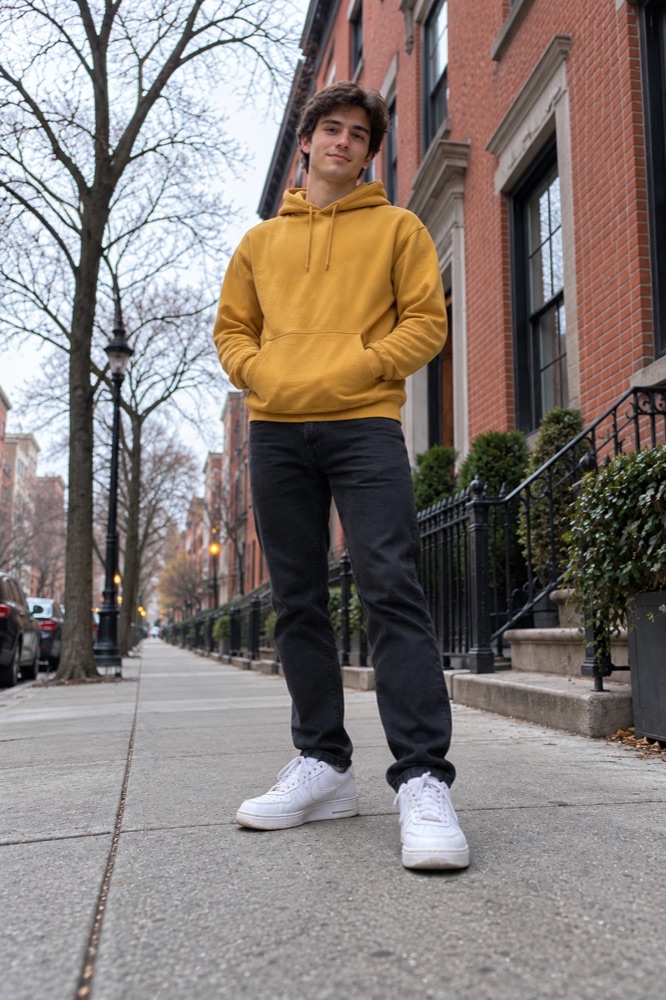
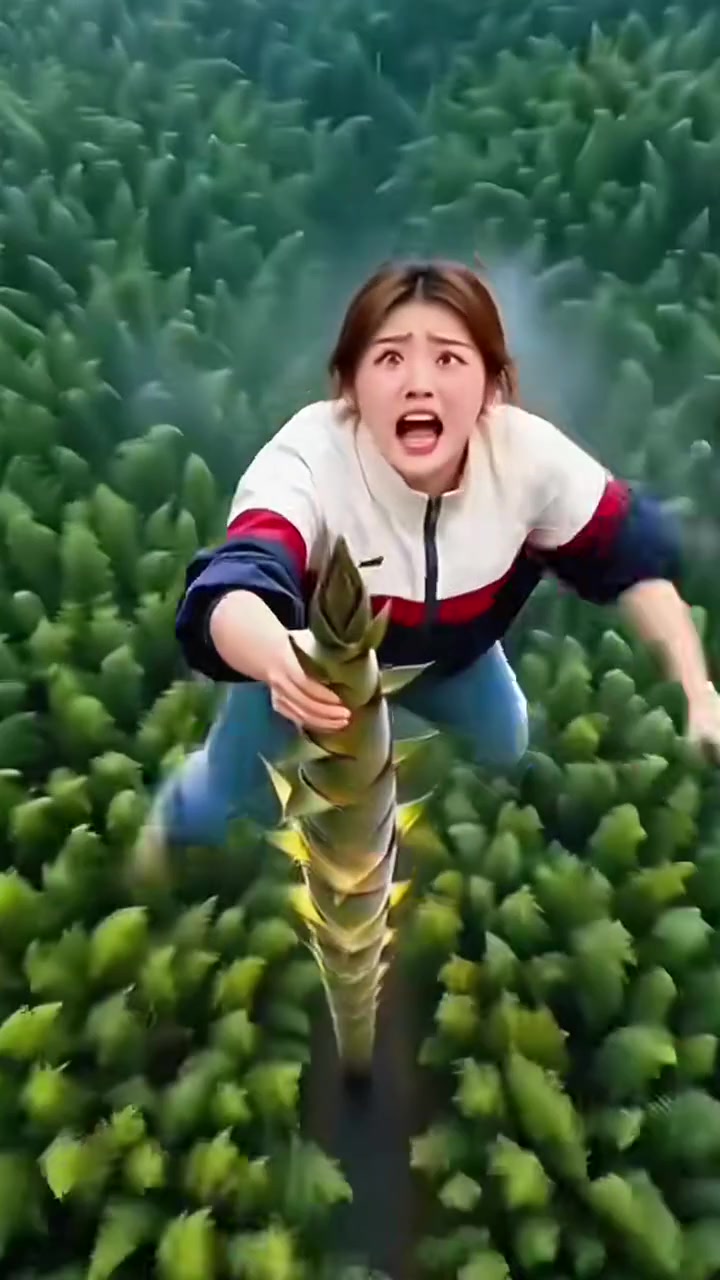
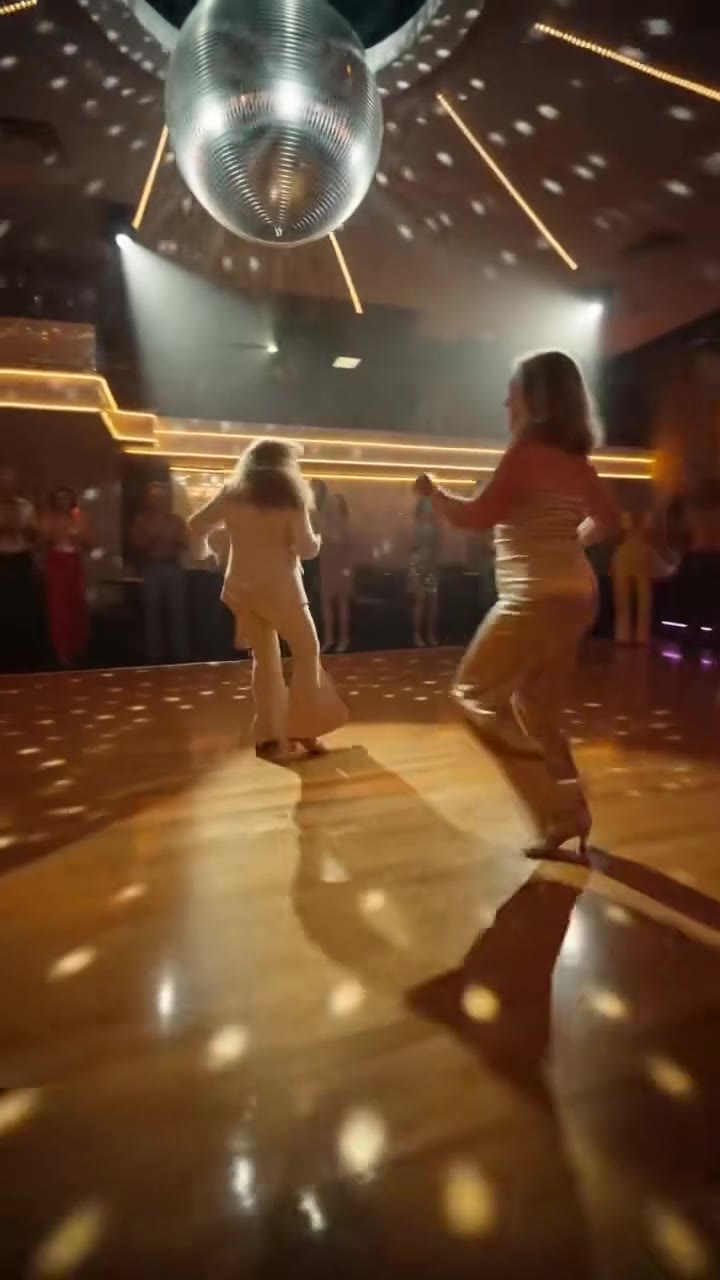
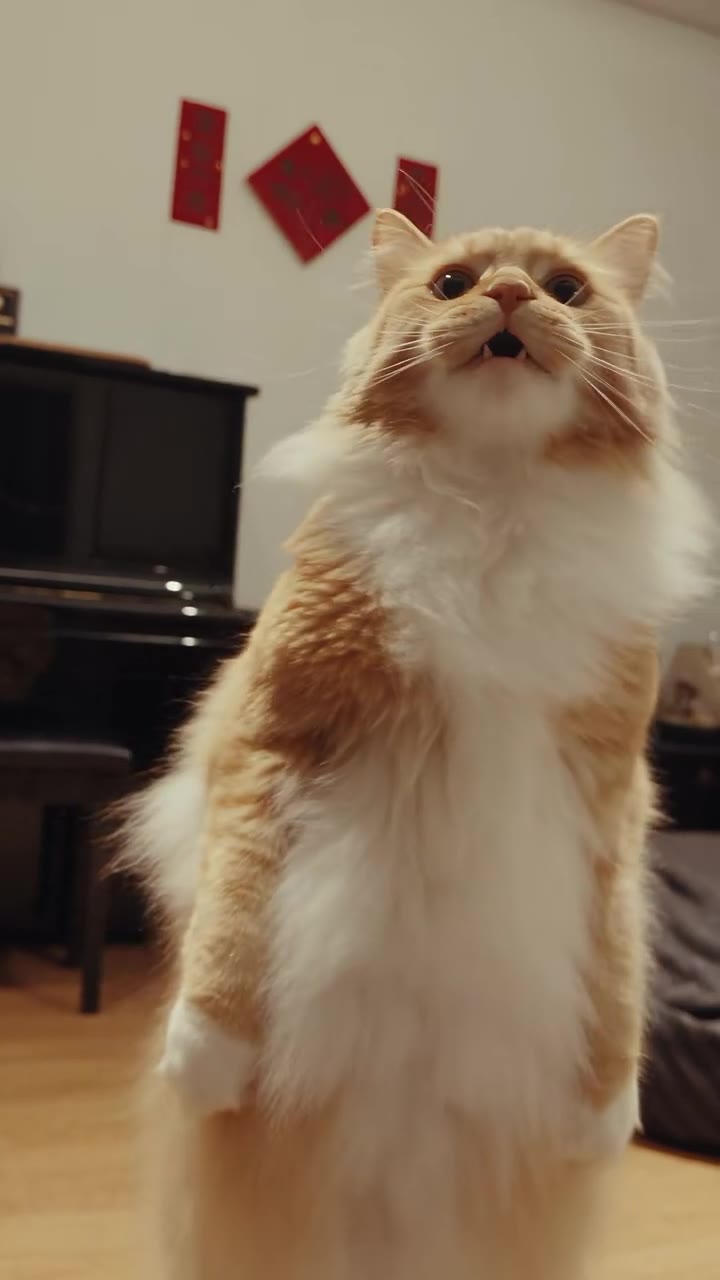
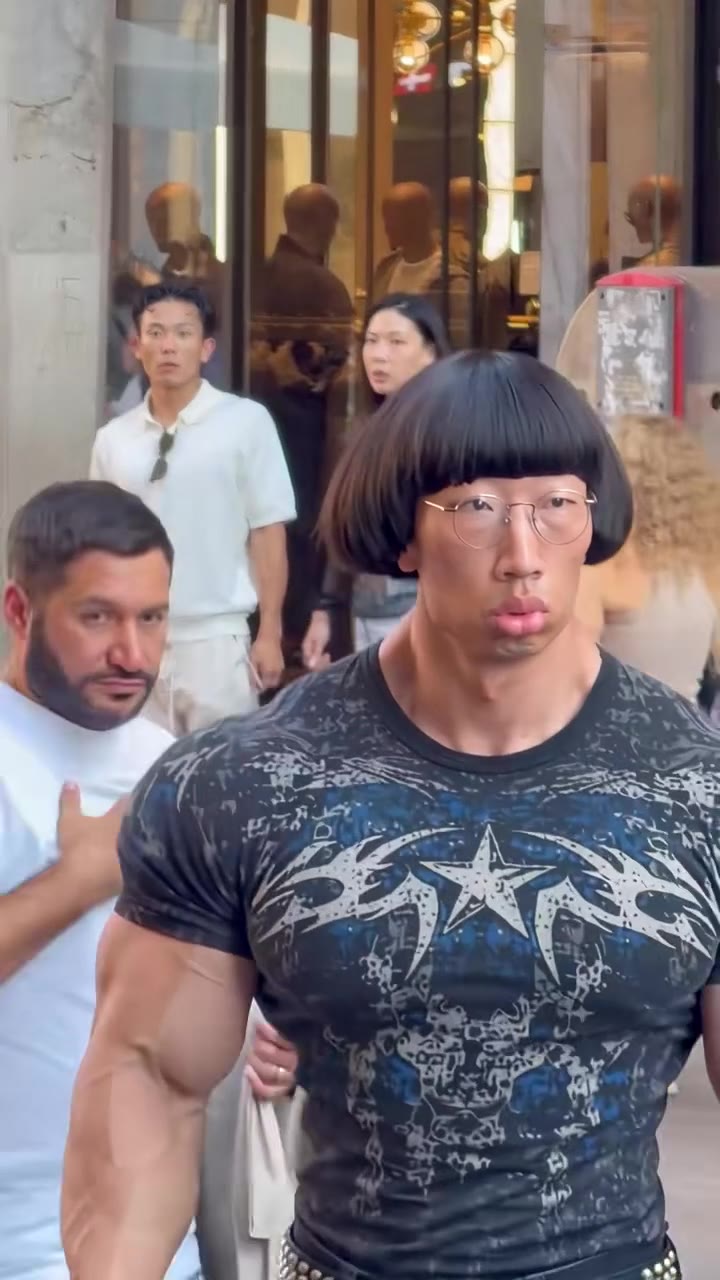
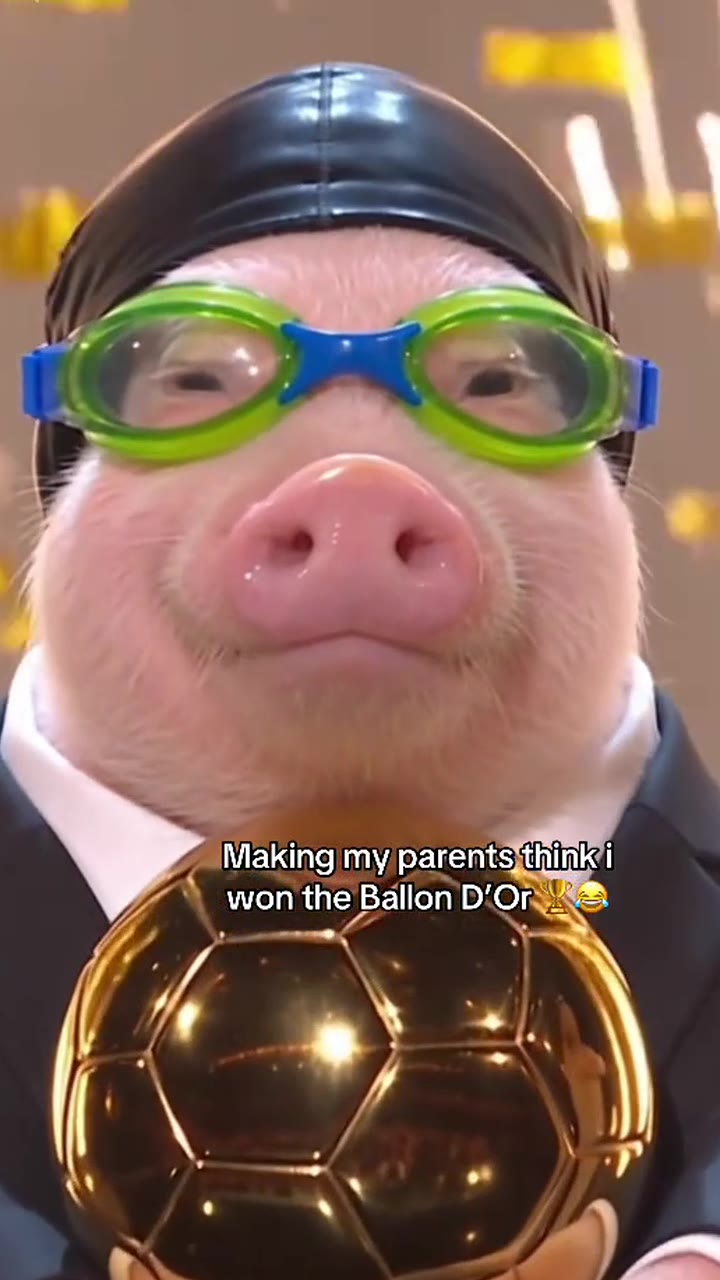
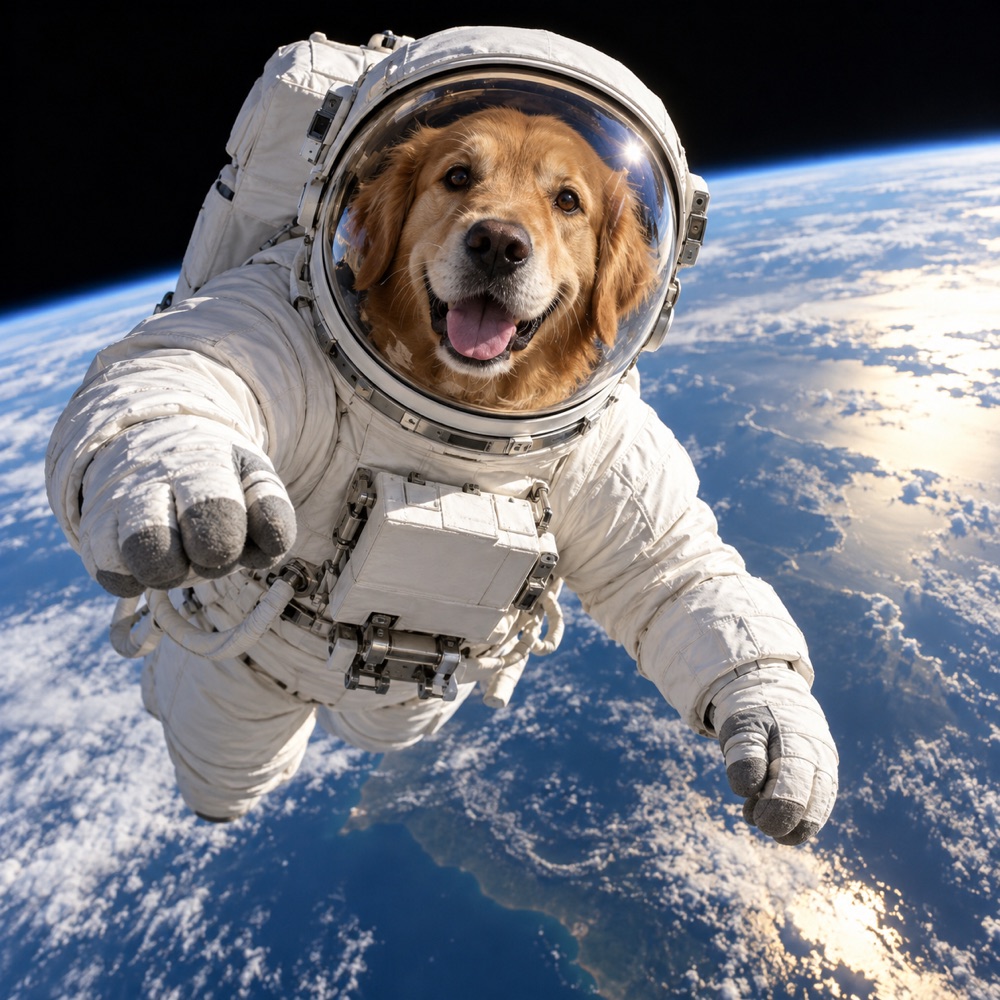
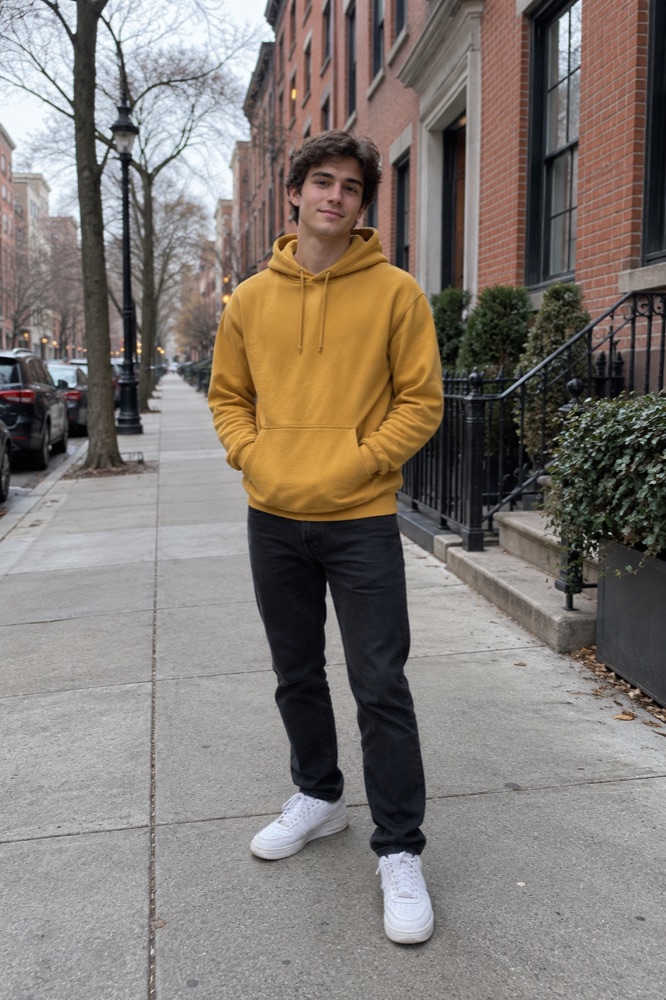
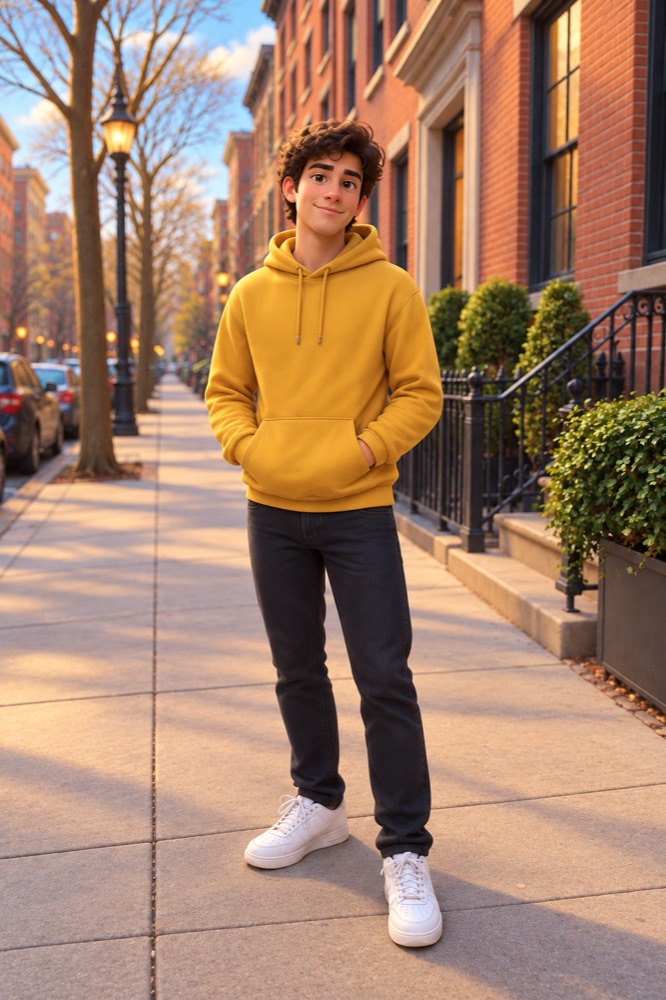
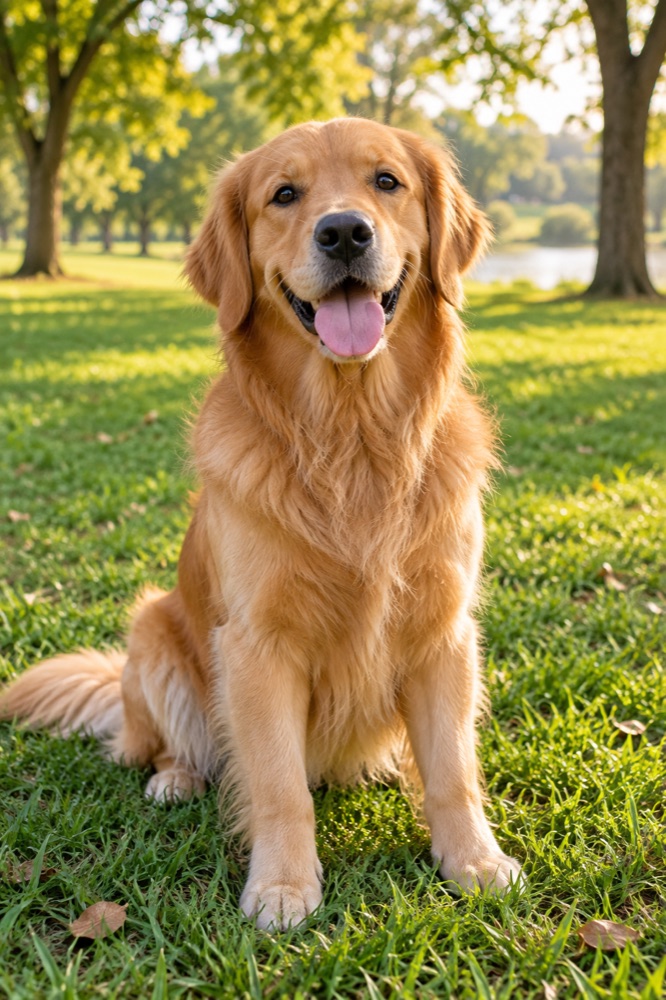
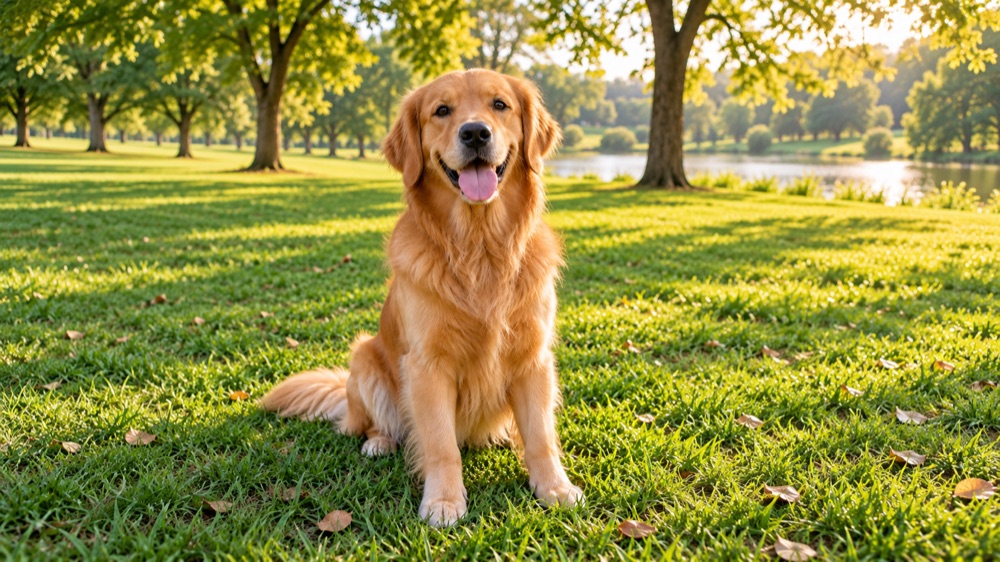
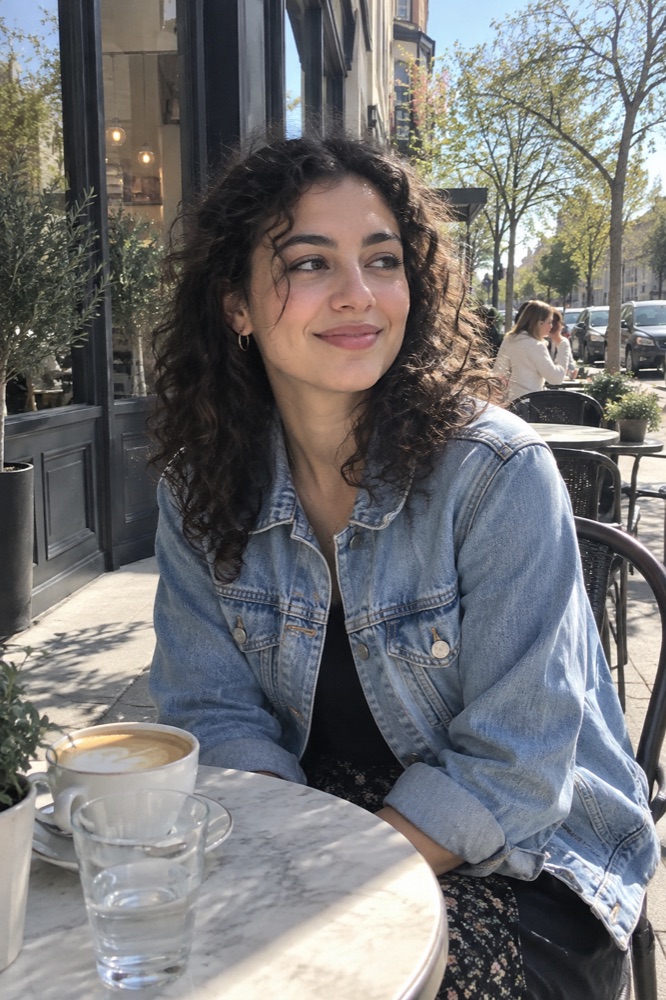
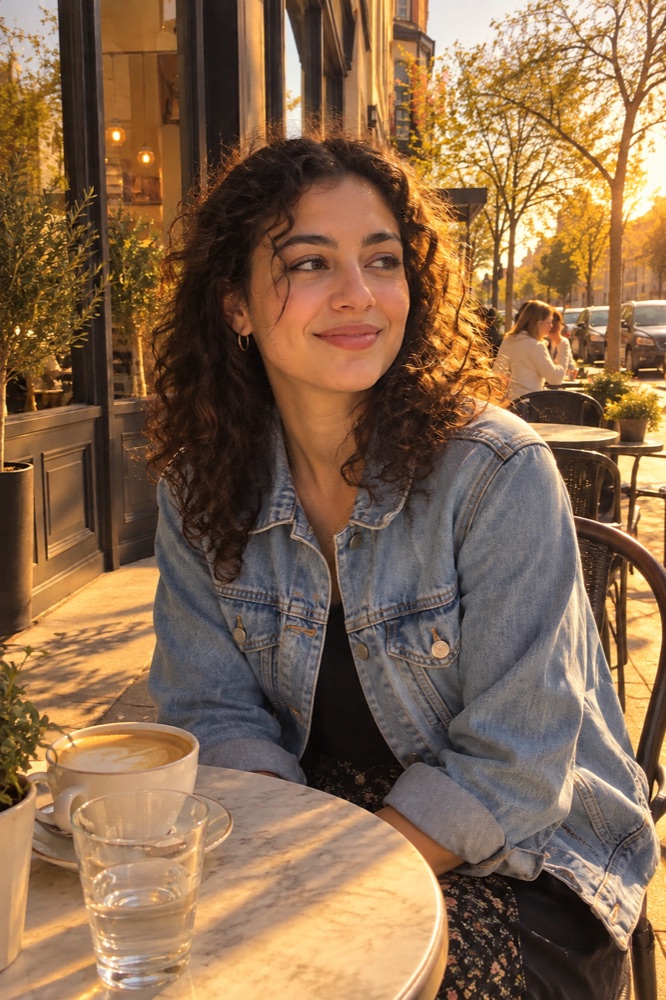
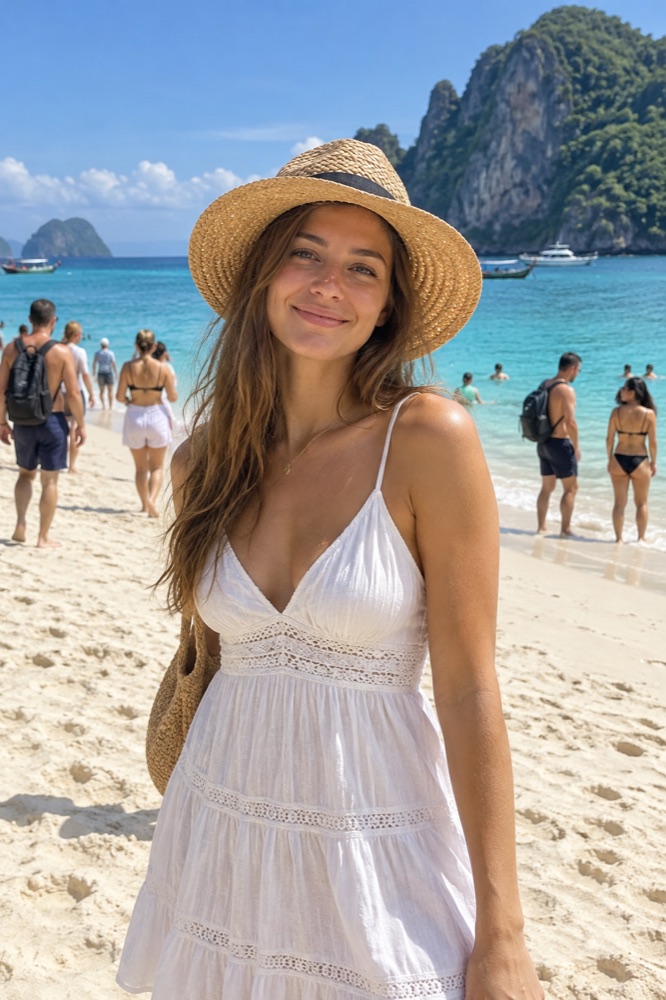
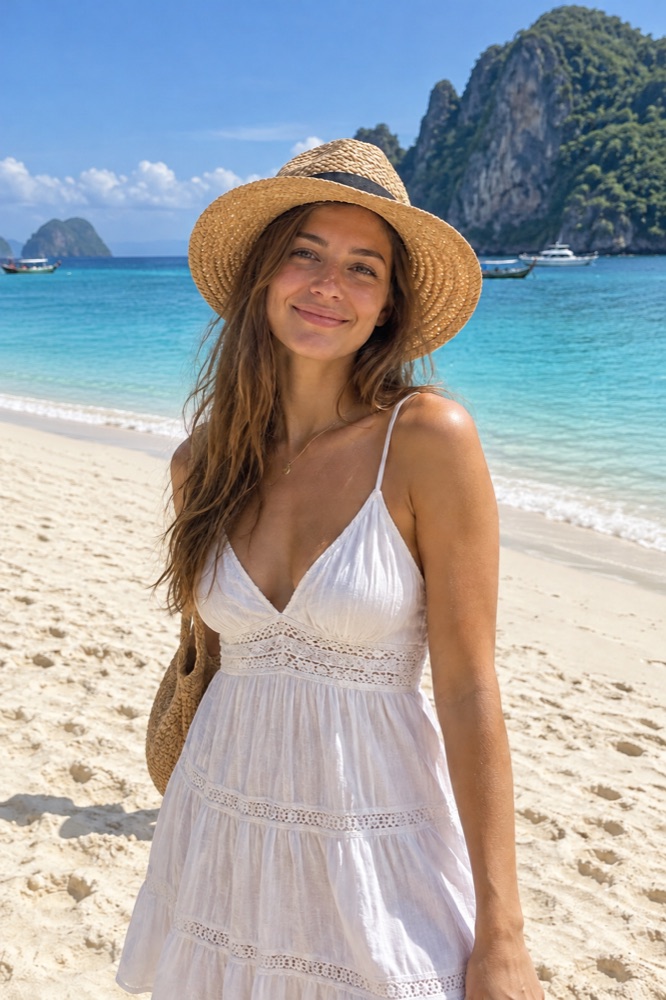
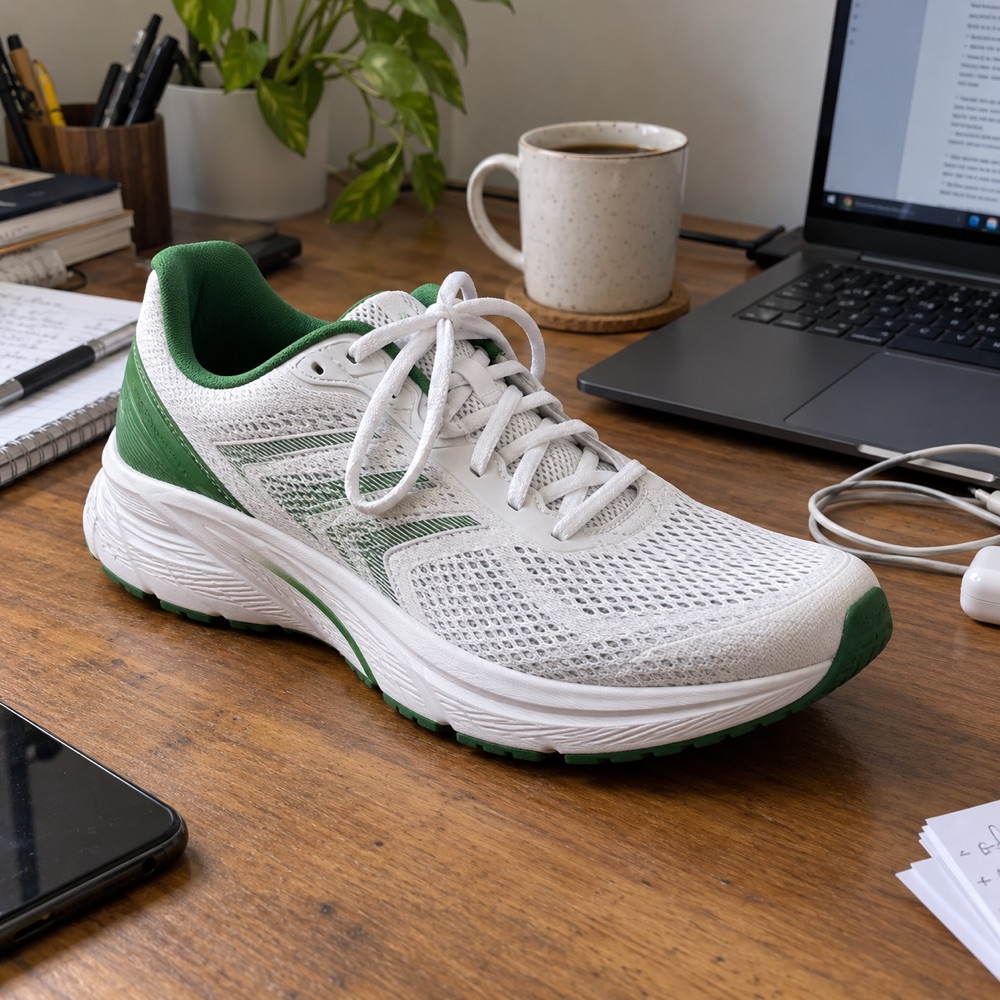
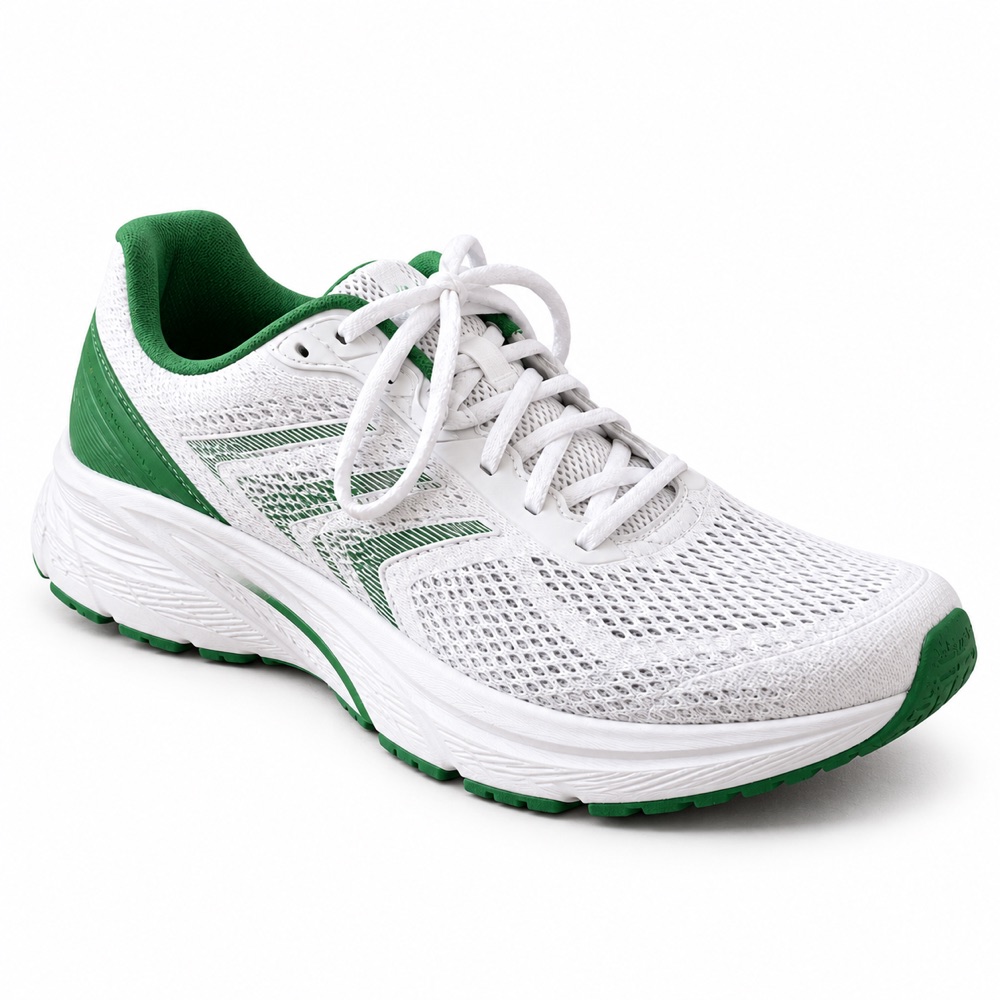
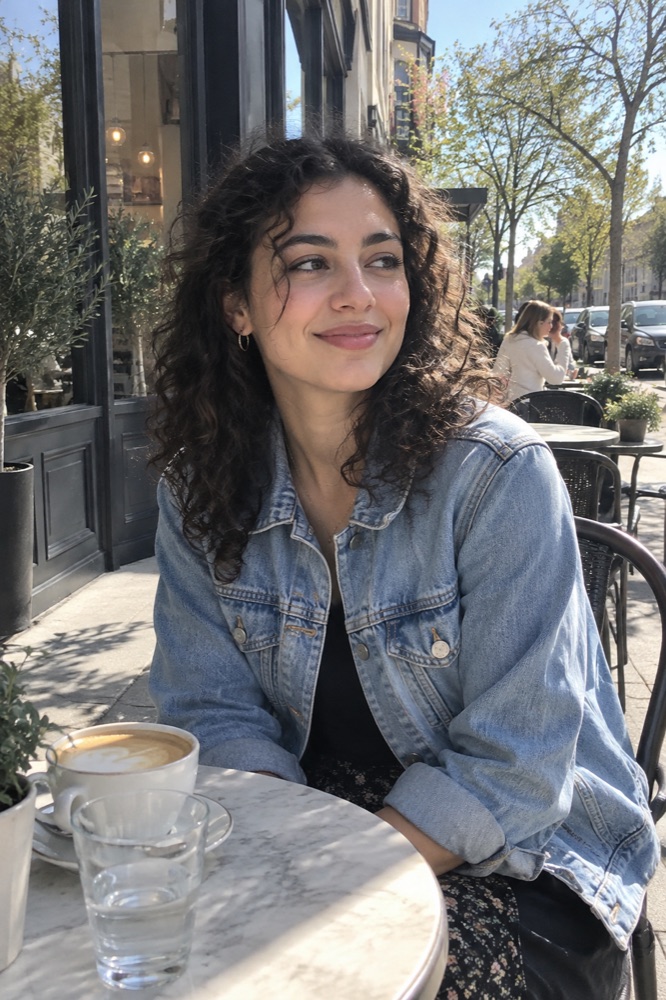
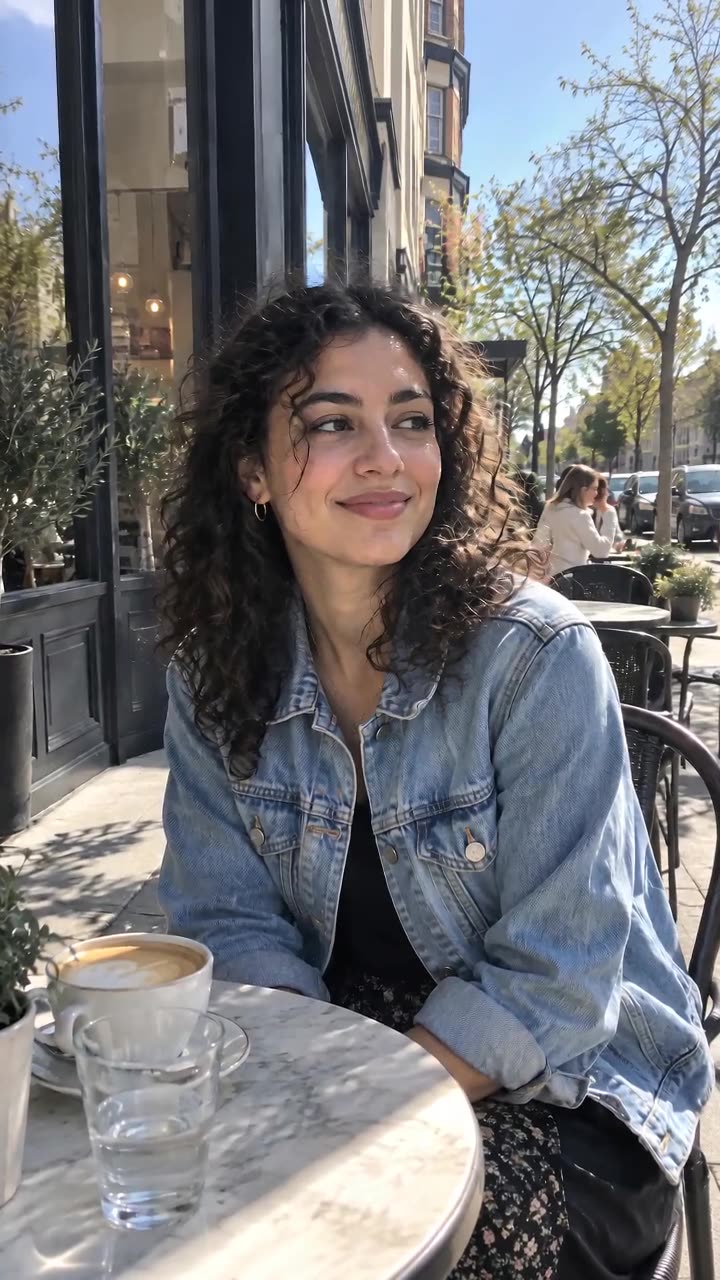
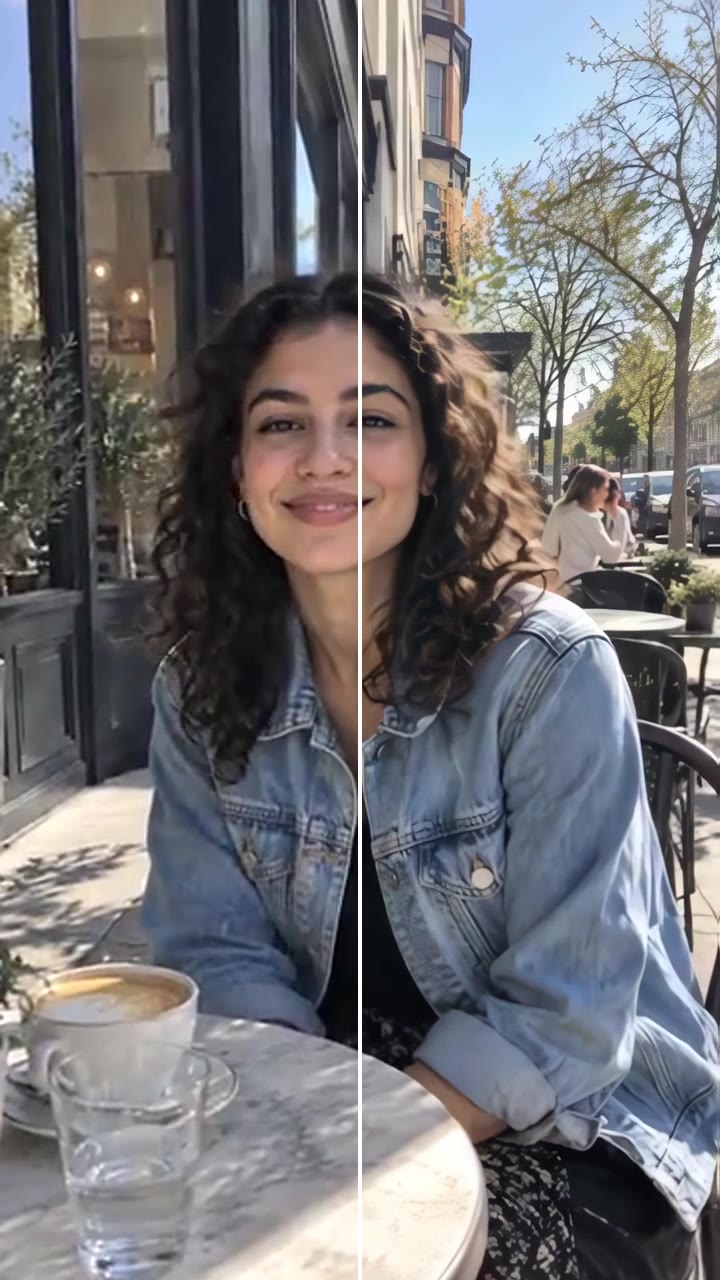
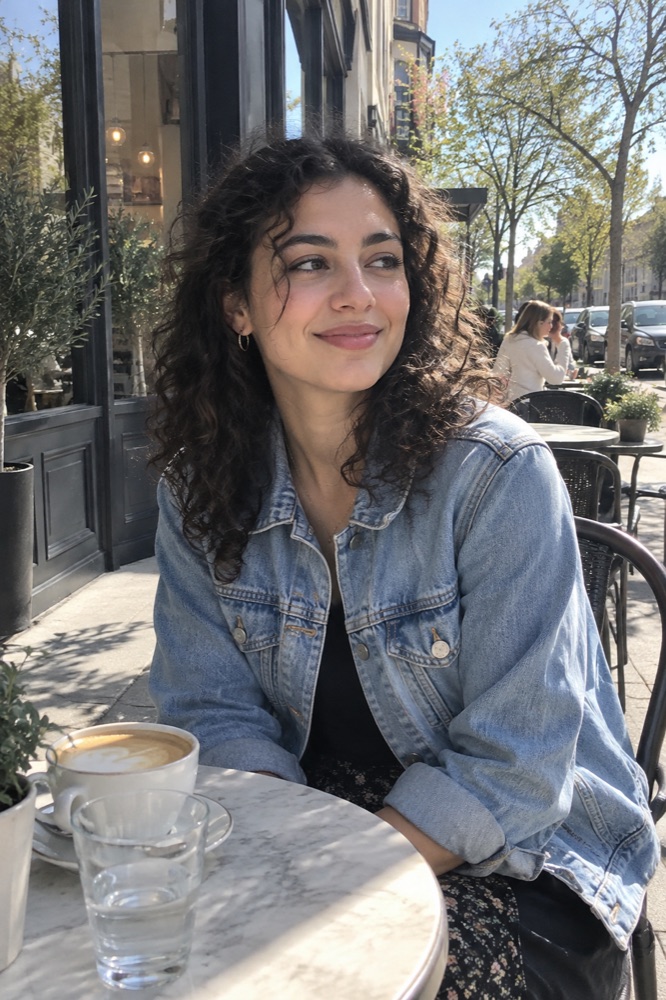
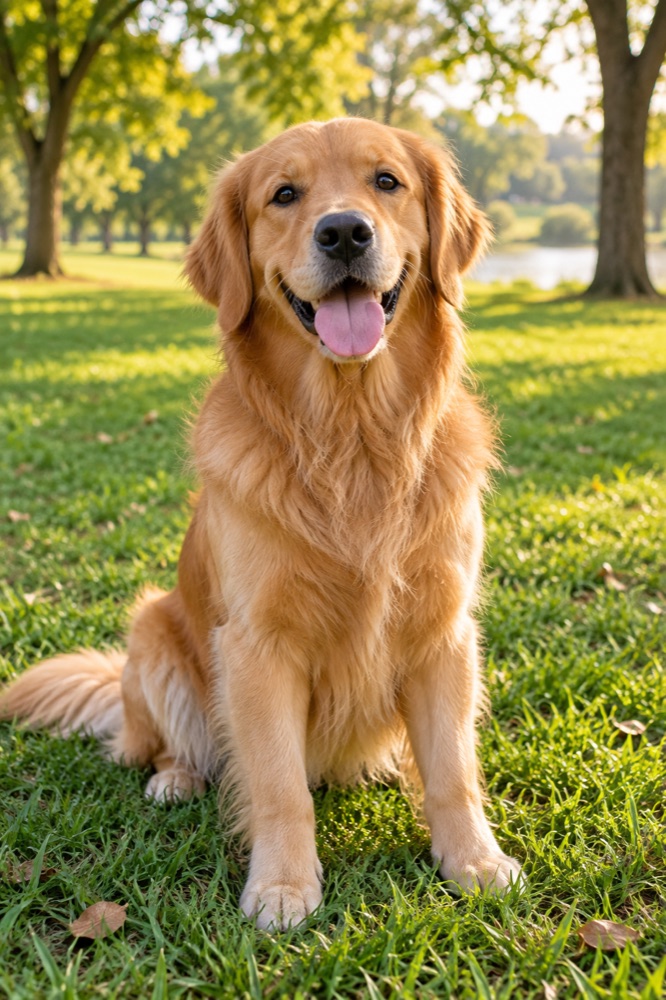
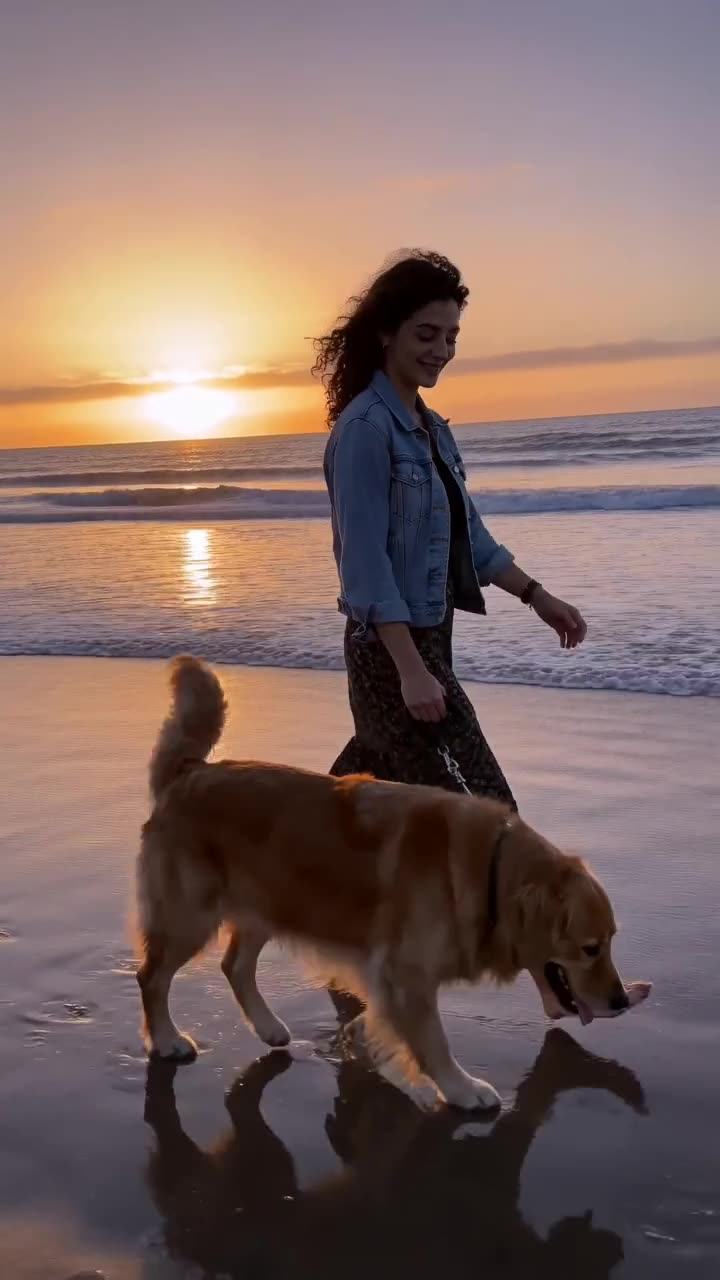
Faces, clothes, objects and light carry over, so the new angle looks like it came from the same shoot.
3
Shots for a sequence
Make the extra angles a carousel, a storyboard or an Image to Video clip needs, from a single photo.
Models
The model behind it
GPT Image 2.5OpenAI · 1K resolution
1 credit an image
Square, portrait, story or wide
Up to 3 reference photos
How to use the Camera Angle AI
Upload a photo
A clear photo of the subject and the setting.
Pick the angle
Choose from the menu, or describe your own.
Generate
The new angle is ready in about 20 to 40 seconds.
What is the videosi Camera Angle AI?
Camera Angle AI re-renders a photo from another camera position with GPT Image 2.5: low, high, side, close-up, wide and more, keeping the subject and the scene.
It gives you the coverage of a photo shoot from one picture: carousel slides, product views, or keyframes for a video.
One image costs 1 credit, shown before you start. A new account's first image is free and carries a videosi watermark; removing the watermark costs 1 credit. A render that fails returns its credits automatically.
Which model does the videosi Camera Angle AI use?
GPT Image 2.5 by OpenAI, at 1K resolution. It follows long prompts closely, writes legible text inside images and keeps faces from a reference photo recognisable.
Can I use the images commercially?
Yes, images you make with credits are yours to use, including commercially, as long as the prompt and any photos you upload are yours to use and follow our acceptable use policy.
Can I turn the image into a video?
Yes. Under every finished image there is an Animate button: it opens Image to Video with the image already loaded, and you describe the motion.