Text to Video AI
Write a scene and watch it play. Seedance turns your prompt into a 5 or 10-second video in 9:16, 1:1 or 16:9.
- ByteDance Seedance 2.0 & 2.5
- 5 or 10 seconds
- From 3 credits
ExampleResult
Made with the Text to Video AI
Prompt: Drone shot over a misty mountain lake at sunrise
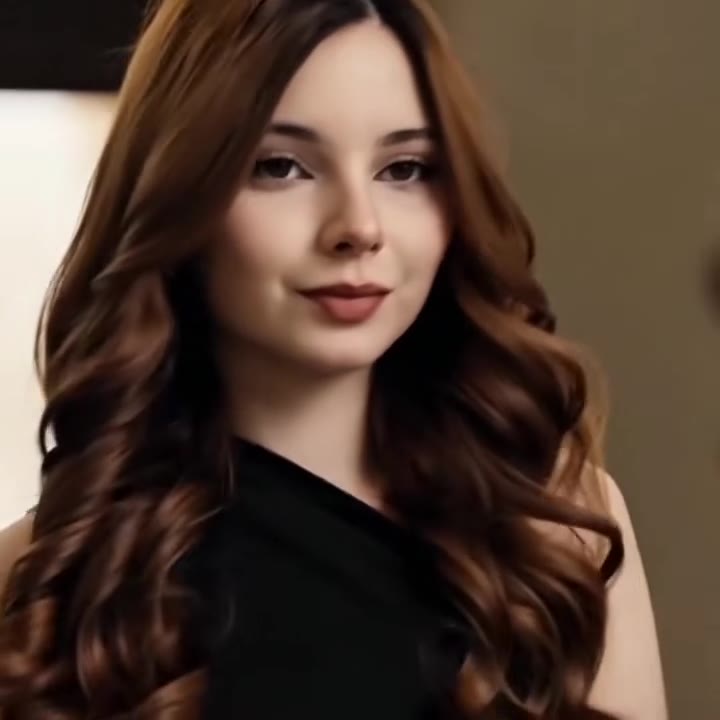
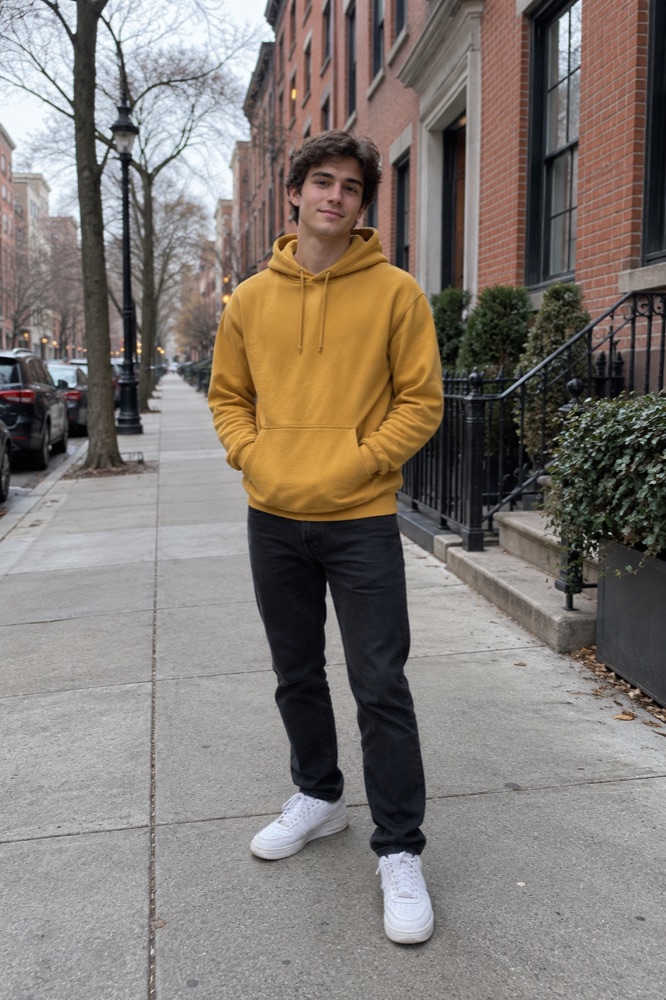
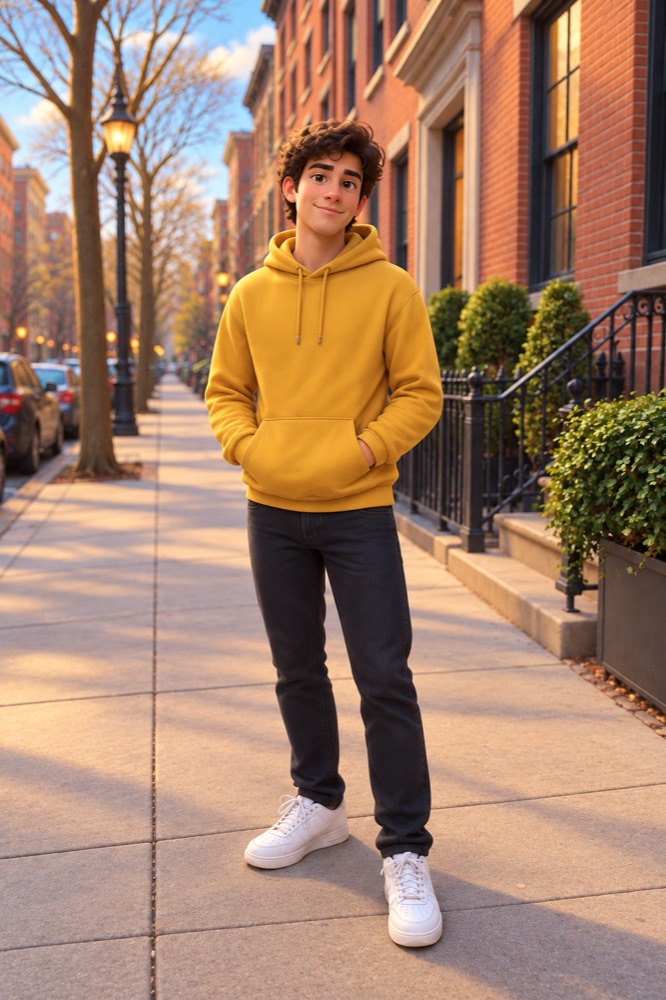
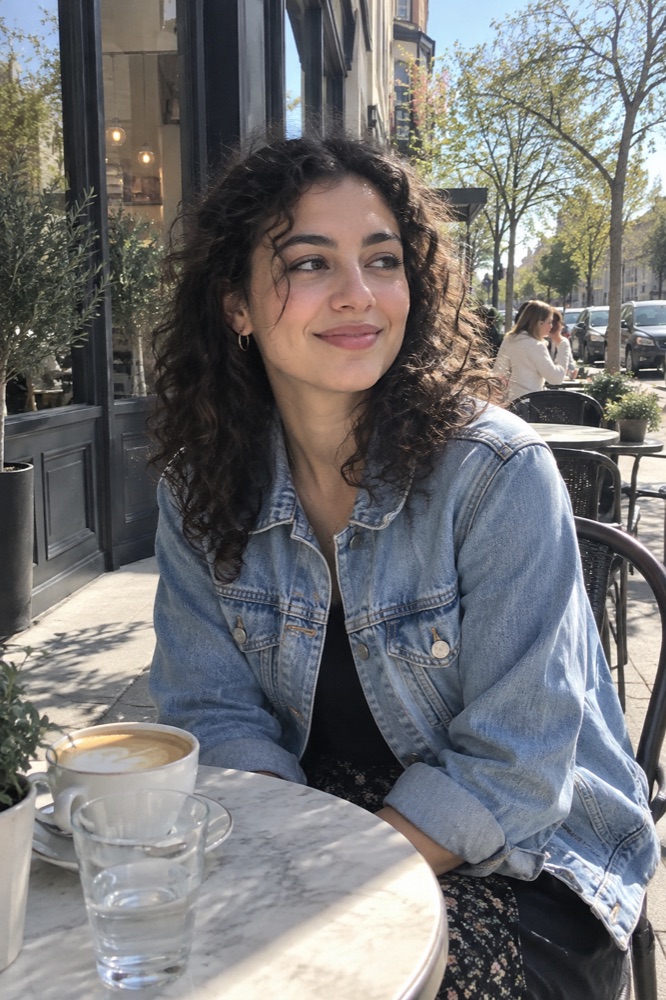
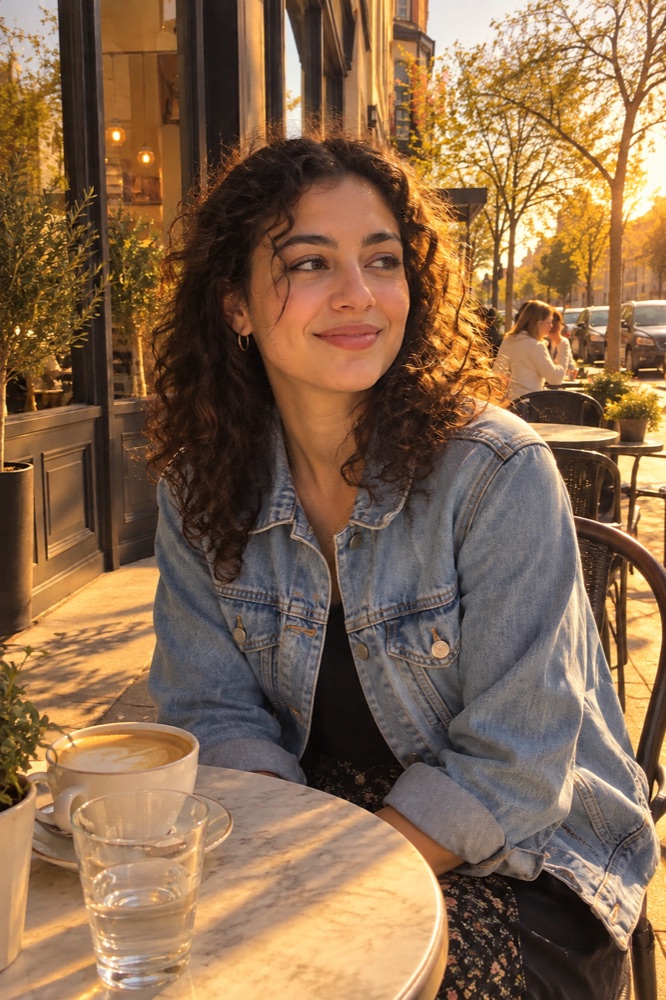
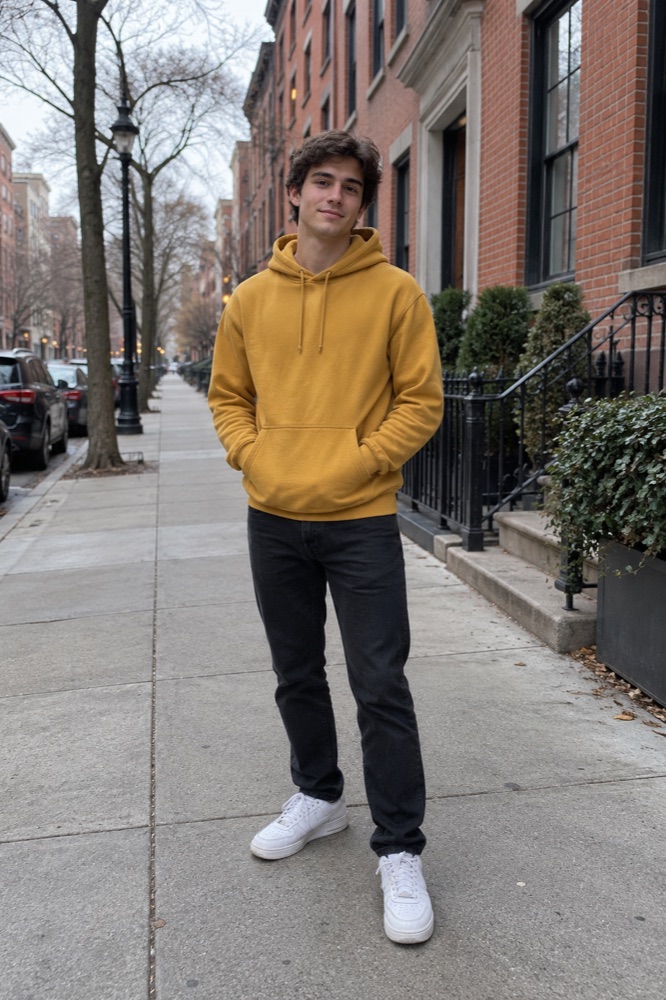
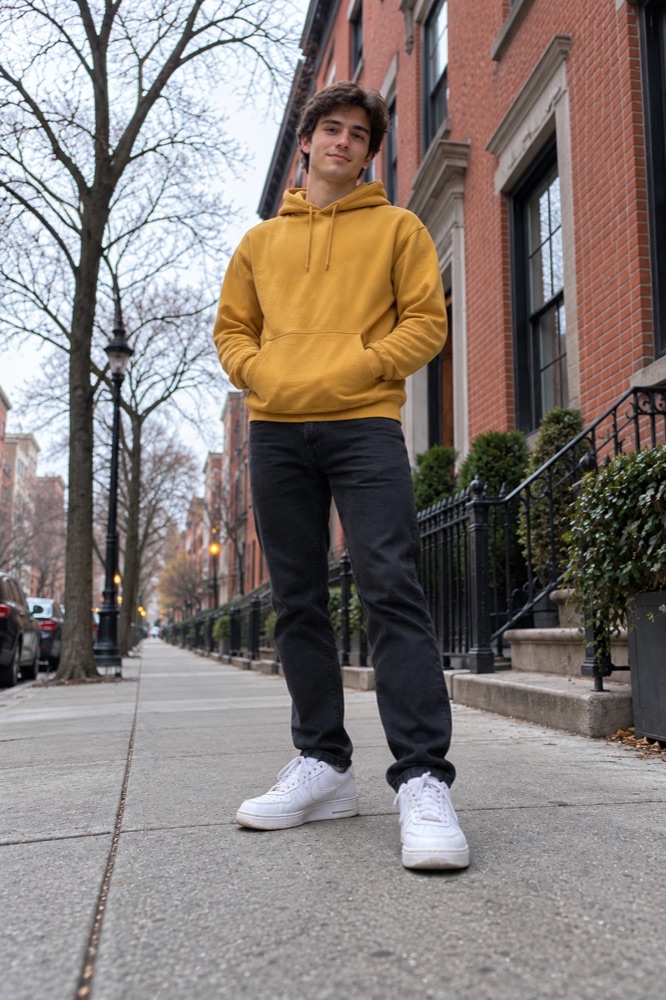
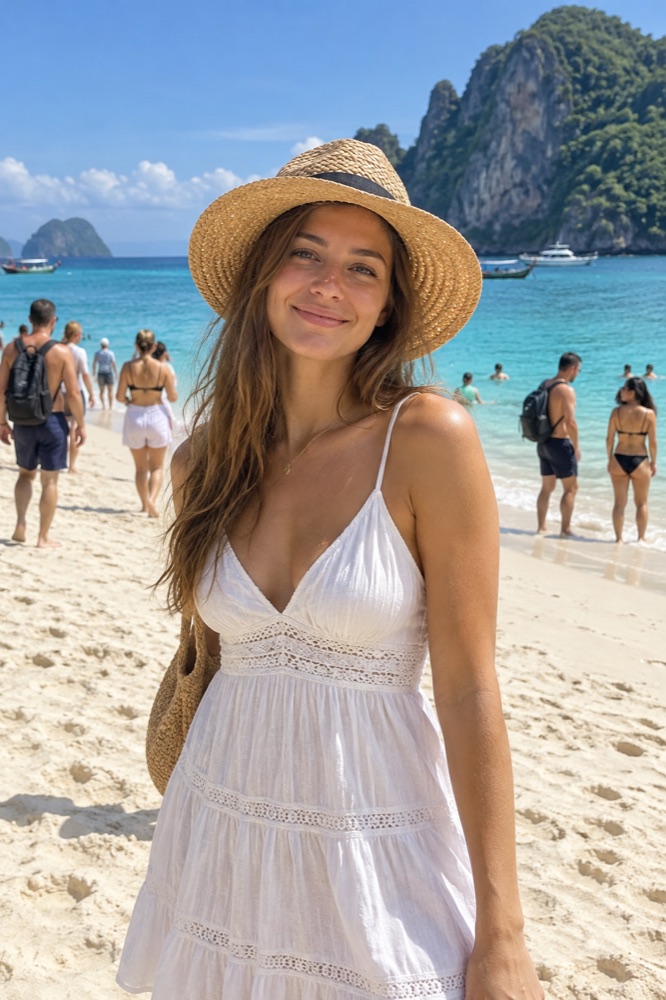
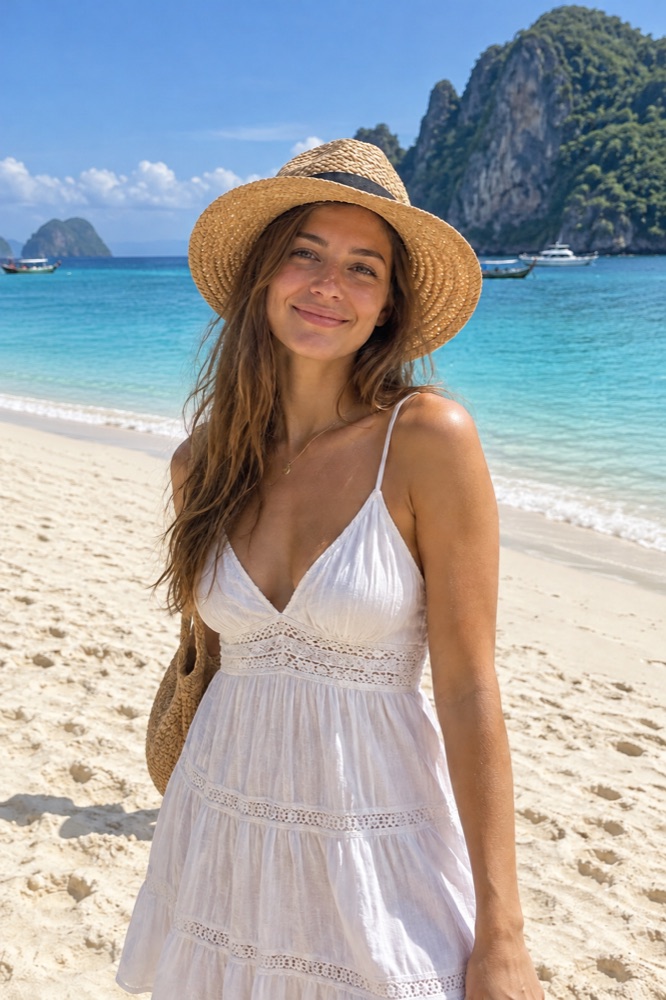
Made on videosi with this tool's own model and settings, from a synthetic photo.

Everything in one text to video tool
1
Write the shot
Subject, action, place, light and camera. Seedance follows the order of your words, so lead with what matters most.
Try it now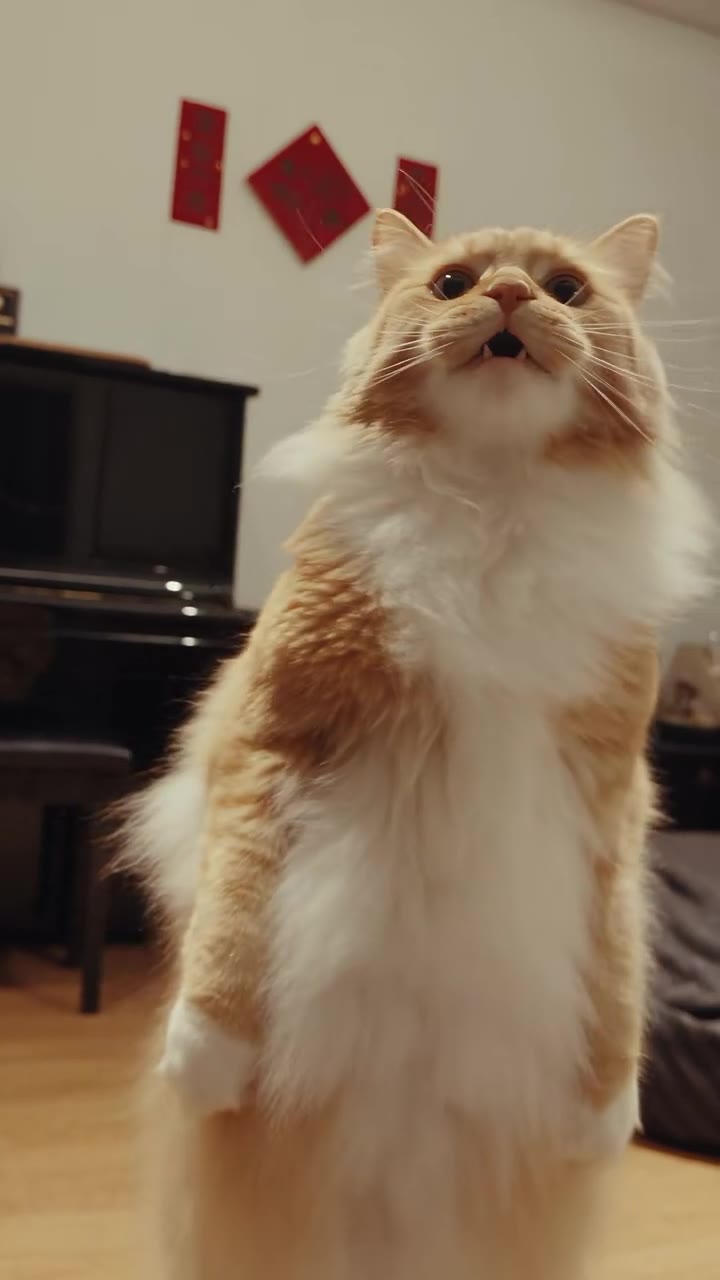
2
Vertical, square or wide
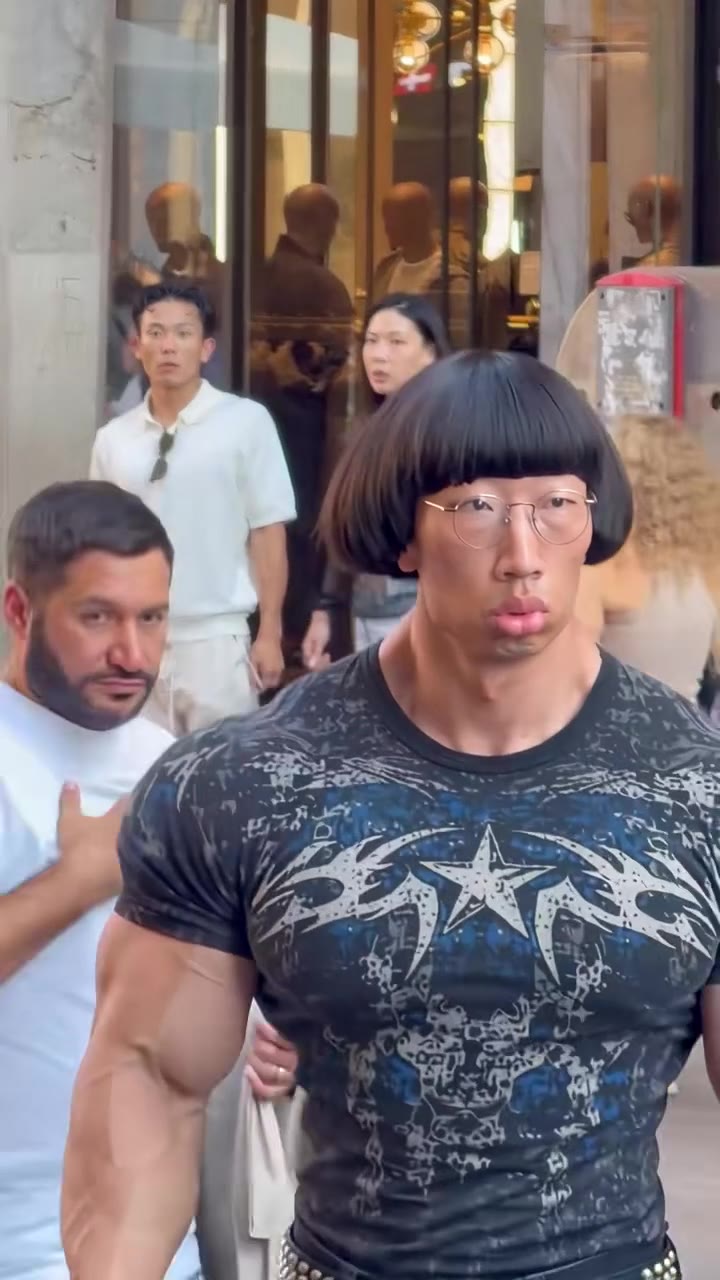
9:16 for TikTok, Reels and Shorts, 1:1 for the feed, 16:9 for YouTube. Every format costs the same.
3
5 or 10 seconds
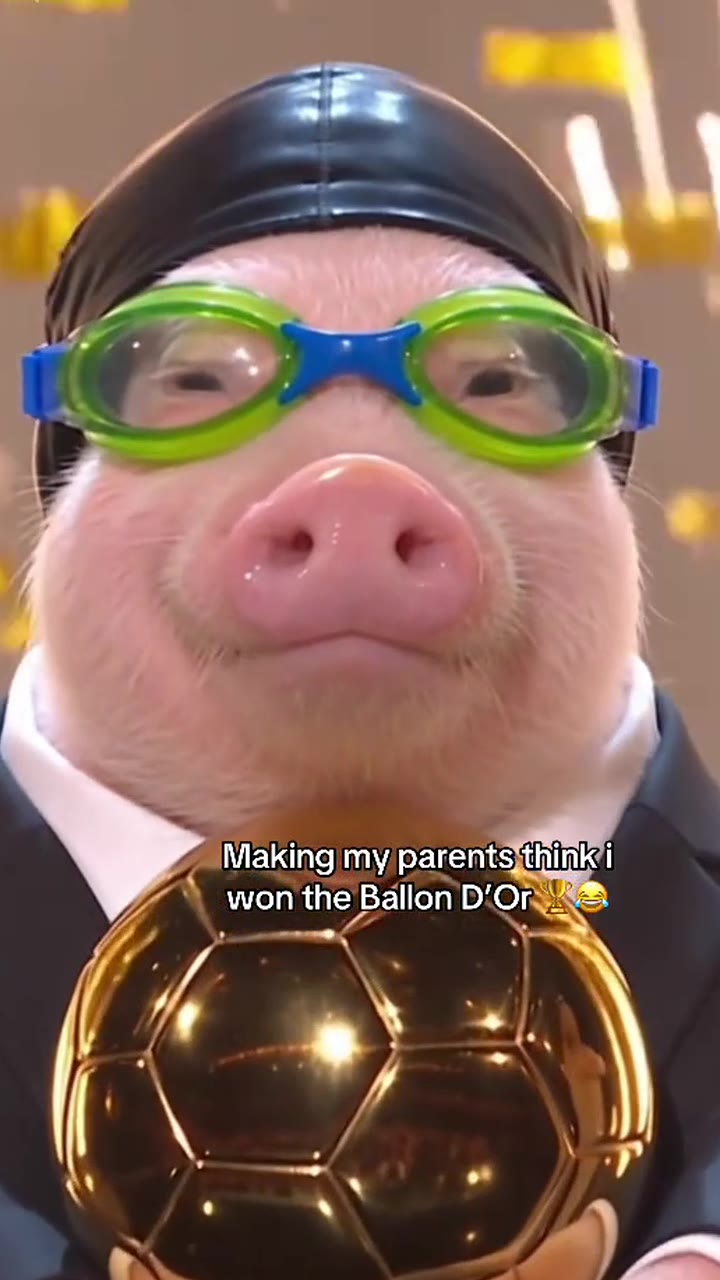
A five-second clip on Standard 720p is 5 credits. Go longer or move up a model when the shot needs it.
Models
Choose the model that fits your shot
StandardSeedance 2.0 Mini
- Up to 720p
- 5s from 3 credits
- 10s from 5 credits
FastSeedance 2.0 Fast
- Up to 720p
- 5s from 4 credits
- 10s from 7 credits
ProSeedance 2.0
- Up to 1080p
- 5s from 5 credits
- 10s from 9 credits
UltraSeedance 2.5
- Up to 1080p
- 5s from 8 credits
- 10s from 15 credits
How to use the Text to Video AI
Write the scene
Subject, action, place, light and camera, in one or two sentences.
Pick model, length and format
Standard is quick and cheap; Pro and Ultra move more naturally.
Generate
Most videos are ready in one to three minutes.
What is the videosi Text to Video AI?
Text to Video makes a short video from a written prompt with ByteDance Seedance. Describe the subject, the action, the setting and the camera move.
For a video of yourself, a friend or a pet, use Image to Video or one of the trend effects, which start from your photo.
More video tools
Image to Video AIBring a photo to life with SeedanceAI Video UpscalerSharpen any clip to 1080p or 4KReference to Video AIUp to 4 references in one clipRemake a Viral VideoDrop a viral video, star in your versionTrend EffectsThis week's viral videos, no prompt
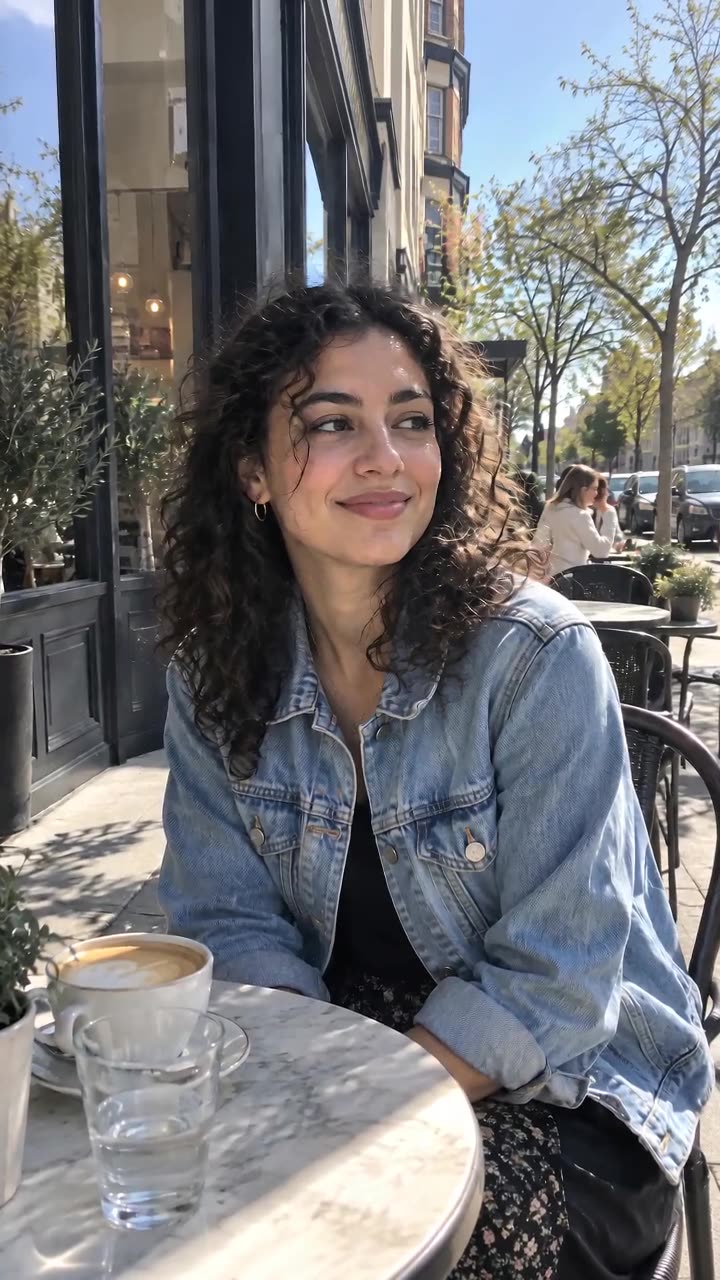
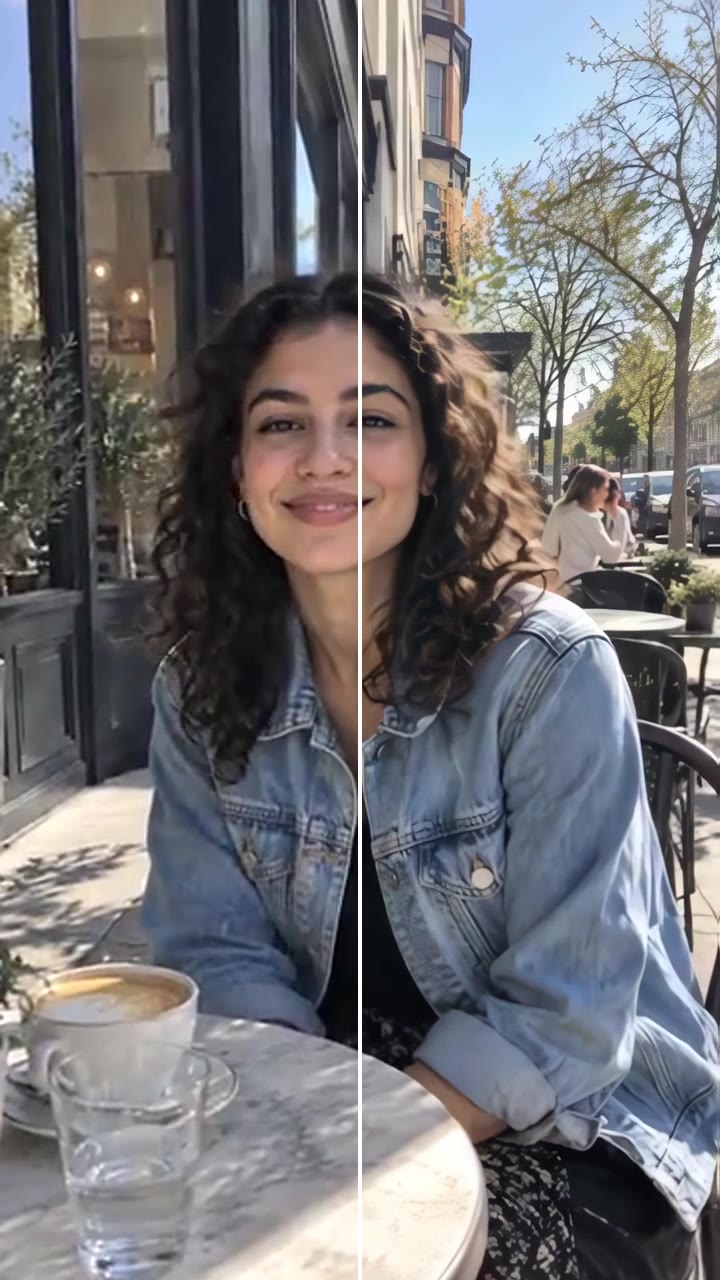
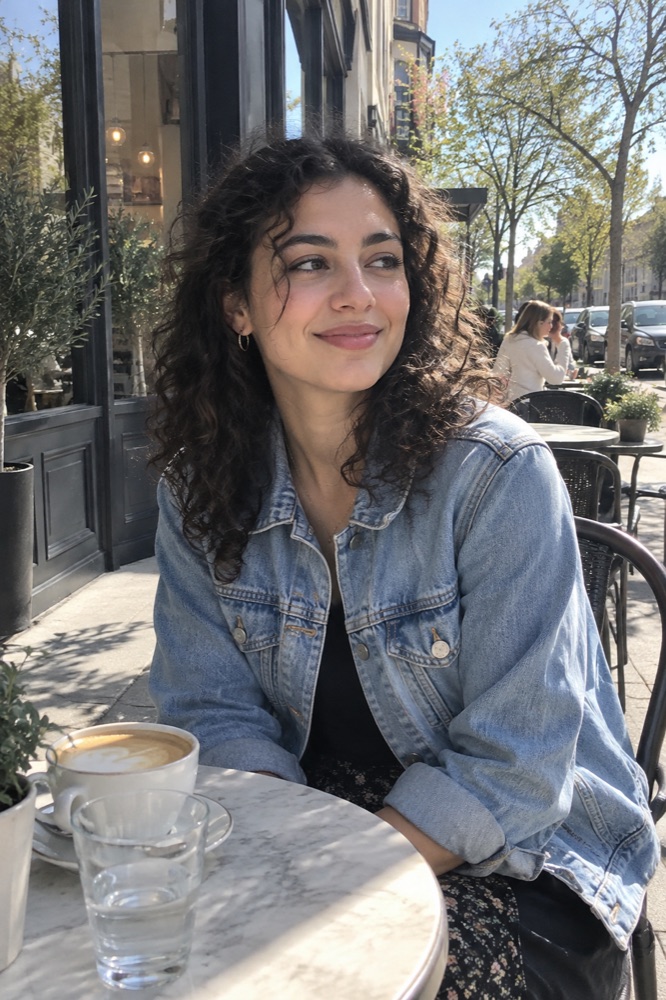

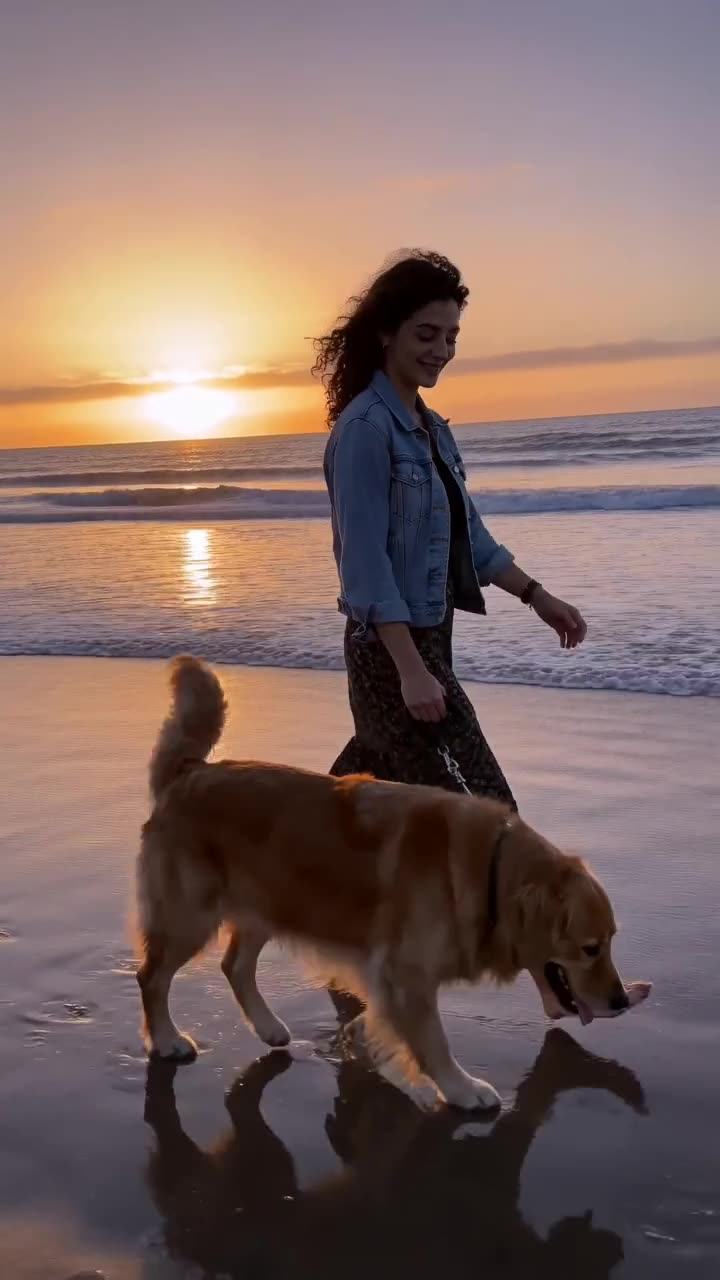
Image tools
AI Image GeneratorWords to pictures with GPT Image 2.5Image to Image AIEdit any photo by describing the changeAI Image ExtenderUncrop a photo to any formatAI RelightChange the lighting of any photoCamera Angle AISee the same shot from a new angleAI Object RemoverErase people and things by naming themAI Background ChangerNew backdrop, same subject



Questions
How much does the videosi Text to Video AI cost?
You pick the model, resolution, length and format before each render, and the price in credits is shown on the button. A 5-second video on the Standard model at 720p is 5 credits. A render that fails returns its credits automatically.
Which models does the videosi Text to Video AI use?
ByteDance Seedance: Seedance 2.0 Mini (Standard), Seedance 2.0 Fast, Seedance 2.0 (Pro) and Seedance 2.5 (Ultra). Higher tiers move more naturally and reach 1080p, and cost more credits.
Does the video have sound?
No. Tool videos are delivered as silent MP4 clips in 9:16, 1:1 or 16:9. Trend effects on videosi come with the trend’s original sound.
Can I use the videos commercially?
Yes, as long as the prompt and any photo you upload are yours to use and follow our acceptable use policy.