Car Jump AI Video: The Desert Car Jump Trend, Starring You
You sit on a camp chair, snap your fingers, and a truck flies over the ridge behind you and lands at your back. One photo of you is all it takes.
Updated : Page published.
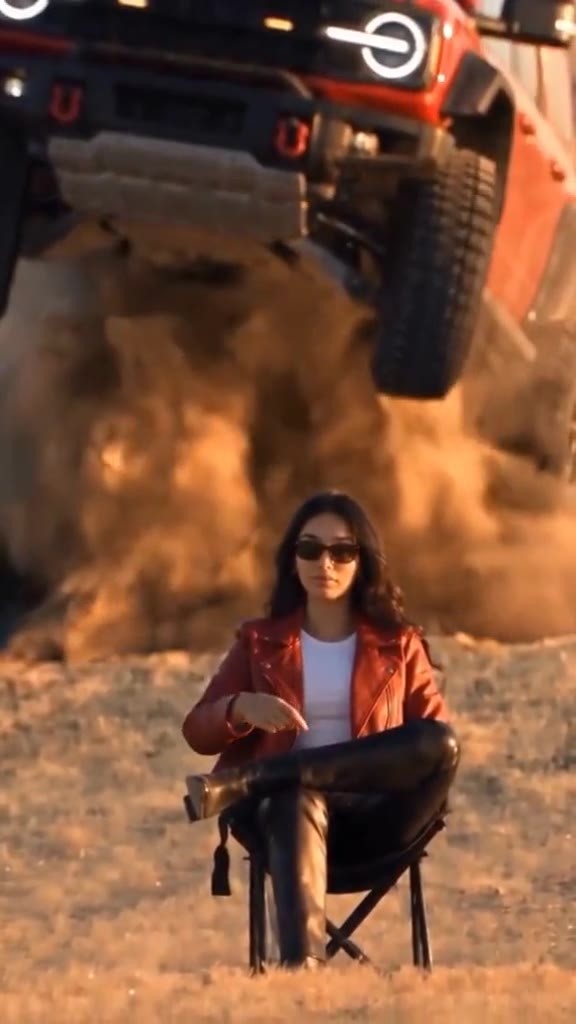
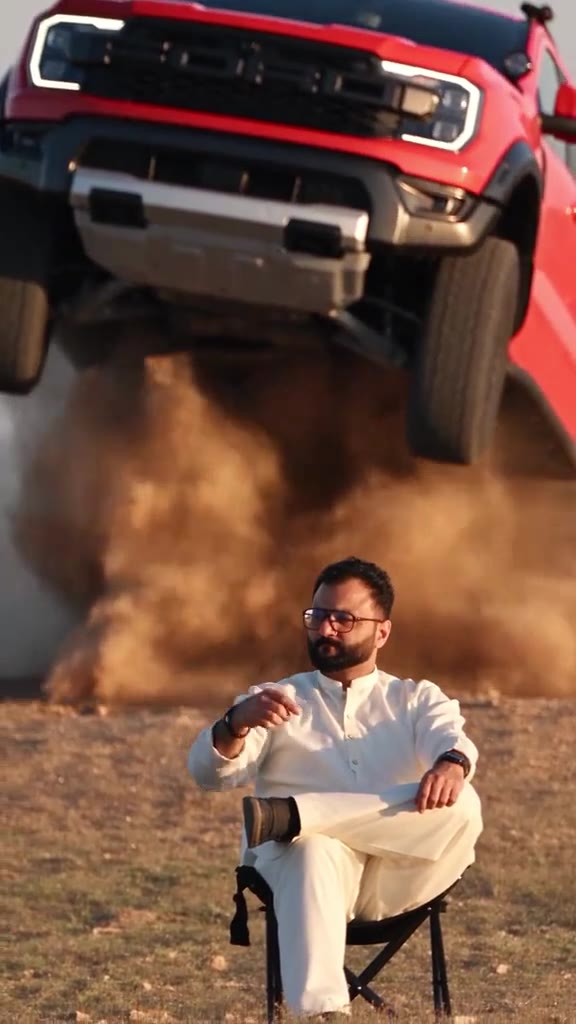
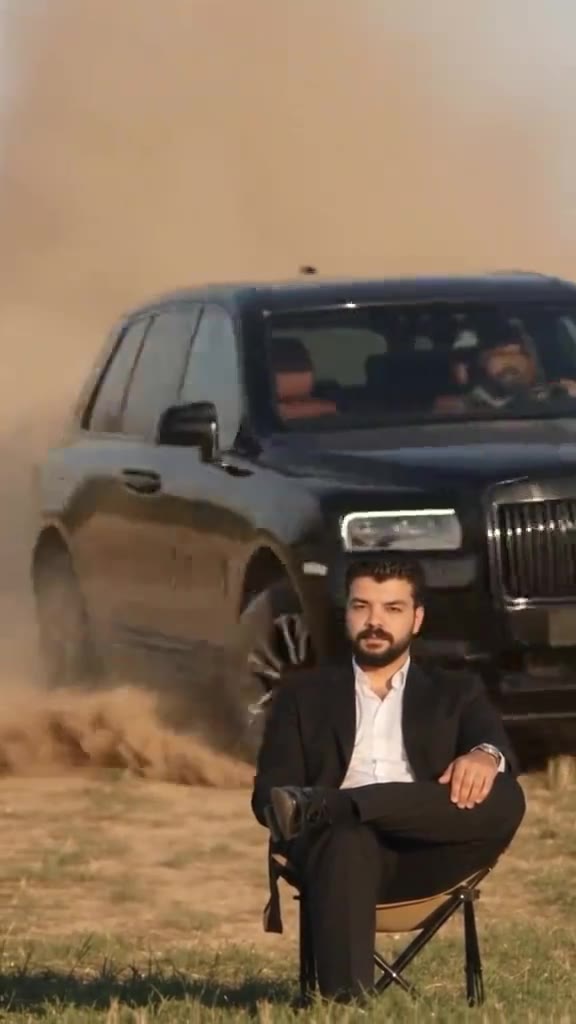
1Add your photo
Front-facing, well-lit selfies work best. One face per photo.
2Vehicle and place
3Choose quality
By generating you confirm you have permission to use the people in your photos. Terms
In one sentence
The car jump AI trend is a 10-second clip in which a person sits calmly on a camp chair, snaps their fingers and an off-road vehicle flies over the ridge behind them in slow motion and lands at their back; videosi makes it from one photo of you.
- Fast facts
- First seen
- Stage
- Just starting
- Started on
- TikTok (unconfirmed)
- Sound
- The sound most people use is unconfirmed.
- Meaning
- The car jump AI trend is a ten-second clip in which a person sits calmly on a camp chair, snaps their fingers and an off-road vehicle flies over the ridge behind them in slow motion.
- Related trends
- Basketball Dunk AI, Celebrity Red Carpet AI
Page updates
- October 23, 2026 — Page published.
How it is made
The Car Jump AI Video prompt and model
Car Jump AI Video is made with Seedance 2.0 / 2.5 (you pick the tier) by ByteDance. The prompt behind it has 5 parts, and the timing is what makes or breaks it.
- Model
- Seedance 2.0 / 2.5 (you pick the tier)
- Mode
- Photo + motion reference to video
- Length
- 10 seconds, 9:16, 1:1 or 16:9
- Input
- 1 photo
- Identity lock Your photo is the only source for the face, hair, build and outfit, held identical even when the dust blows past.
- Motion reference A short clip supplies the push-in, the snap, the arc of the jump and the landing, and nothing else.
- Vehicle and place One place and one generic off-road vehicle, chosen by you, with no badges, lettering or readable plate.
- Timeline Six beats over 10 seconds, from the empty ridge to the snap to the slow-motion hang to the truck parked at your back.
- Rules No vehicle before the snap, no contact with the chair, one rigid vehicle, a calm seated person, no text or logos.
Photorealistic live-action cinematic footage, 10 seconds, one continuous shot from a fixed camera at seated eye height with a very slow push-in. Image 1 is the only source for the person…
Why it goes wrong when you do it yourself
- Without a motion reference the truck tends to drive in from the side or appear before the snap, and the jump loses its timing.
- Video models often let the vehicle clip through the chair or the person when it lands; the landing is the hardest beat.
- The vehicle can morph mid-air, change colour or grow a fifth wheel unless the prompt keeps it one rigid object.
- Each try costs model credits and several minutes, and getting the slow-motion hang right usually takes several tries.
Car Jump AI Video examples
Red pickup over the scrub
Black SUV lands behind
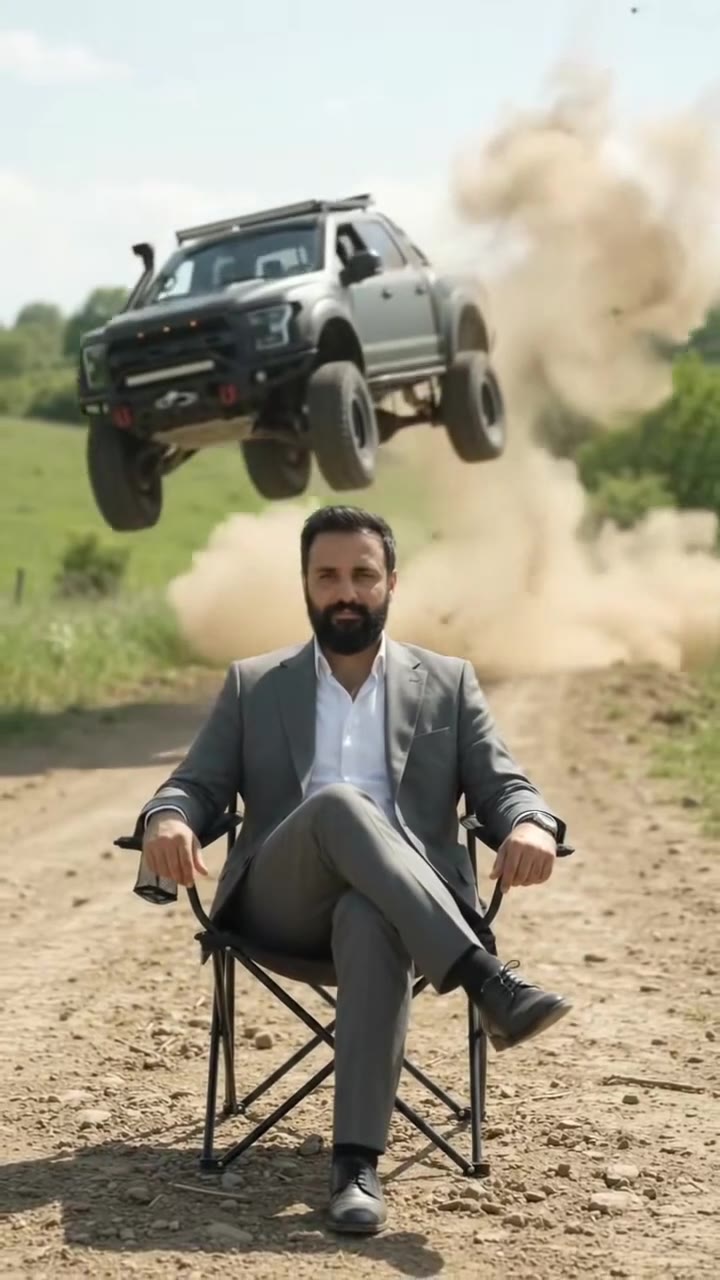
Pickup leaps a country road
How to make your Car Jump AI Video video
Upload one photo of yourself
Face to the camera, whole upper body in frame, even light; a seated photo works best. The outfit in the photo is the outfit in the video.
Pick the vehicle and the format
A red pickup in the desert, a pink SUV on an autumn meadow or a grey pickup on a country road. Then 9:16 for TikTok, Reels and Shorts, 1:1 or 16:9.
Generate and download
Press Generate and the 10-second car jump is rendered for you, a silent MP4 with no watermark.
Add the trend sound and post
Add the sound you heard on the trend in the app you post from, and label the clip as AI-generated.
What is the Car Jump AI Video trend?
Updated · videosi is an independent tool. It is not affiliated with TikTok, Instagram, YouTube, or with the owners of any trend, song, game or brand named on its pages.
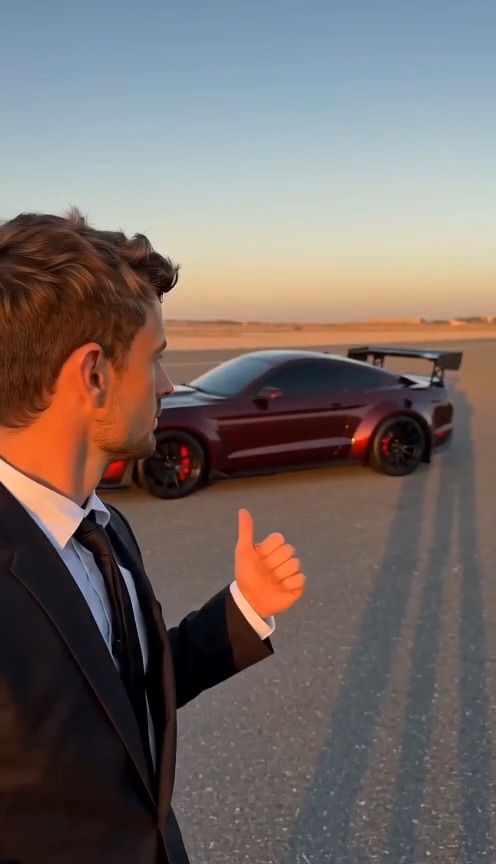
The car jump AI trend is a ten-second flex with one joke. Someone sits on a folding camp chair in an empty landscape at golden hour, legs crossed, looking bored. They lift a hand and snap their fingers, and an off-road truck explodes over the ridge right behind them, hangs in the air in slow motion above their shoulder, and slams down at their back in a wall of dust. The person does not even turn around.
None of it is filmed. The clips are generated from a photo of the person plus a short motion clip that supplies the jump. Tutorials posted from 29 September 2026 show it being made with Higgsfield's Genjutsu motion transfer, and later ones with CapCut's AI video tools. The earliest posts we found are from 28 September 2026. One tutorial credits a creator as the source, but we could not find the original clip, so the first creator is unconfirmed, and so is the sound most people use.
It is still small and only just spreading, mostly through tutorials and template accounts, with versions in the desert, on meadows and on country roads, and some people swapping in a picture of their own car.
This page does the whole recipe for you. The snap, the jump, the slow-motion hang and the landing are built in; you choose the photo, the vehicle and the format.
Car Jump AI Video: shot by shot
- 0-3 s
The calm before
You sit cross-legged on a camp chair close to the camera, low sun behind you, and the camera creeps in. The ridge behind you is empty.
- 3-3.5 s
The snap
One hand comes up beside your head and you snap your fingers, as if calling a cab.
- 3.5-5 s
The launch
A truck bursts over the ridge right behind you, nose high, filling the top half of the frame with metal and dust.
- 5-8 s
Hang time
Slow motion. The truck floats above your shoulder, wheels hanging, while you lower your hand and stay perfectly calm.
- 8-8.5 s
The landing
It slams down right behind the chair and a cloud of dust rolls around you.
- 8.5-10 s
Parked
The truck slides to a stop at your back and you are still looking into the lens, unbothered.
Tips for a better result
Sit down for the photo if you can
The whole clip is you sitting on a chair. A seated, full-body or waist-up photo gives the model your real legs, shoes and posture; a face crop leaves it to invent them.
Dress like you meant it
Most remakes use a jacket, a suit or all black. Solid colours stand out against dust and sand; beige and sand tones blend into the desert.
Keep the face clear
Sunglasses are part of the look in many remakes, but they make the likeness harder to keep. Leave hats and masks off.
Warm light matches best
All three scenes are lit by a low warm sun. A photo taken outdoors in daylight or soft light blends in better than indoor flash.
Good to know before you make a Car Jump AI Video video
- You cannot upload your own car on this page: the vehicle is one of 3 built-in generic off-roaders, without badges or plates.
- Dust and the landing are where AI detail fails first: the truck can clip the chair or change shape for a few frames.
- Likeness is not guaranteed, and it drifts most when the dust cloud passes around you.
- The video is silent. A failed, timed-out or blocked render returns its credits automatically.
Car Jump AI Video: questions
What is the car jump AI trend on TikTok?
The car jump AI trend is a 10-second clip, made on videosi from one photo, in which you sit calmly on a camp chair, snap your fingers, and an off-road vehicle flies over the ridge behind you and lands at your back. The earliest posts we found are from 28 September 2026; the original creator is unconfirmed.
How do I make the viral desert car jump AI video?
Upload one photo of yourself to videosi, pick one of 3 vehicles and places, choose 9:16, 1:1 or 16:9 and press Generate. The car jump AI video is a 10-second silent MP4 and you write no prompt: the snap, the jump and the landing are built in. Rendering takes several minutes and the result is saved in My creations.
Is there a free car jump AI video generator?
videosi (videosi.io) is a car jump AI video generator that works from one photo, but it is not free: there is no free generation and no free trial. A standard 10-second video (Standard model, 720p) is 9 credits; credit packs start at $6.99 for 10 credits and never expire, and plans start at $29.90 a month. A failed render returns its credits automatically.
What is the car jump AI prompt?
The videosi car jump AI video uses a five-part prompt (identity lock, motion reference, vehicle and place, a 6-beat timeline, rules) with ByteDance's Seedance model and a motion reference clip. We do not publish the full prompt, because copied text alone rarely works: the reference clip is what times the jump to the snap.
Is there a car jump AI prompt generator, CapCut template or TikTok filter?
Most car jump clips were made with motion-transfer apps or CapCut's AI video tools, and those change often, so check inside them. There is no TikTok camera filter for it. videosi is independent and not affiliated with TikTok or CapCut: upload 1 photo and download a silent MP4 with the motion built in.
Can I put my own car and my face in the car jump video?
Not on this page yet. The videosi car jump AI video takes 1 photo of you and puts you in front of one of 3 built-in vehicles; it does not accept a photo of your own car. Some creators make the own-car version elsewhere by giving a motion tool a picture of their car. Your face, outfit and pose come from your photo.
How do I download the car jump trending video?
On videosi, your car jump AI video downloads as an MP4 with no watermark as soon as the 10-second render finishes, and it stays in My creations for 30 days. Videos other people posted on TikTok belong to them: make your own version rather than reposting theirs, and add the trend sound inside the app.
Trending this week
All trends this week


More effects like this
All viral effects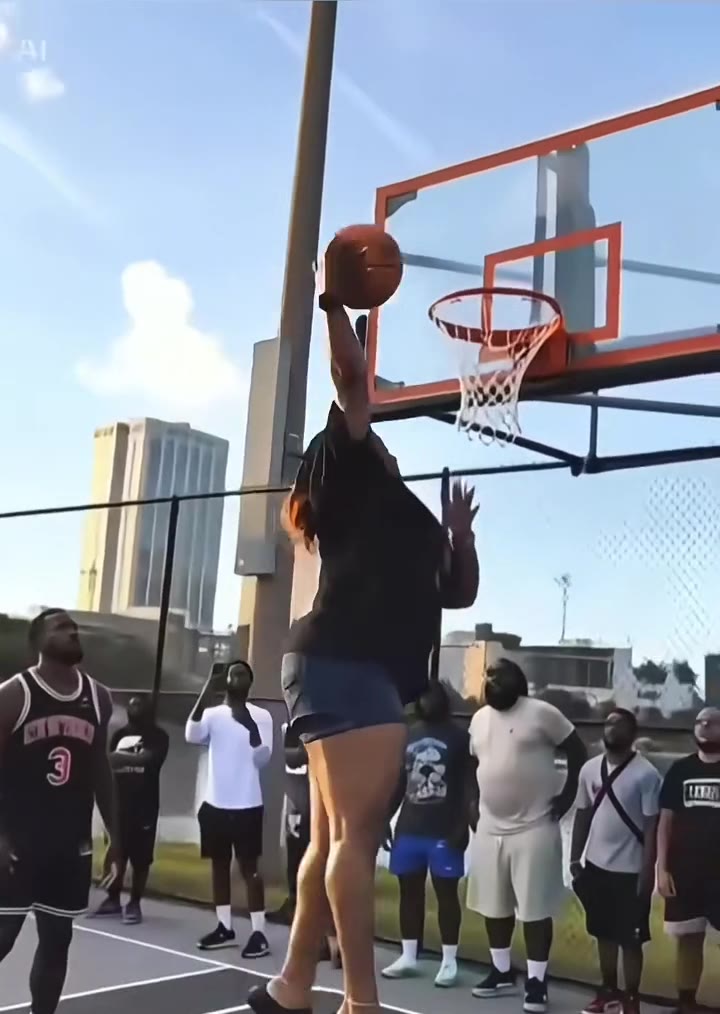

Make your Car Jump AI Video video
Upload a photo and press Generate. 9 credits, refunded if it fails.
Get the next trend first
One email when new trends land on videosi, about once a week. Unsubscribe in one click.
See videosi first on Google
Add videosi as a preferred source and our trend pages show up first in your Top Stories and AI answers on Google.