Werewolf Transformation AI: You Turn Under the Full Moon
You look up at the moon, your eyes go amber, fur climbs your arms, the shirt tears, and you howl. One photo of you is all it takes.
Updated : Page published.
1Add your photo
Front-facing, well-lit selfies work best. One face per photo.
2Place
3Choose quality
4Fur
By generating you confirm you have permission to use the people in your photos. Terms
In one sentence
The werewolf transformation AI trend is a 12-second video in which a person looks up at the full moon, grows amber eyes, fangs, fur and claws, tears through their shirt and howls as a werewolf; videosi makes it from one photo of you.
- Fast facts
- First seen
- Stage
- Just starting
- Started on
- TikTok (unconfirmed)
- Sound
- No single sound: the AI clips use cinematic scores, howl effects and original sounds. The unrelated 2021-22 real-time werewolf filter trend was usually set to Flyleaf's "I'm So Sick" (per Know Your Meme).
- Meaning
- The werewolf transformation AI trend is a short AI video in which a person made from one photo turns into a werewolf under a full moon: amber eyes, fangs, fur up the arms, torn shirt, then a howl.
- Related trends
- Vampire AI Video, Halloween Costume AI Video, Zombie AI Trend, Flying Broom AI
Page updates
- October 23, 2026 — Page published.
How it is made
The Werewolf Transformation AI prompt and model
Werewolf Transformation AI is made with Seedance 2.0 / 2.5 (you pick the tier) by ByteDance. The prompt behind it has 5 parts, and the timing is what makes or breaks it.
- Model
- Seedance 2.0 / 2.5 (you pick the tier)
- Mode
- Photo + motion reference to video
- Length
- 12 seconds, 9:16, 1:1 or 16:9
- Input
- 1 photo
- Identity lock Your photo is the only source for the face, hair, build and outfit, kept recognisable through the face close-up and carried into the hybrid stages.
- Motion reference A short clip supplies the shot order and timing: tensing under the moon, face close-up, arm close-up, clawed hand, all fours, rearing up, howl, and nothing else.
- Scene and werewolf One place and one fur colour, a full moon as the only key light, and a werewolf described down to muzzle, ears, eyes and torn clothes.
- Timeline Seven beats over 12 seconds, from clenched fists to amber eyes to fur and claws to the howl, with the full werewolf not allowed before 8.5 seconds.
- Rules One character only, no victim, no blood or wounds, changes in a fixed order, the moon fixed in the sky, no text or logos.
Photorealistic cinematic live-action footage, 12 seconds, cold blue night grade, intercut shots that stay in one location. Image 1 is the only source for the person: face, hairstyle…
Why it goes wrong when you do it yourself
- Without a motion reference the model jumps straight to a wolf in the first second and the transformation, which is the whole point, never happens.
- The face is redrawn as soon as the fangs appear unless the identity lock comes first and the close-up is pinned to the photo.
- Left alone, the model adds a victim, blood or a torn-open chest, and the clip stops being postable on TikTok.
- Each try costs model credits and several minutes, and most people need several tries before the eyes, fur and howl land in the right order.
Werewolf Transformation AI examples
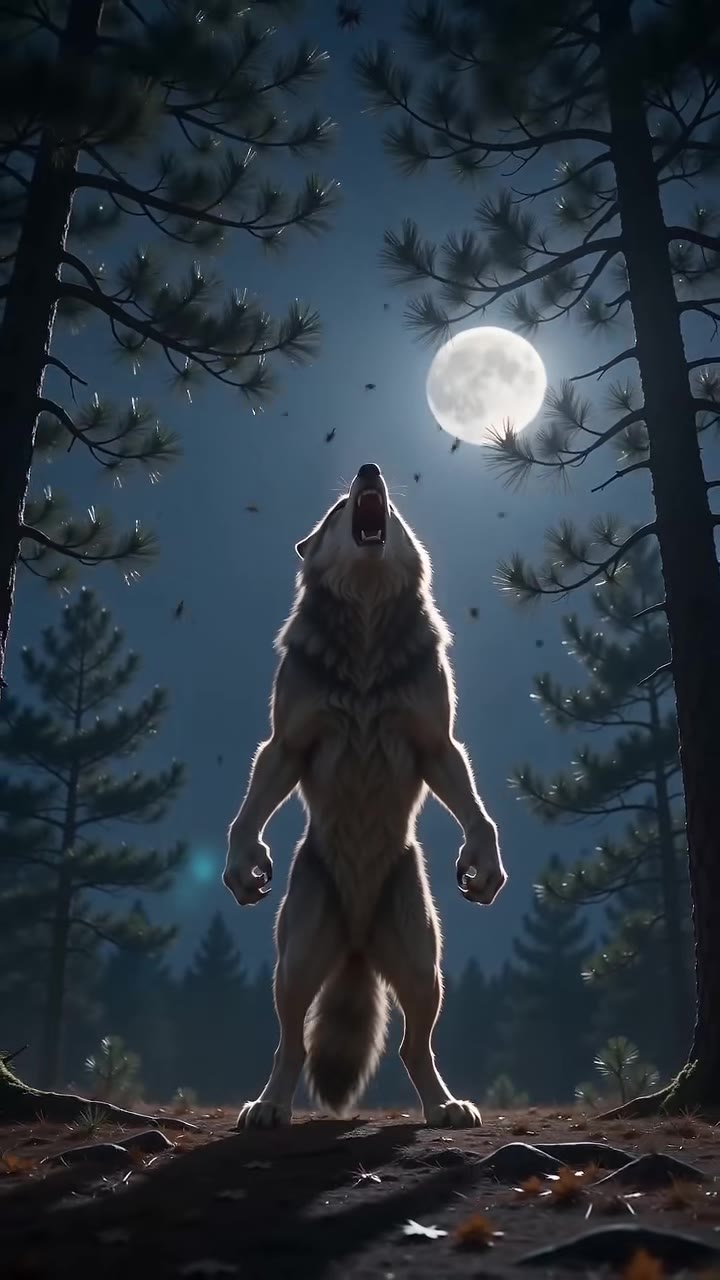
Forest howl, grey werewolf
Back alley transformation
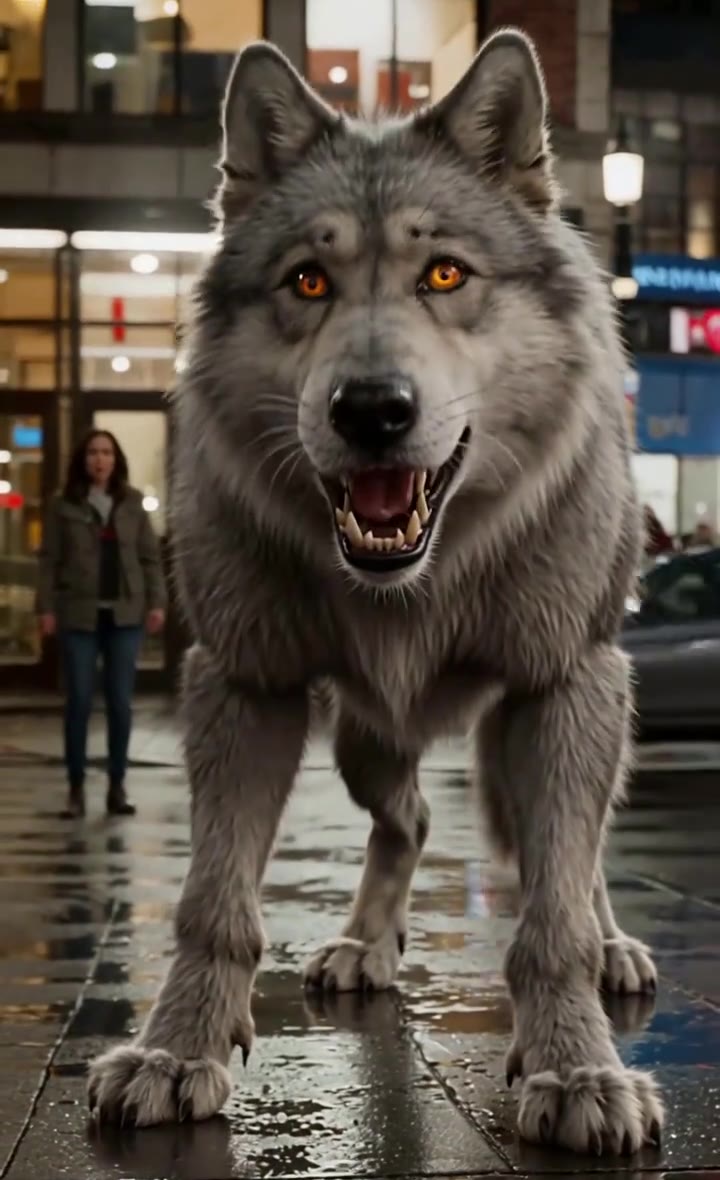
City street, amber eyes
How to make your Werewolf Transformation AI video
Upload one photo of yourself
Face to the camera, head and shoulders in frame, even light. The clothes in your photo are the clothes that tear in the video, so a jacket or a shirt with sleeves gives the fur something to burst through.
Pick the place and the fur
A moonlit forest, a back alley or a city street, and grey or black fur. Then choose 9:16 for TikTok, Reels and Shorts, 1:1 for a square post, or 16:9 for a wide movie look.
Generate and download
Press Generate and the 12-second transformation is rendered for you. It is a silent MP4 with no watermark. You can leave the page; the result waits in My creations.
Post it with a sound
The clip is silent. Add a cinematic score, a howl sound or a trending Halloween sound in the app you post from, and turn on the platform's AI-generated label.
What is the Werewolf Transformation AI trend?
Updated · videosi is an independent tool. It is not affiliated with TikTok, Instagram, YouTube, or with the owners of any trend, song, game or brand named on its pages.
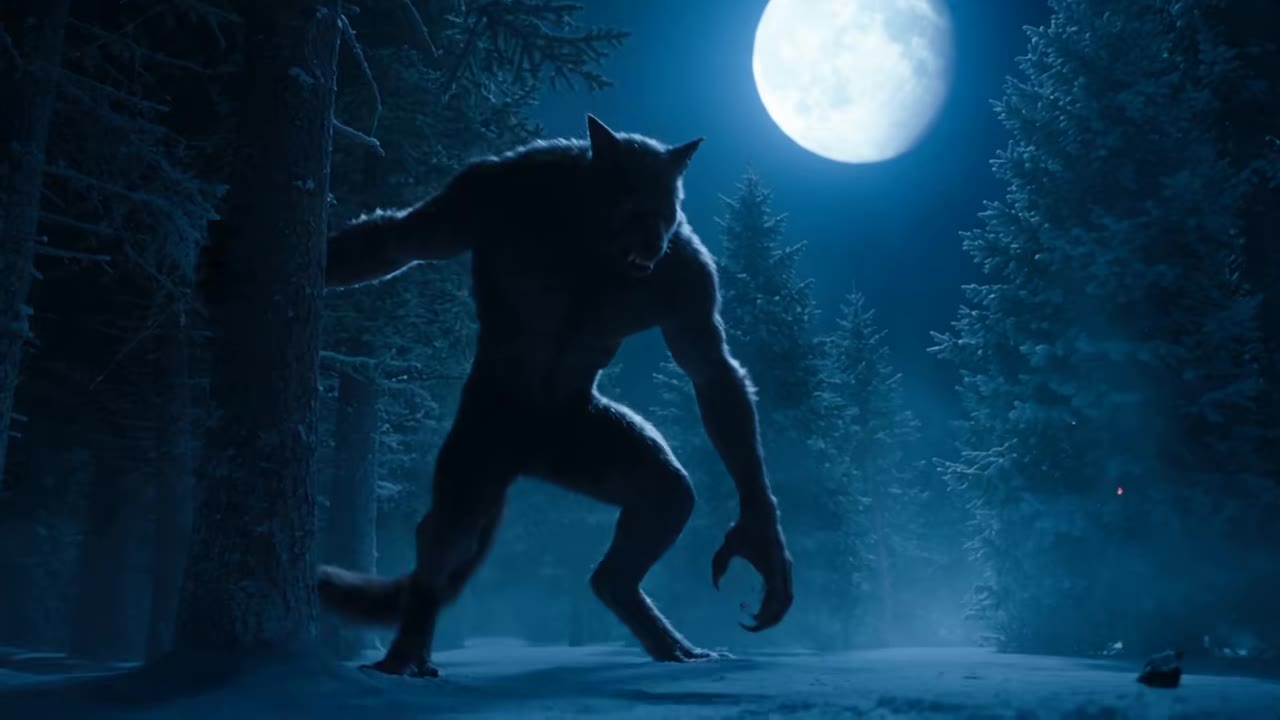
The werewolf transformation AI trend is a short cinematic clip in which an ordinary person turns into a werewolf under a full moon. It starts with someone standing in the dark, fists clenched, looking up at the moon. The eyes go amber, the teeth lengthen, fur spreads up the arms and the shirt tears at the shoulders, and the clip ends with the werewolf rearing up and howling.
This is a Halloween 2026 format that is still early. The clips on TikTok are AI-made and the supply side is ahead of the audience: template and prompt pages for a werewolf transformation went up on several AI video tools, and the best-known clips come from a handful of AI short-film accounts, with the strongest posted in the first week of October 2026 and shot like a movie scene, in a snowy forest, a back alley or a city street. The first remakes by ordinary users, who put themselves under the moon from a single photo, appeared in the week before 23 October 2026. Nobody has confirmed who started this wave, and there is no single sound.
It is not the werewolf filter of 2021 and 2022. That was a real-time TikTok effect that put wolf features on your face while you filmed. The AI version is a rendered video: a model takes one photo, a reference clip that supplies the shot order and timing, and a written prompt, and builds the whole transformation, close-ups included.
On this page the motion, the moon, the werewolf design and the prompt are built in. You choose the photo, the place (forest, alley or street), the fur colour and the shape of the video. There is no victim, no blood and no attack, so the clip is made to be posted.
Werewolf Transformation AI: shot by shot
- 0–2 s
The moon
You stand facing the camera in the dark, look up at the full moon, breath fogging, fists clenching at your sides.
- 2–4 s
Amber eyes
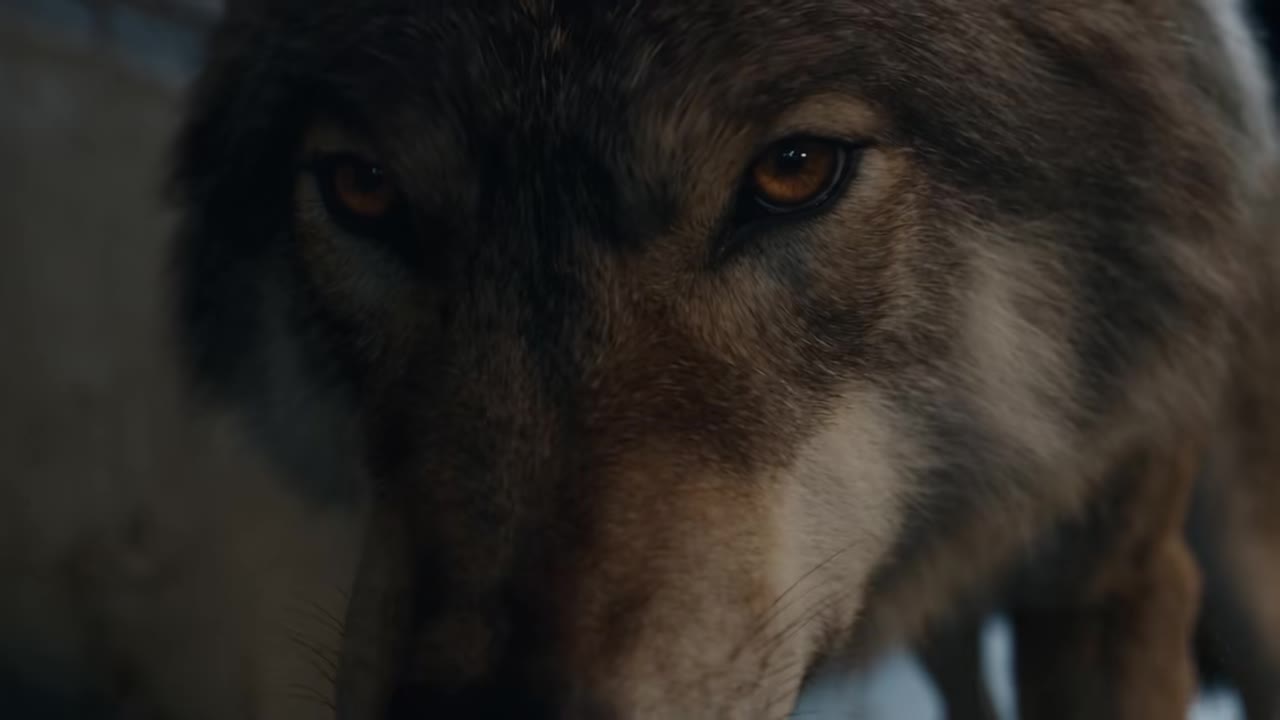
The eyes turn amber and begin to glow, the face tightens, the shoulders rise. Still you, still your clothes.
- 4–5.5 s
Fangs
Close-up on the face: fangs bared, ears starting to point, the eyes still yours.
- 5.5–7.5 s
Fur and claws
Close-up on the arm: fur races up from the hand, the sleeve splits, the shirt tears at the shoulder, nails become claws.
- 7.5–8.5 s
Hand on the ground
Low angle on a clawed, furred hand pressing into the earth.
- 8.5–10 s
All fours
Wide shot: the werewolf faces the camera on all fours under the moon, muzzle low, eyes glowing.
- 10–12 s
The howl
It rears up, throws its head back and howls at the moon as the camera pulls away.
Tips for a better result
Use a sharp, front-facing face
The clip spends a close-up on your face with fangs. A clear, evenly lit face gives the model something to keep through the grimace and the amber eyes.
Wear sleeves
The fur spreads up the arms and the shirt tears at the shoulders. A jacket, hoodie or long sleeves makes that beat readable; a vest or bare arms gives it nothing to tear.
Show your shoulders and hair
Build and hair colour carry the likeness into the hybrid stages, and the hair colour blends into the fur on the head. A photo cropped tight to the face leaves the model to invent them.
Leave hats and sunglasses off
Anything covering the eyes fights the amber-eye beat. Ordinary glasses are fine and are kept.
Good to know before you make a Werewolf Transformation AI video
- The video has one character: you. There is no victim, no attack and no second person, so a photo with more than one face can confuse it.
- The werewolf stage is a wolf-human hybrid in your torn clothes, not a four-legged wolf for the whole clip, and the design is generic, not a copy of any film.
- By the howl the face is a werewolf's, so likeness is kept through the first half and the close-up, not to the end.
- The video is silent, and likeness is not guaranteed. A failed, timed-out or blocked render returns its credits automatically.
Werewolf Transformation AI ideas and prompts
| Idea | Prompt | |
|---|---|---|
| Forest full moon | A clearing in a dark pine forest, the full moon over the trees, grey fur, and the howl among the trunks. | |
| Back alley | A wet brick alley under one cold street lamp, black fur, the moon in the strip of sky above the walls. | |
| City street | A rain-wet pavement outside glass shopfronts, headlights blurred far behind you, grey fur, the moon over the rooftops. |
Werewolf Transformation AI: questions
What is the werewolf transformation AI trend and where did it come from?
The werewolf transformation AI trend is a 12-second AI video in which a person turns into a werewolf under a full moon: amber eyes, fangs, fur up the arms, a torn shirt and a howl. The clips are AI-made; the earliest of this wave found on TikTok is from 12 September 2026 and the strongest from 4 October 2026, with the first one-photo remakes by ordinary users in the week before 23 October. No creator is confirmed. videosi makes it from 1 photo.
How do I turn a photo of myself into a werewolf transformation video?
On videosi, upload 1 photo of yourself, pick the place (forest, alley or street), the fur colour and 9:16, 1:1 or 16:9, then press Generate. The werewolf transformation AI video is a 12-second silent MP4 that renders in a few minutes, and you write no prompt. You can close the page; the result waits in My creations.
Is there a website or werewolf transformation AI generator?
Yes. videosi (videosi.io) is a web tool that makes the werewolf transformation AI video from 1 photo. The motion, the moon, the werewolf design and the prompt are built in, so you choose only the photo, the place, the fur and the format. It makes a 12-second MP4 with no watermark, and a standard 12-second video (Standard model, 720p) is 10 credits.
Is there an AI werewolf filter on TikTok or a CapCut template?
TikTok's werewolf filters of 2021 and 2022 were real-time effects that put wolf features on your face while you filmed, and CapCut and Dreamina listed AI werewolf templates for Halloween 2025 and 2026; apps change often, so check inside them. videosi is independent and not affiliated with TikTok, CapCut or Dreamina. Its werewolf transformation AI page is a web tool: add 1 photo, download a silent MP4, then add sound where you post.
Which AI model or prompt makes the werewolf transformation (Kling, Veo or Seedance)?
The werewolf transformation AI on videosi is made with ByteDance's Seedance video model (Seedance 2.0 Mini by default; Fast, Pro (Seedance 2.0) and Ultra (Seedance 2.5) are one click away), from a five-part prompt plus a 12-second motion reference clip. Other tools build similar templates on Kling or Veo. Doing it yourself usually takes several tries, because the model skips straight to a wolf. On videosi the prompt and reference are built in.
How much does the werewolf transformation AI video cost, and is it free?
Trending this week
All trends this week
More effects like this
All festival effects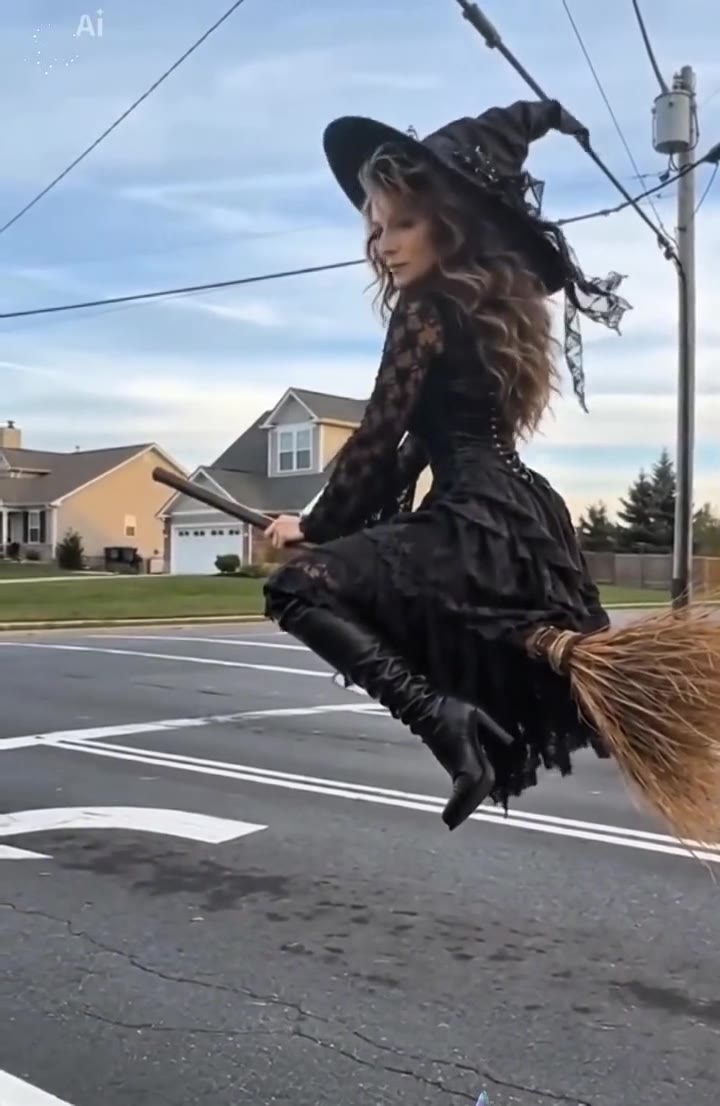

Make your Werewolf Transformation AI video
Upload a photo and press Generate. 10 credits, refunded if it fails.
Get the next trend first
One email when new trends land on videosi, about once a week. Unsubscribe in one click.
See videosi first on Google
Add videosi as a preferred source and our trend pages show up first in your Top Stories and AI answers on Google.