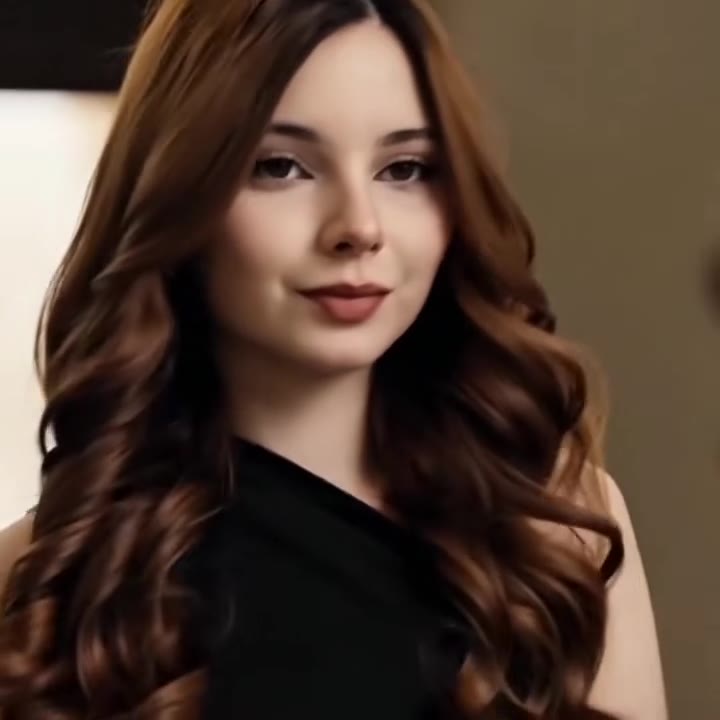
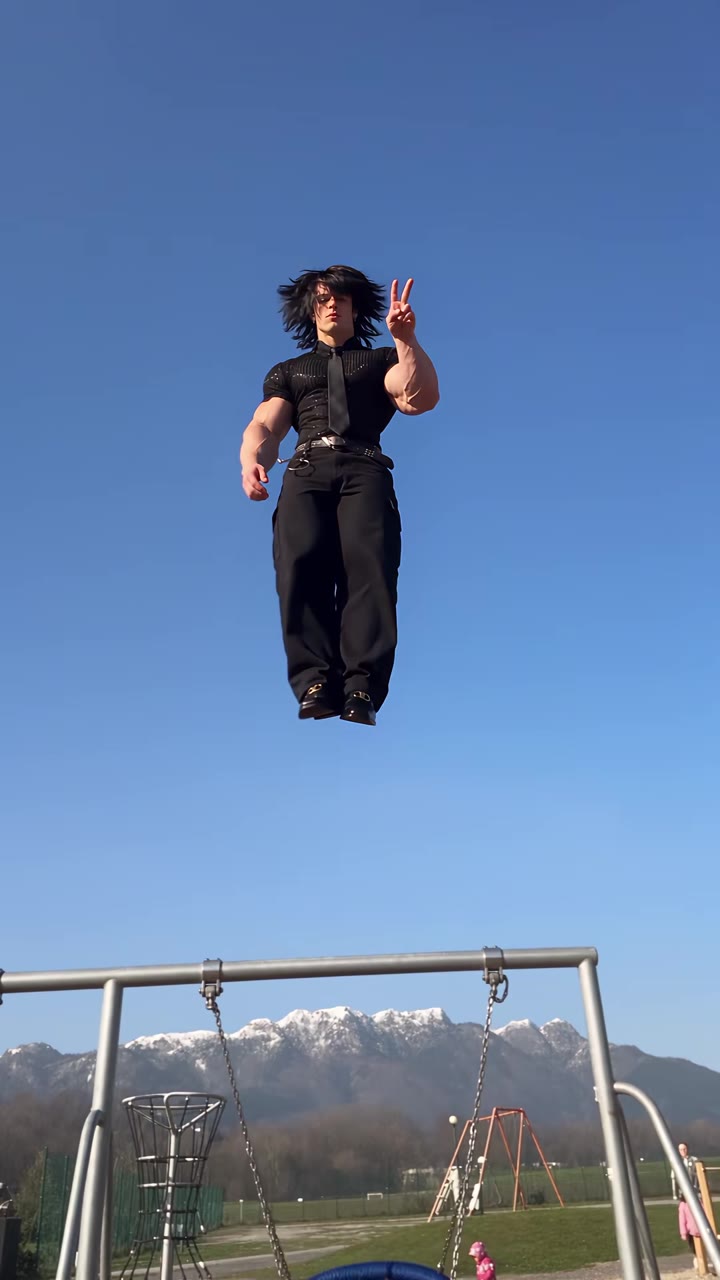
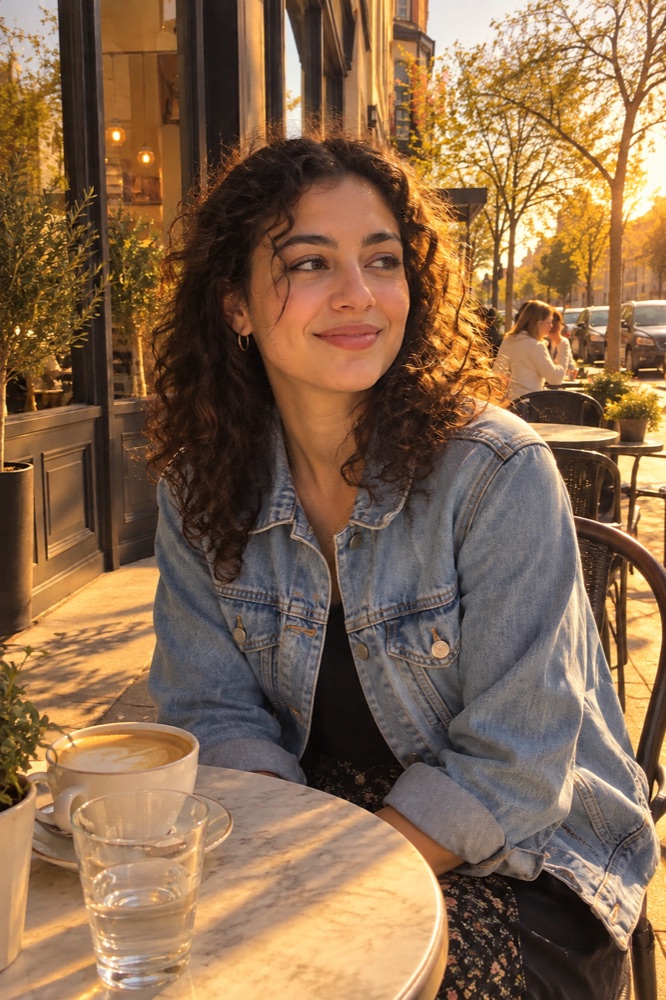
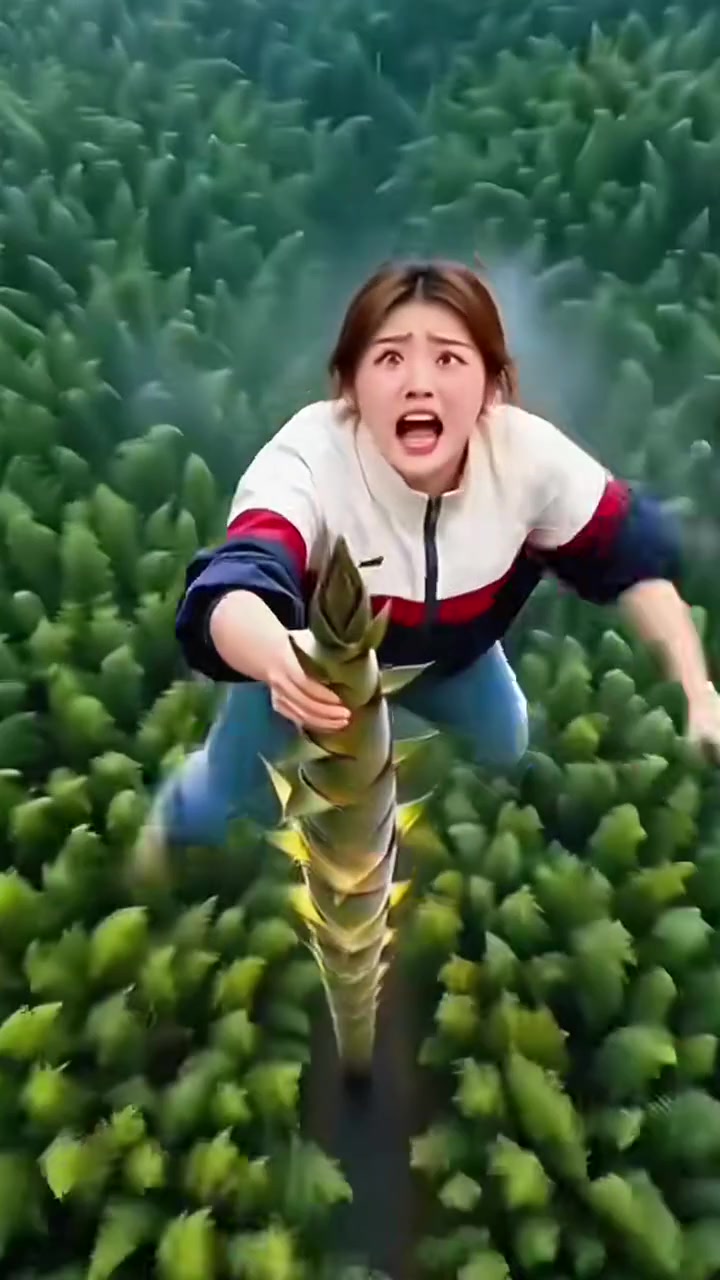
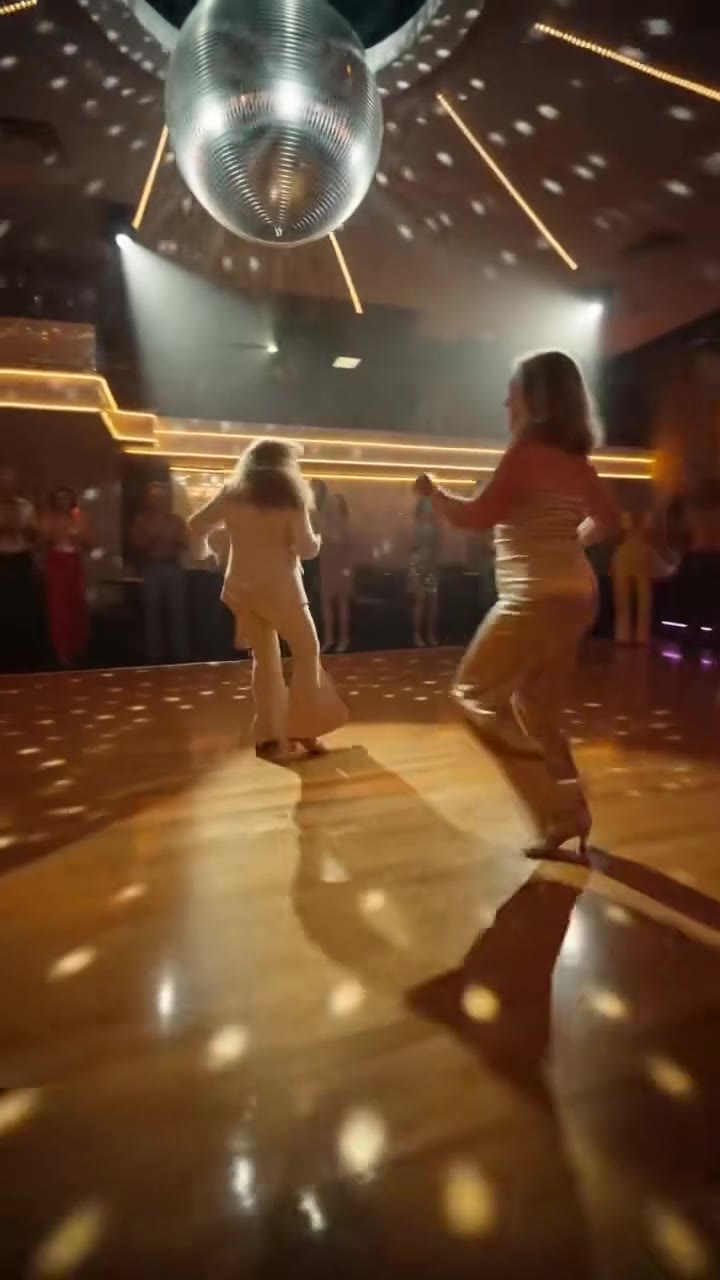
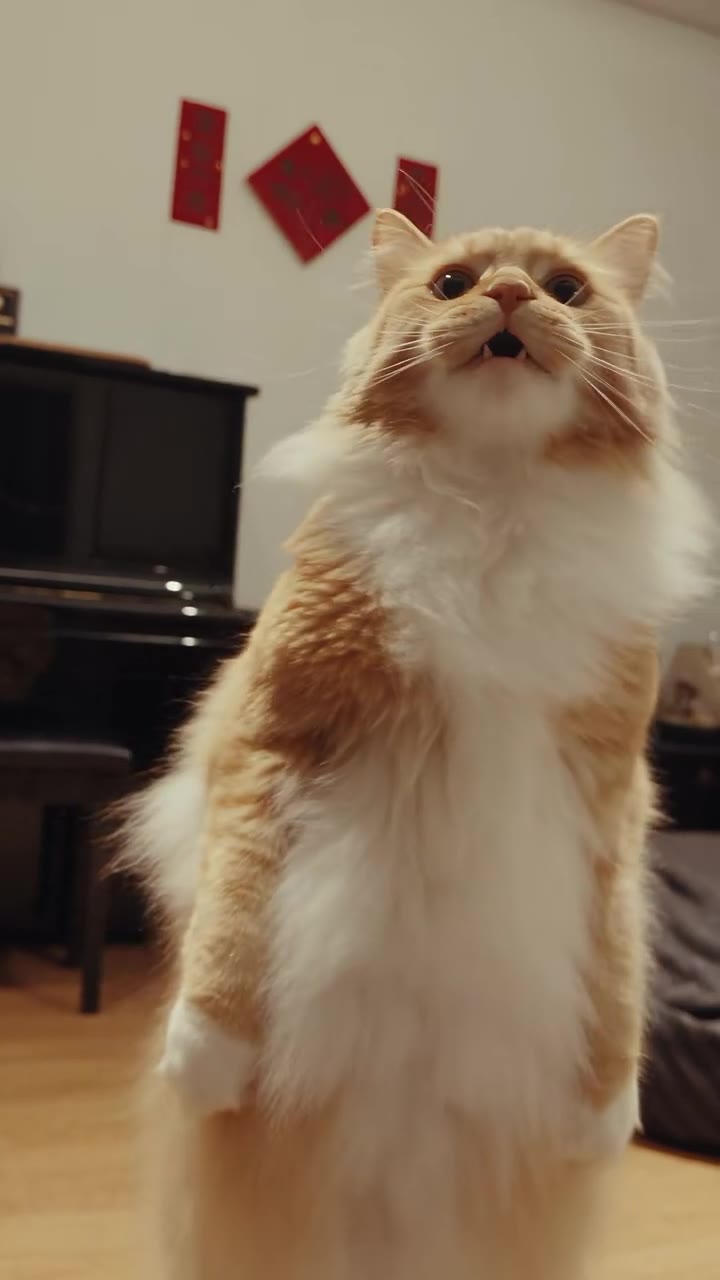
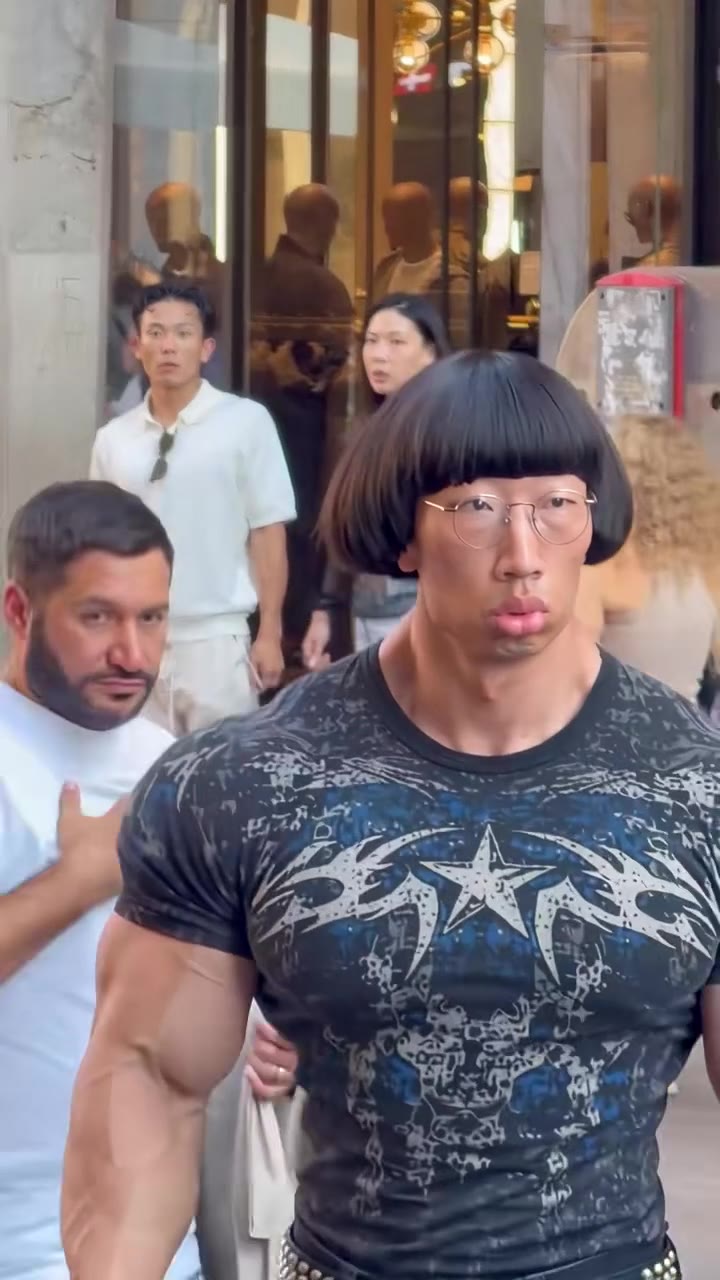
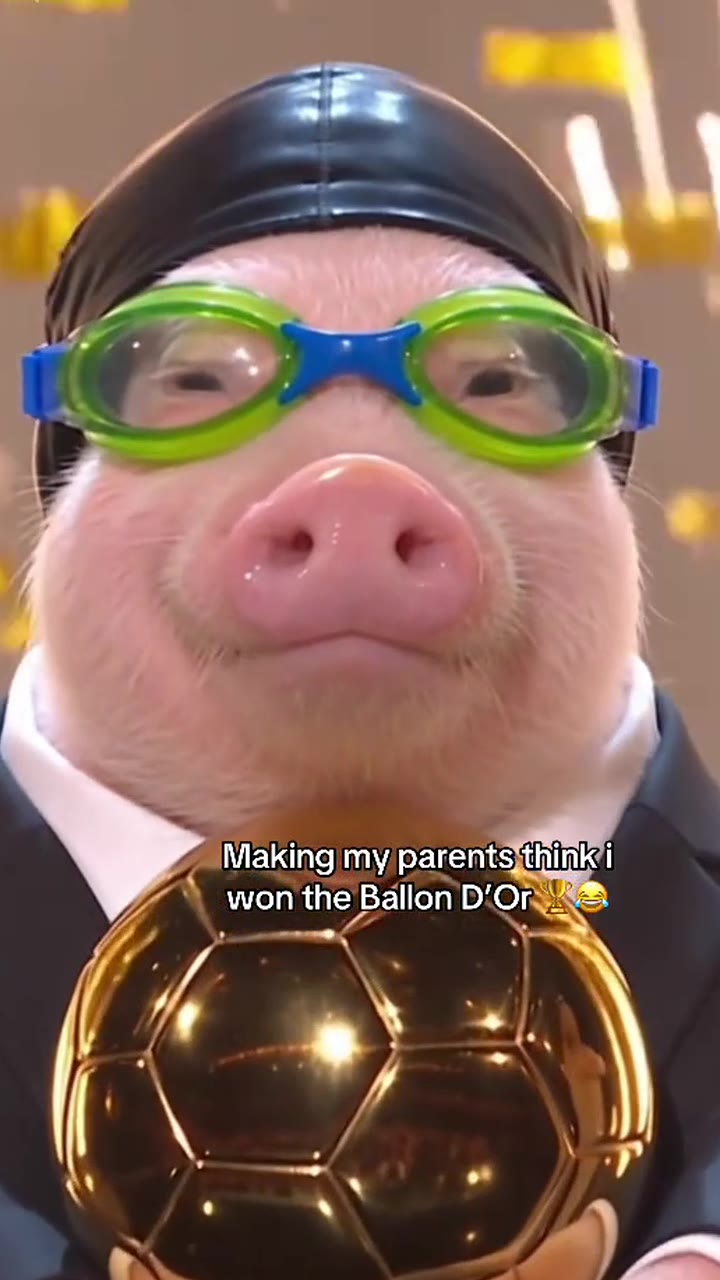
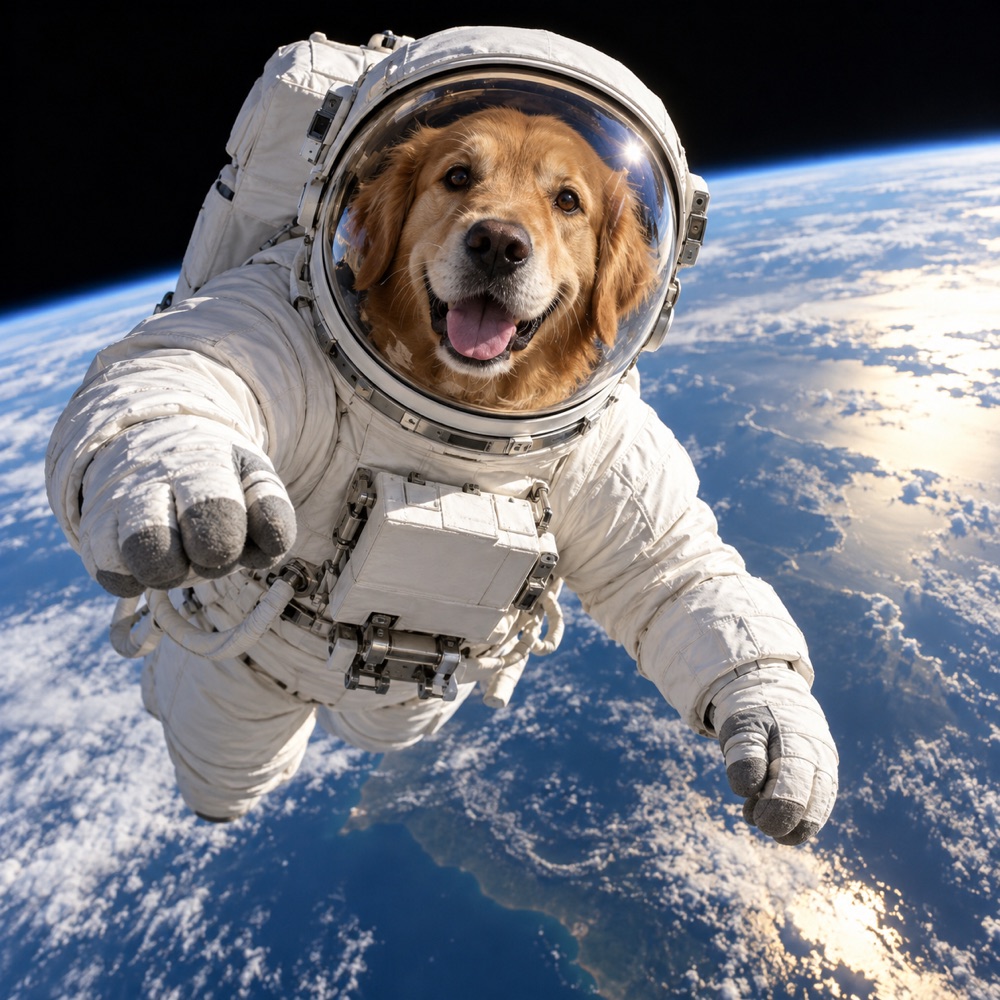
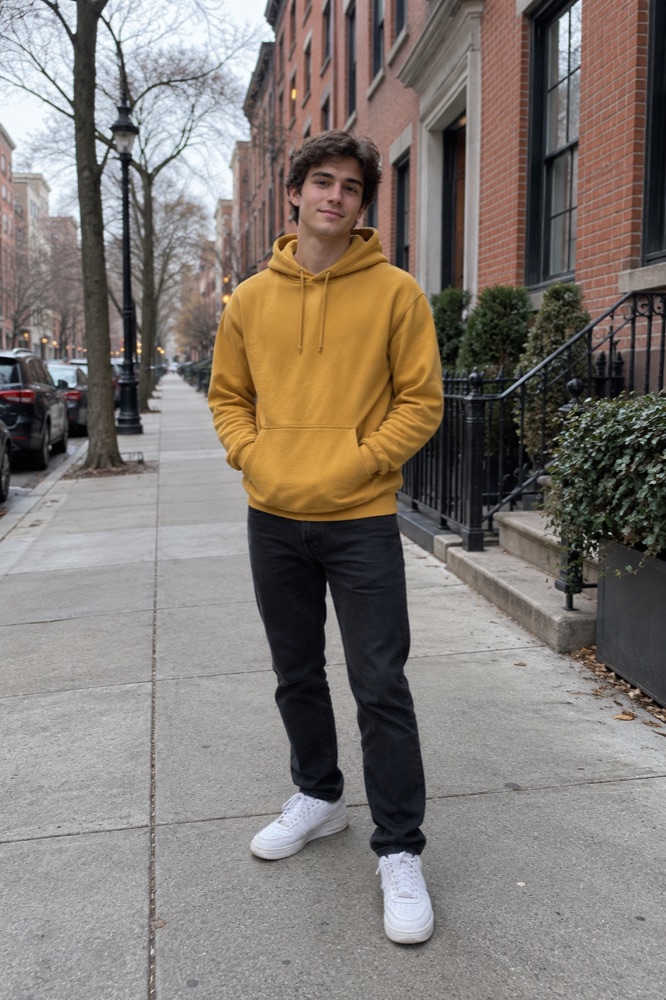
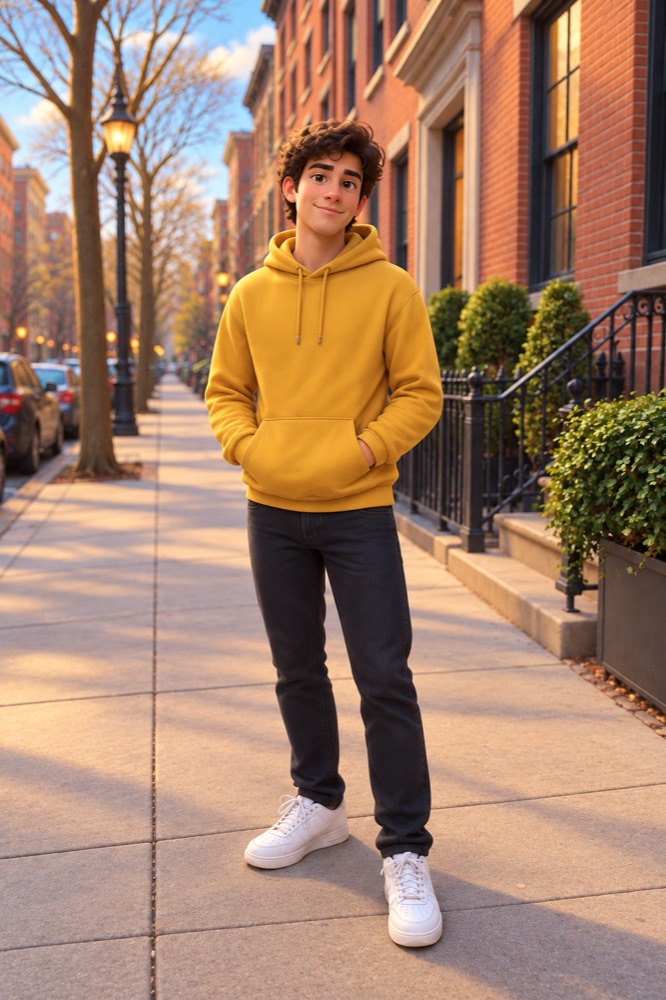
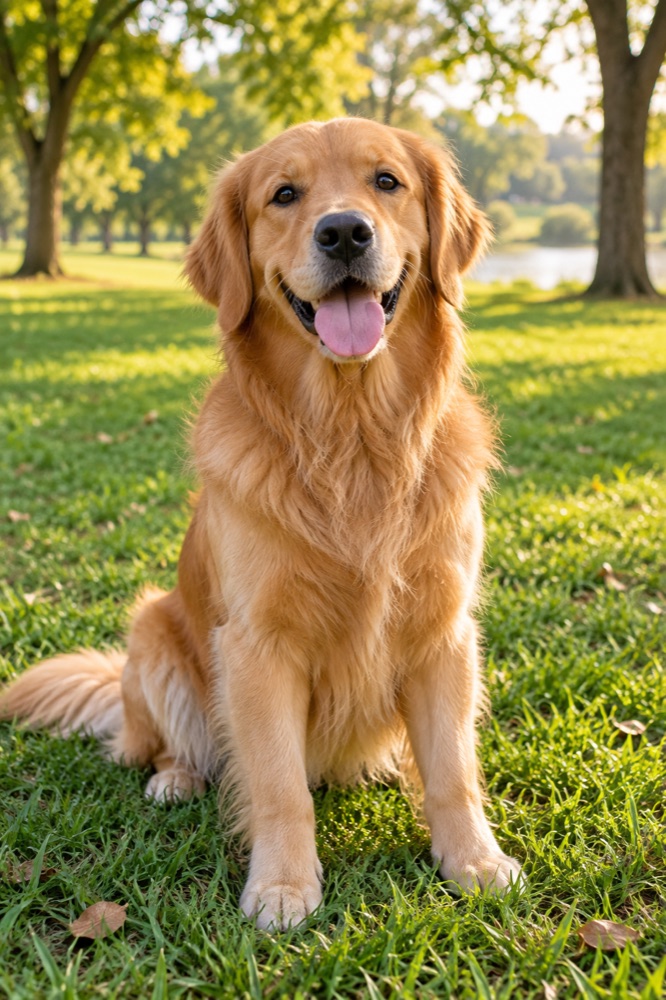
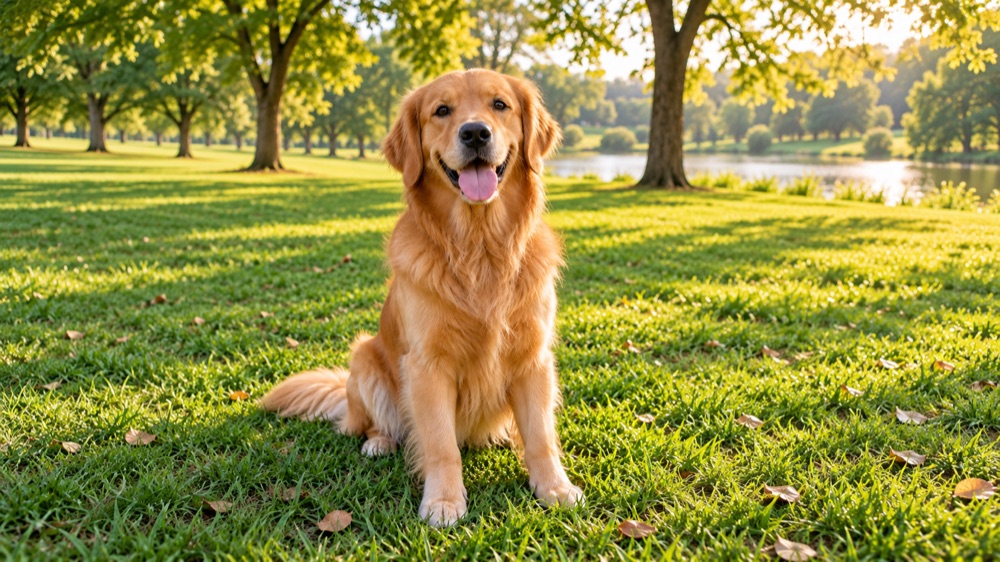
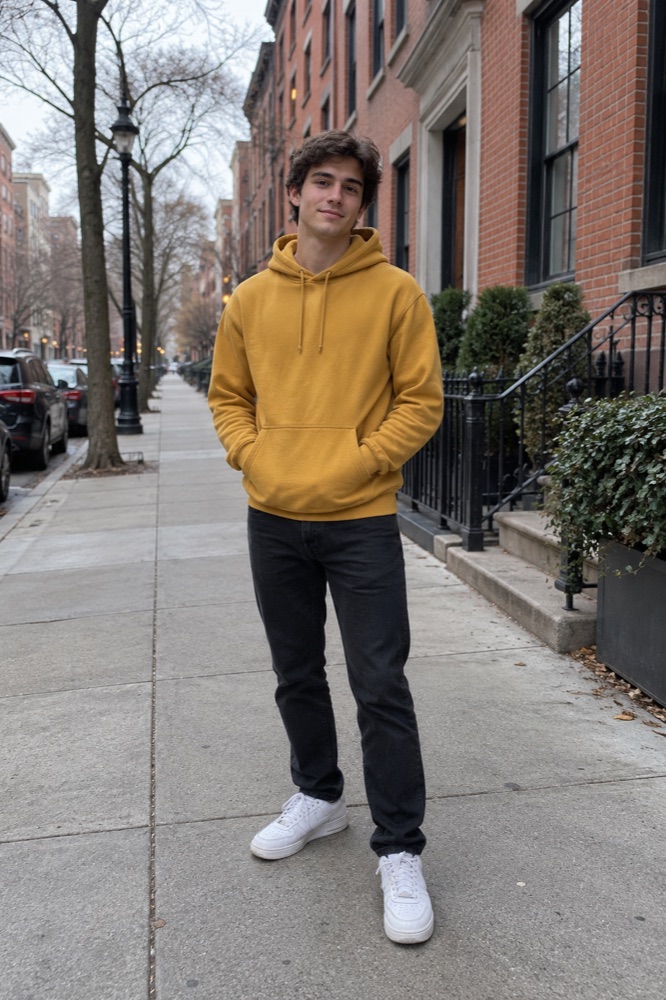
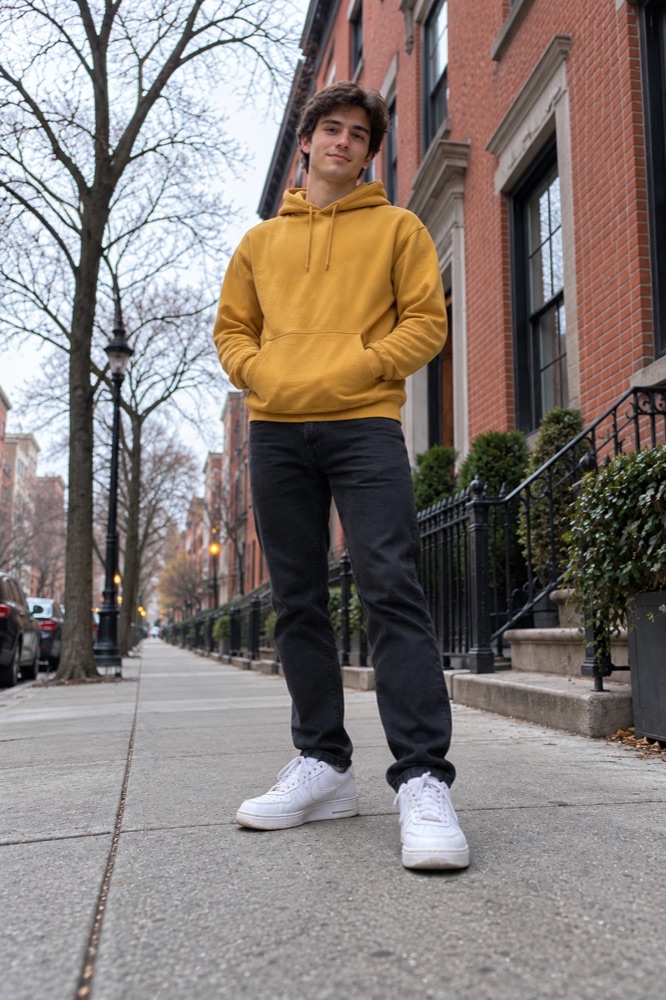
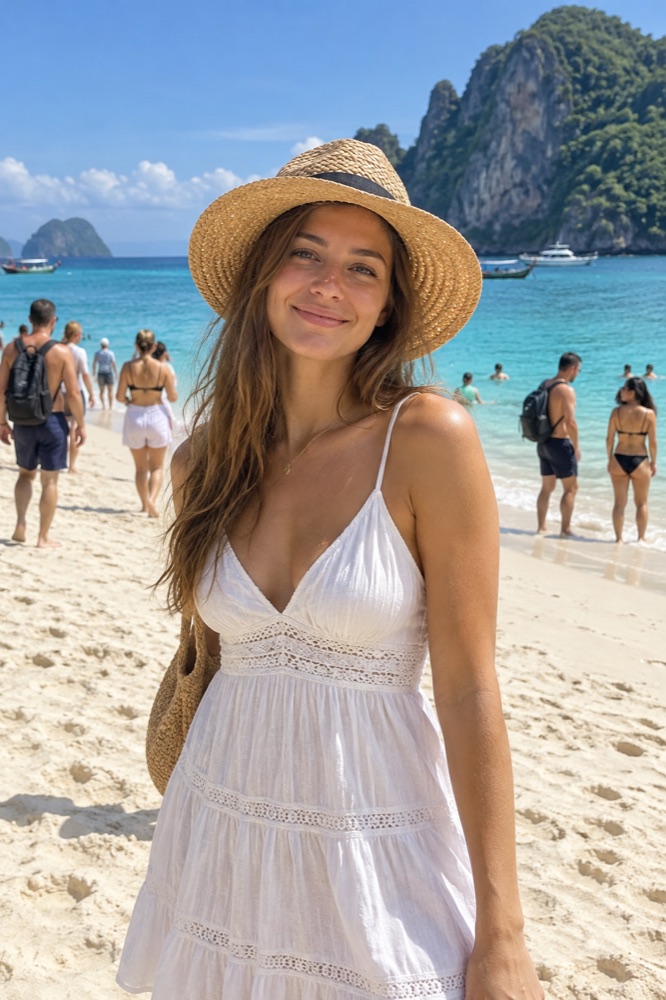
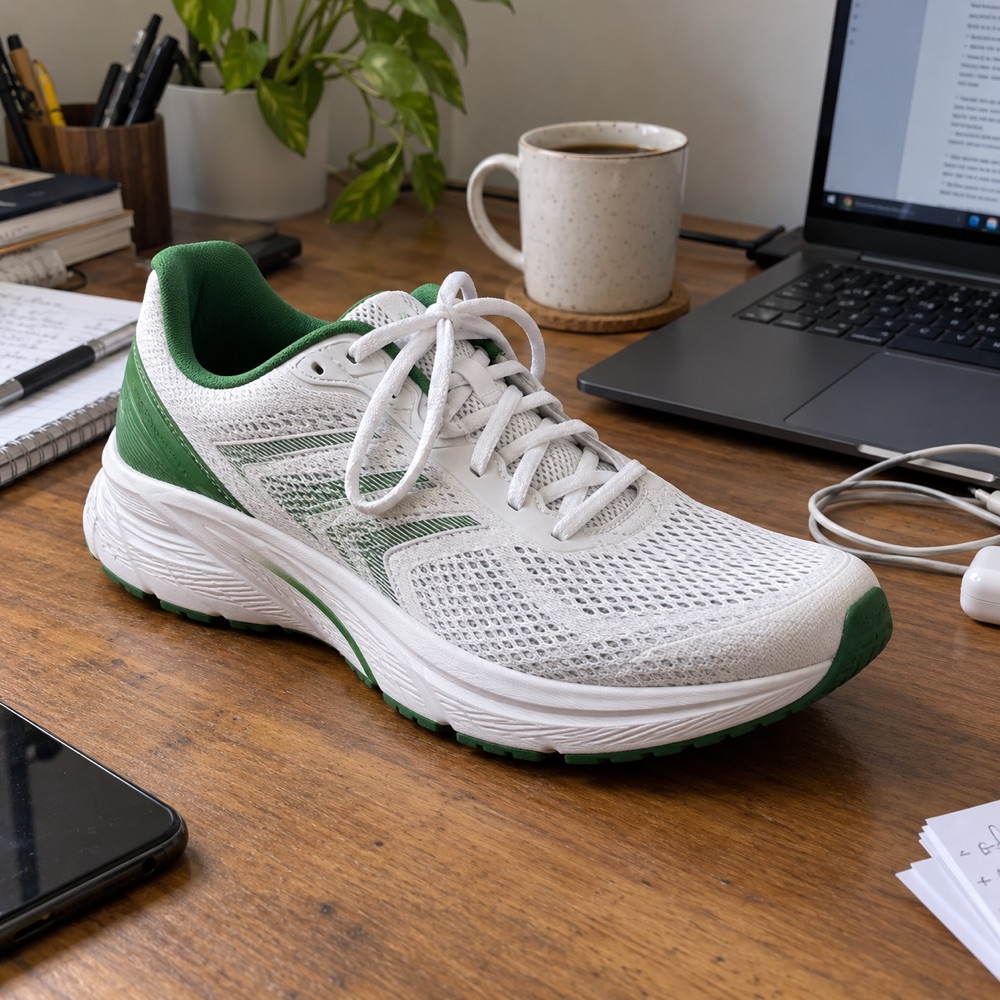
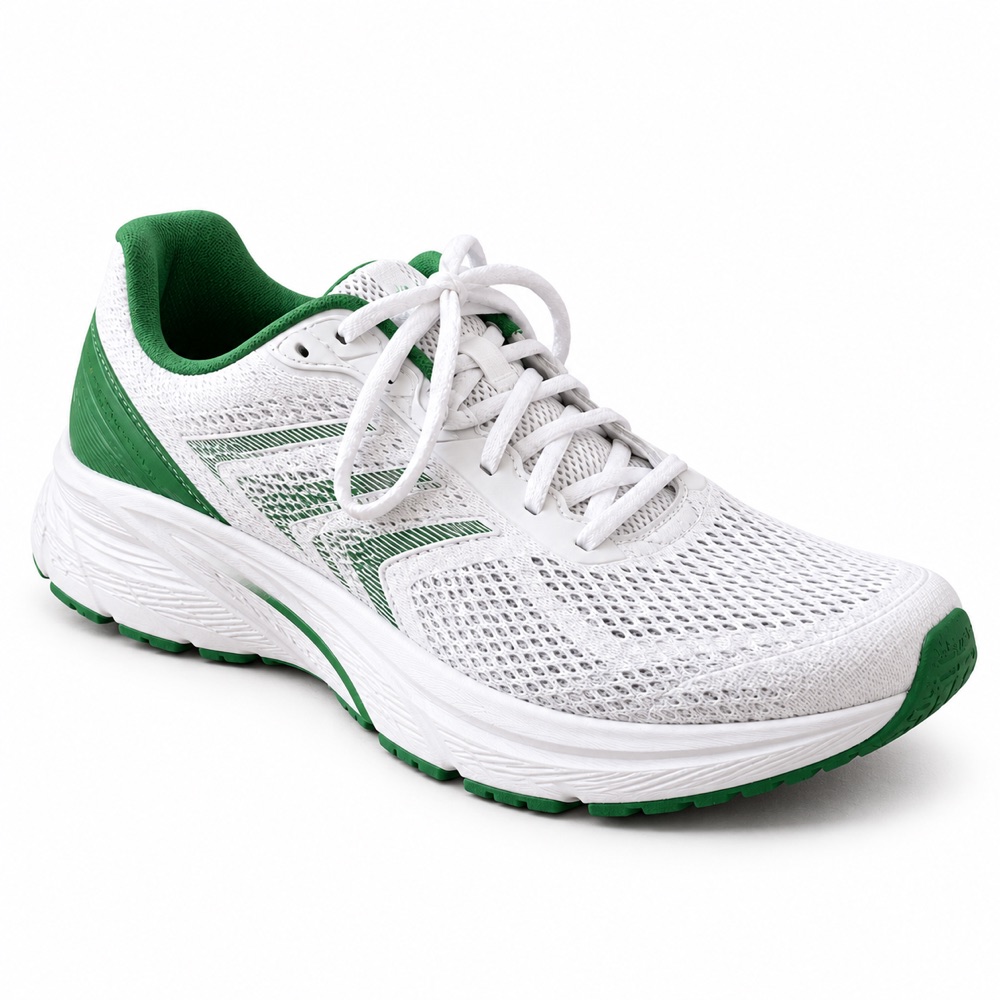
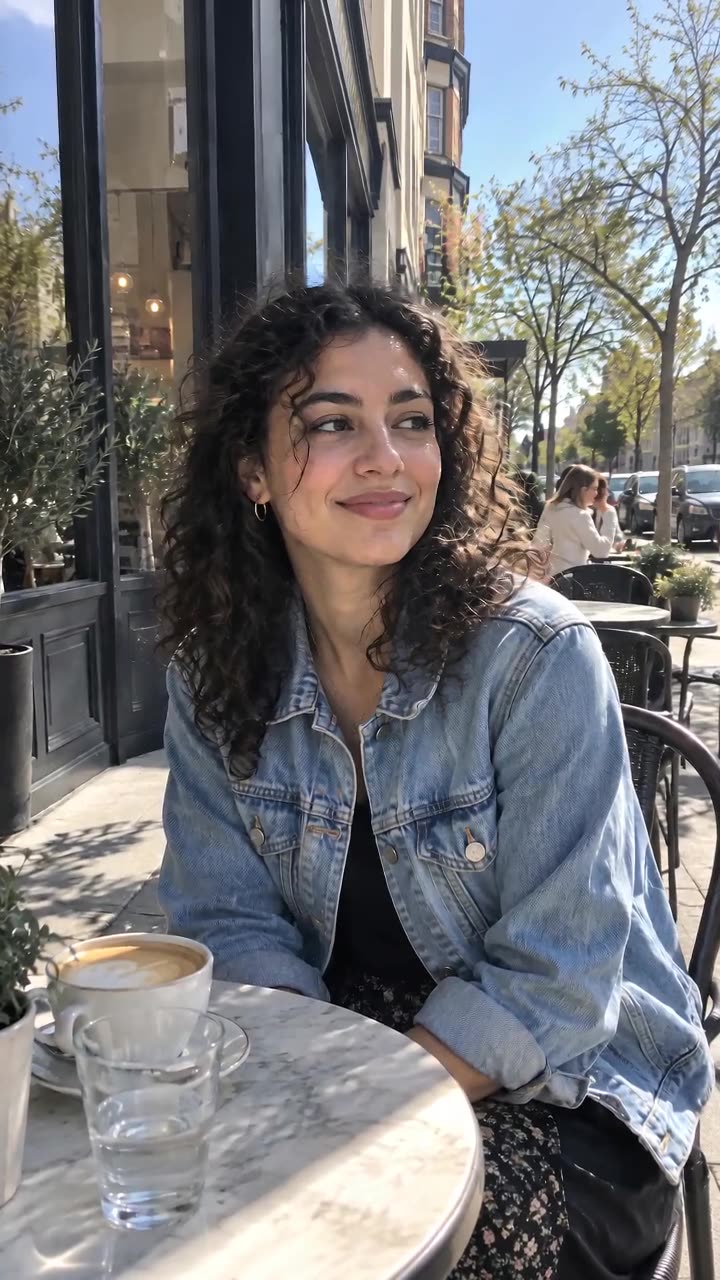
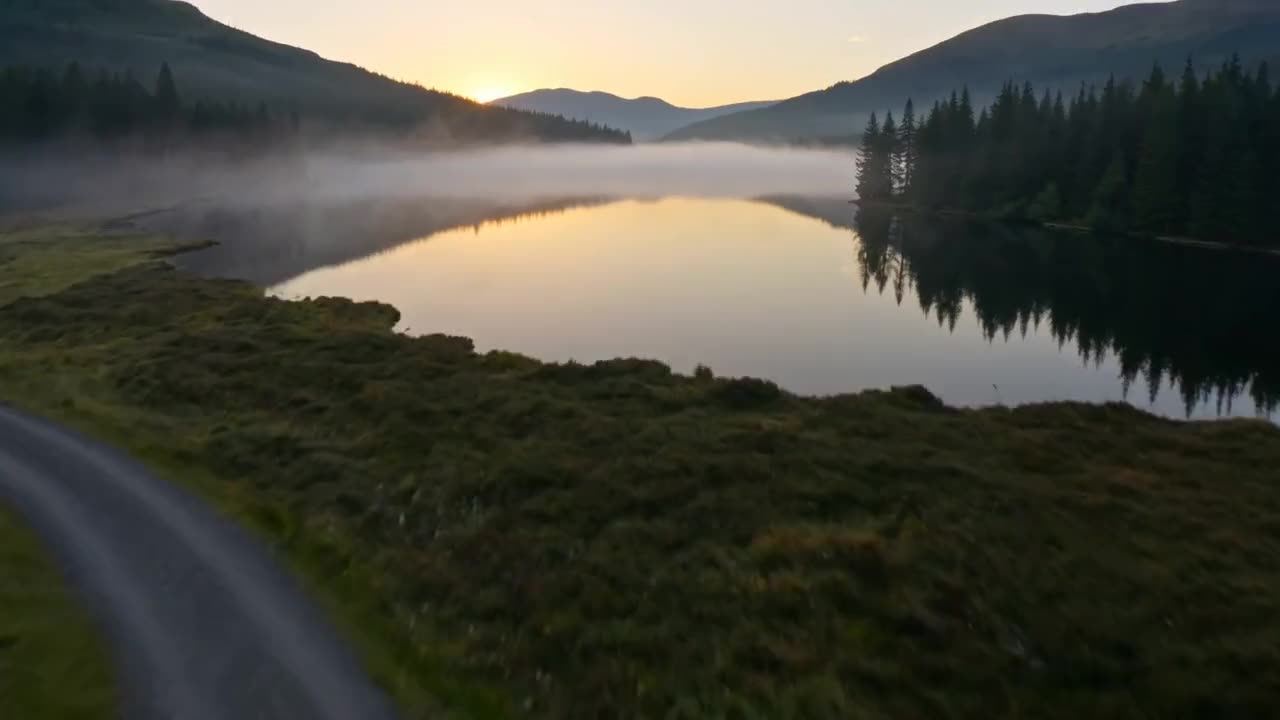
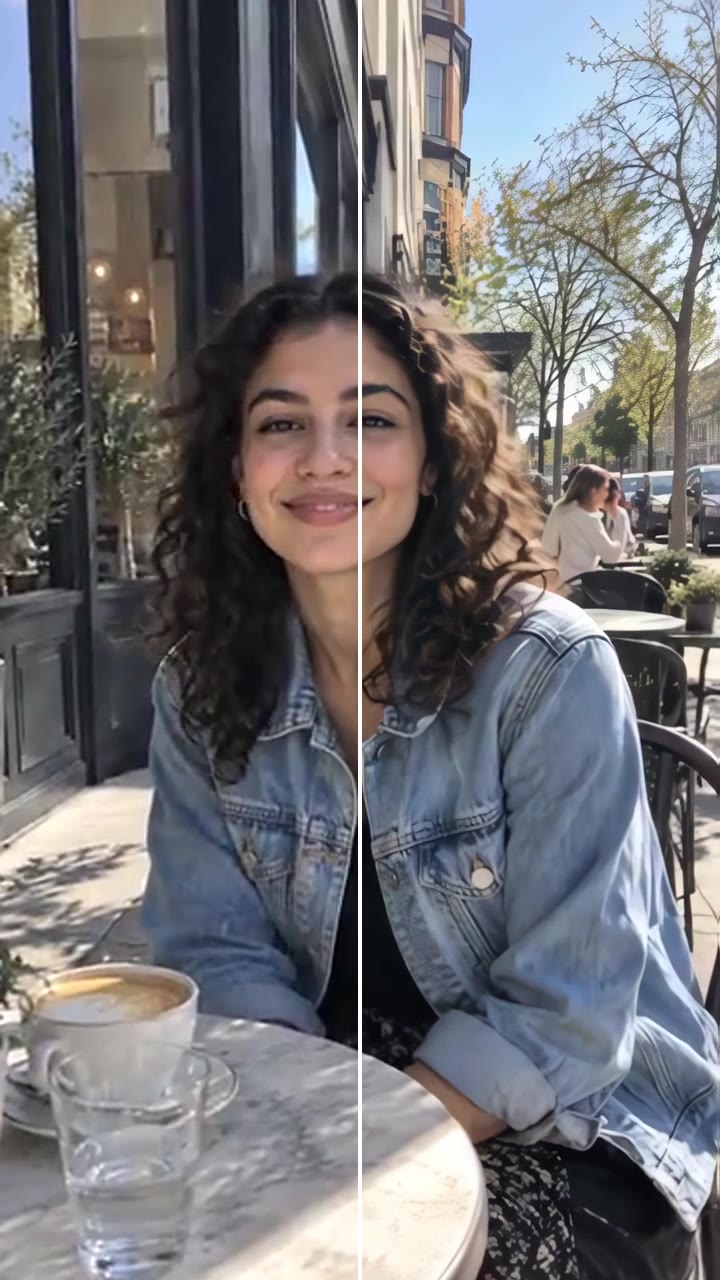
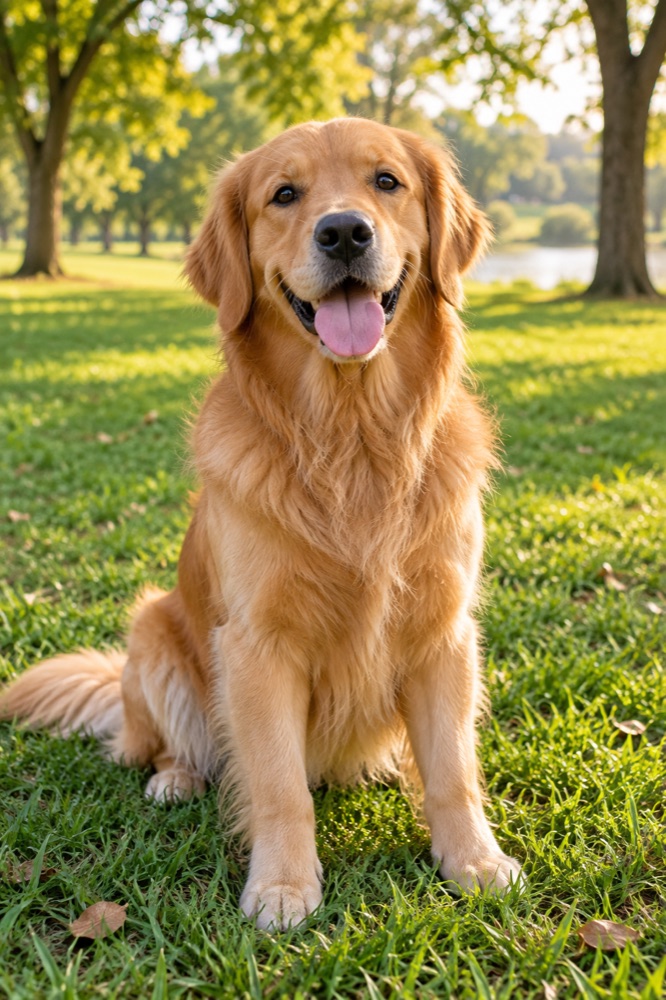
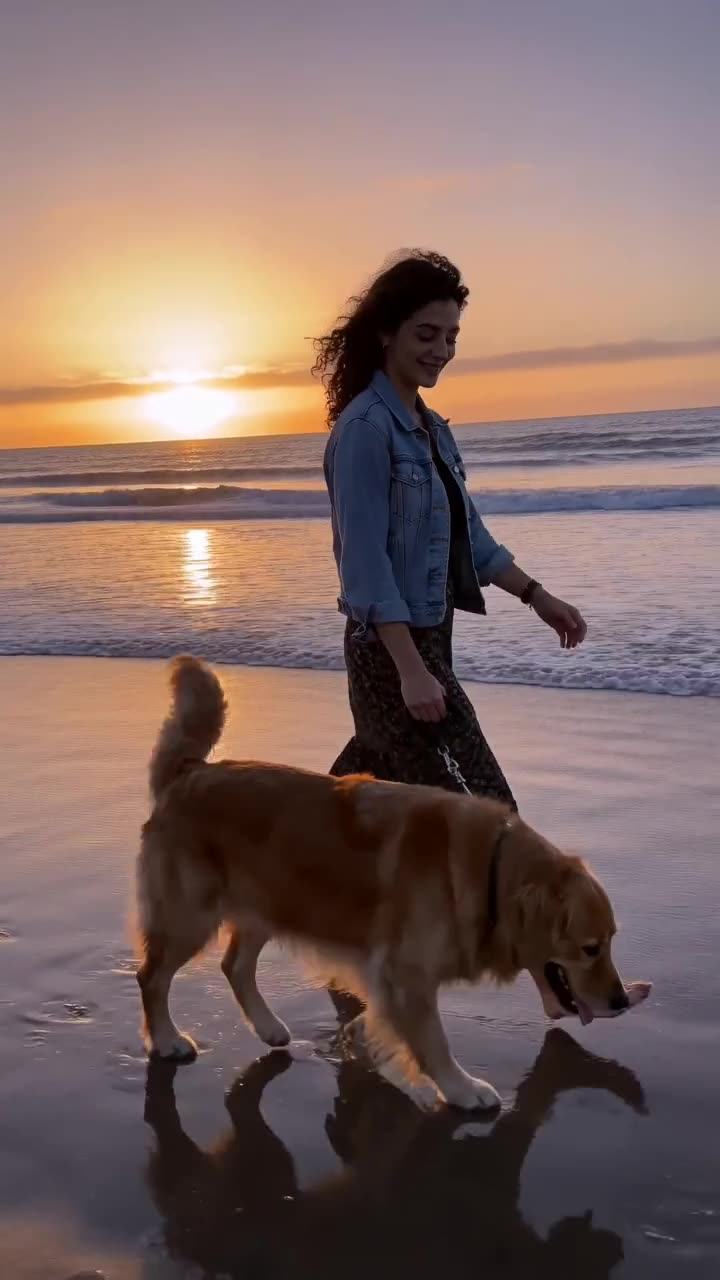
Faces, poses, clothes and the frame stay as they are. Only the light and its colour change.
3
Describe your own
Add a note for a light of your own: through blinds, from a phone screen, a sunset rim light.
Models
The model behind it
GPT Image 2.5OpenAI · 1K resolution
1 credit an image
Square, portrait, story or wide
Up to 3 reference photos
How to use the AI Relight
Upload a photo
Portraits, products and rooms all work.
Pick the light
Choose a preset or add your own description.
Generate
The relit image is ready in about 20 to 40 seconds.
What is the videosi AI Relight?
AI Relight changes the lighting of a photo you upload with GPT Image 2.5, keeping the people and the composition. Pick a lighting preset or describe one.
It rescues photos shot in flat or harsh light and gives a set of pictures one consistent look.
One image costs 1 credit, shown before you start. A new account's first image is free and carries a videosi watermark; removing the watermark costs 1 credit. A render that fails returns its credits automatically.
Which model does the videosi AI Relight use?
GPT Image 2.5 by OpenAI, at 1K resolution. It follows long prompts closely, writes legible text inside images and keeps faces from a reference photo recognisable.
Can I use the images commercially?
Yes, images you make with credits are yours to use, including commercially, as long as the prompt and any photos you upload are yours to use and follow our acceptable use policy.
Can I turn the image into a video?
Yes. Under every finished image there is an Animate button: it opens Image to Video with the image already loaded, and you describe the motion.