TrendingEffects
AI Tools
VideoImage to Video AIBring a photo to life with SeedanceText to Video AIWrite a scene, get a 5 or 10-second clipAI Video UpscalerSharpen any clip to 1080p or 4KReference to Video AIUp to 4 references in one clipRemake a Viral VideoDrop a viral video, star in your versionTrend EffectsThis week's viral videos, no prompt
ImageAI Image GeneratorWords to pictures with GPT Image 2.5Image to Image AIEdit any photo by describing the changeAI Image ExtenderUncrop a photo to any formatAI RelightChange the lighting of any photoCamera Angle AISee the same shot from a new angleAI Object RemoverErase people and things by naming themAI Background ChangerNew backdrop, same subject
All AI tools →
Categories
ViralDanceTransformationPetFestivalAnime
BlogPricing

Top effects

  • Jailer 2 Bomb Blast AI
  • Instagram Profile Cleaning AI Video
  • Instagram Journey Trend
  • Diwali AI Video
  • Flying Broom AI
  • Día de Muertos Mascotas AI
  • Gas Station Dance AI
  • Dime Dime Baby AI (Bby Wow)
  • Bangle Shop AI Photo
  • Jean Phil AI
  • Basketball Dunk AI
  • Funny Snake AI Video
  • Talk Dirty Dance AI
  • Buggin Dance
  • Gangnam Style AI
  • Perfect Partner AI
  • Meri Nash Nash Me Bahe Hai AI Video
  • Wizard Cat AI
  • Vampire AI Video
  • Cat Dancing AI
  • Alors on danse AI
  • Charme Dance AI
  • AI Anime Filter
  • Hotel Lobby AI Trend
  • A2O LITE NEON AI Dance
  • Layoo AI Dance
  • AI Dancing Dog
  • ATEEZ BAD AI Dance
  • Car Jump AI Video
  • Birthday Champagne Trend

Categories

  • Viral AI Video Effects
  • AI Dance Video Effects
  • AI Transformation Video Effects
  • AI Pet Video Effects
  • AI Holiday and Festival Video Effects
  • AI Anime Video and Photo Effects
  • Trending this week
  • All effects

videosi

  • Pricing
  • Blog
  • Prefer videosi on Google
  • About
  • Privacy Policy
  • Terms of Service
  • Refund Policy
  • Acceptable Use
  • Copyright
© 2026 videosi. Photos and results are deleted within 30 days. videosi is an independent tool. It is not affiliated with TikTok, Instagram, YouTube, or with the owners of any trend, song, game or brand named on its pages. support@videosi.io
TrendingEffectsMakePricingMe
AI ImageImage to ImageImage ExtenderRelightCamera AngleObject RemoverBackgroundAll tools

AI Background Changer

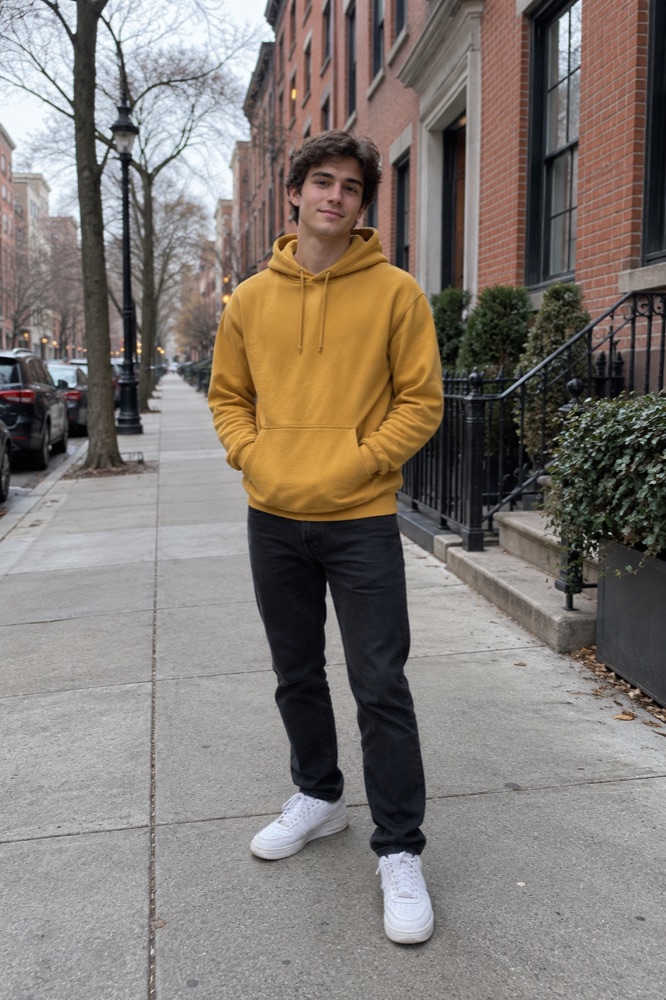
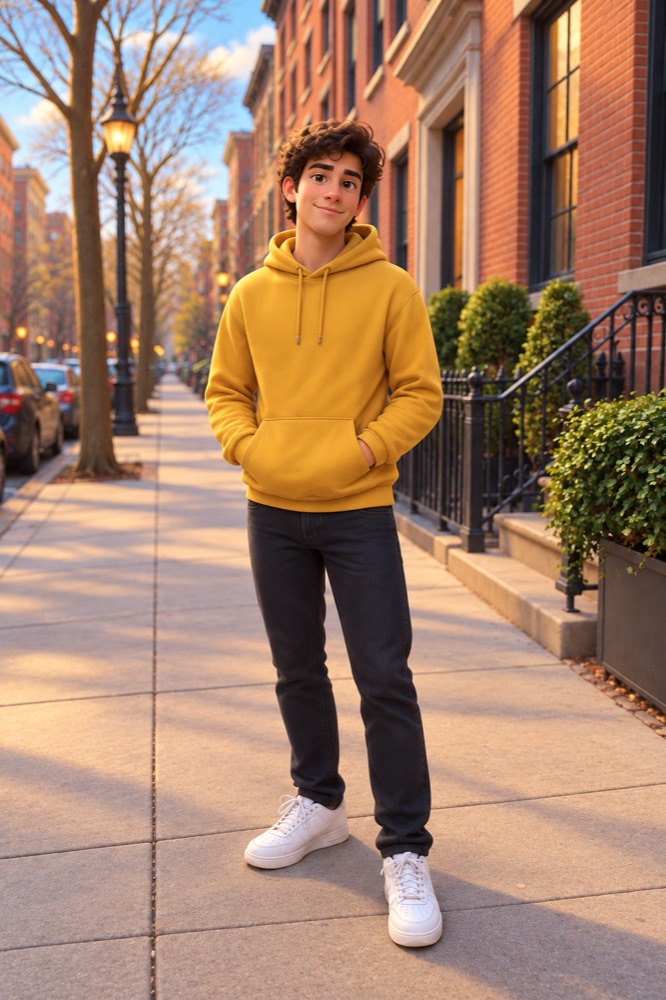
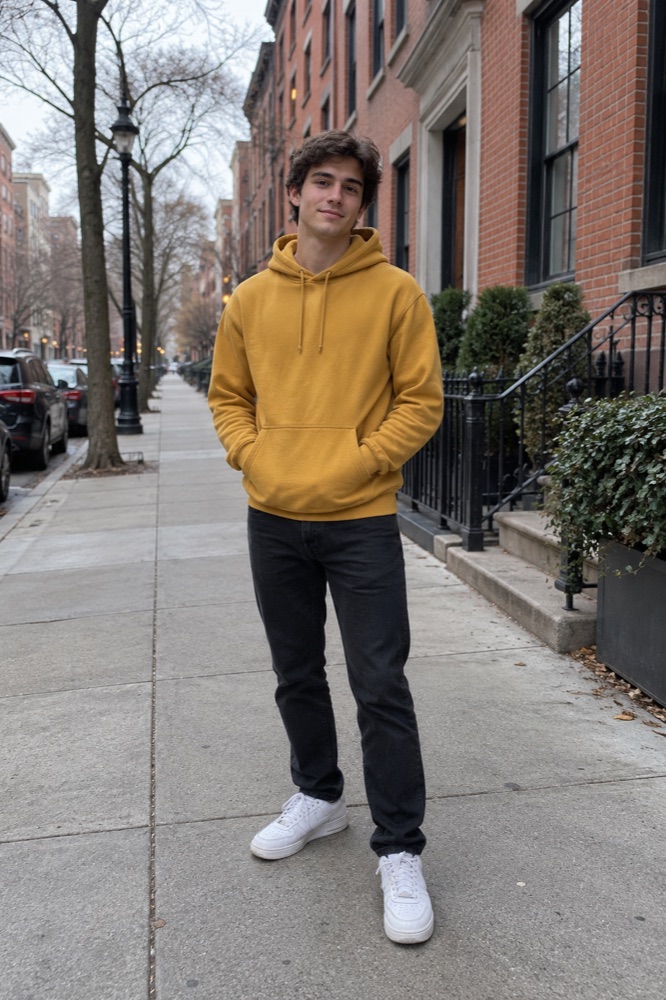
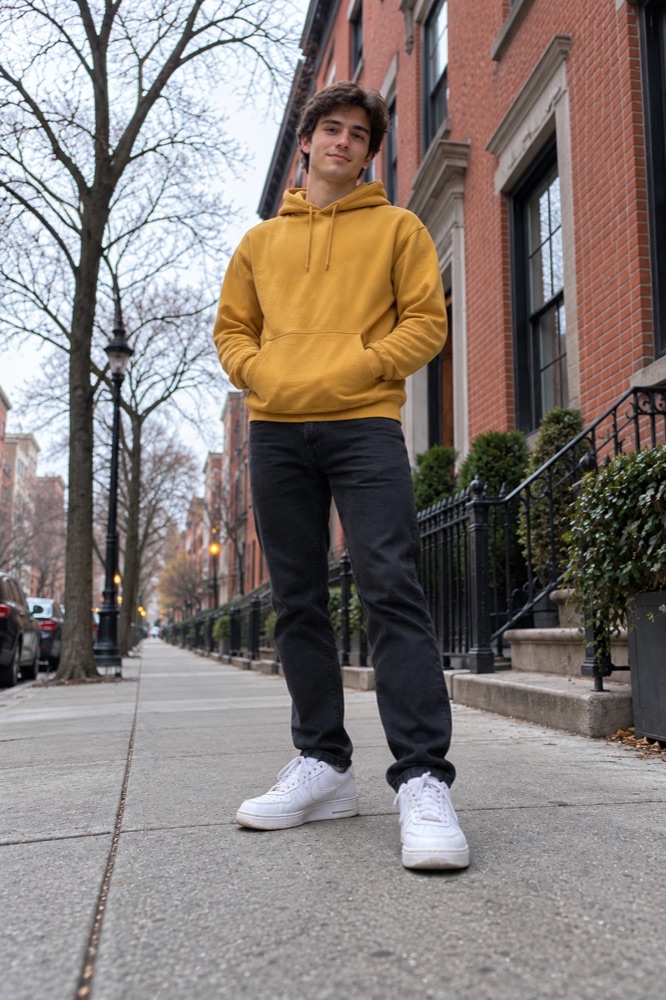
Keep the subject, swap the world behind it. Clean white for listings, a colour for posts, or any place you can describe.

◆1
  • GPT Image 2.5
  • 1 credit an image
  • Your first image is free
Example

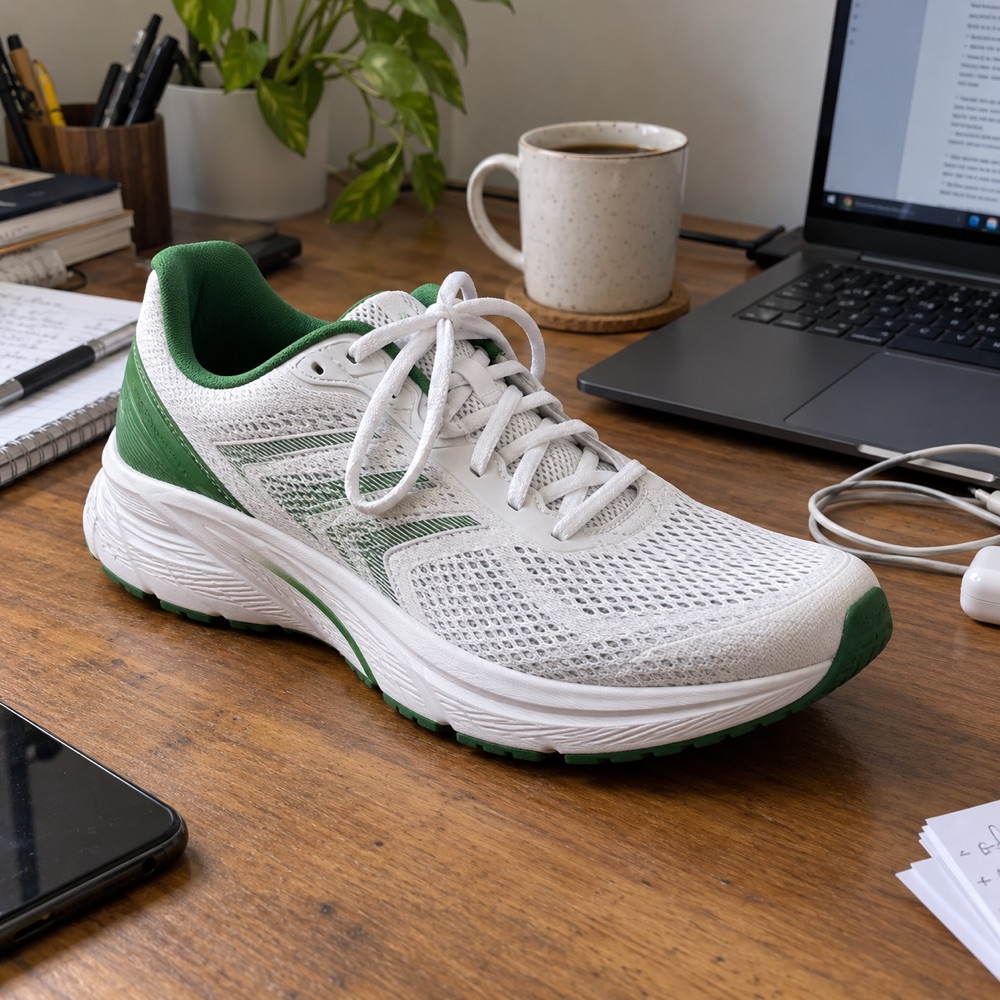
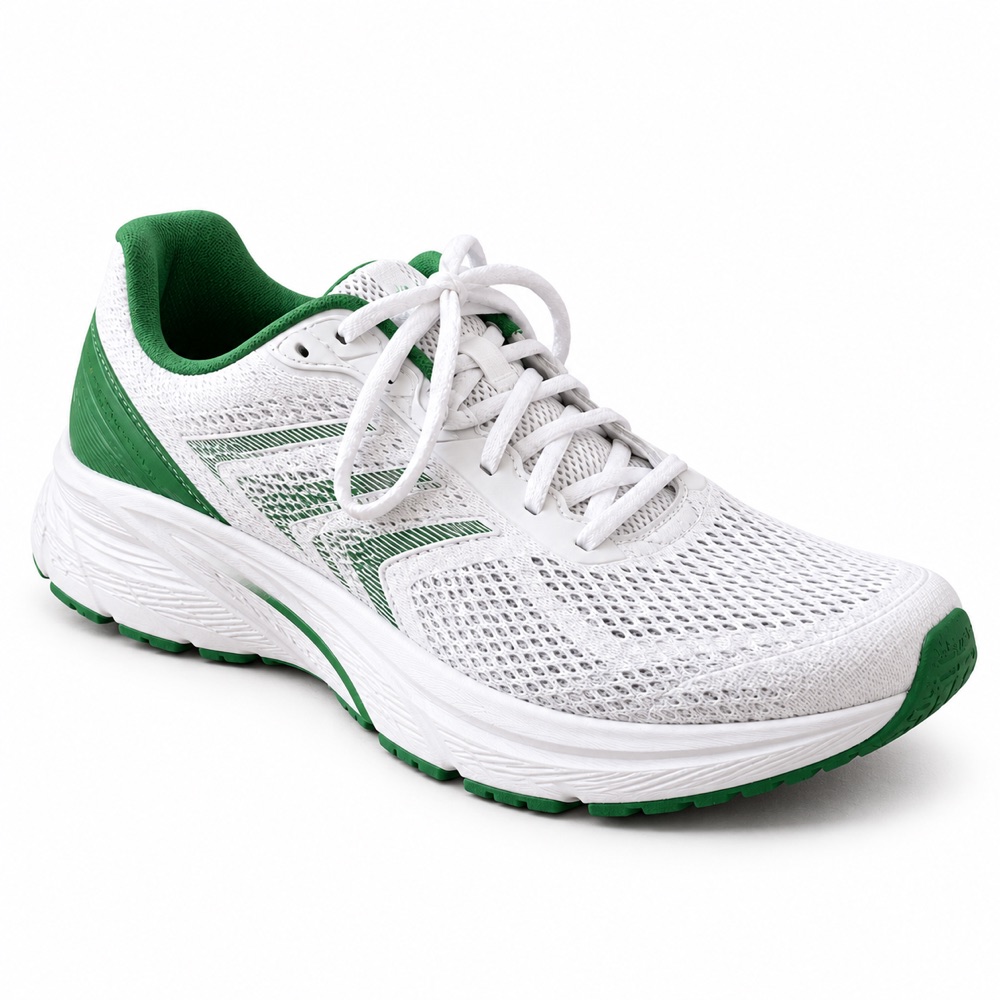
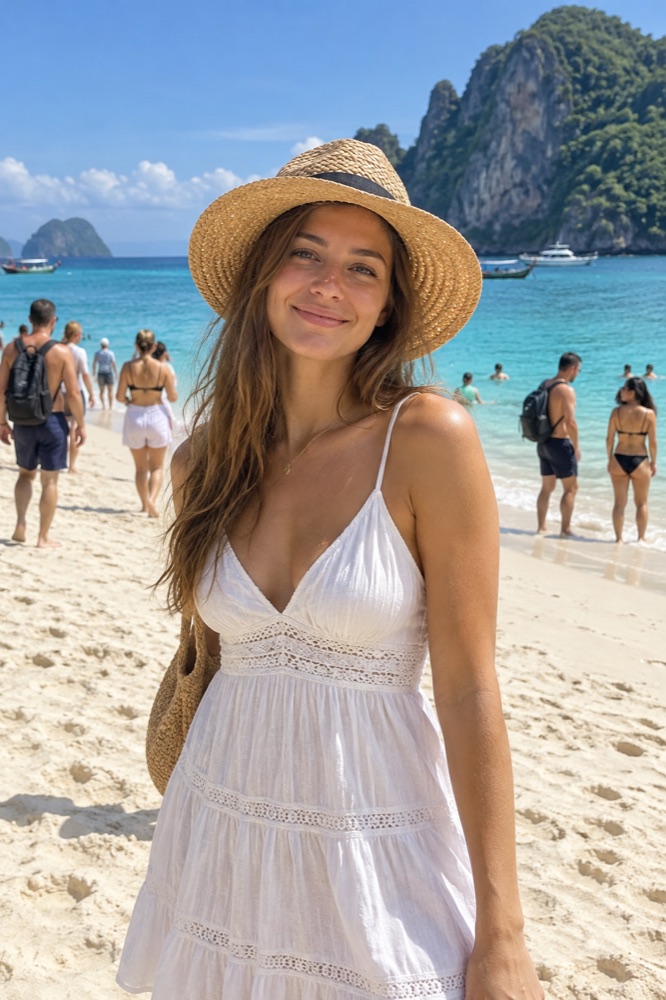
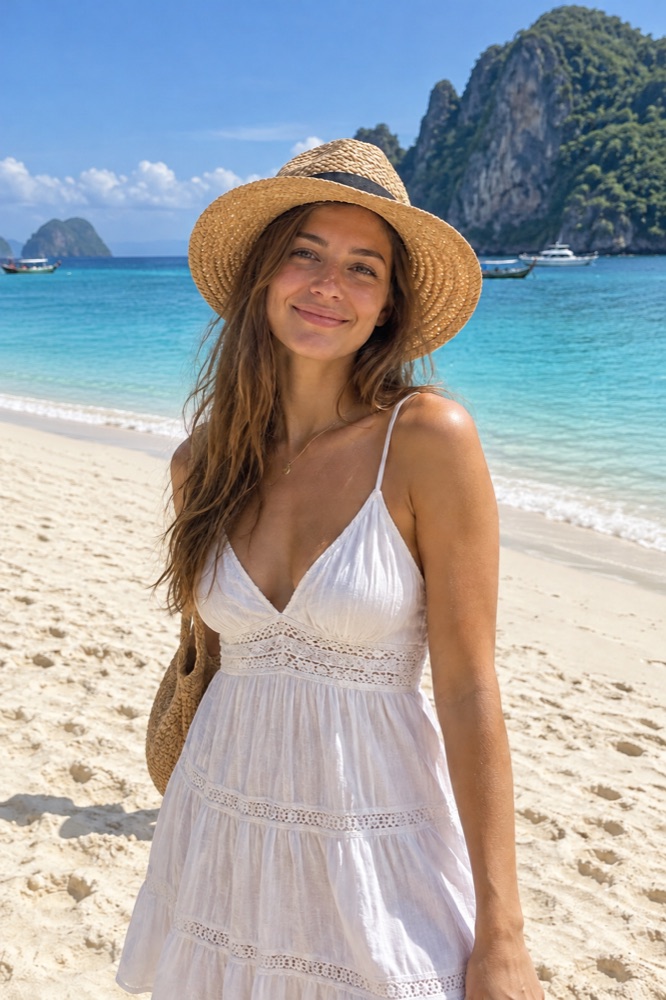
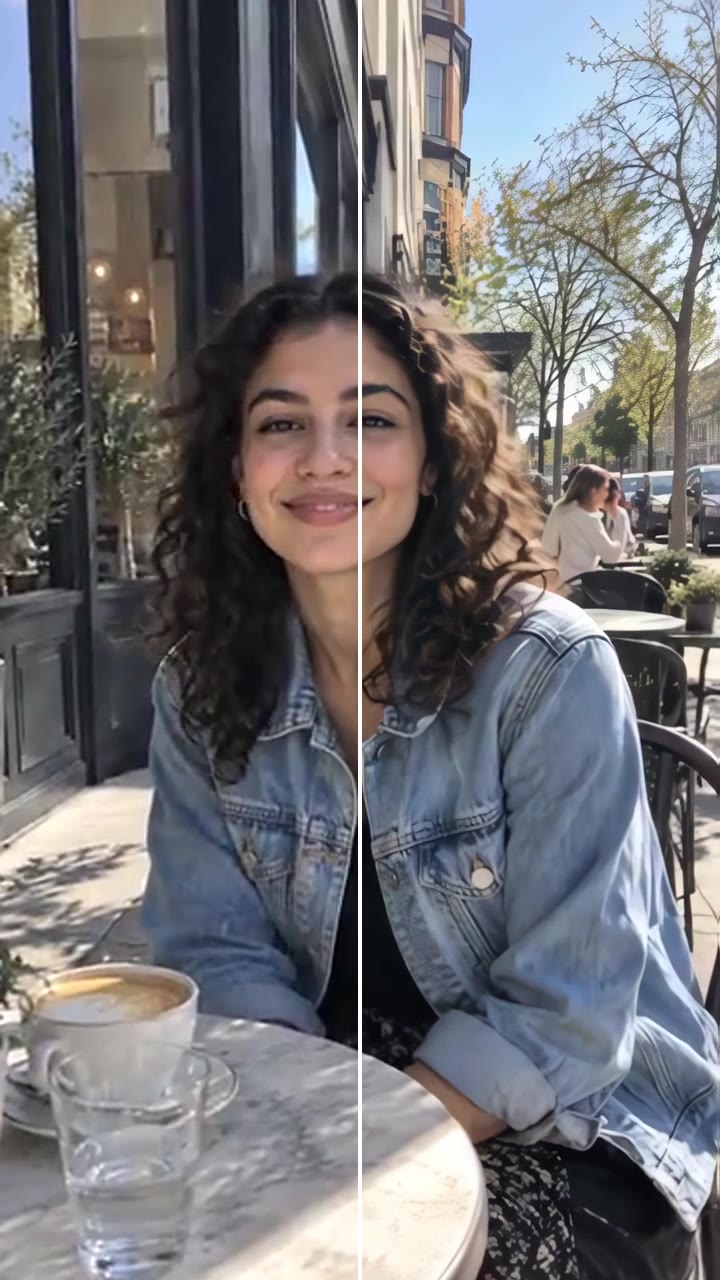
Made with the AI Background Changer

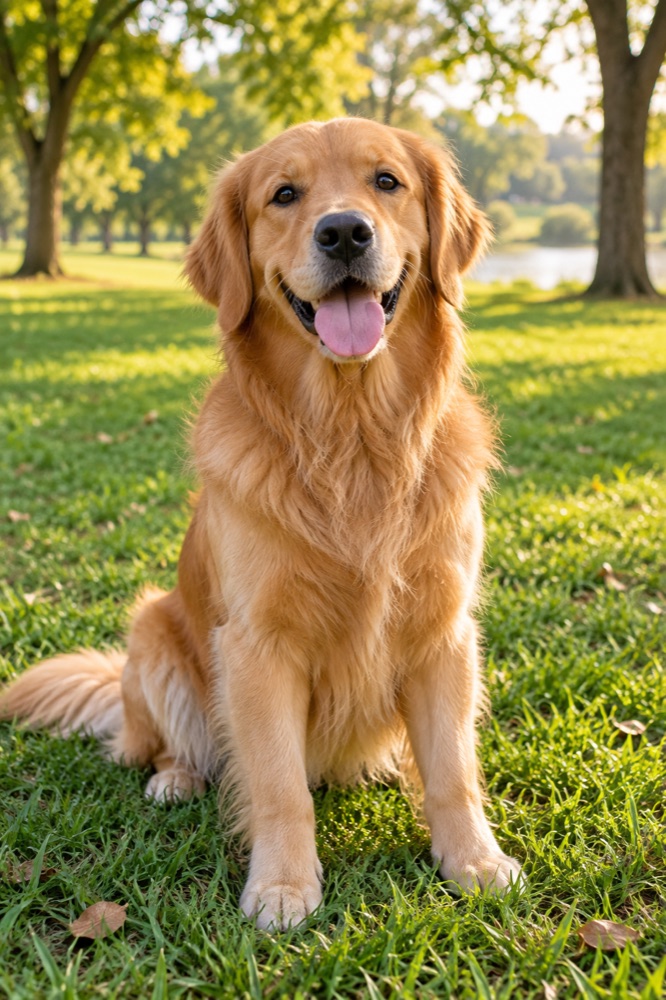
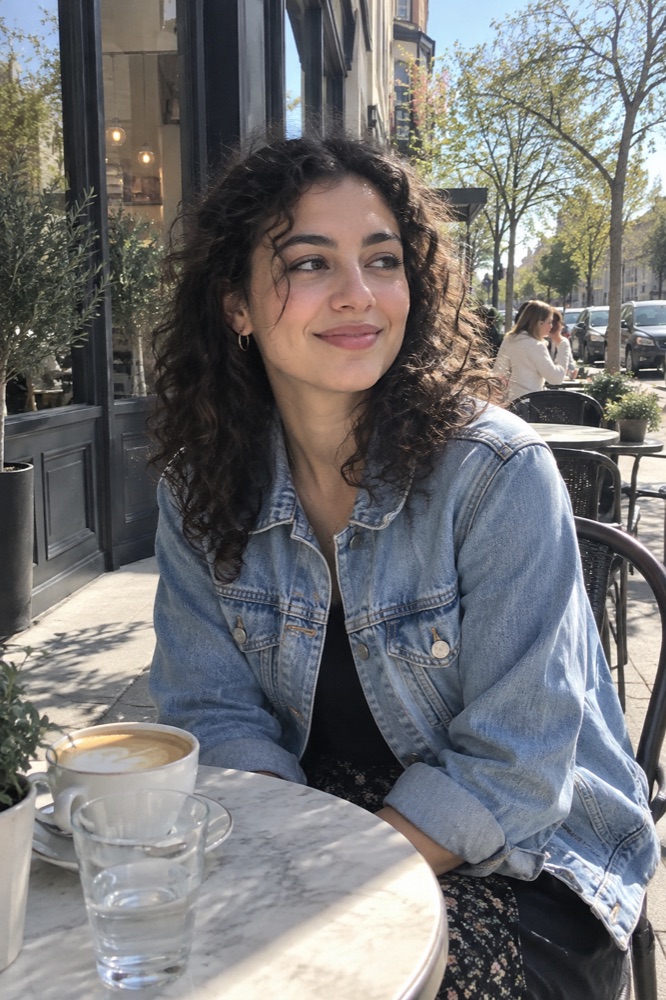
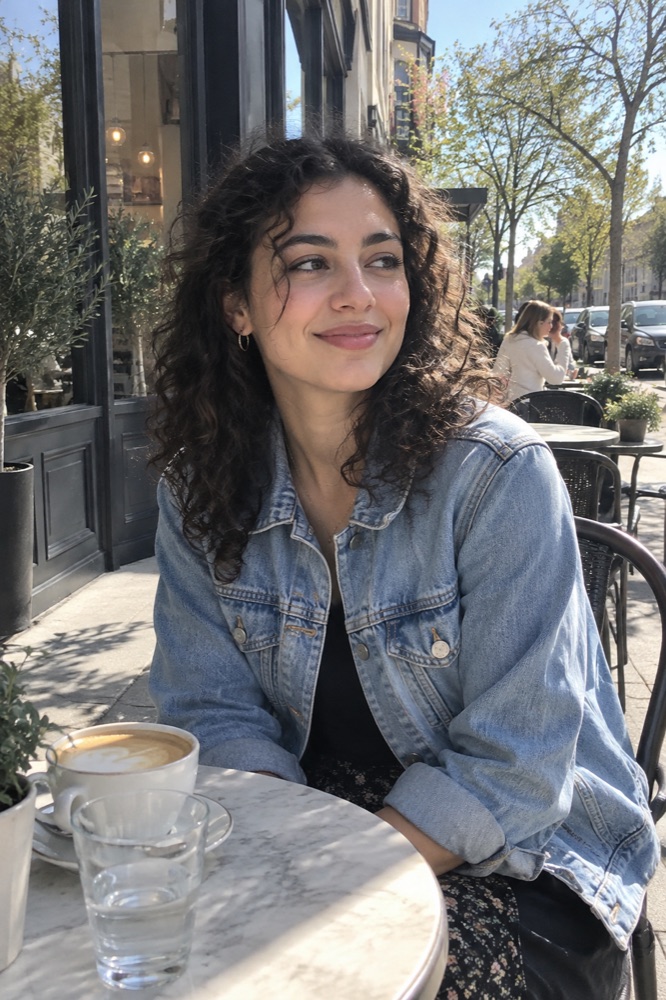
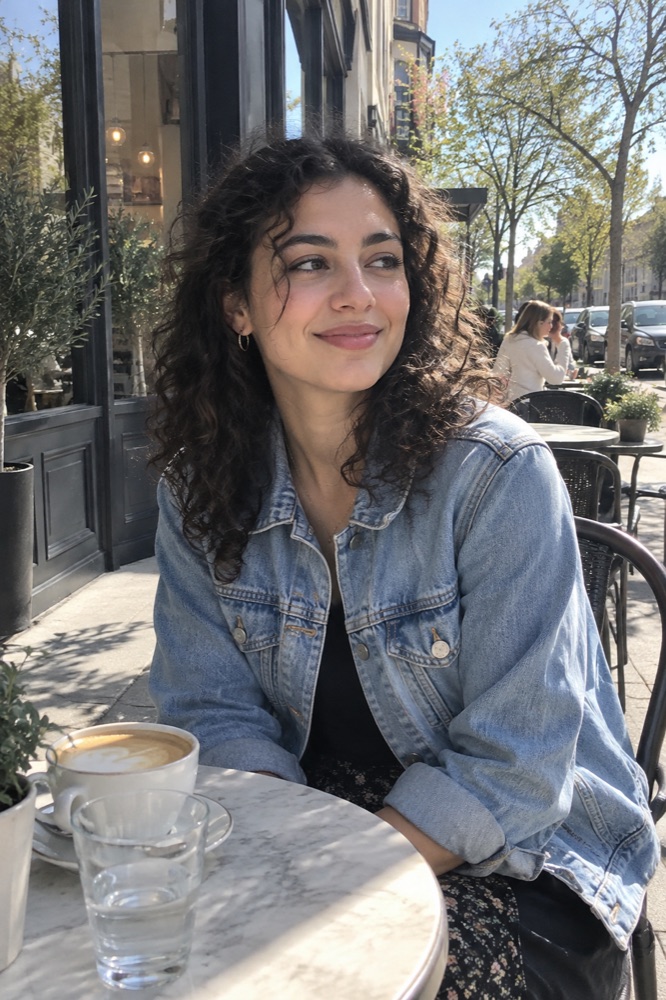
Original
Original
→
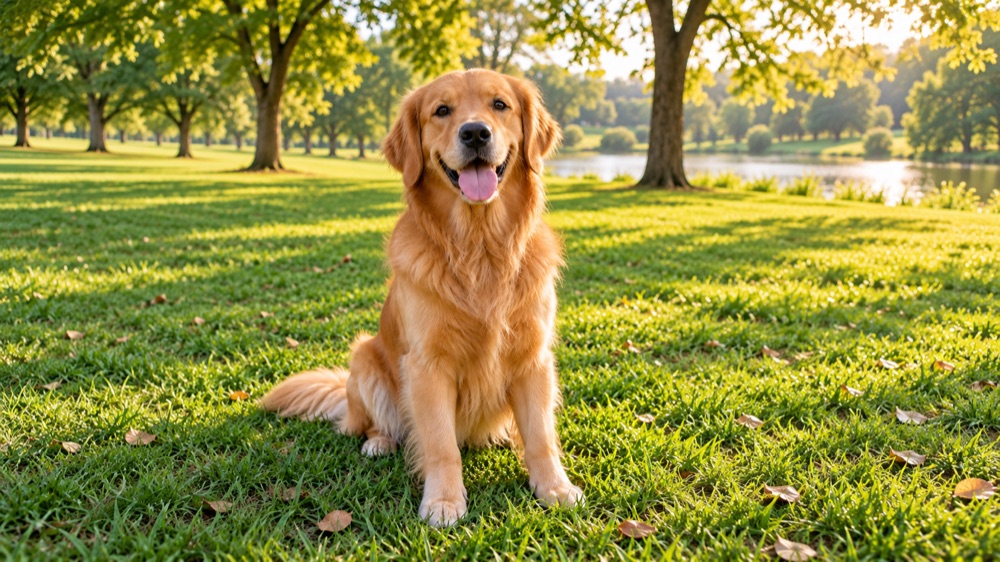
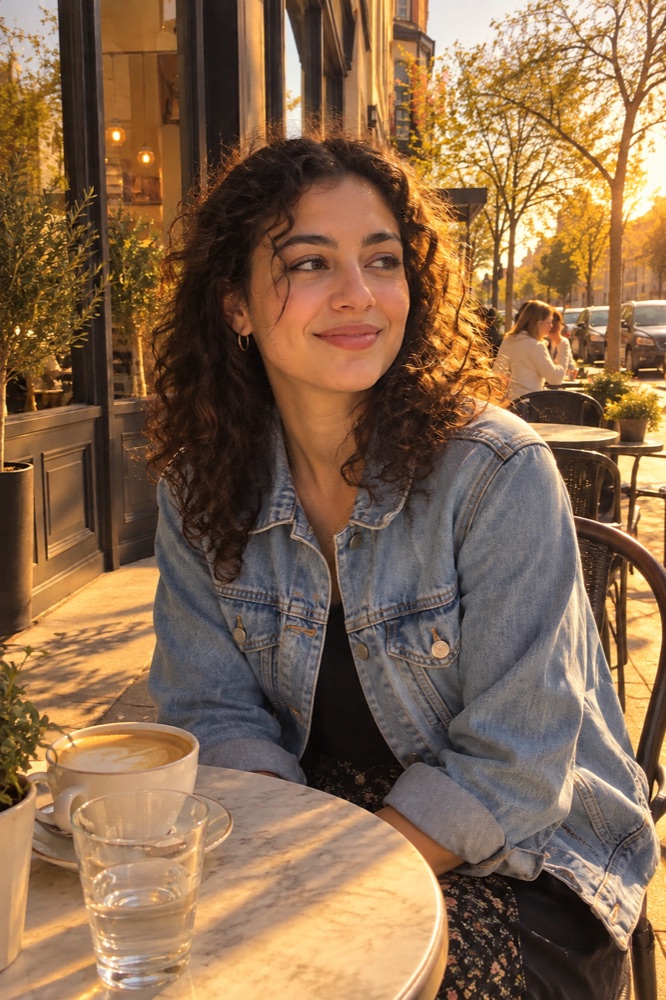
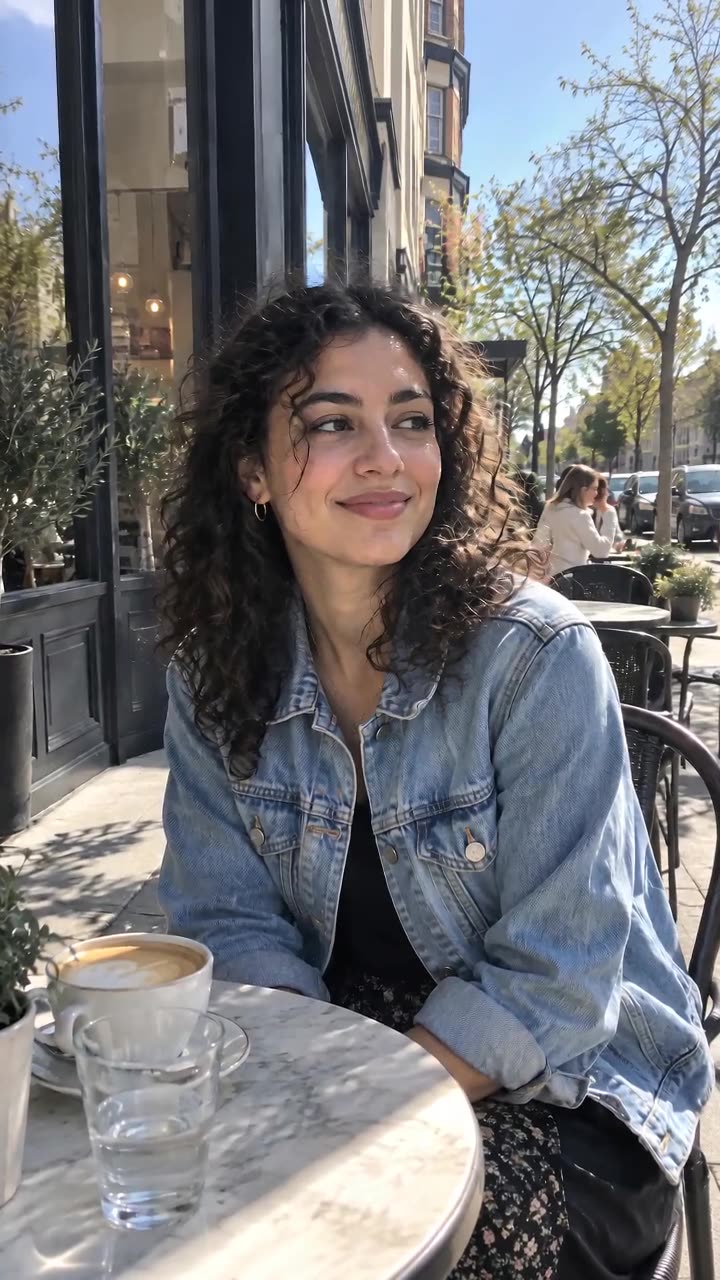
Result
Result

Preset: White studio

Made on videosi with this tool's own model and settings, from a synthetic photo.

Made on videosi

Or skip the prompt: star in a trend

All trends
New
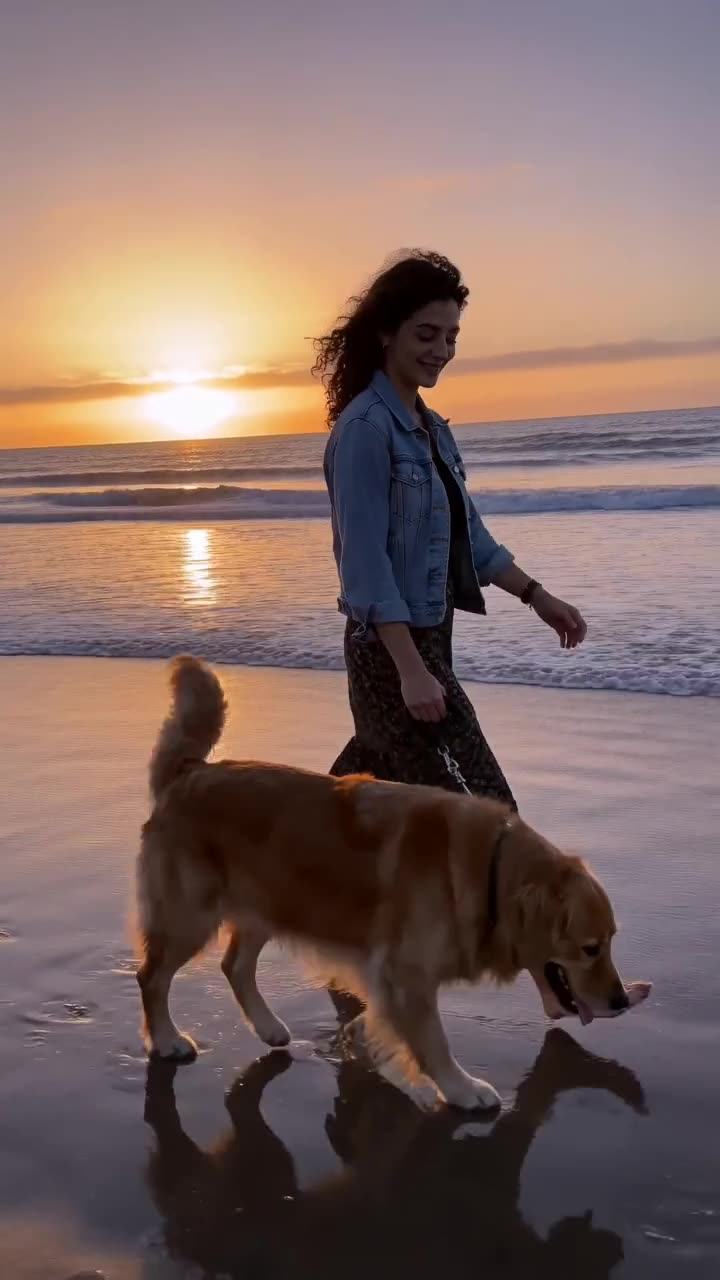
Damon Salvatore Church Scene AI9 crMake yours →
New
AI Swing Launch Video9 crMake yours →
New
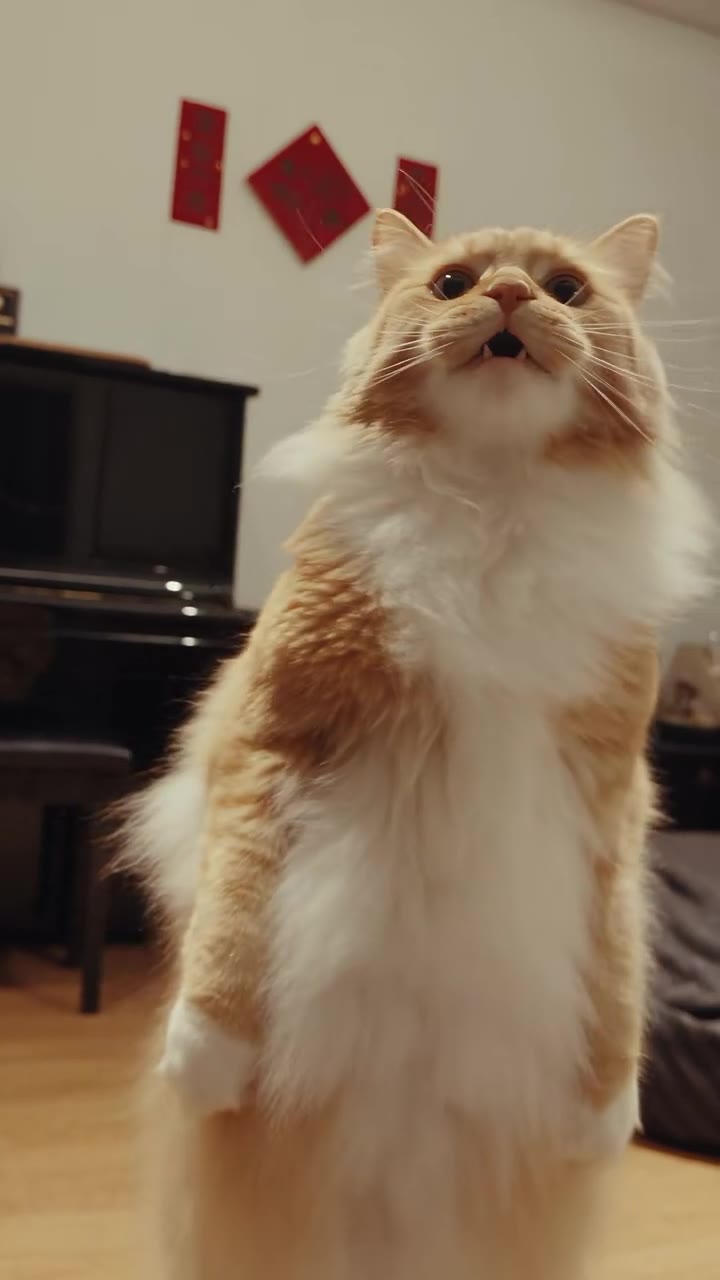
AI Cat Singing13 crMake yours →
New
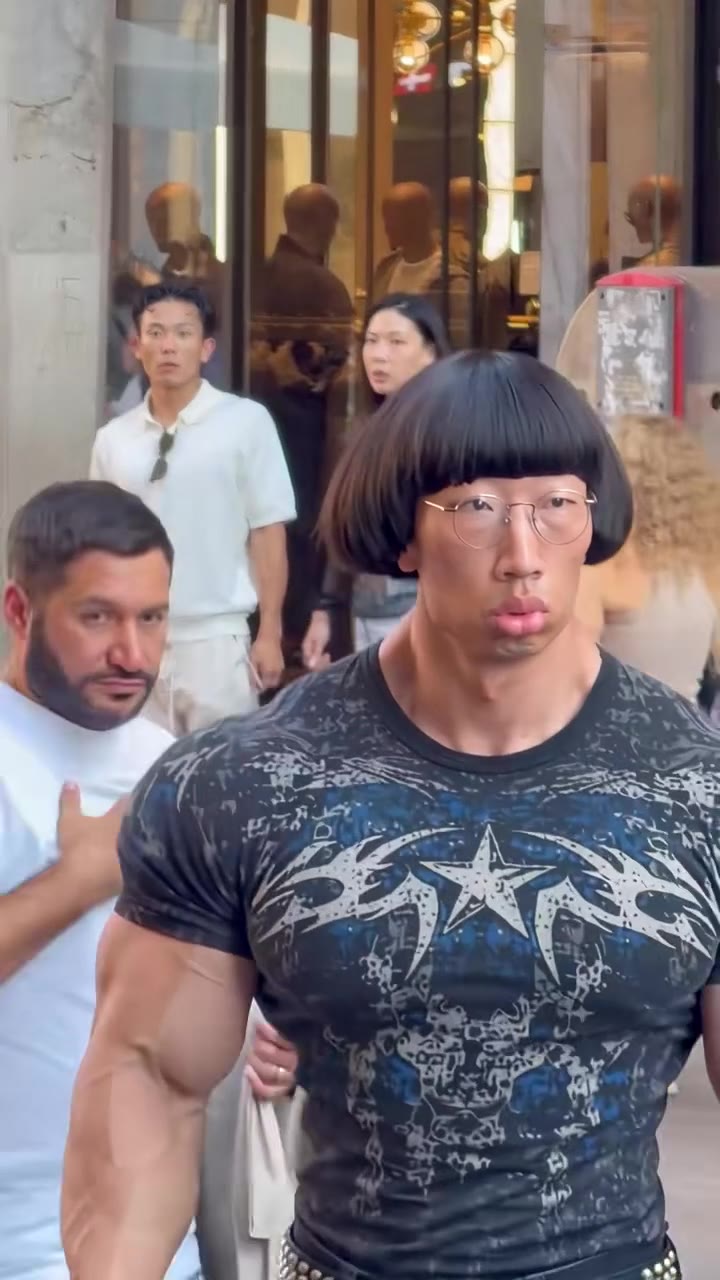
Weird AI Influencer10 crMake yours →
New
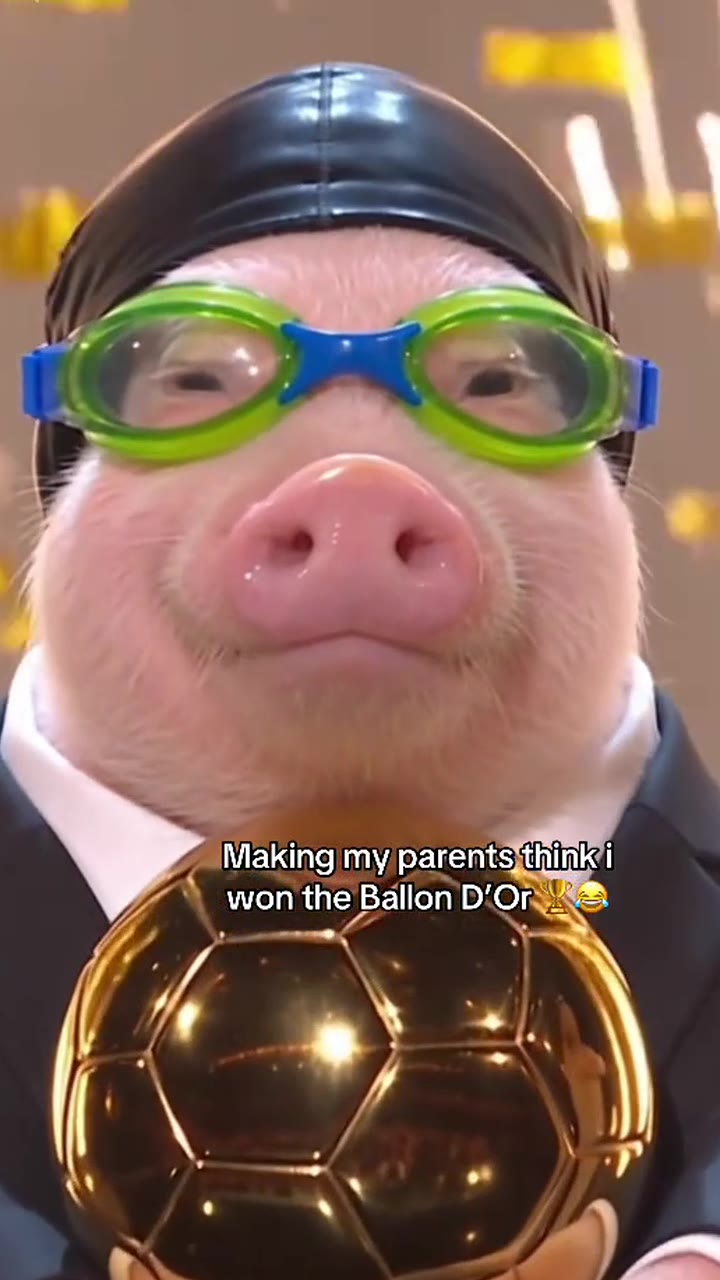
Ballon d'Or AI Filter9 crMake yours →
New
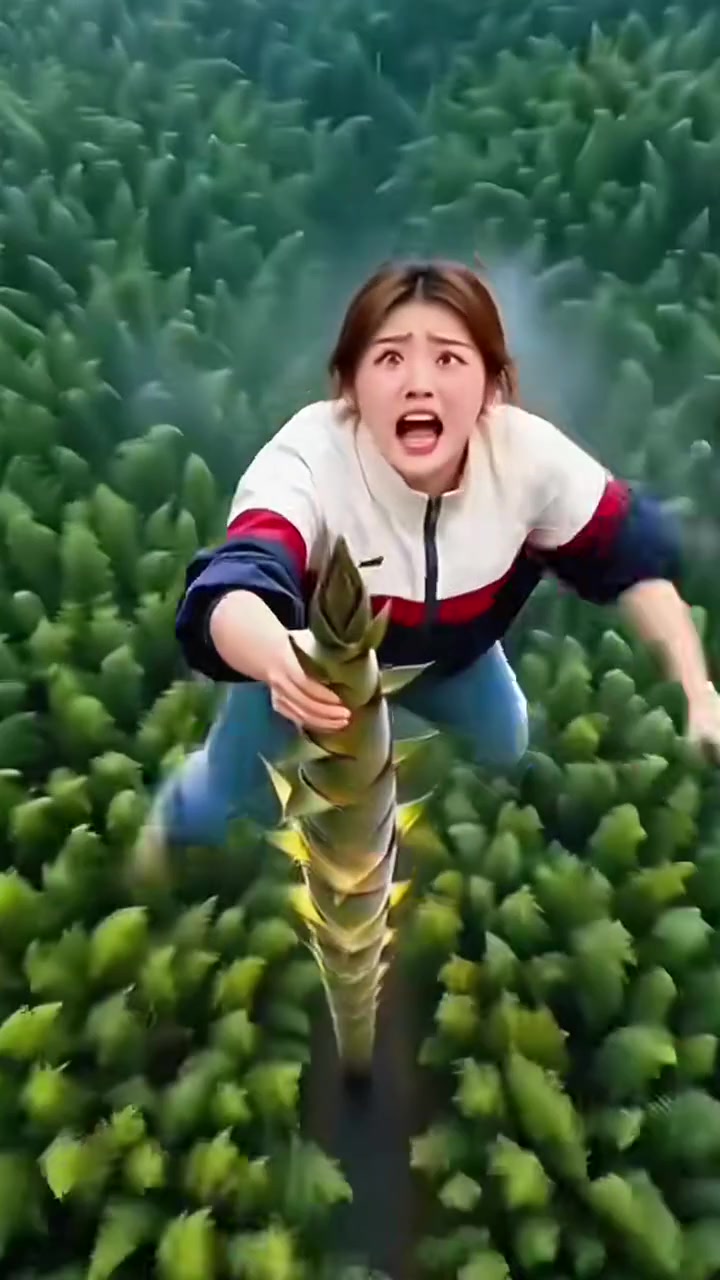
Bamboo Flying AI5 crMake yours →
New
That Boy That Boy Dance AI8 crMake yours →
New
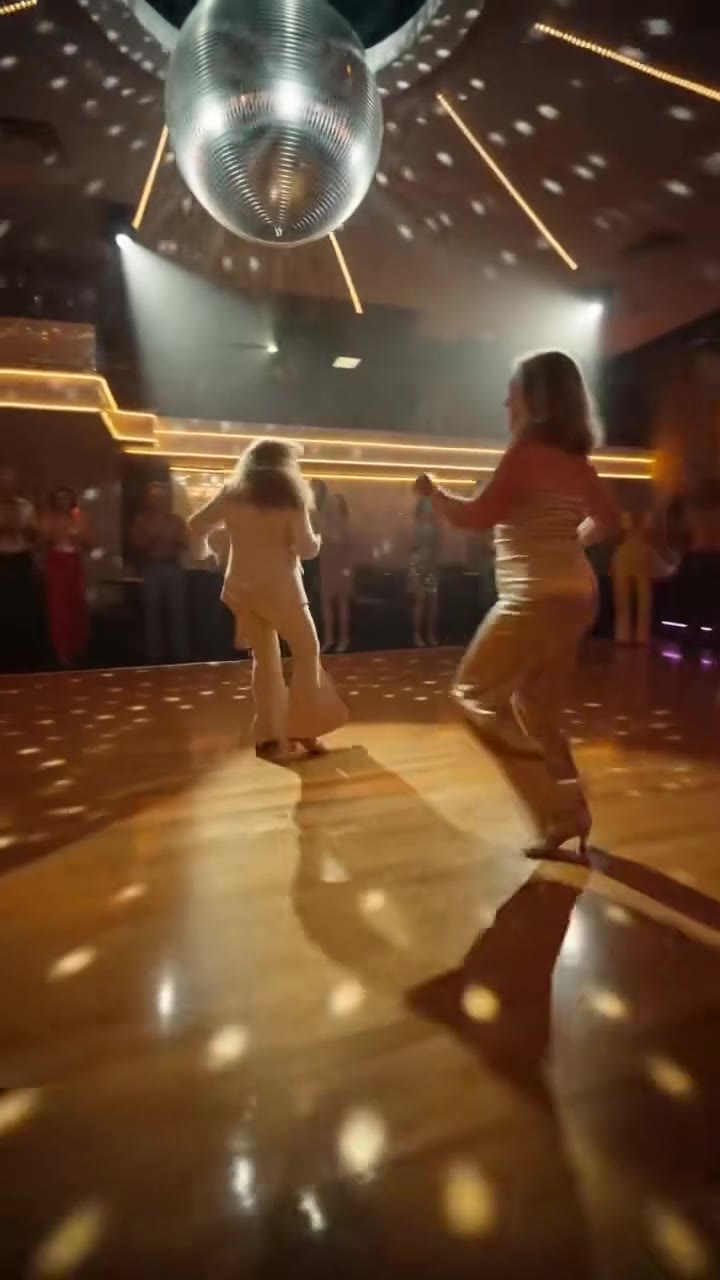
Disco Dance AI10 crMake yours →

Everything in one ai background changer tool

1

White studio for listings

Product and profile photos on a clean seamless white background, ready for a shop or a CV.

Try it now
2

Any place you can describe

Beach, city at night, a Paris rooftop: write it and the subject is placed there with matching light.

3

Clean edges

Hair, fur and fine edges are kept, and the light on the subject is matched to its new surroundings.

Models

The model behind it

GPT Image 2.5OpenAI · 1K resolution
  • 1 credit an image
  • Square, portrait, story or wide
  • Up to 3 reference photos

How to use the AI Background Changer

Upload a photo

A person, pet or product with a clear outline.

Pick or describe the background

Choose a preset or write your own scene.

Generate

The new photo is ready in about 20 to 40 seconds.

What is the videosi AI Background Changer?

The AI Background Changer replaces everything behind the subject of a photo with GPT Image 2.5: a white studio, a solid colour, or any scene you describe.

Use it for product listings, profile pictures, travel photos you wish you had, or a consistent look across a set of photos.

More image tools

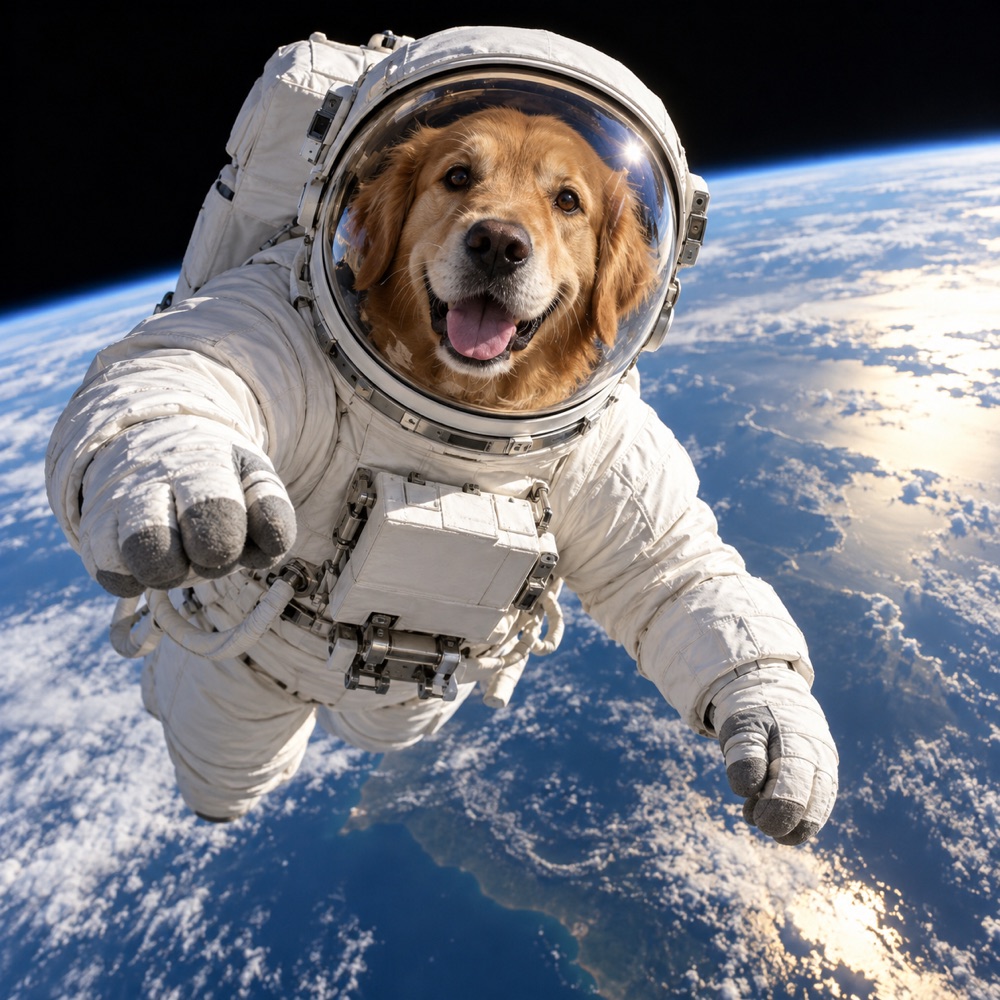
✦A golden retriever astronaut floating above Earth, photorealAI Image GeneratorWords to pictures with GPT Image 2.5Image to Image AIEdit any photo by describing the changeExtend to 16:9AI Image ExtenderUncrop a photo to any formatGolden hourAI RelightChange the lighting of any photoLow angleCamera Angle AISee the same shot from a new angleAI Object RemoverErase people and things by naming them

Video tools

Your photo → videoImage to Video AIBring a photo to life with Seedance✦Drone shot over a misty mountain lake at sunriseText to Video AIWrite a scene, get a 5 or 10-second clip360p → 1080pAI Video UpscalerSharpen any clip to 1080p or 4K2 referencesReference to Video AIUp to 4 references in one clipRemake a Viral VideoDrop a viral video, star in your versionTrend EffectsThis week's viral videos, no prompt

Questions

How much does the videosi AI Background Changer cost?

One image costs 1 credit, shown before you start. A new account's first image is free and carries a videosi watermark; removing the watermark costs 1 credit. A render that fails returns its credits automatically.

Which model does the videosi AI Background Changer use?

GPT Image 2.5 by OpenAI, at 1K resolution. It follows long prompts closely, writes legible text inside images and keeps faces from a reference photo recognisable.

Can I use the images commercially?

Yes, images you make with credits are yours to use, including commercially, as long as the prompt and any photos you upload are yours to use and follow our acceptable use policy.

Can I turn the image into a video?

Yes. Under every finished image there is an Animate button: it opens Image to Video with the image already loaded, and you describe the motion.