Diwali AI Video: Your Happy Diwali Video, Starring You
You stand in festive clothes among glowing diyas, fireworks open behind you and you smile into the camera with the light in your hands. One photo of you is all it takes.
Updated : Page published.
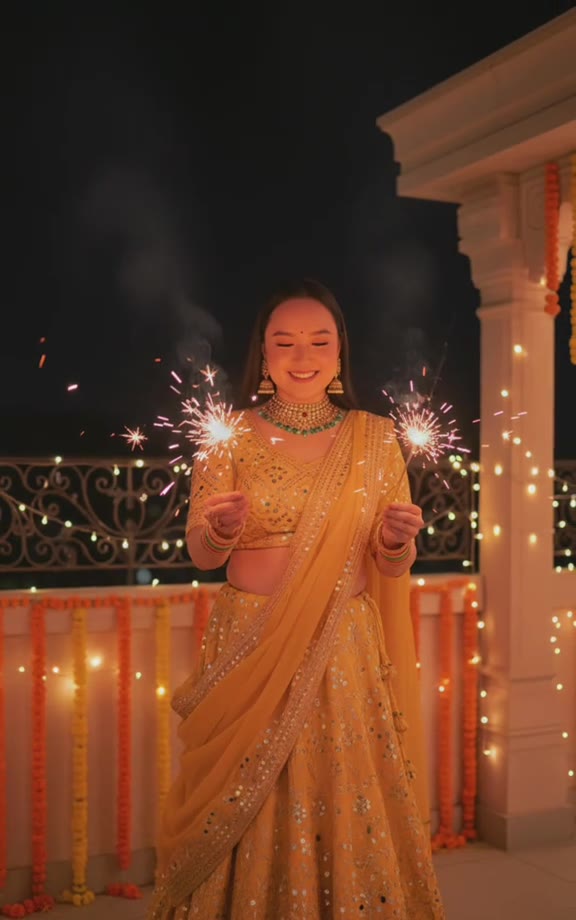
1Add your photo
Front-facing, well-lit selfies work best. One face per photo.
2Scene
3Choose quality
4Outfit
By generating you confirm you have permission to use the people in your photos. Terms
In one sentence
A Diwali AI video is an 8-second festive clip in which a person, dressed in a lehenga, saree or kurta, holds glowing diyas or sparklers while fireworks open in the sky behind them and then smiles into the camera; videosi makes it from one photo of you.
- Fast facts
- Stage
- Just starting
- Started on
- TikTok (unconfirmed)
- Sound
- There is no single original clip, creator or song.
- Meaning
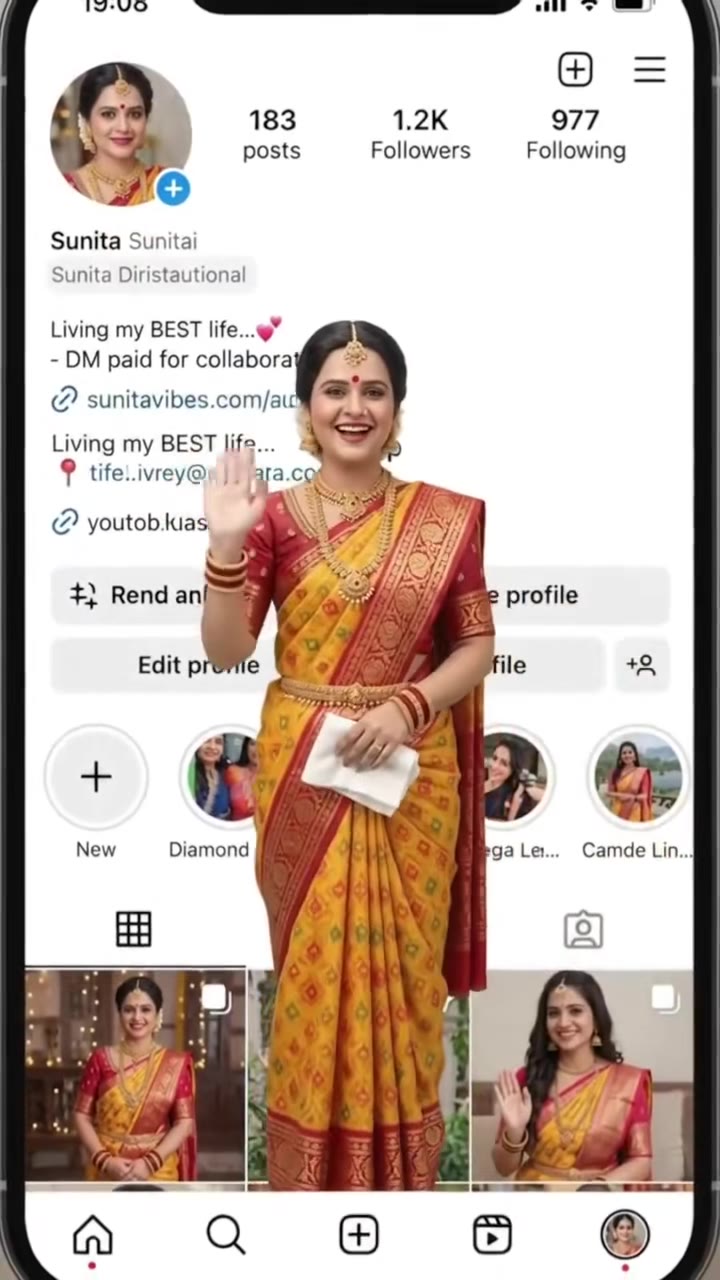
- A Diwali AI video is a short festive clip made from an ordinary photo, showing the person in traditional clothes with lit diyas or sparklers while fireworks open behind them, usually sent as a Happy Diwali greeting.
- Related trends
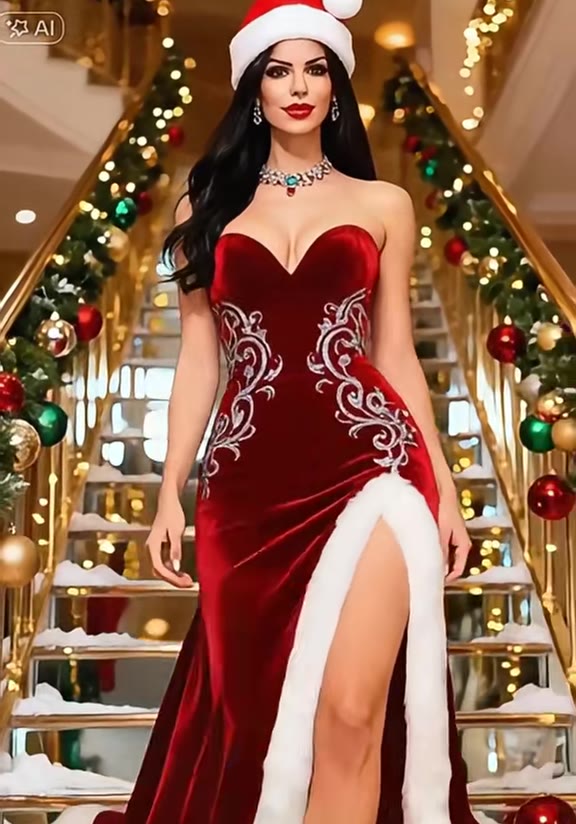
- Ayudha Pooja AI Video Editing, AI Christmas Video, Birthday Champagne Trend
Page updates
- October 23, 2026 — Page published.
How it is made
The Diwali AI Video prompt and model
Diwali AI Video is made with Seedance 2.0 / 2.5 (you pick the tier) by ByteDance. The prompt behind it has 5 parts, and the timing is what makes or breaks it.
- Model
- Seedance 2.0 / 2.5 (you pick the tier)
- Mode
- Photo + motion reference to video
- Length
- 8 seconds, 9:16, 1:1 or 16:9
- Input
- 1 photo
- Identity lock Your photo is the only source for the face, hair, skin tone and build, held identical while firelight flickers across it.
- Motion reference A short clip supplies the slow push-in, the two-handed hold at waist height and the look up to the lens, and nothing else.
- Scene and outfit One of three Diwali settings and one of three festive outfits, each written out in detail, with small, safe flames.
- Timeline Three beats over 8 seconds: the glow, the fireworks behind you and the smile to camera.
- Rules One person, no deities or idols, no firecrackers in the hand, five fingers, no text, no cuts.
Photorealistic live-action festive night footage, 8 seconds, one continuous shot with a slow, smooth push-in from a mid shot to a chest-up close shot.…
Why it goes wrong when you do it yourself
- Without a motion reference most models wander: the camera swings around, the person walks off or the fireworks fill the frame and hide the face.
- Small flames and sparks are hard for video models; sparklers drift toward the face or melt into the hands unless the prompt keeps them at arm's length.
- Changing the clothes to a lehenga or saree while keeping the face is where likeness slips, so the identity lock has to come first.
- Each try costs model credits and several minutes, and a clean push-in that ends on a smile usually takes several tries.
Diwali AI Video examples
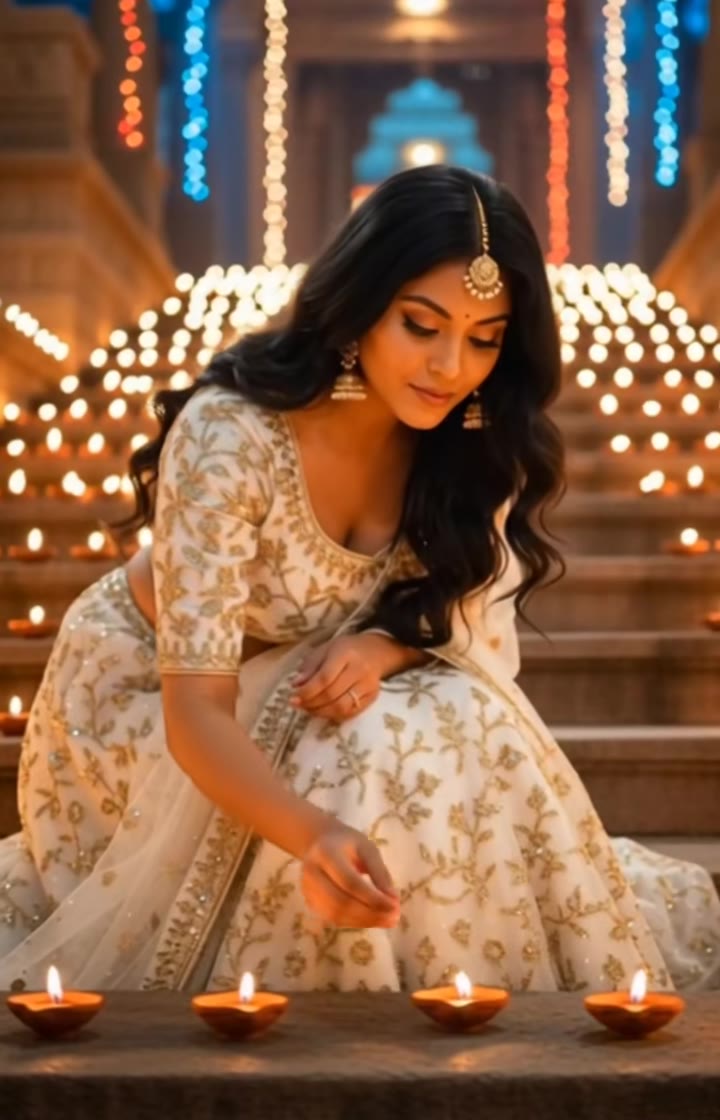
Lighting diyas on the steps
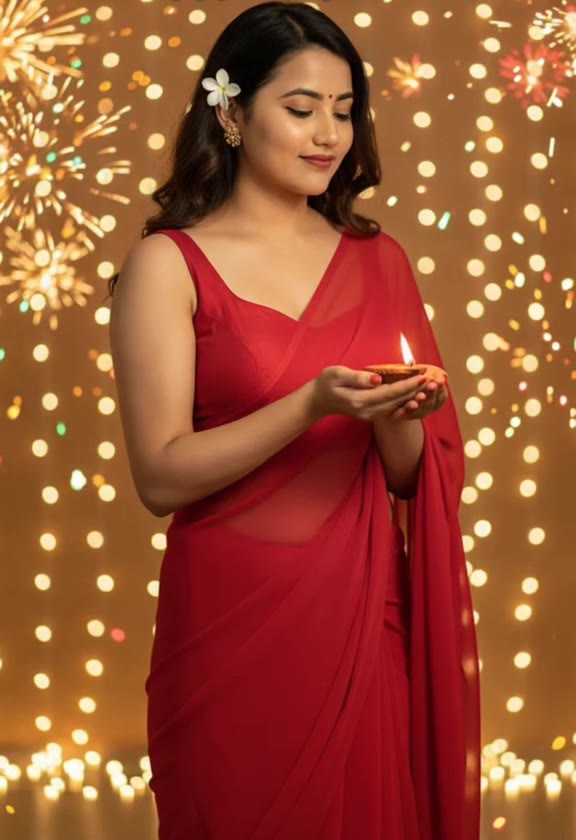
Red saree with a diya
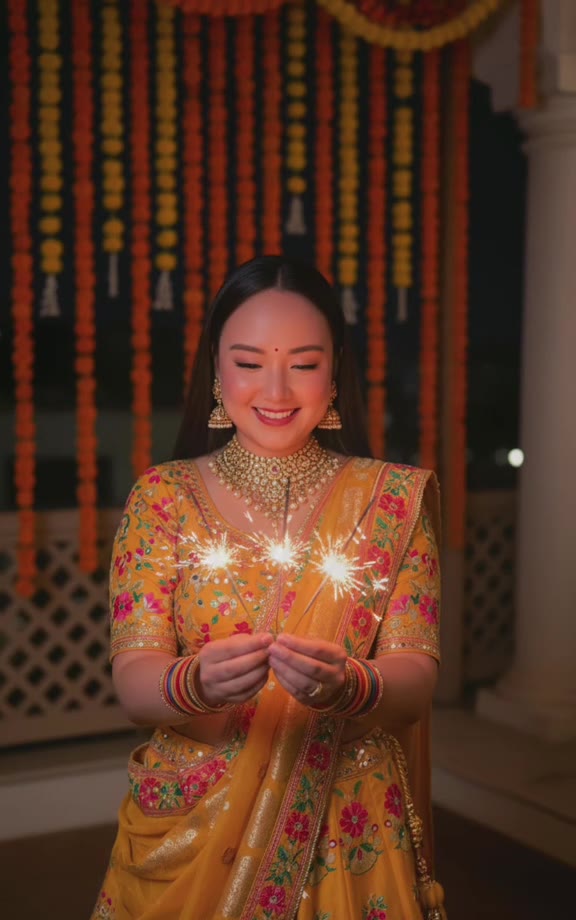
Sparklers in a gold lehenga
How to make your Diwali AI Video video
Upload one photo of yourself
Face to the camera, head and shoulders in frame, soft even light. Any outfit works, because the festive outfit is added for you.
Pick a scene and an outfit
Steps of diyas, balcony sparklers or lanterns by the water; marigold gold, ivory and gold, or festive red. Then 9:16 for Reels and Shorts, 1:1 or 16:9.
Generate and download
Press Generate and the 8-second clip is rendered for you, a silent MP4 with no watermark.
Add music and your wish, then send
Add a Diwali song and a Happy Diwali line in the app you post from, or send it straight to family on WhatsApp.
What is the Diwali AI Video trend?
Updated · videosi is an independent tool. It is not affiliated with TikTok, Instagram, YouTube, or with the owners of any trend, song, game or brand named on its pages.
A Diwali AI video is a short festive clip made from an ordinary photo. The person in the photo appears in traditional festive clothes, a lehenga, saree or kurta, holding a plate of lit clay diyas or a pair of sparklers, while fireworks open in the night sky and fairy lights glow behind them. The clip ends on a smile to the camera, which is why people send it as a Happy Diwali greeting.
The format grew out of the AI photo edits that spread before Diwali 2025: people turned a selfie into a festive portrait with Gemini or a similar image tool, then animated a few of those portraits into a short reel, often in CapCut. Posts like this were on TikTok from mid October 2025. In mid October 2026, ahead of this year's festival, AI tools began publishing Diwali video prompt pages again, and searches such as "diwali ai video generator", "diwali ai video prompt" and "happy diwali ai video" appear in Google's suggestions. There is no single original clip, creator or song.
Diwali 2026 falls on Sunday 8 November, with Lakshmi Puja that evening, according to Drik Panchang for both New Delhi and New York. The five days run from Dhanteras on Friday 6 November to Bhai Dooj on Wednesday 11 November.
This page skips the photo edit, the prompt and the montage. You upload one photo, pick a scene and an outfit, and get one continuous 8-second clip of you in it.
Diwali AI Video: shot by shot
- 0-4 s
The glow
Mid shot. You stand still in festive clothes, holding diyas or sparklers in both hands, looking down at the flames as the camera slowly moves in.
- 4-6 s
The fireworks
Golden fireworks open in the sky behind you and the fairy lights twinkle brighter. You glance up at them.
- 6-8 s
The greeting
Chest-up close shot. You look into the lens, lift the light a little toward the viewer and smile. The clip holds on the smile, ready for your Happy Diwali message.
- Throughout
One shot, no cuts
Unlike the photo montages, the whole clip is one continuous slow push-in with steady warm light on your face.
Tips for a better result
One person per photo
The clip is made for one person. Crop a group photo down to the face you want, or the model may pick the wrong one.
Face fully visible
No sunglasses, masks or hands near the face. The light from the diyas falls on your face from below, and a clear face keeps the likeness.
Soft light, not flash
A photo taken in daylight by a window or in warm indoor light blends into the golden Diwali glow better than a harsh flash photo.
Make it a few days early
Diwali is on 8 November 2026. Generate a day or two before, so there is time to try another scene or outfit before you send it.
Good to know before you make a Diwali AI Video video
- The video is silent. Add a Diwali song or your own voice note in the app where you post or send it.
- The outfit is generated, not your own clothes, and fine embroidery and jewellery can shift slightly from frame to frame.
- Likeness is not guaranteed, especially in the last seconds when the camera is closest and firelight flickers on the face.
- One person per video. Deities, idols and greetings text are left out on purpose. A failed, timed-out or blocked render returns its credits automatically.
Diwali AI Video: questions
What is the Diwali AI video trend?
The Diwali AI video trend is a short festive clip, made on videosi as one 8-second shot from one photo, in which you appear in a lehenga, saree or kurta holding glowing diyas or sparklers as fireworks open behind you. It grew out of the AI photo edits shared before Diwali 2025. There is no single original clip, creator or song.
How to make a Diwali AI video from my photo?
Upload one photo of yourself to videosi, pick one of 3 scenes and one of 3 festive outfits, choose 9:16, 1:1 or 16:9 and press Generate. The Diwali AI video is an 8-second silent MP4, and you write no prompt: the diyas, fireworks and camera move are built in. The result is saved in My creations if you close the page.
Is there a Diwali AI video generator website?
Yes. videosi (videosi.io) is a web tool that works as a Diwali AI video generator: one photo in, an 8-second festive clip out, with the scene, outfit, motion and prompt built in. It runs in the browser on a phone or a computer, so there is no app to install. A standard 8-second video (Standard model, 720p) is 7 credits, with no watermark.
Is there a free AI Diwali video generator?
The Diwali AI video on videosi is not free: there is no free generation and no free trial. A standard 8-second video (Standard model, 720p) is 7 credits; better models and higher resolutions cost more. Credit packs start at $6.99 for 10 credits and never expire, and plans start at $29.90 a month. A failed render returns its credits.
What is the Diwali AI video prompt?
The videosi Diwali AI video uses a five-part prompt (identity lock, motion reference, scene and outfit, an 8-second timeline and rules) with ByteDance's Seedance model and a motion reference clip. We do not publish the full prompt, and you do not need one: picking a scene and an outfit fills it in. Copied "trending Diwali prompts" are mostly for still photos.
Is there a CapCut template or TikTok filter for the Diwali AI video?
Many Diwali AI reels were put together in CapCut from AI-edited photos, and seasonal templates there change every year, so check inside the app. videosi is independent and not affiliated with TikTok, CapCut or Google. The videosi Diwali AI video is a web tool: one photo in, one continuous 8-second MP4 out, ready to edit wherever you like.
Can I make a Happy Diwali wishes AI video to send on WhatsApp?
Yes. The videosi Diwali AI video ends on 2 seconds of you smiling into the camera with the light in your hands, which works as a greeting. It has no text, so add "Happy Diwali" and your wish in WhatsApp, Instagram or CapCut before sending. The MP4 has no watermark and you can send the same file to everyone.
Trending this week
All trends this week
More effects like this
All festival effects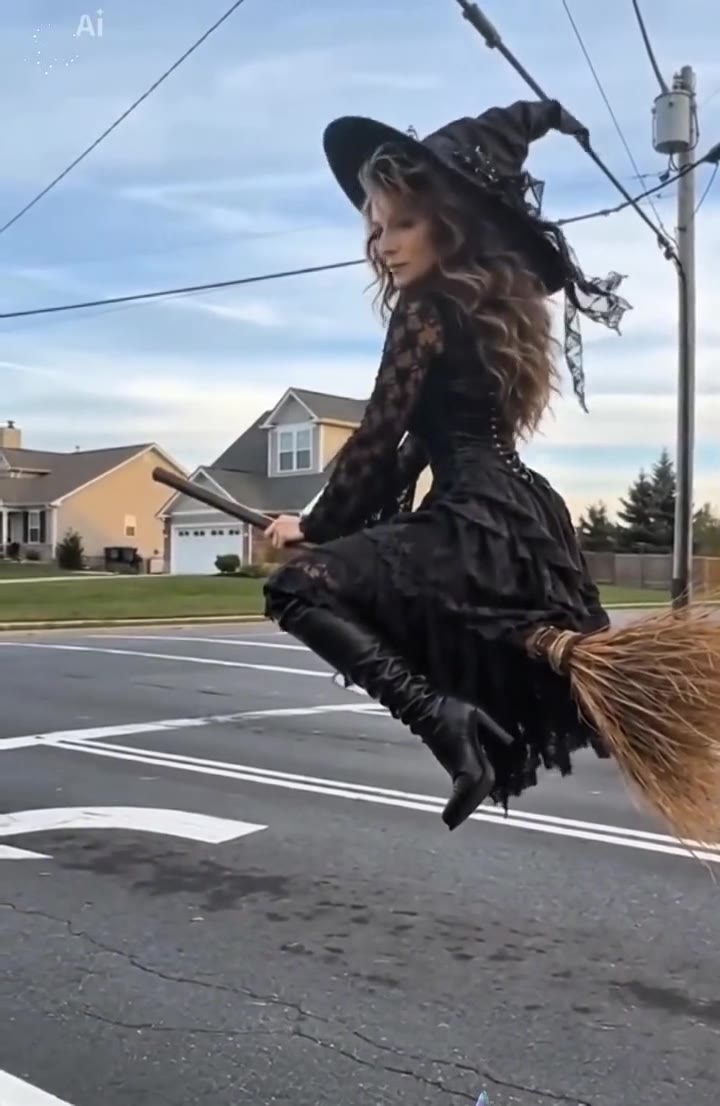
Make your Diwali AI Video video
Upload a photo and press Generate. 7 credits, refunded if it fails.
Get the next trend first
One email when new trends land on videosi, about once a week. Unsubscribe in one click.
See videosi first on Google
Add videosi as a preferred source and our trend pages show up first in your Top Stories and AI answers on Google.