

AI Character Swap
Upload your photo and a target picture, confirm who you play, then generate. Your look comes from your photo; the pose and setting follow the picture.
Upload your photo and a picture. Then choose who you play.
- 7 image models
- GPT Image · Nano Banana · Seedream
- Credits shown before you generate
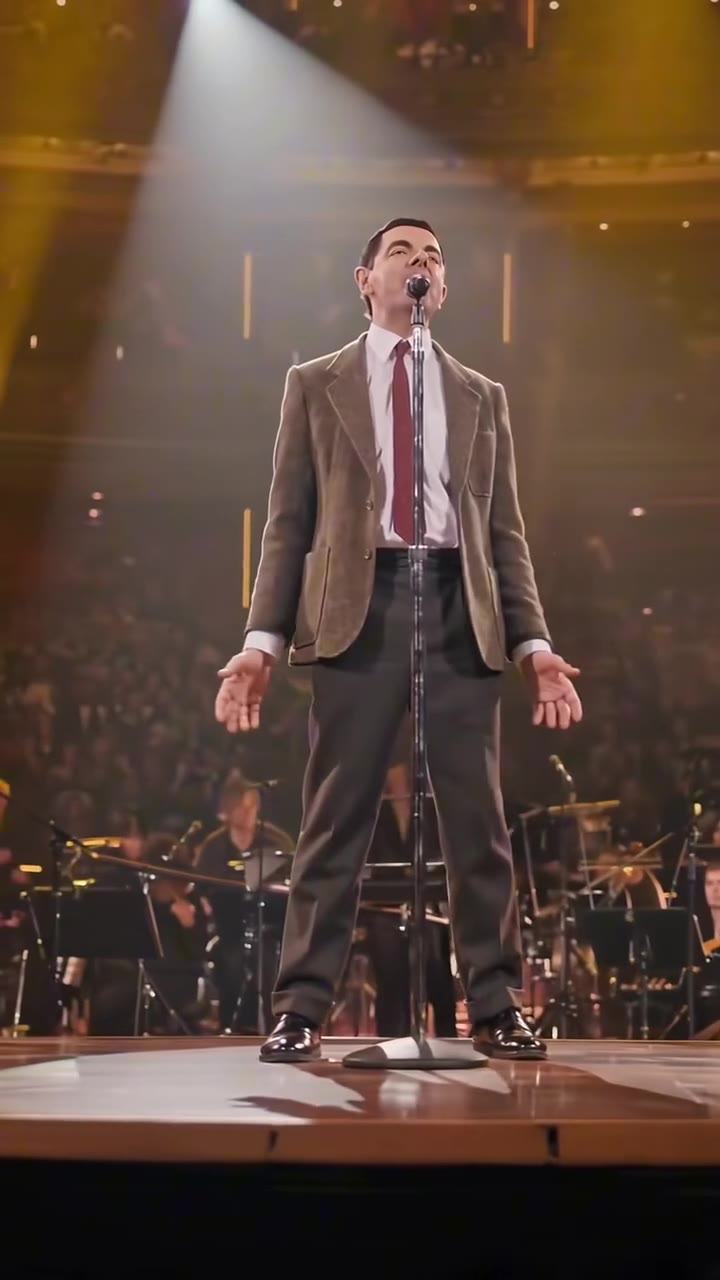
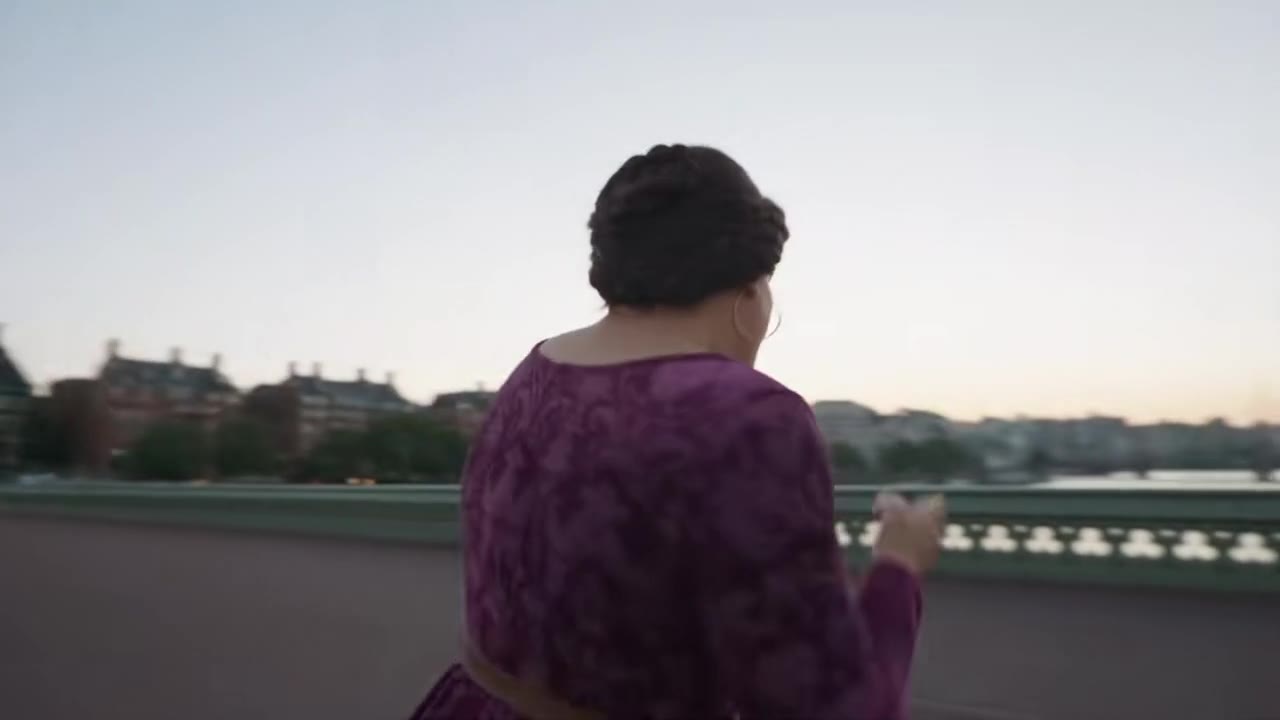
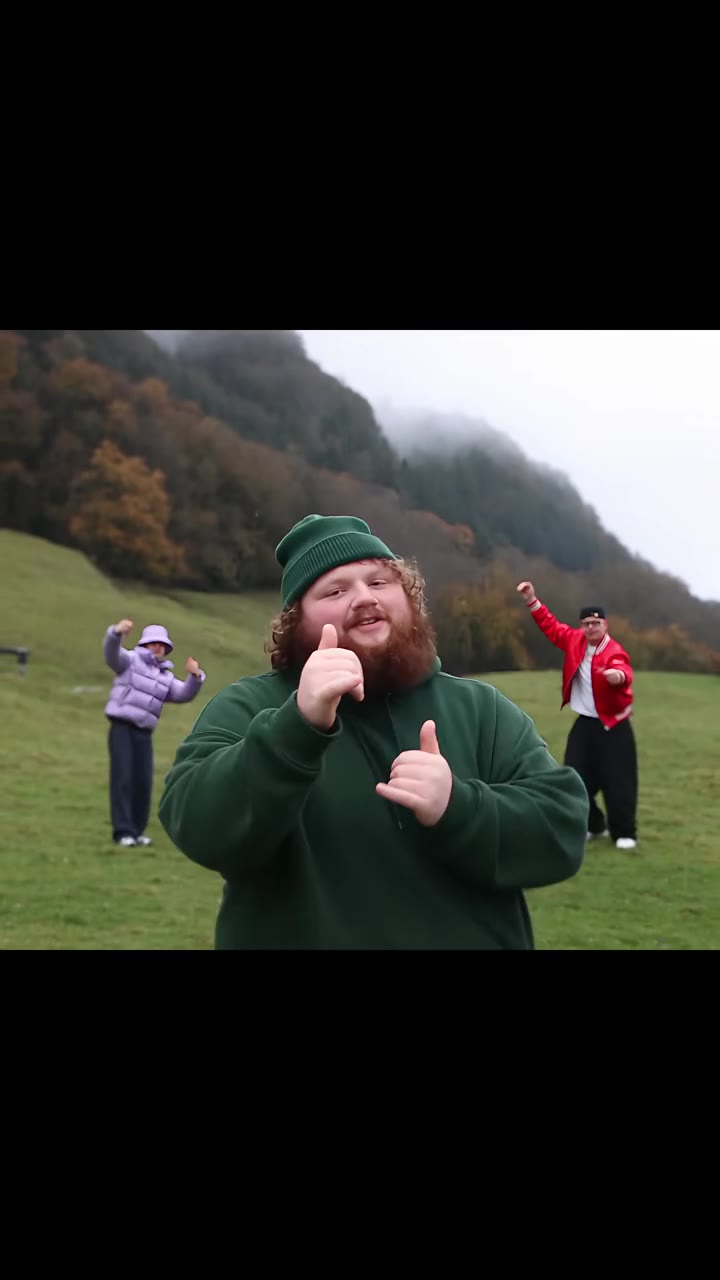
Everything in one ai character swap tool
The whole person, not just the face
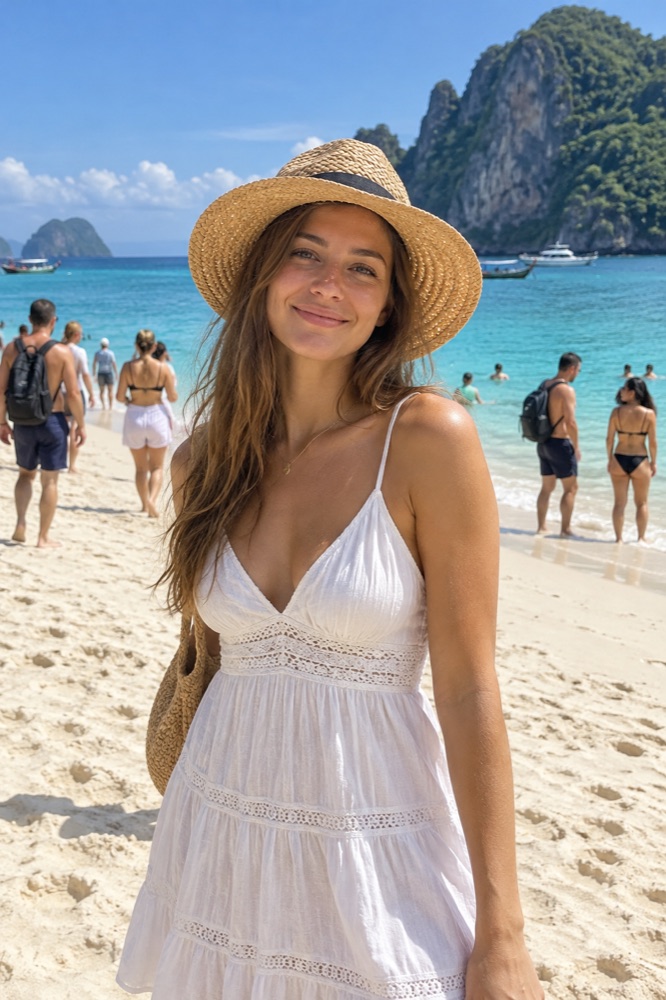
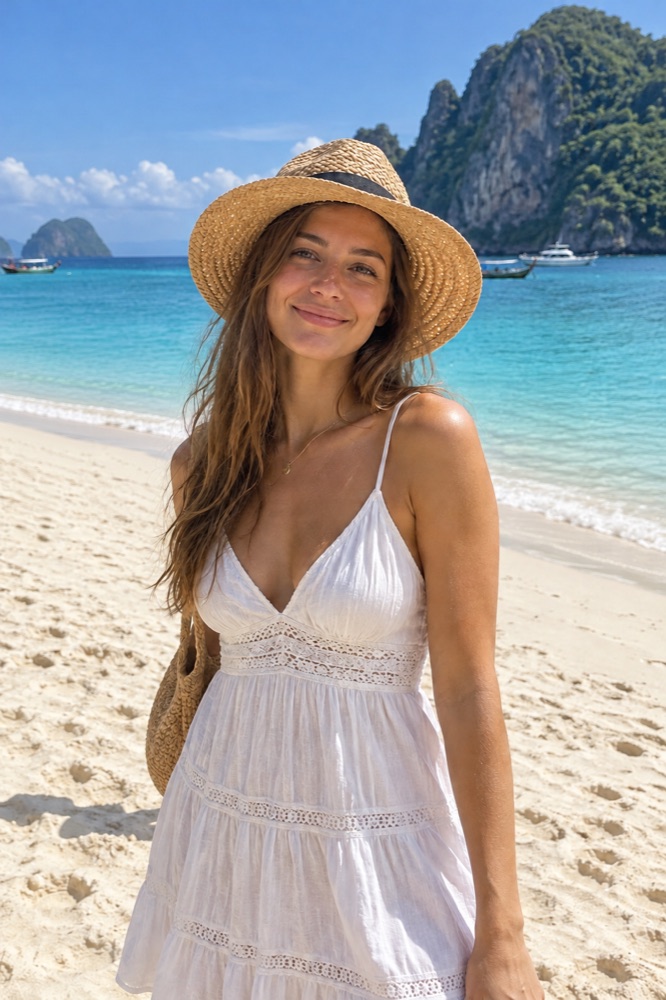
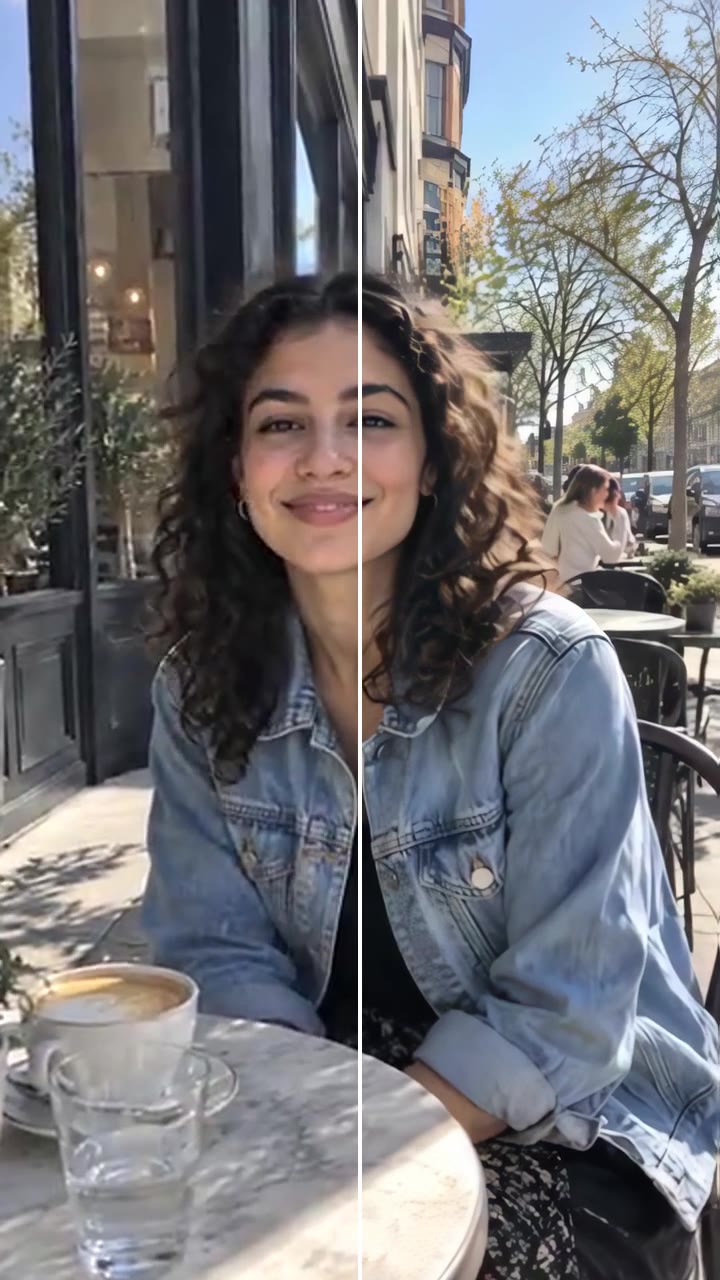
Your face, hair and build replace the person in the picture, so it reads as a photo of you rather than a pasted face.
Try it now
The scene stays
Pose, framing, background and light follow the target picture. Choose your own outfit or keep the original role’s outfit.

Choose your role
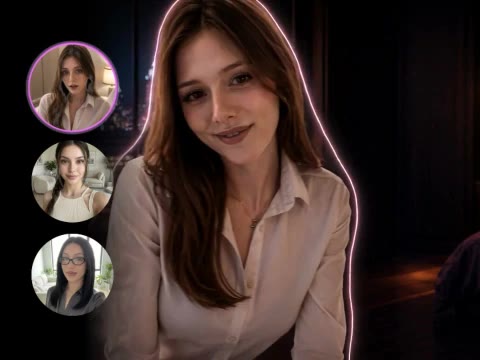
Match your photo to the person you want to replace. Other people in the picture stay as they are.
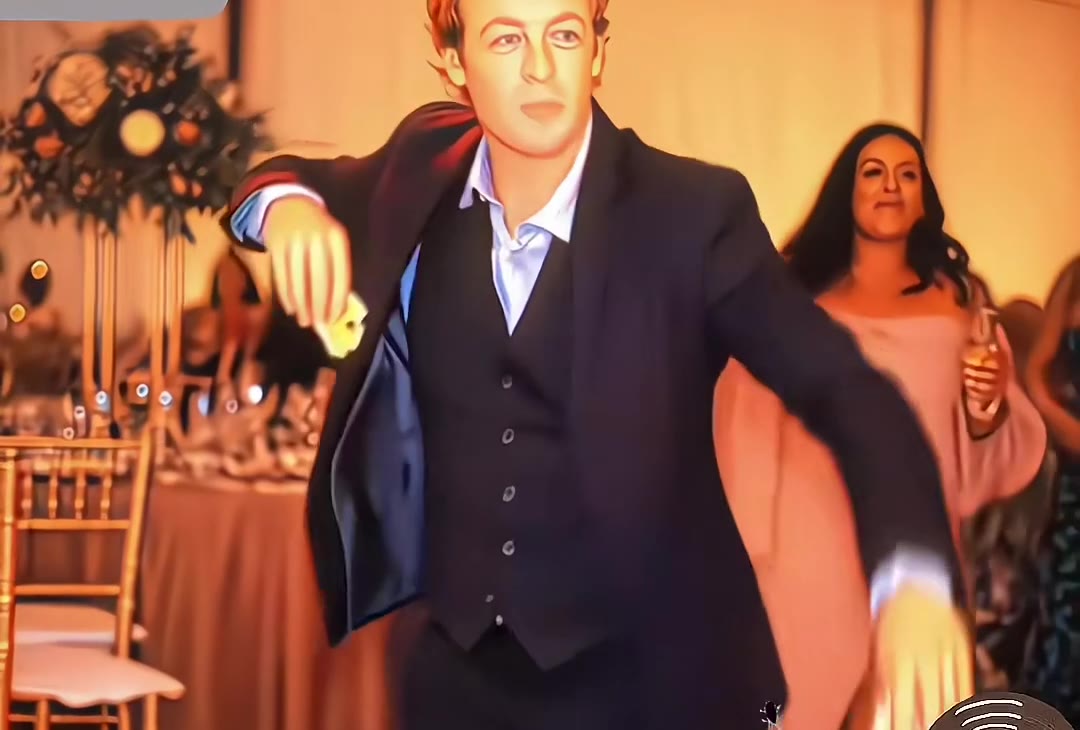
The model behind it
- 1 credit per image
- Generate or edit with reference photos
- 1 credit per image
- Generate or edit with reference photos
- 2 credits per image
- Generate or edit with reference photos
- 4 credits per image
- Generate or edit with reference photos
- 2 credits per image
- Generate or edit with reference photos
- 4 credits per image
- Generate or edit with reference photos
- 3 credits per image
- Generate or edit with reference photos
How to use the AI Character Swap
Upload your photo
One clear, front-facing photo of the person to put in.
Match the person
Upload the target picture and choose which person your photo replaces.
Choose and generate
Choose your outfit source, check the model and price, then generate.
What is the videosi AI Character Swap?
AI Character Swap lets you choose the person you play in another picture. Your face, hair and build come from your photo; the pose and scene follow the target picture.
Use it with photos of yourself or of people who agreed. Photos of celebrities and other public figures are not accepted.
More image tools
Video tools

Questions
How much does AI Character Swap cost?
The model and resolution set the price, shown before you generate. A new account can make its first image as a free watermarked preview; the displayed generation price also unlocks that image. Failed renders return their credits.
How do I choose which person to replace?
After uploading both photos, match your photo to a person in the target picture. Everyone else stays. If the person is hard to locate, describe their position or clothing before continuing.
Which outfit will the result use?
Your own outfit is selected by default. You can choose to keep the original person’s outfit in generation settings. The target picture supplies the pose, scene and visual style.
Can I choose a different model?
Yes. Open More models and settings after matching the person. The available models, resolutions and prices are shown there.