Seedance 2.5 Video Generator
Seedance 2.5 is ByteDance’s video model that makes one video from photos, clips and audio you provide, and videosi runs it online with @Image1, @Video1 and @Audio1 references.
- Add your media. Photos, clips or audio, up to 6 files.
- Say what happens. Use @Image1, @Video1 and @Audio1 for who or what each file is.
- Generate. About 4–6 minutes, with sound.
- ByteDance Seedance 2.0 & 2.5
- Photos, clips and audio · 4–15 s
- From 5 credits
Made with the Seedance 2.5


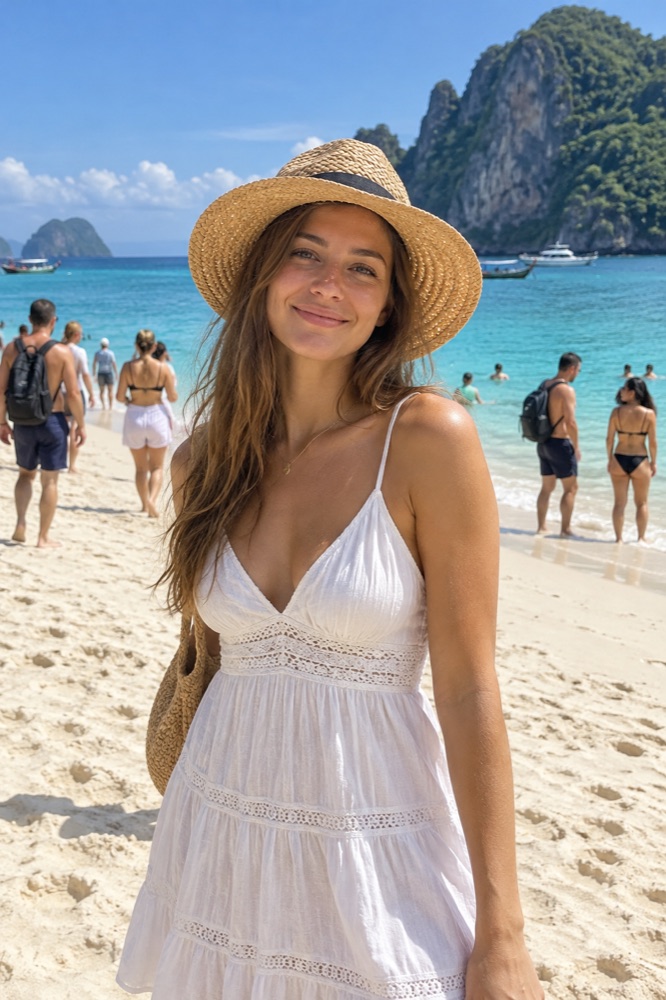
Prompt: Image 1 walks Image 2 along the beach at sunset, tracking shot
Made on videosi with this tool's own model and settings, from a synthetic photo.


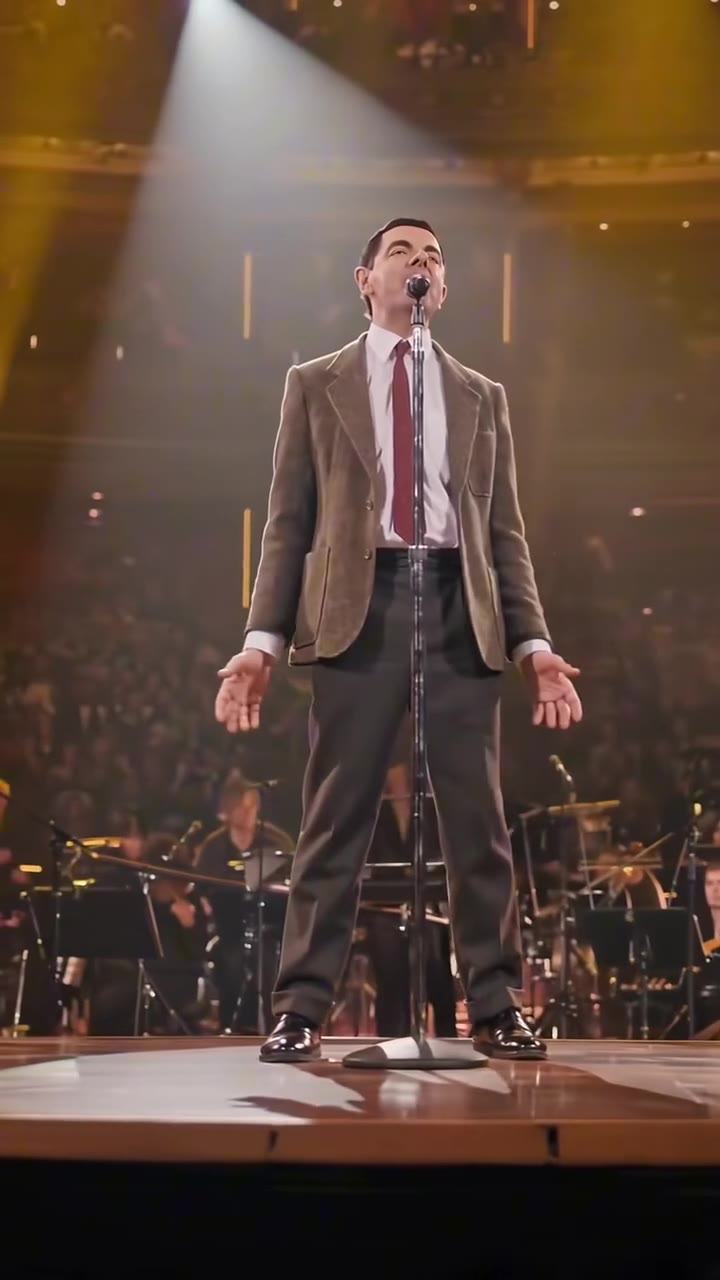
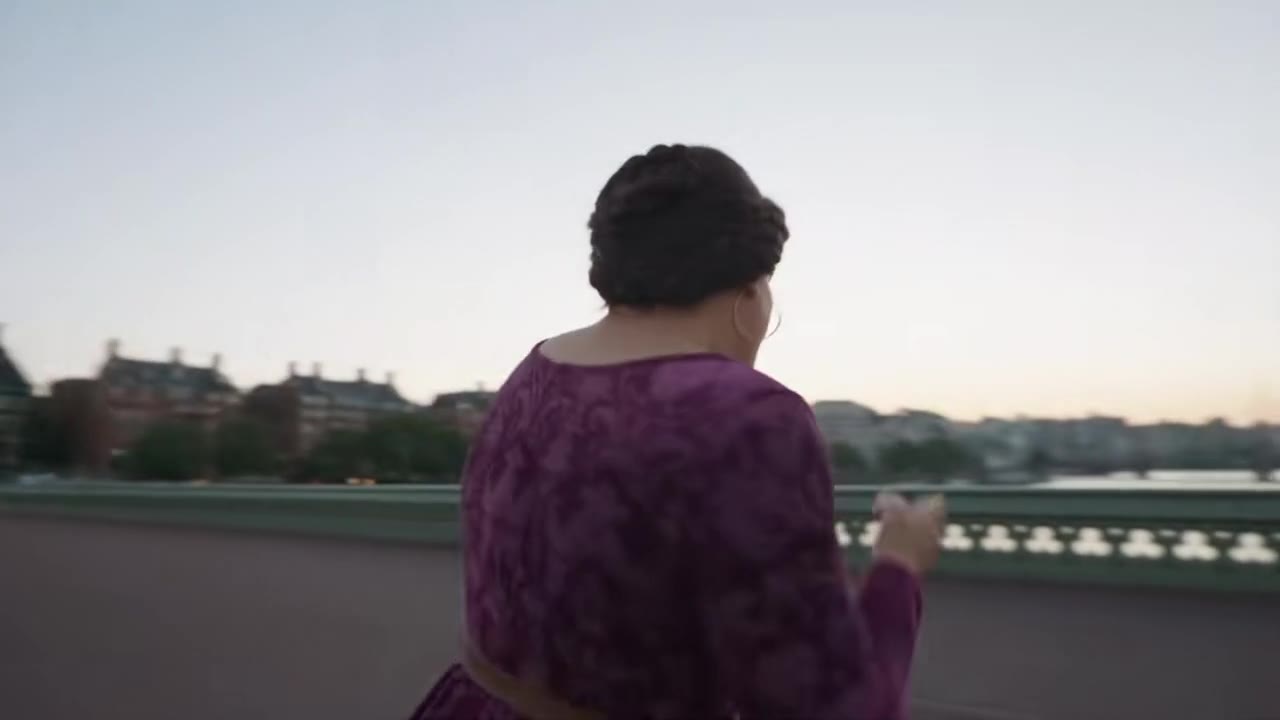

Everything in one seedance 2.5 tool
References you can point at
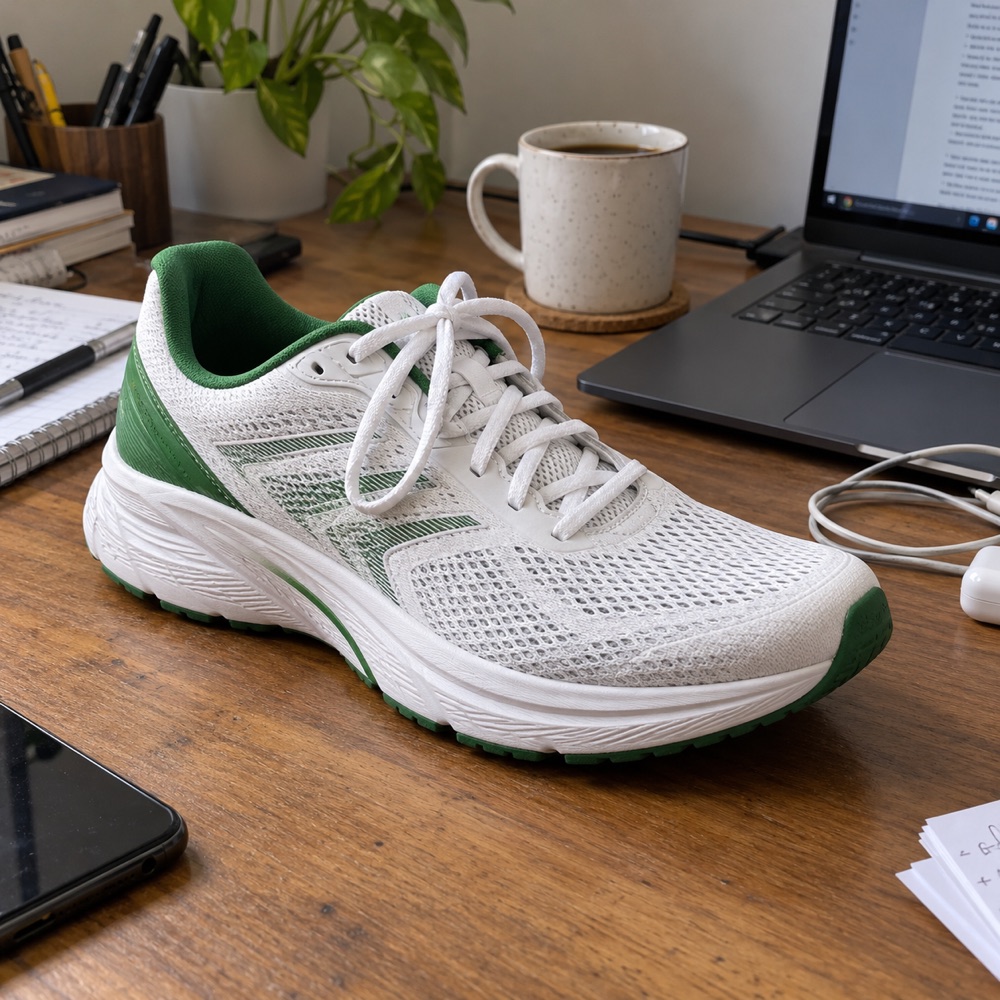
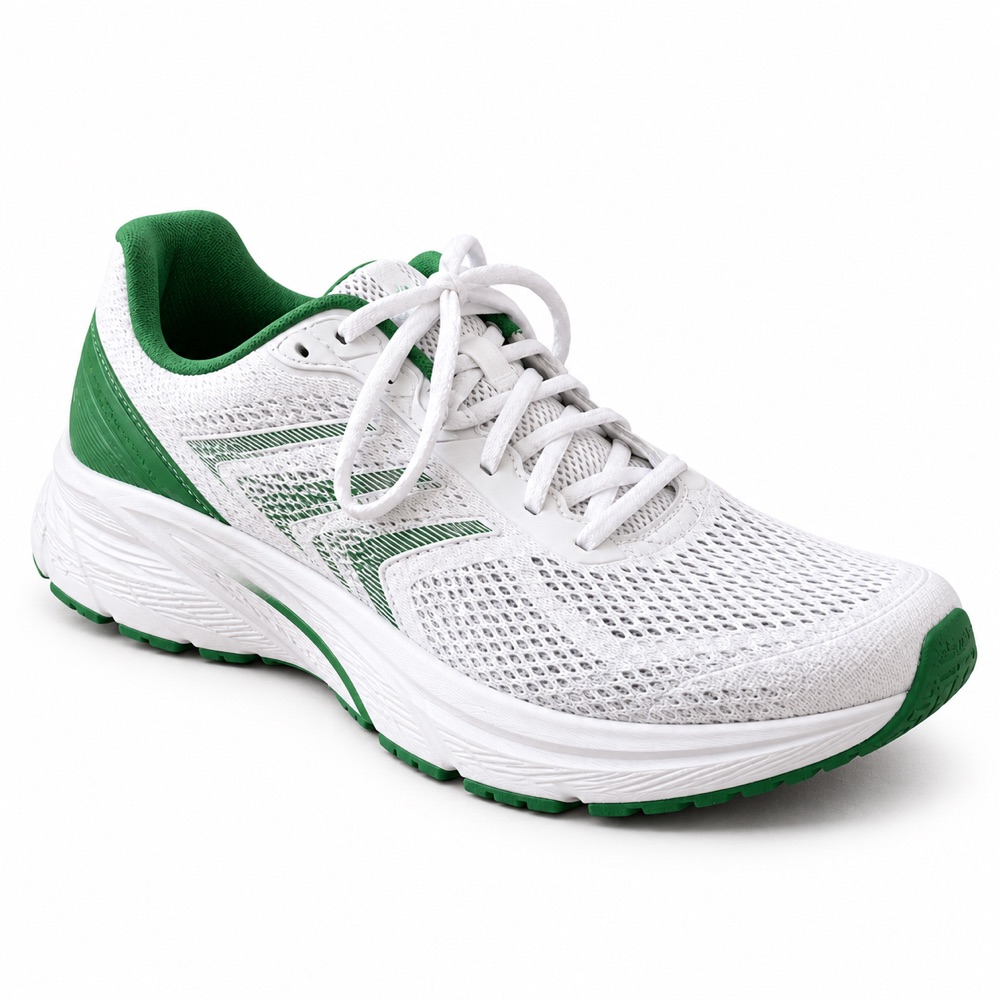
Add up to 6 files, then write @Image1 hugs @Image2 or @Image1 copies the camera move in @Video1. Seedance 2.5 keeps each file’s look and does what the prompt says.
Try it now
Sound in the same render
The model generates speech, effects and music with the picture, or follows an audio file you add. Turn Sound off for a silent clip.

4 to 15 seconds, up to 1080p
Pick any whole length from 4 to 15 seconds, 9:16, 1:1 or 16:9, and 480p, 720p or 1080p. The credit price is on the Generate button.
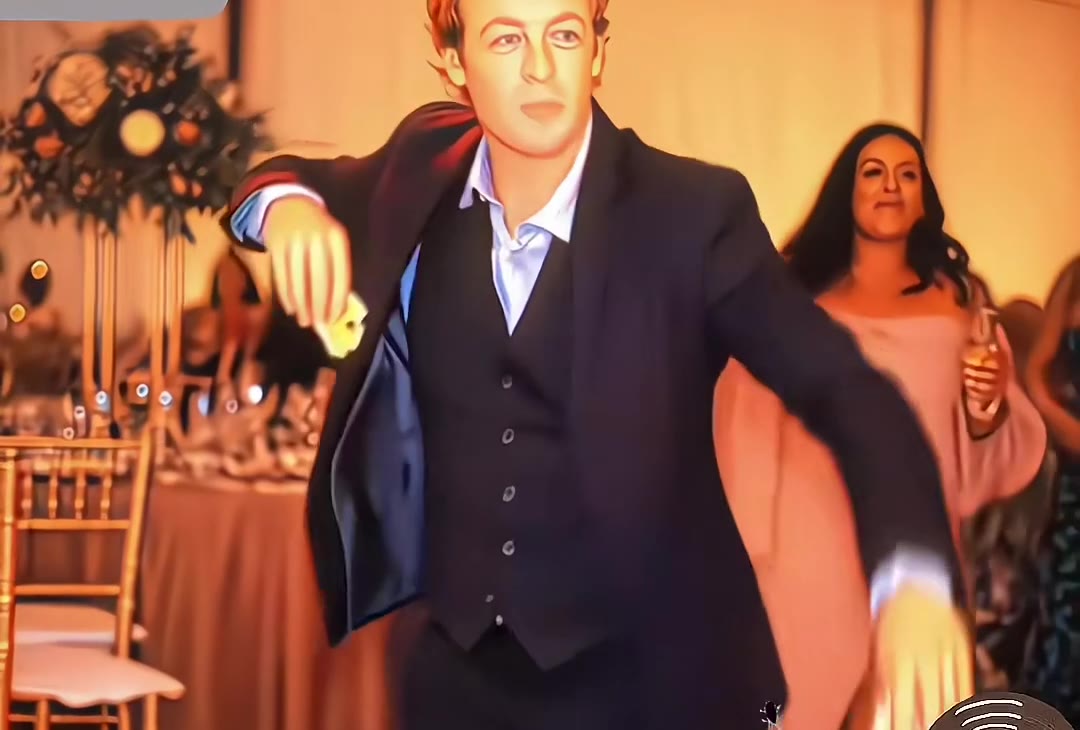
Choose the model that fits your shot
- Up to 720p
- 4s from 5 credits
- 15s from 7 credits
- Up to 720p
- 4s from 8 credits
- 15s from 10 credits
- Up to 1080p
- 4s from 10 credits
- 15s from 13 credits
- Up to 1080p
- 4s from 17 credits
- 15s from 22 credits
How to use the Seedance 2.5
Add photos, clips or audio
Up to 6 files. They are numbered @Image1, @Video1, @Audio1 by type, in upload order.
Write the shot with @ references
Say who or what each file is and what happens: subject, action, place, camera, then sound.
Check the price and generate
Seedance 2.5 (Ultra) is selected. The cost is on the button; the video is ready in about four to six minutes.
What is the videosi Seedance 2.5?
Seedance 2.5 is ByteDance’s Seedance video model, version 2.5. videosi runs it through its API partner on the Ultra tier; videosi is not affiliated with ByteDance. The editor above is the same one as Reference to Video AI, opened on Seedance 2.5.
Model facts. Length: 4 to 15 seconds per video. References: the videosi editor takes up to 6 files in total, at most 3 of them clips and 3 audio files (photos up to 10 MB, clips 2 to 15 seconds and 15 seconds together, audio up to 10 MB as MP3, M4A or WAV), with at least one photo or clip. Output: 480p, 720p or 1080p in 9:16, 1:1 or 16:9, with generated sound.
Price per video on Ultra, in credits: 480p 17, 720p 37, 1080p 93 for 4 to 12 seconds; 13 to 15 seconds cost a little more (for example 22, 47 and 117). The cheaper Seedance 2.0 tiers are one click away in the model menu.
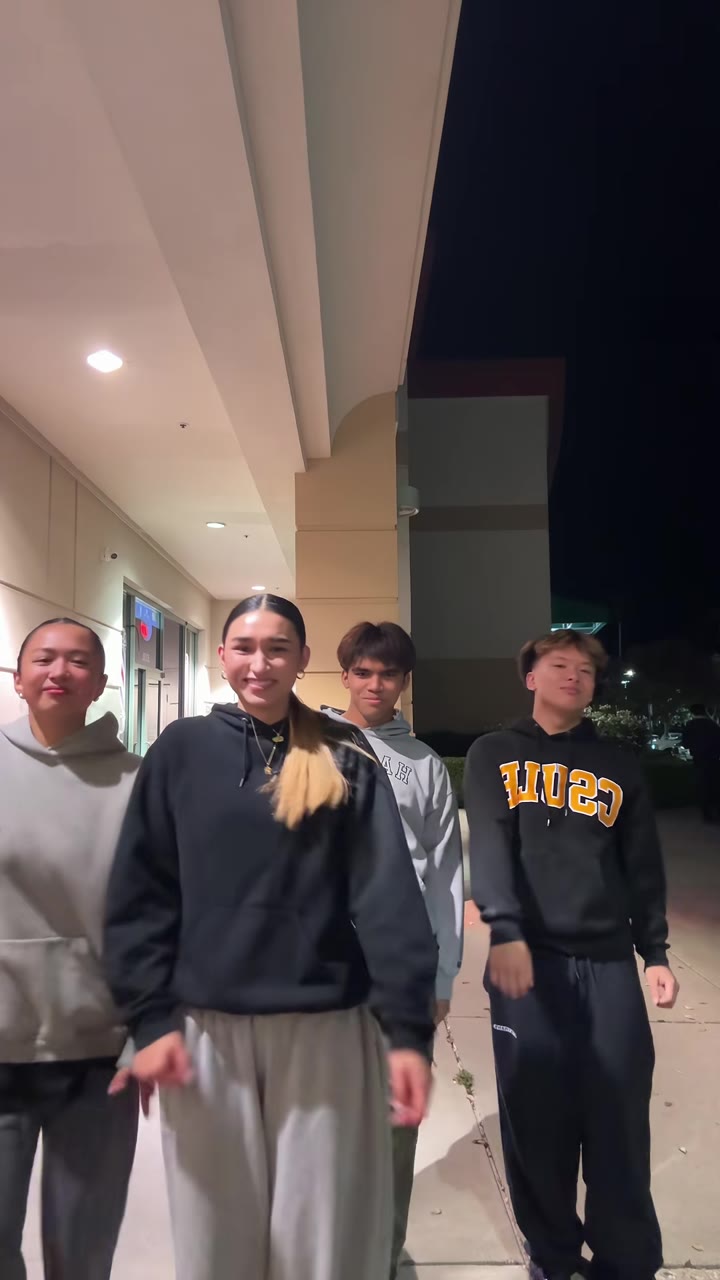
How @ references work. Files are numbered by type in the order you add them: the first photo is @Image1, the second @Image2, the first clip @Video1, the first audio file @Audio1. Type @ in the prompt to pick one. Example: @Image1 and @Image2 watch a match on the sofa, jump up and hug when the goal goes in, confetti falls. A reference that points at a file you did not add is caught before you pay.
Seedance 2.5 versus 2.0. 2.5 is the newest tier: steadier faces and bodies across several people and cuts, more natural motion and sound, and 1080p. 2.0 (Pro, Fast and Mini) costs fewer credits and is the better choice for quick tests and simple single-subject shots.
More video tools


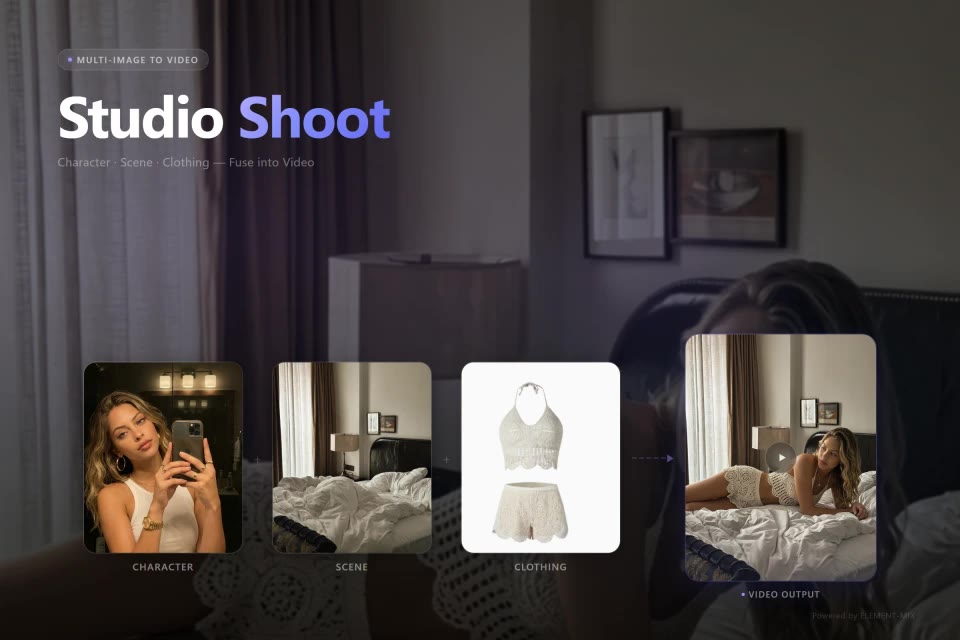

Image tools








Questions
What is Seedance 2.5?
Seedance 2.5 is ByteDance’s video generation model that makes a video from text plus photos, clips and audio you provide. videosi runs it online on its Ultra tier, with up to 6 reference files, 4 to 15 seconds, sound and up to 1080p. videosi is not affiliated with ByteDance.
How do I use @Image1 in Seedance 2.5?
On videosi, add your files, then type @ in the prompt and pick one, or tap its chip. Files are numbered by type in upload order (@Image1, @Image2, @Video1, @Audio1). Write what each does, for example: @Image1 walks toward the camera while @Image2 waves.
What are the Seedance 2.5 limits?
Videos are 4 to 15 seconds. The videosi editor takes up to 6 files in total, at most 3 clips and 3 audio files, with at least one photo or clip. Clips are 2 to 15 seconds each and 15 seconds together, photos up to 10 MB, audio up to 10 MB. Output is 480p, 720p or 1080p.
Seedance 2.5 vs 2.0: which should I use?
Use Seedance 2.5 (Ultra) for scenes with several people, cuts, natural motion and 1080p, and Seedance 2.0 (Pro, Fast or Mini) for quick, cheaper tests on videosi. Both take the same references and prompt; you switch in the model menu and see the price change on the button.
How much does Seedance 2.5 cost on videosi?
On Ultra, a video of 4 to 12 seconds is 17 credits at 480p, 37 at 720p and 93 at 1080p; 13 to 15 seconds cost slightly more. The price is on the Generate button before you start, and a render that fails returns its credits automatically.
Does Seedance 2.5 make sound?
Yes. With Sound on, the default, Seedance 2.5 generates speech, effects and music together with the video. If you add an audio file, videosi uses it as the soundtrack reference. Turn Sound off for a silent clip; the price stays the same.
Can I use Seedance 2.5 videos commercially?
Yes on videosi, as long as the photos, clips and audio you upload are yours to use and follow our acceptable use policy. Do not upload other people without their agreement.
Is Seedance 2.5 free on videosi?
No. Video costs credits on videosi, shown before you start. A new account gets one free watermarked image on the image tools, but not a free video. Seedance 2.0 Mini (Standard) is the cheapest tier to try.