AI Outfit Changer
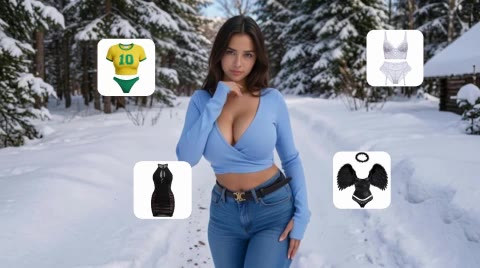
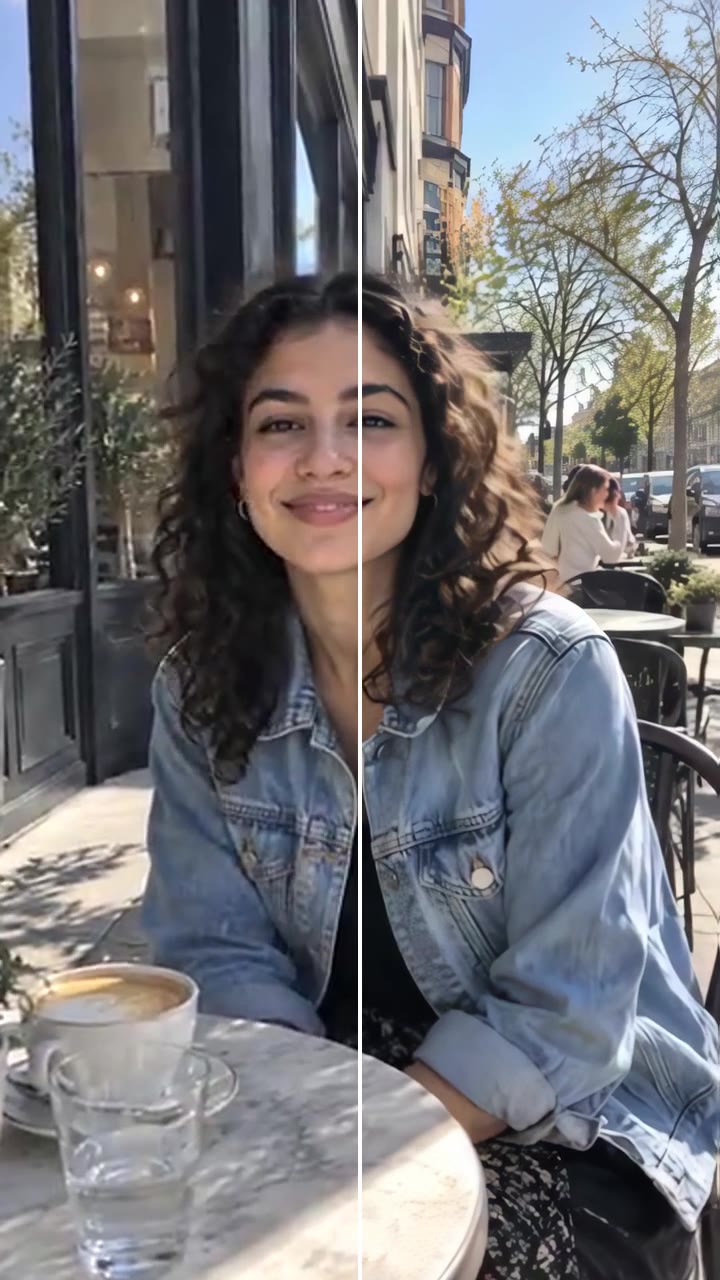
An AI outfit changer puts a new outfit on the person in your photo or video while keeping their face, body, pose, movement and background. Pick one of the presets (everyday, chic, sporty, bikini, lingerie, baddie) or upload your own clothes and see the look before you buy, post or plan it.
Choose a fit
- Dola Seedream 5.0 Pro photos · Seedance 2.0 / 2.5 clips
- 2 credits at 1K · 4 credits at 2K
- Your first image is free


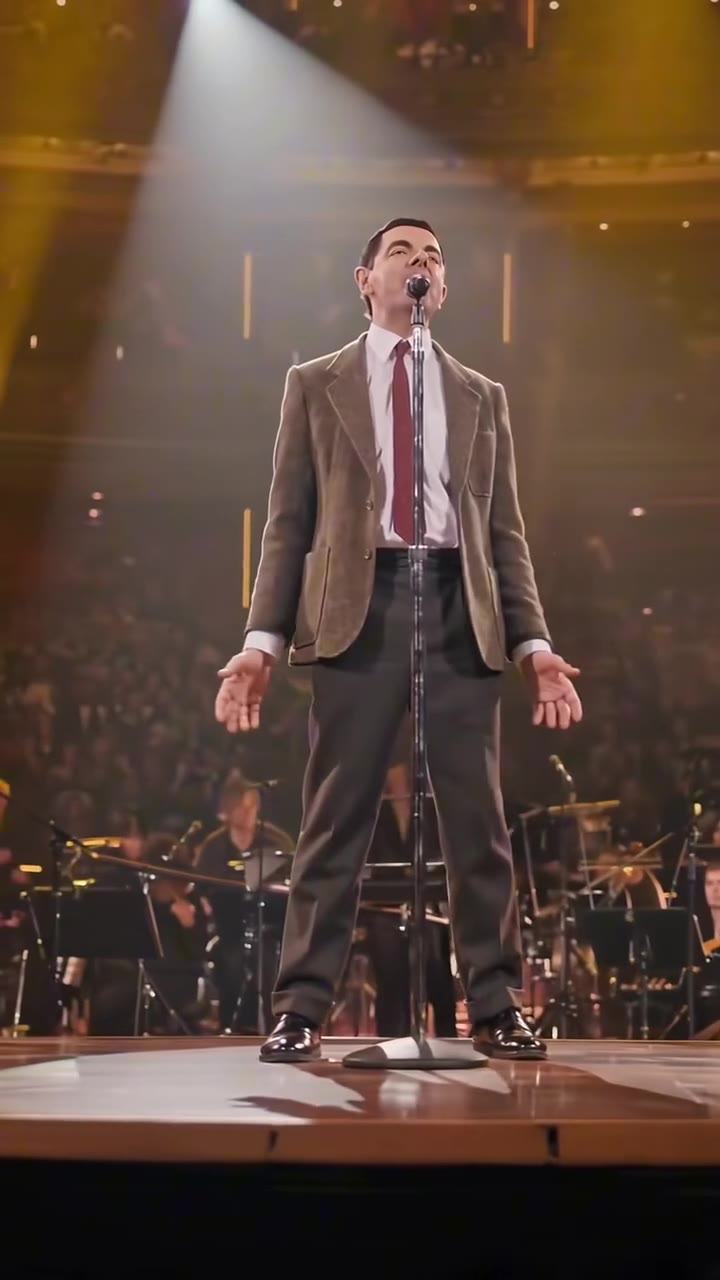
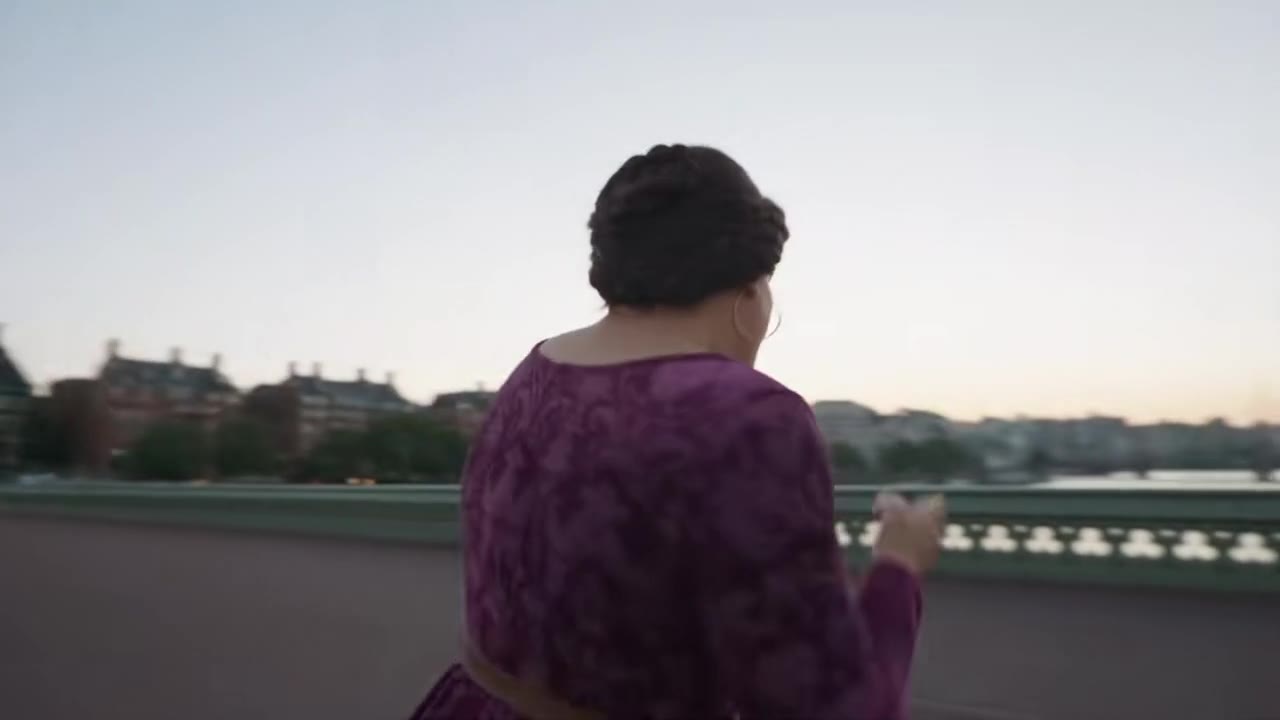
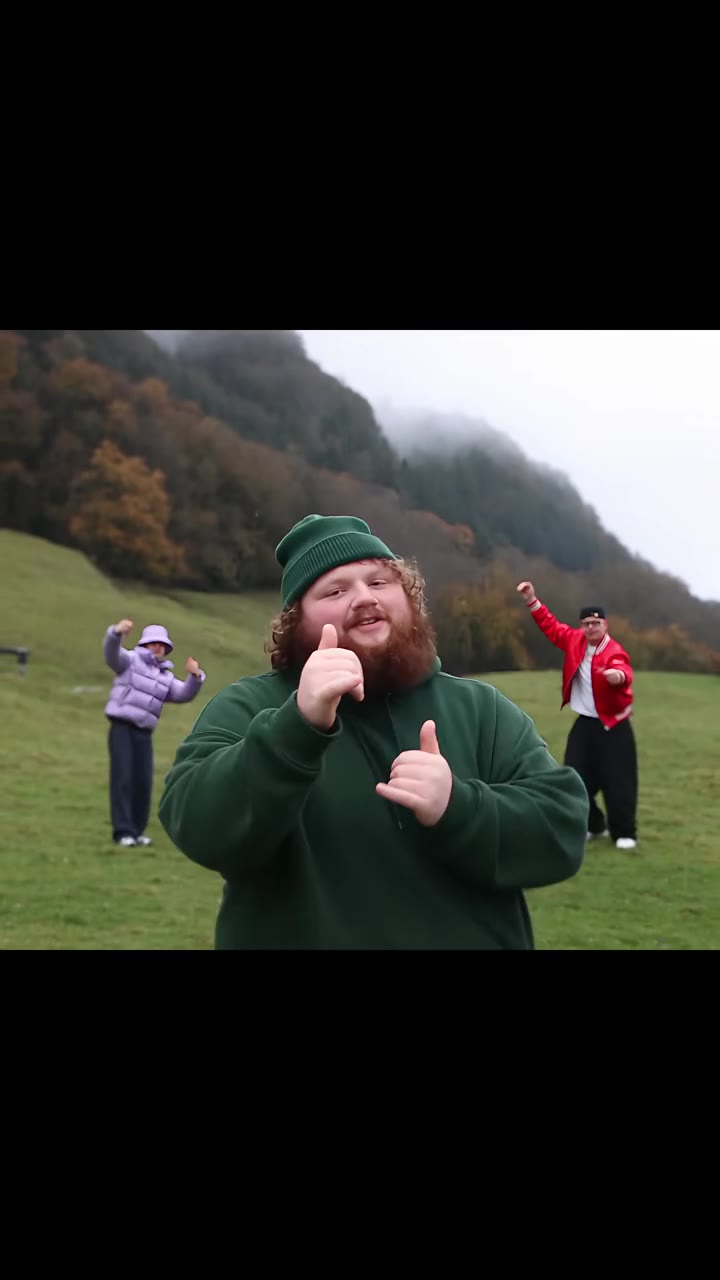
Everything in one ai outfit changer tool
Photos and videos
Change the outfit in a photo for 2 credits at 1K or 4 credits at 2K, or in a clip of up to 10 seconds. The person, their movement and the camera stay exactly as they are; only the clothes change.
Try it now
Pick a preset or bring your own
Choose from Standard, Chic, Sporty, Bikini, Lingerie and Baddie looks, or upload a photo of any garment: flat lay, hanger shot or worn by someone else.

Replace only what you want
Change the full outfit, only the top, only the bottom, a dress or just add a jacket, and keep your own background or move a photo to a clean studio backdrop.
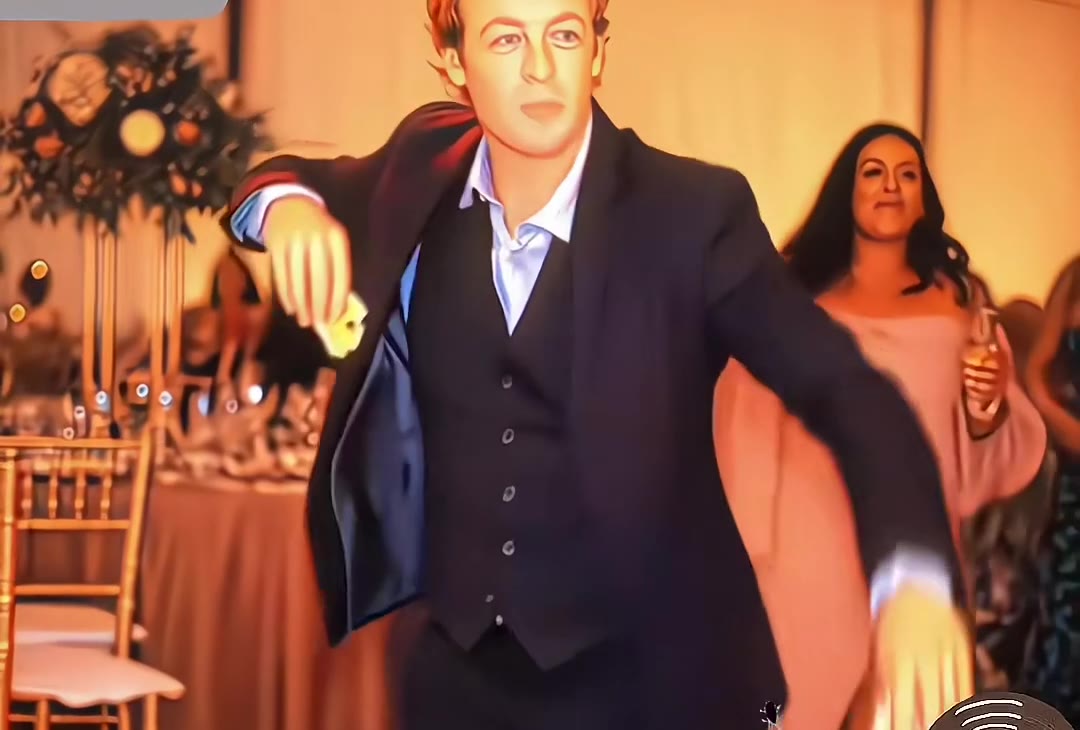
The model behind it
- 2 credits at 1K · 4 credits at 2K
- Square, portrait, story or wide
- Videos: Mini (18+) (default), Seedance 2.0 (18+), Seedance 2.0 / 2.5 (18+) Token · up to 4K
- Your photo plus one outfit
How to use the AI Outfit Changer
Upload your photo or video
A photo from the waist up or full body works best, facing the camera. For a video, a clip of 4 to 10 seconds with one person.
Pick an outfit
Choose a preset, or upload a clear photo of the clothes you want to try.
Change outfit
A photo is ready in about 20 to 40 seconds, a video in a few minutes. The price in credits is on the button.
What is the videosi AI Outfit Changer?
The videosi AI Outfit Changer is an outfit swap AI: it takes a photo or a short video of a person and a picture of clothes, and dresses the person in them. It is a clothes swapper for try-on ideas, shop listings, social posts and costumes. You can replace the whole outfit, only the top, only the bottom, a dress or just add a jacket.
It works on photos (Dola Seedream 5.0 Pro) and on clips of 4 to 10 seconds (Seedance 2.0 Mini (18+), Seedance 2.0 (18+), or 2.0 / 2.5 (18+) Token). Video credits depend on duration and resolution. A 10-second Mini clip costs 10 credits at 480p or 20 credits at 720p. Adults only, no nudity or sexually explicit content, and only photos or clips of yourself or people who agreed.
More image tools
Video tools

Questions
How much does the videosi AI Outfit Changer cost?
A photo costs 2 credits at 1K or 4 credits at 2K, shown on the button. A 10-second Mini video costs 10 credits at 480p or 20 credits at 720p. Higher resolutions are available with upscaling. A new account's first image is free and carries a videosi watermark; removing it costs 1 credit. A render that fails returns its credits automatically.
Which model does the videosi AI Outfit Changer use?
Photos use Dola Seedream 5.0 Pro by ByteDance at 1K or 2K resolution. Videos default to ByteDance Seedance 2.0 Mini (18+) and also offer Seedance 2.0 (18+), Seedance 2.0 (18+) Token and Seedance 2.5 (18+) Token, with your clip as the motion reference. Choose the model and resolution in Options; the credit price updates before you generate.
Is the AI outfit changer free?
Your first image on a new account is free, with a videosi watermark. After that each photo is 2 credits at 1K or 4 credits at 2K, and credits never expire.
What clothes can I try?
Every category: Standard (everyday dresses, sets, costumes), Chic, Sporty, Bikini, Lingerie and Baddie, or any garment you upload. Nudity and sexually explicit content are not allowed, the result keeps the same coverage as the garment you picked, and everyone in the photo or clip must be an adult.
Can I upload my own clothes?
Yes. In Your outfit, add a clear photo of the garment: a flat lay, a hanger shot, or a photo of someone wearing it (only the clothes are used). A plain background gives the best result.
Does it keep my face and body?
Yes. The model is told to keep your face, hair, skin tone, body shape, pose and expression, and to change only the clothes. In a video it also keeps your movement and the camera. Clear, front-facing photos and clips keep identity best.
Can it change clothes in a video?
Yes. Add a clip of 4 to 10 seconds with one person, pick an outfit and generate. The new outfit follows the body through the whole clip.
Whose photos can I use?
Only photos and clips of yourself or of adults who agreed. Photos of minors or celebrities are not allowed. See our acceptable use policy.
Can I use the results commercially?
Yes, results you make with credits are yours to use, including commercially, as long as the photos you upload are yours to use and follow our acceptable use policy.