AI Photoshoot
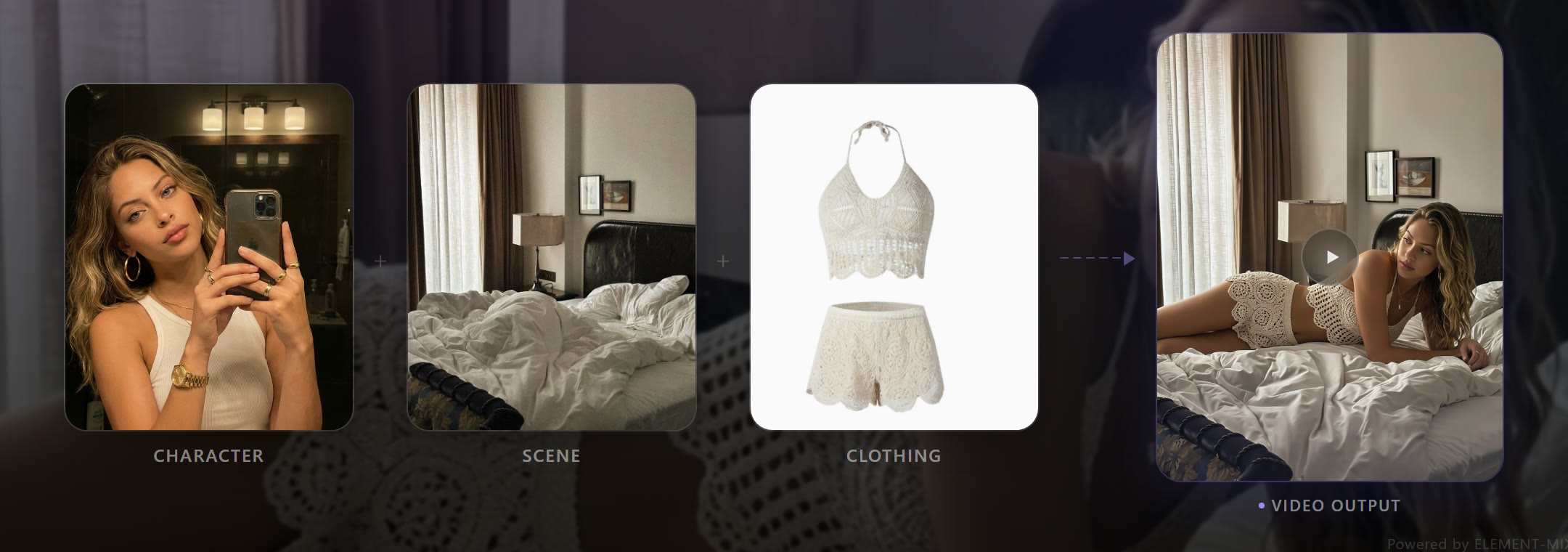
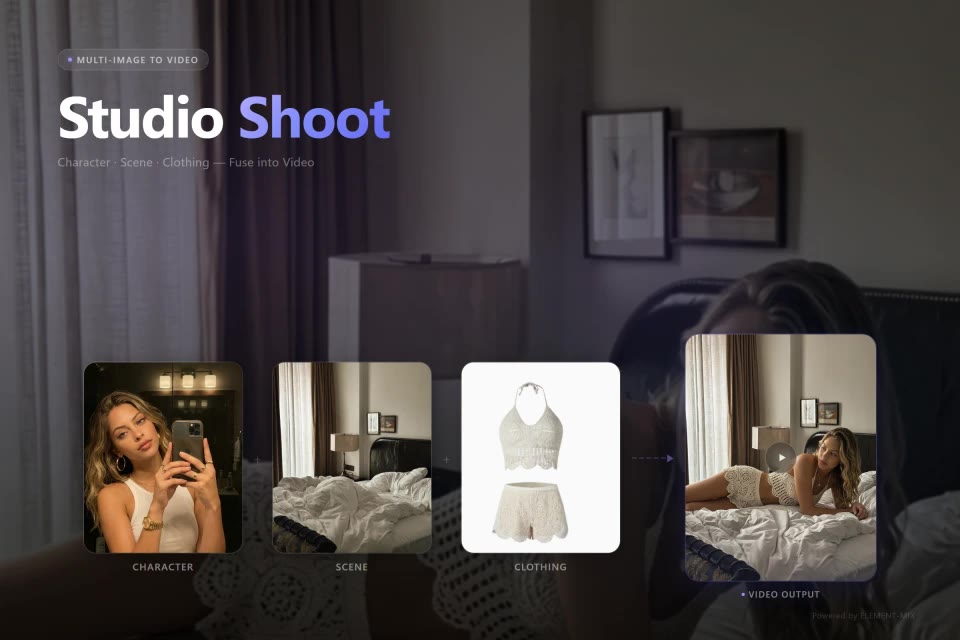
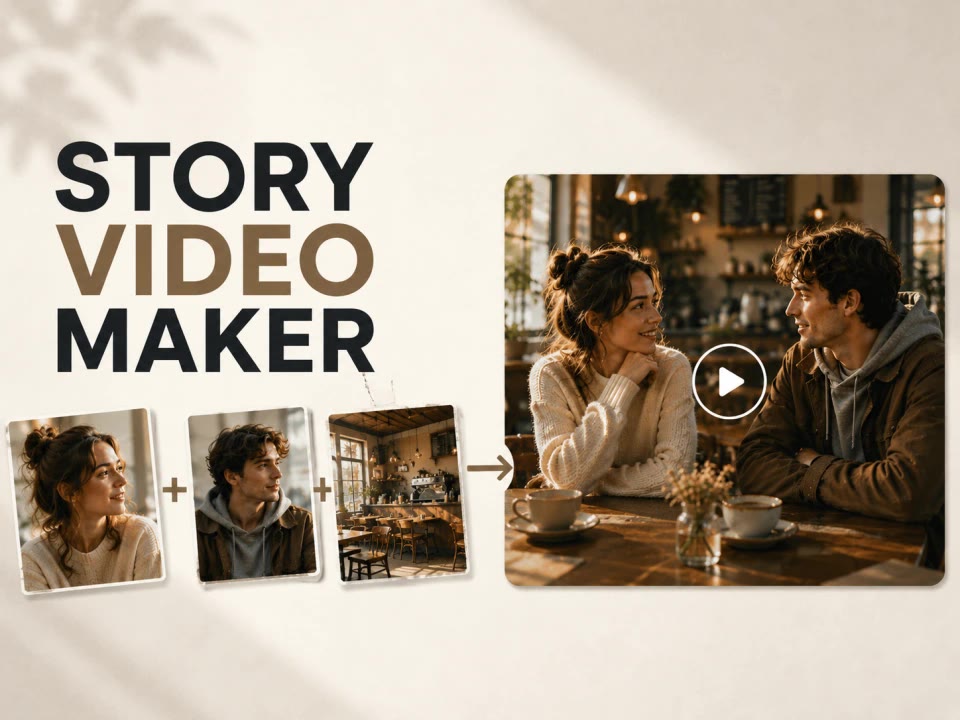
Create photos or a video of you in any place and any outfit. Choose Image or Video, add your photo, then pick a scene and an outfit to bring your look to life.
Follow the steps
- Dola Seedream 5.0 Pro photos · Seedance 2.0 / 2.5 clips
- 2 credits at 1K · 4 credits at 2K
- Your first image is free


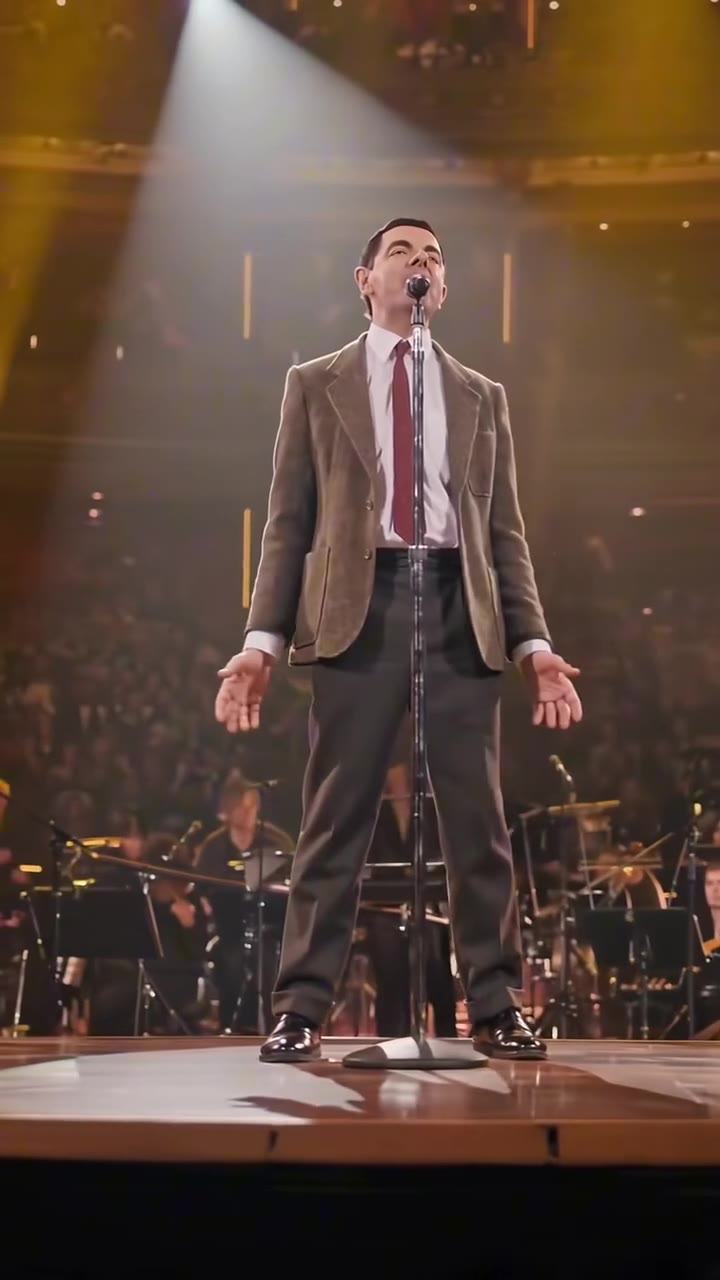
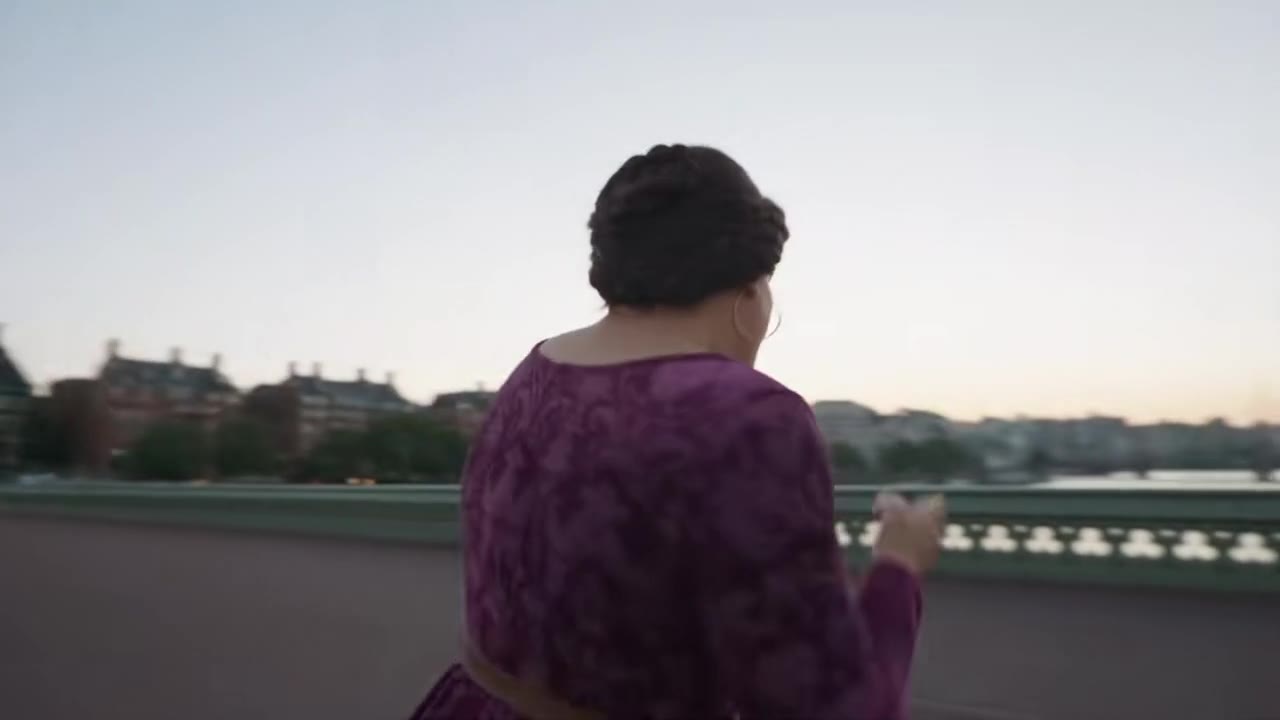
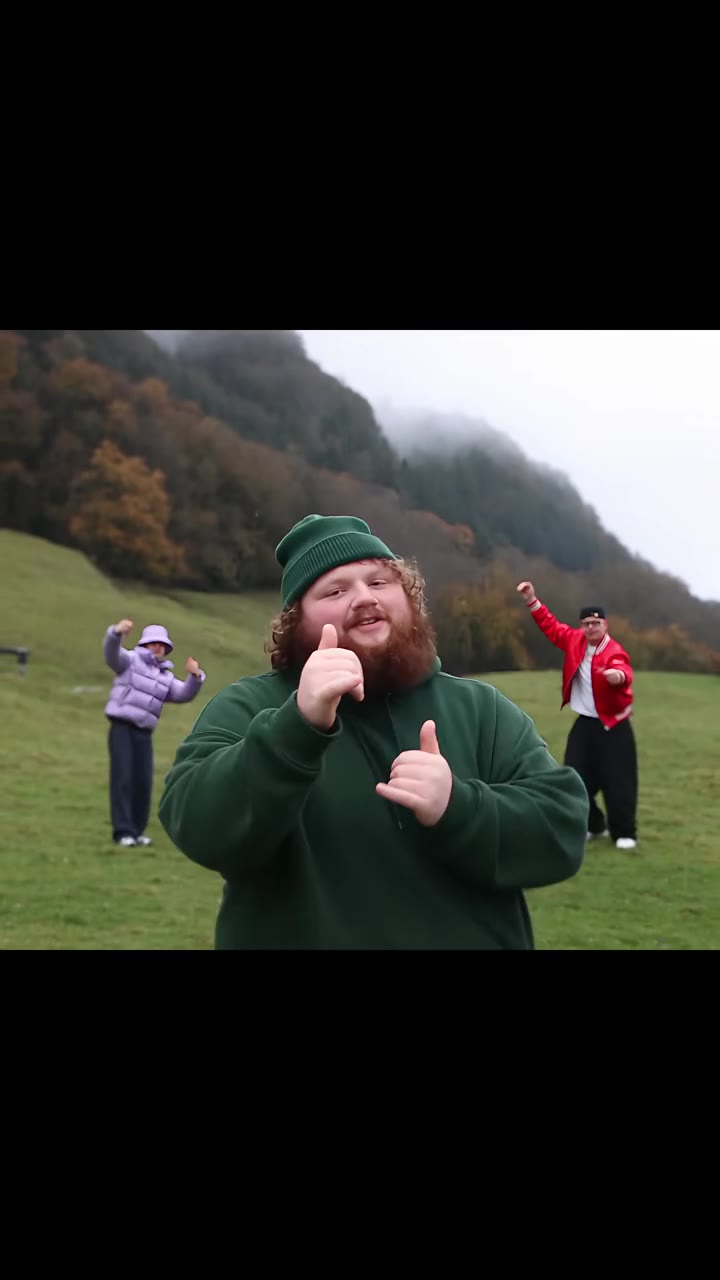
Everything in one ai photoshoot tool
You, locked in first
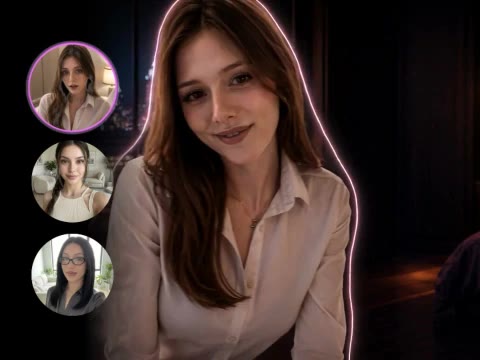
Your photo comes first and everything else is built around it, so the face, hair and build in every picture are yours, not a lookalike.
Try it now
AI model photoshoot for your outfit
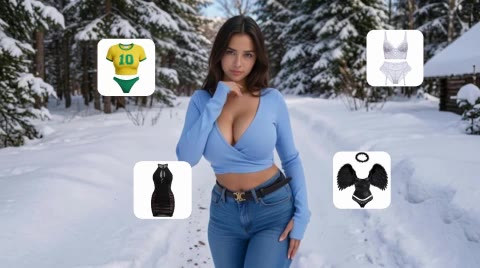
Choose an outfit from the presets (casual, evening, swimwear, lingerie) or upload your own, then a place: a Paris balcony, a palm beach, a quiet bedroom. Add one or both.

Choose video from the start
Select Video, pick a motion and generate a 5 or 10-second clip from your person, scene and outfit references. Mini is the default, with Seedance 2.0 and 2.5 also available. You can still animate a finished photo with Make it a video.
The model behind it
- 2 credits at 1K · 4 credits at 2K
- Square, portrait, story or wide
- Videos: Mini (18+) (default), Seedance 2.0 / 2.5 (18+) Token · 480p / 720p · 5 or 10 seconds
- You, a scene and an outfit
How to use the AI Photoshoot
Choose Image or Video and add your photo
Start by choosing what to create. Add one clear photo of you, facing the camera, with your face visible.
Choose a scene and an outfit
Pick from the presets or upload your own. At least one of the two is needed. Outfits include swimwear and lingerie; adults only, no nudity.
Generate your photos or video
For images, choose 1, 2 or 4 shots at 2 credits each at 1K or 4 each at 2K. For video, choose a model, motion, length, resolution and frame. The button shows the total credits.
What is the videosi AI Photoshoot?
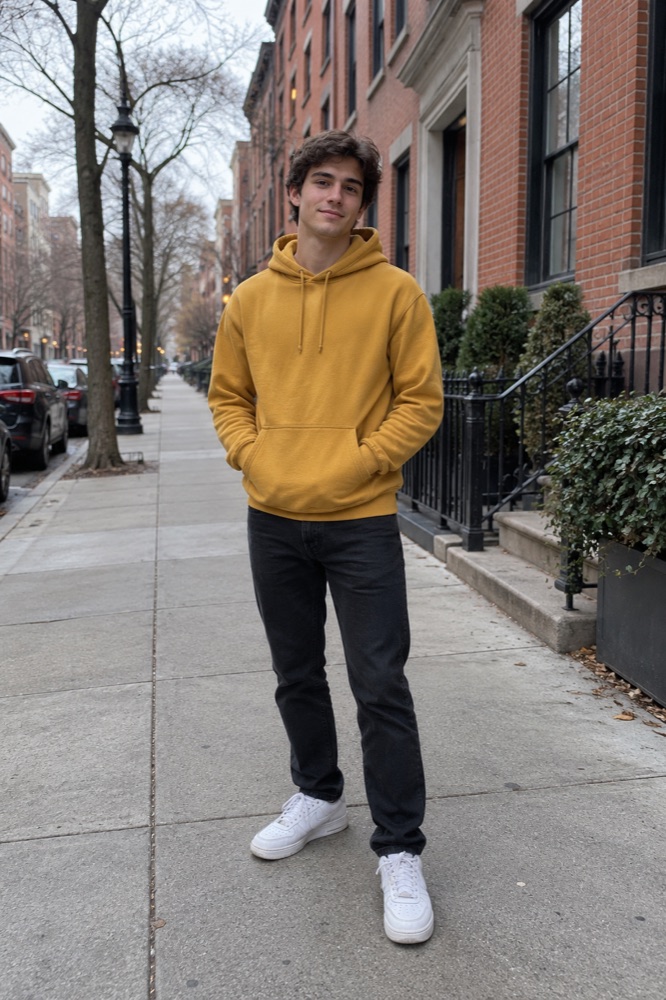
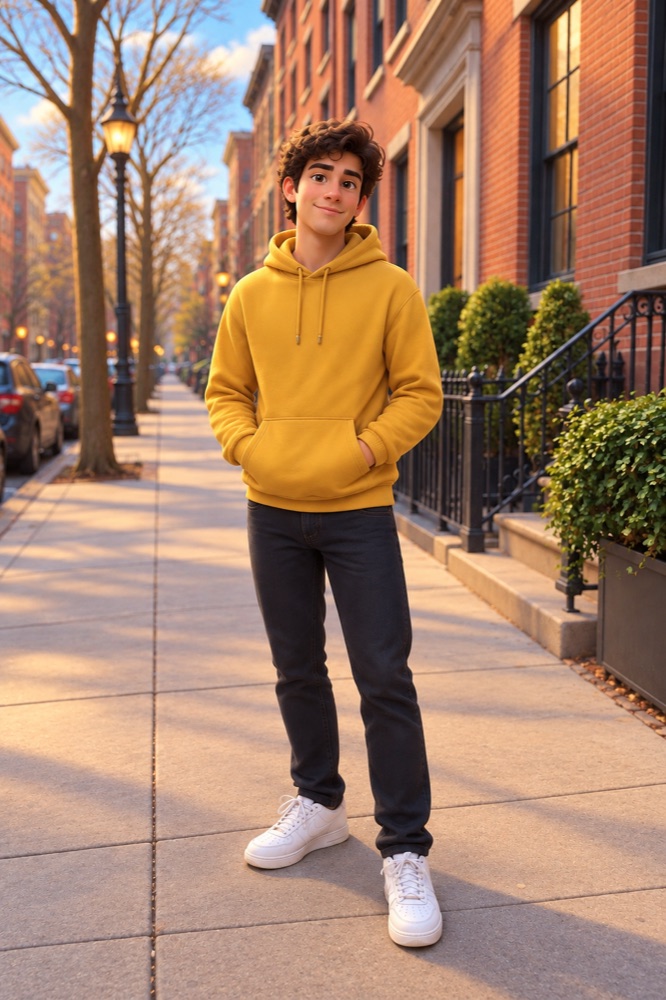
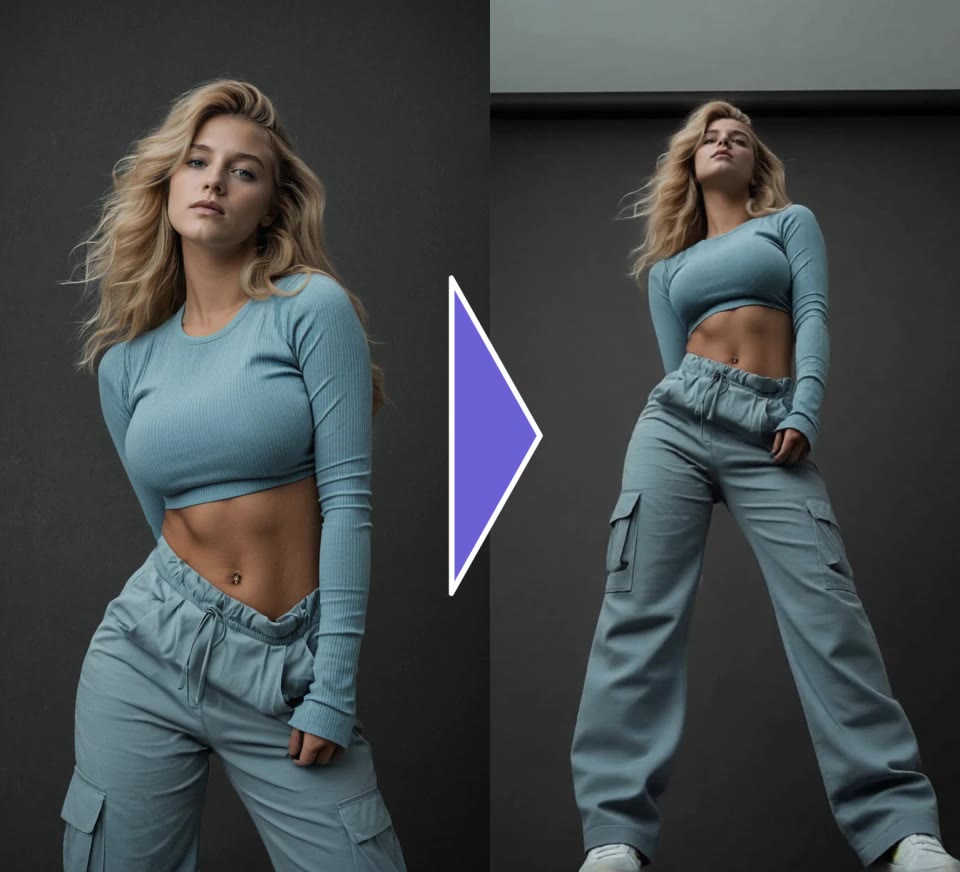
The videosi AI Photoshoot makes a set of photos of one person with Dola Seedream 5.0 Pro. You upload a clear photo of yourself, add a scene, an outfit or both, and choose one, two or four shots: full body, waist-up, walking and candid.
Choose Image for one, two or four photos, or Video for a 5 or 10-second clip made directly from your references. Any finished photo can also become a video with the motion you pick.
More image tools
Video tools
Questions
What is the videosi AI Photoshoot?
A guided studio that creates photos or a short video of you in a place and an outfit you choose. Select Image or Video first, add your photo and references, then generate your result.
Why do I upload my photo first?
Your photo is the anchor: the scene and the outfit are placed on you, so the face, hair and build stay yours in every picture. Until it is added, the scene and outfit steps stay locked.
Can I add only a scene or only an outfit?
Yes. One of the two is enough. With only a scene you keep your own clothes; with only an outfit you are shot in a clean studio. Add both for the full look.
What happens after I press Generate?
Image mode creates each shot as a separate photo. Video mode creates one clip directly from your references, without a separate photo-generation charge. Results appear below the steps; failed generations return their credits.
What happens if I replace my photo?
The scene and outfit you picked are cleared, after a confirmation, so every choice always belongs to the same person. Photos you already made stay in the grid.
Which outfits are included, and what is not allowed?
The presets cover casual, evening wear, swimwear and lingerie. The rules stay the same for every outfit: adults only, no nudity and nothing sexually explicit. Use only photos of yourself or of people who agreed to it.
How much does the AI Photoshoot cost?
Each photo costs 2 credits at 1K (the default) or 4 at 2K. A set of four costs 8 or 16 credits, shown on the button. A new account's first image is free and carries a videosi watermark. A 5 or 10-second video defaults to Seedance 2.0 Mini (18+) at 5 credits for 480p or 10 for 720p. Seedance 2.0 (18+) and Seedance 2.5 (18+) are also available; the price updates when you choose a model, resolution or length.
Can I use the photos commercially?
Yes, photos and videos you make with credits are yours to use, including commercially, as long as the photos you upload are yours to use or the people in them agreed, and you follow our acceptable use policy.