Torn Paper Effect AI: One Photo, Ripped Open for You
You get a portrait that looks ripped open by hand, with a galaxy, a sunset or a torn double exposure showing through. One photo of you is enough, with no prompt to copy into CapCut, ChatGPT or Gemini.
Updated : Page published.
1Add your photo
What you'll get
Front-facing, well-lit selfies work best. One face per photo.
2Style
By generating you confirm you have permission to use the people in your photos. Terms
No subscription needed · Ready in about a minute · Failed renders are free
The torn paper effect AI trend turns a normal portrait into one still image that looks ripped open by hand, with another world or a second exposure showing through the tear; videosi makes it from one photo of you.
- Fast facts
- First seen
- Stage
- Spreading
- Started on
- TikTok (unconfirmed)
- Sound
- No single sound: posts are mostly tutorials with their own voiceover or unrelated tracks.
- Meaning
- The "torn paper effect" is a picture edited to look ripped by hand, with curled paper edges and another image showing through the tear.
Page updates
- November 2, 2026 — Page published.
The Torn Paper Effect AI prompt and model
Torn Paper Effect AI is made with GPT Image 2.5 by OpenAI. The prompt behind it has 5 parts, and the timing is what makes or breaks it.
- Model
- GPT Image 2.5
- Mode
- Photo to still image
- Length
- One vertical 2:3 still image
- Input
- 1 photo
- Identity lock Your photo is the only source for the face, skin tone, age, hair and build.
- Style One of 4 styles decides what is torn and what shows through the tear.
- Paper physics Rough fibres, visible thickness, curled flaps and shadows that match the scene.
- Keep what matters The torn edge stays clear of the face, so the tear never cuts away your identity.
- Rules One clothed adult, no text, no logos, no app interface and no phone frame.
Using the photo of the person in Image 1, create one photorealistic vertical image in the torn paper effect style, as if real thick paper…
Why it goes wrong when you do it yourself
- Without a request for fibres, thickness and shadows, the tear looks like a flat cut-out shape instead of ripped paper.
- Prompts copied from tutorials often describe a stranger's look or setting, so the model drifts away from your photo.
- Some models add a stamp or caption the prompt mentioned, like a creator logo or a title, which then has to be erased by hand.
- Beauty retouching creeps in by default and changes the face shape, which is what makes the result stop looking like you.
Torn Paper Effect AI examples
How to make your Torn Paper Effect AI image
Upload your photo
One clear picture of one adult. A full-body or waist-up photo works best for the two portal styles.
Pick the style
Galaxy portal, sunset through kraft paper, double exposure strips or torn photo pieces.
Generate and download
The image is usually ready in about a minute, as a vertical picture ready for a post or a story.
What is the Torn Paper Effect AI trend?
Updated · videosi is an independent tool. It is not affiliated with TikTok, Instagram, YouTube, or with the owners of any trend, song, game or brand named on its pages.
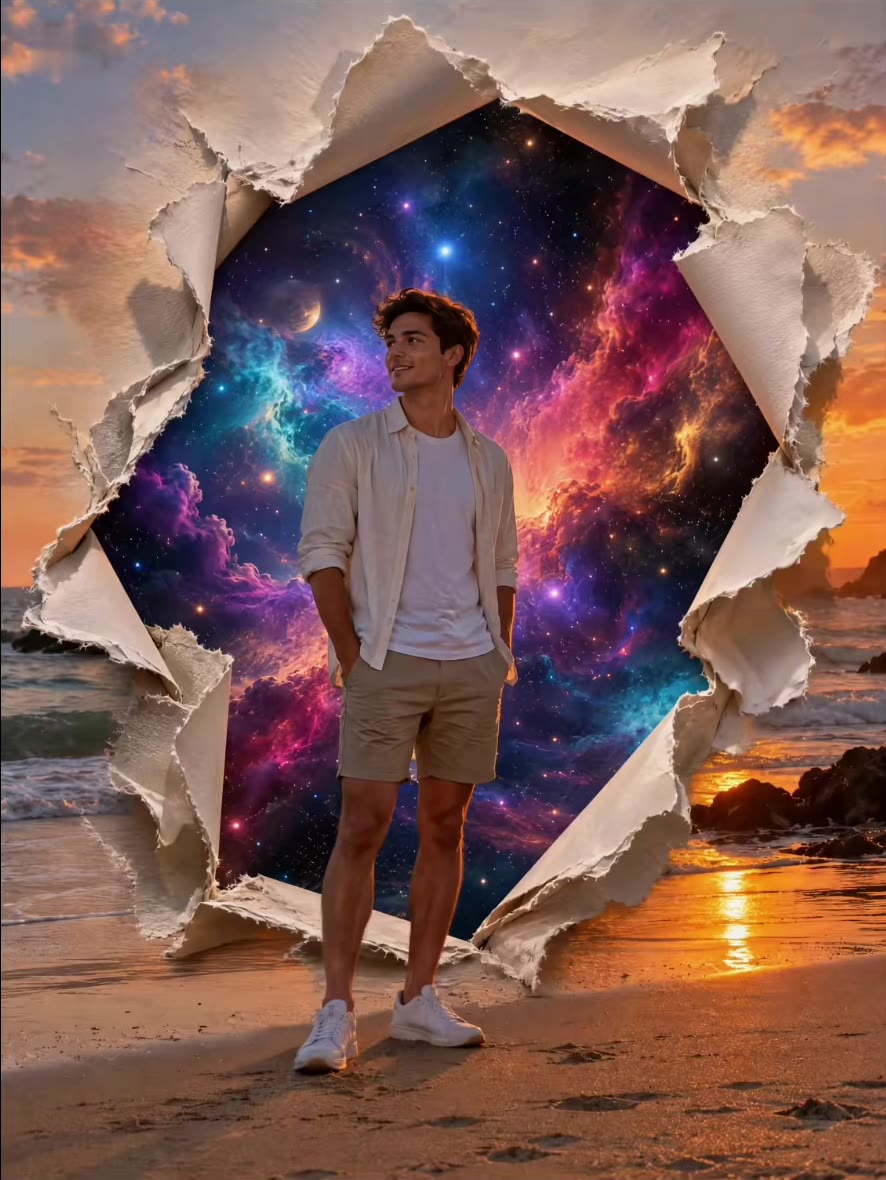
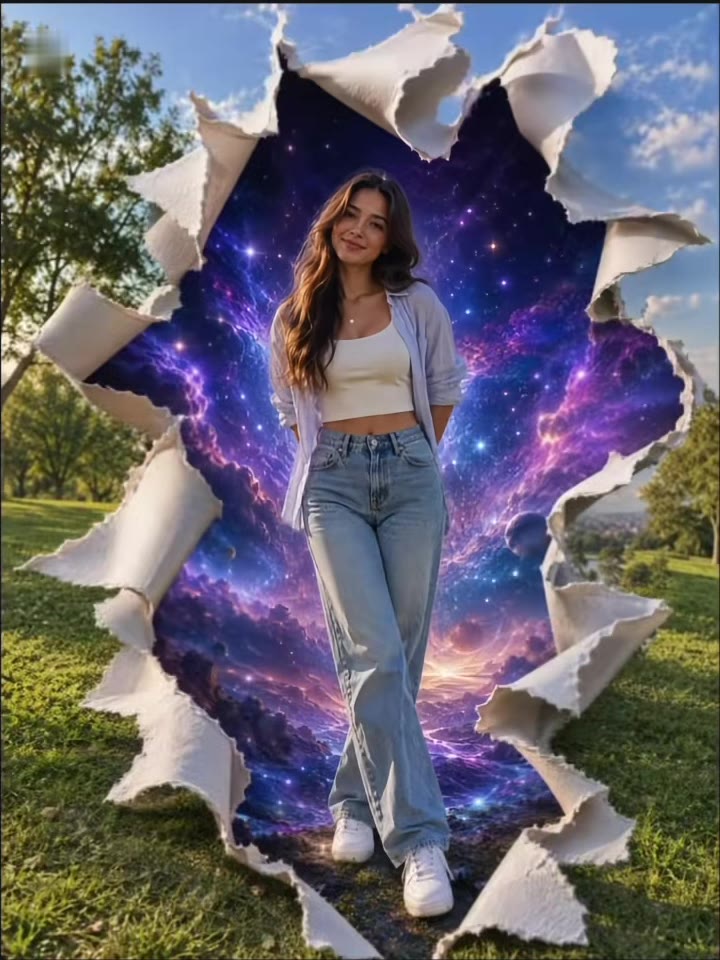
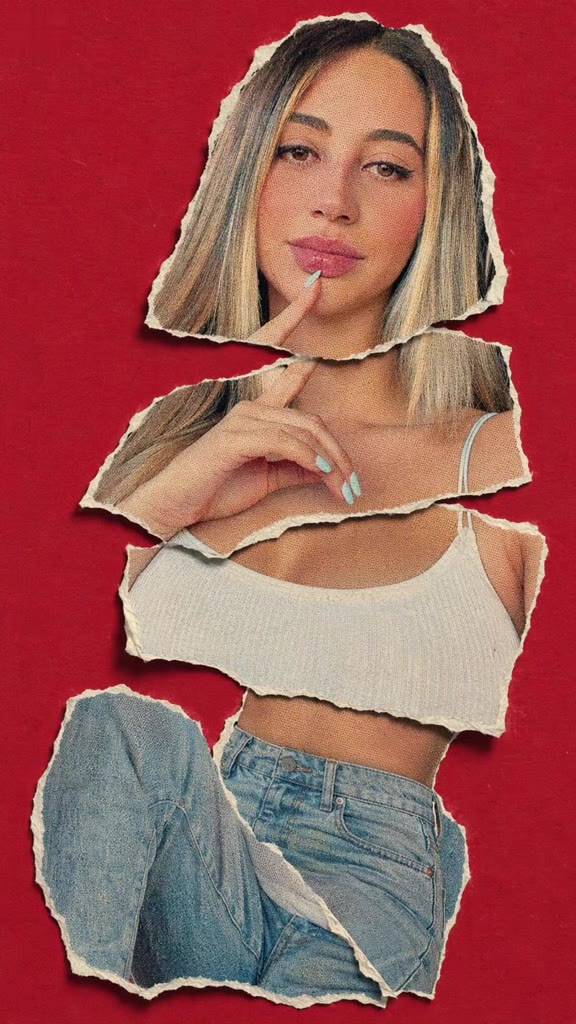
The torn paper effect AI trend takes an ordinary portrait and makes it look as if the picture was ripped by hand. Curled flaps of thick paper open around the person, and something else shows through the tear: most often a purple galaxy or a golden sunset. Other versions stack the portrait as torn pieces on coloured paper, or split it with white rips into three panels, a look people also call a torn paper double exposure.
The look itself is an old design effect, long made by hand in Photoshop and Canva. The AI version is newer. The earliest AI clip we watched is a Gemini prompt post from 20 October 2025, showing the split-strip look. The wave behind this page is made of CapCut tutorials: the earliest portal tutorial we watched is dated 27 September 2026, and the most-watched showed about 247,000 views on 2 November 2026. No original creator has been identified. Our radar marked the phrase torn paper double exposure as fading on 23 October 2026, but new tutorials kept appearing until 2 November, and search interest had moved to the wording torn paper effect.
There is no trend song: the posts we watched are mostly tutorials with their own voiceover or unrelated tracks. The result here is a still image, so there is no sound in it.
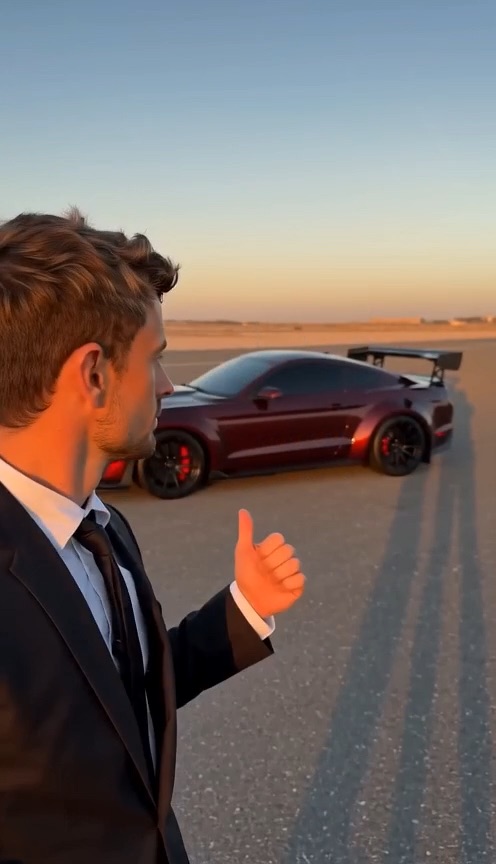
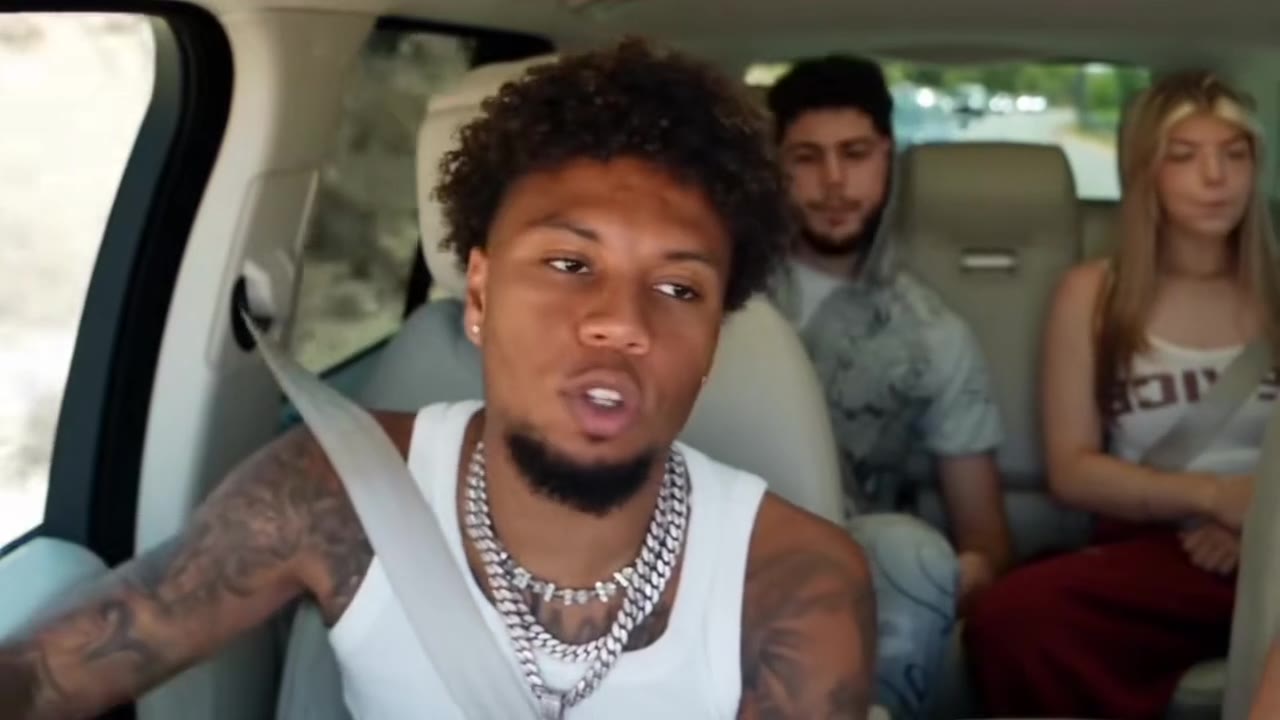
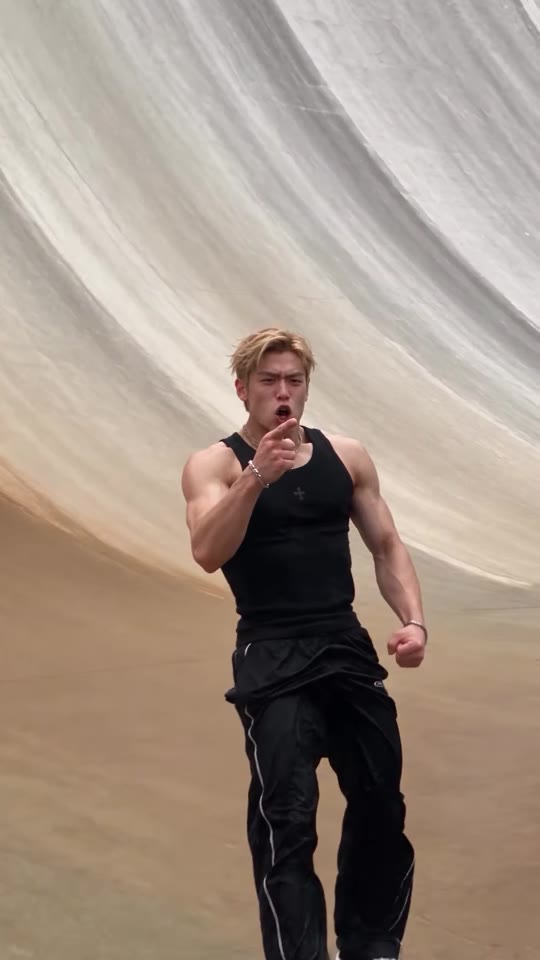
videosi skips the tutorial. Upload one photo, pick one of 4 styles and download one vertical image. Your face comes from your photo; in the galaxy style your place and pose stay as well. The clips on this page are results made with other tools, cut from posts about the trend and shown muted. They were not made by videosi, and there are only three because most posts are screen-recorded tutorials.
Tips for a better result
Show your whole face
Sharp, front-on and without heavy shadow. The face is what has to stay yours.
Show your body for portals
The galaxy portal looks best with a full-body photo, since you stand in front of the tear.
Pick a simple place
The galaxy style keeps your background, so a beach, a park or a street reads better than a cluttered room.
Use one person
Only the most prominent person is used, so crop group photos first and avoid beauty filters.
Good to know before you make a Torn Paper Effect AI image
- The result is a still image with no sound, not a video or an animated tear.
- The tear is different each time, and the AI decides where the flaps fall. Small details such as hands can come out wrong, so check the picture at full size.
- The sunset and strips styles replace your background, and the strips style shows close-ups, so it does not need your whole body.
- It is an AI image, so label it where the platform asks. A failed or blocked generation returns its credits automatically.
Torn Paper Effect AI: questions
What is the torn paper effect AI trend?
The torn paper effect AI trend turns a portrait into one image that looks ripped by hand, with a galaxy, a sunset or a second exposure showing through the tear. CapCut tutorials we watched date from September to November 2026. videosi makes it from 1 photo in 4 styles.
What does torn paper effect mean?
"Torn paper effect" means a picture edited to look ripped by hand, with curled paper edges and another image showing through the tear. It began as a Photoshop and Canva design effect, and AI tools now produce it from a prompt. As of November 2026 videosi makes it from 1 photo.
How do I make the torn paper effect with AI?
Upload 1 clear photo on the videosi torn paper effect AI page, pick galaxy portal, sunset, double exposure strips or torn pieces, and press Generate. It costs 1 credit, needs no written prompt and usually finishes in about a minute. Your face and build come from your photo.
What is a torn paper double exposure?
A torn paper double exposure shows the same person twice or more, split by white paper rips, usually with one colour portrait between black and white close-ups. videosi offers it as the double exposure strips style, 1 of 4 on this page. It is a look made by AI from 1 photo, not an in-camera double exposure.
Is there a torn paper effect generator?
Yes. videosi (videosi.io) is a web generator that takes 1 photo and returns 1 vertical 2:3 torn paper image. It runs in a phone or desktop browser with no app to install, and you do not have to write or copy a prompt. It is separate from CapCut and TikTok.
Is there a CapCut template or TikTok filter for the torn paper effect?
The posts we watched in October 2026 use CapCut's AI photo editor with a pasted prompt rather than a named template, and we did not confirm a TikTok filter. videosi is a separate web tool, not affiliated with CapCut or TikTok, that returns 1 image from your photo.
What is the best torn paper effect prompt for ChatGPT or Gemini?
No single prompt is best, but those that work ask for paper fibres, thickness and shadows, say what shows through the tear, and tell the model to keep your face. Results vary by tool and photo. videosi keeps its 1 prompt private and applies it for you across 4 styles.
What AI model makes the torn paper effect?
The videosi torn paper effect AI page runs on GPT Image 2.5, an image model made by OpenAI, with your photo as the source for the person. It produces 1 vertical 2:3 still at about 1K. The full prompt stays private; its structure and common mistakes are in the how it is made section.
How much does the torn paper effect cost?
One torn paper effect image costs 1 credit on videosi. Credit packs start at $6.99 for 10 credits and do not expire, and plans start at $29.90 a month. There is no free generation on this page. Purchases are final, and a failed generation returns its credits automatically.
Why does my torn paper photo not look like me?
The usual cause is the source photo: on videosi, 1 sharp, front-lit picture with your whole face visible gives the best match. Avoid sunglasses, heavy filters and group shots. Face match is never perfect with AI images, and small differences can still appear in all 4 styles.
Can I use someone else's photo?
Only with their consent, and only if they are an adult: videosi is for photos of grown-ups who agreed. Each image shows 1 person, fully clothed. Do not use it to mislead anyone about a real person, and label the picture as AI where the platform asks.
What song is used in the torn paper effect trend?
No single song is confirmed for the torn paper effect trend as of November 2026: the posts we watched are mostly tutorials with voiceover or unrelated tracks. The videosi result is 1 still image with no sound, so you choose your own music if you post it.
Is the torn paper effect still trending?
As of 2 November 2026 the torn paper effect is still spreading: new CapCut tutorials appeared through late October, one with about 247,000 views. Our radar marked the narrower phrase torn paper double exposure as fading on 23 October 2026. videosi keeps 4 styles available from 1 photo.
Is the result a video or an image?
An image. The videosi torn paper effect AI page produces 1 still 2:3 picture per generation, not a video, and it has no sound. The clips on this page are results made with other tools, shown muted for reference.
Trending this week
All trends this week
Make your Torn Paper Effect AI image
Upload a photo and press Generate. 1 credits, refunded if it fails.
Get the next trend first
One email when new trends land on videosi, about once a week. Unsubscribe in one click.
See videosi first on Google
Add videosi as a preferred source and our trend pages show up first in your Top Stories and AI answers on Google.