Charlie Brown Dance AI: The Peanuts Dance, Starring You
You loosen up and dance the floppy, side-stepping Charlie Brown dance for 12 seconds, jazz beat and all. One photo of you is all it takes.
Updated : Page published.
1Add your photo
What you'll get
Front-facing, well-lit selfies work best. One face per photo.
2Choose quality
By generating you confirm you have permission to use the people in your photos. Terms
No subscription needed · Ready in 4–6 minutes · Failed renders are free
The Charlie Brown dance AI trend is a 12-second clip in which you do the loose, floppy dance from A Charlie Brown Christmas to its jazz beat; videosi makes it from one photo of you.
- Fast facts
- First seen
- Stage
- Spreading
- Started on
- TikTok (unconfirmed)
- Sound
- Linus and Lucy — Vince Guaraldi Trio (unconfirmed)
- Meaning
- The Charlie Brown dance is a TikTok freestyle that copies the loose, floppy-limbed party dance from the 1965 TV special A Charlie Brown Christmas, done to its jazz beat.
- Related trends
- AI Christmas Video, AI Dance, AI Sway Dance
Page updates
- November 11, 2026 — Page published.
The Charlie Brown Dance AI prompt and model
Charlie Brown Dance AI is made with Seedance 2.0 / 2.5 (you pick the tier) by ByteDance. The prompt behind it has 5 parts, and the timing is what makes or breaks it.
- Model
- Seedance 2.0 / 2.5 (you pick the tier)
- Mode
- Photo + motion reference to video
- Length
- 12 seconds, 9:16, 1:1 or 16:9
- Input
- 1 photo
- Replace the dancer The dancer of a 12-second reference clip is swapped for the person in your photo, and the framing, the moves and the timing are kept.
- Identity lock Your photo is the only source for the face, hair, build and outfit; nothing of the reference dancer is kept.
- Dance note One line names the moves, loose side steps, floppy arms and knee-lift hops, so the model keeps the goofy rhythm.
- Keep the rest Camera, place and length stay as in the reference, so the clip reads as the same dance.
- Sound The trend sound is mixed onto the finished clip, so your download already has the sound on it.
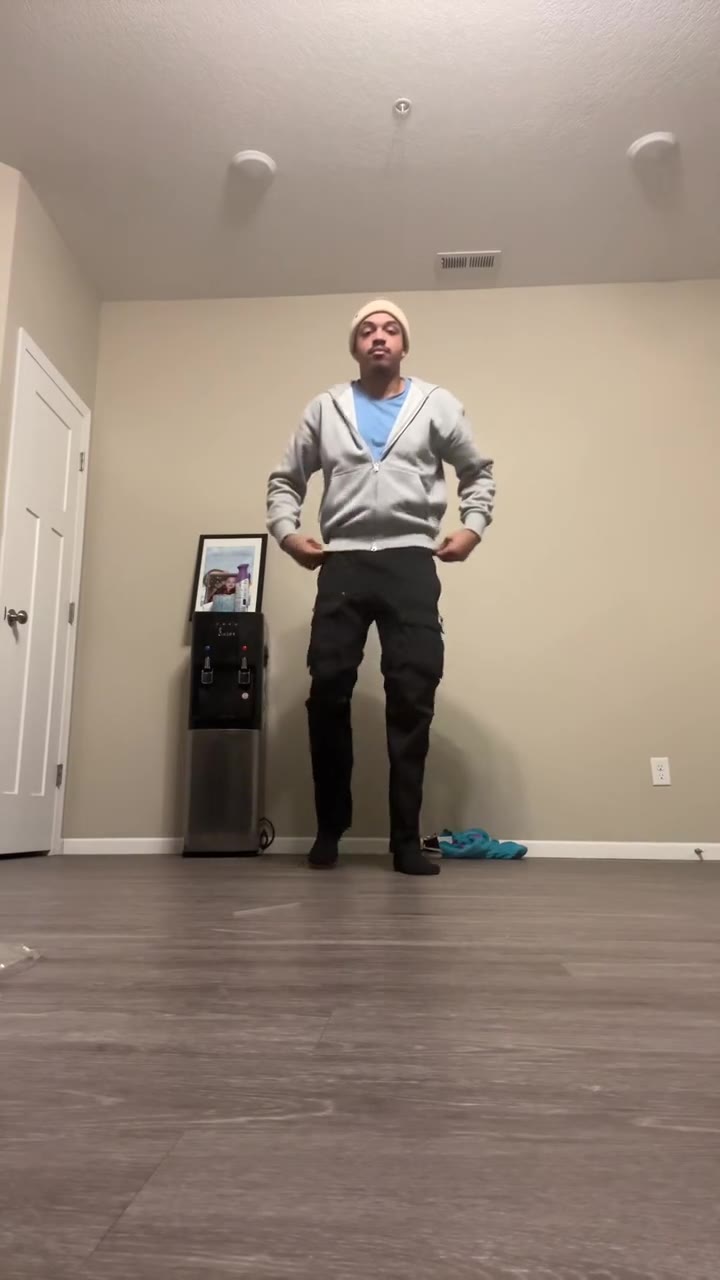
Replace the man with short dark hair, a grey zip hoodie and black cargo trousers in Video 1 with the person from Image 1. Keep everything else in Video 1 the same.…
Why it goes wrong when you do it yourself
- Without a motion reference the dance turns into a generic shuffle, because the charm is in the loose, off-beat moves.
- General models often keep the reference dancer's face or clothes unless the replace instruction comes first.
- Asking for Snoopy or Charlie Brown by name is often blocked, and when it works you get a cartoon, not you doing the dance.
- Each try costs model credits and several minutes, and a loose full-body dance usually takes several tries.
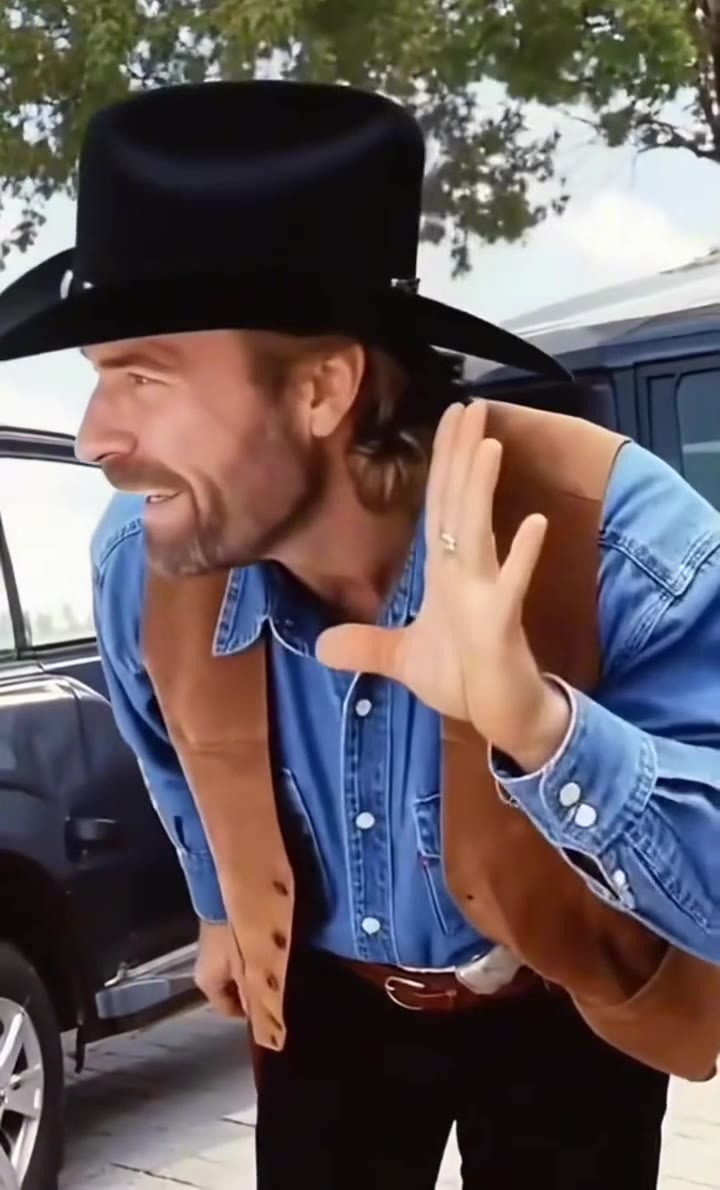
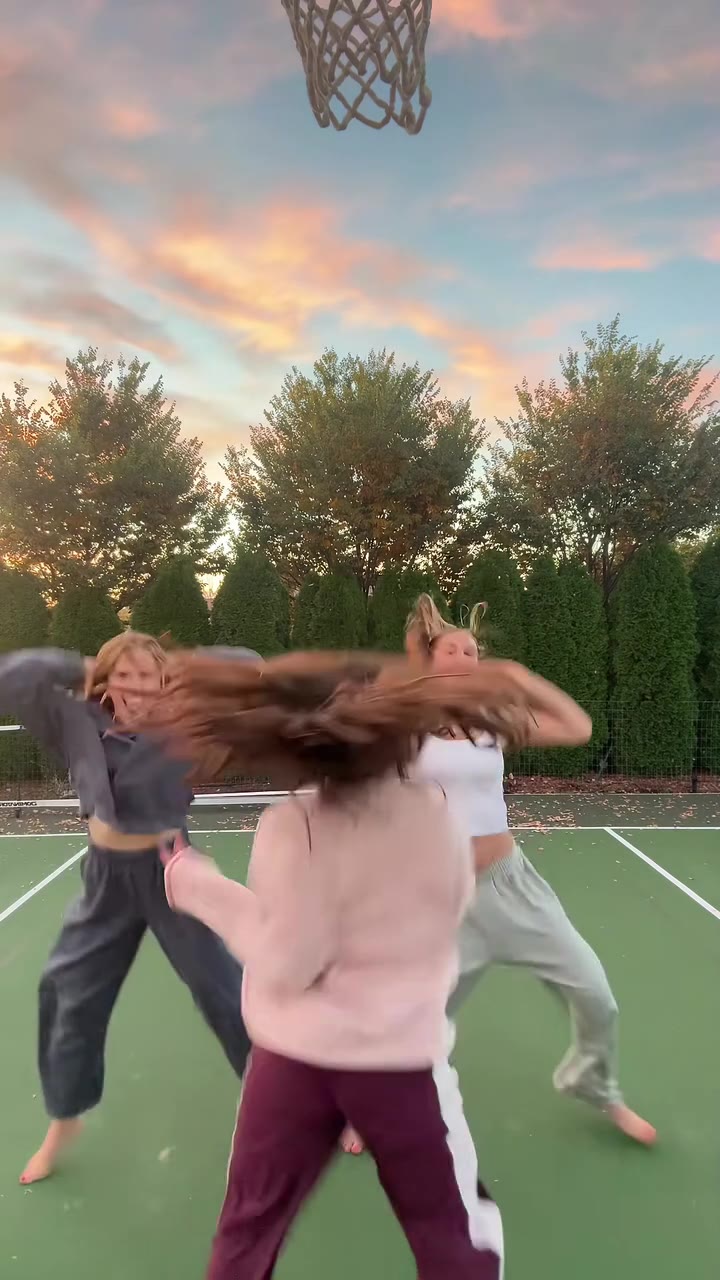
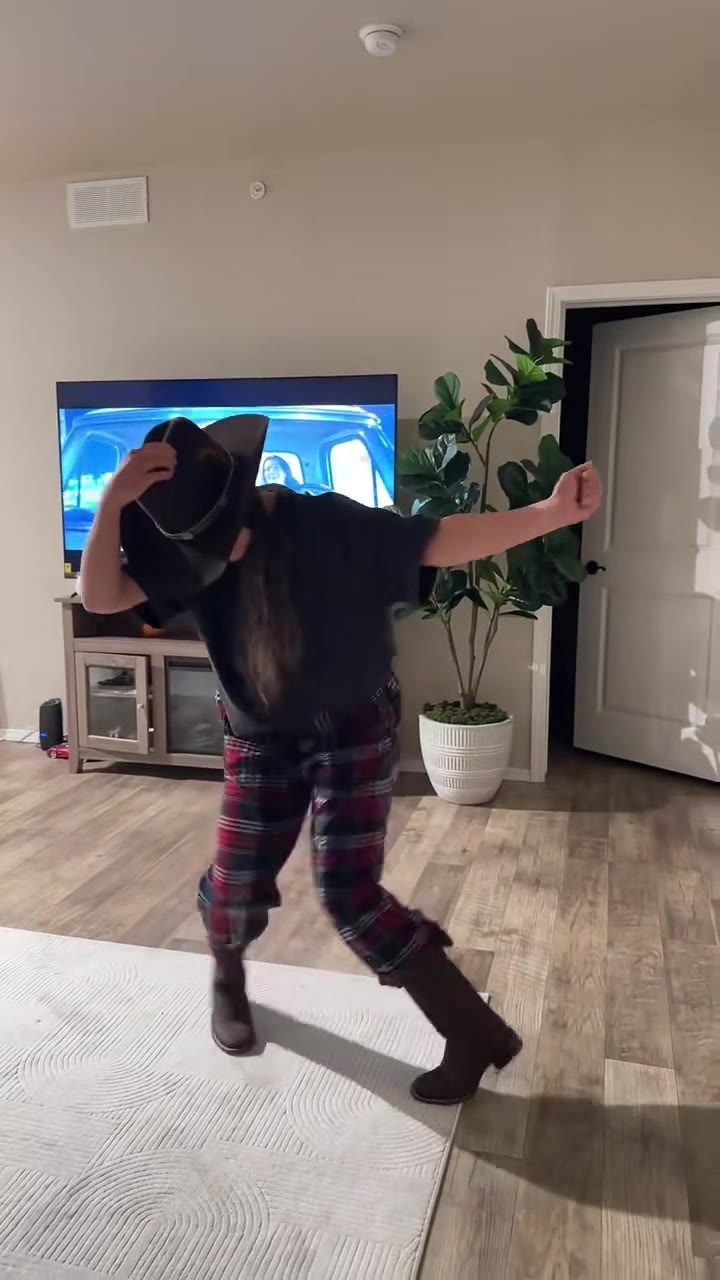
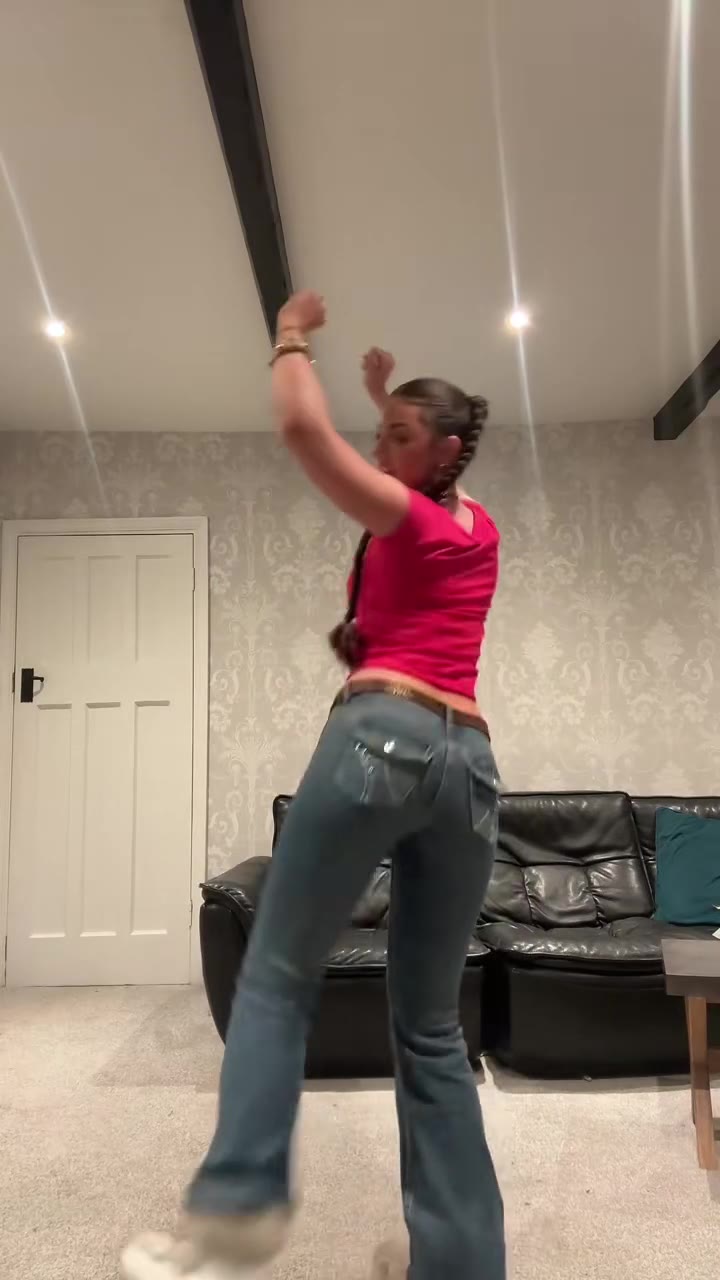
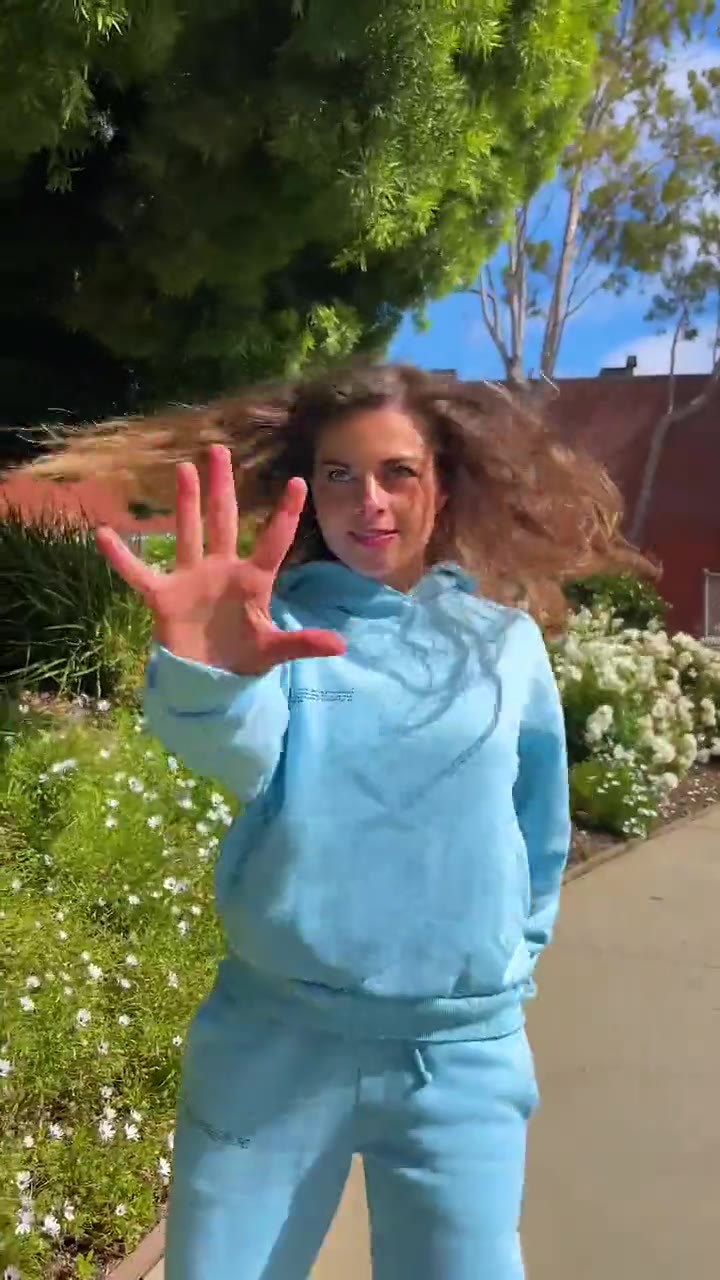
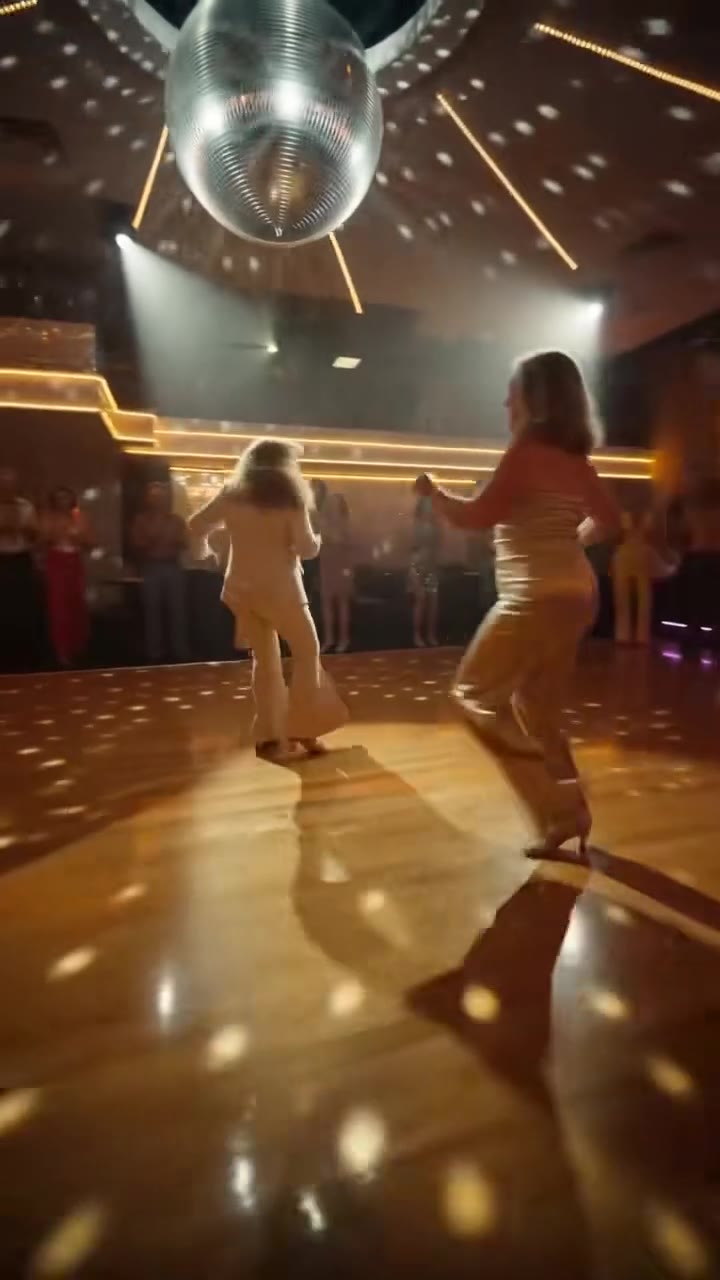
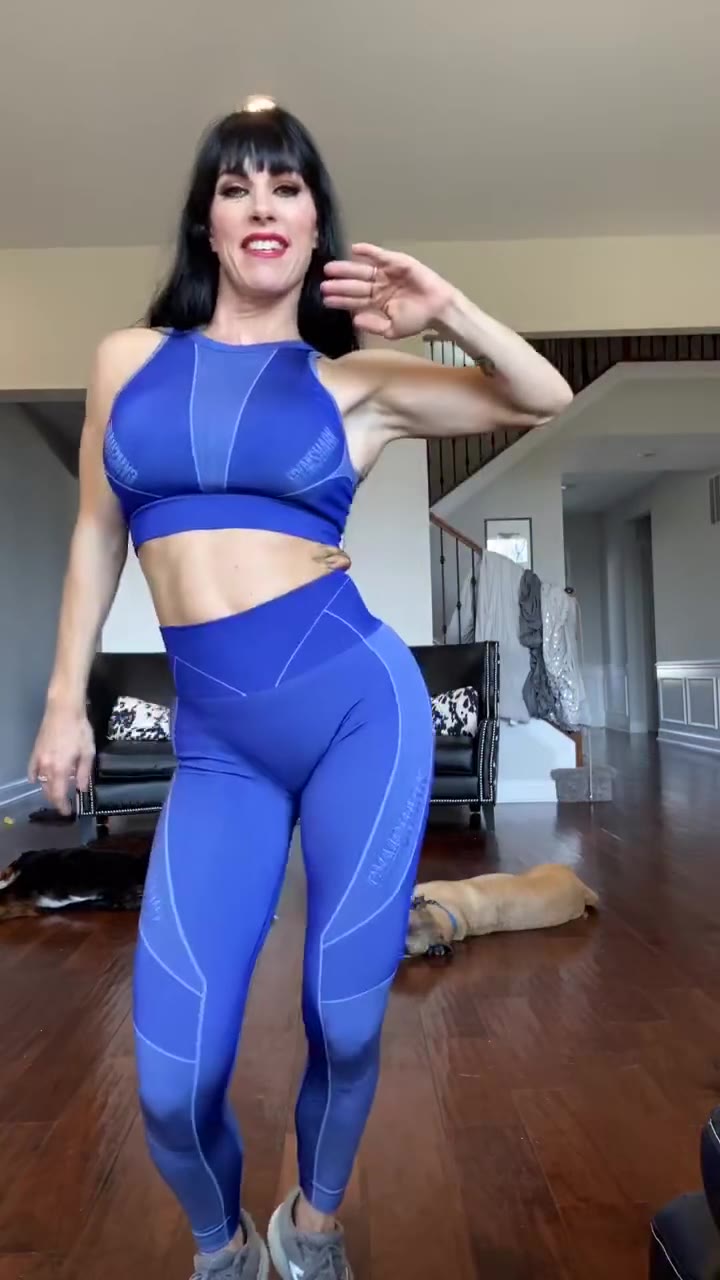
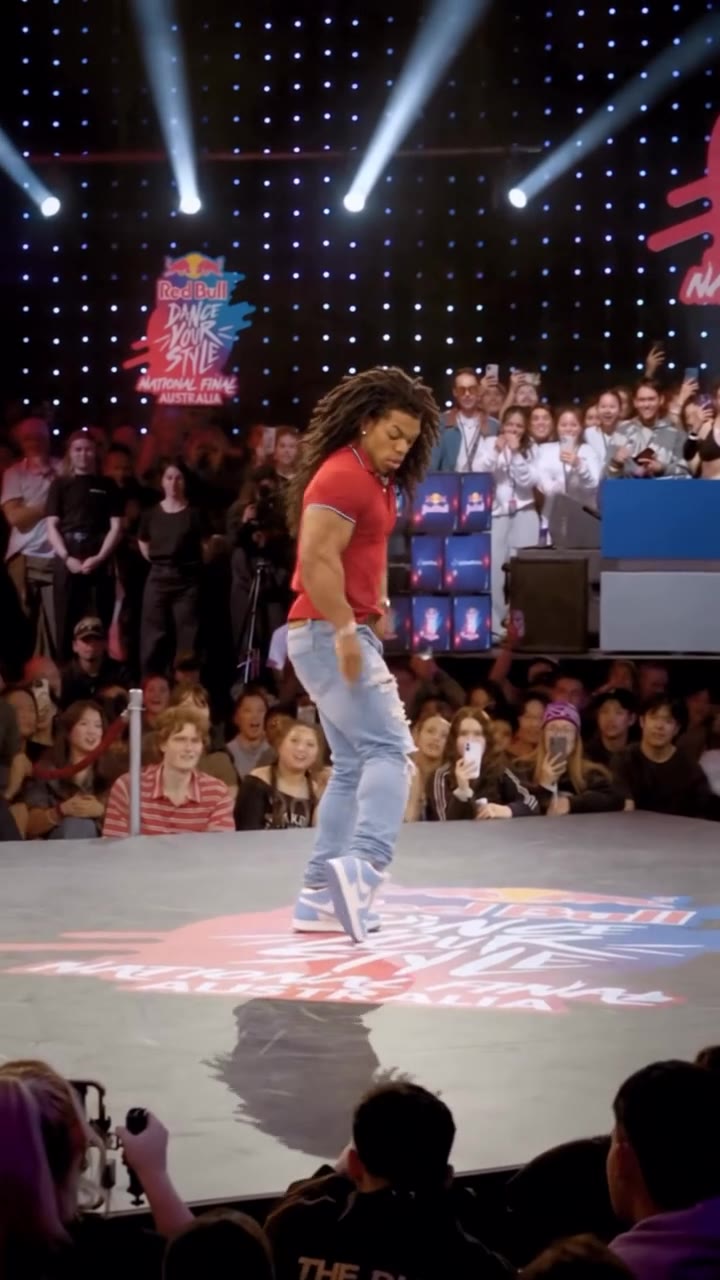
More videos from this trend
Trend inspiration · not a selectable template
How to make your Charlie Brown Dance AI video
Upload one photo of yourself
A full-body photo, facing the camera, even light. The outfit in the photo is the outfit you dance in.
Pick the format
Choose 9:16 for TikTok, Reels and Shorts, or 1:1 or 16:9.
Generate and download
Press Generate and the 12-second dance is rendered for you, an MP4 with no watermark and the trend sound already on it.
Post it
The sound is already on the video; swap it from your app's sound library if you like, and label the clip as AI-generated.
What is the Charlie Brown Dance AI trend?
Updated · videosi is an independent tool. It is not affiliated with TikTok, Instagram, YouTube, or with the owners of any trend, song, game or brand named on its pages.
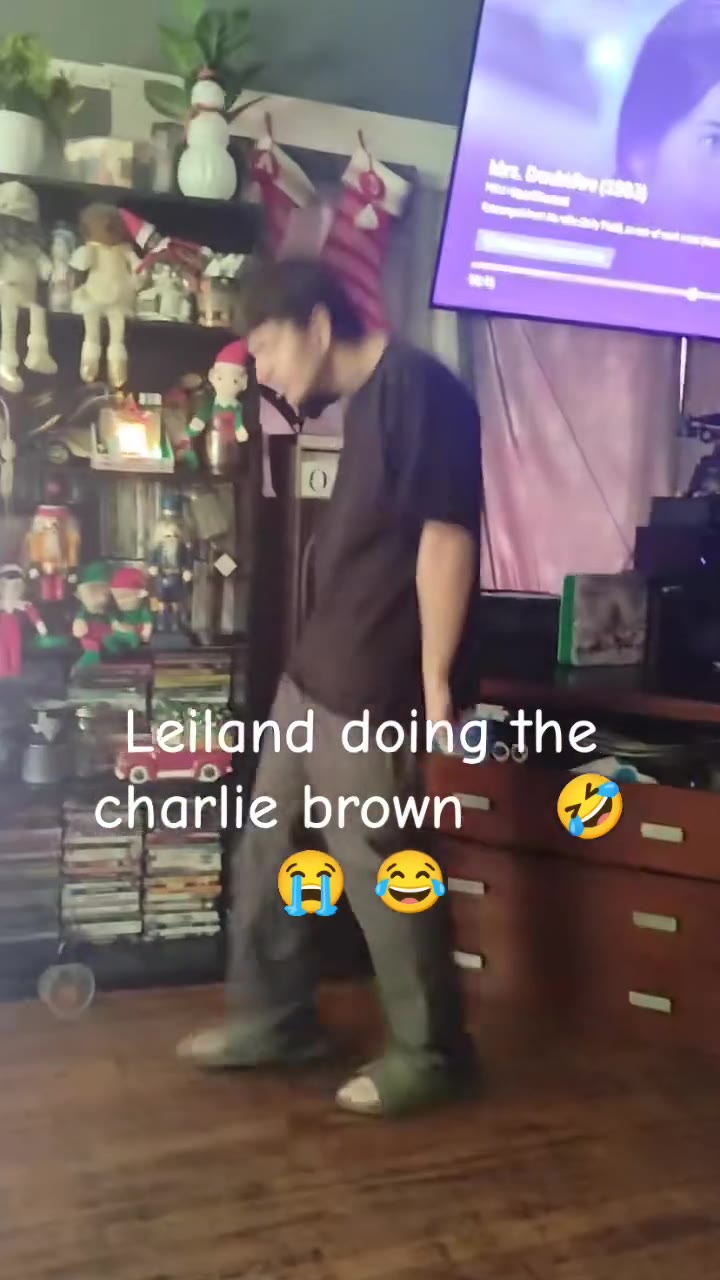
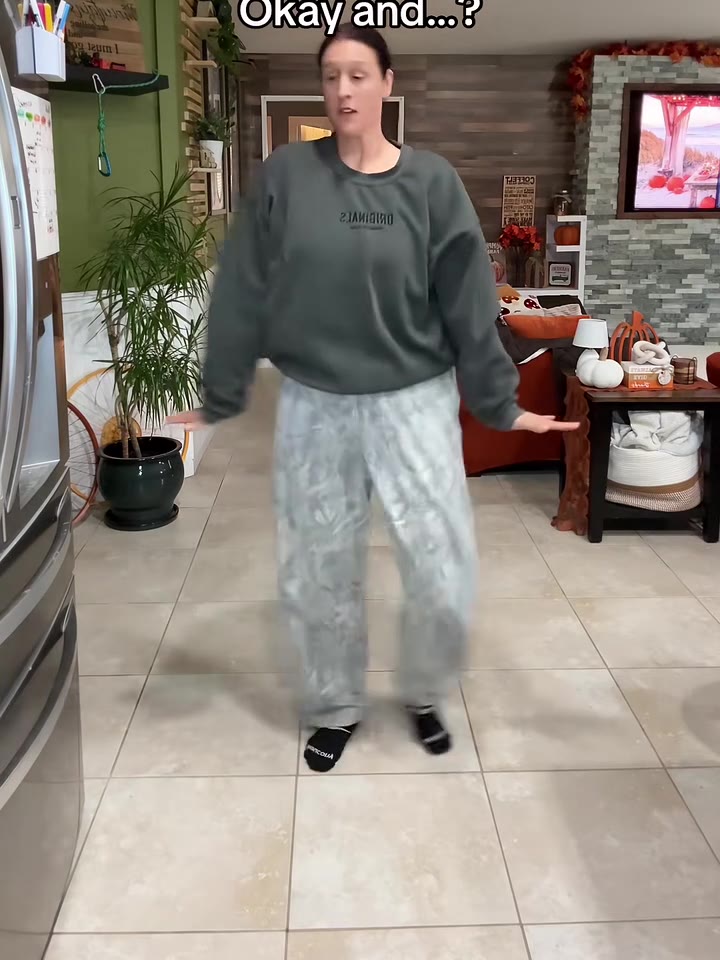
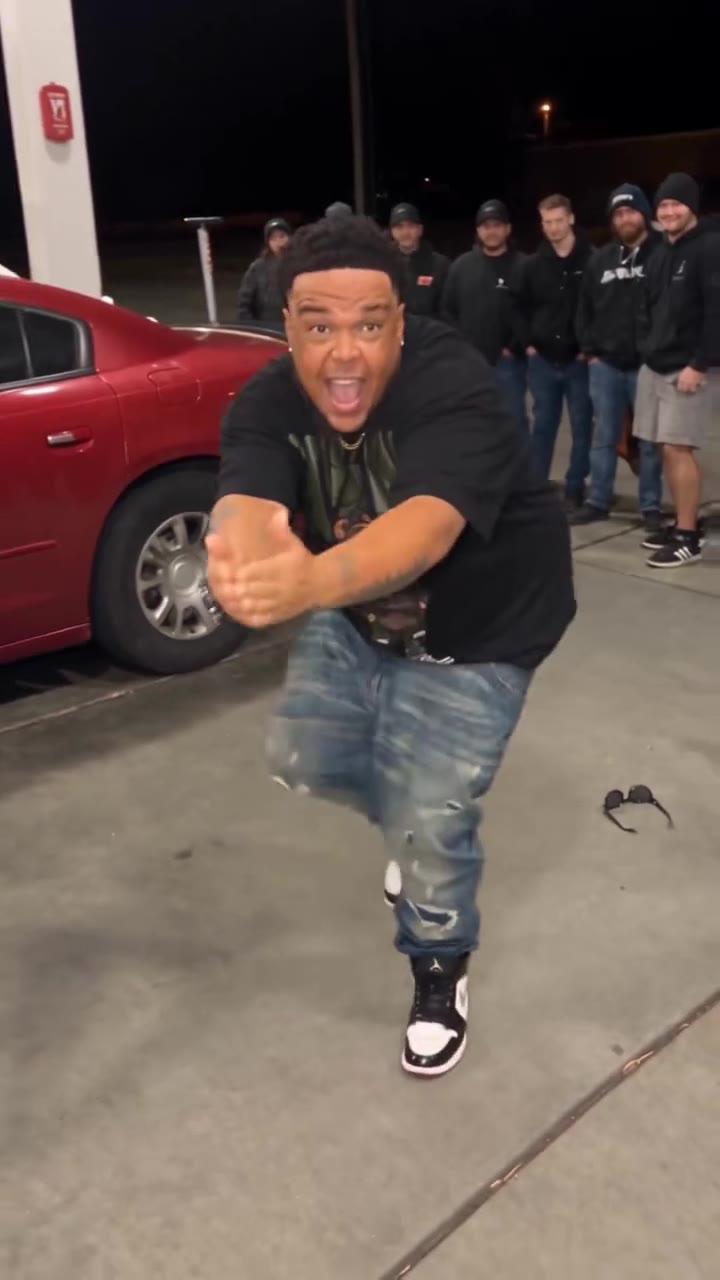
The Charlie Brown dance is a TikTok dance that copies the kids' party scene from the 1965 TV special A Charlie Brown Christmas: loose arms, side steps, hops with the knees up and a lot of goofy confidence. Creators do it in kitchens, bedrooms, offices and even football end zones, usually to "Linus and Lucy" by the Vince Guaraldi Trio or a GloRilla mashup of it. The Charlie Brown dance AI version makes you the dancer from one photo.
The dance is a holiday regular. A clip posted on 29 November 2025 by TikTok creator tre.clarke reached about 4.2 million views, and other posts from November 2025 to February 2026 reached 5 to 11 million. It came back in autumn 2026: new clips appeared from late October, including NFL players doing the dance on the field on 26 and 27 October 2026, and ordinary people were still posting on 10 November 2026. We could not confirm a single original post; the dance itself dates to the 1965 special.
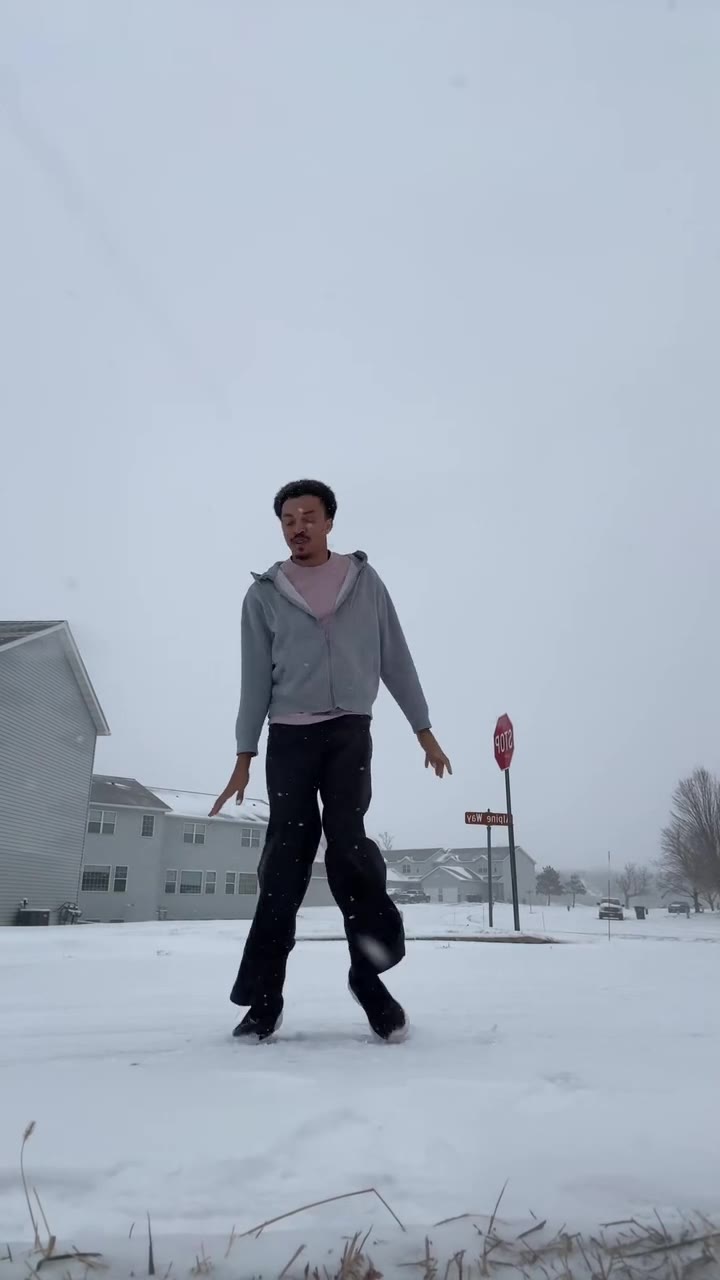
The videosi version uses the 4.2-million-view solo clip as its motion reference: one adult dancing full-body in a snowy street, in a hooded top and loose trousers, for 12 seconds. The person in your photo takes their place and does the same moves, with the trend sound on the video. It does not draw you as a Peanuts cartoon character and uses no Peanuts artwork.
The AI version is a clip about you doing the dance, not a drawing: your face, hair and clothes come from your photo, and the moves, timing and camera come from the reference. Because the dancer is full-body and fairly small in the frame, a full-body photo works best.
Charlie Brown Dance AI: shot by shot
- 0-1 s
Lean and fling
The dancer starts mid-move, leaning to one side with one arm flung out and a foot off the ground.
- 1-4 s
Floppy side steps
Loose side steps with the arms swinging by the hips, the shoulders bobbing to the jazz beat.
- 4-8 s
Knee-lift hops
Quick hops with one knee driven up, arms out for balance, in a steady rhythm.
- 8-12 s
Shuffle out
The steps get smaller and looser, with an arm out to the side, until the clip ends mid-move.
Tips for a better result
Use a full-body photo
The dancer is full-body and fairly small in the frame. A photo from head to shoes keeps your clothes and shoes the same all the way through.
Face the camera
A straight, front-facing photo with your eyes visible gives the model your real face.
Keep it to one person
This dance has one dancer. A photo with two people can mix up faces.
No sunglasses or masks
Clear glasses are fine. Sunglasses, masks and hands in front of the face hide what the model needs.
Good to know before you make a Charlie Brown Dance AI video
- The video comes with the trend sound already on it. There are no lyrics to match.
- You are the only dancer; the snowy street comes from the reference clip and cannot be changed.
- This is you doing the dance, not you drawn as a Peanuts character, and it uses no Peanuts artwork.
- Likeness is not guaranteed and drifts most in the face, which is small in the full-body frame.
- Only adults: photos of children, celebrities and public figures are not accepted. A failed, timed-out or blocked render returns its credits automatically.
Charlie Brown Dance AI: questions
What is the Charlie Brown dance AI trend?
The Charlie Brown dance is a TikTok dance that copies the loose-limbed party scene from the 1965 TV special A Charlie Brown Christmas, and the AI version puts you in it from one photo. TikTok clips of it passed 4 million views in late 2025 and it came back in October 2026. On videosi you make a 12-second version of it from one photo.
How do I make the Charlie Brown dance with AI from one photo?
Upload one full-body photo of yourself to videosi, pick 9:16, 1:1 or 16:9 and press Generate. The Charlie Brown dance AI video is 12 seconds long and comes with the trend sound on it. You write no prompt: the moves, the framing and the timing are built in. Rendering takes several minutes.
Is there a Charlie Brown dance AI generator website?
Yes. videosi (videosi.io) is a web Charlie Brown dance AI generator that turns one photo into the 12-second dance, with no app to install and no template link to copy. The motion reference and the prompt are built in, so you only choose the photo and the format. A standard video (Standard model, 720p) is 10 credits, with no watermark.
Is there a Charlie Brown dance TikTok filter or CapCut template?
The Charlie Brown dance on TikTok is mostly people filming themselves doing the moves, not a filter, and CapCut templates for it change or disappear often. videosi is independent and not affiliated with TikTok, CapCut or the Peanuts brand. It is a web tool: upload one photo and download a 12-second MP4 with the sound on it.
What AI model makes the Charlie Brown dance video?
videosi makes the Charlie Brown dance with ByteDance's Seedance model (Seedance 2.0 Mini by default; Fast, Pro and Seedance 2.5 Ultra are one click away) from a short replace-the-dancer prompt plus a 12-second motion reference clip. The full prompt is built in rather than published. A typed prompt alone usually loses the loose, floppy moves.
How much does the Charlie Brown dance AI video cost?
The Charlie Brown dance AI video on videosi is not free: there is no free generation and no free trial. A standard 12-second video (Standard model, 720p) is 10 credits; better models and higher resolutions cost more. Credit packs start at $6.90 for 10 credits and never expire, plans start at $29.90 a month, and a failed render returns its credits.
Why doesn't my Charlie Brown dance AI video look like me?
The usual cause is the photo: sunglasses, a side angle, a group shot, a crop at the chest or a dark, grainy picture. For the videosi Charlie Brown dance use one front-facing, full-body photo in soft light. The dancer is small in the frame, so likeness is not guaranteed and drifts most in the face.
Can I turn myself into Charlie Brown or Snoopy with this?
No. The videosi Charlie Brown dance AI video makes you the person doing the dance, in your own clothes, not a cartoon Peanuts character. It uses no Peanuts artwork and is not affiliated with the Peanuts brand. Photos of celebrities, public figures and minors are not accepted, and a photo of a pet is not supported for this dance.
What does the Charlie Brown dance mean?
The Charlie Brown dance is the name TikTok gives to a goofy, floppy-limbed freestyle taken from the kids' dance scene in A Charlie Brown Christmas, first aired in December 1965. People copy the side steps, arm swings and knee-lift hops in kitchens, living rooms and even NFL end zones. videosi makes the one-photo AI version in 12 seconds.
What song is used in the Charlie Brown dance trend?
The scene in the 1965 special plays "Linus and Lucy" by the Vince Guaraldi Trio, and many TikTok clips use that track or a mashup tagged with GloRilla. The clip videosi uses for its motion reference carries an unlabelled original sound, which we have not matched against the official track. The 12-second videosi video comes with that trend sound already on it.
Is the Charlie Brown dance still trending?
Yes, seasonally. As of 11 November 2026 the Charlie Brown dance is spreading again ahead of Christmas: new clips posted from late October to 10 November 2026 are still arriving, while the biggest ones were posted between November 2025 and February 2026 and reached about 4 to 11 million views. It tends to return every holiday season. You can make your 12-second version on videosi now.
Can I use a friend, a partner or family photo for the Charlie Brown dance?
Yes, if the person is an adult and has agreed to it: upload one photo of that one person and the video stars them. This dance is built for one dancer, so a group photo will not give you a group video. videosi does not accept photos of celebrities, public figures or minors. Photos and results are deleted within 30 days.
Can I make the Charlie Brown dance with ChatGPT, Sora, Veo or Kling?
You can try, but the dance depends on a motion reference clip with a full-body framing and loose, quick moves, which most chat apps do not take, and the Peanuts and Charlie Brown names are often blocked. videosi runs Seedance with the reference and the prompt built in, for 10 credits per 12-second standard video.
How long is the Charlie Brown dance AI video and does it have sound?
The videosi Charlie Brown dance AI video is 12 seconds long, in 9:16, 1:1 or 16:9 at the resolution you pick (720p on the Standard model), as an MP4 with no watermark and the trend sound already on it. Your mouth does not need to match anything, because the dance has no lyrics to sing. Photos upload as JPG, PNG, WEBP or HEIC up to 10 MB.
Trending this week
All trends this week
Make your Charlie Brown Dance AI video
Upload a photo and press Generate. 10 credits, refunded if it fails.
Get the next trend first
One email when new trends land on videosi, about once a week. Unsubscribe in one click.
See videosi first on Google
Add videosi as a preferred source and our trend pages show up first in your Top Stories and AI answers on Google.