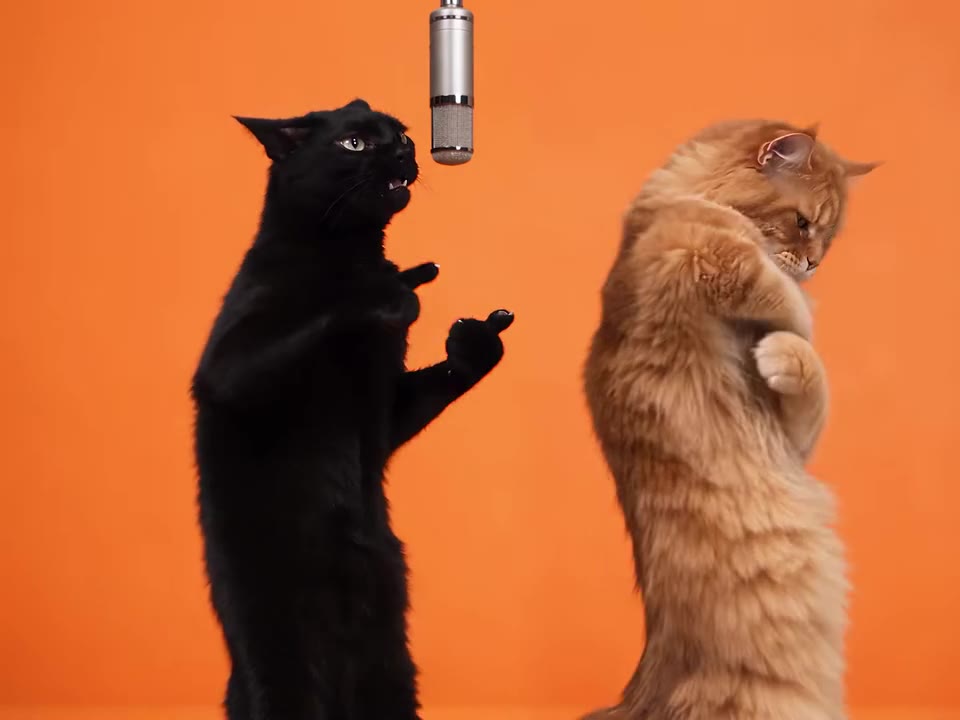
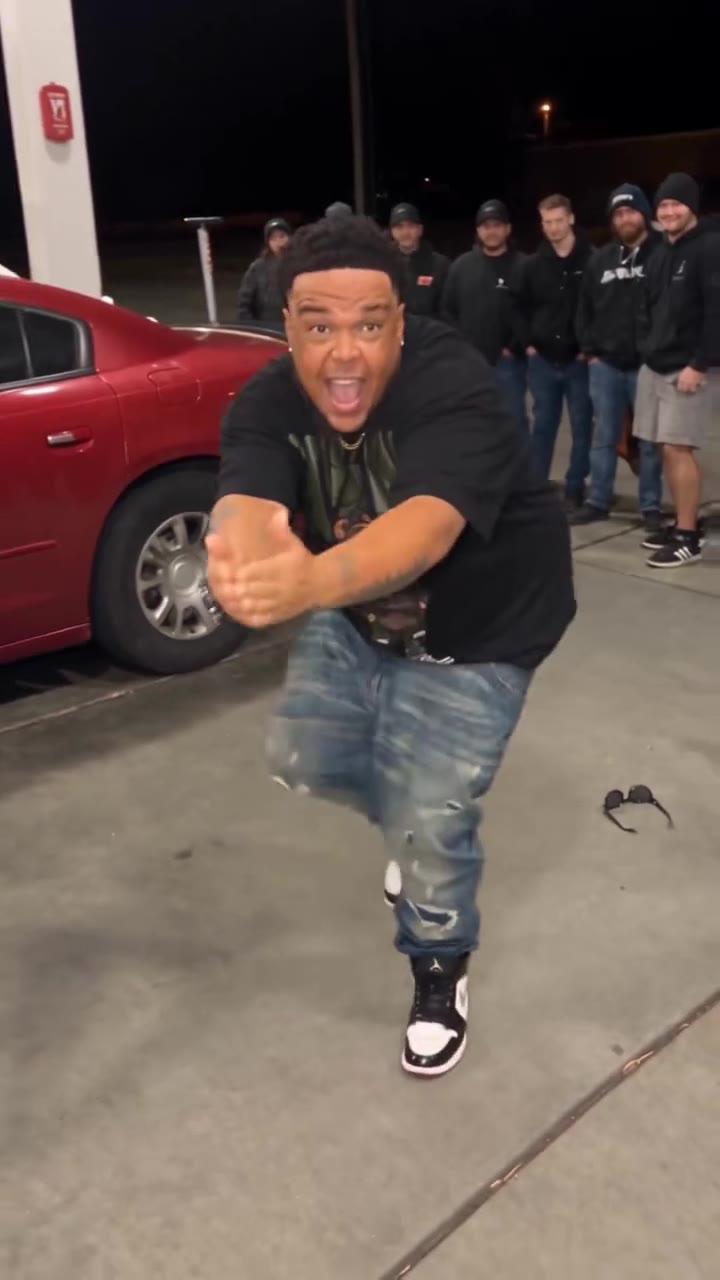
The Charlie Brown dance AI trend is a 12-second clip in which you do the loose, floppy dance from the 1965 special A Charlie Brown Christmas. On videosi you make it from one photo, with no prompt.
This guide goes deeper than the FAQ on the trend page. It covers where the dance comes from, why it returns every Christmas, how to film your own, how the AI version differs, and what it cannot do.
Key takeaways
- The dance copies the kids' party scene from A Charlie Brown Christmas, first aired on 9 December 1965.
- It returns every holiday season; our tracking shows a solo clip of about 4.2 million views from 29 November 2025 and a new wave from October 2026.
- The AI version is 12 seconds from one full-body photo; it makes you the dancer, never a Peanuts character.
- A Standard 720p video is 10 credits, with the Single pack at $6.90 for 10 credits.
- Label the clip as AI-generated when you post it.
In this guide
- Where does the Charlie Brown dance come from?
- Why does the Charlie Brown dance come back every Christmas?
- What music goes with the dance?
- What are the moves, second by second?
- How do I film my own Charlie Brown dance?
- What is different between the AI version and a real dance?
- What photo gives the best result?
- Do I need to label the video as AI when I post it?
- Can I turn myself into Charlie Brown or Snoopy?
- What about copyright and trademarks?
- How much does it cost?
Where does the Charlie Brown dance come from?
The moves come from A Charlie Brown Christmas, the animated special that first aired on CBS on 9 December 1965, according to its Wikipedia page. In the play rehearsal scene the kids dance to lively jazz, and Charlie Brown finds it unfitting for a Christmas play. The jazz score is by Vince Guaraldi, and "Linus and Lucy" is the special's theme.
The TikTok version is a modern copy of that scene. Daily Dot describes it as moving like the awkward gogo dancers of Charles Schulz's cartoons, and says the special is a holiday tradition for many viewers. The earliest 2025 posts we found are dated 11 November 2025. We could not identify a single original post, so treat any "first creator" claim as unconfirmed.
Why does the Charlie Brown dance come back every Christmas?
Because the special is a December ritual. People rewatch it every year, so the dance gets a fresh audience each holiday season. Ypulse, citing Daily Dot, ties the trend to that annual viewing and notes the franchise's 75th anniversary, which it says is going strong with Gen Z fans.
Our own tracking matches that cycle. The biggest clips date from late 2025: a solo clip posted on 29 November 2025 reached about 4.2 million views, and other posts from November 2025 to February 2026 reached 5 to 11 million. In 2026 it returned in October, with new clips from late October and people still posting on 10 November 2026. Expect another wave before Christmas.
What music goes with the dance?
Most clips use the special's piano theme. Daily Dot reports variations of "Linus and Lucy" by the Vince Guaraldi Trio, a GloRilla mashup, and a live piano rendition of the theme. Ypulse describes a mashup of GloRilla's "Yeah Glo!" with the classic piano theme.
On videosi the 12-second video comes with the trend sound already laid on top, taken from the motion reference clip. That clip carries an unlabelled original sound we have not matched against the official track, so we do not claim it is the Guaraldi recording. If you want a specific track, swap the sound in your posting app.
What are the moves, second by second?
The dance is deliberately loose. Our reference clip is a full-body shot of one adult in a snowy street, and it breaks into four parts.
- 0 to 1 s, lean and fling: the dancer starts mid-move, leaning to one side with one arm out and a foot off the ground.
- 1 to 4 s, floppy side steps: loose steps with the arms swinging by the hips and the shoulders bobbing to the beat.
- 4 to 8 s, knee-lift hops: quick hops with one knee driven up and the arms out for balance.
- 8 to 12 s, shuffle out: the steps get smaller and looser until the clip ends mid-move.
Nothing here needs skill. The charm is in being slightly off the beat and fully committed, which is also why it works in kitchens, offices and football end zones.
How do I film my own Charlie Brown dance?
Pick a spot with room for side steps and hops, put your phone on a tripod or a shelf at chest height, and shoot full-body in landscape or vertical. Play the piano theme on a second device, and keep your arms floppy rather than sharp. Do a few takes, because the first one is usually too careful.
Add friends if you like. Ypulse and Daily Dot both mention family and friend performances, some with a live pianist. If you would rather not film at all, the Charlie Brown dance AI page makes a 12-second version from a photo.
What is different between the AI version and a real dance?
A real clip is you moving. The AI version is a render: your face, hair and clothes come from your photo, while the moves, timing and camera come from the reference clip. That means you cannot choose your own choreography, and the setting is the snowy street from the reference clip, not your room.
In exchange you skip the filming, the retakes and the space. The video is 12 seconds, an MP4 with no watermark. The moves are copied from the reference, so the result looks like the same dance rather than a new one. Likeness is not guaranteed and drifts most in the face, which is small in a full-body frame.
What photo gives the best result?
Use one full-body photo, head to shoes, facing the camera in even light. Your outfit in the photo is the outfit you dance in, and a photo cropped at the chest leaves the model to invent your legs and shoes.
Keep it to one person, because a group photo can mix up faces. Avoid sunglasses, masks and hands over the face. Clear glasses are fine. A sharp, front-facing picture beats a dark or grainy one every time.
Do I need to label the video as AI when I post it?
Yes, label it. The safe habit is to switch on the AI-generated content label in your posting app and to say in the caption that the clip is made from a photo. It protects you if the video looks real enough to fool a casual viewer, and it costs nothing.
The sound is already on the video, so posting is a single upload. Do not present the clip as footage of you actually dancing at a particular place or event.
Can I turn myself into Charlie Brown or Snoopy?
No. This tool makes you the person doing the dance, in your own clothes. It does not draw you as a Peanuts cartoon character and uses no Peanuts artwork. Asking general video models for Snoopy or Charlie Brown by name is often blocked, and when it works you get a cartoon rather than yourself.
The same limits apply to people. Photos of children, celebrities and public figures are not accepted, so the dance is for adults with their own or a friend's consent. A pet photo is not supported either.
What about copyright and trademarks?
The characters and the special belong to their rights holders, and the music has its own rights. videosi is independent and not affiliated with TikTok, CapCut or the Peanuts brand. A personal clip of you doing a dance is very different from selling merchandise or running an ad with Peanuts characters, and we would not do the second.
If you post to a platform, its sound library decides what music you may use commercially. For anything beyond personal sharing, check the platform's music rules and the rights holder's terms yourself.
How much does it cost?
It is not free. A 12-second Standard 720p video is 10 credits. The Single pack is $6.90 for 10 credits, which covers one standard video, and subscriptions start at $29.90 a month. Better models and higher resolutions cost more credits, and a failed, timed-out or blocked render returns its credits automatically.
A loose full-body dance can take a couple of tries to get the face right, so a bigger pack is better value if you plan to post more than one version.