AI Sway Dance: The Sway Dance Effect, Starring You
Your still photo wakes up, puts its hands on its hips, sways side to side and throws both arms in the air. One photo of you is all it takes, no TikTok needed.
Updated : Page published.
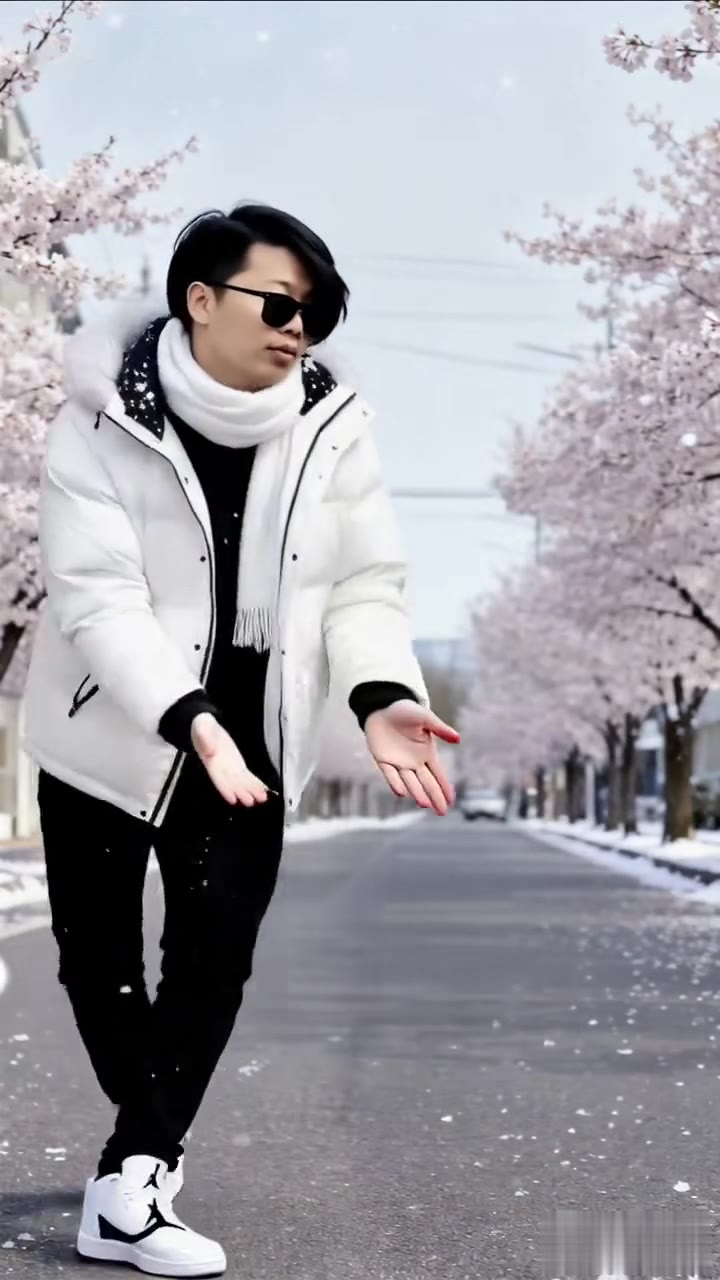
1Add your photo
Front-facing, well-lit selfies work best. One face per photo.
2Choose quality
By generating you confirm you have permission to use the people in your photos. Terms
In one sentence
The AI sway dance is a 5-second photo animation, made famous by a TikTok effect of the same name, in which a still picture puts its hands on its hips, sways side to side and throws both arms up; videosi makes it from one photo of you.
- Fast facts
- First seen
- Stage
- Spreading
- Started on
- TikTok
- Sound
- No single official song; the 2025 golden retriever clip used a hip-hop track and later remakes use all kinds of sounds.
- Meaning
- AI Sway Dance is a TikTok effect that turns one still photo into a roughly 5-second clip in which the subject puts its hands on its hips, sways side to side and throws both arms up.
- Related trends
- AI Dance, Cat Dancing AI, No Guidance Dance AI
Page updates
- October 23, 2026 — Page published.
How it is made
The AI Sway Dance prompt and model
AI Sway Dance is made with Seedance 2.0 / 2.5 (you pick the tier) by ByteDance. The prompt behind it has 5 parts, and the timing is what makes or breaks it.
- Model
- Seedance 2.0 / 2.5 (you pick the tier)
- Mode
- Photo + motion reference to video
- Length
- 5 seconds, 9:16, 1:1 or 16:9
- Input
- 1 photo
- Identity lock Your photo is the only source for the face, hair, build, outfit and background, held identical in every frame.
- Motion reference A short clip of the original sway supplies the rhythm and the order of the moves, and nothing else: no fur, no garage, no car.
- Scene The place and light from your photo stay put and the camera never moves, so it reads as the picture coming alive.
- Timeline Six beats over 5 seconds, from the still pose to hands on hips, the sway, the shimmy and arms up.
- Rules A light, goofy, family-friendly sway, feet planted, five fingers, one person, no text or logos.
Photorealistic live-action phone footage, 5 seconds, one continuous static shot from a phone held slightly above eye level, as if the photo comes to life.…
Why it goes wrong when you do it yourself
- Without a motion reference, video models make a generic wobble or a full dance routine instead of the hands-on-hips sway and the arms-up ending.
- Using the original dog clip without strict rules can leak fur, a dog-like posture or the garage into your video.
- A model left to itself often zooms or pans; the effect works because the camera is locked like a still photo.
- Each try costs model credits and minutes, and landing five moves in 5 seconds usually takes several tries.
AI Sway Dance examples
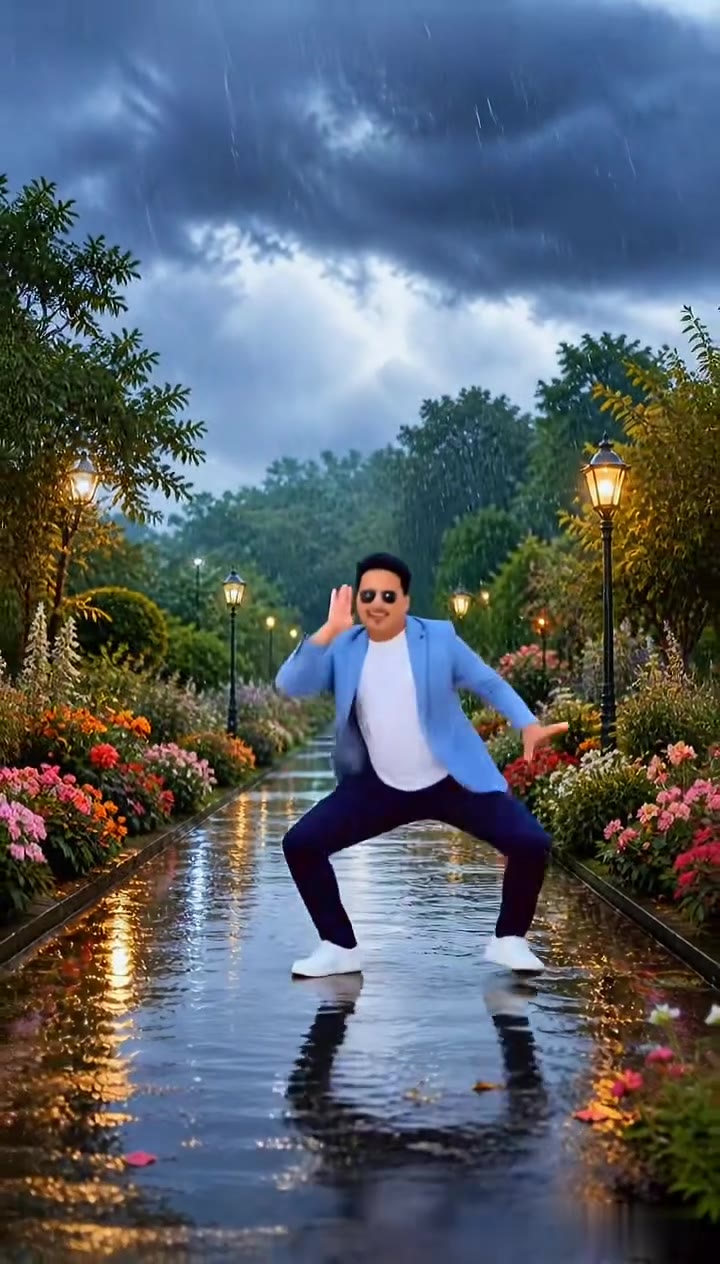
Rainy garden path dance
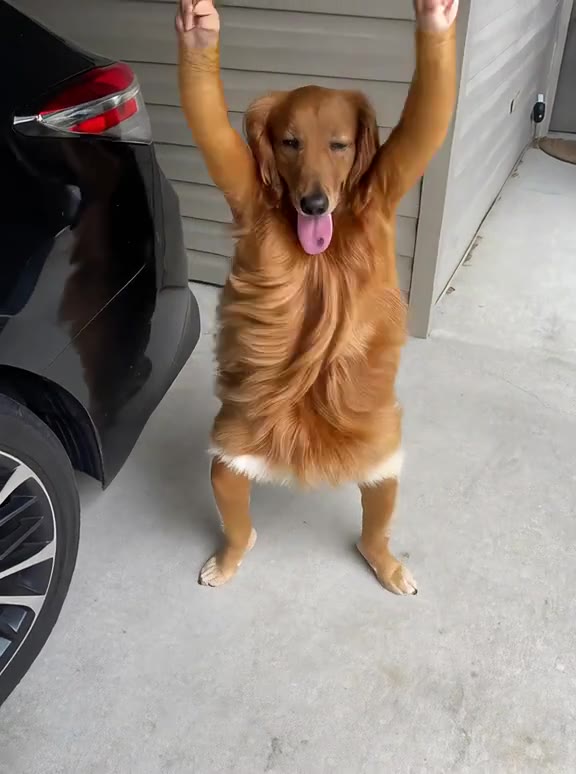
The original dog sway
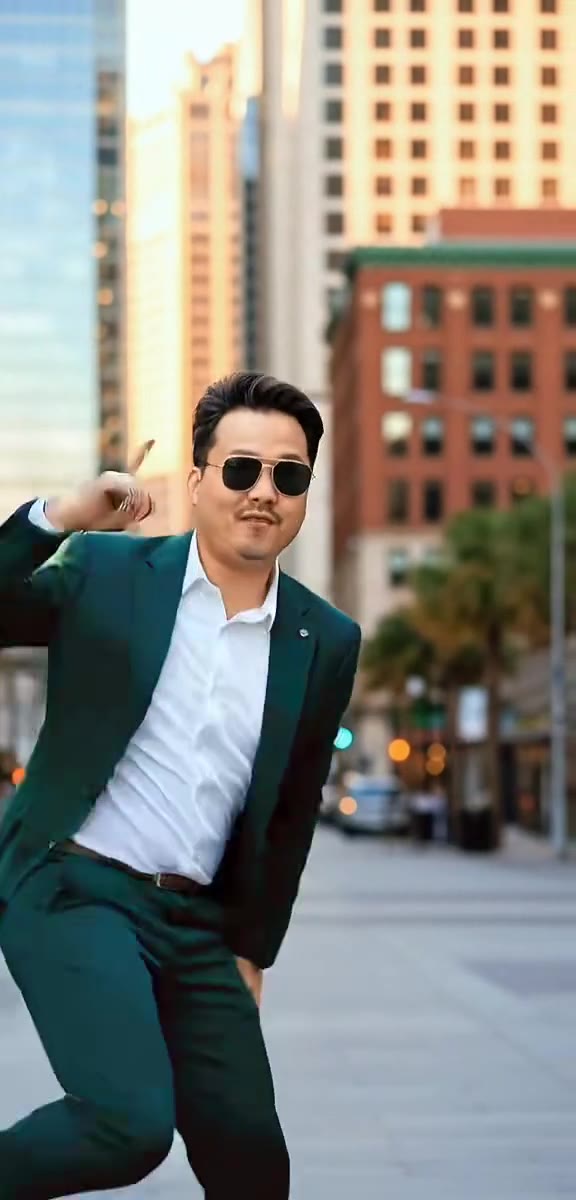
Green suit city dance
How to make your AI Sway Dance video
Upload one photo of yourself
A standing photo, ideally head to knees or full body, facing the camera, with some space around you. One adult only.
Pick the format
Choose 9:16 for TikTok, Reels and Shorts, or 1:1 or 16:9. The background of your photo stays as it is.
Generate and download
Press Generate and the 5-second sway is rendered for you, a silent MP4 with no watermark.
Add a sound and post
Add the sound you want in the app you post from, and label the clip as AI-generated.
What is the AI Sway Dance trend?
Updated · videosi is an independent tool. It is not affiliated with TikTok, Instagram, YouTube, or with the owners of any trend, song, game or brand named on its pages.
AI Sway Dance is the name of an AI effect inside the TikTok app. You give it one still photo and it returns a clip of about 5 seconds in which the subject stands up, puts its hands on its hips, sways side to side, tilts its head and throws both arms in the air. The background of the photo stays where it is, so it looks as if the picture itself started dancing.
The effect was in use on TikTok by mid-May 2025. The clip that made it famous, posted on 21 May 2025, shows a golden retriever in a garage standing up on its hind legs and doing the whole routine, captioned as an unhinged filter. Dogs, babies, grandparents and cartoon characters followed, and through 2026 tutorial accounts kept posting how-to videos.
The name has also spread wider than the effect itself. Many clips tagged AI sway dance were really made with CapCut templates or other AI video apps, which is one reason people search for the filter and cannot find it. View counts and the effect's creator are not public, so we do not quote them.
This page does the same routine for one adult photo without the TikTok app. The sway, the timing and the prompt are built in; you choose the photo and the format, and add any sound you like when you post.
AI Sway Dance: shot by shot
- 0-0.5 s
The photo wakes up
You stand exactly as in your photo, then straighten up with a small smile, as if the picture just came to life.
- 0.5-2.4 s
Hands on hips
Both hands go to your hips and you sway gently side to side in an easy, bouncy rhythm, grinning at the camera.
- 2.4-3 s
Head tilt
A playful head tilt and a toss of the hair, hands lifting toward your face.
- 3-3.8 s
Little shimmy
Elbows bent, fists up at shoulder height, a cheerful shimmy and bounce on the spot.
- 3.8-4.6 s
Arms up
Both arms shoot straight up overhead, the celebration that ends the original clip.
- 4.6-5 s
Settle
Arms drop and you settle back into a relaxed stance, ready to loop.
Tips for a better result
Show your hips and arms
The whole move is hands on hips and arms up. A photo from head to knees gives the model your real arms and waist; a face crop leaves it to invent them.
Stand, do not sit
The effect starts from a standing pose. A seated or lying photo forces the model to stand you up, which is where bodies go wrong.
Leave some room around you
Arms go overhead at the end. Leave space above your head and at the sides so your hands do not leave the frame.
Keep the face clear
No sunglasses, masks or hats over the eyes, even light, and only you in the picture.
Good to know before you make a AI Sway Dance video
- This is not the TikTok effect and videosi is not affiliated with TikTok. It is a separate web tool that makes the same kind of clip.
- The page is built for one adult person. Photos of children are not accepted, and pets have their own page.
- Likeness is not guaranteed, and hands can blur or gain fingers when the arms go up in the last second.
- The video is silent. A failed, timed-out or blocked render returns its credits automatically.
AI Sway Dance: questions
What is the AI Sway Dance effect on TikTok?
AI Sway Dance is a TikTok effect that turns one still photo into a clip of about 5 seconds in which the subject puts its hands on its hips, sways side to side and throws its arms up. It was in use by May 2025 and spread with a dancing golden retriever. videosi makes the same kind of clip from your photo on the web.
How do you do the AI sway dance?
There are 2 ways to do the AI sway dance: the AI Sway Dance effect inside the TikTok app, or videosi on the web. On videosi you upload one standing photo, pick 9:16, 1:1 or 16:9 and press Generate, with no prompt to write. The 5-second clip renders in a few minutes and stays in My creations if you close the page.
Where is the AI Sway Dance effect on TikTok and how do I use it?
In TikTok, type AI Sway Dance into search; when the effect is available to you, an Effects row in the results lists it, and tapping it opens the camera with the effect so you can pick a photo from your gallery. The effect returns about 5 seconds of video. videosi is not TikTok and makes a similar clip without the app.
Why is the AI sway dance filter not working or not showing up?
If the AI sway dance filter does not appear, update TikTok and search the exact name AI Sway Dance; effects can be unavailable in some places or removed, and many clips tagged AI sway dance were made with CapCut templates instead. We cannot fix TikTok, but videosi makes a 5-second sway clip from one photo in a browser, no TikTok account needed.
Is there an AI sway dance app or website, without downloading anything?
Yes. videosi (videosi.io) is a website that makes the AI sway dance from one photo in a phone or desktop browser, with nothing to download or install. You upload a photo, pick the format and get a 5-second MP4 with no watermark. A standard video (Standard model, 720p) is 5 credits.
Is the AI sway dance filter free?
The effect inside TikTok costs nothing to try where it is available. The videosi AI sway dance is not free: there is no free generation and no free trial. A 5-second standard video (Standard model, 720p) is 5 credits; credit packs start at $6.99 for 10 credits and never expire, plans start at $29.90 a month, and a failed render returns its credits.
What song is used in the AI sway dance effect video?
The 2025 golden retriever clip that made the AI sway dance famous used a hip-hop track with explicit lyrics, and later remakes use all kinds of sounds, so there is no single official song. The videosi AI sway dance is a silent 5-second MP4: add whatever sound you like from TikTok's or Instagram's library when you post.
Trending this week
All trends this week

More effects like this
All dance effects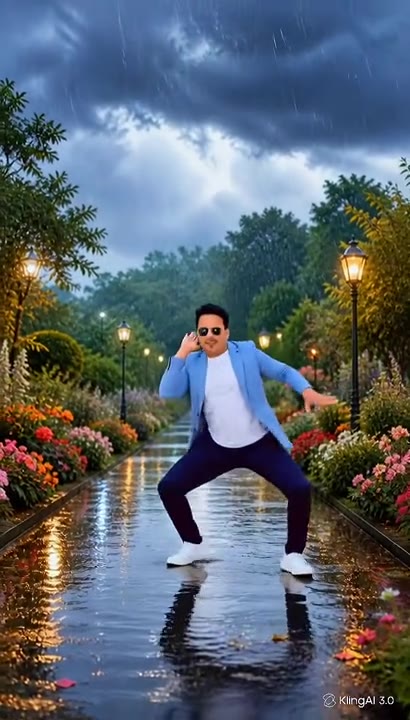
Make your AI Sway Dance video
Upload a photo and press Generate. 5 credits, refunded if it fails.
Get the next trend first
One email when new trends land on videosi, about once a week. Unsubscribe in one click.
See videosi first on Google
Add videosi as a preferred source and our trend pages show up first in your Top Stories and AI answers on Google.