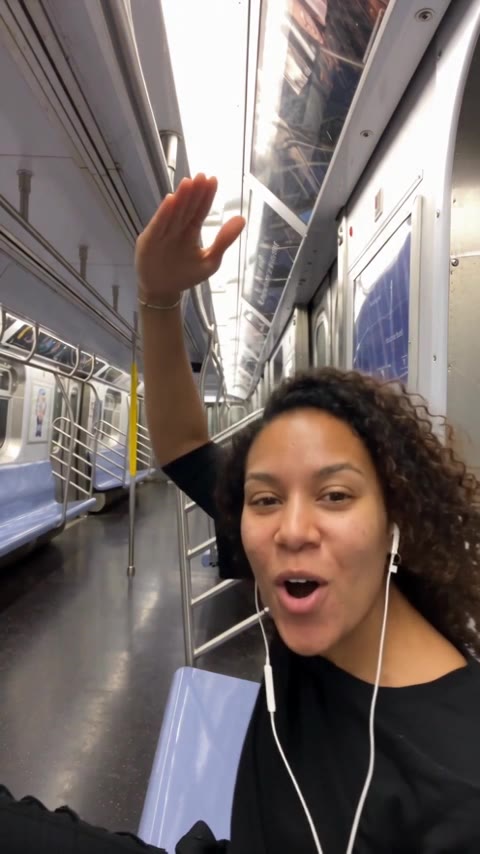
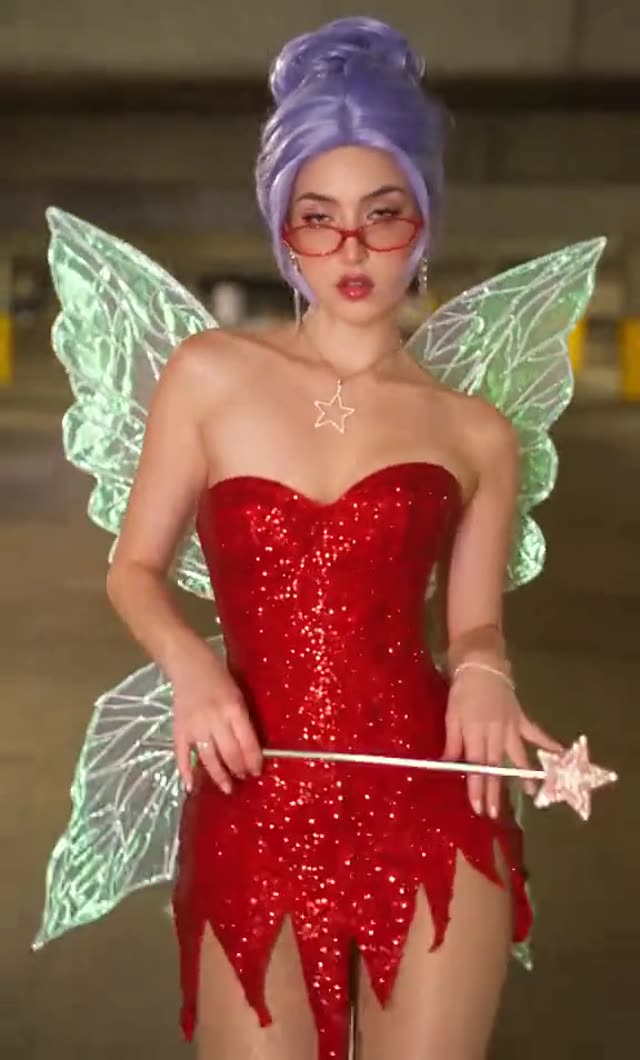
The AI sway dance is a 5-second photo animation where your picture puts its hands on its hips, sways side to side and throws both arms up. It started as a TikTok effect in 2025, and you can now make the same kind of clip from one adult photo on the web. The basics are on the trend page; this guide covers the questions that come after them, from why the dog clip took off to how to post the result.
Key takeaways
- The AI sway dance is a roughly 5-second effect, and its name now also tags CapCut templates and other AI dance clips.
- Photo choice decides the result: one standing adult, head to knees, with room above the head.
- The clip is silent, so add your own sound and label the post as AI-generated.
- A standard 5-second video is 5 credits, and failed renders return the credits.
- videosi is not TikTok; photos are deleted within 30 days and only adults are accepted.
In this guide
- What does AI sway dance mean, and why did the dog clip go viral?
- Why is the AI sway dance clip only 5 seconds long?
- Why do search results mix the effect with CapCut templates and other apps?
- How do you make the AI sway dance look natural? Photo choice in depth
- Can you make a longer or different sway dance?
- Why do the face or hands look wrong in my result?
- How should you post an AI sway dance video?
- How does it compare with doing it in a general AI video app or Gemini?
- What does it cost, and what if a render fails?
- What happens to my photo?
What does AI sway dance mean, and why did the dog clip go viral?
"AI sway dance" is the name of a TikTok effect that turns one still photo into a clip of about 5 seconds: the subject straightens up, puts its hands on its hips, sways side to side, tilts its head, shimmies and throws both arms up. The name is now used loosely for any AI video of someone swaying, which is why it means slightly different things depending on who you ask.
The effect was already in use on TikTok by mid-May 2025. What made it famous was a clip posted on 21 May 2025 in which a golden retriever stands up in a garage and runs the whole routine, captioned as an unhinged filter. A dog doing a human dance, perfectly in time, with a garage behind it, is exactly the kind of mismatch that gets shared. The effect itself needs no skill from the person in the photo, so anyone could copy the joke within minutes, with a pet, a relative or themselves.
We do not quote view counts or name the creator, because the effect's author is not public. The AI sway dance page on videosi builds the same routine for one adult photo.
Why is the AI sway dance clip only 5 seconds long?
Five seconds is what the original effect returns, and it is also the length at which the routine works as a loop. There are six beats in that window: the photo wakes up, hands go to the hips, the hips sway, the head tilts, a small shimmy follows and both arms go up before the figure settles.
Short is also safer for the picture. Every extra second is another chance for the face to drift away from the photo or for hands to blur. Keeping the clip tight is a large part of why the result still looks like you. On videosi the clip is a silent MP4 in 9:16, 1:1 or 16:9, so it drops straight into a vertical feed.
Why do search results mix the effect with CapCut templates and other apps?
Because the phrase escaped the effect. The tag #aiswaydance sits on a lot of clips that were made with CapCut templates or with other AI dance generators, and tutorial videos often show those tools rather than the TikTok effect. If you search the tag you get a blend of all of them.
The word "sway dance" is also shared with a different trend. Know Your Meme documents a separate AI baby dance trend, also called the sway dance, that spread in early January 2026 and is built around an AI-generated song, mostly made with tools such as Viggle AI or Kling AI. It is a different routine from the hands-on-hips effect described here, and it is not what our page makes. Details are on the Know Your Meme entry.
A practical way to tell them apart: the effect clip is about 5 seconds, starts from a still photo and ends with both arms up. Anything much longer, or tied to a specific song, is probably something else. Inside TikTok, search the exact name, open the Effects row in the results and tap the effect to reach the camera and the gallery picker. If it does not show up, it may not be available in your region. That is the moment people look for a web version, which is what videosi offers.
How do you make the AI sway dance look natural? Photo choice in depth
Almost everything comes down to the photo, because the model has to invent whatever your picture does not show. Our AI sway dance tips are short, but here is the reasoning behind them.
- Show the hips and arms. The whole routine is hands on hips and arms up. A photo from head to knees gives the model your real waist and arms. A face crop makes it guess your body, and guesses drift.
- Stand up. The first beat is a straightening up. A seated or lying photo forces the model to stand you up first, which is where proportions go wrong.
- Leave room above your head. Both arms go overhead near the end. If your hair touches the top edge, the hands leave the frame or get cut off.
- Keep light even and the face clear. Sunglasses, masks and hats over the eyes remove the details that identify you. Hard flash shadows turn into odd skin tones.
Can you make a longer or different sway dance?
The page makes the one routine at one length: the 5-second sway with the hands-on-hips opening and the arms-up ending. That is deliberate. The motion reference is the part that keeps the timing right, and the same recipe would not hold for a 12-second dance without turning into a different dance.
Two practical ways to get more. First, play the clip twice in your editor, or loop it, if you want a longer post. The ending settles into a relaxed stance, so a loop reads cleanly. Second, if you want a different style altogether, a pop, hip-hop or silly routine, use the AI dance page, which offers 3 styles for the same kind of photo. For a pet, the dancing dog page is tuned for animals, which matters because the original sway went viral on a dog.
Why do the face or hands look wrong in my result?
The last second is the hardest. When both arms shoot overhead, hands cross the face area, fingers spread and the model has to redraw them at speed. That is where extra fingers, blurred wrists and a slightly different face show up. Likeness is never guaranteed with a single photo.
What you can do about it:
- Use a sharper, larger, front-facing photo. Low resolution gives the model less to hold on to.
- Remove accessories near the face. Glasses and hats are re-drawn on the fly and often change.
- Try again with a different photo before you blame the clip. One new photo often fixes it more than a second run of the same one.
How should you post an AI sway dance video?
The clip you download is silent. That is intentional: the original effect clip is tied to a track with explicit lyrics, and we do not ship that. Pick your own sound in the app you post from, using that platform's music library so the licensing is handled there.
Label the post as AI-generated. TikTok has said it requires creators to label realistic AI-generated content, and it provides a labeling tool for that; it also reads C2PA Content Credentials to auto-label AI content from other platforms. See TikTok's own statement in its newsroom post on AI transparency. Other platforms have their own rules, so check each one.
For the caption, say what it is in plain words ("my photo, AI sway dance") and tag the photo's subject only if they agreed. Videosi is not affiliated with TikTok, so no TikTok logo or "official effect" claim should appear in your post.
How does it compare with doing it in a general AI video app or Gemini?
A general tool can make a person dance, but it usually does not make this dance. Without a motion reference clip, a text prompt tends to produce a generic wobble or a full routine, and it may zoom or pan the camera. The sway works because the camera is locked like a still photo and the order of the moves is fixed.
Our AI sway dance runs on ByteDance's Seedance family. According to ByteDance's Seedance 2.0 page, the model accepts text, image, audio and video inputs and can use images and videos as references. That reference ability is what lets us pair your photo with a motion clip. The prompt and the reference are already set, so you do not write anything.
What does it cost, and what if a render fails?
There is no free generation. A 5-second standard video (Standard model, 720p) is 5 credits. The smallest pack is $6.99 for 10 credits, which covers two standard clips, so one costs about $3.50 at that rate. Packs never expire. Subscriptions start at $29.90 a month. If a render fails, times out or is blocked, the credits are returned automatically.
Because the last second can be fiddly, two clips from one pack is a sensible first buy: one try, then one retry with a better photo.
What happens to my photo?
Photos and finished videos are deleted within 30 days. videosi accepts photos of adults only, and users must be 18 or older. We do not accept photos of celebrities, public figures or children, and we ask that you only upload someone who has agreed to it. The clip stays in My creations if you close the page, so you can come back to download it.
This is a separate web tool, not the TikTok effect, and videosi has no connection with TikTok.
Ready to try it? Open the AI sway dance page, upload one standing photo and press Generate.