Elsa AI Video: Let It Go in the Ice Palace, Starring You
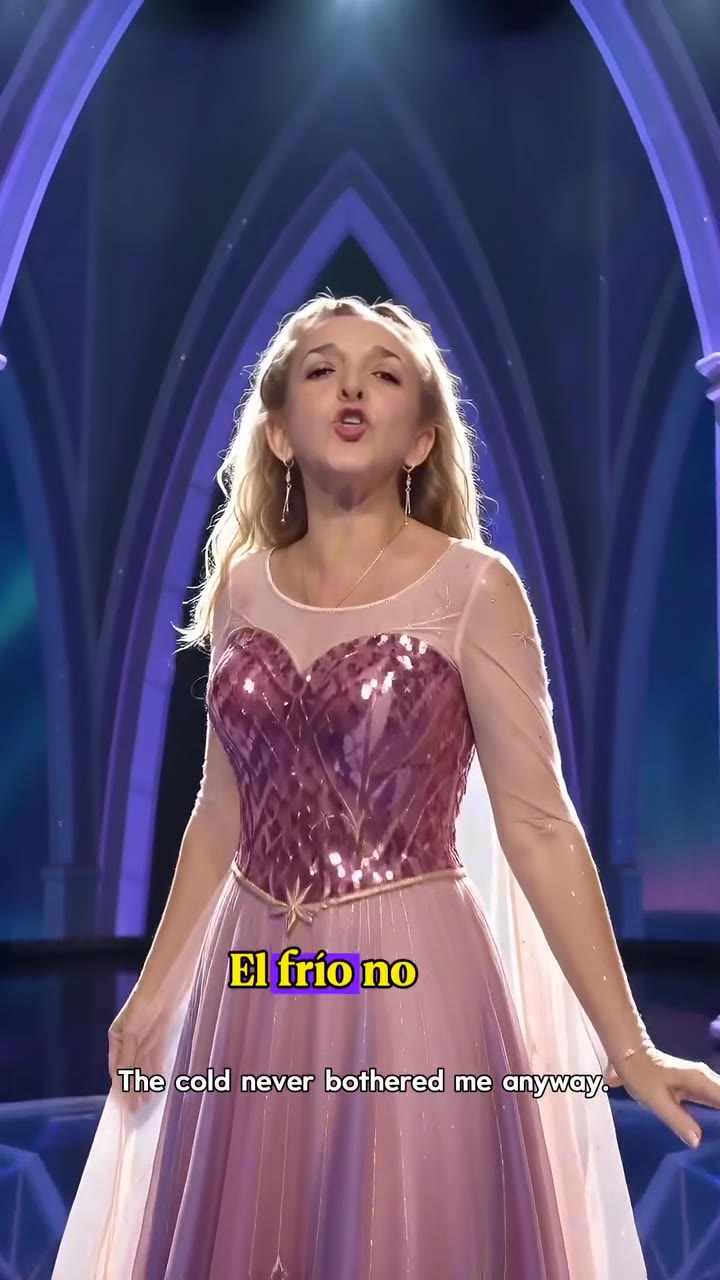
You open on a close-up, mid-note, and a white ice gown with a sheer cape sweeps over you inside a glowing blue palace. One photo of you is all it takes.
Updated : Page published.
1Add your photo
What you'll get
Front-facing, well-lit selfies work best. One face per photo.
2Choose quality
By generating you confirm you have permission to use the people in your photos. Terms
No subscription needed · Ready in 4–6 minutes · Failed renders are free
An Elsa AI video is a 15-second AI clip in which a person sings Let It Go in an ice palace while an ice-white gown and sheer cape form around them; videosi makes it from one photo of you, with no prompt to write.
- Fast facts
- First seen
- Stage
- Just starting
- Started on
- TikTok (unconfirmed)
- Sound
- Posts use an AI-sung Let It Go (the Frozen song, sung in the film by Idina Menzel) listed as an original sound, with some chorus words changed.
- Meaning
- The Elsa AI trend is a short AI video in which a real person, or a pet, sings Let It Go in an ice palace while an ice gown and cape form around them, named after Elsa from Frozen.
- Related trends
- AI Cat Singing, AI Dance, AI Rap Video
Page updates
- November 12, 2026 — Page published.
The Elsa AI Video prompt and model
Elsa AI Video is made with Seedance 2.0 / 2.5 (you pick the tier) by ByteDance. The prompt behind it has 5 parts, and the timing is what makes or breaks it.
- Model
- Seedance 2.0 / 2.5 (you pick the tier)
- Mode
- Photo + motion reference to video
- Length
- 15 seconds, 9:16, 1:1 or 16:9
- Input
- 1 photo
- Identity lock Your photo is the only source for the face, age and hair; the reference woman's face does not stay.
- Motion reference A short clip supplies the shot order, the cape sweep, the spin and the walk to the camera.
- Replacement The woman in the white ice gown is swapped for you; the palace, light and camera stay as in the clip.
- Timeline Six beats over 15 seconds: close-up, cape sweep, spin, walk, arch, sunset balcony.
- Rules One person, no lyric captions or text on screen, no logos and no watermark on the file.
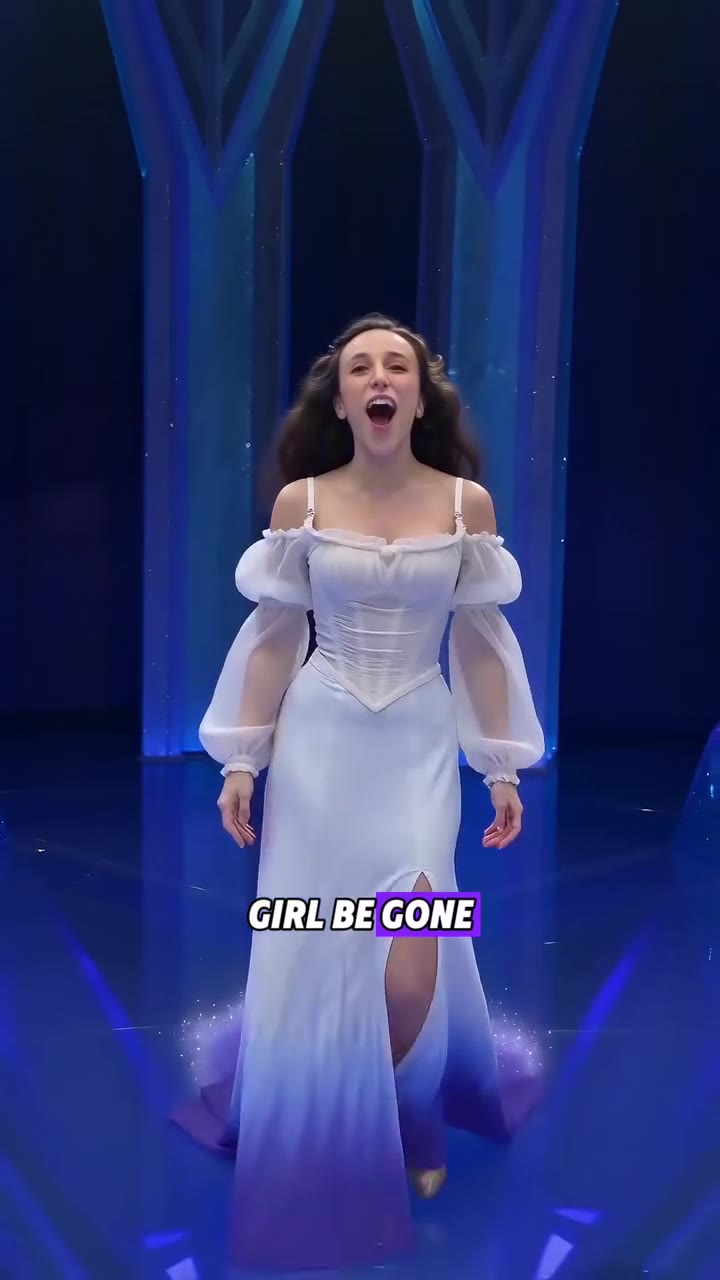
Replace the woman with long dark wavy hair in the white puff-sleeved ice gown with a sheer cape in Video 1 with the person from Image 1. Keep everything else in Video 1 the same.…
Why it goes wrong when you do it yourself
- Ask a video model for someone singing in an ice palace and you get one fixed shot, not the six cuts, the cape sweep and the mirror floor of the trend.
- Without a replacement the model keeps the reference woman's dark wavy hair or face on your photo.
- The close-up at the start and the arch shot are where likeness drifts most, so a blurry photo shows there first.
- Each try costs credits and several minutes, and the lyric captions of the original often come back as garbled text.
More videos from this trend
Trend inspiration · not a selectable template
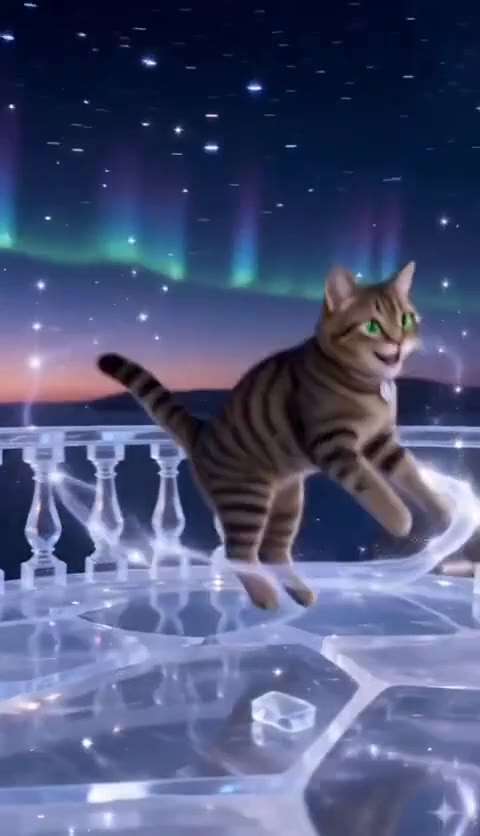
How to make your Elsa AI Video video
Upload one photo of you
A sharp, well-lit photo of one adult, face to the camera with the shoulders in view. Your hair comes from the photo; the gown and the palace come from the clip.
Pick a format
Choose 9:16 for TikTok, Reels and Shorts, 1:1 or 16:9. There is no look to choose: the clip is one ice-palace routine.
Generate
Press Generate. The 15-second MP4 has no watermark and comes with the trend's sound already on it.
Post it
Post the video and label it as AI-generated. Caption ideas people use start with "POV: you finally let it go".
What is the Elsa AI Video trend?
Updated · videosi is an independent tool. It is not affiliated with TikTok, Instagram, YouTube, or with the owners of any trend, song, game or brand named on its pages.
The Elsa AI trend is a short AI video in which an ordinary person sings "Let It Go", the ice queen's song from Disney's Frozen, and is turned into the singer of a glowing ice palace. The clip opens on a close-up of the person mid-note, arms fly wide, a long sheer cape sweeps out, an ice-white or blue gown forms over their clothes, and the camera follows them across a mirror-like ice floor, under a crystal arch and out onto a sunset balcony of an ice castle. Posted clips have burnt-in lyric captions along the bottom; the videosi version keeps text off the screen. The person is a real person put into the scene with AI, not a costume or a cartoon.
The earliest version we found on TikTok is dated 2026-08-05, a family account that put its members into Frozen scenes with Seedance-class AI video. From late August the "dress transformation" version spread, and by 2026-11-12 the most-viewed clip in the format has about 375,000 views while adult and pet versions sit in the tens of thousands. It is still small and mostly one family's account plus template sites, so it is early: videosi's page was built from the adult versions, not the ones with children, and videosi does not make child versions.
The sound is "Let It Go" sung by an AI voice; posts list it as an original sound and fans noticed that some chorus words are changed. Lips in the finished video are not guaranteed to match the words.
The videosi version needs one photo of an adult. The model puts you in the singer's place, keeps the shots, the cape sweep and the 15-second timing from the reference clip, and the trend's sound is mixed on the finished video. Elsa is a Disney character: videosi makes a gown-and-ice-palace video of you, not a copy of the film's character.
Elsa AI Video: shot by shot
- 0–2 s
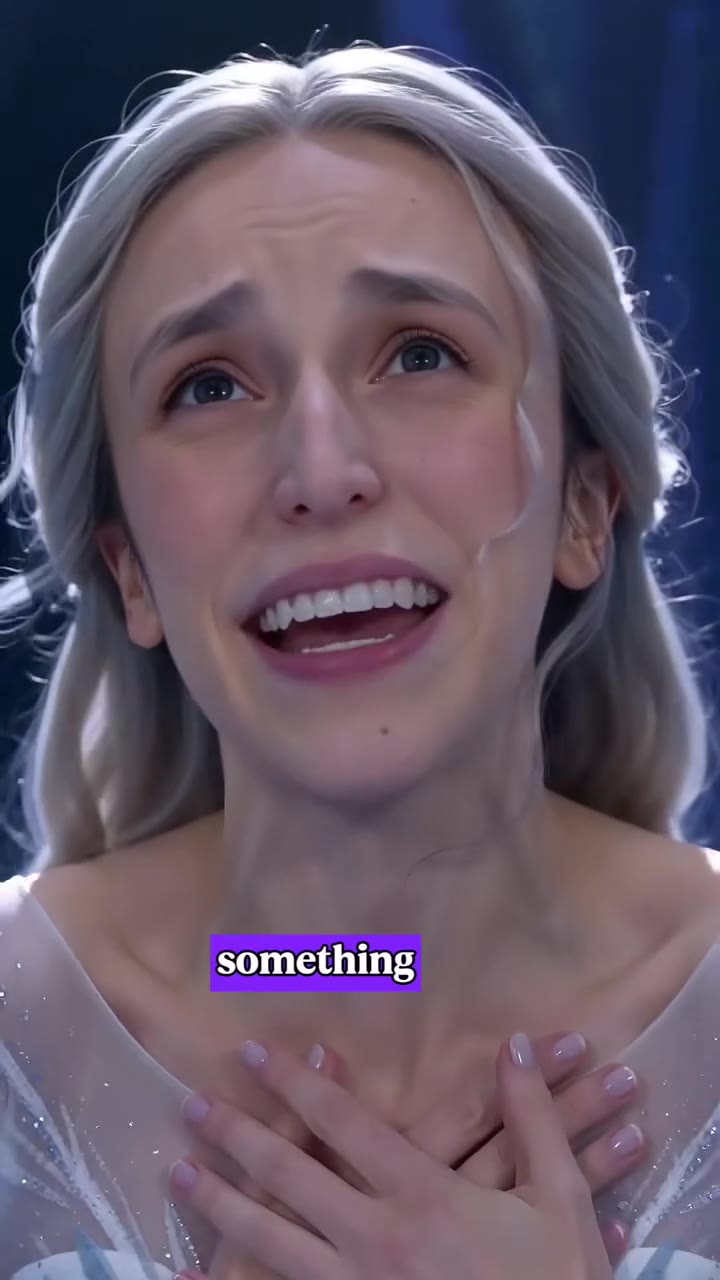
Mid-note close-up
The camera opens tight on your face, mouth open, arms starting to fly wide in a blue ice hall.
- 2–4 s
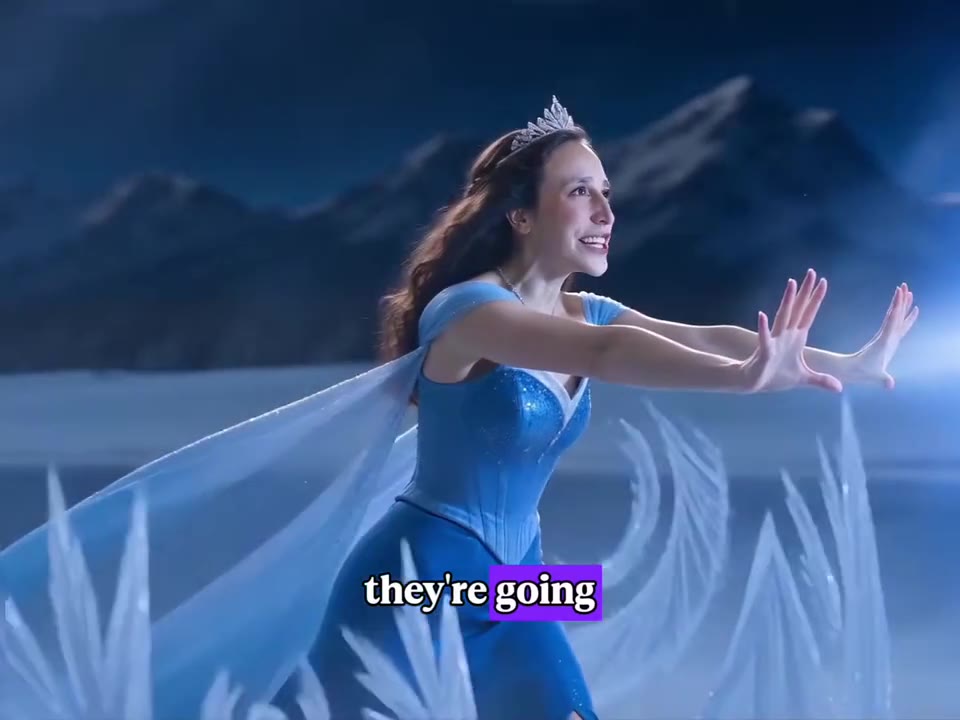
Cape sweeps out
Arms up, a long sheer cape sweeps behind you and the ice-white gown takes shape.
- 4–7 s
Spin on the ice floor
A wide shot: you turn on a mirror-like floor while a purple mist swirls at the hem.
- 7–10 s
Walk to the camera
A low reflection shot, then you walk toward the lens under a crystal arch.
- 10–13 s
Arms open at the arch
Face to the camera in the archway, arms wide, smiling.
- 13–15 s
Sunset balcony
You turn your back to the lens on an ice-castle balcony at sunset and sing to the mountains.
Tips for a better result
Face to the camera, eyes open
The clip opens on a tight close-up. A sharp photo in daylight, no sunglasses and no face filter, keeps the likeness.
Long hair works best
The original has long wavy hair flowing in the wind of the cape. Short hair stays short, which is fine.
One adult in the photo
Two people or a group photo can merge into one face. Crop to the one person you want in the video.
Plain clothes
The gown comes from the clip, so the clothes in your photo do not matter, but busy patterns can show through at the start.
Good to know before you make a Elsa AI Video video
- Likeness is not guaranteed: the close-up at the start and the arch shot are where faces drift most.
- Lips may not match the words of the song: the sound is mixed on afterwards, so it is a performance video, not a lip-sync.
- This page is for adults only: photos of children are not accepted, and Elsa-the-character's face is not copied.
- A failed, timed-out or blocked render returns its credits automatically.
Elsa AI Video: questions
What is the Elsa AI trend?
The Elsa AI trend is a 15-second AI video in which a person sings Let It Go in a glowing ice palace while a white ice gown and sheer cape form around them. The earliest version we found on TikTok is dated 2026-08-05 and the format is still small. videosi makes it from one photo of you.
How do I make the Elsa AI video from one photo?
Upload one photo of yourself to videosi, pick 9:16, 1:1 or 16:9 and press Generate. The Elsa AI video is 15 seconds long and you write no prompt. Rendering takes several minutes, and the finished video is saved in My creations if you close the page.
Is there an Elsa AI generator or website?
Yes. videosi (videosi.io) is a web tool that makes the Elsa AI trend video from one photo of you. You get a 15-second MP4 with no watermark and the trend's sound already on it. Other sites sell the same trend as a template, and results differ, so compare the first seconds of each.
Is there an Elsa filter or CapCut template for this trend?
There is an older TikTok Elsa face filter, and some AI video apps sell this trend as a template, but templates change or disappear often, so check inside the app. videosi is independent and not affiliated with TikTok, CapCut or Disney. The videosi version is a web tool: upload a photo and download a 15-second MP4.
What AI model and prompt make the Elsa AI video?
The videosi Elsa video is made with ByteDance's Seedance model (Seedance 2.0 Mini by default; Fast, Pro and Seedance 2.5 Ultra are one click away) from a short replacement prompt plus a motion reference clip. Doing it yourself often takes several tries, because the model keeps the reference woman's face or loses the six cuts.
How much does the Elsa AI video cost, and is it free?
The Elsa AI video on videosi is not free: there is no free generation and no free trial. A standard 15-second video (Standard model, 720p) is 13 credits; better models and higher resolutions cost more. Credit packs start at $6.90 for 10 credits and never expire, and plans start at $29.90 a month. A failed render returns its credits.
Why doesn't the person in my Elsa AI video look like me?
The usual cause is the photo: a blurry or dark face, sunglasses, or two people in frame. For the videosi Elsa video, use one sharp photo of one adult facing the camera. Likeness is not guaranteed, and the tight close-up at the start and the archway shot are where faces drift most.
Can I use someone else's photo, a child or a pet?
Use a photo of yourself or of an adult who has agreed. The videosi Elsa video is built for adults, so it does not take photos of children. For a pet, the AI cat singing page is the closer match, because it keeps the species from your photo.
What does "Elsa AI" mean?
In this trend, Elsa AI means an AI video styled on Elsa's song Let It Go from Disney's Frozen: an ice palace, a sheer cape, an ice gown. It is not the FDA's AI tool of the same name and not the English-learning app. The videosi version makes you the singer, not a copy of the film's character.
What song is used in the Elsa AI trend?
The trend uses Let It Go from Frozen, sung by an AI voice, and TikTok lists it as an original sound. We could not confirm a single track, and some chorus words are changed. The videosi video comes with that sound already mixed on it, but your lips will not match the words.
Is the Elsa AI trend still trending?
As of 12 November 2026 the Elsa AI trend is early: the earliest version we found is dated 2026-08-05, the best-known clip has about 375,000 views and most adult versions have far fewer. It is mostly one family's account plus AI video sites, so an Elsa AI video made on videosi and posted now is still early.
Can I make Elsa herself?
No. The videosi Elsa AI video puts you in an ice-palace gown, with your own face, hair and age. It does not copy the Disney character's face, braid or costume. Elsa is a Disney character, so use the video as a fan tribute and label it as AI-generated.
Can I post the Elsa video, and how long is it?
The videosi Elsa video is 15 seconds long, in 9:16, 1:1 or 16:9 at the resolution you pick, as an MP4 with no watermark and the trend's sound on it. You can post it if the photo is yours to use; label it as AI-generated. Photos upload as JPG, PNG, WEBP or HEIC up to 10 MB.
Trending this week
All trends this week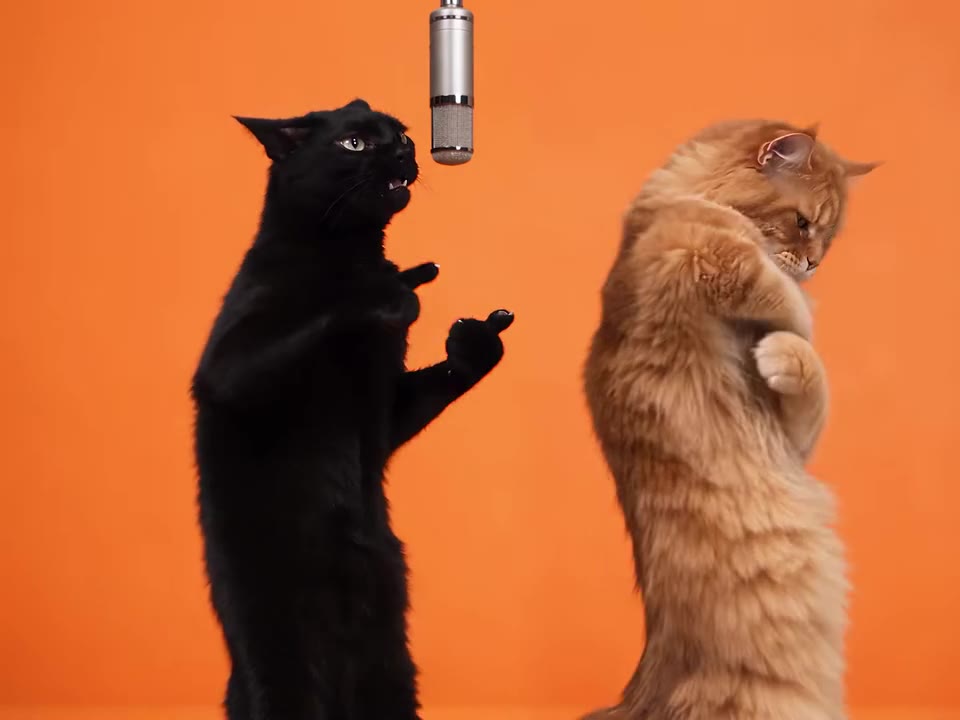
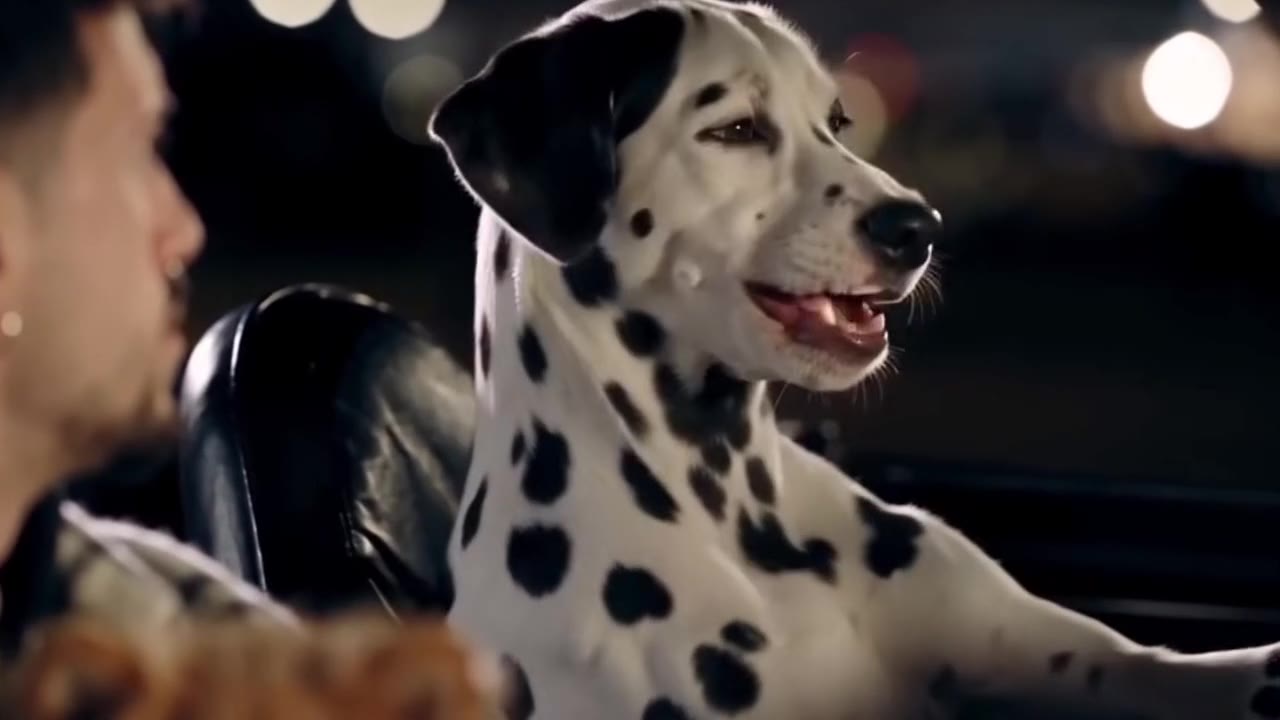
Go deeper on Elsa AI Video
AI cat singing ↗
Want your cat to sing instead? The cat page turns one photo of your cat into a singing clip.
AI dance ↗
Prefer a person dancing to a pop beat? The AI dance page animates one full-body photo.
Rapunzel AI dance ↗
Another Disney-style trend: the Rapunzel dance page turns one photo of you into the Rapunzel dance clip.
Make your Elsa AI Video video
Upload a photo and press Generate. 13 credits, refunded if it fails.
Get the next trend first
One email when new trends land on videosi, about once a week. Unsubscribe in one click.
See videosi first on Google
Add videosi as a preferred source and our trend pages show up first in your Top Stories and AI answers on Google.