AI Hug Generator
Upload two photos and watch the people in them turn and hug. Made for the ones who never got to be in the same picture.
Updated


1Add two photos, one person each
What you'll get
Front-facing, well-lit selfies work best. One face per photo; they don't need to be taken together.
2Hug
3Choose quality
Picked for this video: it has several people or many cuts, and this model keeps every face steady.
By generating you confirm you have permission to use the people in your photos. Terms
No subscription needed · Ready in 4–6 minutes · Failed renders are free
The AI hug trend is a five-second vertical video in which two people from still photos turn toward each other and embrace; videosi makes it from one photo of each person, or one photo with both.
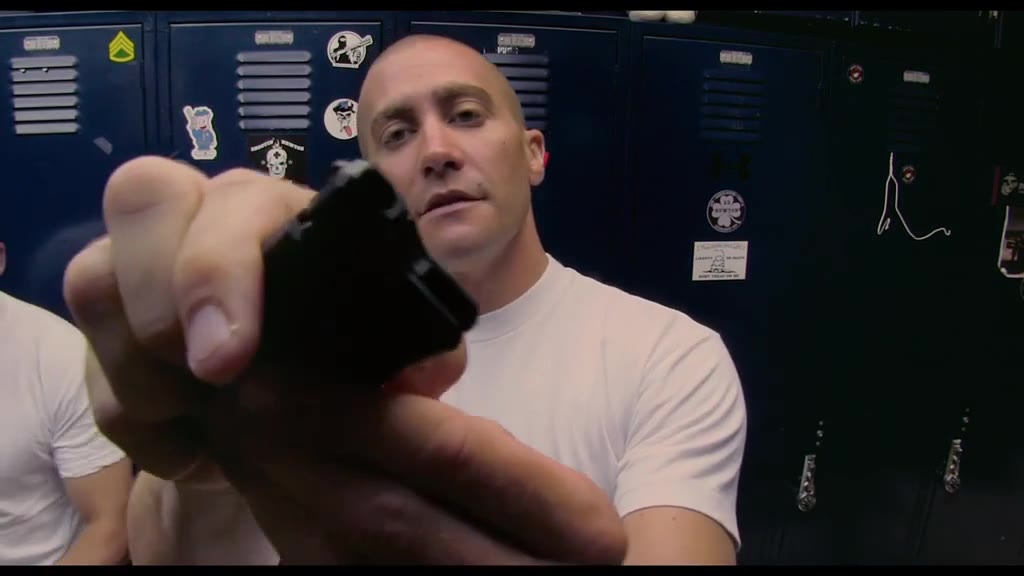
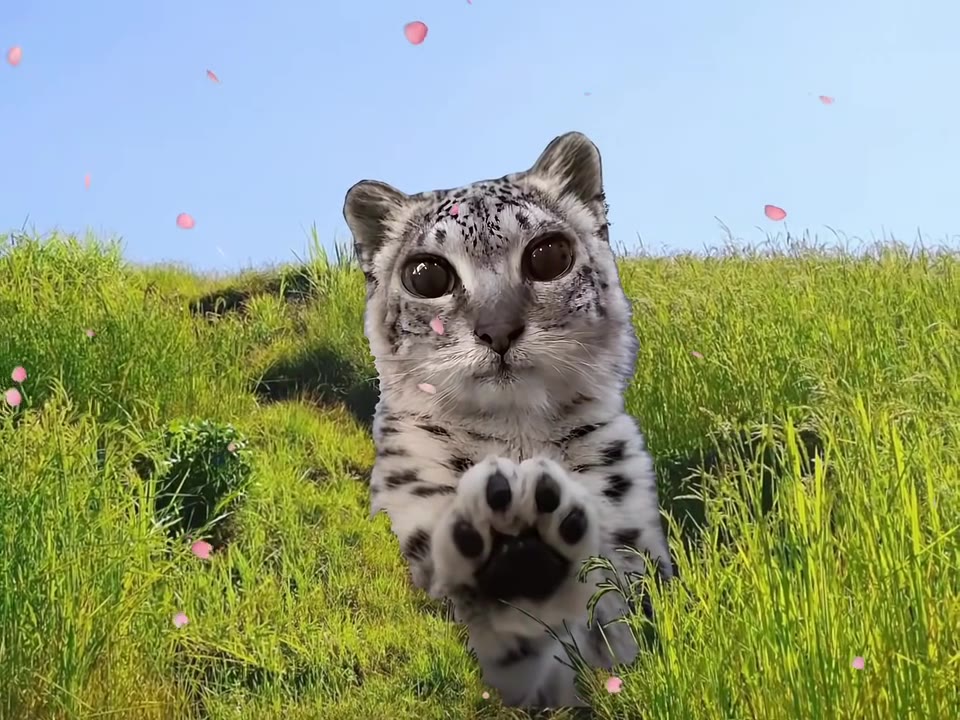
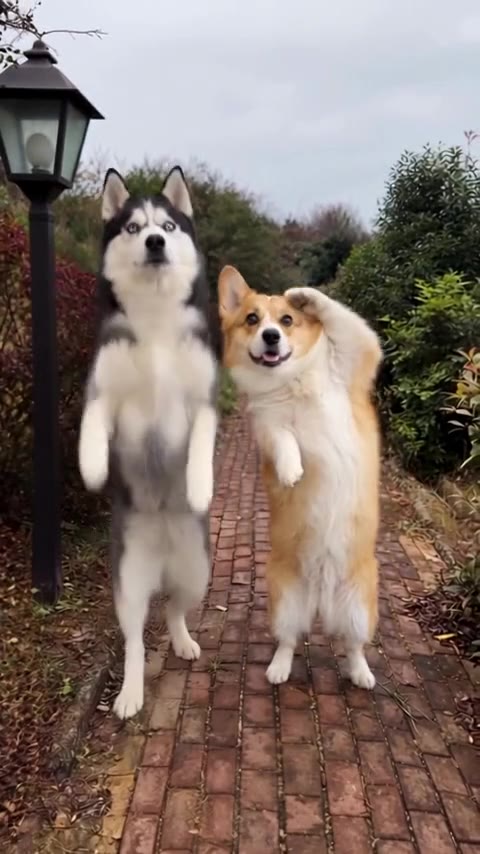
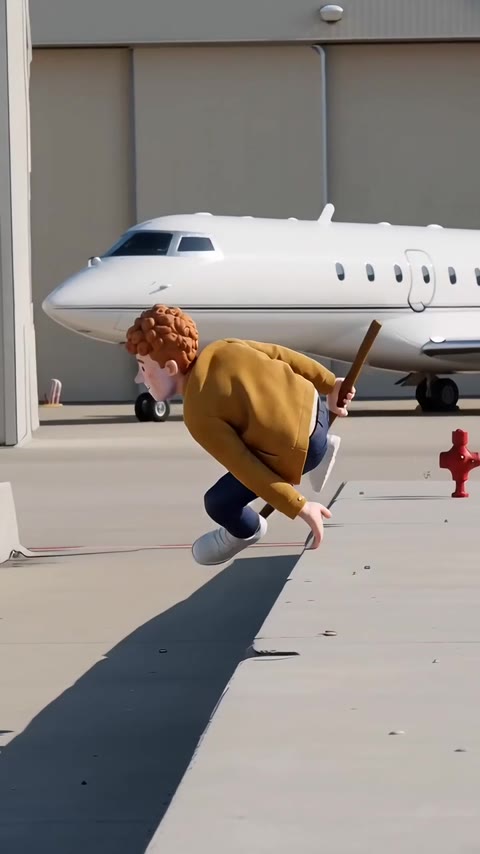
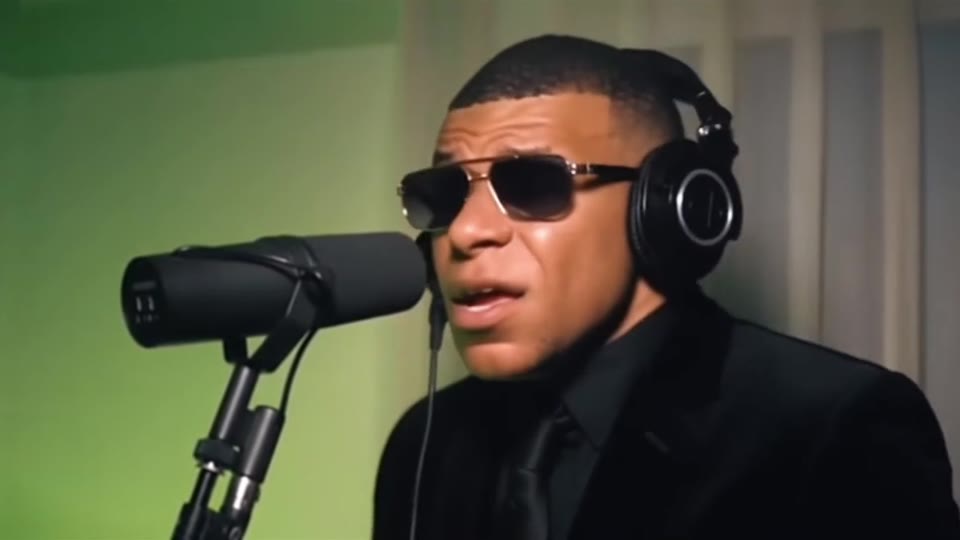
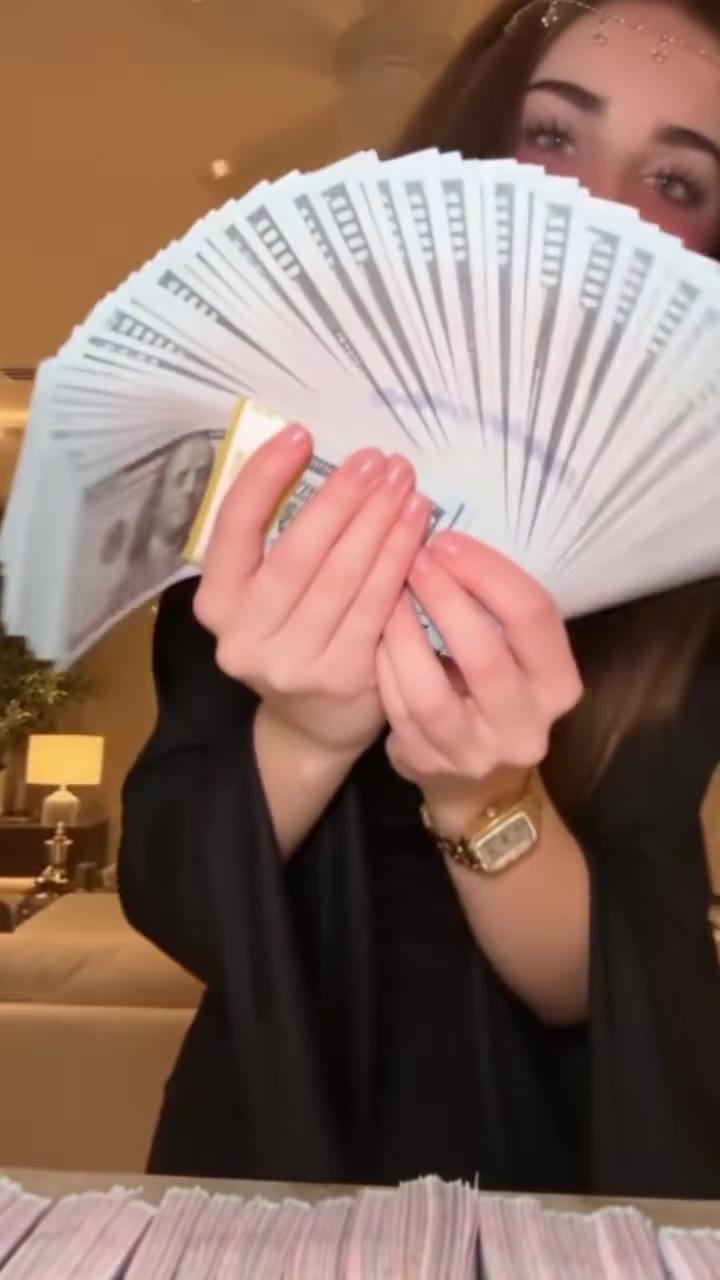
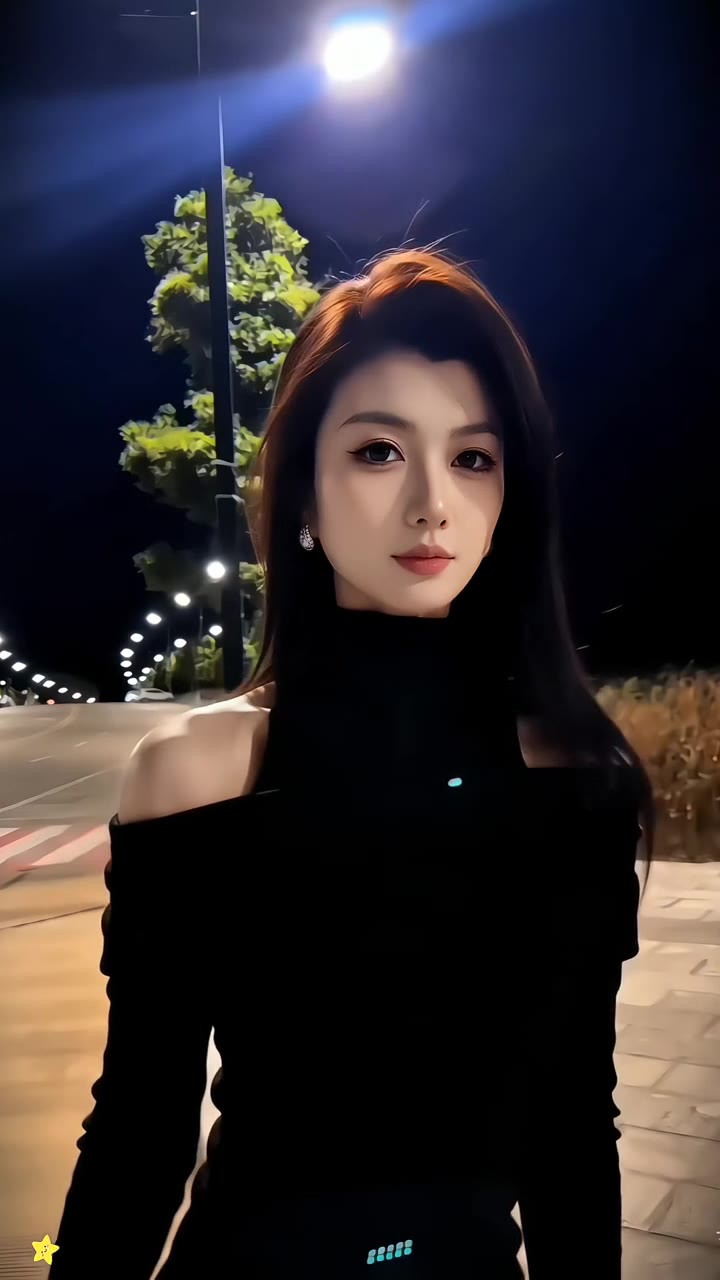
More videos from this trend
Trend inspiration · not a selectable template

How to make your AI Hug video
Add a photo of each person
Upload two photos, one per person. Two separate photos or one photo of you together both work.
Choose the kind of hug
Gentle, tight or joyful. Gentle is the default and suits most family photos.
Generate and download
Press Generate. The five-second video is usually ready in one to three minutes and has no watermark.
What is the AI Hug trend?
Updated · videosi is an independent tool. It is not affiliated with TikTok, Instagram, YouTube, or with the owners of any trend, song, game or brand named on its pages.
The AI hug trend is a short video in which two people from still photos turn toward each other and embrace. It spread on TikTok in the summer of 2024, when photo-to-video models became good enough to keep a face recognisable while the body moved. The clips that travelled furthest were personal: someone hugging a parent or grandparent who had died, a person hugging themselves as a child, partners in a long-distance relationship, a soldier and their family.
It caught on because the format is simple and the result is emotional. There is no dance to learn and nothing to film. You need two photos and a few seconds of patience, and what comes back is a moment that never happened but feels as if it could have. People post it with a slow song and a one-line caption about who is in the picture, and the comments fill with others asking how it was made.
The typical version is five seconds long and vertical. It opens on the two subjects standing apart, as in the photos, then they step in and hold each other while the camera stays still.
Tips for a better result
Match the two photos
Pick photos with a similar angle and distance. A close-up next to a full-body shot makes the two people different sizes in the video.
Show the shoulders
A hug needs arms. Half-body photos work best; a tightly cropped face leaves the model to invent the whole body.
Old photos are fine, blurry ones are not
Black-and-white and faded prints work. If the face is smaller than a thumbnail or out of focus, the likeness will drift.
If it fails
The most common cause is a face that is turned away or covered. Try a front-facing photo. Failed generations return their credits automatically.
Good to know before you make a AI Hug video
- A close-up photo next to a full-body photo makes the two people different sizes in the video.
- Faces that are small, blurry, turned away or covered cause the likeness to drift.
- A tightly cropped face leaves the model to invent the whole body, and hands and arms are where errors show first.
- Likeness is not guaranteed. A failed or blocked generation returns its credits automatically.
AI Hug ideas and prompts
| Idea | Prompt | |
|---|---|---|
| Hug a late relative | The two people turn toward each other and share a warm, gentle hug, eyes closed, soft light. | |
| Hug your younger self | The adult kneels slightly and gives the child a tight, emotional hug; the child hugs back. | |
| Long-distance couple | The two people run a step toward each other and share a joyful, laughing hug. | |
| Best friends reunion | Two friends spot each other, laugh, and pull each other into a joyful hug. | |
| Parent and newborn photo | The parent holds the baby close in a warm, gentle embrace and looks down smiling. |
AI Hug: questions
What is the AI hug trend and where did it start?
The AI hug trend is a short video in which two people from still photos hug. The videosi AI hug page says it spread on TikTok in the summer of 2024, once photo-to-video models could keep a face recognisable while the body moved. Many clips show a lost parent or a person hugging their childhood self. No single creator is confirmed.
How do I hug a loved one who has passed away with AI?
Upload the clearest photo of each person to videosi, pick gentle, tight or joyful, and press Generate. The AI hug video is usually ready in one to three minutes as a five-second MP4. A front-facing photo with the face in focus keeps the likeness best, even if the print is old.
How can I hug my younger self with an AI video?
Upload a childhood photo in one slot and a recent photo of yourself in the other, then generate with videosi. The AI hug turns the two figures toward each other and embraces. Pick photos with a similar angle and distance, or the child and the adult will look mismatched in size.
Is there a website or app that makes AI hug videos?
Yes. videosi (videosi.io) is a web tool that makes an AI hug video from two photos, with no app to install and no prompt to write. It works in a phone or desktop browser. A standard 5-second video (Standard model, 720p) is 5 credits, and the MP4 downloads without a watermark.
Is there an AI hug filter on TikTok or a CapCut template?
Those apps have their own hug templates and filters, which change often, so check inside them. videosi is independent and not affiliated with TikTok or CapCut. The videosi AI hug works from photos you upload, so it can use pictures taken years apart. Add the song in the app where you post.
Which AI makes the hug video, and what prompt does it use?
The videosi AI hug runs on a third-party AI video model that videosi chooses and lists on videosi.io/about. The prompt is built in. Making it yourself in another tool needs two photos, a written prompt and several tries to keep both faces steady. In videosi you only choose how gentle the hug is.
Is the AI hug generator free, and how much does it cost?
An AI hug video on videosi is not free: there is no free generation and no free trial. A standard 5-second video (Standard model, 720p) is 5 credits; better models and higher resolutions cost more. Credit packs start at $6.90 for 10 credits and never expire; plans start at $29.90 a month. Purchases are final; a failed render returns its credits automatically.
Why do the faces look different in my AI hug video?
Faces drift in an AI hug when a photo is small, blurry, turned away or covered. videosi keeps the likeness best from clear front-facing photos at a similar scale. Likeness is not guaranteed. A failed or blocked generation returns its credits automatically, so you can retry with a sharper photo.
Can I use someone else's photo and post the AI hug video?
Only with their agreement, and the photos must be yours to use. videosi does not accept photos of celebrities or other public figures for the AI hug, and users must be 18 or older. Paid videos have no watermark. Photos and results are deleted within 30 days.
How long is the AI hug video and can I add a song?
The videosi AI hug video is about five seconds, 9:16 or 16:9 as you choose, saved as an MP4. It has no licensed music, so it is silent. Add a slow song in the app where you post it, such as TikTok or Instagram. Photos upload as JPG, PNG, WEBP or HEIC up to 10 MB.
Trending this week
All trends this week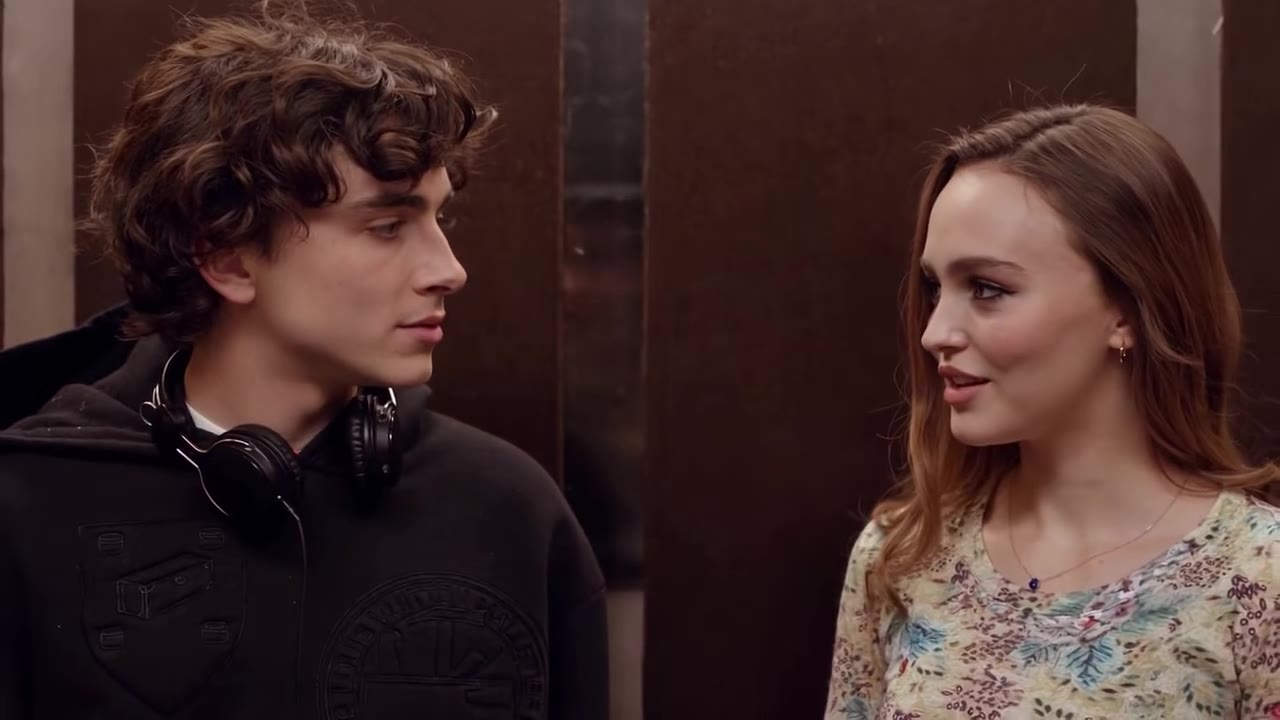




Make your AI Hug video
Upload two photos and press Generate. 10 credits, refunded if it fails.
Get the next trend first
One email when new trends land on videosi, about once a week. Unsubscribe in one click.
See videosi first on Google
Add videosi as a preferred source and our trend pages show up first in your Top Stories and AI answers on Google.