Quiet on the Creek AI: The Shush Dance, Starring You
You, shushing, covering your mouth and swaying to the Quiet on the Creek beat. One photo of you, no prompt, the trend sound already on it.
Updated : Page published.
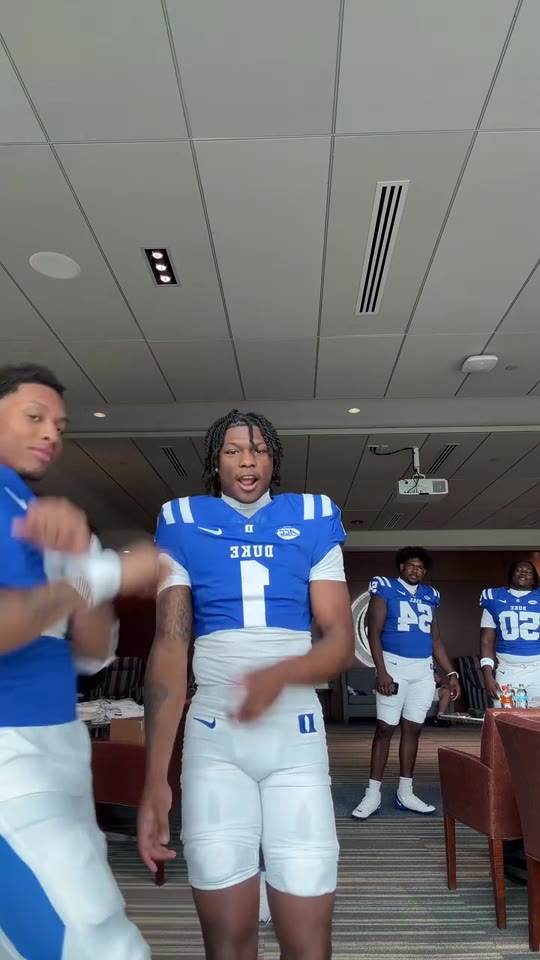
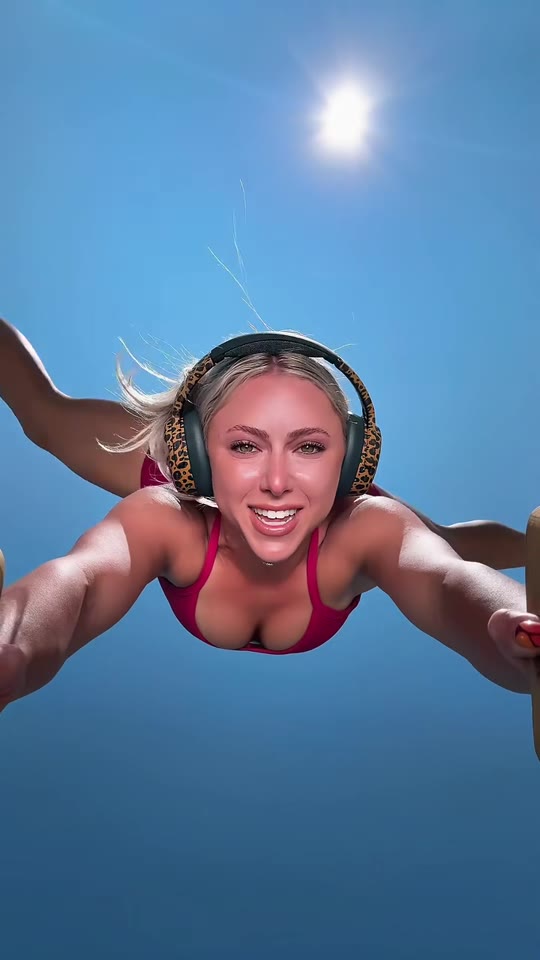
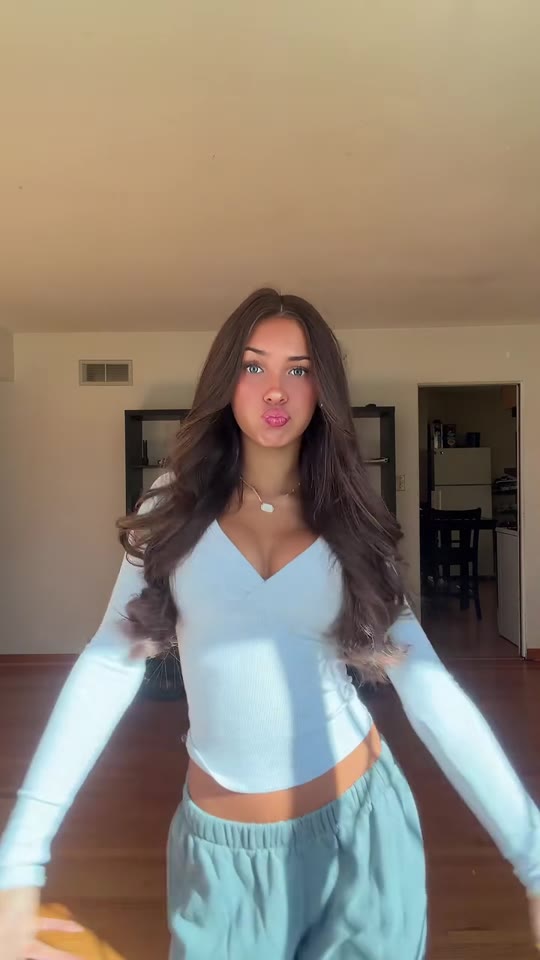
1Add your photo
What you'll get
Front-facing, well-lit selfies work best. One face per photo.
2Choose quality
By generating you confirm you have permission to use the people in your photos. Terms
No subscription needed · Ready in 4–6 minutes · Failed renders are free
Quiet on the Creek is a TikTok shush dance from July 2026, built on a Saucy Santana line about keeping quiet while fishing; videosi turns one photo of you into the 15-second AI version of the dance, trend sound included.
- Fast facts
- First seen
- Stage
- Just starting
- Started on
- TikTok (unconfirmed)
- Sound
- Saucy Santana released a song called Quiet On the Creek on 2026-07-17, but many dance clips use an original-sound beat built around the line instead of the song; the exact producer of that beat is not confirmed. The videosi video comes with the beat from the most-used dance clip.
- Meaning
- "Quiet on the creek" is slang for keeping something to yourself, such as good news you do not want to jinx, taken from a Saucy Santana story about being told to stay quiet while fishing so the fish would not be scared.
- Related trends
- AI Dance, Angry Dance AI, Chair Dance AI
Page updates
- November 7, 2026 — Page published.
The Quiet on the Creek AI prompt and model
Quiet on the Creek AI is made with Seedance 2.0 / 2.5 (you pick the tier) by ByteDance. The prompt behind it has 5 parts, and the timing is what makes or breaks it.
- Model
- Seedance 2.0 / 2.5 (you pick the tier)
- Mode
- Photo + motion reference to video
- Length
- 15 seconds, 9:16, 1:1 or 16:9
- Input
- 1 photo
- Identity lock Your photo is the only source for the dancer's face, hair, clothes and skin tone, including hands and arms, kept identical in every frame.
- Motion reference A short clip of the dance supplies the shush gestures, the arm moves, the beat timing and the camera, and your photo takes the dancer's place.
- Scene A bright hallway with a wooden wardrobe and a fixed medium camera, the same as the reference.
- Timeline Six beats over 15 seconds: walk-in bounce, the shush, arm rolls, hands over mouth, hip sway and the finish.
- Rules One continuous take, adults only, five fingers per hand, no text, no logos and no lip-syncing.
Replace the young woman in Video 1 with the person from Image 1. Keep everything else from Video 1 as it is: the same dance, the shush gestures, the hand-over-mouth moves…
Why it goes wrong when you do it yourself
- Without an identity lock the model keeps the dancer from the reference clip and only borrows your clothes.
- The shush and hand-over-mouth beats cover the face, so the model often changes the face behind the hands.
- Timing drifts: the moves slide off the beat unless every gesture is pinned to a second.
- Each try costs model credits and several minutes, and a photo with a small face gives a different face every time.
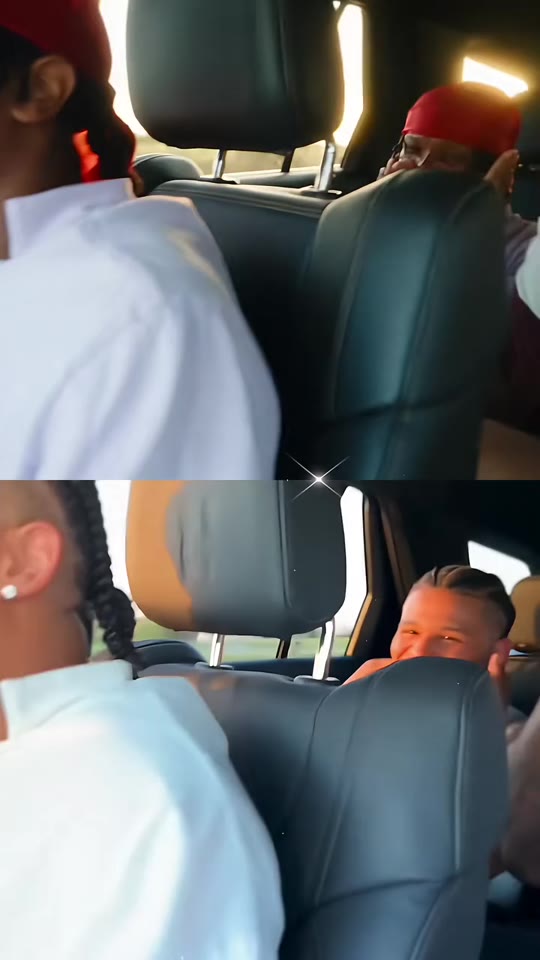
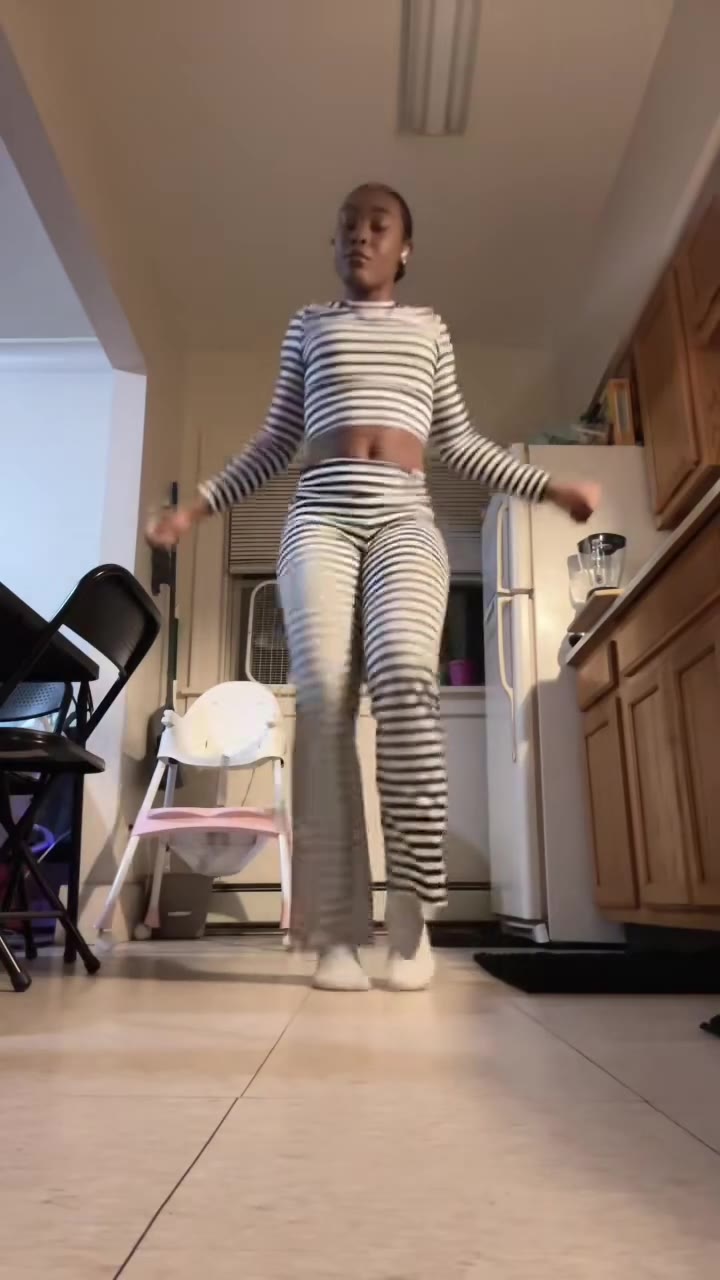
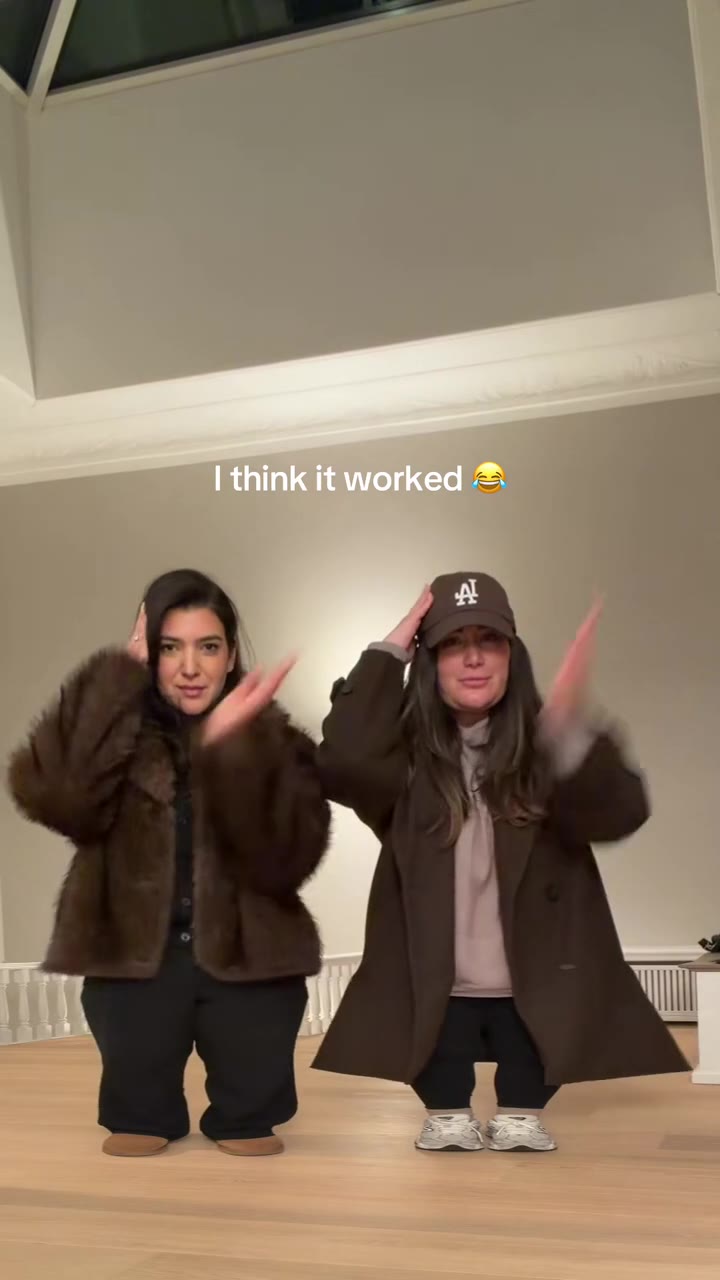
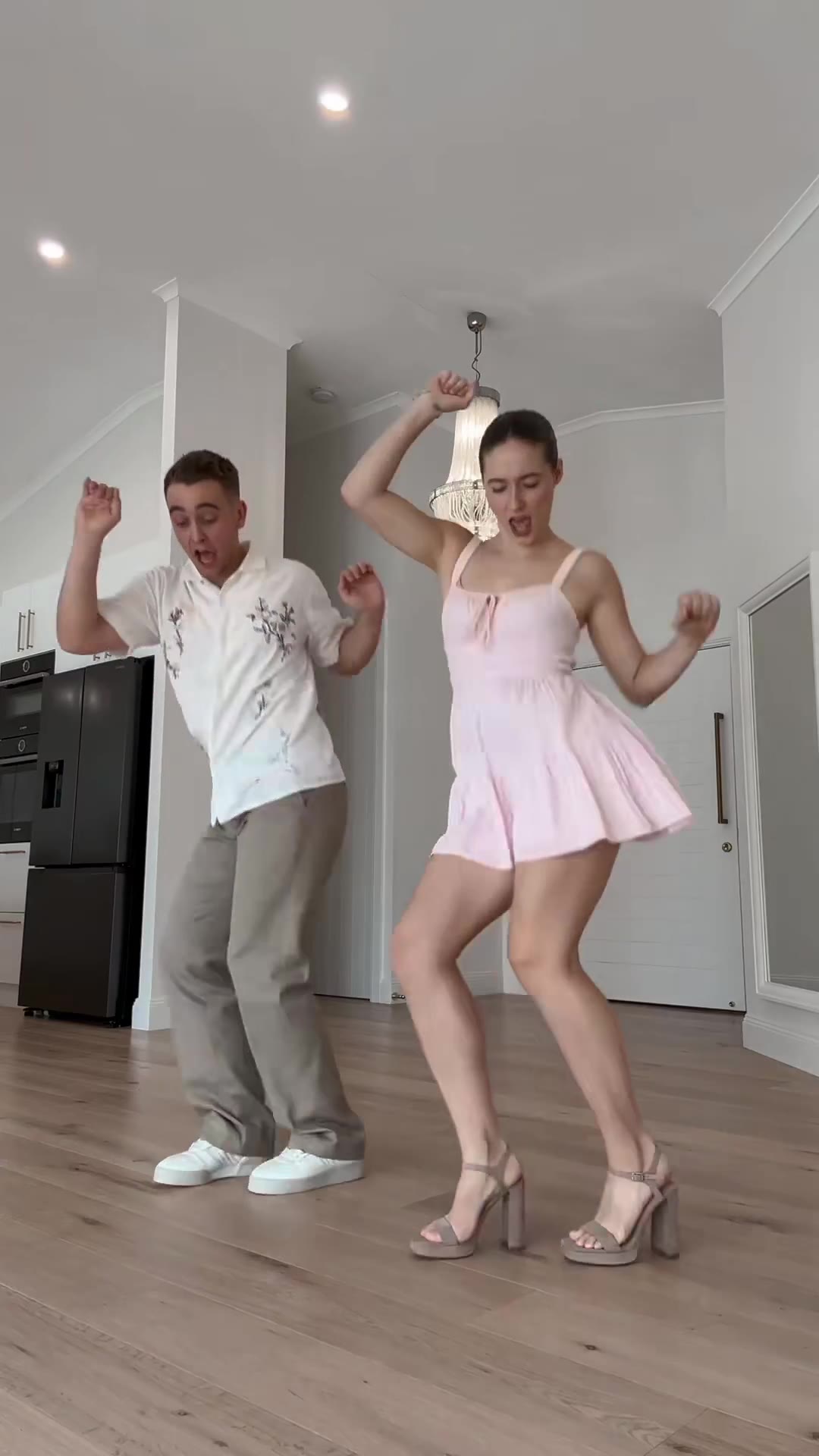
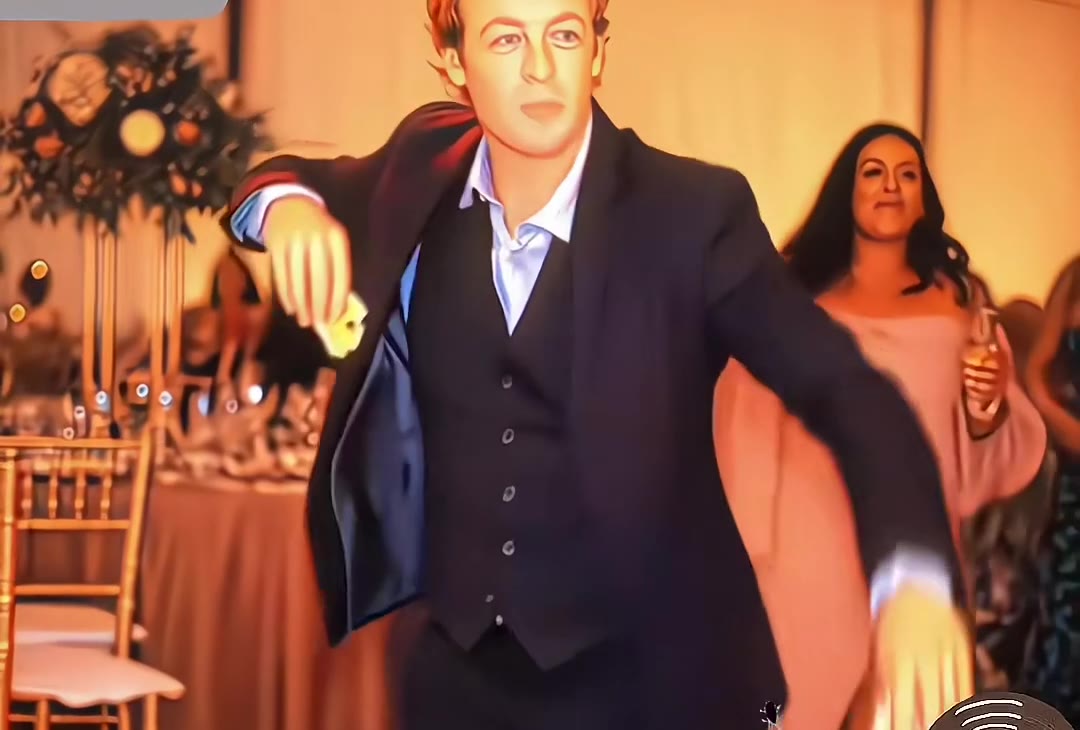
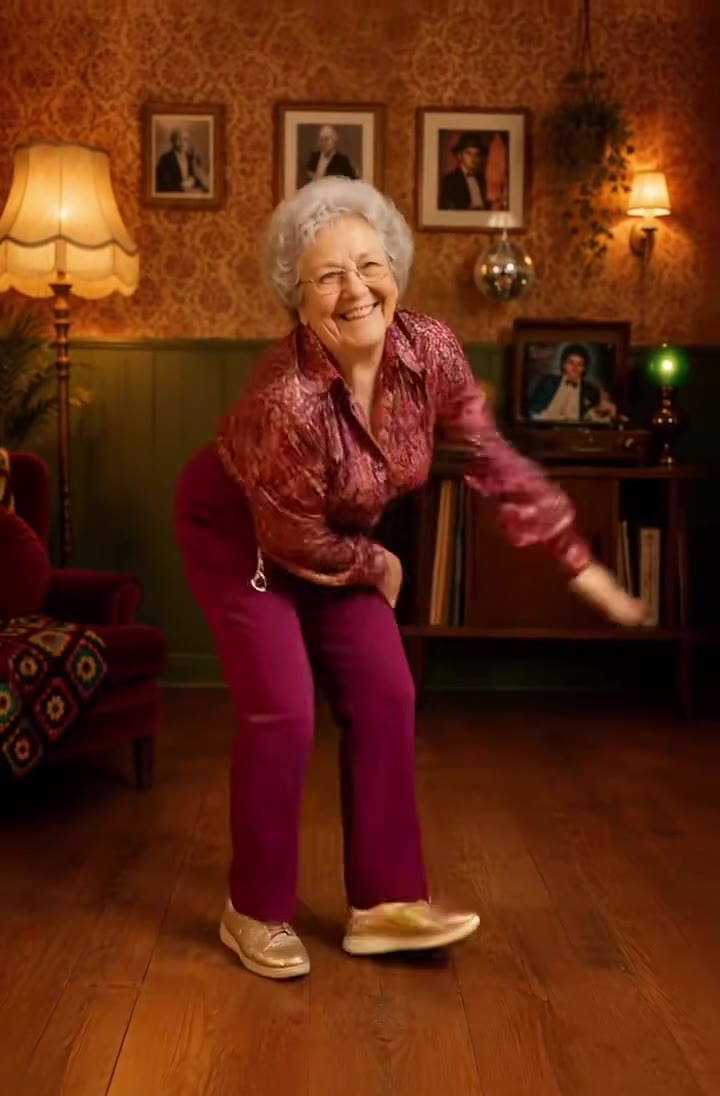
More videos from this trend
Trend inspiration · not a selectable template
How to make your Quiet on the Creek AI video
Upload one photo of you
A sharp, front-facing photo of one adult from the waist up or the whole body, hands away from the face. Your hair and clothes in the photo are the ones in the video.
Pick a format
Choose 9:16 for TikTok, Reels and Shorts, or 1:1 and 16:9, and a model tier. There is nothing else to choose: the dance is built in.
Generate
Press Generate. Rendering takes several minutes and the result is saved in My creations. The 15-second MP4 has no watermark and comes with the Quiet on the Creek beat already on it.
Post it
Post it and label the clip as AI-generated. You can swap the sound on TikTok or Instagram if you want the Saucy Santana song instead.
What is the Quiet on the Creek AI trend?
Updated · videosi is an independent tool. It is not affiliated with TikTok, Instagram, YouTube, or with the owners of any trend, song, game or brand named on its pages.
Quiet on the Creek AI is the one-photo version of the Quiet on the Creek TikTok dance: you upload one photo of yourself and videosi renders a 15-second clip of you shushing, covering your mouth and swaying to the trend beat. You write no prompt and pick no moves.
The phrase comes from a livestream clip of rapper Saucy Santana recalling being told to stay quiet while fishing so the fish would not be scared. The clip resurfaced on TikTok in July 2026, Santana released a song called Quiet On the Creek on 2026-07-17, and "quiet on the creek" became a way to say you are keeping something to yourself.
The dance that goes with it is short and easy to copy: a finger to the lips for the shush, both hands over the mouth, a shrug, then a bounce and a hip sway on the beat. Many clips use an "original sound" beat built around the line rather than the song itself.
The dance peaked in July 2026 and has cooled since, while the AI-photo version is new. AI takes on the dance started appearing on template sites in late October 2026, and the videosi trend radar picked the term up on 2026-11-03. Upload one photo, choose 9:16, 1:1 or 16:9, and the 15-second video comes back with your face, hair and clothes and the trend beat lined up with the moves.
Quiet on the Creek AI: shot by shot
- 0–2.5 s
Walk-in bounce
They step into frame bouncing on the beat, arms loose, smiling at the camera.
- 2.5–5 s
The shush
A finger goes to the lips and the other hand flicks up beside the head, timed to the first quiet-on-the-creek line.
- 5–8 s
Arm rolls
Forearms cross and roll in front of the chest, then both arms lift behind the head.
- 8–10 s
Hands over mouth
Both hands cover the mouth, then drop into a second shush.
- 10–12 s
Hip sway
The body turns three-quarters and the hips sway side to side with the beat.
- 12–15 s
Palms and finish
Open palms wave, hands roll at the waist, and both hands settle together low in front.
Tips for a better result
Waist up or full body
The dance is framed from about the knees up. A face-only close-up makes the model invent your shoulders and hands.
Hands out of the face
The dance puts your hands over your mouth and eyes. A photo with hands already on the face gives the model nothing to copy.
Even, front light
Window light on your face keeps your skin tone and eyes. Heavy filters and sunglasses make the face drift.
One photo, no collage
Use a single photo, not a collage. One adult gives the steadiest result; a photo of two adults side by side works for a duo but is less reliable.
Good to know before you make a Quiet on the Creek AI video
- Likeness is not guaranteed: the hands-over-mouth beat is where faces drift most.
- The dance is fixed: you cannot change the moves, only the photo and the format.
- The video comes with the trend beat already on it; the model does not make you mouth or sing the lyrics.
- A failed, timed-out or blocked render returns its credits automatically.
Quiet on the Creek AI: questions
What is the Quiet on the Creek trend, and where did it come from?
Quiet on the Creek is a TikTok shush dance and catchphrase from July 2026, based on a resurfaced livestream clip of rapper Saucy Santana recalling being told to stay quiet while fishing so the fish would not be scared. Santana released a song called Quiet On the Creek on July 17, 2026. Dancers put a finger to their lips, cover their mouths and shrug on the beat. videosi makes the AI version, a 15-second clip, from one photo of you.
How do I make the Quiet on the Creek AI dance with my own photo?
To make the Quiet on the Creek AI dance on videosi, upload one photo of yourself, choose 9:16, 1:1 or 16:9 and press Generate. You write no prompt: the dance, the shush gestures and the camera are built in. The video is 15 seconds long and arrives with the trend sound already on it. Rendering takes several minutes, and the result is saved in My creations if you close the page.
Is there a Quiet on the Creek AI generator?
Yes: videosi (videosi.io) is a Quiet on the Creek AI generator that turns one photo of you into the 15-second dance video. The moves, the camera and the prompt are built in, so you only choose the photo and the format. A 15-second video on the Standard model at 720p is 13 credits, and the MP4 has no watermark.
Is there a Quiet on the Creek CapCut template or TikTok filter?
CapCut templates for the Quiet on the Creek dance are shared on TikTok, but which one is the original is not confirmed, and videosi does not host them. videosi is the browser alternative: no app and no editing, one photo in and a 15-second MP4 out, with the trend sound already on it and your own face, hair and clothes in every frame.
What AI model makes the Quiet on the Creek video, and can I do it myself?
videosi makes the Quiet on the Creek AI video with ByteDance's Seedance model, Seedance 2.0 Mini by default, from a five-part prompt plus a motion reference clip; Fast, Pro and Seedance 2.5 Ultra are one click away. You can try it yourself in any video generator, but expect several attempts: the model tends to keep the dancer from the reference clip instead of you, and the shush and hand-over-mouth moves often blur the face.
How much does the Quiet on the Creek AI video cost, and is it free?
The Quiet on the Creek AI video on videosi is not free: a 15-second video on Standard at 720p is 13 credits, and an account's first video costs 10, so the $6.90 pack of 10 credits covers it. There is no free generation and no free trial. Better models and higher resolutions cost more. Credit packs never expire, plans start at $29.90 a month, and a failed render returns its credits.
Why doesn't the person in my Quiet on the Creek video look like me?
If the person in your videosi Quiet on the Creek video does not look like you, the photo is the usual cause: a small face, heavy filters, sunglasses or a crop at the chin. Use one sharp, front-facing photo of you from the waist up or the whole body, with your hands out of the face. Likeness is not guaranteed, and the hands-over-mouth beat at 8 seconds is where faces drift most.
Can I use a friend's photo or make a duo?
Yes: videosi makes the Quiet on the Creek dance from any photo of adults you have the right to use, and a photo of 2 adults gives a duo dancing the same moves side by side. Duo results are less reliable than a solo photo, so keep both faces large and sharp. Ask your friend before you use their photo, and label the finished clip as AI-generated when you post it.
What does "quiet on the creek" mean?
"Quiet on the creek" means keeping something to yourself, such as good news you do not want to jinx. It comes from Saucy Santana's story about being told to stay quiet while fishing so the fish would not be scared, which spread on TikTok in July 2026. People now use it for anything from a new relationship to plain sneakiness, and videosi turns the dance that goes with it into a 15-second video.
What song is used in the Quiet on the Creek trend?
Quiet on the Creek videos use two sounds: Saucy Santana's song Quiet On the Creek, released July 17, 2026, and an "original sound" beat built around the line, which many dance clips use instead. The videosi video comes with the beat from the most-used dance clip already on it; who produced that beat is not confirmed. You can swap in the song on TikTok or Instagram when you post.
Is Quiet on the Creek still trending?
As of November 2026, the Quiet on the Creek dance is past its July 2026 peak but still gets posted, while AI-photo versions are only starting to spread. The earliest AI versions we found date from late October 2026, and the videosi trend radar picked the term up on 2026-11-03. videosi marks the trend as emerging for AI video; no single original creator of the dance is confirmed.
How long is the Quiet on the Creek AI video, and can I post it?
The videosi Quiet on the Creek video is 15 seconds long, in 9:16, 1:1 or 16:9 at the resolution you pick (720p on the Standard model), as an MP4 with no watermark and with the trend sound. You can post it if the photo is yours to use; label it as AI-generated. Photos upload as JPG, PNG or WebP.
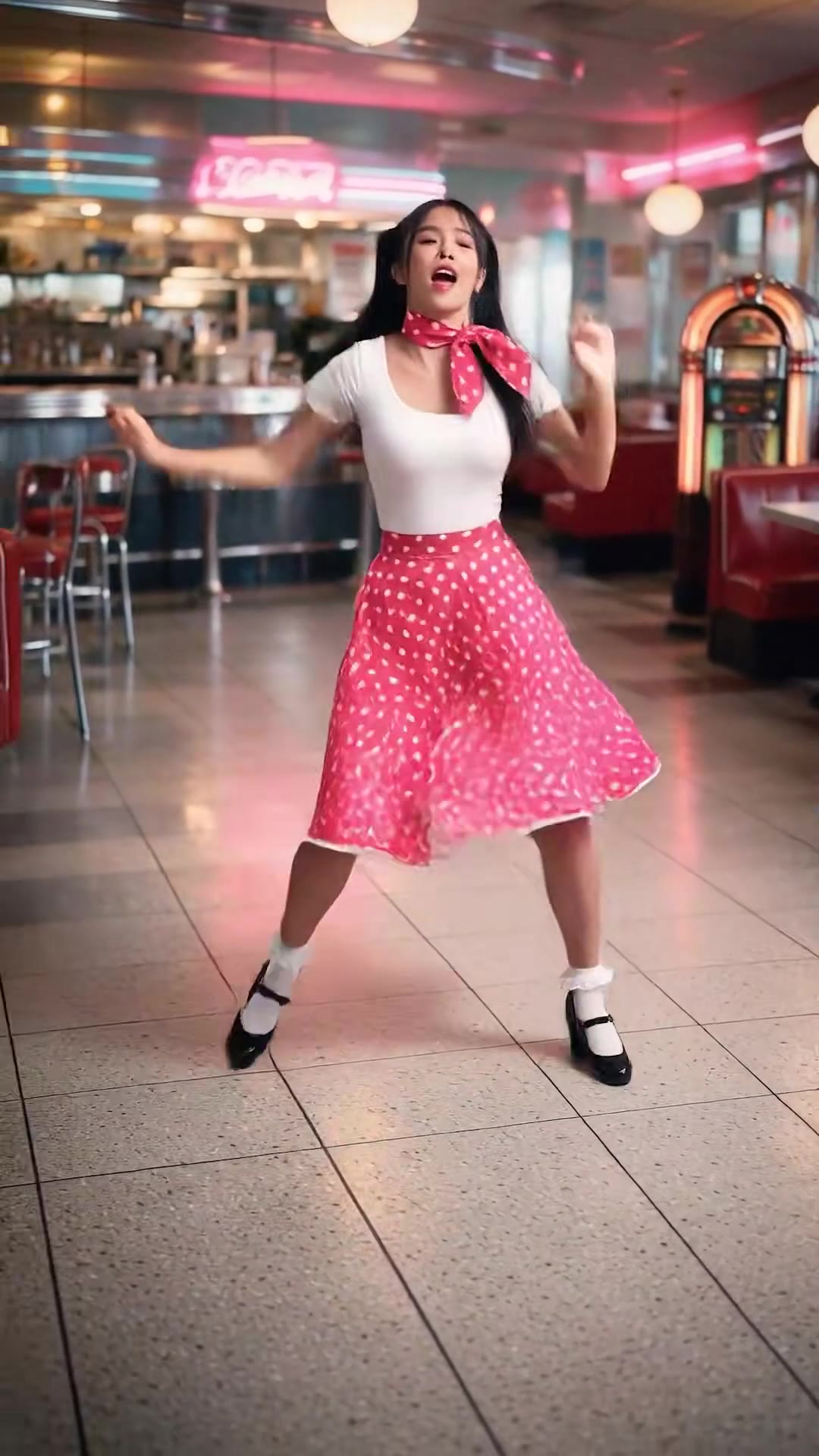
Trending this week
All trends this week
Go deeper on Quiet on the Creek AI
Make a photo of a person dance ↗
Want a different routine? The AI dance page turns one full-body photo of an adult into a short pop, hip-hop or silly dance.
Angry Dance AI ↗
Another 15-second meme dance from one photo: you rant at the camera, count complaints on your fingers and storm off on the beat.
Chair Dance AI ↗
A 10-second seated dance from one photo: you rock side to side in a chair with loose arm swings.
What is trending this week ↗
Every viral AI video trend we have turned into a one-photo generator, newest first.
Make your Quiet on the Creek AI video
Upload a photo and press Generate. 13 credits, refunded if it fails.
Get the next trend first
One email when new trends land on videosi, about once a week. Unsubscribe in one click.
See videosi first on Google
Add videosi as a preferred source and our trend pages show up first in your Top Stories and AI answers on Google.