Minecraft Version of Me AI Photo Generator: You and Your Blocky Mini-Me
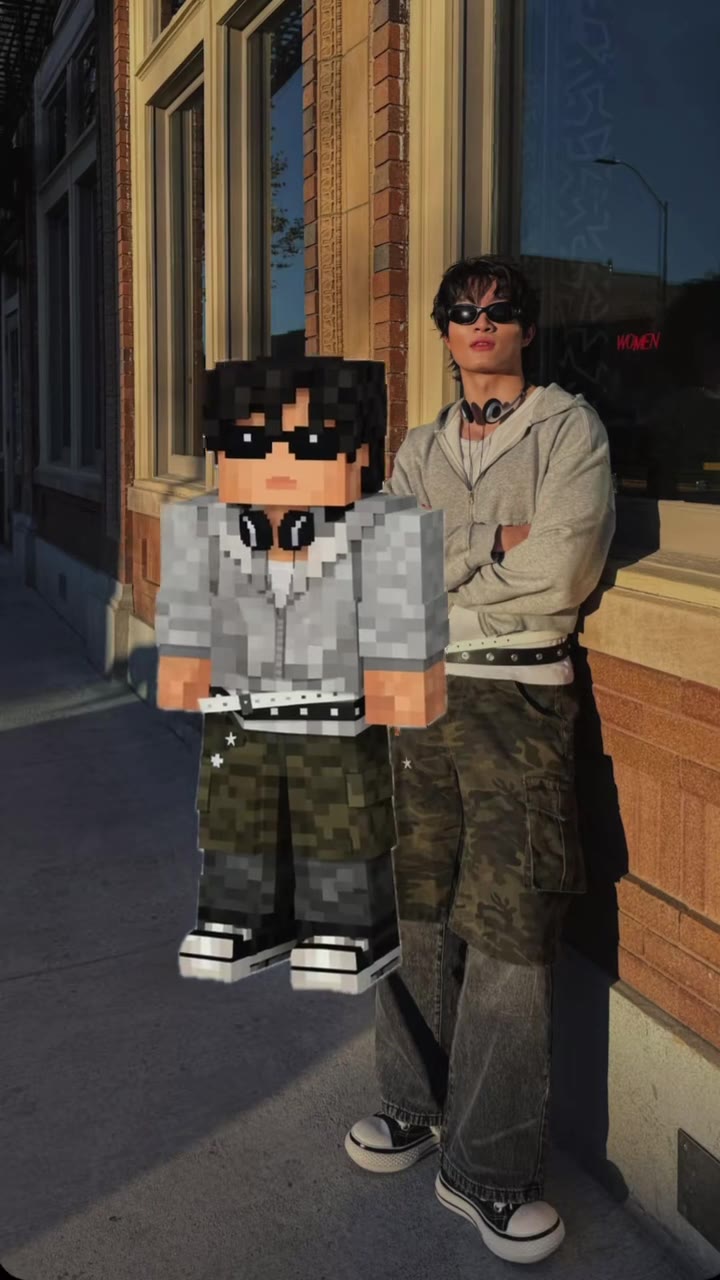
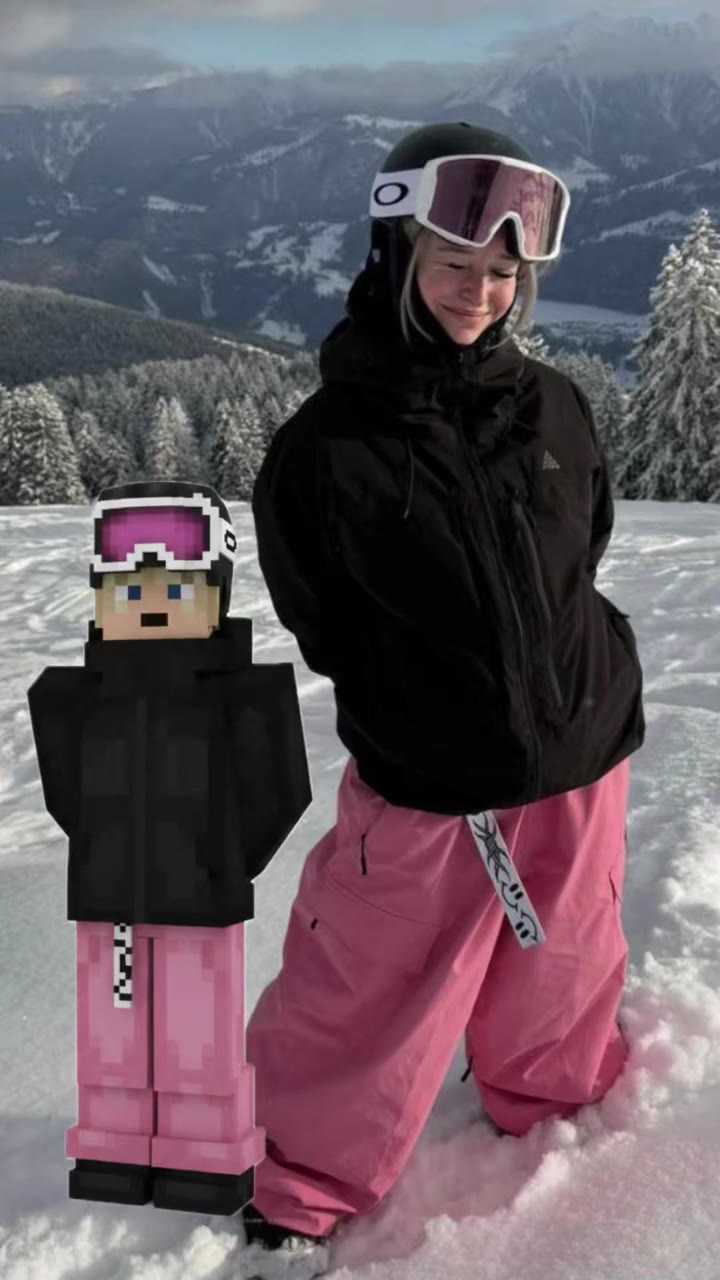
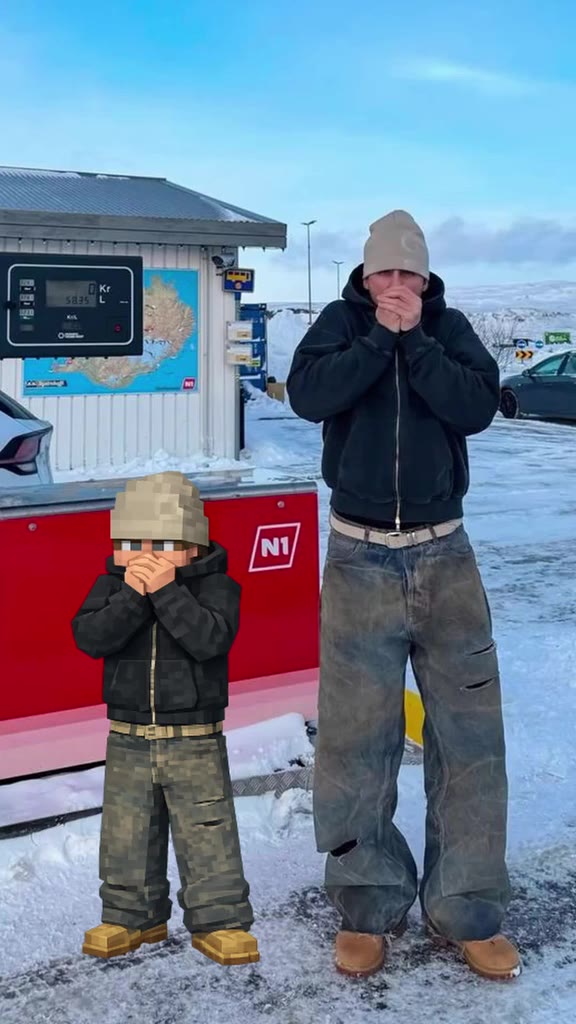
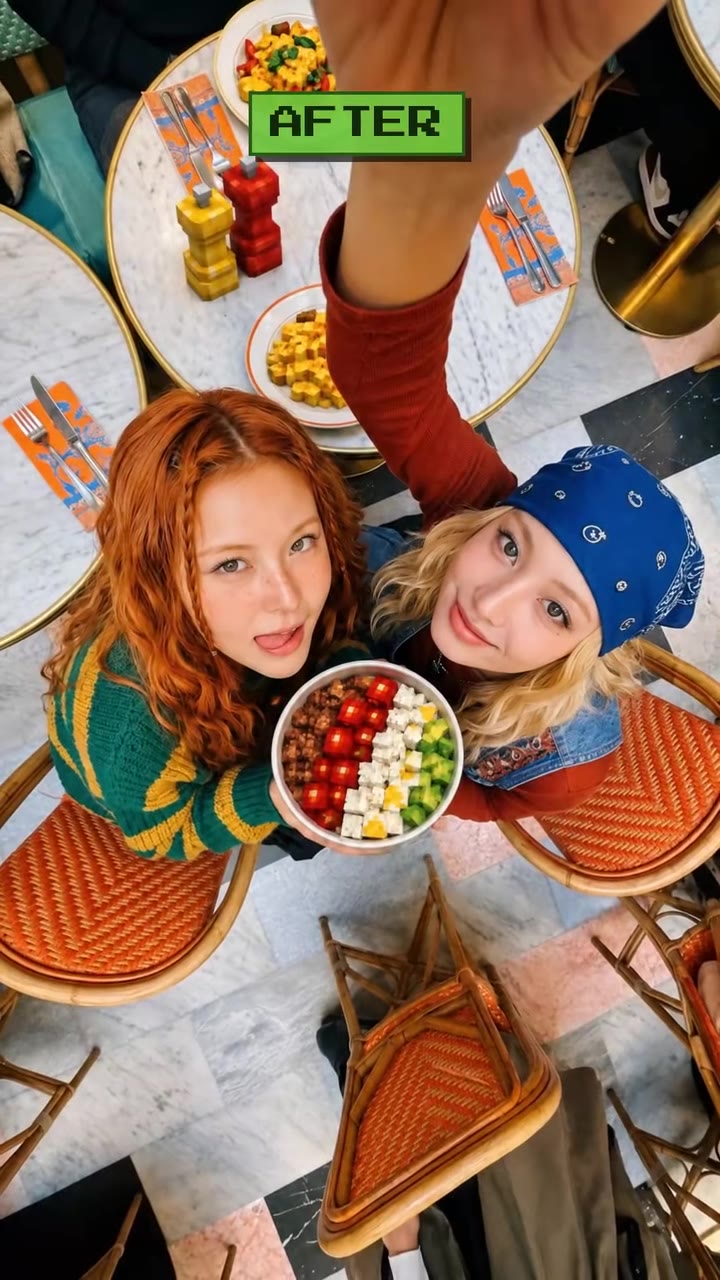
Your real photo with a knee-high blocky 3D pixel version of you standing beside you, or you as a full voxel character, or your food turned into cubes. One photo of you is enough.
Updated : Page published.
1Add your photo
What you'll get
Trend remakes · inspiration only
Front-facing, well-lit selfies work best. One face per photo.
2Look
By generating you confirm you have permission to use the people in your photos. Terms
No subscription needed · Ready in about a minute · Failed renders are free
The 3D pixel art AI trend turns a photo into a voxel picture, most often the real person standing next to a knee-high blocky voxel version of themselves in the same outfit; videosi makes it from one photo of you.
1 photo in, an image out, no watermark. $8.90 to start, a one-time payment with no subscription. Ready in about a minute.
- Fast facts
- First seen
- Stage
- Just starting
- Started on
- TikTok (unconfirmed)
- Sound
- No single sound: posts use their own original sounds or different songs.
- Meaning
- The 3D pixel art AI trend is a photo edit that rebuilds a person, or the food they hold, out of chunky 3D voxel cubes in a block-game style, most often posted as the real person standing next to a small blocky version of themselves.
- Related trends
- GTA Loading Screen AI Photo
Page updates
- November 25, 2026 — Page published.
What prompt and AI model make the 3D Pixel Art AI image?
3D Pixel Art AI is made with GPT Image 2.6 by OpenAI. The prompt behind it has 5 parts, and the timing is what makes or breaks it.
- Model
- GPT Image 2.6
- Mode
- Photo to image
- Length
- One still image, vertical 2:3
- Input
- 1 photo
- Identity lock Your photo is the only source for the face, hair, skin tone and build, with no beautifying, slimming or de-aging.
- Look The mini-me beside you, the full voxel character on grey, or only the food in your hands turned into cubes.
- Voxel style Real 3D cubes with flat faces, stair-step edges and shadows in the photo's light, not a flat 2D pixel drawing.
- Outfit match The blocky figure copies the outfit colours, prints, hair, glasses, hat and shoes from your photo.
- Rules One adult only, no game logo or text, and never a real game character instead of you.
Using the person in Image 1, create one vertical 2:3 image in the viral 3D pixel art style, where real life meets chunky voxel blocks.…
Why it goes wrong when you do it yourself
- Asking for pixel art without saying 3D voxel gives a flat 2D sprite, the 2025 look, instead of the blocky cubes of the 2026 trend.
- If the prompt does not list hair, glasses, outfit colours and shoes, the blocky figure becomes a generic block-game character that does not read as you.
- Chat models often return only the blocky figure, so you have to cut it out and paste it next to yourself, and the light and shadow rarely match.
- Naming a game makes some models add its logo, health bar or a famous default character instead of your likeness.
More videos from this trend
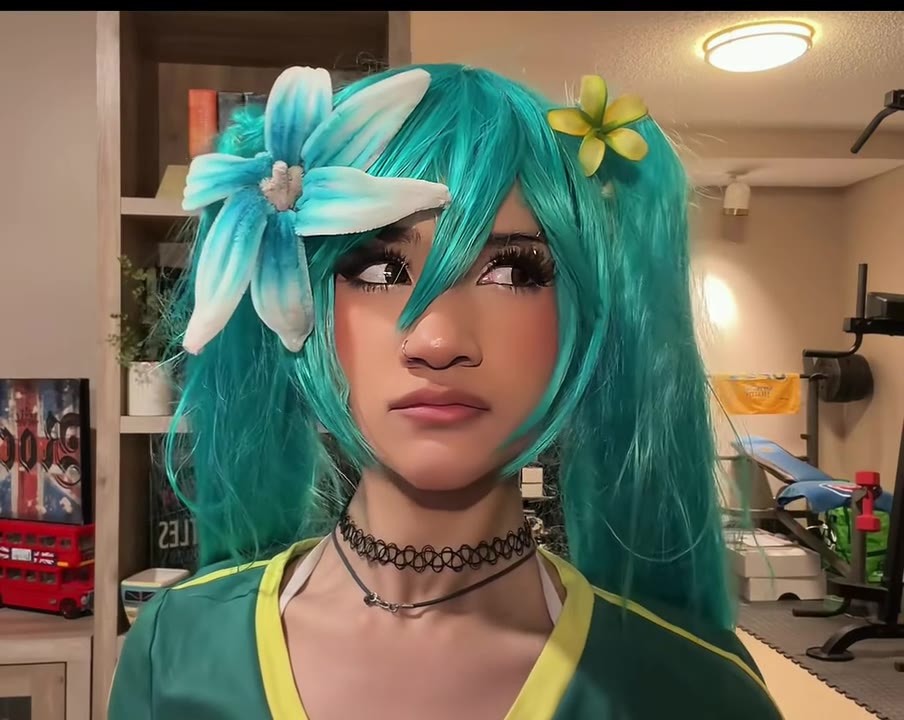
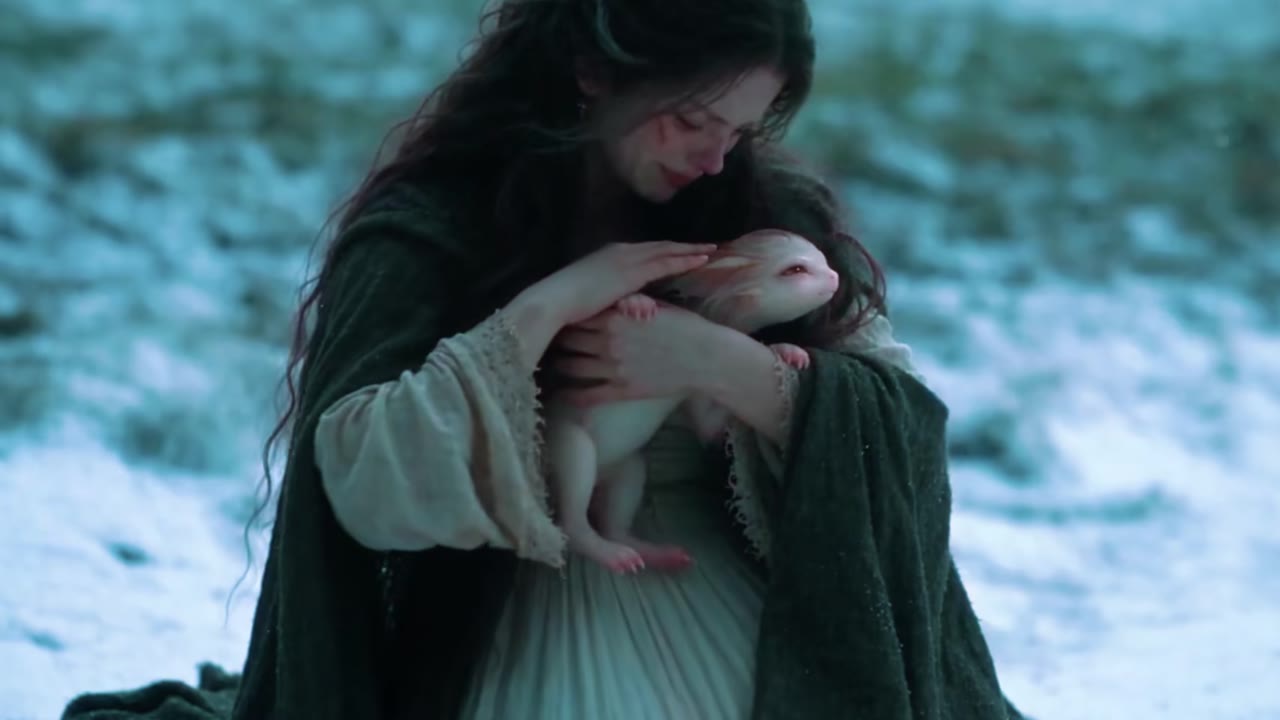
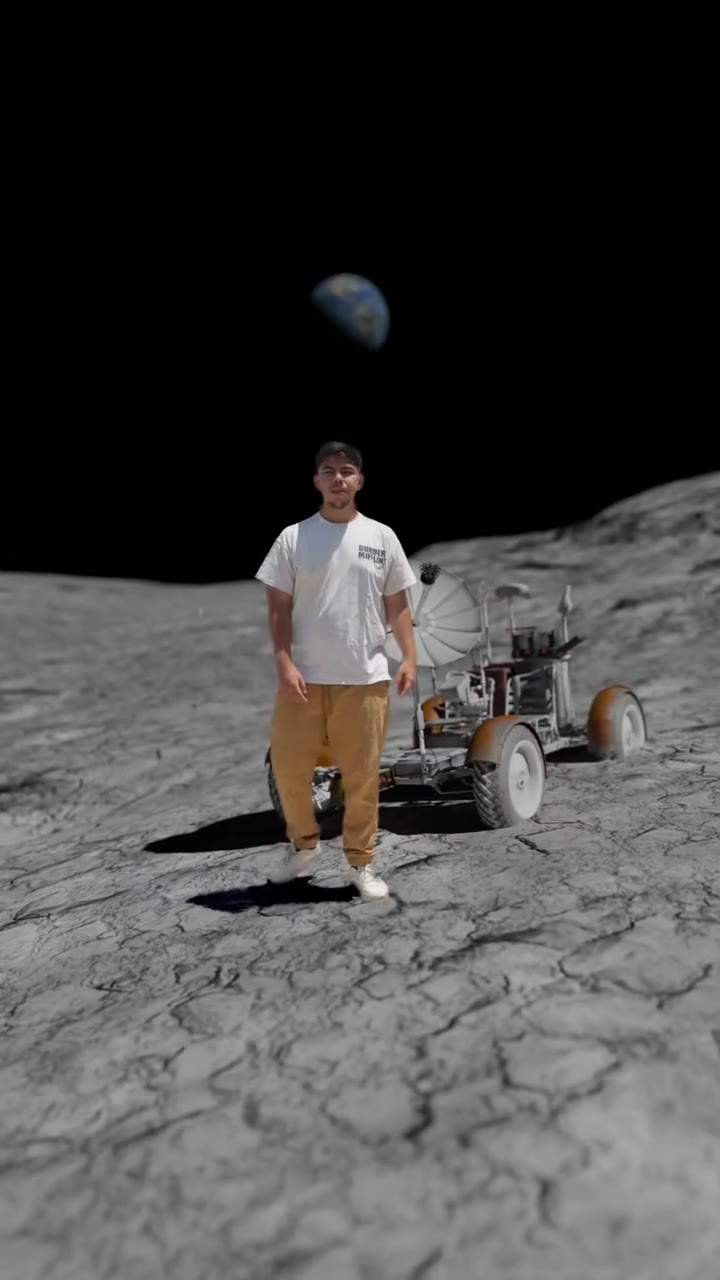
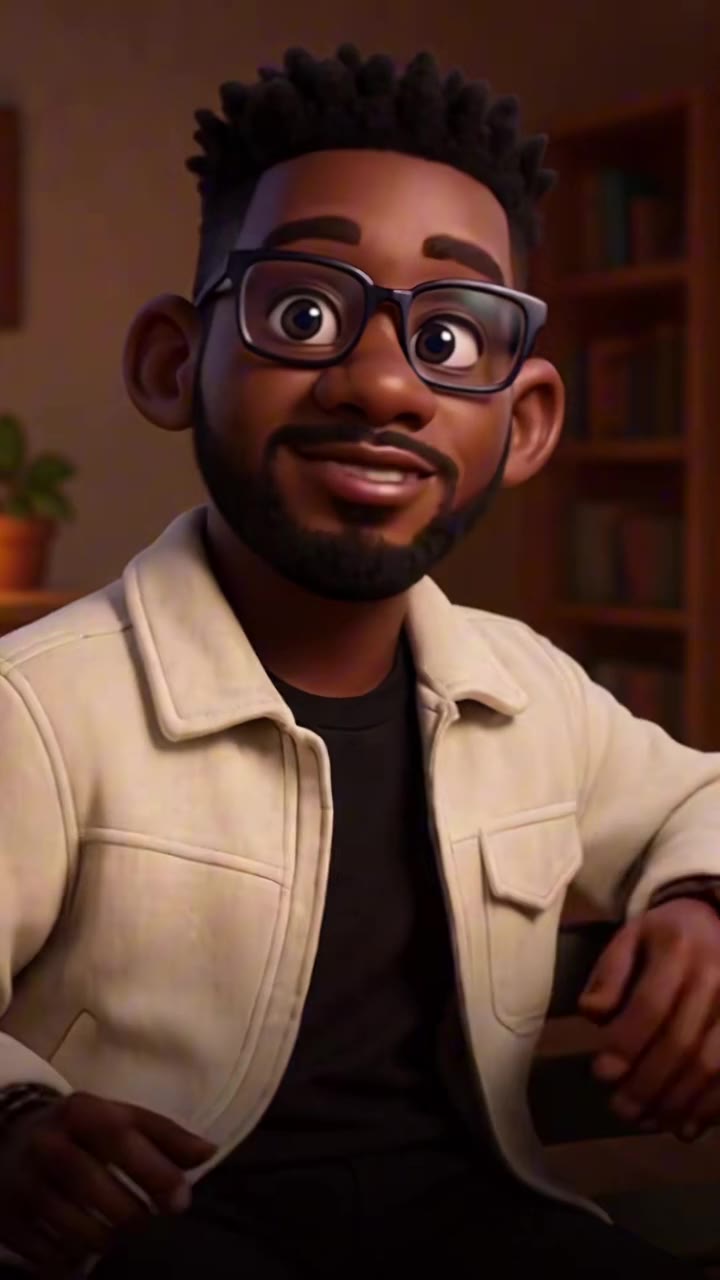
These clips were made and posted by other creators, not by videosi. Credits link to the original posts.
How do you make the 3D Pixel Art AI image?
Upload one photo of you
A clear, front-facing photo that shows most of your outfit. One adult only.
Pick the look
Blocky mini-me beside you, full 3D pixel character, or blocky food in your hands.
Generate
Press Generate and one vertical 2:3 image comes back, usually in about a minute.
Post it
Post it next to your original photo as a carousel or story, and turn on the AI label.
What are the ways to make the 3D Pixel Art AI image?
| Way | Cost | What you need | What you get |
|---|---|---|---|
| videosi (this page) | $8.90 to start, one-time, no subscription | 1 photo | An image, no watermark, ready in about a minute. |
| Paste a 3D pixel prompt into ChatGPT or Gemini | Free chatbot plans, within their daily image limits | A prompt copied from a TikTok caption or comment, one photo, often several tries | Makes the blocky character on its own; to stand it next to you, posters cut it out and paste it on their photo by hand |
| CapCut AI photo edit with a typed prompt | Not stated in the tutorials we watched | The CapCut app, a photo and a voxel prompt typed into its AI edit box | Tutorials show a voxel character or a voxel portrait; you pick the prompt and model, so the likeness varies |
| Hand-made voxel art in a 3D or pixel app | Free apps exist; it costs hours of work | Drawing or 3D skills and a lot of time per picture | Full control over every block, but slow, and the likeness depends entirely on your skill |
Compared on November 25, 2026.
What is the 3D Pixel Art AI trend?
Updated · videosi is an independent tool. It is not affiliated with TikTok, Instagram, YouTube, or with the owners of any trend, song, game or brand named on its pages.
The 3D pixel art AI trend is a photo edit, not a video: a picture of you is rebuilt with chunky 3D cubes, the voxel look of block-building video games. The most-copied version keeps your real photo and adds a knee-high blocky version of you standing beside you, in the same outfit, hairstyle and shoes, like a block-game skin of yourself. Other versions turn you into a full voxel character on a plain background, or turn only the food you are holding into blocks.
Flat 2D pixel-character edits came first: a ChatGPT tutorial from July 2025 passed about 1.4 million views. The 3D voxel version followed in 2026. The dated TikTok posts we watched show the earliest 3D voxel mini-me tutorial on 4 January 2026, a voxel-character clip with about 94,000 views on 28 February and a "turn your photo into a Minecraft character" post with about 165,000 views on 8 March. A blocky food version appeared on 19 November 2026, and in November a post of the style on X had about 2,100 likes.
The tutorials we watched make it by pasting a long prompt into ChatGPT, which usually returns the blocky figure on its own, then paste it next to the original photo by hand. videosi does it in one step: upload one photo, pick the mini-me, the full 3D pixel character or the blocky food look, and you get one vertical 2:3 image. The clips on this page show the trend as people posted it; they are not videosi results.
As of 25 November 2026 the trend is at an early stage, with a new blocky food version and posts on X appearing in November.
What happens in the 3D Pixel Art AI image, shot by shot?
- Step 1
Your photo
Your face, hair, skin tone, outfit and the place you stand come from one clear photo.
- Step 2
The look
Pick the blocky mini-me beside you, a full 3D pixel character, or the food in your hands rebuilt as cubes.
- Step 3
The voxels
Everything pixel-art is built from small 3D cubes with crisp stair-step edges and the photo's own light.
- Step 4
The match
The blocky figure copies your hair, glasses, outfit colours and shoes, so it reads as you at a glance.
- Step 5
Finish
One vertical 2:3 image, ready for your story, profile picture or a carousel next to the original.
How do you get the best 3D Pixel Art AI image?
Show your whole outfit
A full or half body photo lets the blocky figure copy your clothes, shoes and colours; a tight selfie makes it guess.
Bold clothes read best
Strong colours, prints, hats and glasses survive the cube style; plain dark outfits make the mini-me look generic.
Leave room beside you
For the mini-me look, a photo with some free ground next to you gives the figure a natural place to stand.
Hold the food up
For the blocky food look, hold the plate or cup clearly in front of you so it is easy to rebuild.
What should you know before making the 3D Pixel Art AI image?
- The voxel figure and cubes are new (plus a plain grey background in the full character look); your face, hair and outfit come from your photo. In the blocky food look, if you hold nothing, a slice of pizza on a plate is added.
- The result is one still image with no sound, vertical 2:3, not a video.
- The blocky figure is a simplified pixel face, so likeness comes from hair, glasses and outfit more than fine facial detail.
- Photos of children are not allowed and likeness is not guaranteed.
What can you change in the 3D Pixel Art AI image?
| Idea | Prompt | |
|---|---|---|
| 3D Pixel Art AI, mini-me beside you | Your real photo with a knee-high blocky voxel version of you standing beside you. | |
| 3D Pixel Art AI, full voxel character | You as a full-body blocky 3D pixel character on a plain grey background. | |
| 3D Pixel Art AI, blocky food | Your photo stays real; only the food or drink you hold becomes chunky voxel cubes. |
How much does the 3D Pixel Art AI image cost?
- This image costs $8.90 to start, a one-time payment with no subscription: the Single pack (10 credits) covers it, and each image is 1 credit.
- There is no free generation on this page. Every account gets one free 5-second Muse video (watermarked, view only) and one free watermarked image in the AI tools. Credit packs start at $8.90 for 10 credits and never expire; plans start at $29.90 a month.
- Purchases are final. A failed, timed-out or blocked render returns its credits automatically.
3D Pixel Art AI: more questions
What is the 3D pixel art AI trend?
The 3D pixel art AI trend turns a photo into chunky 3D voxel blocks, and on videosi it takes 1 photo: most often your real photo with a knee-high blocky version of you standing beside you. The earliest 3D voxel mini-me tutorial we found is dated 4 January 2026, a blocky food version appeared on 19 November 2026, and the style reached X in November 2026.
What does "3D pixel art" mean in this trend?
In the 3D pixel art trend, "3D pixel art" means voxel art: pixels turned into small 3D cubes, the look of block-building video games, instead of the flat 2D sprite of the July 2025 version. As of November 2026 the trend applies it to people and food in real photos, and videosi offers 3 looks: mini-me, full character and blocky food.
How do I turn my photo into 3D pixel art with AI?
Upload 1 clear photo on the videosi 3D pixel art AI page, pick the mini-me beside you, the full 3D pixel character or the blocky food look, and press Generate. It costs 1 credit, needs no prompt and usually finishes in about a minute.
Is there a 3D pixel art AI generator or website?
Yes. videosi (videosi.io) is a web generator that takes 1 photo and returns 1 vertical 2:3 3D pixel art image of you. It runs in a phone or desktop browser with no app to install, and it puts the blocky mini-me next to you in the same picture, so there is no cut and paste.
How do I make a Minecraft-style character of myself next to me?
On videosi, pick the "You + blocky mini-me" look and upload 1 photo: a knee-high blocky figure of you is drawn beside you in the same picture and light, so there is no cut and paste. The figure is an original voxel version of you, with no Minecraft logo or game characters. videosi is not affiliated with Mojang or Microsoft.
Is there a TikTok filter or CapCut template for 3D pixel art?
As of November 2026 we found no official TikTok filter or CapCut template for the 3D pixel art trend; the tutorials we watched paste a voxel prompt into ChatGPT or into CapCut's AI photo edit. videosi is a separate web tool, not affiliated with TikTok or CapCut, that returns 1 image from your photo without a template or prompt.
What is the best 3D pixel art prompt for ChatGPT or Gemini?
No single prompt is best, but the ones that work say 3D voxel, not just pixel art, and list your hair, glasses, outfit colours and shoes so the figure looks like you. Results vary by tool. videosi keeps its 1 prompt private and applies it for you.
What AI model makes the 3D pixel art photo?
The videosi 3D pixel art AI page runs on GPT Image 2.6, an image model made by OpenAI, with your photo as the only source for your face and outfit. It returns 1 vertical 2:3 still at about 1K. The full prompt stays private; its structure and common mistakes are in the how it is made section.
Why does my blocky mini-me not look like me?
The blocky face is simplified on purpose, so on videosi the likeness comes mostly from hair, glasses and outfit. Use 1 sharp photo that shows your clothes and shoes in good light, without sunglasses or heavy filters. Plain dark outfits give a more generic figure than bold colours.
Will the 3D pixel art photo have a Minecraft logo or a game character?
No. The videosi 3D pixel art image has no game logo, title or text and uses no real game characters: the blocky figure is always you, built from your 1 photo. It is an original voxel-style still, not official game art, and videosi is not affiliated with Mojang or Microsoft.
Can I use someone else's photo, a pet or a child?
Only an adult who agreed: videosi is for photos of grown-ups, with 1 person per image. Do not upload a photo of a child or use it to mislead anyone about a real person. Pets are not part of this page; the blocky food look works on food or drinks you hold.
What song is used in the 3D pixel art trend?
No single song is confirmed for the 3D pixel art trend as of November 2026: posts use their own original sounds or different songs. The videosi result is 1 still image with no sound, so you choose your own music if you post it on TikTok or Instagram.
Is the 3D pixel art trend still trending?
As of 25 November 2026 the 3D pixel art trend is at an early stage, and videosi makes it from 1 photo. 3D voxel mini-me tutorials date back to 4 January 2026, a blocky food version appeared on 19 November 2026 and a post of the style on X reached about 2,100 likes the same month. videosi will update this page if it peaks.
Trending this week
All trends this week



Make your 3D Pixel Art AI image
Upload a photo and press Generate. 1 credits, refunded if it fails.
Get the next trend first
One email when new trends land on videosi, about once a week. Unsubscribe in one click.
See videosi first on Google
Add videosi as a preferred source and our trend pages show up first in your Top Stories and AI answers on Google.