Cow Makeup AI: The Cow Makeup Transition, Starring You
A cowboy hat, cat ears, a hat toss, then horns, a pink snout and full cow-print makeup with a bell. One photo of you is all it takes.
Updated : Page published.
1Add your photo
What you'll get
Front-facing, well-lit selfies work best. One face per photo.
2Choose quality
By generating you confirm you have permission to use the people in your photos. Terms
No subscription needed · Ready in 4–6 minutes · Failed renders are free
The cow makeup trend is a 15-second TikTok transition in which a person in a cowboy hat swaps to cat ears, then horns, a pink snout and full cow-print makeup with a bell, to the song MOOO!; videosi makes it from one photo of you.
- Fast facts
- First seen
- Stage
- Spreading
- Started on
- TikTok (unconfirmed)
- Sound
- MOOO! — Doja Cat
- Meaning
- The cow makeup trend is a TikTok transition in which a person changes look on the beat, from a cowboy hat and cat ears to horns, a pink snout and full cow-print makeup with a bell, set to Doja Cat's MOOO!.
- Related trends
- Cow Shaking Head AI, Doja AI
Page updates
- November 23, 2026 — Page published.
The Cow Makeup AI prompt and model
Cow Makeup AI is made with Seedance 2.0 / 2.5 by ByteDance. The prompt behind it has 5 parts, and the timing is what makes or breaks it.
- Model
- Seedance 2.0 / 2.5
- Mode
- Photo + motion reference to video
- Length
- 15 seconds, 9:16, 1:1 or 16:9
- Input
- 1 photo
- Replacement One sentence says which person in the reference clip becomes the person in your photo, in every look.
- Motion reference A 15-second studio clip supplies the pose, the hat toss, the cuts between looks and the timing to the song.
- Looks kept The cat ears, horns, snout, cow makeup, overalls and bell stay as in the reference; they are the trend.
- Action line A single line says the person sings along and dances to the beat.
- Identity Face, age and skin tone come from your photo; nothing of the original person remains.
Replace the woman with long wavy auburn hair, a brown cowboy hat and a mint-green dress in the reference with the person from your photo, in every shot…
Why it goes wrong when you do it yourself
- Without a reference clip, an image-to-video tool gives you one static cow filter, not the jumps from cowgirl to cat to cow on the beat.
- The person in the original leaks through: her face, tattoos and long auburn hair stay unless they are named and replaced.
- Cow makeup is hard to hold across 15 seconds: the spots, snout and ears drift between cuts unless the reference keeps them fixed.
- Each try costs credits and several minutes, and a clip with this many costume changes often needs a re-roll.
More videos from this trend
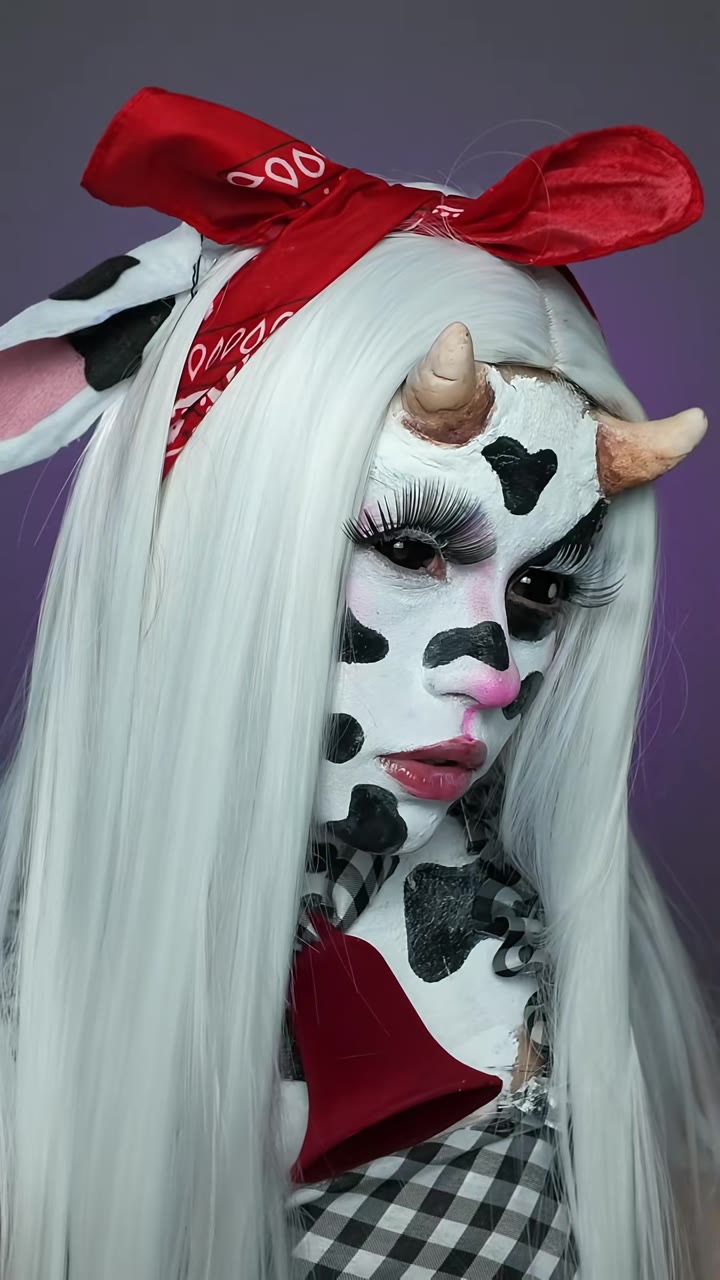
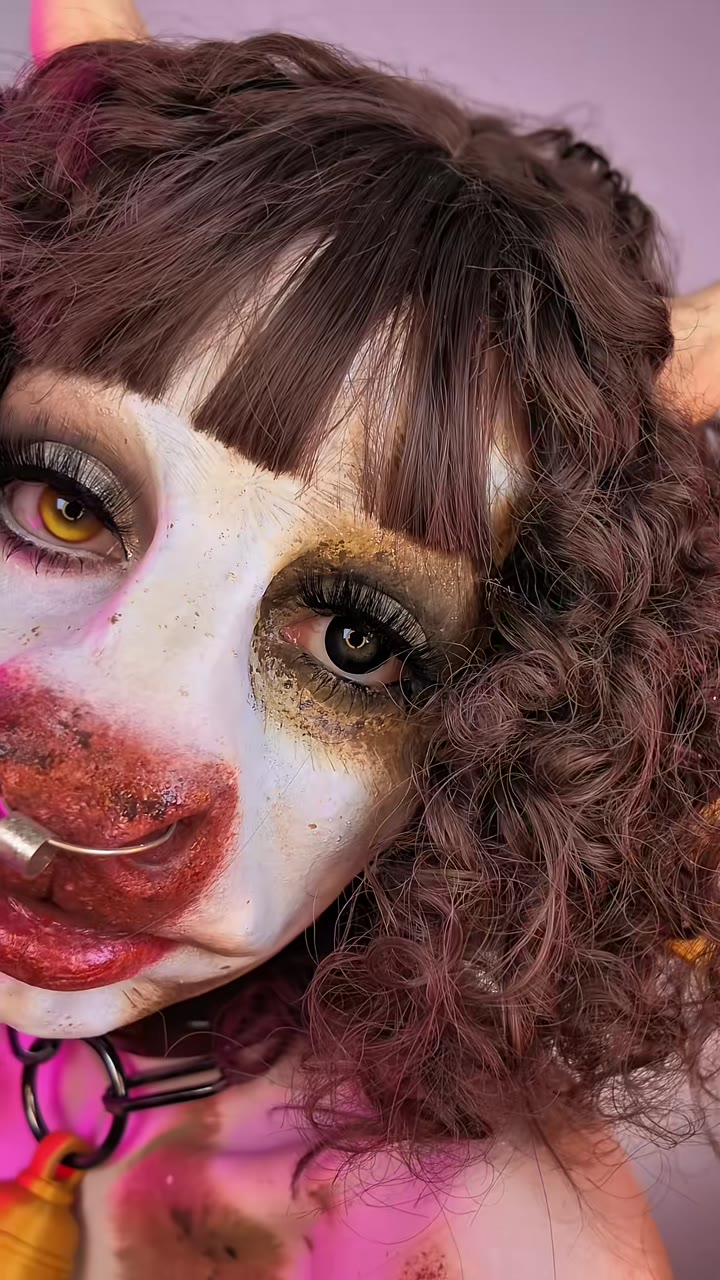
Trend inspiration · not a selectable template
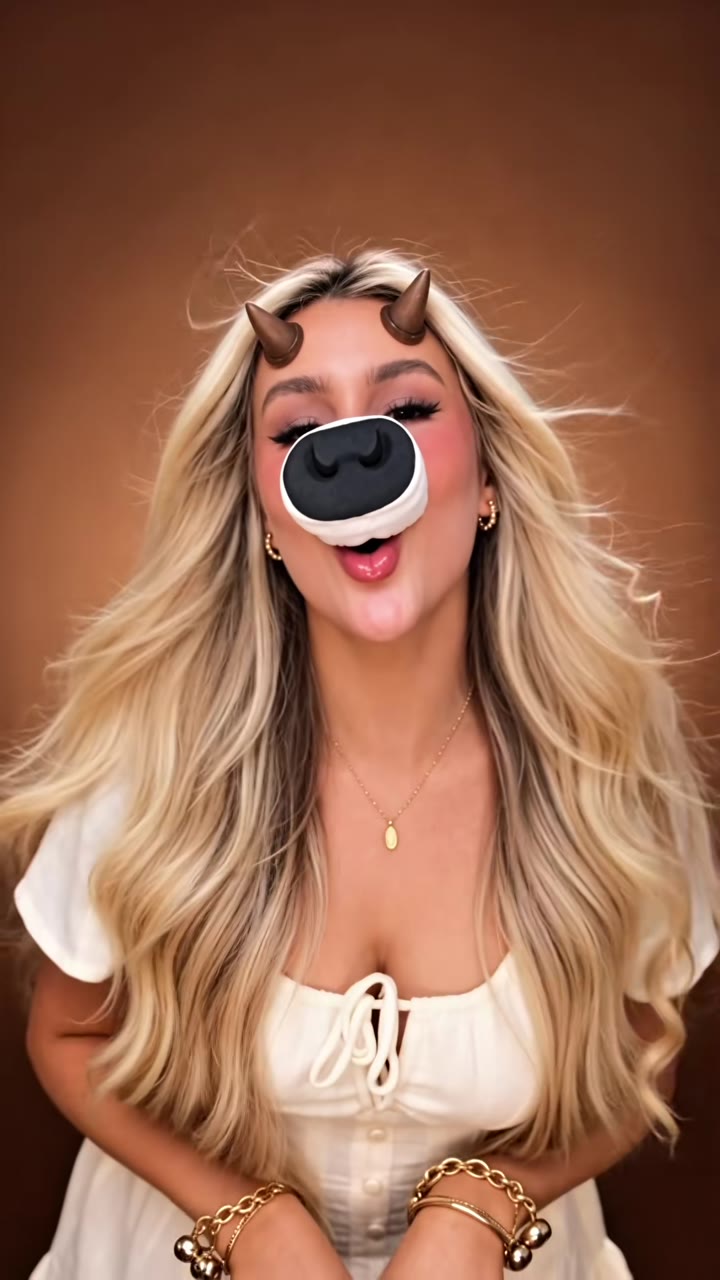
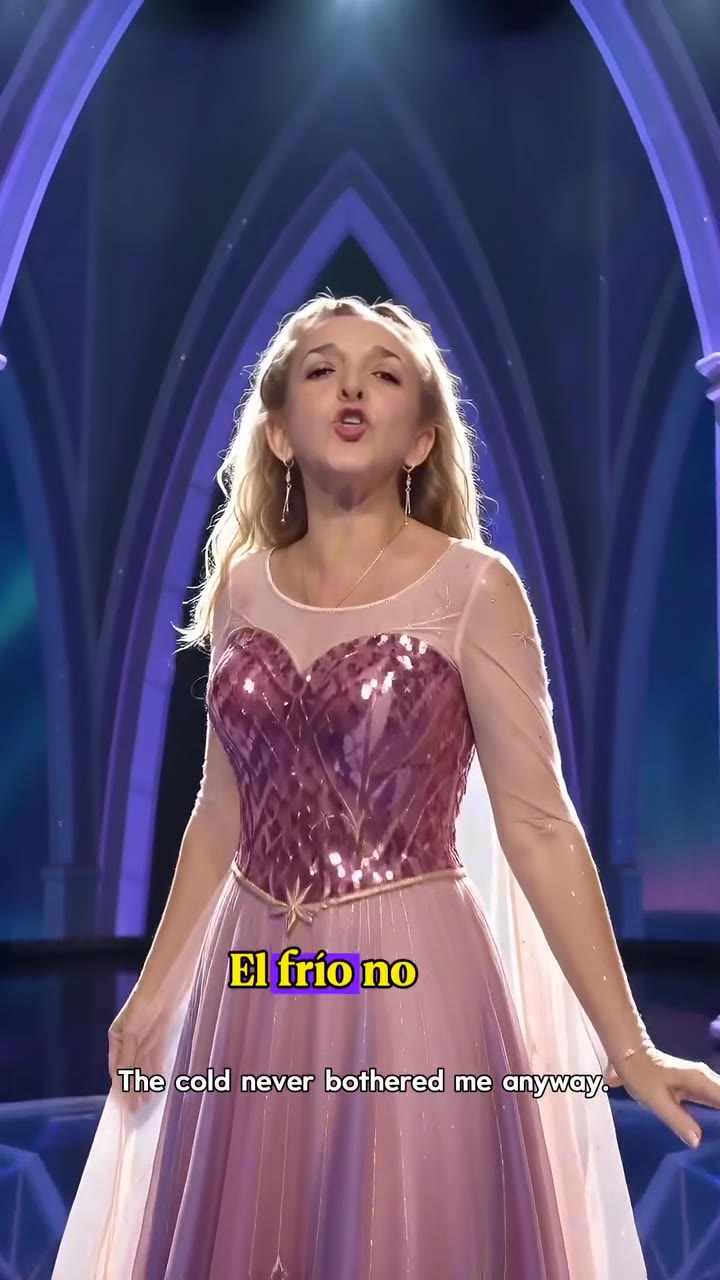
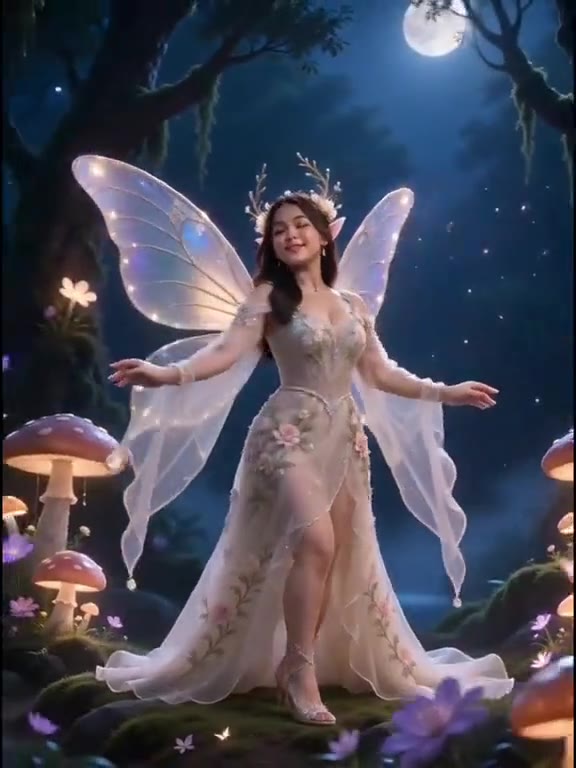
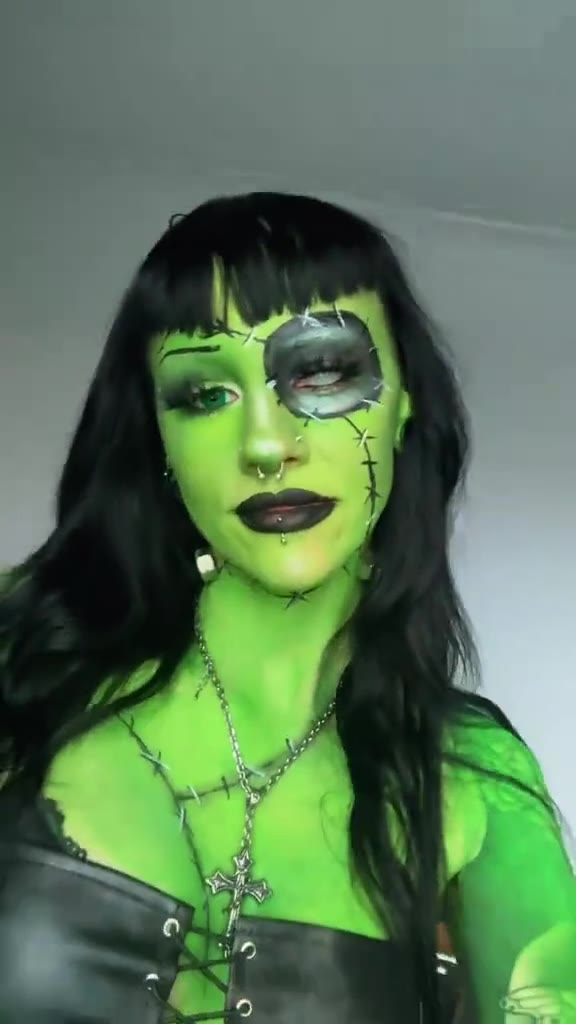
These clips were made and posted by other creators, not by videosi. Credits link to the original posts.
How to make your Cow Makeup AI video
Upload one photo
A clear, front-facing photo of you, face and shoulders in the frame, in good light.
Pick the format
9:16 for TikTok, Reels and Shorts, or 1:1 and 16:9. The hat, cat ears, horns and cow makeup are built in.
Generate
Press Generate. The 15-second clip takes several minutes, and you can close the page because it is saved in My creations.
Post it
Download the MP4, which already carries the trend sound, and post it with a caption such as "I'm a cow". Label it as AI-generated.
What is the Cow Makeup AI trend?
Updated · videosi is an independent tool. It is not affiliated with TikTok, Instagram, YouTube, or with the owners of any trend, song, game or brand named on its pages.
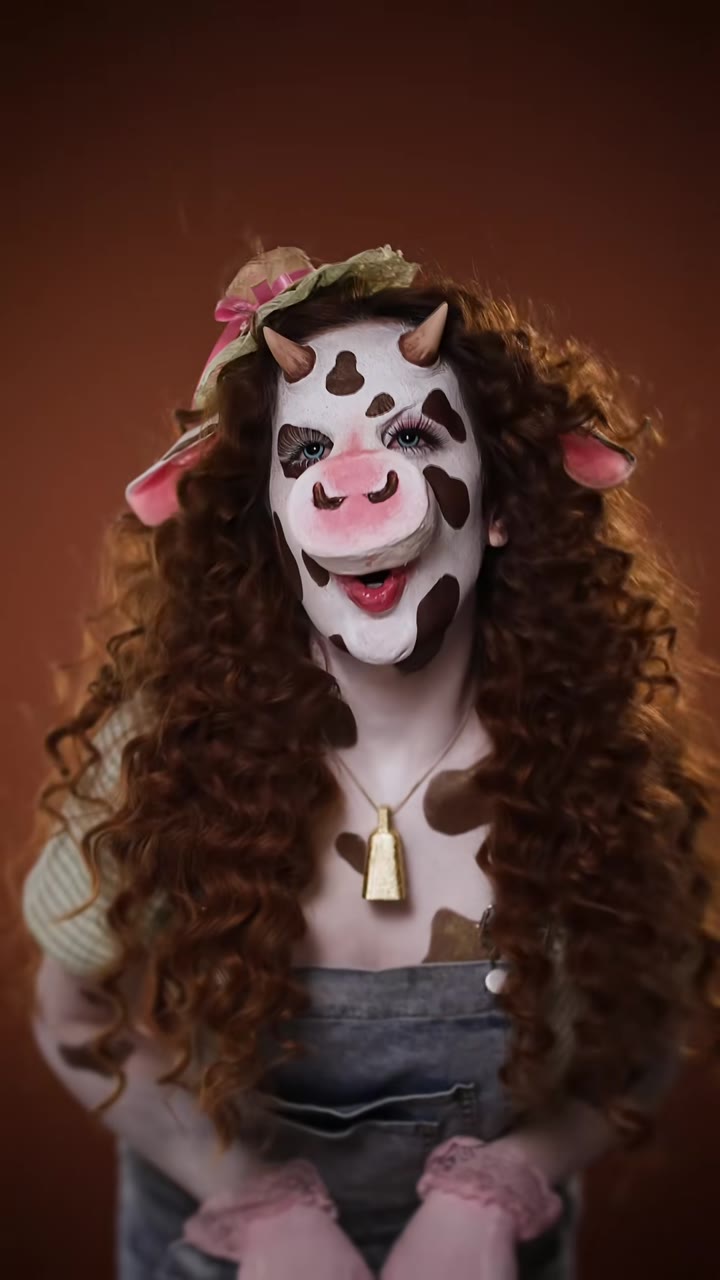
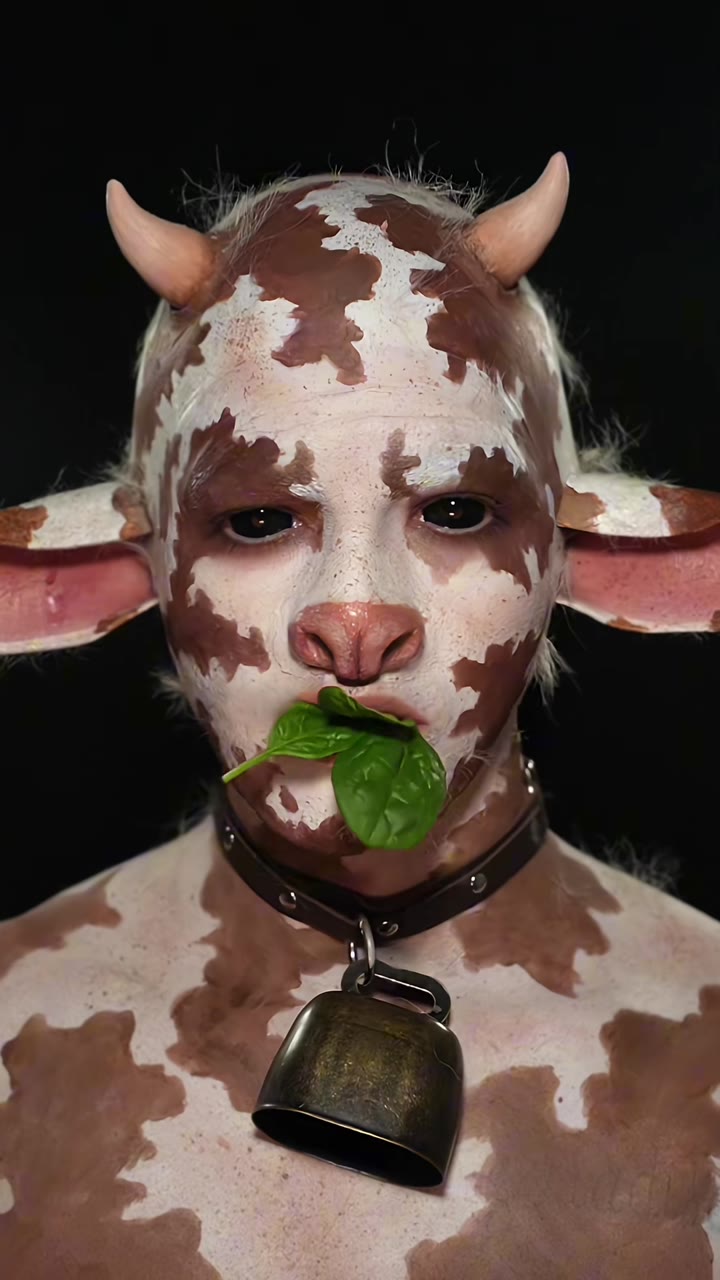
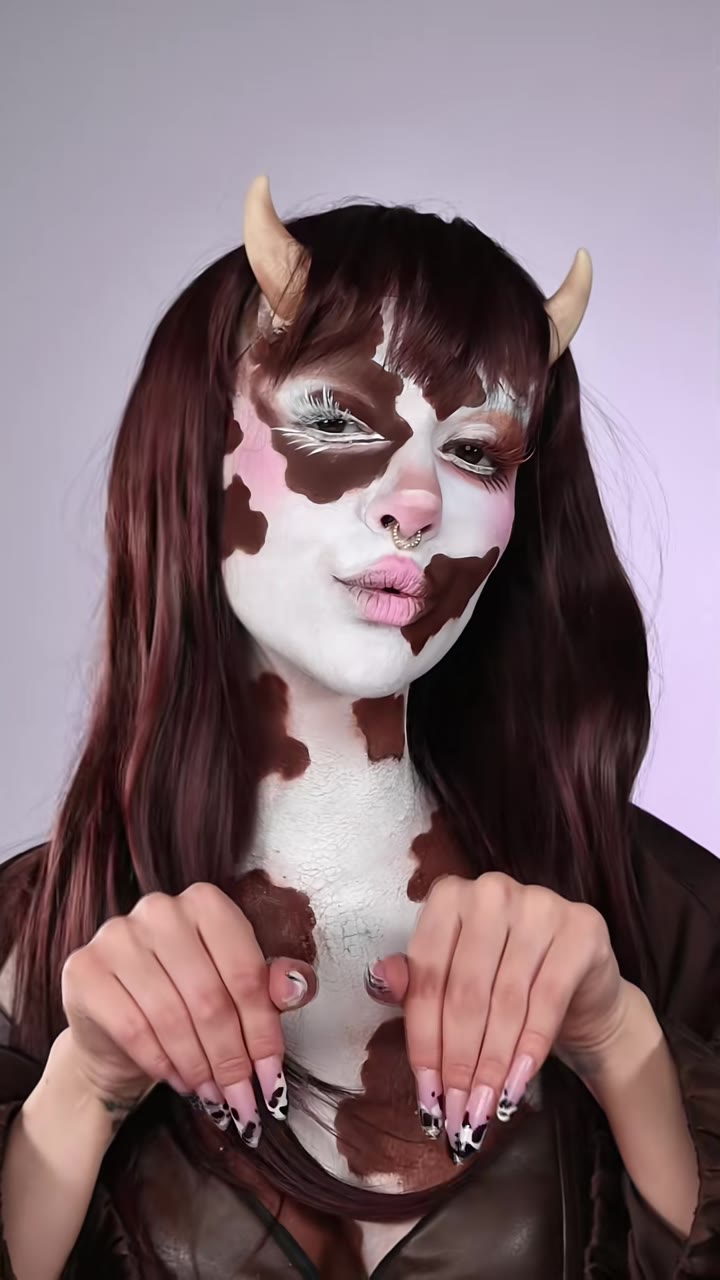
The cow makeup trend is a short transformation video set to the song "MOOO!". A person starts in plain clothes in front of the camera, usually in a cowboy hat, and the video jumps through looks on the beat: cat ears and whiskers first, then a hat toss, then little horns and a pink snout, and finally full black-and-white or brown cow-print makeup with a cow-print outfit, a bell around the neck and a blade of grass or lavender in the mouth. Most creators end with a mooing pose and a cloud of dust.
It is a very new trend. The earliest remake we found is dated 17 November 2026, and the version we use as the reference, a studio clip with a cowgirl hat and cat ears turning into a cow with overalls and a bell, was posted on 19 November 2026 and has passed 14 million views. The same day a realistic version with prosthetic-style cow makeup also passed 14 million. Since 20 November creators in Brazil, Spain, Italy and the US have posted real-makeup remakes, and CapCut template accounts have turned the look into one-photo templates.
The sound is Doja Cat's "MOOO!", which TikTok lists as the sound on the biggest posts. As of 23 November 2026 the trend is spreading fast and has not peaked.
This page makes your own version from one photo: you take the place of the person in the reference, the hat, cat ears, horns, snout and cow makeup arrive on the same beats, and the trend sound is already on the video. Nothing is painted on your face in real life; the makeup is generated.
Cow Makeup AI: shot by shot
- 0-1.5 s
Silhouette turn
A dark side-lit shot of the person in a cowboy hat turns toward the lens against a brown studio wall.
- 1.5-4.5 s
Cowgirl pose
Front on, hands on hips, a hand sweep and a sung line in a pink-banded hat and a mint dress.
- 4.5-6.5 s
Cat ears
The hat flips off and the look jumps to a black dress, cat ears, whiskers and a clawed glove.
- 6.5-9 s
Hat sweep and curls
The hat sweeps across the frame and the person comes back in a light dress with long curly hair.
- 9-11.5 s
Horns and snout
Small horns appear, then a pink snout; both arms go up for the reveal.
- 11.5-15 s
Cow look
Full cow makeup, floppy ears, denim overalls and a brass bell, with a puff of dust and a mooing pose.
Tips for a better result
Face the camera
A straight-on photo with both eyes visible keeps the likeness through the horns and the snout.
Bare face works best
Heavy makeup, big glasses or a hat in the photo compete with the cow look. Plain styling gives the cleanest result.
Keep your hair visible
Your hair frames the face in the first shots. A photo with hair down and shoulders in view helps.
Use an adult's photo
This look is made for a person. Use a photo of an adult; for a pet, pick a pet trend instead.
Good to know before you make a Cow Makeup AI video
- The makeup, horns, bell and overalls are generated and look the same for everyone; you cannot pick the spots, the colours or the outfit.
- The costume changes, curly hair and cow look are fixed by the reference, so your own hairstyle appears only in some shots.
- The prompt has not been test-rendered. Likeness through the snout and horns is not guaranteed, and a face can look different in the last shots.
- This 15-second video is 13 credits on the Standard model at 720p. Other models and resolutions show their price before you start.
- There is no free generation or free trial. Credit packs start at $8.90 for 10 credits and never expire; plans start at $29.90 a month.
- Purchases are final. A failed, timed-out or blocked render returns its credits automatically.
- You pick the model before you generate: Seedance 2.0 Mini (Standard), Seedance 2.0 Fast (Fast), Seedance 2.0 (Pro), Seedance 2.5 (Ultra).
Cow Makeup AI: questions
What is the cow makeup trend and where did it come from?
The cow makeup trend is a 15-second TikTok transition in which a person turns from a cowgirl into a cow with makeup, horns, a snout and a bell. The earliest remake we found is dated 17 November 2026 and the biggest studio version, posted on 19 November 2026, passed 14 million views. videosi makes it from one photo.
How do I make the cow makeup trend with AI from one photo?
Upload one front-facing photo to videosi, pick a format and press Generate. The cow makeup transition is 15 seconds long and takes several minutes to render, and you can close the page because the clip is saved in My creations. You write no prompt. A bare, well-lit face gives the best result.
Is there a website or generator for the cow makeup trend?
Yes. videosi (videosi.io) is a web tool that makes the cow makeup transition from one photo of you. The hat, cat ears, horns, snout and cow makeup are built in, so you choose only the photo and the format. A 15-second video costs 13 credits on the Standard model at 720p.
Is there a TikTok filter or CapCut template for cow makeup?
Yes. Since 20 November 2026 many CapCut template accounts have posted one-photo cow makeup templates, and some creators use an AR cow-face filter. Those are tied to the app and often add a watermark or a baby photo. videosi makes the same transition as an MP4 from one photo, with the trend sound included.
What AI model and prompt make the cow makeup video?
videosi makes the cow makeup video with Seedance from ByteDance, using a photo plus a 15-second motion reference. The prompt only says which person in the reference becomes the person in your photo and that everything else stays the same. The full prompt is not published, and you can pick the Standard, Fast, Pro or Ultra tier.
Why does my cow makeup video not look like me?
On videosi the cow makeup is heavy: horns, a snout and spots cover much of the face, so likeness can drift in the last shots. Use a sharp front-facing photo with both eyes visible and no hat or sunglasses, then try again. The prompt has not been test-rendered, so re-rolls are normal.
Can I use someone else's photo, a friend or a pet?
On videosi you can use a photo of a friend or family member if you have their permission, and the video should be labelled as AI-generated when you post it. This version is built for people, not pets. Use an adult's photo; we do not recommend photos of babies or children.
What does the cow makeup trend mean?
On TikTok the cow makeup trend means turning yourself into a cow with makeup on the beat of Doja Cat's MOOO!. It started as real makeup transitions on TikTok in November 2026 and spread to filters, CapCut templates and AI versions. The usual caption is a variation of "I'm a cow" or just "Mooo", and videosi makes the video from one photo.
What song is used in the cow makeup trend?
The song is MOOO! by Doja Cat, listed as the sound on the biggest cow makeup posts as of 23 November 2026. The trend starts at the beginning of the track and the looks change on the beat. The video you make on videosi already carries this sound.
Is the cow makeup trend still trending?
Yes. As of 23 November 2026 the cow makeup trend is spreading, and videosi added this page on the same day: the first remakes appeared on 17 November 2026 and several videos from the last three days have passed a million views. It has not peaked yet, and new versions in Spanish, Portuguese and Italian keep appearing.
Can I make the cow makeup video with ChatGPT, Sora or Veo?
Not exactly. A text prompt gives you one cow face, but the hat toss, the cat ears, the horns and the cuts on the beat of MOOO! need a reference clip. videosi uses the trend clip as a motion reference, so your face goes through the same jumps in 15 seconds with the sound included.
Is it safe to post an AI cow makeup video?
Yes, if you label it. Videos made on videosi are AI-generated, and TikTok and Instagram ask for an AI-generated label on realistic synthetic video, and the cow makeup is generated, not real makeup. Post only photos you have the right to use, and avoid photos of children.
Trending this week
All trends this week


Make your Cow Makeup AI video
Upload a photo and press Generate. 13 credits, refunded if it fails.
Get the next trend first
One email when new trends land on videosi, about once a week. Unsubscribe in one click.
See videosi first on Google
Add videosi as a preferred source and our trend pages show up first in your Top Stories and AI answers on Google.