Cartoon Twin AI Filter: Meet Your Cartoon Twin from One Photo
One photo of you becomes a split-face portrait: half you, half your own cartoon twin. Pick a 3D film look or a classic 2D look, no prompt needed.
Updated : Page published.
1Add your photo
What you'll get
Front-facing, well-lit selfies work best. One face per photo.
2Cartoon style
By generating you confirm you have permission to use the people in your photos. Terms
No subscription needed · Ready in about a minute · Failed renders are free
A cartoon twin is the cartoon character a face filter says you look like, shown as a split face with half of you and half of the character, and the cartoon twin AI filter on videosi redraws one photo of you that way as one image; videosi makes it from one photo of you.
- Fast facts
- First seen
- Stage
- Past its peak
- Started on
- TikTok (unconfirmed)
- Sound
- No single sound: creators use original sound or their own music, such as a slowed phonk edit in the January 2025 video.
- Meaning
- The cartoon twin filter is a TikTok and Snapchat face filter that matches your face to an animated character and shows a split face, half you and half the character; cartoon twin AI means making that split portrait from your own photo.
- Related trends
- AI Anime Filter
Page updates
- November 22, 2026 — Page published.
The Cartoon Twin AI Filter prompt and model
Cartoon Twin AI Filter is made with GPT Image 2.6 by OpenAI. The prompt behind it has 5 parts, and the timing is what makes or breaks it.
- Model
- GPT Image 2.6
- Mode
- Photo to image
- Length
- One still image, vertical 2:3
- Input
- 1 photo
- Identity lock The real half stays exactly as in your photo, with no smoothing, slimming or beautifying.
- Original twin The cartoon half is a new character drawn from your face shape, eyes, skin tone, hair and expression, never a studio character.
- Split-face join One clean vertical line at the nose, with both halves matching in size, angle and lighting.
- Style A glossy 3D animated-film look or a classic hand-drawn 2D look for the cartoon half.
- Rules Adults only, no text or logos, one nose and mouth, natural ears and no extra faces.
Using the person in Image 1, create one vertical 2:3 portrait of that person and their cartoon twin, joined in a single split face.…
Why it goes wrong when you do it yourself
- Chat prompts that just say make my cartoon twin often return a famous character instead of a new one, or two separate faces side by side.
- Without an identity lock the real half gets smoothed or slimmed, so it stops looking like you.
- The two halves rarely line up in size, angle and light unless the join is described precisely.
- A filter on top of a photo cannot redraw your face as a character; the cartoon half has to be generated from your features.
More videos from this trend
Trend inspiration · not a selectable template
How to make your Cartoon Twin AI Filter image
Upload one photo
A clear, front-facing photo of one adult in soft light, with your whole face visible.
Pick the cartoon style
A glossy 3D film twin or a classic hand-drawn 2D twin.
Generate
Press Generate and one vertical 2:3 split-face portrait comes back, usually in about a minute.
Post it
Share the image, or use it as the reveal in your own video, and turn on the AI label.
What is the Cartoon Twin AI Filter trend?
Updated · videosi is an independent tool. It is not affiliated with TikTok, Instagram, YouTube, or with the owners of any trend, song, game or brand named on its pages.
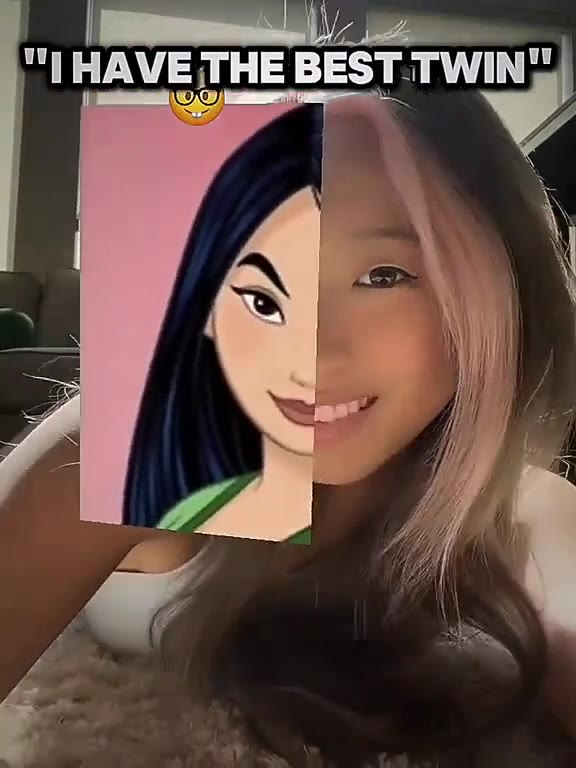
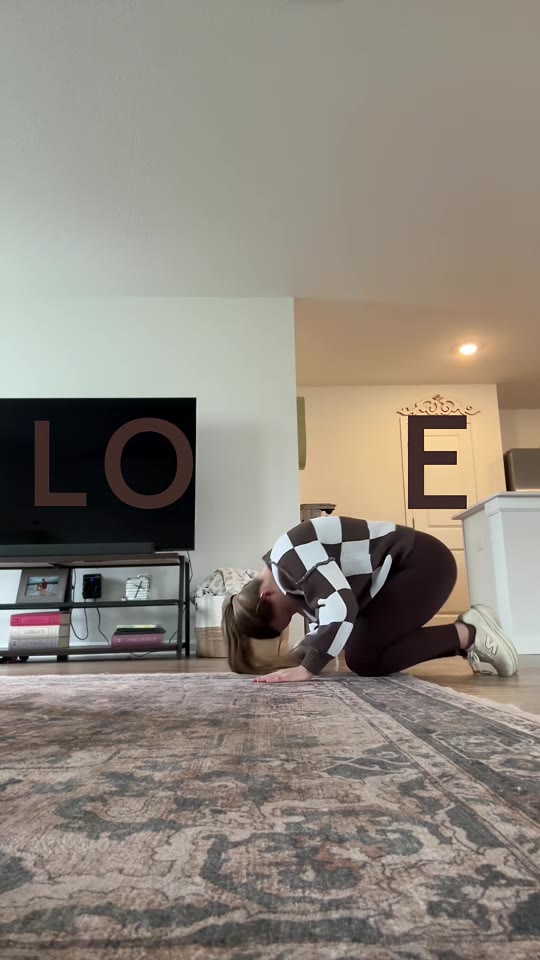
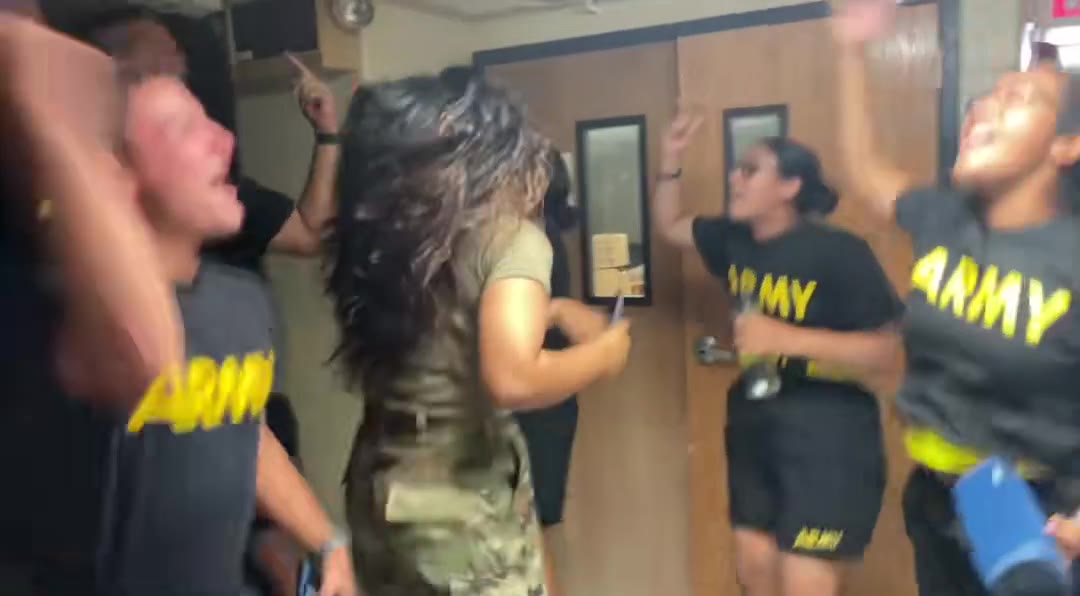
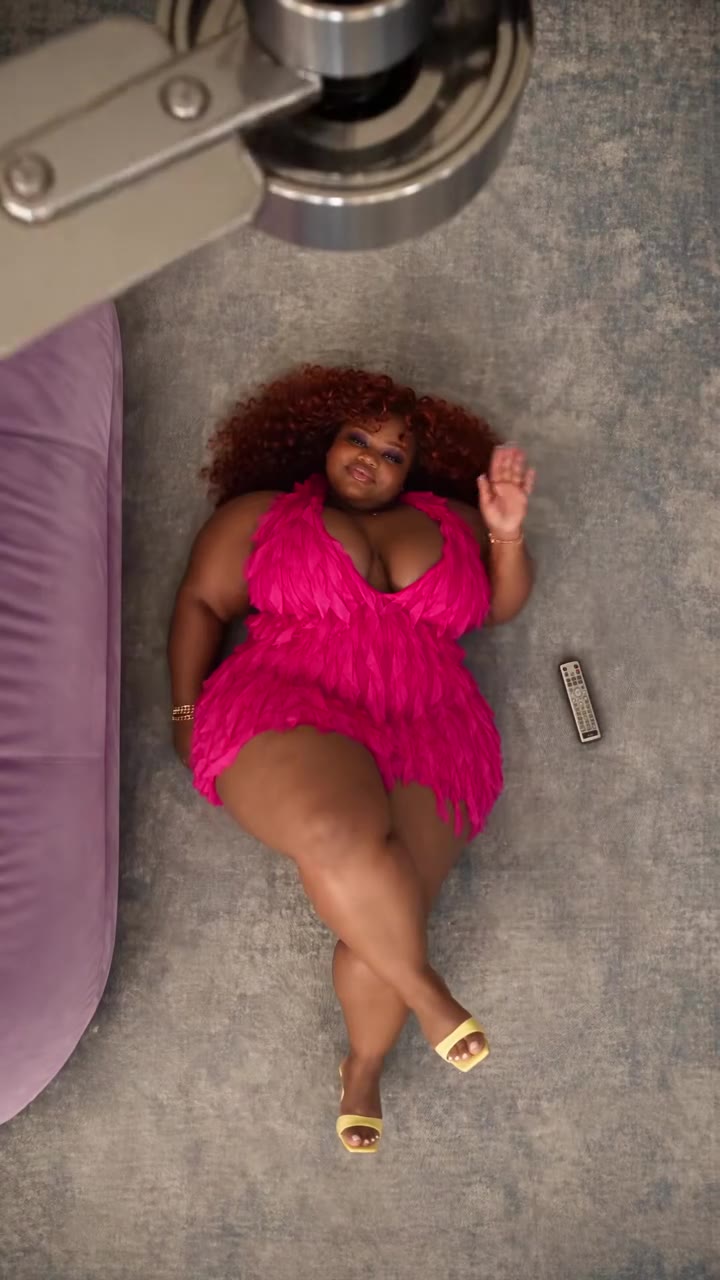
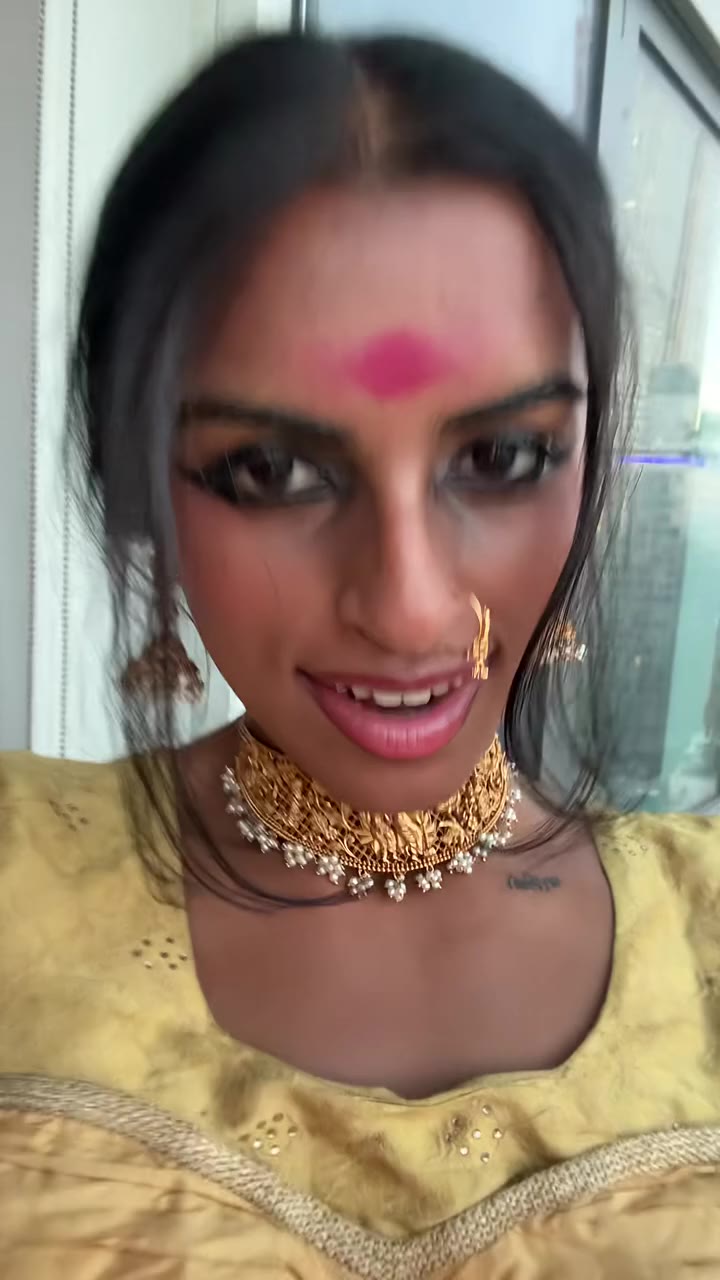
The cartoon twin filter is a face-matching effect: it scans your face on the camera, picks an animated character it says you look like, and shows that character's face cut in half against yours, so one half of the picture is you and the other half is your cartoon twin. On TikTok the effect is called Your Cartoon Twin, and creators also post it as the Disney twin filter. Snapchat has lenses with the same name, and the videos usually show a few quick matches, then a final one that gets a laugh or a gasp.
The format has been around for years and keeps coming back. A creator was already posting a version of the trend in March 2022, a 7.6 million view video from November 2024 spread it widely, and a January 2025 edit set to a phonk track passed 24 million views. In 2026 it is carried mostly by CapCut templates, with posts dated as late as 15 November 2026, so it is past its peak but not gone.
The videosi version is a still image rather than a live filter: you upload one photo, and the AI draws a brand-new original cartoon twin with your face shape, eyes, skin tone and hair, then joins it to your real photo down the middle of the face in one vertical 2:3 picture. You choose a glossy 3D film look or a classic 2D look. It does not copy any studio character, so your twin is not Elsa or Mulan, and the picture is AI-made, so label it as AI when you post it.
Cartoon Twin AI Filter: shot by shot
- Step 1
Face scan
The camera scans a front-facing face, often with a title like Your Cartoon Twin on screen.
- Step 2
Match flicker
A few cartoon faces flick past above or beside the head as the filter looks for a match.
- Step 3
Split-face reveal
The match lands as a vertical cut: half the real face, half the character, lined up at the nose.
- Step 4
Reaction
The creator reacts, often with a caption such as I have the best twin, then tries again or shows friends.
- Result
Your still version
On videosi the same split face is drawn once, from one photo, as a vertical image.
Tips for a better result
Face the camera
A straight-on photo in even light gives the cleanest split and the closest twin.
No sunglasses or heavy filters
Hidden eyes and beauty filters make the twin generic and the real half less like you.
One person only
The split face works for one face; group photos give small faces and a weaker likeness.
Try both styles
3D and 2D read very differently on the same face, so make one of each.
Good to know before you make a Cartoon Twin AI Filter image
- It makes one still image, not the live face-scan filter or the video of the reveal; film the picture in your editing app if you want a video.
- Your twin is a new original character. It will not be a Disney, Pixar or other studio character, even if the trend videos show those.
- It is made for photos of adults; photos of children are not allowed.
- Likeness is not guaranteed, and a failed or blocked generation returns its credit automatically.
Cartoon Twin AI Filter ideas and prompts
| Idea | Prompt | |
|---|---|---|
| Cartoon twin, 3D | Split face with a glossy 3D animated-film twin. | |
| Cartoon twin, classic 2D | Split face with a classic hand-drawn 2D twin. |
Cartoon Twin AI Filter: questions
What is the cartoon twin filter?
The cartoon twin filter is a face effect that matches your face to an animated character and shows a split face, half you and half the character. It runs on TikTok as Your Cartoon Twin and as lenses on Snapchat, with posts from March 2022 to November 2026. videosi makes a still version from 1 photo.
How do I make my cartoon twin with AI?
Upload 1 photo of you on the videosi cartoon twin page, pick 1 of 2 styles (3D or classic 2D) and press Generate. You get one vertical 2:3 split-face image of you and your cartoon twin in about a minute, with no prompt to write.
Is there a cartoon twin filter generator or website?
Yes, videosi works as a cartoon twin generator in the browser on a phone or computer: 1 photo in, 1 split-face image out, nothing to install. It is independent and not affiliated with TikTok, Snapchat, CapCut, Disney or OpenAI.
Is the cartoon twin filter on TikTok or Snapchat?
Both. TikTok has an effect named Your Cartoon Twin, and many posts use CapCut templates instead, while Snapchat has lenses called Cartoon Twin. Availability changes by country and by month, which is why the videosi still image from your own photo is a handy fallback.
How do I get the Disney twin filter?
People call it the Disney twin filter because the matches are often animated-film characters. videosi does not copy studio characters: it draws 1 new original cartoon twin from your own face, so your result is a lookalike character, not Elsa or Mulan.
What AI model and prompt does the cartoon twin use?
videosi uses OpenAI GPT Image 2.6 with a 5-part prompt: identity lock, original twin, split-face join, style and rules. The full prompt is not published, and you never need to write or paste one.
How much does a cartoon twin picture cost?
Each videosi cartoon twin image costs 1 credit, and credit packs start at $8.90 for 10 credits. Credits never expire, there is no free tier, and a failed or blocked generation returns its credit automatically.
Why does my cartoon twin not look like me?
The usual causes are sunglasses, a heavy beauty filter, a side angle or a small face in a group photo. On videosi, use 1 front-facing photo of 1 person in soft light and try the other style. Likeness is not guaranteed.
What does cartoon twin mean?
A cartoon twin is the animated character a filter says you resemble. In the trend, your face is cut in half down the middle and joined to the character, so you can see the match. On videosi, cartoon twin means a new character drawn from your own face.
What song is used in the cartoon twin trend?
There is no single sound. Creators use the original sound or their own music, for example a slowed phonk track in the January 2025 video that passed 24 million views. videosi makes the still image, so add any song in your editing app.
Is the cartoon twin filter still trending?
As of 22 November 2026 it is fading: the trend has appeared since March 2022, peaked around 2025, and posts dated 15 November 2026 still exist, mostly through CapCut templates. videosi added this page on 22 November 2026.
Can I use a photo of someone else or a pet?
On videosi you can use a photo of another adult if you have their permission; the page is built for 1 adult face per image. Photos of children are blocked, and pets are not supported, since the twin is matched to a human face.
Trending this week
All trends this week


Make your Cartoon Twin AI Filter image
Upload a photo and press Generate. 1 credits, refunded if it fails.
Get the next trend first
One email when new trends land on videosi, about once a week. Unsubscribe in one click.
See videosi first on Google
Add videosi as a preferred source and our trend pages show up first in your Top Stories and AI answers on Google.