AI Mermaid Filter: The Mermaid Portrait, Starring You
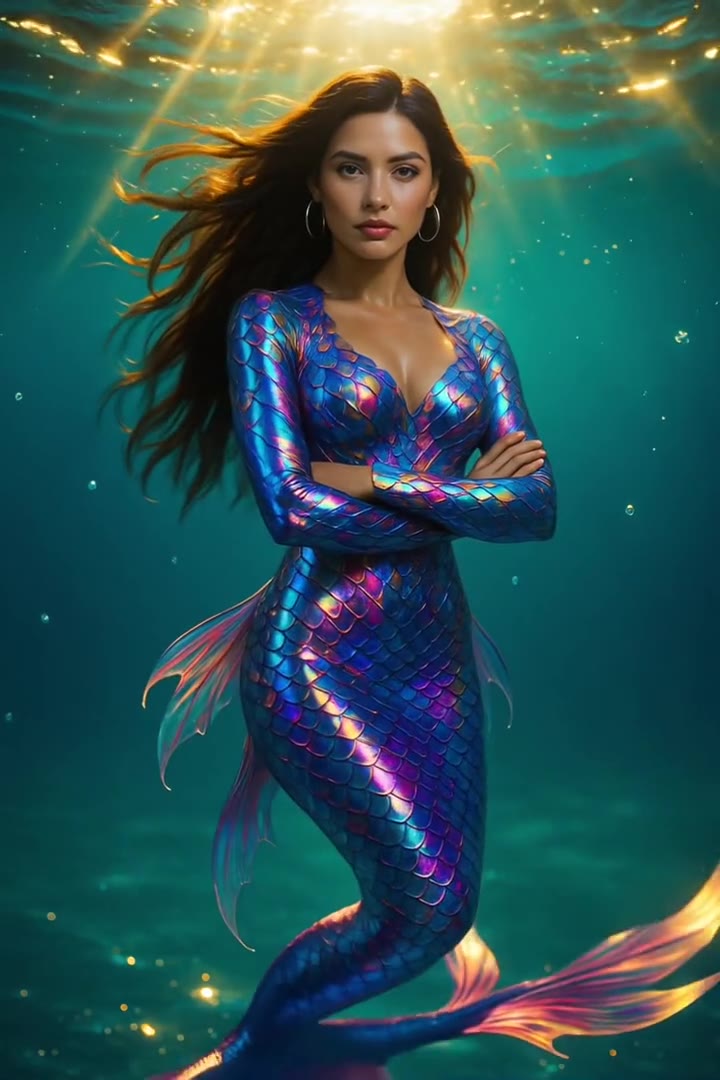
You as a mermaid, floating in sunlit water with a scaled tail and hair drifting around you, your own face kept. One photo of you is enough.
Updated : Page published.
1Add your photo
What you'll get
Front-facing, well-lit selfies work best. One face per photo.
2Tail
3Scene
By generating you confirm you have permission to use the people in your photos. Terms
No subscription needed · Ready in about a minute · Failed renders are free
The AI mermaid filter is a viral photo effect in which a person's picture splashes into water and comes out as an underwater mermaid portrait with a scaled tail and floating hair; videosi makes the portrait from one photo of you.
- Fast facts
- First seen
- Stage
- Spreading
- Started on
- TikTok (unconfirmed)
- Sound
- No single sound; posts use whatever music the creator picks.
- Meaning
- The AI mermaid filter is a photo effect that turns a picture of a person into an underwater mermaid portrait, shown on TikTok as a splash transition.
- Related trends
- Ghost Photoshoot AI, Photogenic Filter AI
Page updates
- November 14, 2026 — Page published.
The AI Mermaid Filter prompt and model
AI Mermaid Filter is made with GPT Image 2.6 by OpenAI. The prompt behind it has 5 parts, and the timing is what makes or breaks it.
- Model
- GPT Image 2.6
- Mode
- Photo to still image
- Length
- One vertical 2:3 still image
- Input
- 1 photo
- Identity lock Your photo is the only source for the face, skin tone, age and hair.
- Mermaid body A modest scale bodice or shell top and a long scaled tail that joins the waist cleanly.
- Underwater scene A sunlit reef, deep ocean or pearl lagoon with rays of light and bubbles.
- Light and grade Cinematic underwater light, teal and gold grade, water droplets on natural skin.
- Guard rails One adult only, five fingers per hand, no text or watermark.
Using the person in Image 1, create one photorealistic vertical 2:3 portrait of them transformed into a mermaid, underwater. The face, age, skin tone, facial features, build and hair…
Why it goes wrong when you do it yourself
- Without an identity rule the model swaps your face for a generic glamorous mermaid, so the result no longer looks like you.
- Asking for a tail with no waist rule gives two tails, extra legs or feet poking out under the scales.
- A plain prompt like make me a mermaid often lightens the skin and straightens the hair; the face and hair must be locked to the photo.
- Underwater scenes without limits fill with random text, extra people or a bare top that platforms may flag.
More videos from this trend
Trend inspiration · not a selectable template
How to make your AI Mermaid Filter image
Upload one clear photo
A face and shoulders photo in even light works best.
Pick the tail and the scene
Choose teal and gold, pearl and opal or sapphire blue, and a reef, deep ocean or lagoon.
Generate
Press Generate; the 2:3 image is usually ready in about a minute.
Post it with an AI label
Download the still, add your platform's AI label and share it with the mermaid hashtags.
What is the AI Mermaid Filter trend?
Updated · videosi is an independent tool. It is not affiliated with TikTok, Instagram, YouTube, or with the owners of any trend, song, game or brand named on its pages.
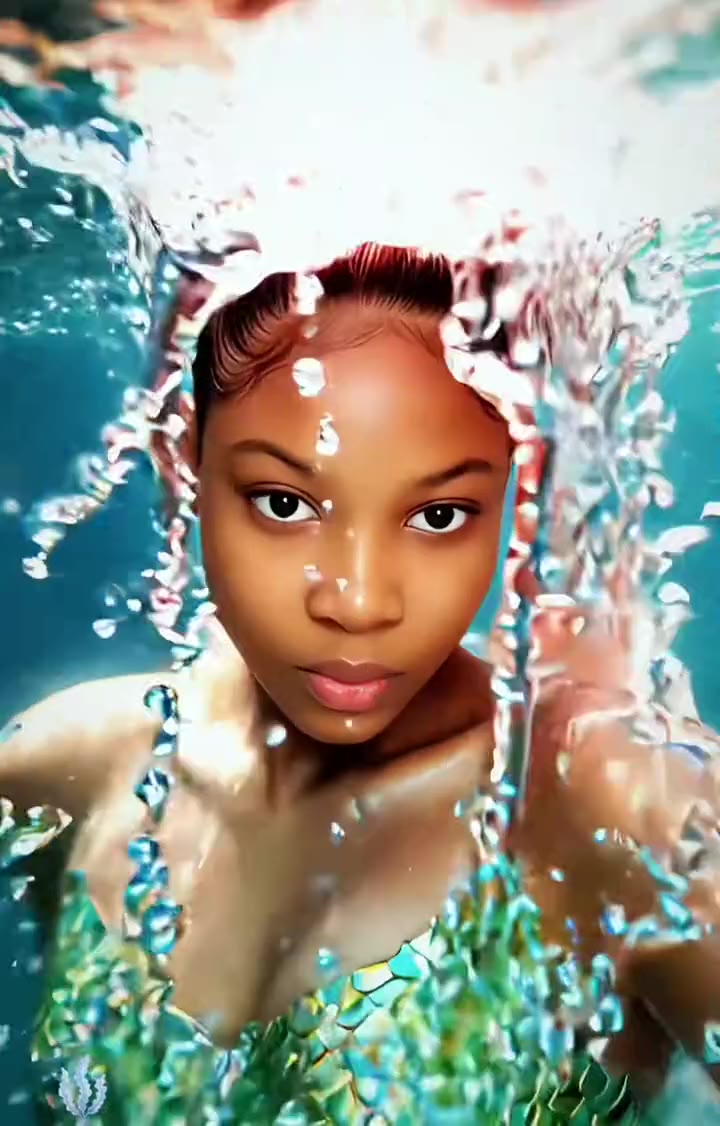
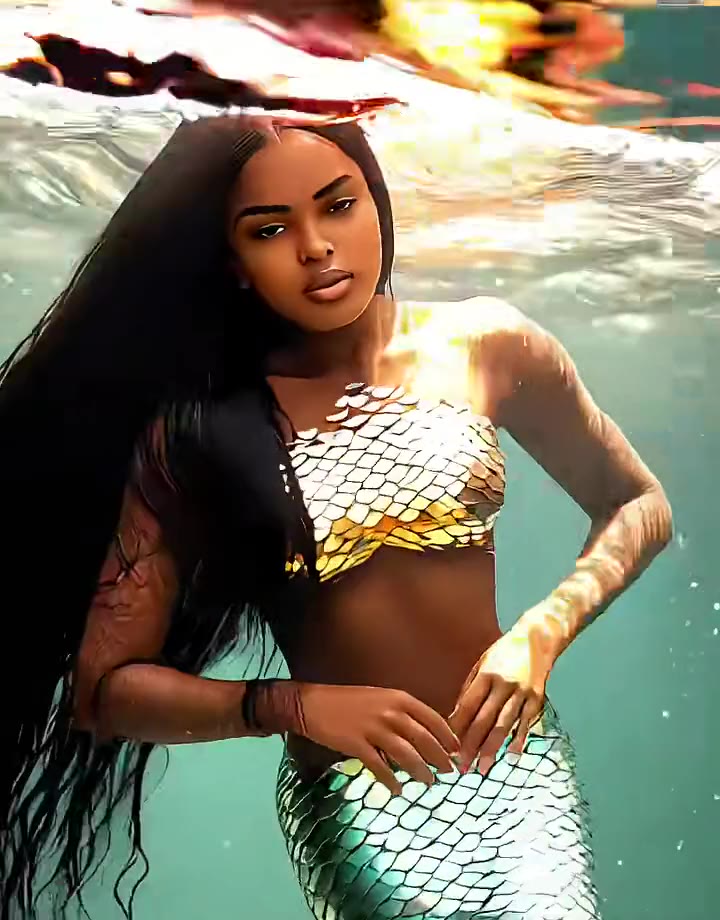
The AI mermaid filter is a photo effect that turns a normal picture of a person into an underwater mermaid portrait. In the TikTok versions the original photo is hit by a wave or a splash of water, the screen turns to foam, and the person comes out the other side with a scaled bodice, a long fish tail and hair floating in turquoise water. Posts call it the AI mermaid filter effect, mermaid transformation, mermaid fantasy AI style or ocean princess, and most are tutorials that show where to find the template.
The wave is not new. The most-watched post we found, an AI filters tutorial from 5 June 2025, has about 2.2 million views, and an English tutorial from 10 July 2025 has about 820,000. A new batch of CapCut template tutorials started again in October 2026: one from 14 October has about 338,000 views and one from 13 November about 123,000, so our radar flagged it as budding again. We found no single original creator, and no single sound: most clips use whatever music the poster picks.
The effect on TikTok is a CapCut or Hypic template, a short video with the transformation built in. videosi does not copy that template. It makes the part people actually save: one still portrait of you as a mermaid, in vertical 2:3, with GPT Image 2.6 reading your photo. You choose the tail colour and the underwater scene, and nothing needs to be written.
Your face, skin tone, hair colour and texture, and any glasses or head covering come from your photo; the model builds the tail, the scale top and the water around you. The result is one still image you can download and post as a photo. If you want the splash transition and the music of the TikTok clips, animate the image in your editor and add the sound there.
AI Mermaid Filter: shot by shot
- 0-1 s
Your photo
The clip starts on a normal photo or selfie of the person, in their own clothes and room.
- 1-2 s
Splash
A wave or splash of water hits the picture and the frame fills with white foam and bubbles.
- 2-3 s
Underwater
The view drops below the surface into turquoise water with light rays and floating hair.
- 3-5 s
Mermaid reveal
The person appears as a mermaid with a scaled bodice and a long tail, looking into the camera.
Tips for a better result
Face the camera
A straight, well-lit face photo keeps your likeness in the mermaid version.
Keep your hair visible
Your hair colour and texture carry over and float in the water, so do not hide them.
No filters on the source
Beauty filters change your face before the model sees it.
One person per photo
A second face in the picture can get a tail too or mix with yours.
Good to know before you make a AI Mermaid Filter image
- The result is one still 2:3 image, not the splash transition video that TikTok shows; add motion and music in an editor if you want them.
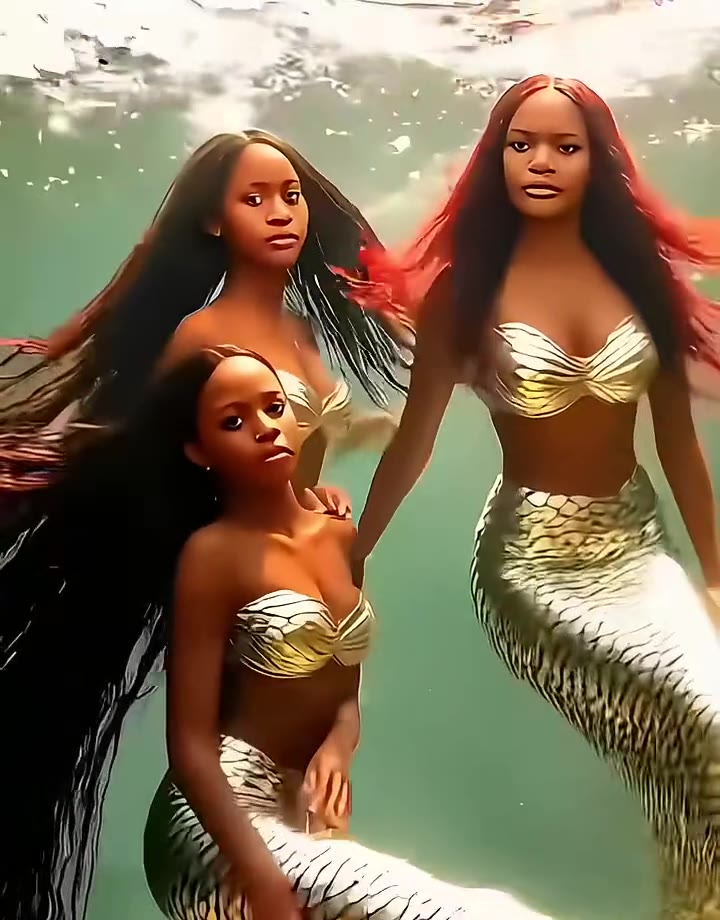
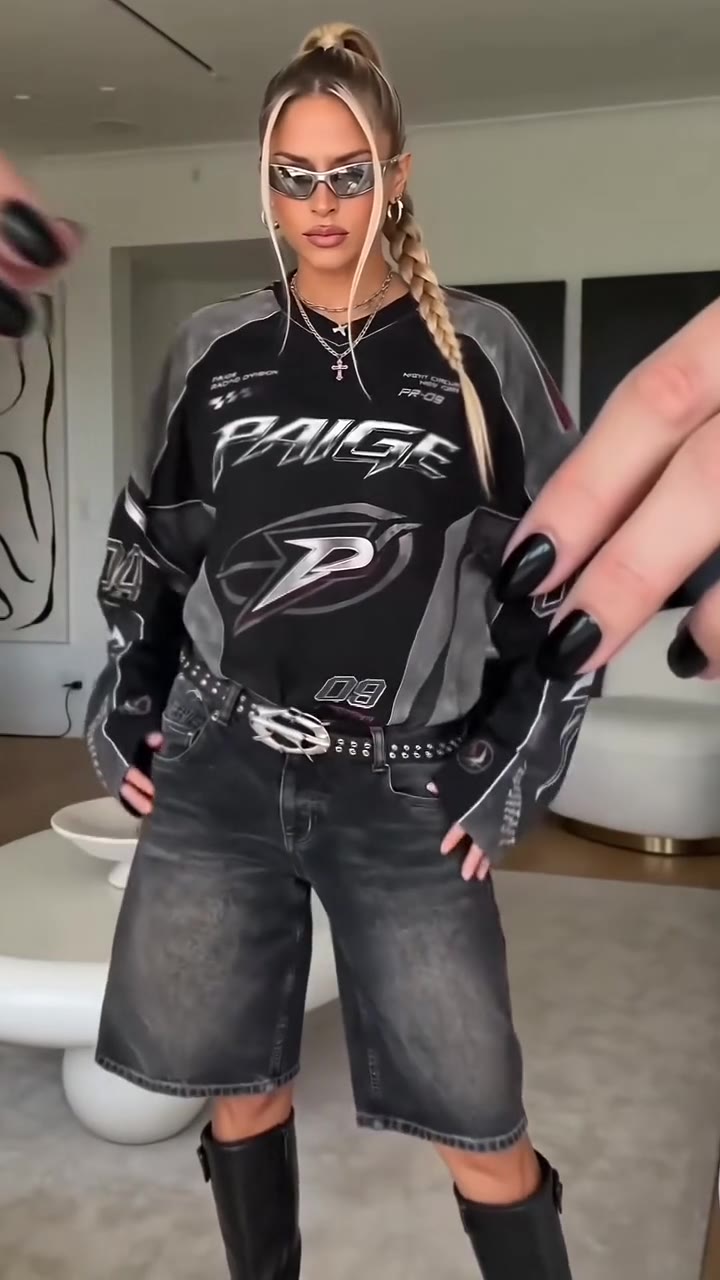
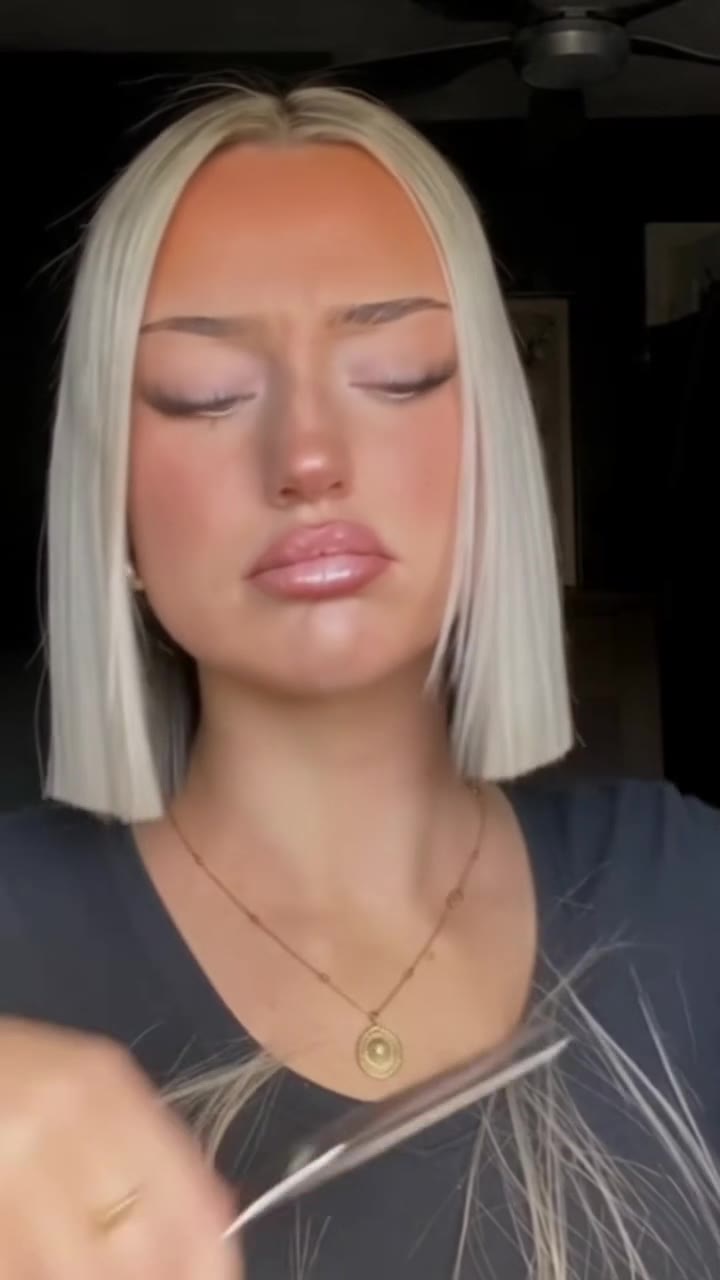
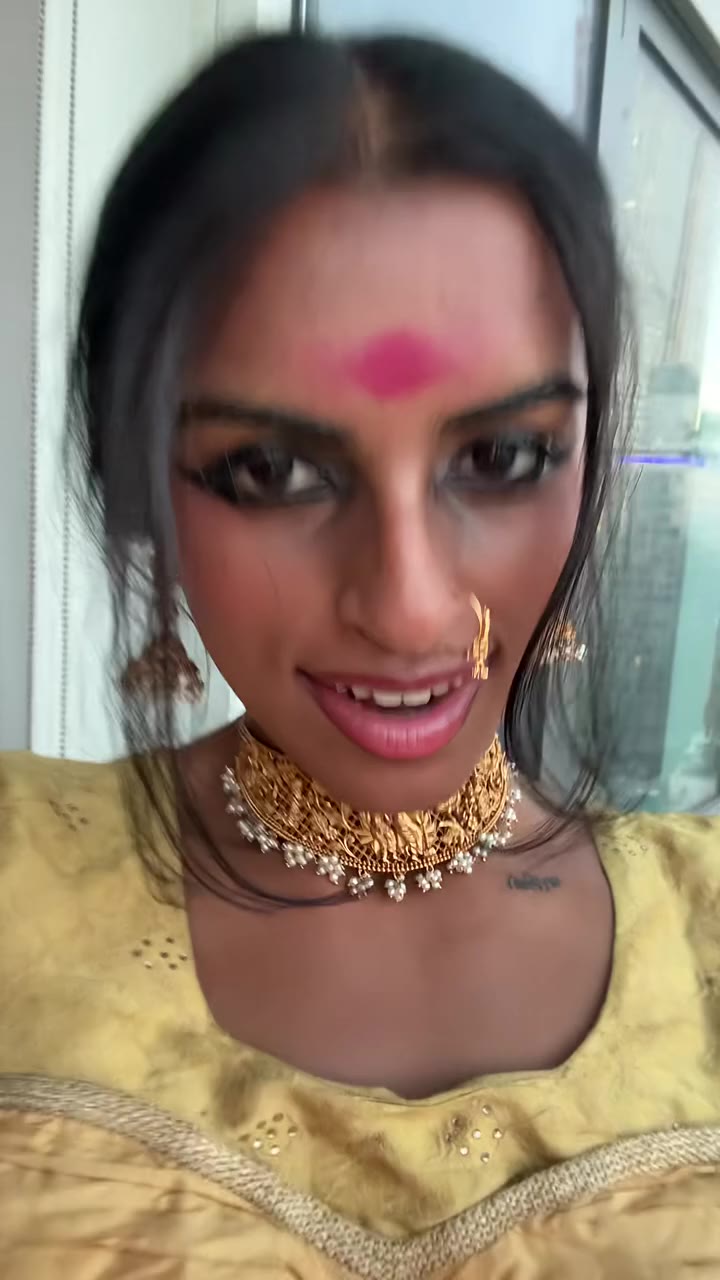
- Each image shows one person. The trio in the examples comes from a TikTok template; here a group photo can mix faces, so use one photo per person.
- It is not the CapCut or Hypic template and does not use their effect.
- Tails and tops are generated, so scale patterns differ every time and tiny fin details can look off.
- Full-length poses depend on the model: tails sometimes end at an odd angle, so try again with the other scene.
- The AI mermaid wave started in June 2025 and has come back in October to November 2026, so new posts keep arriving but the peak was earlier.
AI Mermaid Filter: questions
What is the AI mermaid filter?
The AI mermaid filter is a viral photo effect that turns a picture of you into an underwater mermaid portrait with a scaled tail and floating hair. It spread on TikTok from June 2025 and again in October 2026. videosi makes the still portrait from 1 photo of you, with no prompt.
How do I make an AI mermaid photo of myself?
Upload 1 clear photo of yourself on the videosi AI mermaid filter page, pick a tail colour and a scene, and press Generate. It costs 1 credit and usually finishes in about a minute. Use a well-lit face photo so the mermaid keeps your likeness.
Is there a free AI mermaid filter on TikTok or CapCut?
The original effect is a CapCut template that TikTok tutorials point to, and the most-viewed tutorial we found, from 5 June 2025, has about 2.2 million views. Whether a template is free depends on the app version and your account, so check inside CapCut. videosi is a different route: it is not the CapCut template and makes a still image for 1 credit instead of a short video.
Does the AI mermaid filter keep my face?
Yes, the videosi mermaid portrait is built to keep your face, age, skin tone and hair from your photo. Only the tail, the scale top and the water change. Beauty filters or heavy shadows in your source photo can still change the result, so start from a clear, natural photo.
What does the mermaid transformation look like?
In the TikTok version a photo is hit by a splash or wave, the screen fills with foam, and a mermaid portrait appears: a scaled bodice, long hair floating in teal water and light rays from the surface. videosi gives you the final portrait as a 2:3 image, in 3 tail colours and 3 underwater scenes.
Which AI model makes the mermaid picture?
videosi uses GPT Image 2.6 from OpenAI, which reads your photo and builds the mermaid portrait around your face. The recipe locks your identity, adds a scaled tail with a modest top and sets an underwater scene with sunbeams. The full prompt is not shown, and you never have to write one.
How much does an AI mermaid image cost on videosi?
One AI mermaid image costs 1 credit on videosi, and a failed render returns its credit. There is no free generation, no subscription needed and no prompt to write. A 2:3 portrait is usually ready in about a minute and downloads as a still image.
Why did my AI mermaid picture not look like me?
On videosi the usual causes are a beauty-filtered photo, a face that is small or half hidden, or a second person in the frame. Use one clear, well-lit photo where your face fills the picture and you look at the camera. Upload it again and try the other scene if the first result drifted.
Can I make a mermaid picture of a friend or my pet?
You can use a friend's photo if they agree, but not for anything that would mislead people about them. The tool is built for adult faces in 1 photo. Pets are not a good fit here, so use the pet pages on videosi instead. Label the result as AI when you post it.
What does mermaid fantasy or ocean princess AI style mean?
Mermaid fantasy, ocean princess and AI mermaid transformation are the names TikTok creators give the same look: a portrait of a person as a mermaid, with scales, shells, long floating hair and a teal underwater background. videosi makes that look as a 2:3 still from 1 photo, with a choice of 3 tails and 3 scenes.
What song is used in the AI mermaid filter videos?
There is no single song in the AI mermaid filter videos: each creator picks their own music. The videosi result is a still 2:3 image, so if you post it as a slideshow or a video in TikTok or CapCut, add any music you like there.
Is the AI mermaid filter still trending?
Yes, the AI mermaid filter is still spreading on TikTok as of 14 November 2026. It first took off in June 2025, with about 2.2 million views on the top tutorial, and a new batch of CapCut template tutorials started in October 2026, one with about 123,000 views from 13 November. It is a steady return trend, and the videosi page was published on 14 November 2026.
Trending this week
All trends this week


Make your AI Mermaid Filter image
Upload a photo and press Generate. 1 credits, refunded if it fails.
Get the next trend first
One email when new trends land on videosi, about once a week. Unsubscribe in one click.
See videosi first on Google
Add videosi as a preferred source and our trend pages show up first in your Top Stories and AI answers on Google.