Photogenic Filter AI: The Photogenic Video, Starring You
You walk through a sunny field in full colour, then the frame snaps into a grey, blurred photo look with a ghost trail. One full-body photo is all you need.
Updated : Page published.
1Add your photo
What you'll get
Front-facing, well-lit selfies work best. One face per photo.
2Choose quality
By generating you confirm you have permission to use the people in your photos. Terms
No subscription needed · Ready in 4–6 minutes · Failed renders are free
The Photogenic filter is a TikTok and CapCut effect where a short clip snaps from colour into a grey, motion-blurred photo look; this version is 5 seconds long, and videosi makes it from one photo of you.
- Fast facts
- First seen
- Stage
- Just starting
- Started on
- TikTok (unconfirmed)
- Sound
- No single sound: each post uses its own audio.
- Meaning
- The Photogenic filter is a CapCut template trend in which a short clip of you moving snaps from normal colour into a grey, motion-blurred, photo-like frame with a ghost trail.
- Related trends
- Blue Line Filter AI, Age Filter AI
Page updates
- November 10, 2026 — Page published.
The Photogenic Filter AI prompt and model
Photogenic Filter AI is made with Seedance 2.0 / 2.5 (you pick the tier) by ByteDance. The prompt behind it has 5 parts, and the timing is what makes or breaks it.
- Model
- Seedance 2.0 / 2.5 (you pick the tier)
- Mode
- Photo + motion reference to video
- Length
- 5 seconds, 9:16, 1:1 or 16:9
- Input
- 1 photo
- Replace The woman in the motion reference is swapped for the person in your photo; her outfit, hair and face are not kept.
- Keep The sunny field, the side-on walking motion and the timing of the take stay exactly as in the reference.
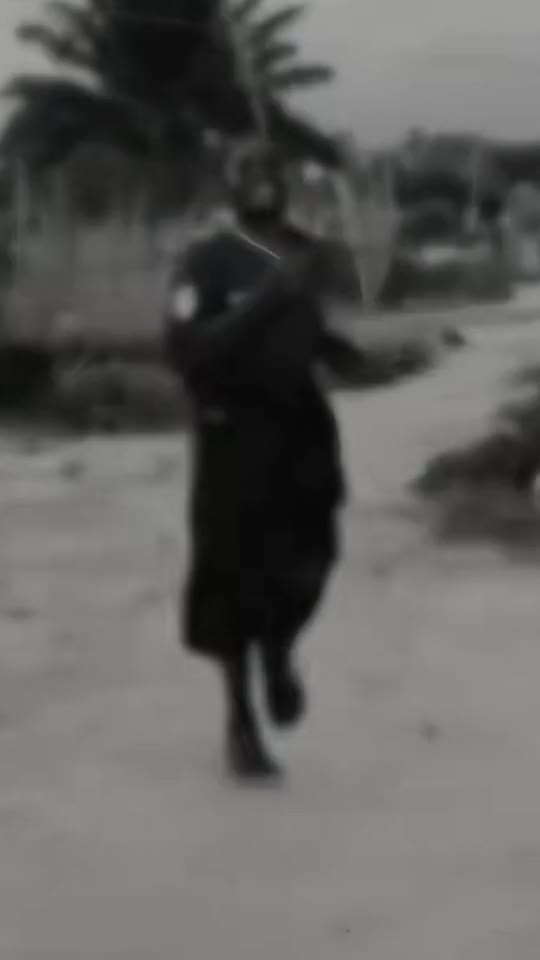
- The snap At about 3.8 seconds the frame switches to the grey, radial-blurred look that gives the trend its name.
- Ghost trail A faint second copy trails behind you in the grey part, as in the CapCut template.
- Rules One adult, one continuous shot, no speaking or singing; the audio is added after the render.
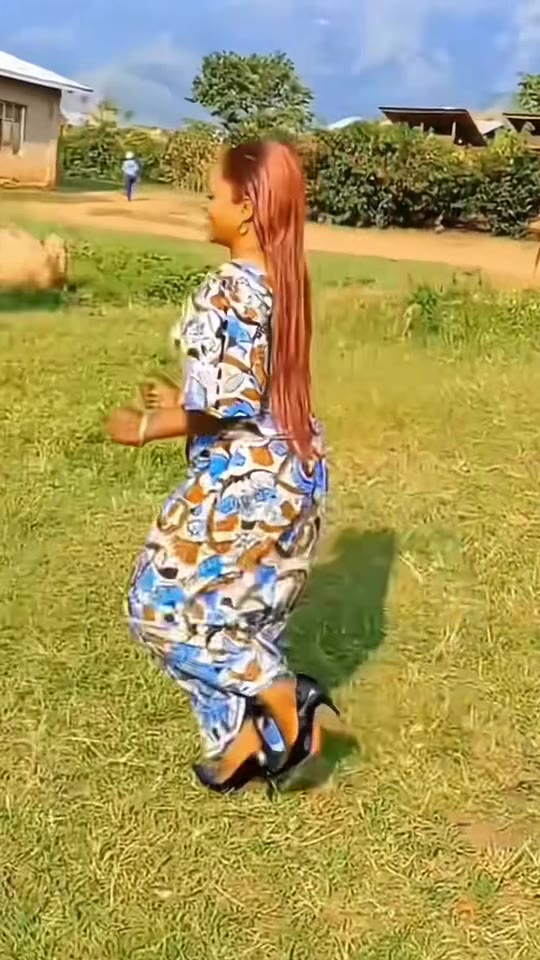
Replace the woman with long straight auburn hair and a blue-and-orange patterned dress in Video 1 with the person from Image 1. Keep everything else in Video 1 the same.…
Why it goes wrong when you do it yourself
- Asked for a photogenic filter in words alone, a video model makes a pretty portrait and never produces the colour-to-grey snap with a ghost trail.
- Without the motion reference the walk drifts, the body turns toward the camera and the blur switch lands at a random time.
- A cropped, chest-up photo leaves the model to invent the legs and posture, which is where likeness is usually lost.
- Each try costs credits and a few minutes, and getting the same snap timing twice by prompt alone is unlikely.
More videos from this trend
Trend inspiration · not a selectable template
How to make your Photogenic Filter AI video
Upload one full-body photo
A sharp, well-lit photo of you standing, head to feet. The hair and outfit in the photo are what you wear in the video.
Pick the format
9:16 for TikTok, Reels and Shorts, or 1:1 and 16:9.
Generate and download
Press Generate and the 5-second Photogenic clip is rendered for you, an MP4 with no watermark and the audio already mixed in.
Post it
Post it as it is or swap the sound in your app, and label the clip as AI-generated.
What is the Photogenic Filter AI trend?
Updated · videosi is an independent tool. It is not affiliated with TikTok, Instagram, YouTube, or with the owners of any trend, song, game or brand named on its pages.
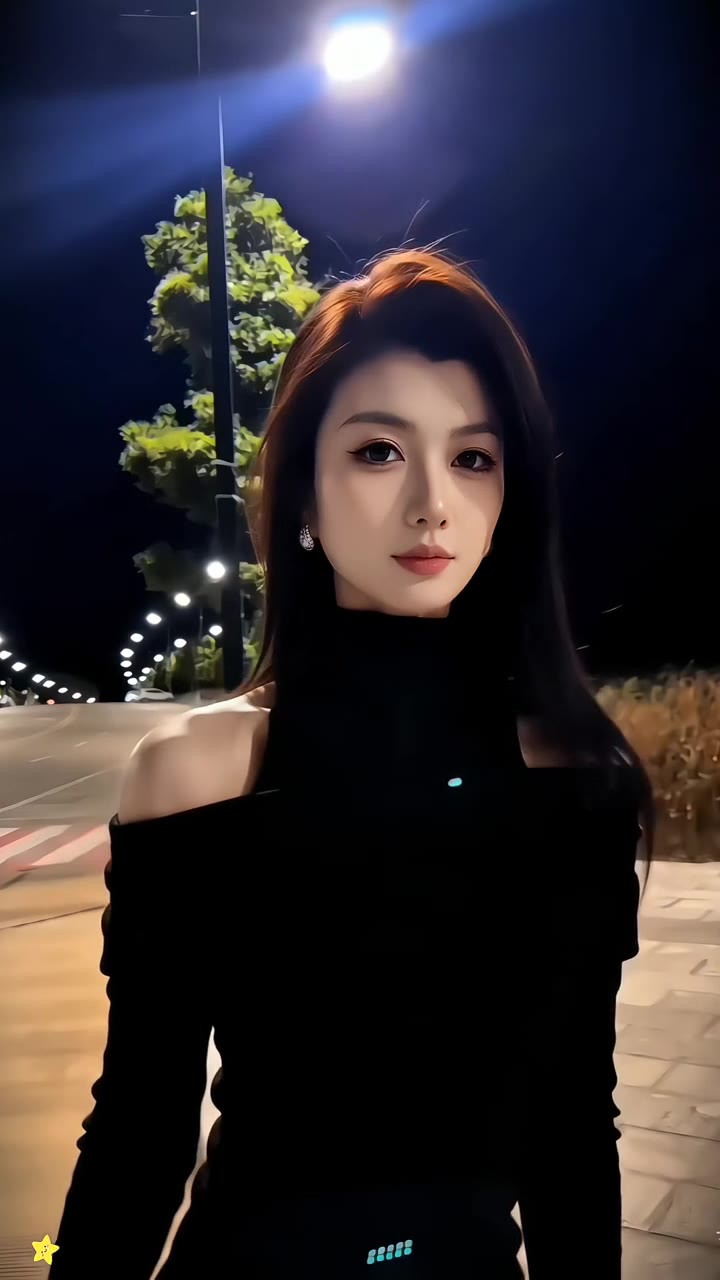
The Photogenic filter is a TikTok and CapCut video effect that treats a short clip of you moving as a photo shoot. The first seconds play in normal colour. Then the picture snaps into a grey, motion-blurred look with a faint ghost trail, as if the camera froze mid-step and a stylised photo was taken. Most posts are about 5 seconds of footage dropped into a CapCut template named Photogenic Filter 2026, and most of them wrap the result in a how-to: the creator shows the template, taps Use template in CapCut and drops in their own clip.
We first saw the wave in early November 2026: TikTok search for photogenic filter and photogenic trend returns dozens of posts from the last two weeks, from about 2,000 views to over a million for the biggest one. The posts come mostly from African and Asian creators dancing or walking outdoors, and nearly all promote the same CapCut template family. There is no single trend sound: every post uses its own audio. The name comes from the template, not from a person or a song, and the exact date of the first post is unconfirmed.
videosi makes the AI version from one photo. You upload a clear full-body or three-quarter photo, and the person in the most-viewed Photogenic post is replaced by you: same outdoor walk, same timing, then the same switch to the grey blurred ghost-trail look at the end. The result is a 5-second MP4 with no watermark and the trend audio mixed in.
One honest limit: this is a clip filter, not a beauty filter. It does not retouch your face or choose your best angle, and the walking and dancing motion comes from the reference video, not from you. If you want a still photo styled for Instagram, this page is not that; it makes the moving, freeze-and-blur video version that people post on TikTok.
Photogenic Filter AI: shot by shot
- 0-1.2 s
Walk-in
The subject walks and sways across a sunny grass field in full colour, filmed from the side, with wooden buildings and hills behind.
- 1.2-3.8 s
Colour pose run
The same take keeps rolling in warm, saturated colour: steps, hip sway and arm swing, the camera holding the whole body in frame.
- 3.8-4.4 s
Snap to grey
The picture snaps to a washed-out grey grade and a radial motion blur pulls the edges, like a stylised photo being taken.
- 4.4-5.2 s
Ghost trail
The grey frame keeps moving with a faint ghost copy trailing behind the subject, then the clip ends.
Tips for a better result
Show your whole body
The take is a full-body walk. A photo cut off at the chest gives the model legs and shoes to invent.
Stand straight and well lit
A relaxed standing pose in daylight gives the cleanest face and outfit.
One person only
Crop friends out. Two people in the photo confuse who gets swapped in.
Plain background
The field scene comes from the reference; a busy photo background does not carry over, only you do.
Good to know before you make a Photogenic Filter AI video
- This is the video version of the Photogenic template: you get one 5-second walk, not a styled still photo or a beauty retouch.
- The walking motion comes from the reference clip, not from you, and your own gait is not copied.
- The grey blur look is part of the template and cannot be changed or turned off in the generator.
- Results work best from a full-body photo; face-only crops and group photos give weaker likeness.
Photogenic Filter AI: questions
What is the Photogenic filter trend?
The Photogenic filter is a TikTok and CapCut video trend, spreading since early November 2026, where a short clip of you moving snaps from normal colour into a grey, motion-blurred ghost-trail look. videosi makes a 5-second version from one photo, so you do not need the template or a recording.
How do I make the Photogenic filter from one photo?
Upload one clear, full-body photo to videosi, pick 9:16, 1:1 or 16:9 and press Generate. About 5 seconds of video come back with you walking through the sunny field and then snapping into the grey blurred look. You do not write a prompt and you do not need CapCut.
Is there a Photogenic filter website or generator?
Yes. videosi has a Photogenic filter AI generator on this page that turns one photo into the 5-second clip. It runs in the browser on phone or desktop, with no app to install. It makes the video version of the trend, not a still-photo retouch.
Is there a Photogenic filter on TikTok or a CapCut template?
Yes, on CapCut: the posts say Photogenic Filter 2026 and tell you to tap the CapCut icon to use the same template. There is no separate TikTok camera filter that we found. videosi is the option when you only have a photo and no footage of yourself walking.
What AI model and prompt does videosi use for the Photogenic filter?
videosi uses ByteDance's Seedance 2.0 family (you pick the tier) with the most-viewed Photogenic post as the motion reference. The prompt replaces the person in the reference with you and keeps the walk and the grey blur switch unchanged. The full prompt is not published.
How much does the Photogenic filter AI cost?
A Standard 720p Photogenic clip costs 10 credits on videosi, and the Single pack is US$6.90 for 10 credits. Bigger packs and plans lower the price per video. A failed render returns its credits automatically.
Why does my Photogenic video not look like me?
On videosi, likeness drops when the photo is small, dark or cropped at the chest, because the model has to invent legs and posture. Use a sharp, well-lit, full-body photo, 1 person only, and your hair and outfit in the photo will be the ones in the video.
Can I use a friend's photo, a pet or a family member?
On videosi you can use a photo of any adult who agreed to it. The page is built for one standing person; pets and groups do not follow the walking motion well. Photos of children are not accepted.
What does the Photogenic filter mean?
"Photogenic" means, on videosi and in the template, a clip that looks like a posed photo: the Photogenic filter is a CapCut template that freezes the moving picture into a grey, blurred, photo-like frame. It is not a face-retouching or beauty filter, and it does not judge whether you are photogenic.
What song or sound is used in the Photogenic filter?
There is no single confirmed Photogenic sound. Posts from November 2026 use their own audio: the biggest ones use different songs, and some include a viral dance track. The videosi version mixes in the audio of one of the Photogenic template posts.
Is the Photogenic filter still trending?
As of November 2026 the Photogenic filter is emerging, and videosi tracks it: TikTok search shows dozens of posts first appearing in the last two weeks. It is a CapCut template wave, so it can fade quickly once the template is replaced by a new one.
Can I post the AI Photogenic video on TikTok or Instagram?
Yes: videosi gives you an MP4 with no watermark. Label it as AI-generated when your platform asks, and remember that the clip shows a stylised, generated body in motion, not a real recording of you.
Trending this week
All trends this week

Make your Photogenic Filter AI video
Upload a photo and press Generate. 10 credits, refunded if it fails.
Get the next trend first
One email when new trends land on videosi, about once a week. Unsubscribe in one click.
See videosi first on Google
Add videosi as a preferred source and our trend pages show up first in your Top Stories and AI answers on Google.