ChatGPT Sweater Trend: Your AI Sweater Portrait from One Selfie
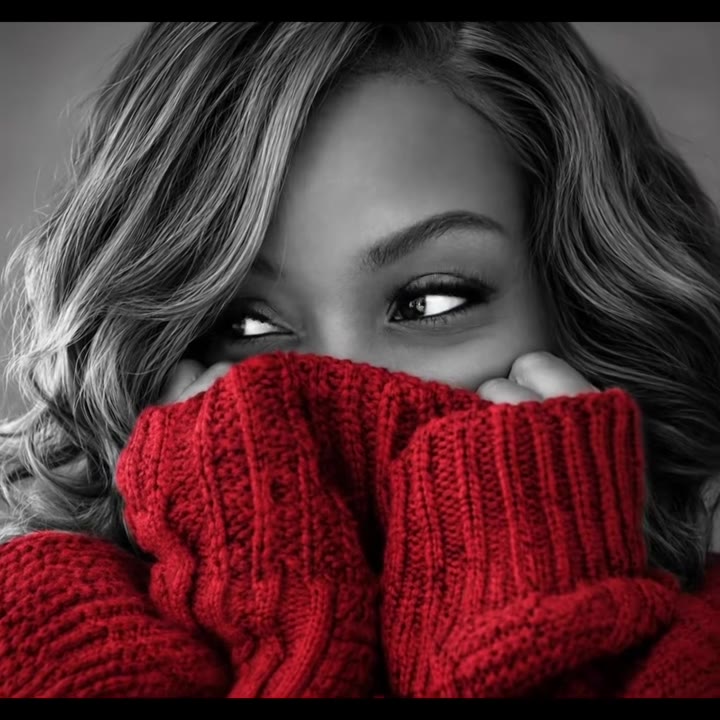
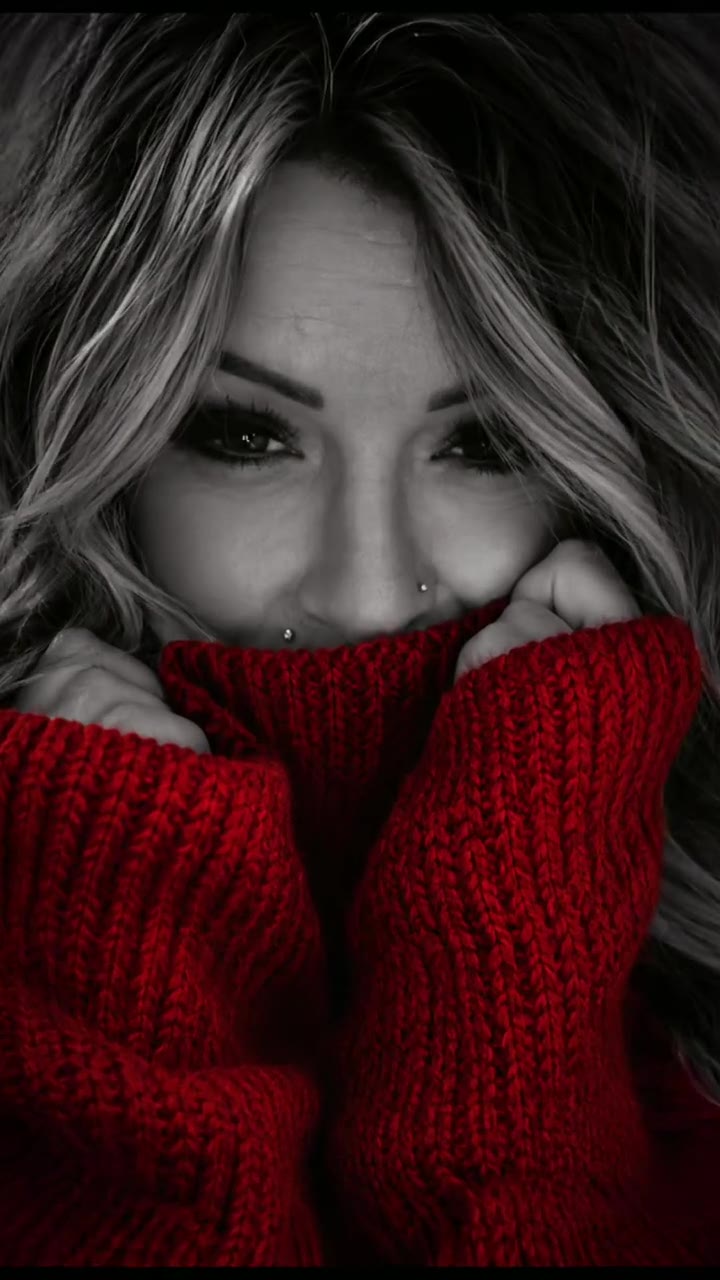
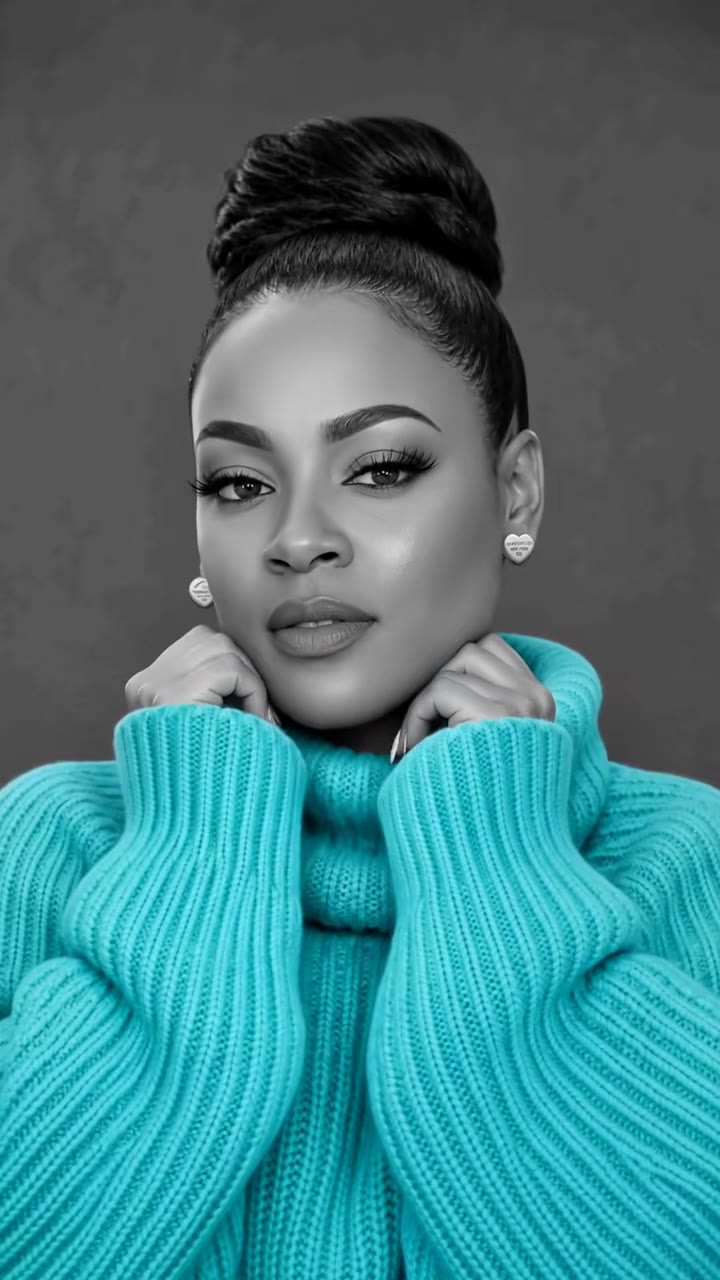
The ChatGPT sweater trend, also called the AI sweater trend, turns your selfie into a black-and-white portrait where only a chunky knit sweater is in colour and the sleeves cover your mouth. Upload one photo, pick a colour, no prompt to write.
Updated : Page published.
1Add your photo
What you'll get
Front-facing, well-lit selfies work best. One face per photo.
2Sweater colour
By generating you confirm you have permission to use the people in your photos. Terms
No subscription needed · Ready in about a minute · Failed renders are free
The ChatGPT sweater trend, or AI sweater trend, is a November 2026 photo trend that restyles a selfie as a black-and-white studio portrait where only a chunky knit sweater keeps its colour and the sleeves cover the mouth; videosi makes it from one photo of you.
- Fast facts
- First seen
- Stage
- Just starting
- Started on
- TikTok (unconfirmed)
- Sound
- No single sound; posts use different songs such as Christmas tracks, or an original sound.
- Meaning
- The ChatGPT sweater trend (also called the AI sweater trend or sweater portrait) is a November 2026 photo trend that restyles your selfie as a black-and-white portrait with one coloured chunky sweater and the sleeves pulled over the mouth.
- Related trends
- Christmas PFP AI, Doodle Portrait AI, AI Movie Poster
Page updates
- November 17, 2026 — Page published.
The ChatGPT Sweater prompt and model
ChatGPT Sweater is made with GPT Image 2.6 by OpenAI. The prompt behind it has 5 parts, and the timing is what makes or breaks it.
- Model
- GPT Image 2.6
- Mode
- Photo to still image
- Length
- One 2:3 still image
- Input
- 1 photo
- Keep your face Face, hairstyle, age and skin tone stay recognisable; only the sweater, colour treatment and pose are new.
- Black and white with one pop Everything is greyscale except the sweater and your natural eye colour.
- The pose Both hands tucked into long cuffs, pulled up under the nose, so the eyes carry the picture.
- One person only You are the only person in the picture; no extra hands, faces or background people.
- Rules One picture, no text or logos, adults only, five fingers per hand.
Edit Image 1 into one vertical 2:3 high-fashion editorial beauty portrait of the same person, in black and white with ONE dramatic pop of colour.…
Why it goes wrong when you do it yourself
- If you only say make it black and white with a red sweater, the model often keeps the whole sweater grey or colours your skin too.
- Without a keep-my-face rule the model gives you a generic model face instead of yours.
- If the cuffs and mouth are not described, the sleeves end up beside the face and the signature covered mouth is lost.
- A prompt that never says one picture only can return a collage or a grid.
More videos from this trend
Trend inspiration · not a selectable template
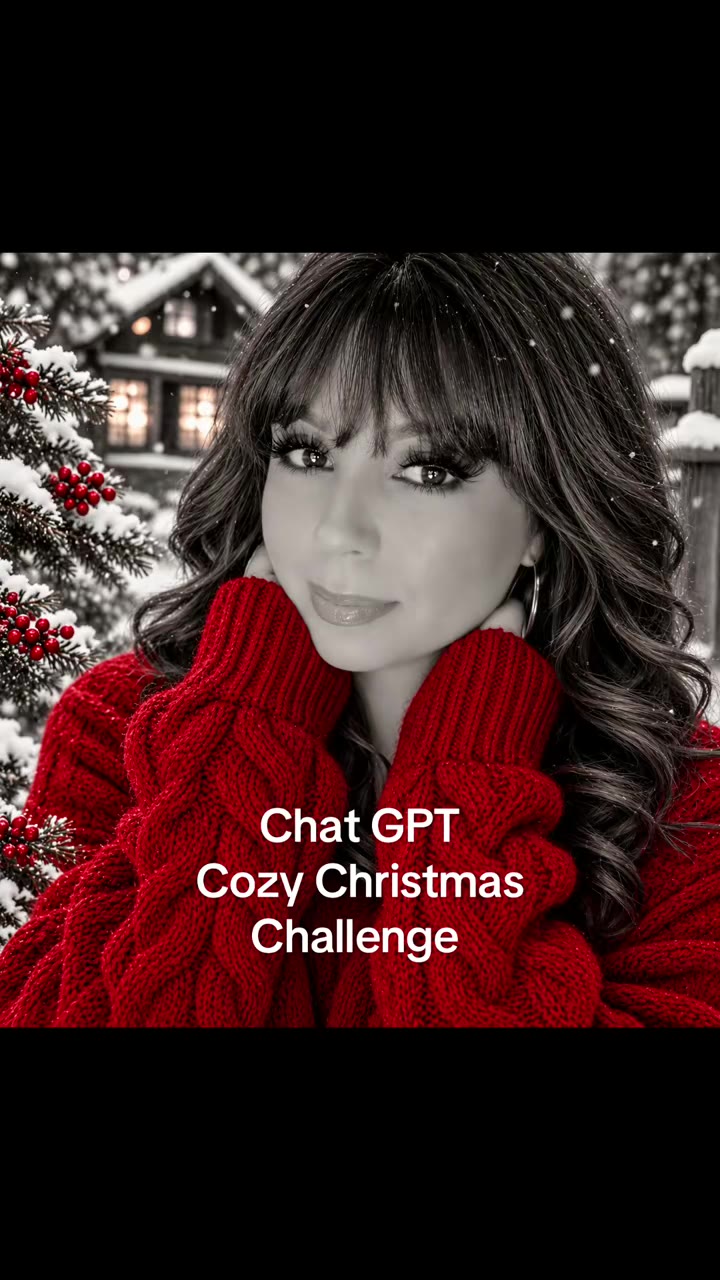
How to make your ChatGPT Sweater image
Upload your photo
One clear, well-lit selfie facing the camera. Keep your face in the middle and your hands near your chin if you can.
Pick a sweater colour
Choose Christmas red or Turquoise. Only the sweater and your eye colour keep colour.
Generate
Press Generate. The image is usually ready in about a minute.
Download and post
You get one 2:3 image. Post it on its own or add music in TikTok or CapCut.
What is the ChatGPT Sweater trend?
Updated · videosi is an independent tool. It is not affiliated with TikTok, Instagram, YouTube, or with the owners of any trend, song, game or brand named on its pages.
The ChatGPT sweater trend, also called the AI sweater trend or sweater portrait, is a photo trend: one selfie becomes a black-and-white studio portrait where the only colour is a big, chunky-knit sweater (and the eyes), with both hands tucked into the cuffs and the sleeves pulled up over the mouth. To make your own, you either upload your photo to ChatGPT with a long written prompt, or upload one photo to a generator such as videosi.
The TikTok posts we checked, most with the prompt in the caption, are dated 11 to 14 November 2026. Some template sites say the first posts appeared around 9 November 2026; that is unconfirmed, and no single original creator is confirmed. We do not quote view counts because they change daily.
The original trick is a text prompt that you paste into ChatGPT or Gemini with your own photo, so most TikTok videos are either a result slideshow or a tutorial with the prompt in the caption. videosi makes the same picture without you writing or pasting any prompt: you upload one photo, pick a sweater colour and get one vertical 2:3 image in about a minute.
The look is about your face: your features, hairstyle and age are kept, and only the sweater, the black-and-white treatment and the pose are new. The result is a still image with no sound. The trend is only about a week old, so the format may still change.
ChatGPT Sweater: shot by shot
- Look
Black-and-white base
The whole portrait is black and white, lit softly from the front against a plain blurred grey background.
- Look
One pop of colour
Only the chunky-knit sweater (and your own eye colour) keeps colour: red, turquoise or the shade you like.
- Pose
Sleeves over the mouth
Both hands tuck into extra-long cuffs, pulled up just under the nose so only the nose and eyes show.
- Pose
Eyes as the star
A warm smile reaches the eyes; the photo is sharp there and soft everywhere else.
Tips for a better result
Face the camera
A front-facing photo keeps your face closest to real.
Use soft light
An evenly lit, sharp photo gives a sharper portrait; a dark or blurry photo stays dark or blurry.
Show your eyes
Skip sunglasses and strong shadows over the eyes, because the eyes are the star of this look.
Leave a margin around your head
A photo that shows your head and shoulders works better than an extreme close-up.
Good to know before you make a ChatGPT Sweater image
- The result is a still image, not a video, and it has no sound.
- Only the sweater and your natural eye colour keep colour; the rest is black and white.
- It does not draw text, team logos or brand names on the sweater.
- A failed or blocked generation returns its credits automatically.
ChatGPT Sweater: questions
What is the ChatGPT sweater trend?
The ChatGPT sweater trend, also called the AI sweater trend, turns 1 selfie into a black-and-white portrait with a single colourful chunky sweater and the sleeves pulled over the mouth. The TikTok posts we checked date from 11 to 14 November 2026. videosi makes the picture from 1 photo of you, with no prompt.
How do I do the ChatGPT sweater trend with my own photo?
Upload 1 clear selfie on the videosi sweater portrait page, pick Christmas red or Turquoise and press Generate. It costs 1 credit, needs no written prompt and takes about a minute. You get 1 vertical 2:3 image.
Is there a website or generator for the ChatGPT sweater trend?
Yes, videosi has a sweater portrait AI generator that needs 1 photo and no prompt. It makes 1 still image per run in about a minute for 1 credit, so you do not have to paste a long prompt into ChatGPT yourself.
Is there a TikTok filter or CapCut template for the AI sweater trend?
We know of no official TikTok filter: the look comes from an AI image prompt, not an in-app effect, and we have not confirmed a CapCut template that recreates it. On videosi you make the picture itself from 1 photo in 1 step, then post it on TikTok or add music in CapCut. The result is a still image, not a video.
What AI model and prompt make the sweater portrait?
videosi uses GPT Image 2.6 from OpenAI. The prompt keeps your face and only changes the sweater, the black-and-white treatment and the pose. The full prompt is not published; the page shows the approach and 4 common mistakes.
How much does a sweater portrait AI photo cost?
One sweater portrait on videosi costs 1 credit. Credits are bought in packs on the pricing page, and a failed or blocked generation returns its credit automatically. Making both sweater colours costs 2 credits.
Why does my sweater portrait not look like me?
On videosi the model keeps your face best when the photo is sharp, front-facing and well lit; a dark, blurry or side-on photo makes the likeness drift. Retry with your face in the middle and your hands visible near your chin. Glasses and hats can change the result.
Can I use a photo of a friend, a man or a pet?
Yes for an adult friend with their permission, and the look works for men too: a beard or moustache can stay visible above the cuffs. videosi builds this look around a person, so a pet photo is not designed for it.
What does the "sweater trend" mean, and can I do it in ChatGPT itself?
The sweater trend means a ChatGPT photo prompt trend from November 2026: your selfie restyled as a black-and-white portrait with one coloured sweater and the sleeves over the mouth. You can do it in ChatGPT by uploading your photo with a long prompt, and the result depends on how complete that prompt is. videosi skips the prompt: 1 photo, red or turquoise, 1 credit.
What song is used in sweater portrait videos?
There is no single confirmed sound. The TikTok posts we checked used different songs, such as Christmas tracks and original sounds. videosi makes the picture only, so you add your own music in TikTok or CapCut.
Is the ChatGPT sweater trend still trending?
As of 17 November 2026 the trend that videosi tracks is emerging: the TikTok posts we checked are from 11 to 14 November 2026. It is a Christmas-season look, so we expect it to fade after the holidays, but that is our estimate, not a confirmed fact.
Does the picture show text or a brand logo?
No. The picture shows only you in a plain knitted sweater, with no text, no logo and no watermark. videosi does not draw team logos or brand names on the sweater.
Trending this week
All trends this week

Make your ChatGPT Sweater image
Upload a photo and press Generate. 1 credits, refunded if it fails.
Get the next trend first
One email when new trends land on videosi, about once a week. Unsubscribe in one click.
See videosi first on Google
Add videosi as a preferred source and our trend pages show up first in your Top Stories and AI answers on Google.