Need for Speed AI: Your Car in the Need for Speed Video
Your car drifts through a sunny street and a gas station while bystanders watch, in a Need for Speed style clip. One photo of your car is all it takes.
Updated : Page published.
1Add your photo
What you'll get
Trend remakes · inspiration only
Front-facing, well-lit selfies work best. One face per photo.
2Choose quality
Picked for this video: it has several people or many cuts, and this model keeps every face steady.
By generating you confirm you have permission to use the people in your photos. Terms
No subscription needed · Ready in 4–6 minutes · Failed renders are free
The Need for Speed AI trend is a 15-second video in which a car slides through a street and a gas station in clouds of tyre smoke while bystanders watch; videosi makes it from one photo of your car.
- Fast facts
- First seen
- Stage
- Spreading
- Started on
- TikTok (unconfirmed)
- Sound
- Posts use different sounds, mostly trap-style beats, and no single track is credited or confirmed.
- Meaning
- The Need for Speed AI trend is a short AI video, styled like a lost Need for Speed movie scene, in which a car drifts through a street and a gas station, with the viewer's own car swapped in using a template or an AI video tool.
- Related trends
- AI Car Drift Video, Car Jump AI Video, Venom Car AI
Page updates
- November 20, 2026 — Page published.
The Need For Speed AI prompt and model
Need For Speed AI is made with Seedance 2.0 / 2.5 by ByteDance. The prompt behind it has 5 parts, and the timing is what makes or breaks it.
- Model
- Seedance 2.0 / 2.5
- Mode
- Photo + motion reference to video
- Length
- 15 seconds, 16:9 or 9:16
- Input
- 1 photo
- Replacement One sentence says which car in the reference clip becomes the car in your photo, in every shot.
- Motion reference A 15-second street-drift clip supplies the road, the cuts, the cockpit shots and the camera moves.
- Scene The gas station, the bystanders, the light and the tyre smoke are kept from the reference.
- Action line A single line says what the car does: slide through each turn with the rear tyres smoking.
- Car identity Paint colour, body shape and wheels come from your photo, and nothing of the original car remains.
Replace the black Ford Mustang with the red tail lights and rear diffuser in the reference with the car from your photo, in every shot, including the cockpit…
Why it goes wrong when you do it yourself
- Without a reference clip the car just drives straight and the drift, the smoke and the cockpit cuts never appear.
- The original Mustang leaks through: its rear wing, badge and tail lights stay on your car unless they are named and removed.
- Image-to-video tools rebuild a car's badge, wheels and number plate differently in every cut, so the car changes between shots.
- Each try costs credits and several minutes, and a 15-second clip with a dozen cuts often needs re-rolls.
More videos from this trend
These clips were made and posted by other creators, not by videosi. Credits link to the original posts.
How to make your Need For Speed AI video
Upload one photo of your car
The whole car in frame, from the side or a front or rear three-quarter angle, in daylight. Paint colour, shape and wheels come from this photo.
Pick the format
Choose the shape of the video, for example 9:16 for TikTok and Reels or 16:9 for a wide clip. The 15-second drift is built in.
Generate
Press Generate and the street drift is rendered with your car. It takes several minutes, and the result is saved in My creations.
Post it with the trend sound
The download already carries the trend sound. Post it on TikTok or Reels and label it as AI-generated.
What is the Need For Speed AI trend?
Updated · videosi is an independent tool. It is not affiliated with TikTok, Instagram, YouTube, or with the owners of any trend, song, game or brand named on its pages.
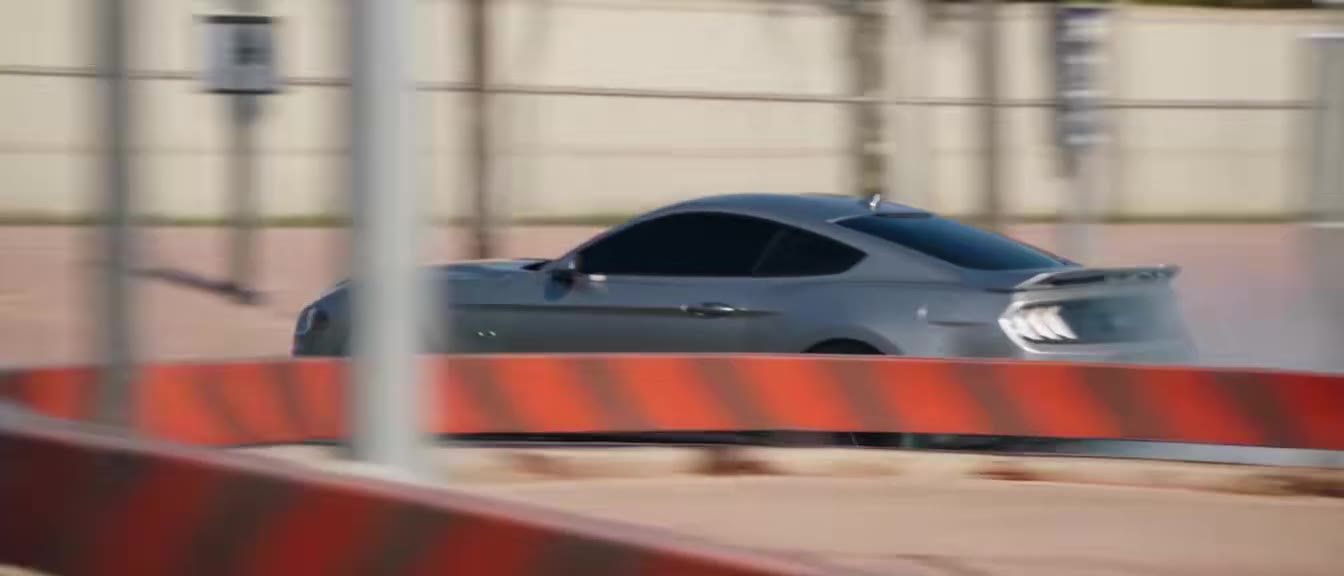
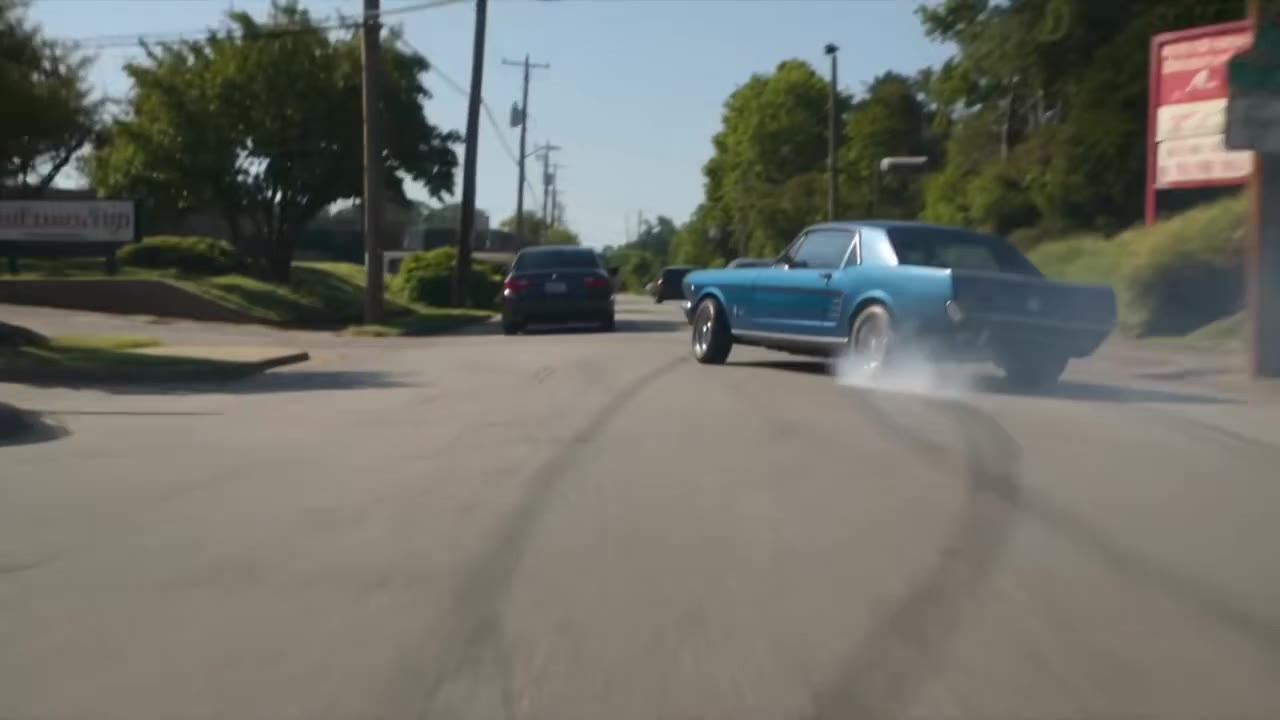
The Need for Speed AI trend is a short AI-made clip that looks like a lost scene from a Need for Speed movie: a car rolls down a sunny American street, a camera inside the cockpit shows the driver's shoulder and the dashboard, and the car slides through a gas-station forecourt in clouds of white tyre smoke while onlookers lean on a railing and watch. The original clips use a black Ford Mustang, and most posts carry the caption that the video is AI-generated, often worded as deleted scenes from NFS.
What made it a trend is the swap. A CapCut-style template and tools such as Kling let you drop a photo of your own car (or a truck, a pickup, a classic) into the same scene, so the Mustang becomes your vehicle. Many of the biggest posts we found are tutorials for that swap, with the result clips shown at the start, and the template circulates under names like need for speed ai video, need for speed car ai video and need 4 speed.
The first posts we found are dated 12 to 14 November 2026 on TikTok. The clip that spread most is a roughly 40-second compilation of the black Mustang captioned as deleted scenes from NFS, and car owners soon started posting versions with their own cars. The first poster and the music are not confirmed: the posts use different sounds, and no single track is credited.
videosi makes the same kind of clip from one photo of your car. The street, the cockpit shots, the gas station, the bystanders and the tyre smoke are built in, and your car replaces the Mustang in every shot. You choose the photo and the video format. The result is 15 seconds long and carries the trend sound.
Need For Speed AI: shot by shot
- 0-1 s
Rolling past
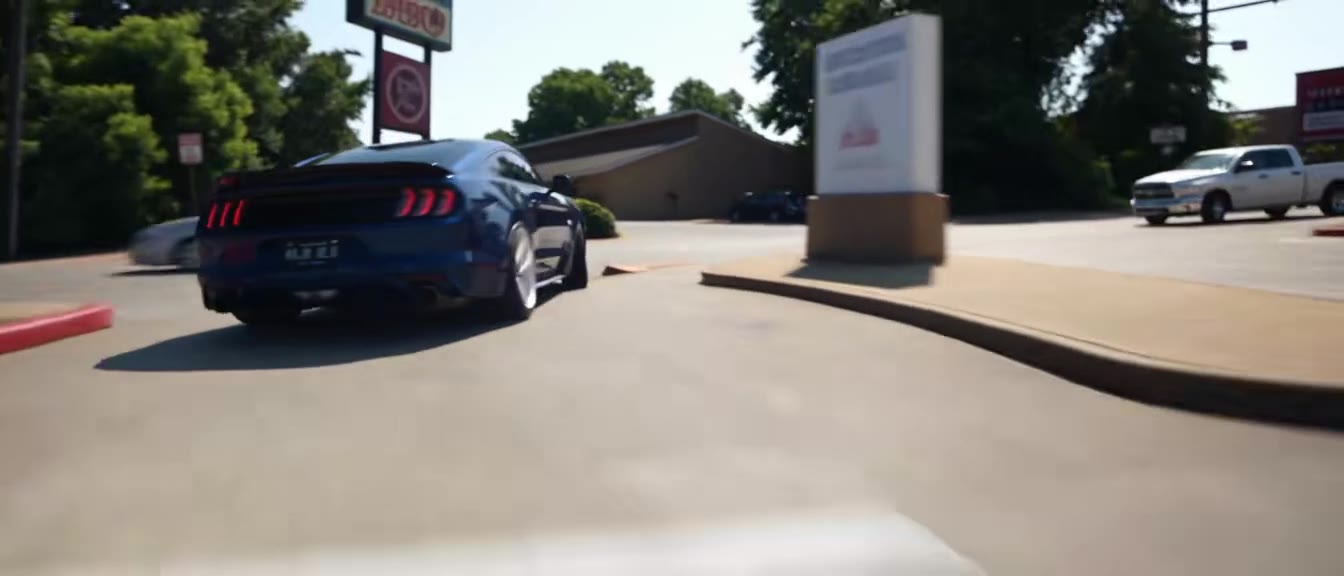
The car passes the camera at street level on a sunny road, trees and a fence behind it.
- 1-5 s
Cockpit view
A camera inside the cockpit shows the driver's shoulder, the dashboard and traffic ahead through the windscreen.
- 5-9 s
First slide
The car throws its rear end out through a corner and drifts across the car park, trailing white tyre smoke, shot from the side and from behind.
- 9-11 s
Onlookers
Bystanders watch from the gas-station railing as the car sweeps past in the background.
- 11-15 s
Gas-station exit
A rear view shows the tail lights as the car slides out past a pickup truck, a pump and a striped barrel.
Tips for a better result
Show the whole car
Bumper to bumper with nothing cut off. Whatever is missing from the photo is invented in the cockpit and drift shots.
Side or three-quarter view
The car is seen from the side and from behind while it slides, so a photo showing one side and one end works best.
Daylight and a plain background
The scene is a sunny street, so even daylight keeps the paint colour true. Avoid night photos with heavy reflections.
One vehicle per photo
Cars, pickups and classics work. If two vehicles are in the picture the model may mix them, so crop to the one you want.
Good to know before you make a Need For Speed AI video
- The car is rebuilt from your photo, so small details such as badges, lights and wheel design can differ between shots. Number plates are not reproduced.
- The cockpit shots keep a driver's silhouette and the bystanders from the reference clip; this version is about your car, not about you behind the wheel.
- The street, the gas station and the camera moves are fixed by the reference and cannot be changed.
- The prompt has not been test-rendered. Likeness of the car is not guaranteed.
- This 15-second video is 13 credits on the Standard model at 720p. Other models and resolutions show their price before you start.
- There is no free generation or free trial. Credit packs start at $8.90 for 10 credits and never expire; plans start at $29.90 a month.
- Purchases are final. A failed, timed-out or blocked render returns its credits automatically.
- You pick the model before you generate: Seedance 2.0 Mini (Standard), Seedance 2.0 Fast (Fast), Seedance 2.0 (Pro), Seedance 2.5 (Ultra).
Need For Speed AI: questions
What is the Need for Speed AI trend and where did it come from?
The Need for Speed AI trend is a 15-second AI video in which a car drifts through a street and a gas station in a Need for Speed movie style, with your own car swapped in. It began spreading on TikTok around 12 to 14 November 2026. The original clips use a black Ford Mustang and are labelled as AI-made; videosi makes it from one photo.
How do I make a Need for Speed AI video of my car?
Upload one photo of your car to videosi, pick a format and press Generate. The Need for Speed drift is 15 seconds long and takes several minutes to render, and you can close the page because it is saved in My creations. You write no prompt. Show the whole car in daylight for the best result.
Is there a website or generator for the Need for Speed AI trend?
Yes. videosi (videosi.io) is a web tool that makes the Need for Speed AI clip from one photo of your car. The street, the cockpit shots, the bystanders and the tyre smoke are built in, so you choose only the photo and the format. A 15-second video costs 13 credits on the Standard model at 720p.
Is there a Need for Speed AI TikTok filter or CapCut template?
Many tutorials point to a CapCut template, and some use Kling, but templates change often, so check inside the app. videosi is independent and not affiliated with TikTok, CapCut or EA. On videosi you upload a car photo and download a 15-second MP4 with the trend sound already mixed in, then post it yourself.
What AI model makes the Need for Speed AI video?
The videosi Need for Speed clip is made with ByteDance's Seedance video model (Standard is Seedance 2.0 Mini; Fast, Pro and Ultra are one click away). It uses your car photo plus a 15-second reference clip and a short replacement instruction. The full prompt is not published, and doing it by hand usually takes several tries.
Why did my Need for Speed AI video come out wrong or not look like my car?
The car is rebuilt from one photo and the clip has a dozen cuts, so badges, wheels and lights can differ between shots. For the videosi Need for Speed clip, upload the whole car from the side or a three-quarter angle in daylight, with nothing else in the frame.
Can I use a truck, a pickup or someone else's car for the Need for Speed trend?
Yes, any single vehicle can be used, from sports cars to pickups and classics, and the 15-second videosi clip needs one vehicle per photo. Use a car you own or have permission to show. A tall truck differs a lot from the Mustang in the reference, so show its full length from the side. The clip keeps a driver's silhouette and bystanders from the reference, so no people from your photo are added.
What does "Need for Speed AI" mean?
"Need for Speed AI" means an AI-made video styled like a scene from the Need for Speed racing movies and games, usually a car sliding through a street in clouds of tyre smoke. On TikTok it also names the template that swaps your own car into the clip. videosi makes it from one photo, and the video is fictional.
What song or sound is used in the Need for Speed AI trend?
No single sound is confirmed. The posts we checked use different sounds, mostly trap-style beats, and none credits one track that we could verify. The videosi version mixes the trend sound onto the 15-second clip, so the download already has audio.
Is the Need for Speed AI trend still trending?
Yes, it is spreading. As of November 2026 the first posts we found date from 12 to 14 November, and new versions with other cars keep appearing. videosi has not confirmed the first poster or whether it will peak, and many of the top posts are tutorials rather than finished videos.
Is the Need for Speed AI video real footage, and will my post get taken down?
The Need for Speed AI clip is not real footage: it is a staged, AI-generated drift video. TikTok and Instagram ask that AI-made videos be labelled, so add the AI label when you post the 15-second clip. videosi is independent of EA and the video is fictional entertainment.
Trending this week
All trends this week




Make your Need For Speed AI video
Upload a photo and press Generate. 13 credits, refunded if it fails.
Get the next trend first
One email when new trends land on videosi, about once a week. Unsubscribe in one click.
See videosi first on Google
Add videosi as a preferred source and our trend pages show up first in your Top Stories and AI answers on Google.