GTA 5 Goodbye AI: The Goodbye Video, Starring You
You stand on a sunset pier, take the keys and the game disc from three old friends, and cry as you say goodbye. One photo of you is enough.
Updated : Page published.
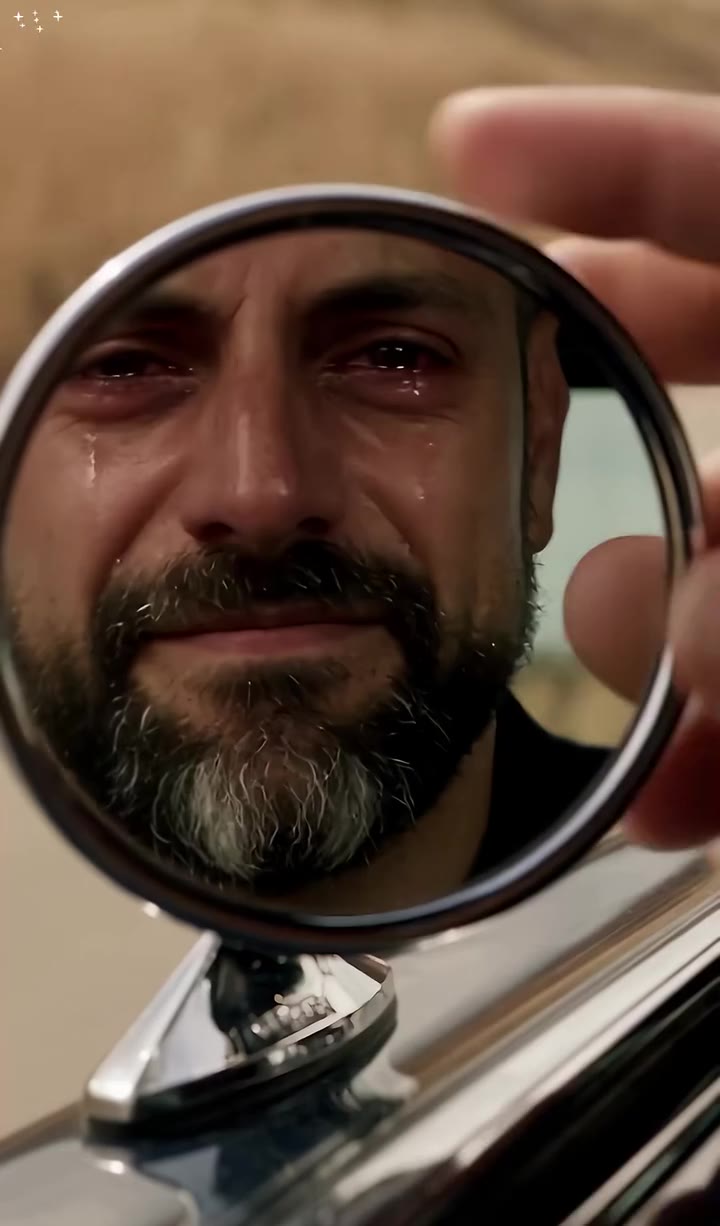
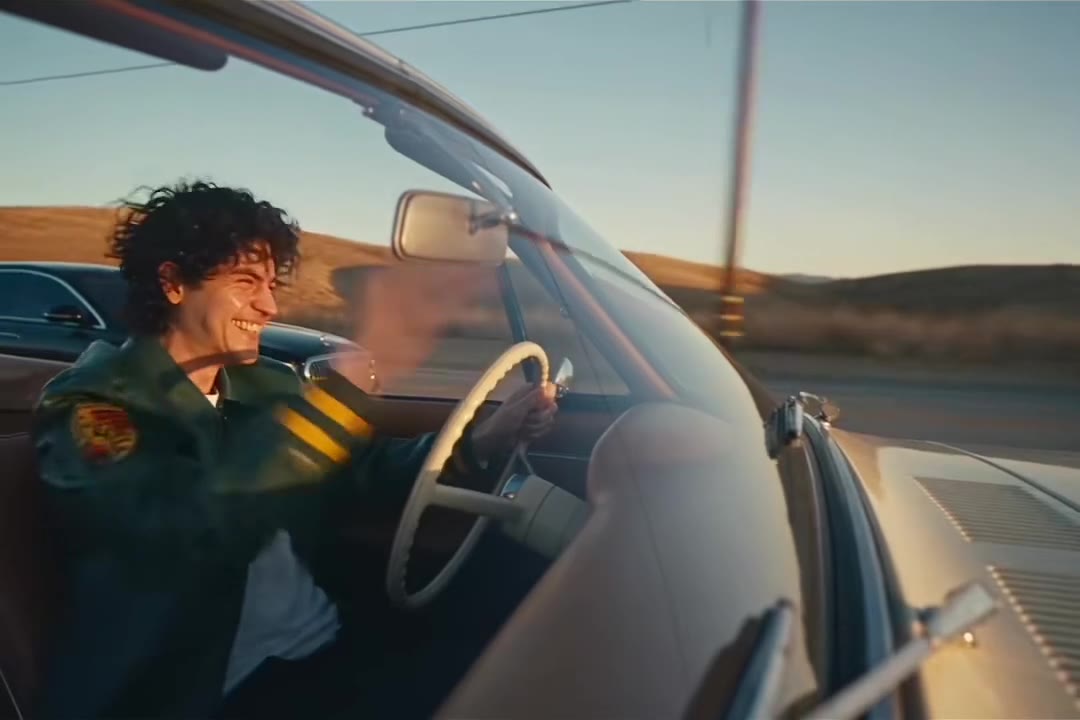
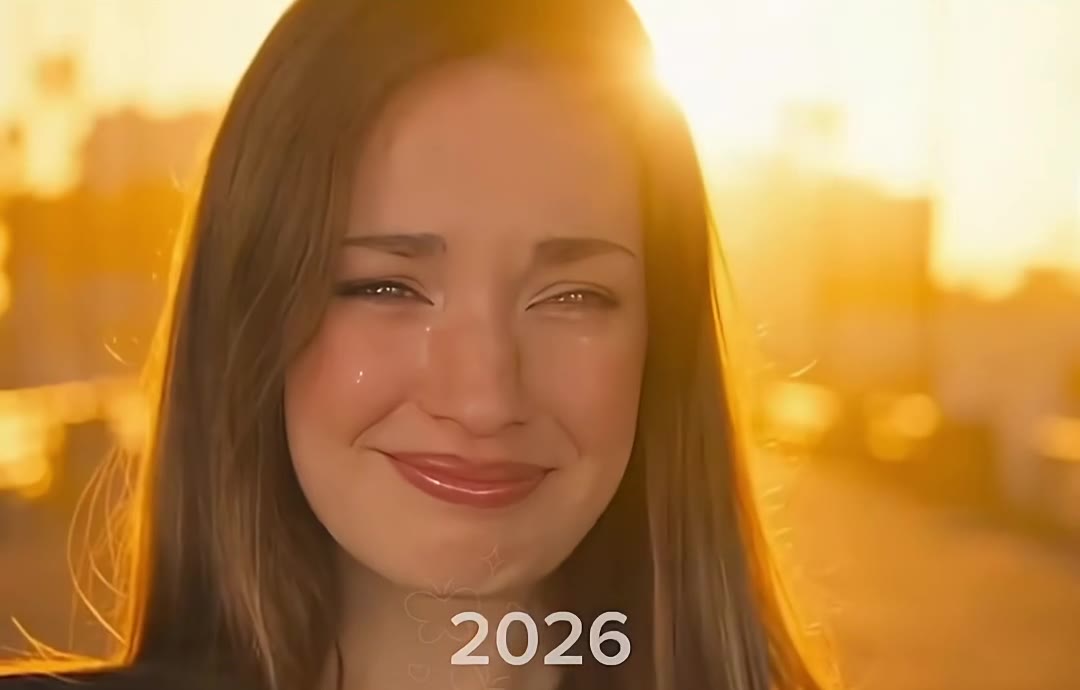
1Add your photo
What you'll get
Trend remakes · inspiration only
Front-facing, well-lit selfies work best. One face per photo.
2Choose quality
Picked for this video: it has several people or many cuts, and this model keeps every face steady.
By generating you confirm you have permission to use the people in your photos. Terms
No subscription needed · Ready in 4–6 minutes · Failed renders are free
GTA 5 goodbye AI is a 15-second clip in which you take a car key and a game disc from three GTA characters on a sunset pier and cry as you say goodbye; videosi makes it from one photo of you.
- Fast facts
- First seen
- Stage
- Spreading
- Started on
- TikTok (unconfirmed)
- Sound
- Posts say "original sound"; different template versions use different music and we could not name a track. The videosi video comes with the pier version's sound already on it.
- Meaning
- The GTA 5 goodbye trend is a short AI clip in which a player says an emotional farewell to Grand Theft Auto V on a sunset pier; the AI version puts your face in the scene.
Page updates
- November 20, 2026 — Page published.
The GTA 5 Goodbye AI prompt and model
GTA 5 Goodbye AI is made with Seedance 2.0 / 2.5 by ByteDance. The prompt behind it has 5 parts, and the timing is what makes or breaks it.
- Model
- Seedance 2.0 / 2.5
- Mode
- Photo + motion reference to video
- Length
- 15 seconds, 9:16, 1:1 or 16:9
- Input
- 1 photo
- Identity swap Your photo replaces the young man in the original goodbye: face, hair, clothes and skin tone come from it in every frame.
- Motion reference A 15-second clip of the original pier scene supplies the three characters, the car and every camera move, so only the main person changes.
- Keep list Everything else stays as in the reference: the pier, the sunset, the game disc, the key and the sports car.
- Action line One sentence of action: taking the key and the disc, then crying while saying goodbye.
- Close-up rule Your face keeps its own shape and build in the final tear close-up instead of drifting toward the original actor.
Replace the young man with wavy light-brown hair, a green short-sleeve button shirt and a white T-shirt in Video 1 with the person from Image 1.…
Why it goes wrong when you do it yourself
- Asked for "me saying goodbye to GTA" from scratch, a video model invents generic characters and a random street; the pier, the three characters, the disc and the car do not appear.
- Without an identity swap the model keeps the original young man and only borrows your clothes.
- The tear close-up is the hardest beat: faces drift toward the actor's unless the face shape is pinned to your photo.
- Each try costs model credits and several minutes, and a 15-second scene with seven cuts rarely comes out right on the first attempt.
More videos from this trend
These clips were made and posted by other creators, not by videosi. Credits link to the original posts.
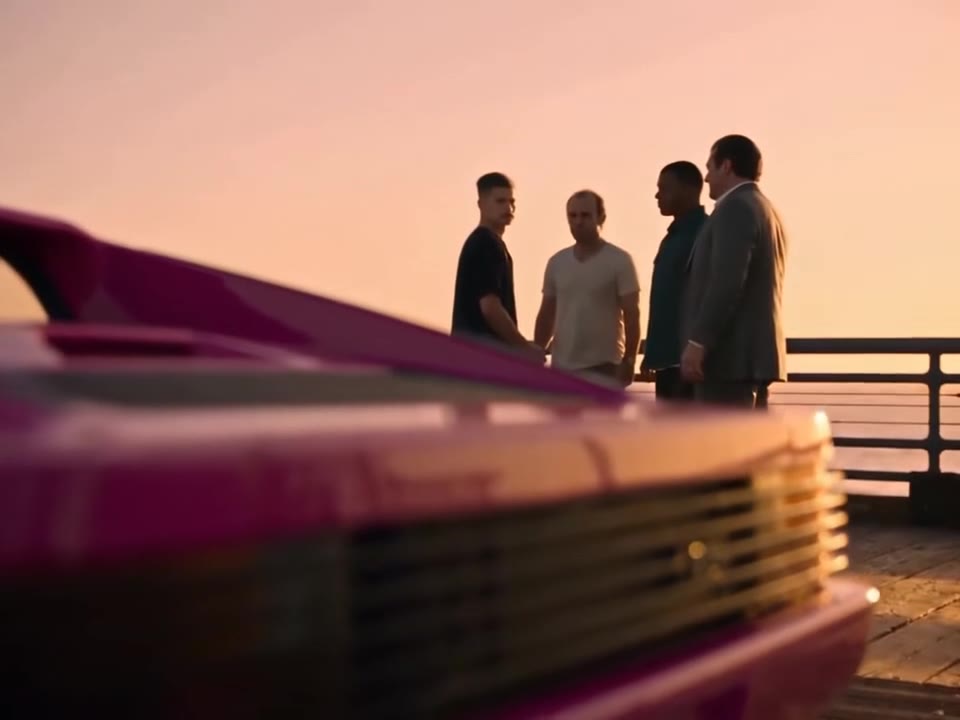
How to make your GTA 5 Goodbye AI video
Upload one photo of yourself
A sharp photo of one person, face clearly visible, ideally waist-up. The hair and clothes in the photo are what you wear on the pier.
Pick a format
Choose 9:16 for TikTok, Reels and Shorts, or 1:1 or 16:9. There is nothing else to set: the pier, the characters and the camera moves are built in.
Generate
Press Generate. Rendering takes several minutes and the 15-second MP4 has no watermark; it is saved in My creations if you close the page.
Post it
The sound from the original is already on the video. Post it and label it as AI-generated.
What is the GTA 5 Goodbye AI trend?
Updated · videosi is an independent tool. It is not affiliated with TikTok, Instagram, YouTube, or with the owners of any trend, song, game or brand named on its pages.
The GTA 5 goodbye trend is a short, emotional AI clip in which a player says farewell to Grand Theft Auto V. In the clip that started it, a young man stands on a pier at sunset with three of the game's best-known characters; one hands him a car key and another a copy of the game, a pink and turquoise sports car waits behind them, and the camera ends on his face as he cries. A last aerial shot shows the car driving away down a palm-lined road.
The earliest version we found was posted on TikTok on 11 November 2026. From 16 to 19 November the same look spread through CapCut templates: how-to accounts post the template result first, such as a pier goodbye, a drive down a desert highway with the characters waving from a truck, or a childhood-to-adult reunion, and then screen-record the steps. The captions say "GTA 5 goodbye", "saying goodbye to GTA 5" and "see you again", and several tag it #aitrend.
We could not confirm a named song: the posts say "original sound", and different template versions use different music. The videosi video comes with the pier version's sound already on it, lined up with the shots.
This page makes the pier goodbye for you. Upload one photo of yourself, and videosi renders the 15-second scene with your face, hair and clothes on the person at the centre of it; the pier, the three characters and the camera moves are built in. The GTA characters and the game name belong to their owners, and videosi is not affiliated with them.
GTA 5 Goodbye AI: shot by shot
- 0-2 s
The pier at sunset
You stand on a pier in golden light with three of the game's characters facing you; the sun flares behind them.
- 2-4 s
The disc
An overhead shot on the wooden deck: a hand holds a copy of the game, a farewell gift.
- 4-7 s
The key
One of the men hands you a car key and you take it, a paper in your other hand; the pink and turquoise sports car waits behind.
- 7-10 s
The car
The camera swings behind the glowing car front while you and the man stand by the pier fairground wheel.
- 10-13 s
The old friend
A weathered friend looks down with wet eyes and reaches toward you.
- 13-15 s
The tears
Close-up of your face against the blurred beach, eyes shut, crying as you say goodbye.
Tips for a better result
One person, face in view
Use a photo of one person looking roughly at the camera. Sunglasses and masks hide what the tear close-up needs.
Show your build
A waist-up photo gives the person on the pier your shoulders and posture; a tight face crop makes the model invent them.
Clothes you want to see
You wear what you wear in the photo. A solid top reads well against the sunset; avoid pink and turquoise, which are the car's colours.
Plain, sharp light
Daylight and a plain background keep face and hair accurate. Heavy filters and beauty modes change the likeness.
Good to know before you make a GTA 5 Goodbye AI video
- Likeness is not guaranteed: the final tear close-up is where faces drift most, and the scene has about seven cuts.
- The three characters and the game belong to their owners; they are in the reference scene and videosi is not affiliated with them. The video may be rejected if a model's checks flag a game character, and then your credits come back.
- It shows you in a scene that never happened. Label it as AI-generated when you post it. Only one person comes from your photo.
- The video comes with the original sound already on it.
How much does the GTA 5 Goodbye AI video cost?
- On a new account, this video costs $8.90, a one-time payment with no subscription: the first video takes 10 credits, covered by the Single pack (10 credits).
- From then on, this 15-second video is 13 credits on the Standard model at 720p. Other models and resolutions show their price before you start.
- There is no free generation on this page. Every account gets one free 5-second Muse video (watermarked, view only) and one free watermarked image in the AI tools. Credit packs start at $8.90 for 10 credits and never expire; plans start at $29.90 a month.
- Purchases are final. A failed, timed-out or blocked render returns its credits automatically.
- You pick the model before you generate: Seedance 2.0 Mini (Standard), Seedance 2.0 Fast (Fast), Seedance 2.5 Flash (Pro), Seedance 2.5 (Ultra).
GTA 5 Goodbye AI: questions
What is the GTA 5 goodbye AI trend and where did it come from?
The GTA 5 goodbye AI trend is a 15-second clip on videosi in which you take a key and a game disc on a sunset pier and cry as you say goodbye to GTA. The earliest TikTok post we found is dated 11 November 2026, and CapCut template versions followed from 16 November. The first creator is not confirmed.
How do I make a GTA 5 goodbye video with AI from one photo?
Upload one photo of yourself to videosi, choose 9:16, 1:1 or 16:9 and press Generate. The 15-second GTA 5 goodbye video needs no prompt and no editing. Rendering takes several minutes, and the finished MP4 is saved in My creations if you close the page.
Is there a website or generator for the GTA goodbye AI video?
Yes. videosi (videosi.io) is a web tool that makes the GTA 5 goodbye AI video from one photo. The pier, the characters and the camera moves are built in, so you only upload a photo and pick a format. A 15-second video (Standard model, 720p) is 13 credits and the MP4 has no watermark.
Is there a GTA 5 goodbye filter on TikTok or a CapCut template?
Many posts were made with CapCut templates, some titled "Farewell GTA5". Templates change or disappear often, so check inside CapCut. videosi is independent and not affiliated with TikTok, CapCut or the game's publisher. The videosi GTA goodbye video is a web tool: upload a photo and download a 15-second MP4 with the original sound on it.
What AI model and prompt make the GTA 5 goodbye video, and can I do it myself?
The videosi GTA 5 goodbye video is made with ByteDance's Seedance model (Seedance 2.0 Mini by default; Fast, Pro and Seedance 2.5 Ultra are one click away), from a short replace-the-person prompt plus a reference clip of the pier scene. Doing it yourself often takes four or five tries, because models rarely rebuild the three characters and keep the original actor out.
Why doesn't the person in my GTA 5 goodbye video look like me?
The usual cause is the photo: a tight face crop, sunglasses, a heavy filter or two people in frame. For the videosi GTA 5 goodbye video, use one sharp photo of one person with the face clear. Likeness is not guaranteed, and the last 2 seconds, the tear close-up, are where faces drift most.
Can I use a friend's photo, a child's photo or a pet instead of my own?
You can use a photo of any adult you have the right to use, such as a friend who agrees. The videosi GTA 5 goodbye video is built for one adult, so child and pet photos are not supported on this page. Never use someone's photo without permission, and label the finished clip as AI-generated.
What does "GTA 5 goodbye" mean in this trend?
"GTA 5 goodbye" is the name TikTok creators give to an emotional AI clip of someone saying farewell to Grand Theft Auto V, often with a car key and a game disc as the gifts. It is not an official game event. The videosi version recreates the sunset-pier goodbye with your face.
What song or sound is used in the GTA 5 goodbye trend?
There is no confirmed song. The GTA 5 goodbye clips on TikTok say "original sound", and different CapCut templates use different music, so we could not name one track. The videosi GTA 5 goodbye video is a 15-second MP4 that already has the pier version's sound on it; you can swap it in TikTok or Instagram.
Is the GTA 5 goodbye trend still popular?
It is spreading. As of November 2026 the earliest post we found is dated 11 November, and new CapCut template versions kept appearing from 16 to 19 November. Posting now still catches the wave, and the videosi version takes one photo and gives you 15 seconds of video.
Can the GTA 5 goodbye video be posted on TikTok, and how long is it?
Yes. The videosi GTA 5 goodbye video is 15 seconds long, in 9:16, 1:1 or 16:9 at the resolution you pick (720p on the Standard model), as an MP4 with no watermark. Post it only if the photo is yours to use, and label it as AI-generated, because it shows a scene that never happened.
Trending this week
All trends this week





Make your GTA 5 Goodbye AI video
Upload a photo and press Generate. 13 credits, refunded if it fails.
Get the next trend first
One email when new trends land on videosi, about once a week. Unsubscribe in one click.
See videosi first on Google
Add videosi as a preferred source and our trend pages show up first in your Top Stories and AI answers on Google.