Yes, you can make the Christian Dior dance AI video from one photo of yourself, and it costs 10 credits for an 11-second clip on the Standard model at 720p. The dance is a loose hip-sway with a knee lift and small hand gestures, and videosi swaps the dancer for you, keeps the moves and returns an MP4 with the trend sound already on it.
This guide goes past the basics on the page: what the moves are, what we could and could not confirm about the sound and origin, how to pick a photo, and how to post the result. videosi is not affiliated with Dior or with TikTok.
Key takeaways
- The earliest post we found is dated 16 October 2026, and the most-viewed one, from 21 October 2026, has about 4.2 million views; we could not confirm who started it.
- The sound is an original sound with the lyric "you know my style, I like Christian Dior". We could not confirm a song title or artist.
- The page makes one dancer per video. For a duo, make two videos from two photos.
- A standing photo, facing the camera, with relaxed hands and nobody else in it gives the best likeness.
- It is not free: 10 credits for one 11-second video on the Standard model at 720p, and packs start at $8.90 for 10 credits.
In this guide
- What exactly are the moves in the Christian Dior dance?
- When did the trend start, and is it still growing?
- Is the sound a real song, and can I name the artist?
- Does the name mean the brand is involved?
- Why is it so often a two-person dance, and can I make a duo?
- What photo gives the best Christian Dior dance AI result?
- Why do the hands and the knee lift sometimes look off?
- How is the AI clip different from filming the dance myself?
- How do I post it on TikTok without trouble?
- What does one try cost?
- Continue reading
What exactly are the moves in the Christian Dior dance?
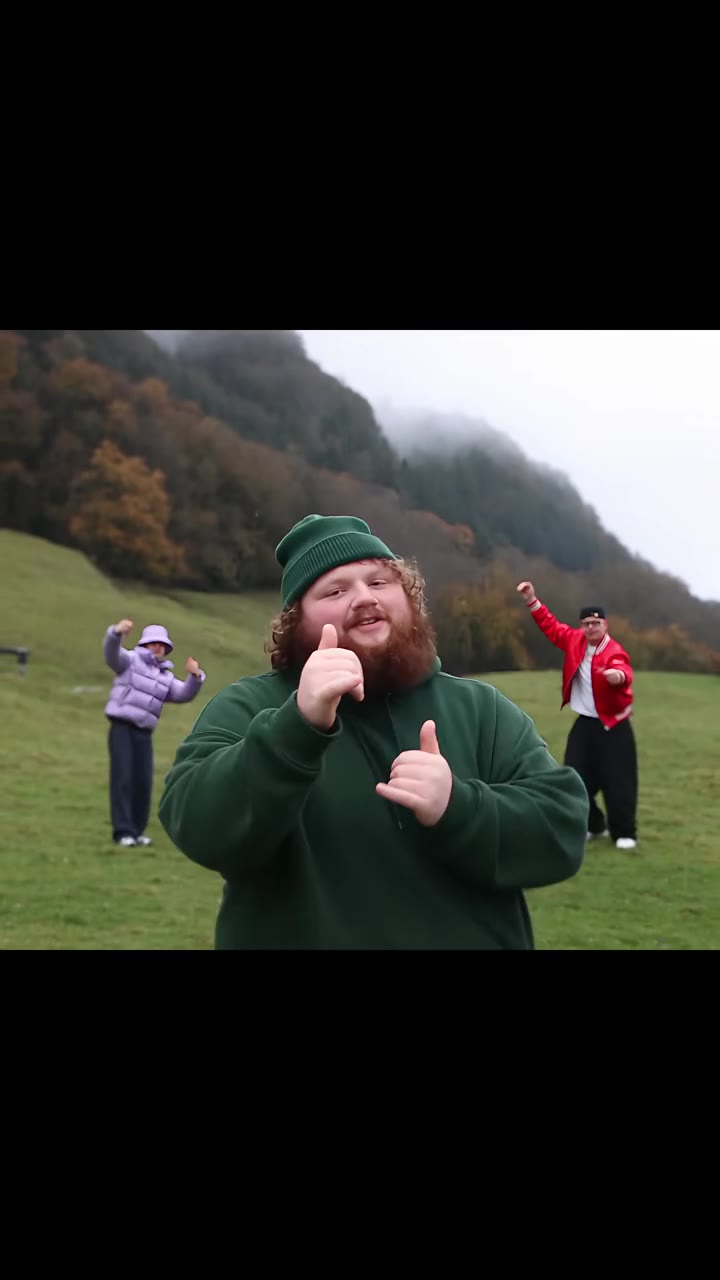
The dance is loose on purpose. In our six-beat breakdown of the 11-second clip, the dancer walks in with arms relaxed, shifts weight from foot to foot, puts one hand on the hip, swings both arms wide with a small sway, lifts one knee high with the arms still out, raises a hand to the head, brings the hands together at the chest and finishes with small steps and pointing gestures.
The knee lift at about the 4 to 5 second mark is the biggest move, and it is the one most people wait for. Everything else is small, which is why the trend is easy to copy in a yard, a hallway or a living room with a phone propped against something.
When did the trend start, and is it still growing?
The earliest post we found is dated 16 October 2026. The most-viewed one is a solo clip dated 21 October 2026 with about 4.2 million views. We could not confirm who posted first, so we say "earliest post we found" rather than "origin". Duo versions with 700,000 to 800,000 views followed in early November.
We class the trend as emerging. The earliest post we found is about four weeks old, new versions show up daily, and the AI version has only just started. If you want to join in, posting while the sound is still fresh is the simple move.
Is the sound a real song, and can I name the artist?
No, not honestly. Posts use an original sound on TikTok with the lyric "you know my style, I like Christian Dior", and we could not confirm a song title or artist. The creator of the dance is also unconfirmed, so we do not credit anyone by name.
This matters for captions and for crediting. If you are asked what song it is, "original sound" is the accurate answer for now. The Christian Dior dance AI file from videosi has the trend sound attached to the 11-second clip, and you can swap it on TikTok from the platform's own library if you prefer.
Does the name mean the brand is involved?
No. "I love Christian Dior" is a lyric used as a style flex, the way people name a fashion house to say they have taste. The dance itself is about attitude, not a story and not an advertisement. The name is the fashion house name used as a lyric.
videosi is independent and is not affiliated with Dior or with TikTok. We use the name only to describe the trend people are searching for, and the video does not use any logo, brand text or watermark.
Why is it so often a two-person dance, and can I make a duo?
Many people filmed the dance as a duo, tagging a friend or a partner, and that is what pushed the early posts. The original reference clip is a solo dance, though, so the videosi page makes one dancer per video.
If you want a duo look, make two videos, one per person, each from that person's own photo, and place them side by side or cut between them in your editor. It is a workaround, not a single two-person render, and it works best when both photos use the same format, for example 9:16.
What photo gives the best Christian Dior dance AI result?
Use a standing photo, full body or from the knees up, facing the camera. The video keeps your hair and outfit from the photo, so wear what you want to dance in. The model has to invent your legs if the photo is a face-only crop, and the knee lift is exactly where invented legs look wrong.
- Front-facing, even light, no harsh shadows.
- No sunglasses or hats, which hide the features the model needs to keep your likeness.
- Hands relaxed, not crossed in front of the body.
- Only you in the frame, so nobody else is pulled into the dance.
Why do the hands and the knee lift sometimes look off?
Hands, feet and fast limb moves are where AI video invents detail first. In this dance that means fingers that differ slightly from frame to frame and a knee lift that can look a little different in each render. Faces can also drift a little on fast turns, and likeness is not guaranteed.
If a result looks off, generate again with the same photo before you change anything. A render can fail on one attempt and land on the next, and a failed, timed-out or blocked render returns its credits automatically.
How is the AI clip different from filming the dance myself?
Filming yourself is free and you control every move, but you need space, a steady phone and the nerve to do the knee lift on camera. The AI clip needs only one photo, takes several minutes to render, and swaps the dancer in the original patio clip for the person in your photo while keeping the moves and the timing.
The real dance will always have more personality, because it is you moving. The AI version is the choice when you cannot film, when you want to see a friend or family member in it, or when you just want to try the trend with zero setup. It stays a clip of a patio, so it does not look like your own yard.
How do I post it on TikTok without trouble?
Switch on TikTok's AI-generated content label when you post, use only photos of adults who agreed to it, and use the trend sound from TikTok's own library if you change the audio. Following those rules is what keeps an AI video in good standing; being AI is not by itself the issue.
The MP4 from videosi has no watermark, comes in 9:16, 1:1 or 16:9, and already has the trend sound on it. Remember the photo rule: videosi does not accept photos of anyone under 18, and users must be 18 or older. Photos and results are deleted within 30 days.
What does one try cost?
It is not free: there is no free generation and no free trial. An 11-second video on the Standard model at 720p is 10 credits, and credit packs start at $8.90 for 10 credits and never expire. Better models and higher resolutions cost more, and you see the price before you generate.
| What | Price or credits |
|---|---|
| One 11-second video, Standard, 720p | 10 credits |
| Smallest credit pack | $8.90 for 10 credits |
| Free generations | None |
See the pricing page for current packs. When you are ready, open the Christian Dior dance AI page, upload one standing photo and press Generate.