Baby Face AI Filter: The Cabbage Patch Doll Face, Starring You
You, with the round, beady-eyed Cabbage Patch baby face from the Snapchat lens. One photo of an adult is all it takes.
Updated : Page published.
1Add your photo
What you'll get
Front-facing, well-lit selfies work best. One face per photo.
By generating you confirm you have permission to use the people in your photos. Terms
No subscription needed · Ready in about a minute · Failed renders are free
The baby face filter, also called the Cabbage Patch filter, is a Snapchat lens that gives a face beady eyes, round cheeks and a flat nose like a Cabbage Patch Kids doll; videosi makes it from one photo of you.
- Fast facts
- First seen
- Stage
- Just starting
- Started on
- Snapchat (unconfirmed)
- Sound
- No single sound; posts keep the original audio of the scene, often pitched up.
- Meaning
- The "baby face" filter refers to a Snapchat lens that gives a face a Cabbage Patch Kids doll look, with beady eyes, round cheeks and a flat nose.
- Related trends
- AI Gender Swap Filter (Cross Dressing AI), Age Filter AI, AI Vegetables
Page updates
- November 18, 2026 — Page published.
The Baby Face AI prompt and model
Baby Face AI is made with GPT Image 2.6 by OpenAI. The prompt behind it has 5 parts, and the timing is what makes or breaks it.
- Model
- GPT Image 2.6
- Mode
- Photo to still image
- Length
- One vertical 2:3 still image
- Input
- 1 photo
- Identity lock Your photo is the only source for the person: pose, hair, clothes, background and expression.
- Face transformation Only the face changes, into a smooth vinyl-doll baby face.
- Doll details Large glossy bead eyes, round chubby cheeks and a small flat nose.
- Body and age The body, clothes and age cues stay adult, so you get a doll-faced adult, not a child.
- Rules One person, no text or logos, believable light, five fingers per hand.
Using the photo of the adult in Image 1, create one photorealistic, vertical 2:3 image of the same person with a Cabbage Patch Kids doll baby face…
Why it goes wrong when you do it yourself
- Asking an image model for a baby usually swaps your whole head for a real infant, so the prompt fixes the face shape and only changes the features.
- Without a clothes and background lock the model redraws the scene and the person is no longer recognisable.
- Beady eyes drift into a creepy stare unless the eye size, spacing and gloss are described.
- Without a body rule the whole figure shrinks into a toddler, which is not the trend and not what this page makes.
More videos from this trend
Trend inspiration · not a selectable template
How to make your Baby Face AI image
Upload your photo
One clear, front-lit picture of an adult face with the whole head visible.
Generate
Press Generate. There is nothing to pick: the Cabbage Patch baby face look is fixed.
Download and post
The image is usually ready in about a minute, vertical 2:3, ready for a story, a post or a TikTok slideshow.
What is the Baby Face AI trend?
Updated · videosi is an independent tool. It is not affiliated with TikTok, Instagram, YouTube, or with the owners of any trend, song, game or brand named on its pages.
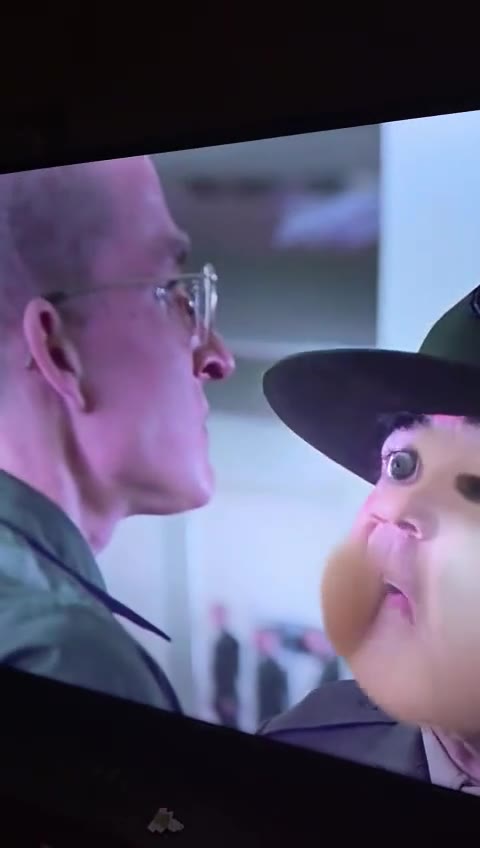
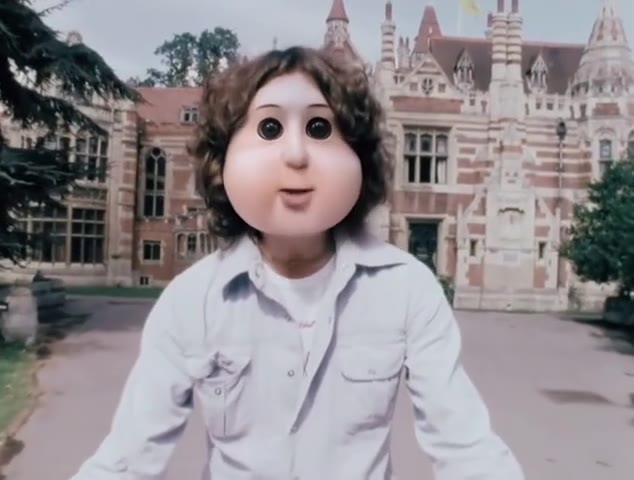
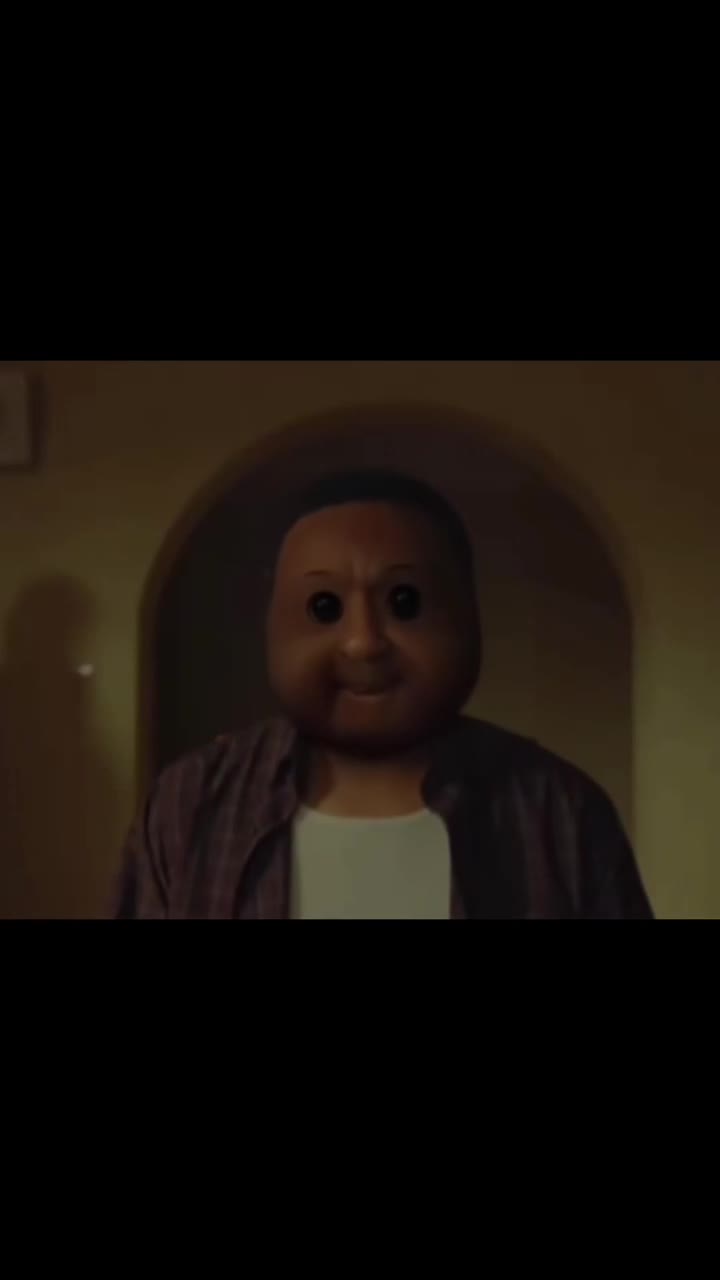
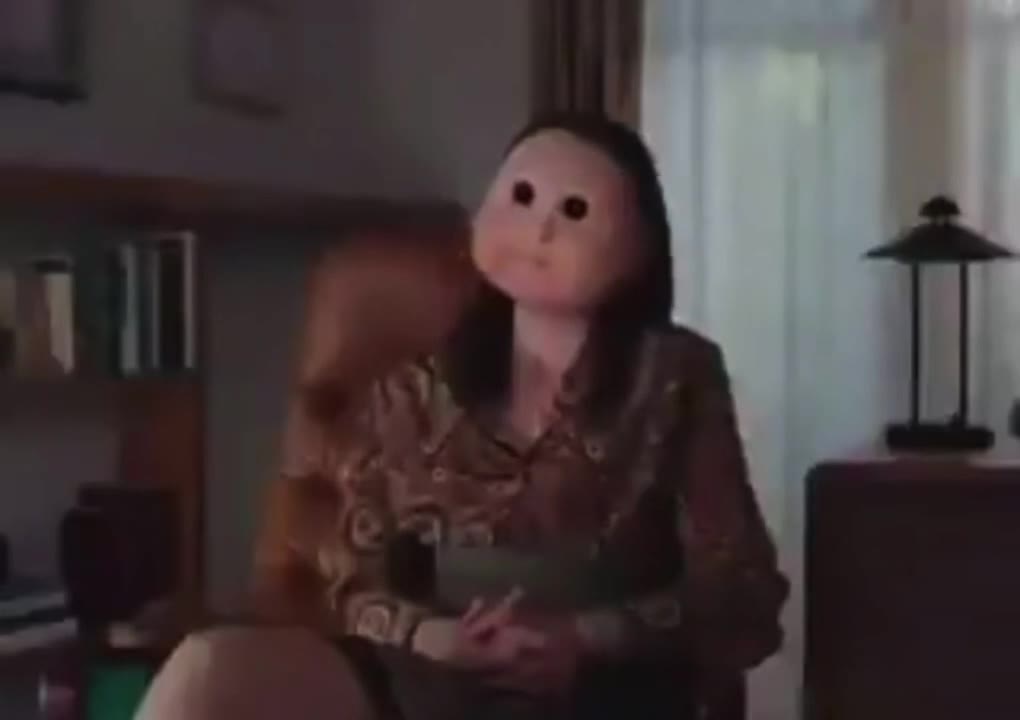
The baby face filter is a Snapchat lens that swaps a face for a Cabbage Patch Kids style doll: two big glossy bead eyes, round cheeks, smooth skin and a flat little nose. The expression underneath still moves, so a stern soldier, a streamer or a film character suddenly looks like a cranky baby doll. Many posts also raise the pitch of the voice.
Know Your Meme lists the lens as "ggg11" and dates the first TikTok examples to mid-November 2026, with the earliest known one posted on 9 November 2026. Creators then put it on movie and TV scenes, the I Am A Surgeon meme and streamers, and a meme about angry people with baby faces followed around 16 November. It is just beginning to spread, and no single original creator is confirmed beyond the lens author.
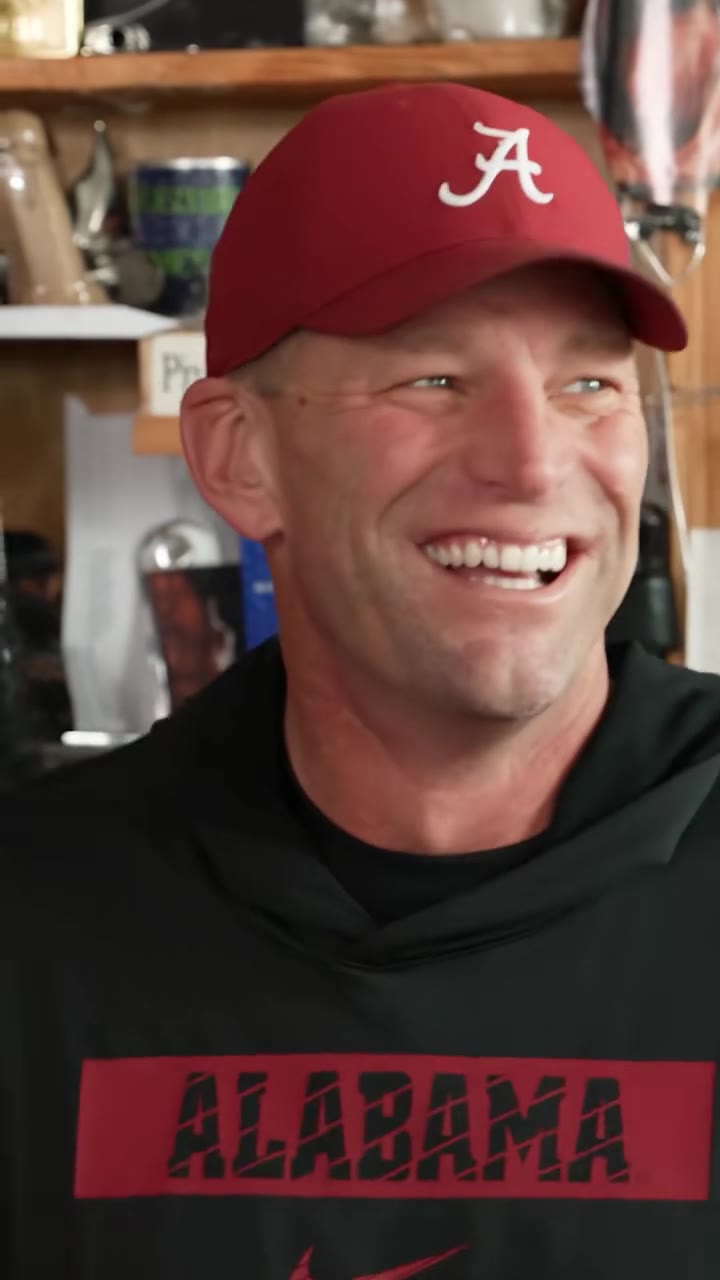
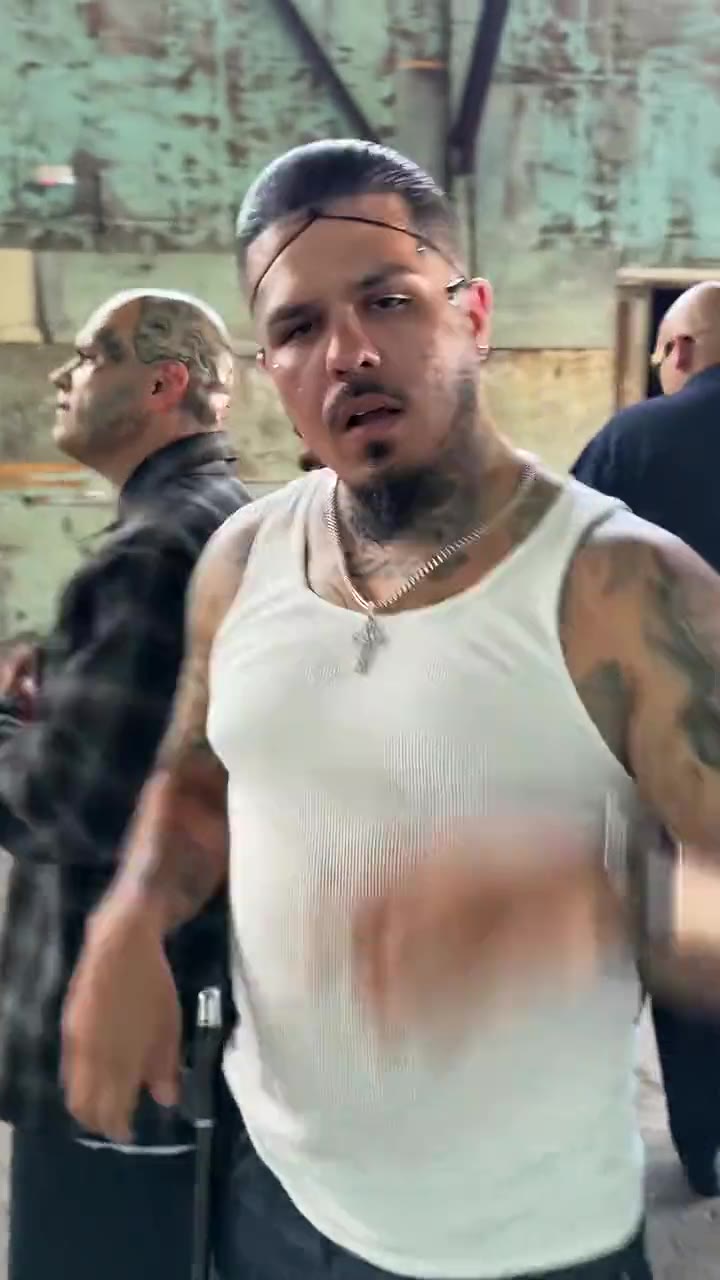
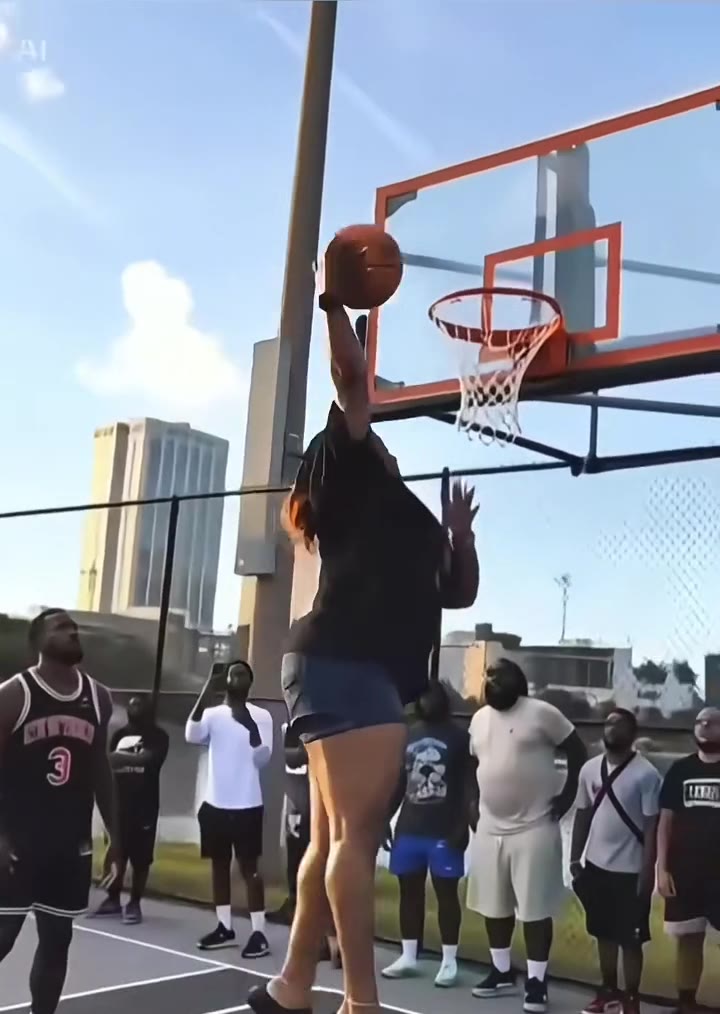
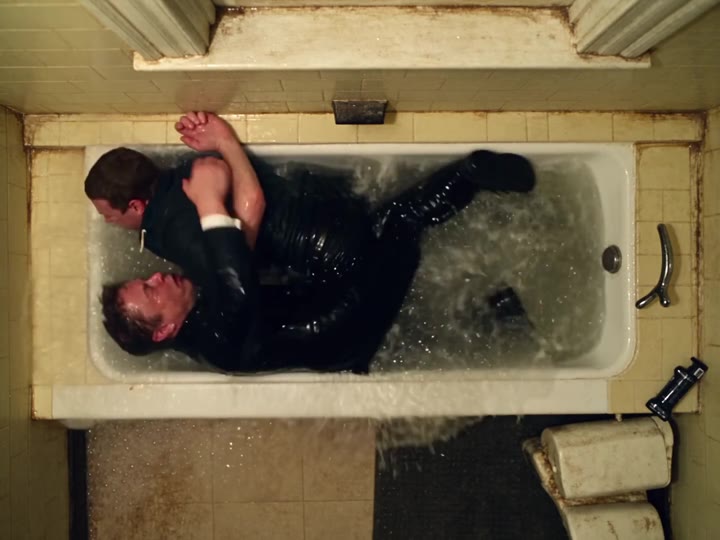
This is a live camera effect, so the original needs Snapchat. videosi turns the same look into a still: you give it one photo of an adult and it redraws the face as a Cabbage Patch baby face, keeping your hair, clothes, pose and background. The clips on this page are other people's TikTok results with the lens, shown for reference.
Download one vertical 2:3 image. It is a picture, not a video, so there is no voice effect; add one in your video editor if you want the squeaky voice.
Baby Face AI: shot by shot
- Step 1
The straight shot
The person or film character looks into the camera or speaks, with a normal adult face.
- Step 2
The lens locks on
The Snapchat lens finds the face and swaps it for a round, smooth, doll-like one.
- Step 3
Beady eyes, round cheeks
Two glossy dark bead eyes, chubby cheeks and a flat button nose replace the real features.
- Step 4
The joke lands
The doll face moves with the original expression, so a serious scene or a rant turns funny; many posts also pitch the voice up.
Tips for a better result
Face the camera
A front-facing, even-lit face gives the doll eyes and cheeks a clean place to land.
Keep it to one person
Group shots make it unclear who gets the baby face; crop to one face first.
Show your expression
A smile or a serious look carries over, and that expression is the joke.
Take off sunglasses
Glasses and shades hide the eyes the doll look is built around.
Good to know before you make a Baby Face AI image
- The result is a still image with no sound, not the live Snapchat lens or a video.
- For adults only: use a photo of yourself or a friend who agreed, not of a child.
- The look is a joke doll face, not a prediction of what you looked like as a baby.
- A failed or blocked generation returns its credits automatically.
Baby Face AI: questions
What is the baby face filter trend?
The baby face filter trend is a Snapchat lens that turns a face into a Cabbage Patch Kids doll look, with beady eyes, round cheeks and a flat nose. TikTok posts of it began around 9 November 2026, and videosi makes a still version from 1 photo of an adult.
How do I make the baby face look from one photo?
Upload 1 clear photo of an adult face on the videosi baby face page and press Generate. It costs 1 credit, needs no written prompt and usually finishes in about a minute. Your hair, clothes and background stay as they are; only the face becomes a doll-like baby face.
What does the Cabbage Patch baby face filter mean?
"Baby face" here means a Cabbage Patch Kids doll look, not a real baby: beady eyes, big round cheeks, smooth skin and a flat nose. On videosi it is made from 1 photo. People put it on movie scenes, memes and friends, and a joke format about "baby faces" who get angry followed around 16 November 2026.
Is there a website or app for the baby face filter?
Yes. videosi (videosi.io) makes the baby face look as a 2:3 image from 1 photo in a phone or desktop browser, with no app and no prompt. The original effect is a live Snapchat lens that runs in the Snapchat camera; videosi is independent and not affiliated with Snapchat.
How do I get the baby face filter on Snapchat or TikTok?
Creators say to search Snapchat for the lens "ggg11" (also written ggg111), then record or film a screen with it on. It is a camera lens, not a TikTok effect. videosi is an alternative that works from an existing photo and returns 1 image, which you can post anywhere.
What AI model does the baby face image use?
videosi uses GPT Image 2.6 from OpenAI to redraw the face in the Cabbage Patch doll look while copying your hair, clothes and background from your photo. It runs on 1 photo and returns 1 vertical 2:3 image. The full prompt is not shown, but you do not need to write one.
How much does the baby face image cost?
One baby face image costs 1 credit on videosi. Credit packs and plans are listed on the pricing page, and a failed or blocked generation returns its credits automatically, so you only pay for images you receive. Credit packs start at $8.90 for 10 credits.
Why does the result not look like me?
On videosi, dark, backlit or tiny faces give the model too little to copy, so the face drifts. Use one front-lit photo where your whole face and hair are visible and nobody else is in the frame, and generate again if the first try misses; the doll look is meant to keep your expression and face shape.
Can I use a photo of someone else, a pet or a child?
Use only adults, and only photos you have the right to use; videosi is built for adults making an image of themselves or a friend who agreed. Pet photos are not what this page is tuned for, and photos of children are not supported for this look.
Is the baby face trend still trending?
As of 18 November 2026 the baby face trend (the one videosi covers) is just starting to spread. The earliest known post is from 9 November 2026, and some clips on film scenes and memes that we found reached millions of views within about a week. It is too early to say how long it will last.
What song or sound is used in the baby face trend?
There is no single confirmed sound. Creators use the original audio of the scene they filter, such as a movie or meme clip, and many raise the pitch of the voice for the joke. A still image from videosi has no sound.
Can I turn the baby face into a video?
Not on videosi's baby face page: it returns 1 still image. For a clip you can post the image in TikTok or CapCut with your own sound. The live effect in the trend itself is a video lens inside Snapchat.
Trending this week
All trends this week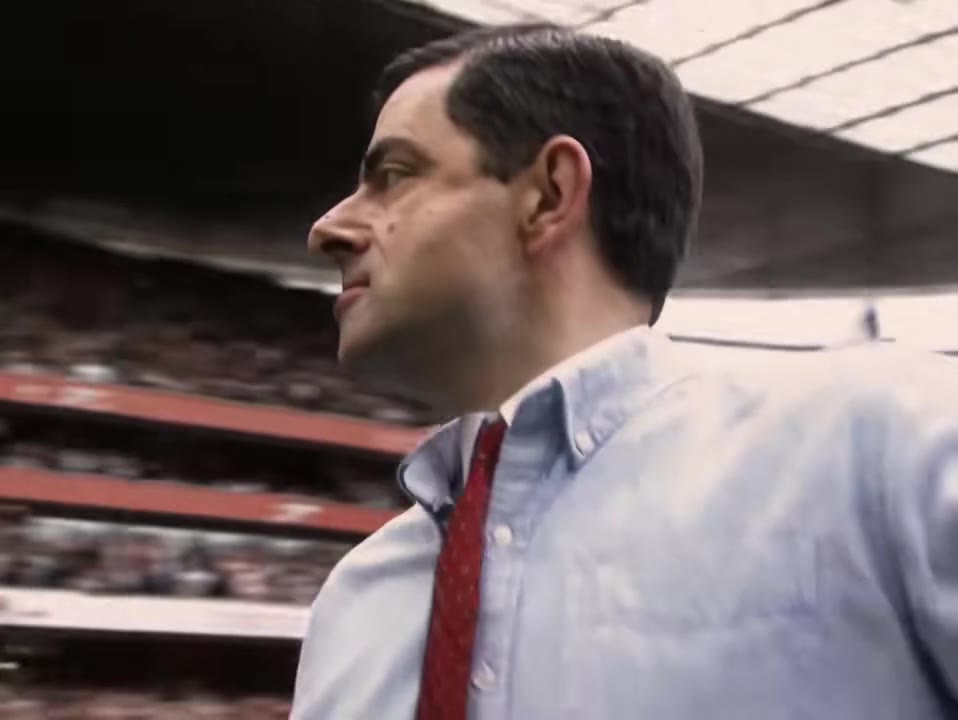


Make your Baby Face AI image
Upload a photo and press Generate. 1 credits, refunded if it fails.
Get the next trend first
One email when new trends land on videosi, about once a week. Unsubscribe in one click.
See videosi first on Google
Add videosi as a preferred source and our trend pages show up first in your Top Stories and AI answers on Google.