Airport Transition AI: Your Airport Transition Video from One Photo
Walk over the camera in an airport hall and land at a snowy mountain lookout, or pass a pillar and come out on a beach. One photo of you is enough, and a travel buddy's own photo is optional.
Updated : Page published with two scenes: the walk-over-the-camera mountain transition (13 s) and the pillar wipe to the beach (15 s).
1Add up to 2 photos, one person each
What you'll get
Trend remakes · inspiration only
Front-facing, well-lit selfies work best. One face per photo; they don't need to be taken together.
Choose your video2
Your video template · Walk over the camera to the mountains · 13s
2Choose quality
Picked for this video: it has several people or many cuts, and this model keeps every face steady.
By generating you confirm you have permission to use the people in your photos. Terms
No subscription needed · Ready in 4–6 minutes · Failed renders are free
The airport transition is a TikTok travel video where you walk over the camera, or past a pillar, in an airport and appear at your holiday destination in the next shot. On videosi you make an airport transition video from one photo of you: pick the 13 s mountain or 15 s beach scene and press Generate, with no prompt to write.
- Fast facts
- First seen
- Stage
- Just starting
- Started on
- TikTok
- Sound
- Burning Love — Elvis Presley with The Royal Philharmonic Orchestra
- Meaning
- The airport transition is a travel video in which someone walks over the camera, or past a pillar, in an airport terminal and appears at their holiday destination in the next shot, as if they teleported there.
Page updates
- November 24, 2026 — Page published with two scenes: the walk-over-the-camera mountain transition (13 s) and the pillar wipe to the beach (15 s).
The Airport Transition AI prompt and model
Airport Transition AI is made with Seedance 2.0 / 2.5 by ByteDance. The prompt behind it has 5 parts, and the timing is what makes or breaks it.
- Model
- Seedance 2.0 / 2.5
- Mode
- Photo + motion reference to video
- Length
- 13 seconds (mountain lookout) or 15 seconds (beach), 9:16, 1:1 or 16:9
- Input
- 1–2 photos
- Pick the scene Each scene has its own reference clip: the walk over the camera to a mountain lookout, or the pillar wipe to a beach.
- Swap you in The lead traveller in the clip is replaced with the person in your first photo, in the airport and at the destination.
- Swap the friend The second traveller is the person in your second photo. Leave it empty and the AI adds a different-looking friend.
- Keep the transition The low camera, the walk-over or pillar wipe, the cuts and the timing stay as in the original, so the jump lands on the beat.
- Sound Each scene's original sound is added to the finished video, so the jump still lands on the beat of the clip.
Replace the woman in the pink tracksuit with the burgundy crossbody bag in Video 1, who walks over the camera…
Why it goes wrong when you do it yourself
- A text prompt alone gives a random airport and a random beach with no hidden cut, and the joke is the cut you cannot see.
- Video models tend to keep the people already in a reference clip unless each traveller is named and replaced, in the airport and at the destination.
- The clip has four shots and two people, so a cheap tier can swap the airport shots but leave the original people at the destination.
- At the destination the travellers are often seen from behind or far away, so likeness is weaker there than in the airport shots.
More videos from this trend
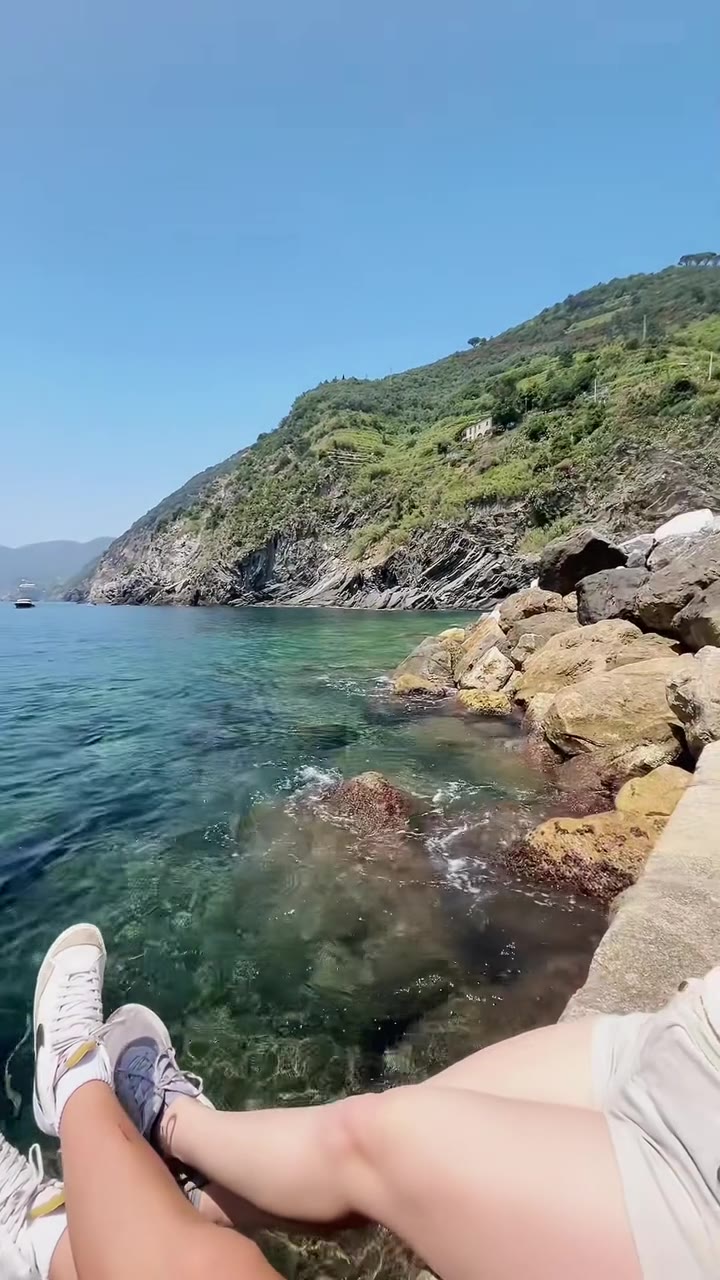
These clips were made and posted by other creators, not by videosi. Credits link to the original posts.
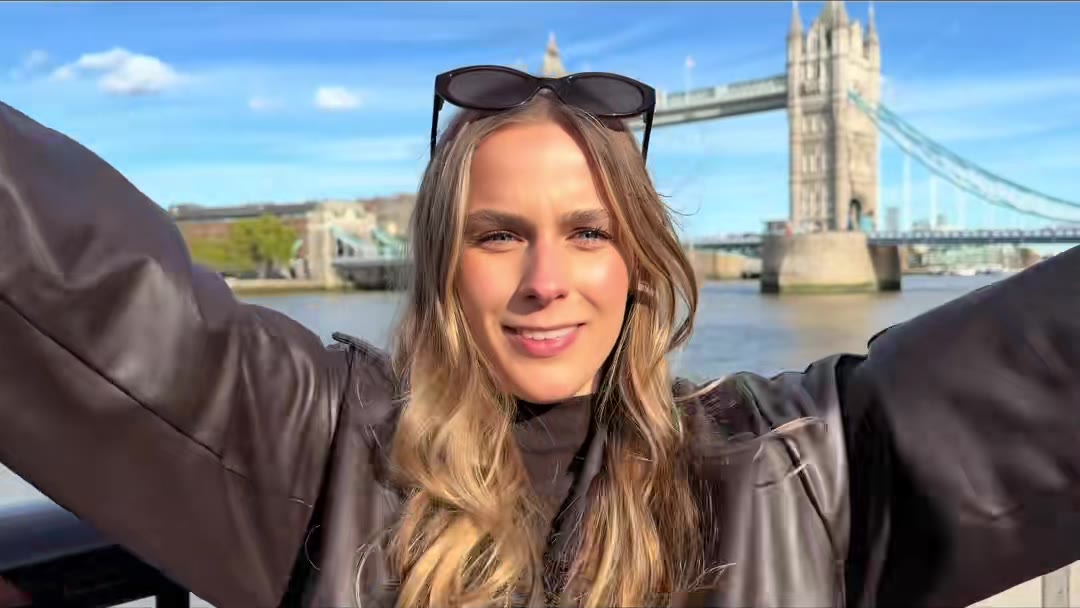
How to make your Airport Transition AI video
Pick a scene
Choose the walk over the camera to a snowy lookout (13 s) or the pillar wipe to a beach (15 s). Each card plays the original clip.
Add your photo
Photo 1 is you. Photo 2 is an optional travel buddy in a separate photo of their own; leave it empty and the AI adds a friend.
Generate
Pick 9:16, 1:1 or 16:9 and press Generate. You get an MP4 with no watermark and the scene's original sound.
Post it
Share your airport transition video on TikTok, Reels or Shorts and label it as AI-generated.
What is the Airport Transition AI trend?
Updated · videosi is an independent tool. It is not affiliated with TikTok, Instagram, YouTube, or with the owners of any trend, song, game or brand named on its pages.
The airport transition is a TikTok travel video in which you block the camera in an airport terminal and appear at your holiday destination in the next shot, as if you teleported. To make one from your own photo, pick one of the two videosi scenes, upload one photo of you and press Generate. In the most copied version the phone sits low on the terminal floor, you wave or point at the departures board, then walk straight at the lens until your legs fill the frame; the next shot starts with the same block, so when it clears you are already at the beach, a city or a snowy mountain lookout.
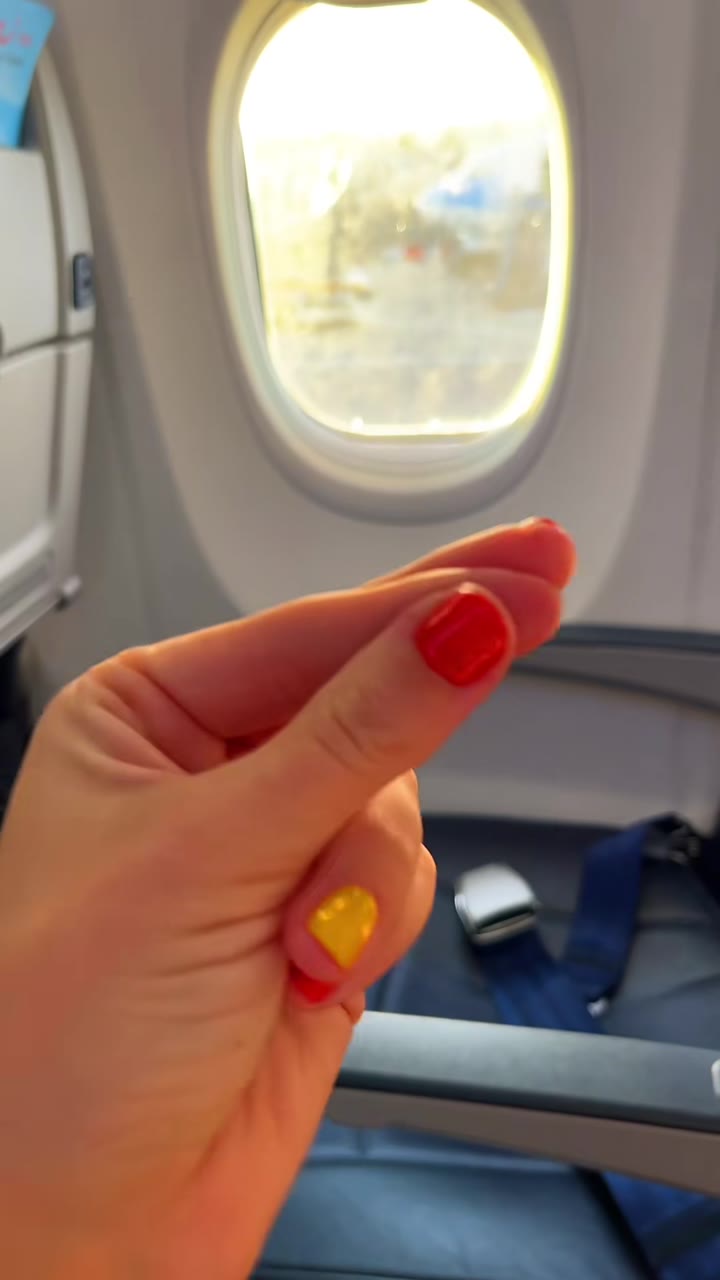
It is not new. Creators have posted airport to holiday transition reels on TikTok since at least 2022, with variations such as a finger click, a hand over the lens, a pillar wipe or legs up on a suitcase. The version most people copy is a March 2024 clip of two friends in matching tracksuits walking over the camera in an airport hall and landing at a snowy lookout, set to Elvis Presley's "Burning Love" (the Royal Philharmonic Orchestra version); it had about 11.6 million views when we checked on 24 November 2026.
The AI version started to show up in November 2026, when AI video sites began offering airport transition templates, including a "finger circle" version where you make a ring with your fingers and the camera passes through it. Our trend radar first picked up searches for "airport transition ai" on 16 November 2026, so the AI wave is only just starting.
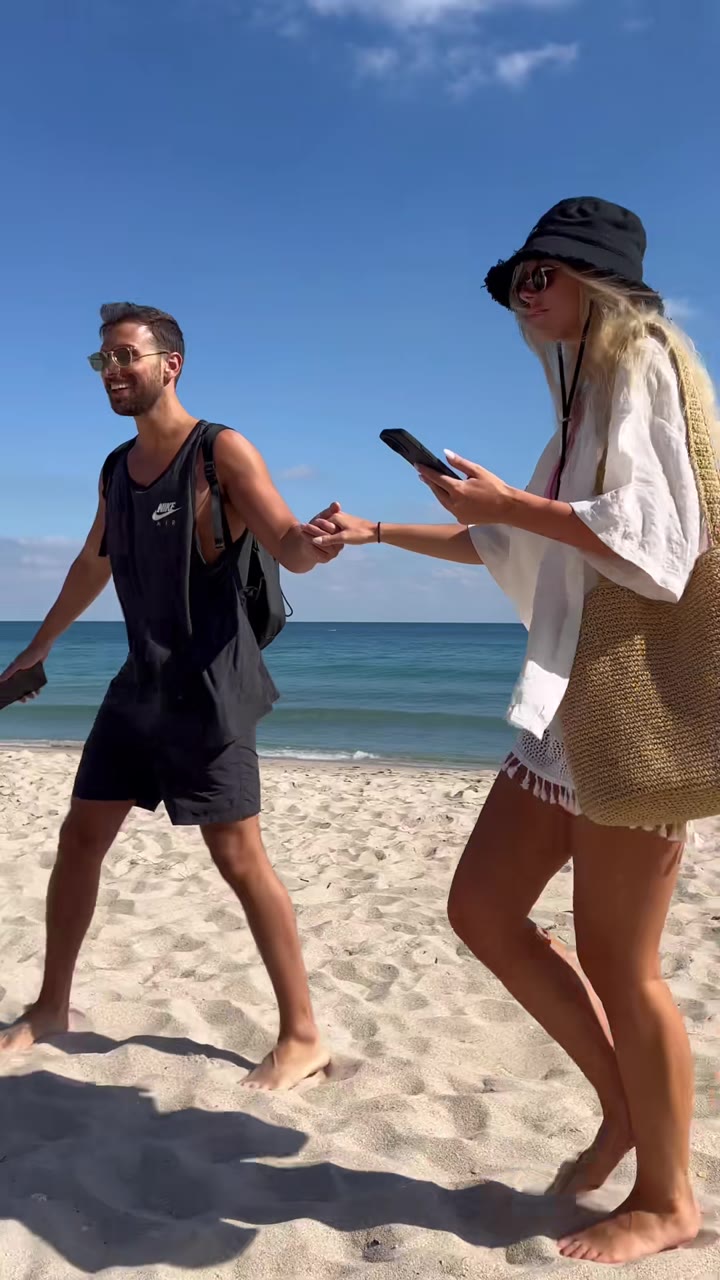
On videosi there are two scenes: the walk over the camera to a snowy mountain lookout (13 s) and the pillar wipe, an airport to beach transition (15 s). The AI puts the person from your photo in the airport hall, keeps the hidden cut on the same beat and lands you at the destination, with the original sound added to the video. Add a second photo, one person per photo, to bring a travel buddy. The destination is set by the scene you pick.
Walk over the camera to the mountains: shot by shot
- 0–3 s
Airport hall
Low floor camera in a bright terminal. Two friends in tracksuits wave and point up at the departures board.
- 3–4.2 s
Walk over
One of them walks straight at the lens until her legs fill the frame.
- 4.2–7.2 s
Landed
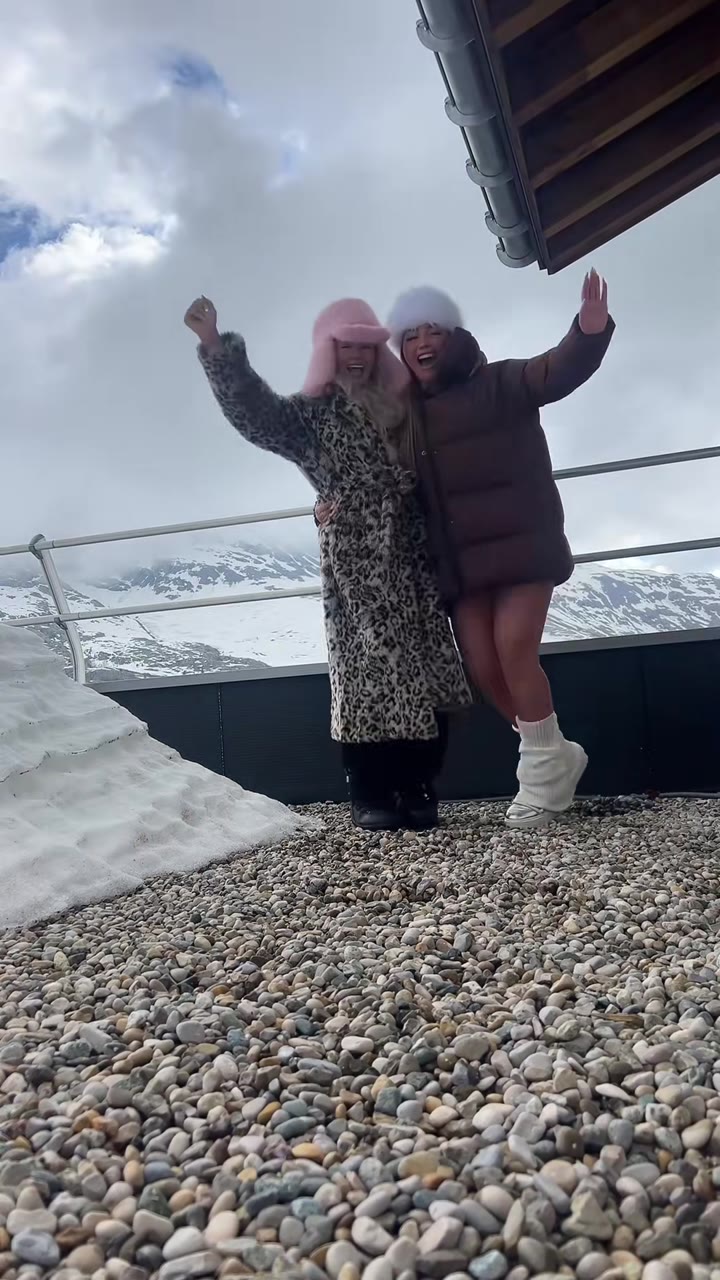
A boot steps off the lens at a snowy mountain lookout and she walks to the railing in a winter coat.
- 7.2–10.3 s
Second traveller
Back in the airport, her friend dances on the spot and walks over the camera too.
- 10.3–13 s
Together
The friend lands at the lookout in a puffer jacket, runs to the railing and both throw their arms open.
Tips for a better result
Full body helps
You walk toward a low camera, so a photo that shows your outfit and shoes, not just your face, keeps you recognisable in every shot.
Clear face
Use a photo where your face is sharp and well lit, without sunglasses or a hat shading your eyes.
One person per photo
Use one photo for you and a separate photo for your travel buddy. Group photos confuse who is who.
No filters
Beauty filters and heavy edits change your skin tone and face shape in the video.
Good to know before you make an Airport Transition AI video
- The destination is fixed by the scene you pick: a snowy mountain lookout or a sunny beach. Your own city or landmark cannot be chosen yet.
- Your clothes come from your photo, so the outfit change between the airport and the destination in the original may not happen.
- At the destination you are often seen from behind or far away, so the face there is less clear than in the airport shots. These prompts have not been tested on every photo.
- A failed, timed-out or blocked render gives its credits back automatically. videosi is not affiliated with TikTok, CapCut or the creators of the original clips.
How much does the Airport Transition AI video cost?
- On a new account, this video costs $8.90, a one-time payment with no subscription: the first video takes 10 credits, covered by the Single pack (10 credits).
- From then on, this 13-second video is 11 credits on the Standard model at 720p. Other models and resolutions show their price before you start.
- There is no free generation on this page. Every account gets one free 5-second Muse video (watermarked, view only) and one free watermarked image in the AI tools. Credit packs start at $8.90 for 10 credits and never expire; plans start at $29.90 a month.
- Purchases are final. A failed, timed-out or blocked render returns its credits automatically.
- You pick the model before you generate: Seedance 2.0 Mini (Standard), Seedance 2.0 Fast (Fast), Seedance 2.5 Flash (Pro), Seedance 2.5 (Ultra).
Airport Transition AI: questions
What is the airport transition trend?
The airport transition is a TikTok travel video where you walk over the camera in an airport and appear at your destination in the next shot, and videosi turns it into a 13 or 15 second AI video from one photo. The most viewed one we found, from March 2024, had about 11.6 million views on 24 November 2026. The format has been posted since at least 2022.
How do I make the airport transition video from one photo?
To make an airport transition video on videosi, upload one photo of you, pick the 13-second mountain lookout or the 15-second airport to beach scene, and press Generate. The AI puts you in the airport, keeps the hidden cut on the beat and lands you at the destination with the original sound. No prompt or editing is needed, and a second photo adds a travel buddy.
Is there an airport transition AI generator or website?
Yes, videosi.io/airport-transition-ai is an airport transition AI generator that turns one photo into a 13 or 15 second airport transition video. It runs in the browser on a phone or computer, needs no app, no prompt and no editing, and gives you an MP4 without a watermark. You pick a snowy mountain lookout or a beach scene; you cannot type in your own destination.
Is there an airport transition TikTok filter or CapCut template?
There is no single official TikTok filter for the airport transition, so videosi makes the whole 13 or 15 second clip from one photo instead. The original airport transition reels are filmed for real with a low camera and two locations, and a CapCut template only cuts your own airport and holiday footage together. If you are not at the airport, the AI version needs only your photo.
What is the airport finger circle AI transition?
The airport finger circle transition is an AI template seen on AI video sites since November 2026, and videosi offers the 2 most copied real airport transitions instead. In the finger circle version you make a ring with your fingers in an airport and the camera passes through it to your destination. On videosi you get the walk over the camera (13 s) or the pillar wipe to a beach (15 s).
What AI model and prompt does the airport transition use?
videosi makes the airport transition with ByteDance's Seedance 2.0 or 2.5 video models, which follow the original 13 or 15 second clip as a motion reference. The prompt only says which traveller in the clip becomes which photo and keeps the camera, cuts and timing the same. It is already applied to each scene, so you do not write a prompt, and the full text is not published.
Why doesn't my airport transition look like me?
On videosi most airport transition likeness problems come from the photo, and your face is clearest in the first 3 seconds, in the airport hall. Sunglasses, a side angle, a group photo or a beauty filter all weaken the match. At the destination you are often seen from behind or far away, so the face there is less clear. A sharp, front-facing full-body photo works best, but no photo guarantees an exact likeness.
Can I do the airport transition with a friend or partner?
Yes, the videosi airport transition takes up to 2 photos: Photo 1 is you and Photo 2 is your travel buddy, friend or partner. Each person needs a separate photo of just themselves; do not upload one photo with both of you in it, because the AI cannot tell who is who. Leave Photo 2 empty and the AI fills the second traveller with a different-looking adult.
What does "airport transition" mean?
"Airport transition" means a video edit, posted on TikTok since at least 2022 and made with AI on videosi, in which someone in an airport terminal seems to teleport to their holiday destination. They cover the camera by walking over it, passing a pillar or using a hand, and the next shot opens at the beach, a city or the mountains. The hidden cut is the whole trick.
What song is used in the airport transition?
The most viewed airport transition, from March 2024, uses "Burning Love" by Elvis Presley with The Royal Philharmonic Orchestra, and the 13-second mountain scene on videosi keeps that sound. The 15-second beach scene keeps its own original sound, "Hanging Tree Mashup" by Gabriel Wittner. Many remakes reuse "Burning Love", but other airport transitions use different sounds.
Is the airport transition still trending?
As of 24 November 2026 the airport transition is at an early, emerging stage as an AI trend, and videosi has had a generator for it since that date. Our radar first saw searches for "airport transition ai" on 16 November 2026. The real format is older: airport to holiday transitions have been posted on TikTok since at least 2022, and the most viewed one dates from March 2024.
Can I choose my own destination?
Not yet: the videosi airport transition has 2 fixed destinations, a snowy mountain lookout (13 s) and a sunny beach (15 s), because each scene follows its own reference clip. You cannot type in your own city or landmark. If your real trip goes somewhere else, say so in the caption and label the clip as AI-generated.
Trending this week
All trends this week







Make your Airport Transition AI video
Walk over the camera in an airport hall and land at a snowy mountain lookout, or pass a pillar and come out on a beach. One photo of you is enough, and a travel buddy's own photo is optional.
Get the next trend first
One email when new trends land on videosi, about once a week. Unsubscribe in one click.
See videosi first on Google
Add videosi as a preferred source and our trend pages show up first in your Top Stories and AI answers on Google.