Parallel Universe AI: The Giant Frog Ride, Starring You
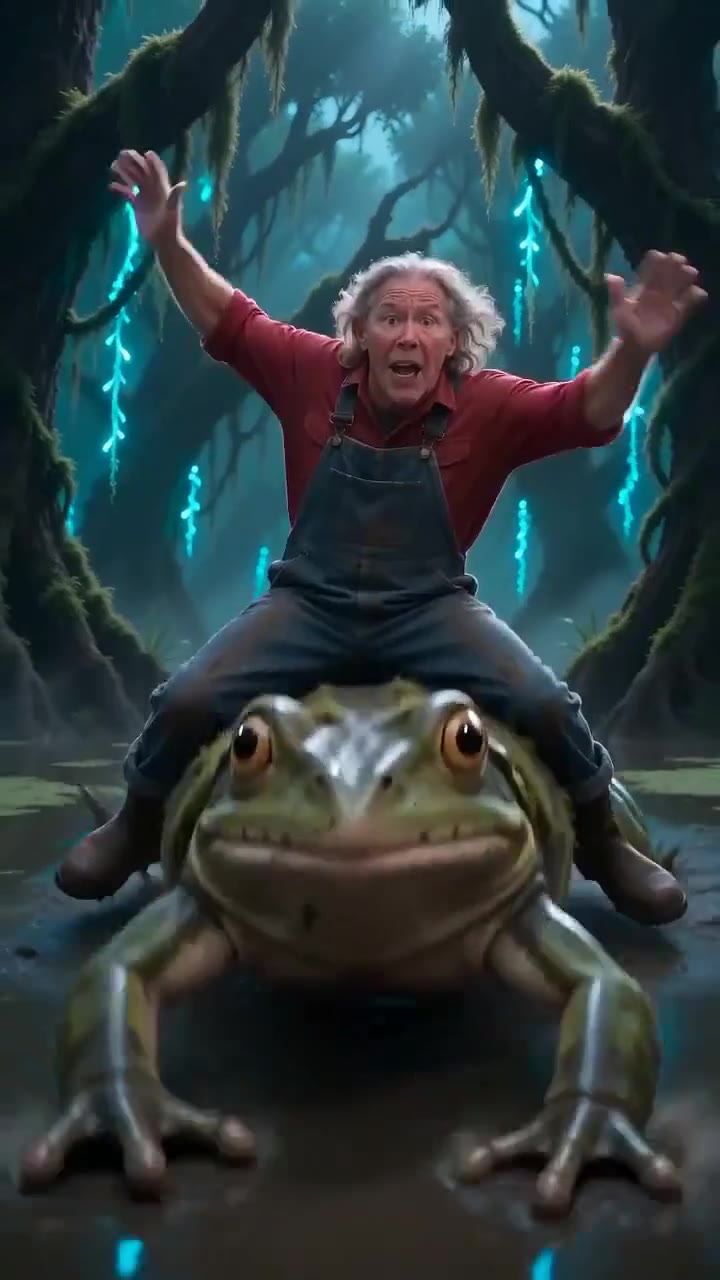
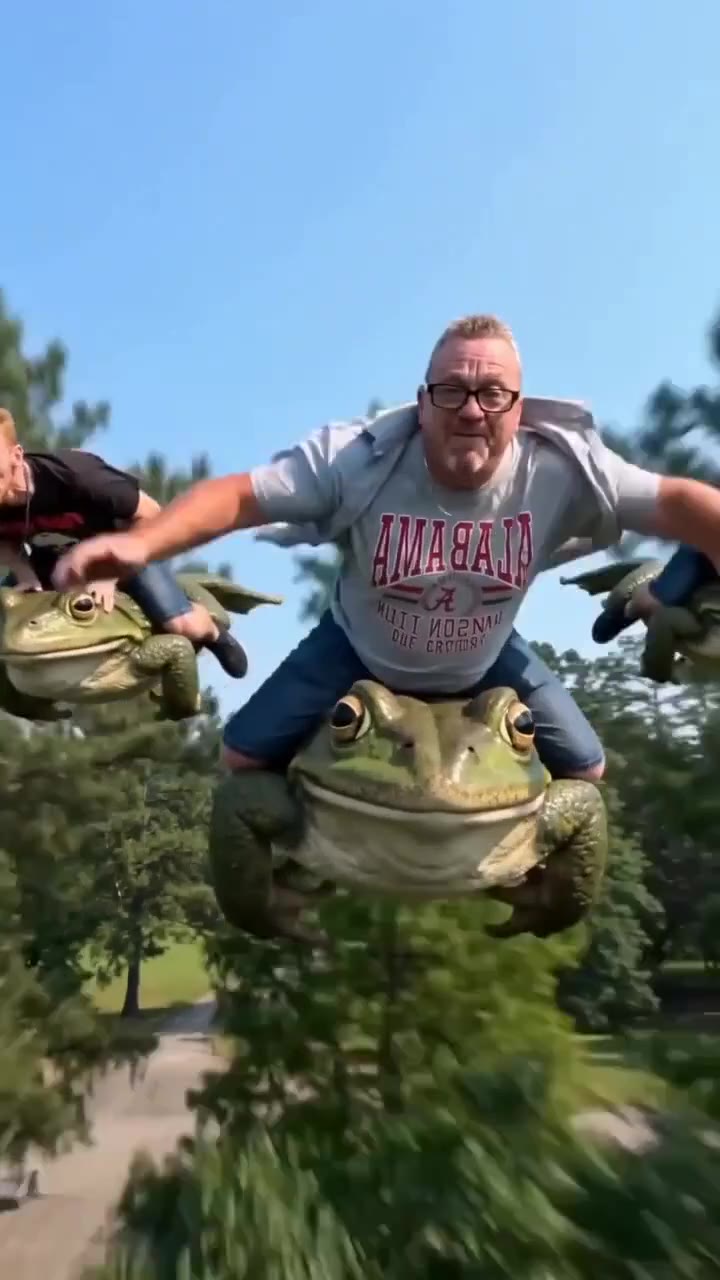
In a parallel universe you ride a giant frog down a sunny park path while a crowd cheers you on. One photo is enough to put you on its back.
Updated : Page published.
1Add your photo
What you'll get
Front-facing, well-lit selfies work best. One face per photo.
2Choose quality
By generating you confirm you have permission to use the people in your photos. Terms
No subscription needed · Ready in about 3 minutes · Failed renders are free
The parallel universe AI trend shows a normal person in an impossible, photo-real scene, most often riding a giant animal like a frog, and videosi turns it into a 12-second video from one photo of you.
- Fast facts
- First seen
- Stage
- Past its peak
- Started on
- Instagram (unconfirmed)
- Sound
- No single sound: still images have none, and the video versions each carry their own generated audio.
- Meaning
- "Parallel universe" in this AI trend means a photo-real picture or video of you in an impossible alternate reality, most often calmly riding a giant animal such as a frog.
- Related trends
- Crazy Frog Race AI, Only You Can Save Yourself AI
Page updates
- November 3, 2026 — Page published.
The Parallel Universe AI prompt and model
Parallel Universe AI is made with Seedance 2.0 / 2.5 (you pick the tier) by ByteDance. The prompt behind it has 5 parts, and the timing is what makes or breaks it.
- Model
- Seedance 2.0 / 2.5 (you pick the tier)
- Mode
- Photo + motion reference to video
- Length
- 12 seconds, 9:16, 1:1 or 16:9
- Input
- 1 photo
- Swap The rider in the reference clip becomes the person in your photo; the frog, park and crowd stay.
- Identity Face, hair, clothes, skin tone, hands and arms come from your photo in every frame.
- Back view The ride-away shot from behind is named on its own so the original rider never comes back.
- Timing The sit, the cheer, the close-up and the ride away follow the reference second by second.
- Rules One adult rider, a real-looking frog, five-fingered hands, no text, silent render.
Replace the woman riding the giant frog in Video 1 with the person from Image 1. Their face, hair, clothes, shoes, age, build and skin tone…
Why it goes wrong when you do it yourself
- A photo prompt in ChatGPT or Gemini gives you a still; turning it into motion is a second step that often loses your face.
- Without naming the small back view at the end, the original rider tends to reappear as the frog walks away.
- Giant animals get cartoonish or merge with the rider's legs unless the prompt holds the frog real.
- Close-ups pull the face toward the reference rider unless face shape is locked to your photo.
Parallel Universe AI examples
How to make your Parallel Universe AI video
Upload one photo
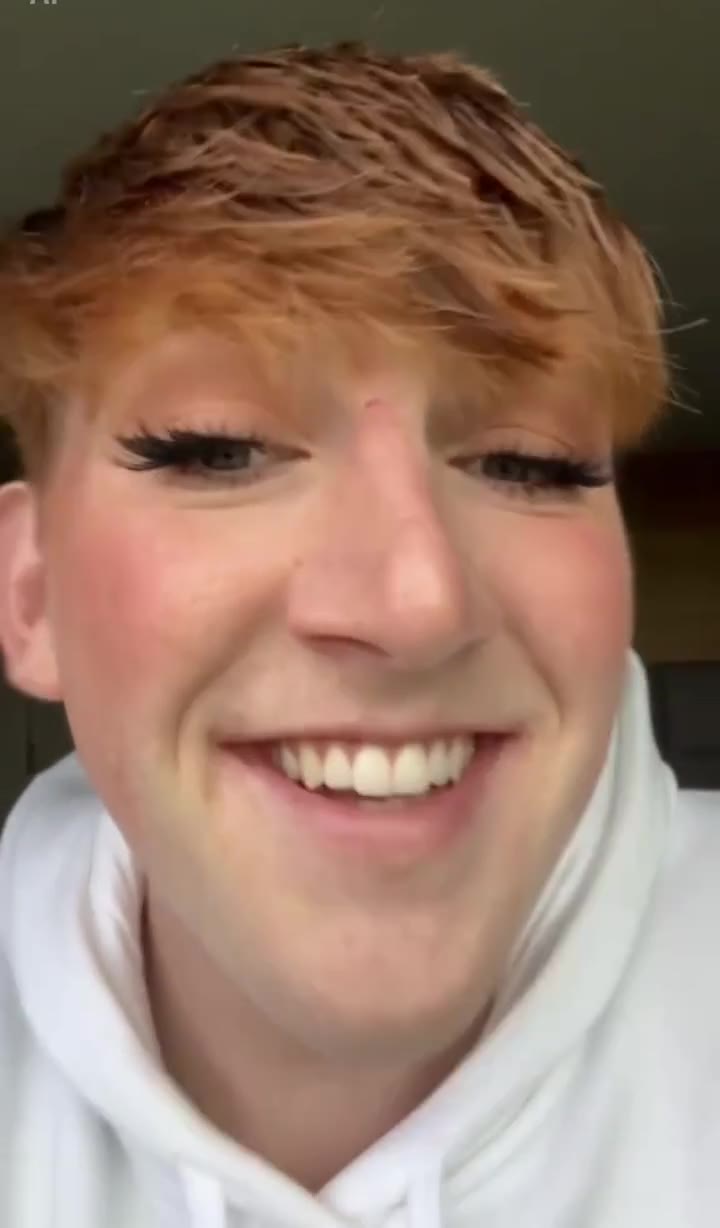
Use a clear photo of one adult, face visible. Your clothes in the photo are what you wear on the frog.
Generate
Pick the tier and resolution, check the credit price and render the 12-second video.
Post it
The clip's original sound is already on the finished video, so you can post it as it is.
What is the Parallel Universe AI trend?
Updated · videosi is an independent tool. It is not affiliated with TikTok, Instagram, YouTube, or with the owners of any trend, song, game or brand named on its pages.
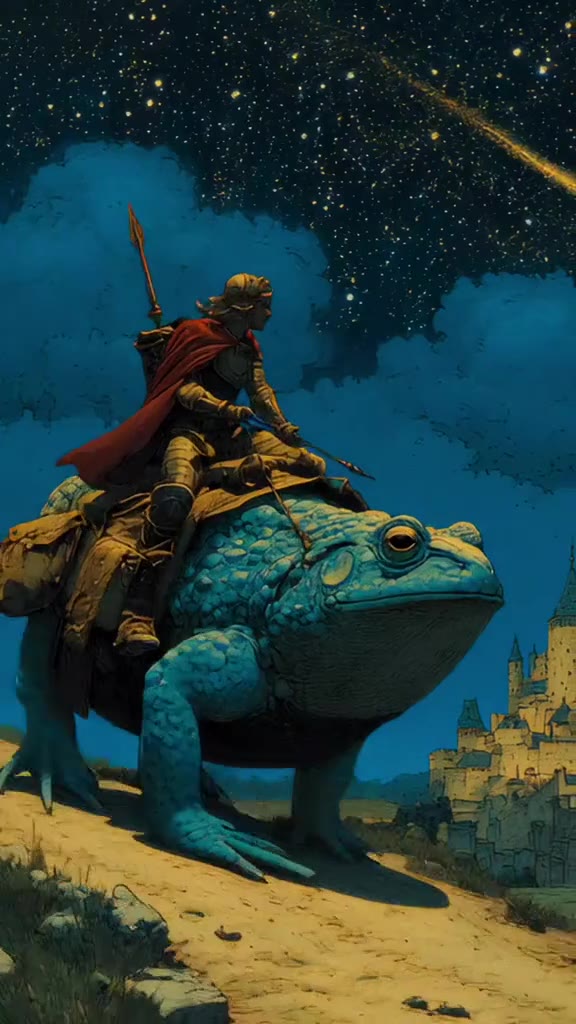
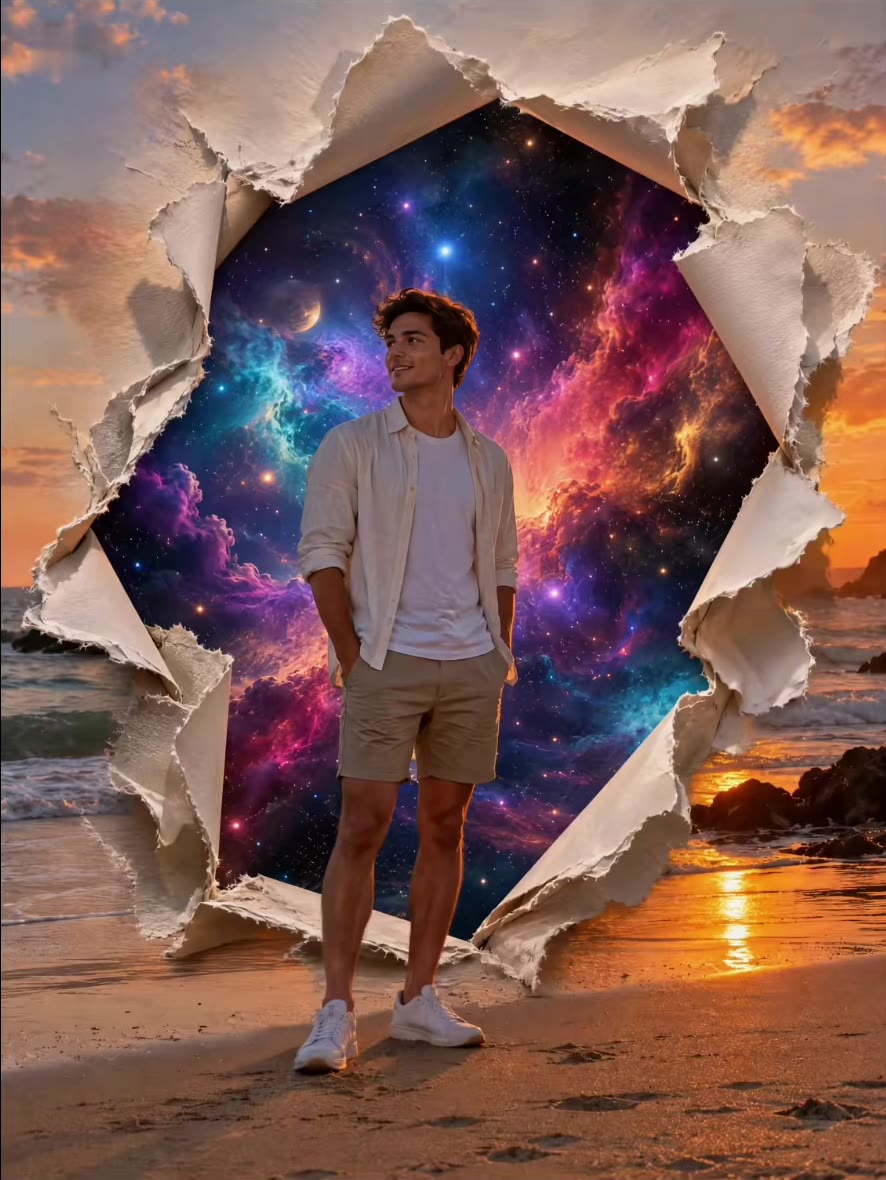
The parallel universe AI trend puts an ordinary person into an impossible but photo-real scene, as if a snapshot had been taken in another reality. The best-known version is a rider sitting calmly on the back of a giant animal: a frog the size of a car, a wild boar with a saddle, a buffalo flying above the clouds.
It began as a still-image trend. People pasted a "parallel universe" photo editing prompt into ChatGPT or Gemini together with a selfie and shared the result on Instagram and TikTok. Prompt sites were publishing collections of these prompts by October 2026. We could not confirm who started it or a first post date, and the radar we use marked it as past its peak on 27 October 2026.
Video versions followed on TikTok, where AI creators posted 12-second clips of people riding giant frogs through parks, storms and swamps, often with cheering crowds and short spoken lines. There is no single song: each clip carries its own generated sound.
The videosi version is the video take on the prompt. Upload one photo and you get 12 seconds of yourself on a giant frog in a sunny park: you sit on its back, wave to a cheering crowd, and ride away down the path. No prompt to write.
Parallel Universe AI: shot by shot
- 0–2 s
On the frog
You sit on a giant green frog on a park path in golden evening light, hands on its head, smiling at the camera.
- 2–4 s
The crowd
Bystanders gather round and cheer as you wave from the frog's back.
- 4–6 s
Close-up
A low close-up of your face as you lean forward over the frog and speak to the camera.
- 6–8 s
Wide cheer
A wider shot with the whole crowd clapping and waving around you and the frog.
- 8–12 s
Ride away
The frog walks off down the sunlit path and you are seen from behind until you are small in the frame.
Tips for a better result
Face the camera
There is a close-up at 4 seconds, so a sharp, front-facing face matters most.
Full or half body
A photo that shows your outfit helps, because you sit on the frog in full view.
One person only
A second person in the photo can confuse who ends up riding.
Skip heavy filters
Beauty filters and sunglasses make the face harder to keep the same across shots.
Good to know before you make a Parallel Universe AI video
- The prompt has not been test-rendered on this page, so details can vary between attempts.
- The animal is always a giant frog and the place is a sunny park; other animals from the photo prompts are not options yet.
- The original clip's sound, including a short spoken line, is added to the video; your mouth is not synced to it.
- For adults only, and one rider only.
Parallel Universe AI: questions
What is the parallel universe AI trend?
The parallel universe AI trend shows you in an impossible but photo-real scene, usually riding a giant animal such as a frog, and videosi turns it into a 12-second video from one photo. It spread in October 2026 as a photo editing prompt for ChatGPT and Gemini, then as short AI videos on TikTok.
How do I make a parallel universe AI video from one photo?
On videosi, upload one clear photo of yourself and generate a 12-second parallel universe video: you sit on a giant frog in a sunny park, wave to a cheering crowd and ride away. No prompt is needed. Your face, hair and clothes come from your photo.
What is the parallel universe AI photo editing prompt for ChatGPT?
The parallel universe photo editing prompt is a text instruction you paste into ChatGPT or Gemini with a selfie, asking for a photo-real image of you riding a giant animal in an everyday place. It gives you one still image. videosi skips the prompt and makes a 12-second moving version from one photo instead.
Is there a website or generator for the parallel universe AI trend?
Yes, videosi has a parallel universe generator on this page: one photo in, a 12-second giant frog ride video out, with no prompt to write. Several photo editors offer image versions of the trend. On videosi you pick the Seedance tier and resolution before each render and see the credit price first.
Is there a TikTok filter or CapCut template for parallel universe?
We found no single official TikTok filter or CapCut template for the parallel universe frog ride as of November 2026; most posts are made with AI image or video tools. Some CapCut templates use the name for different effects. videosi needs no template: upload one photo and it builds the 12-second video.
What AI model and prompt make the parallel universe video?
videosi makes the parallel universe video with Seedance, ByteDance's video model family: 2.0 Mini by default, with 2.5 as the top tier. The model follows a 12-second reference ride and swaps in the person from your photo. We keep our full prompt private; the summary above shows its five parts.
How much does the parallel universe AI video cost?
The parallel universe video on videosi is not free: a 12-second video on the Standard model at 720p is 10 credits, and better models and higher resolutions cost more. Credit packs start at $6.99 for 10 credits and never expire, plans start at $29.90 a month, and a failed render returns its credits.
Why doesn't my parallel universe video look like me?
If your parallel universe video on videosi looks off, the photo is the usual cause: small faces, sunglasses and heavy filters give the model too little to hold across 12 seconds. Use a sharp, front-facing photo of one adult in good light. The close-up at about 4 seconds shows the face most.
Can I use a photo of a friend or family member?
Yes, you can use a photo of any adult who agrees to it, and videosi puts them on the giant frog for a 12-second parallel universe video. The effect is for one adult rider; photos of children are not supported. Pets are not supported as riders.
What does parallel universe mean in this trend?
In this AI trend, parallel universe means a believable picture of you in an alternate reality where something impossible feels normal, such as calmly riding a frog the size of a car. The joke is that everything else looks ordinary, which is why videosi keeps a normal park and crowd around the 12-second ride.
What song is used in the parallel universe AI videos?
There is no single song for the parallel universe trend as of November 2026: the original prompt makes still images, and the video versions each carry their own generated sound. The videosi version adds the original 12-second reference clip's sound, including a short spoken line, to your video.
Is the parallel universe AI trend still trending?
As of November 2026 the parallel universe AI trend is fading: the trend radar we use marked it past its peak on 27 October 2026, after it spread in October as a ChatGPT and Gemini photo prompt. Giant frog ride videos are still being posted on TikTok, and videosi keeps this page live.
Trending this week
All trends this week

Make your Parallel Universe AI video
Upload a photo and press Generate. 10 credits, refunded if it fails.
Get the next trend first
One email when new trends land on videosi, about once a week. Unsubscribe in one click.
See videosi first on Google
Add videosi as a preferred source and our trend pages show up first in your Top Stories and AI answers on Google.