Frankenstein Transformation AI: The Transition, Starring You
You stare into the camera, swipe a hand across the lens and come back green, stitched and bolted, or as the Bride. One photo of you is all it takes.
Updated : Page published, after the Halloween 2026 peak.

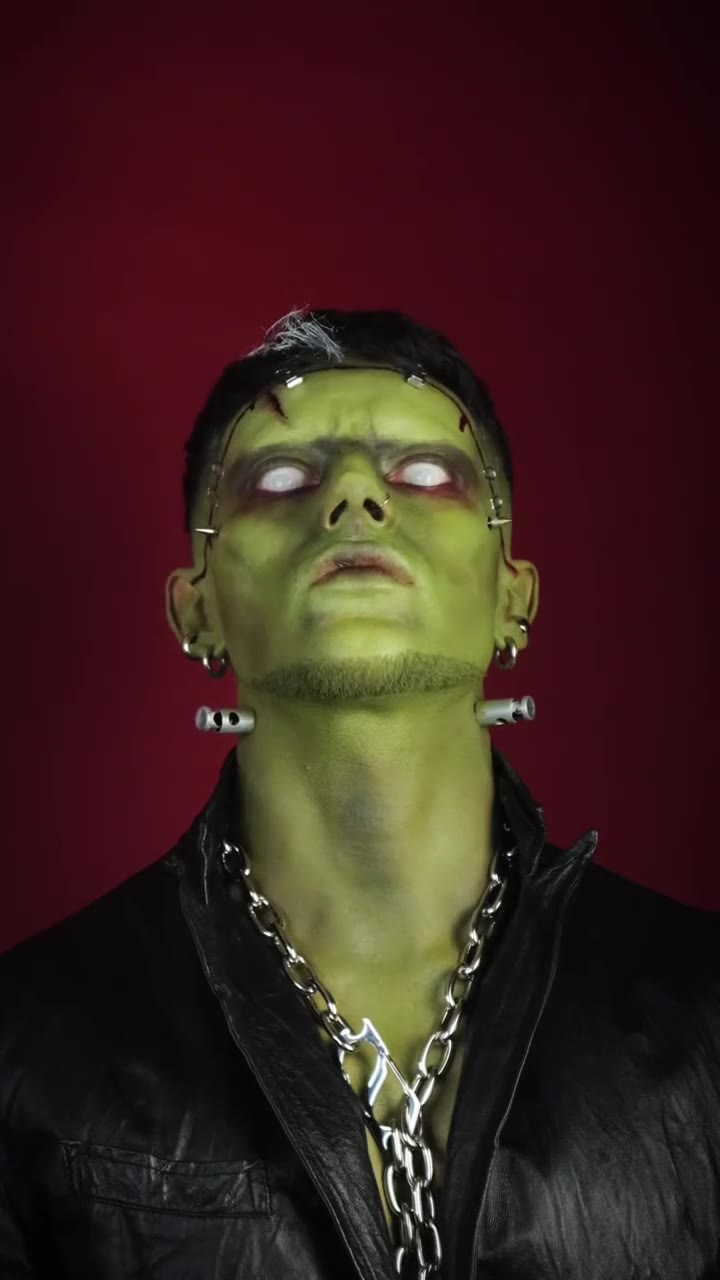
1Add your photo
What you'll get
Front-facing, well-lit selfies work best. One face per photo.
2Look
3Choose quality
By generating you confirm you have permission to use the people in your photos. Terms
No subscription needed · Ready in about 3 minutes · Failed renders are free
The Frankenstein transformation AI trend is a 12-second transition in which a person swipes a hand across the lens and is revealed as a green, stitched Frankenstein-style monster or as the Bride; videosi makes it from one photo of you.
- Fast facts
- First seen
- Stage
- Past its peak
- Started on
- TikTok (unconfirmed)
- Sound
- No single sound; posts use their own. The videosi render carries the audio of the make-up transition used as the motion reference.
- Meaning
- The Frankenstein transformation is a Halloween before-and-after transition in which a person swipes a hand across the lens and is revealed as a green, stitched Frankenstein-style monster or as the Bride.
Page updates
- November 1, 2026 — Page published, after the Halloween 2026 peak.
The Frankenstein Transformation AI prompt and model
Frankenstein Transformation AI is made with Seedance 2.0 / 2.5 (you pick the tier) by ByteDance. The prompt behind it has 5 parts, and the timing is what makes or breaks it.
- Model
- Seedance 2.0 / 2.5 (you pick the tier)
- Mode
- Photo + motion reference to video
- Length
- 12 seconds, 9:16, 1:1 or 16:9
- Input
- 1 photo
- Person swap The person in a reference transition clip is replaced by the person in your photo, with face, hair and build taken from the photo.
- Motion reference A short clip supplies the stare, the hand swipe, the cut and the head turns, on a plain deep-red backdrop.
- The look One chosen look, the Monster or the Bride, described down to skin, seams, hair and outfit.
- Key moments The hand crosses the lens at about 2 seconds, and the look appears only after that cut.
- Rules One person, painted make-up only, no blood or wounds, no text or logos, and the face shape stays your own.
Replace the young man with dark curly hair and a black shirt in Video 1 with the person from your photo.…
Why it goes wrong when you do it yourself
- Without a reference clip the model tends to morph slowly and loses the sharp cut that makes a transition work.
- Heavy green make-up pulls the face toward a generic monster unless the prompt holds your face shape and features.
- Left alone, the model often adds blood and open wounds around the stitches, and the clip gets harder to post.
- Each try costs model credits and several minutes, and getting the hand swipe and the cut to line up can take several tries.
Frankenstein Transformation AI examples
How to make your Frankenstein Transformation AI video
Upload one photo of yourself
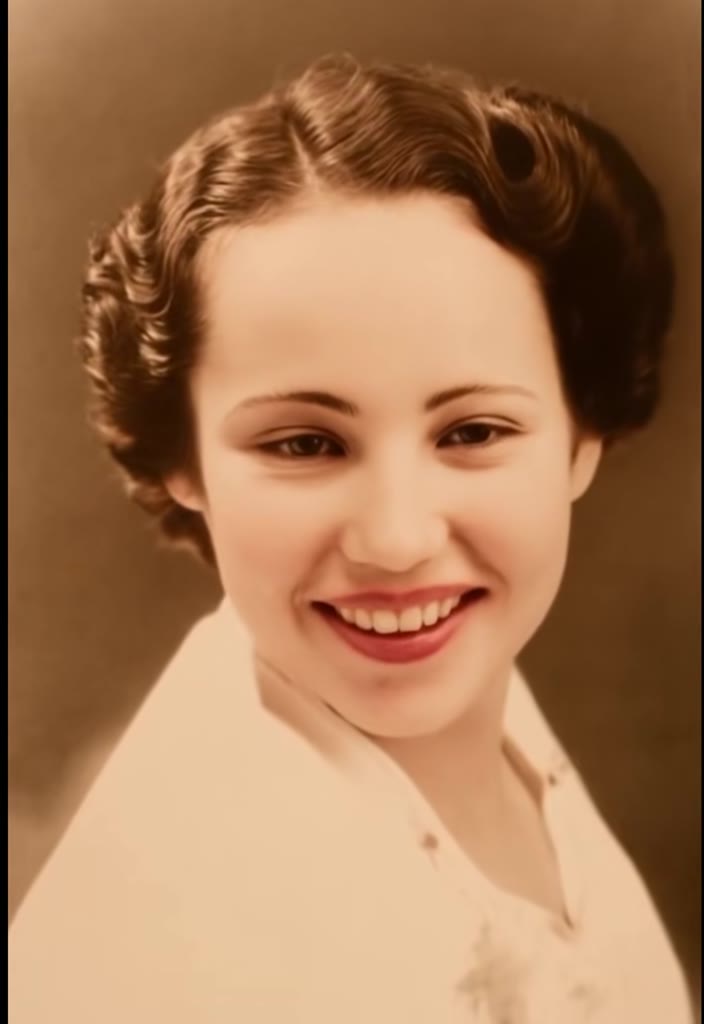
Face to the camera, head and shoulders in frame, even light. Your face, hair and clothes appear before the swipe.
Pick the Monster or the Bride
The Monster adds green skin, stitches, neck bolts, a leather jacket and a chain. The Bride adds pale skin, a tall streaked beehive and a white lace gown. Both replace your clothes after the swipe.
Generate and download
Choose the model, the resolution and 9:16, 1:1 or 16:9, then press Generate. The 12-second MP4 has no watermark and comes with the sound from our reference clip.
Post it
The clip already has its sound, so you can post it as it is. Turn on the platform's AI-generated label.
What is the Frankenstein Transformation AI trend?
Updated · videosi is an independent tool. It is not affiliated with TikTok, Instagram, YouTube, or with the owners of any trend, song, game or brand named on its pages.
The Frankenstein transformation is a before-and-after transition. Someone looks into the camera as their normal self, swipes a hand across the lens and comes back as a green, stitched monster with bolts in the neck, or as the Bride with a tall streaked beehive. Make-up artists film it for real, and AI tools produce a version from one photo.
It is past its peak. It was a Halloween 2026 format: the earliest AI clip we could find with the transformation tag is dated 8 September 2026, the radar behind this page picked up the phrase on 14 October and marked it as fading on 27 October, and the post we use as the motion reference, a filmed make-up transition, went up on 25 October. Posts were still appearing on 1 November 2026, but we measured no Google search interest for the exact phrase, so treat it as a seasonal format rather than a rising one. No single creator or original post is confirmed, and there is no single sound.
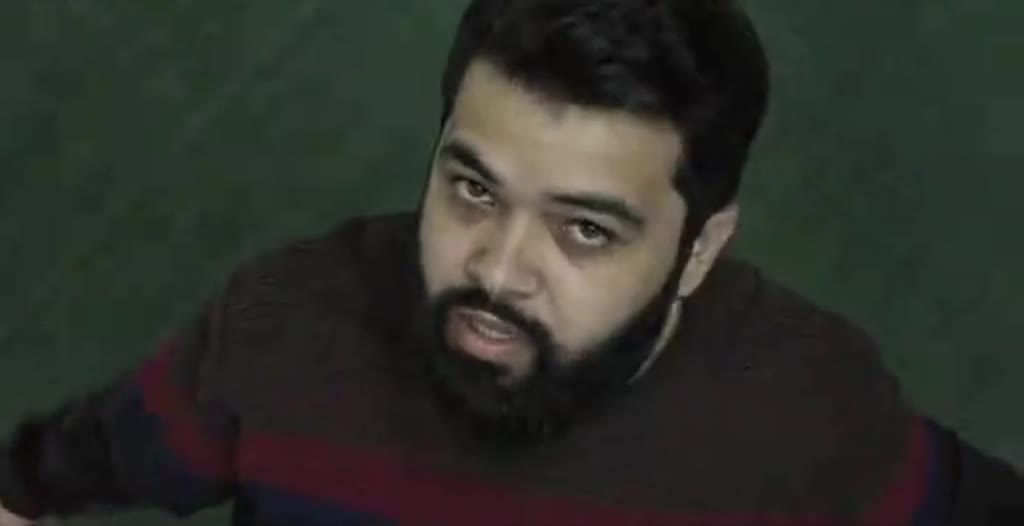
We found few clean examples, so this page shows only four. Two are filmed make-up transitions and two are AI or AI-assisted clips from other tools. None of them was made on videosi. They show the format, not our exact output.
On this page the motion and the prompt are built in. You choose one photo, the Monster or the Bride, and the shape of the video. The face stays yours, the look changes after the swipe, and there is no blood.
Frankenstein Transformation AI: shot by shot
- 0–2 s
The normal you
Head and shoulders against a deep-red backdrop, your own face, hair and clothes, a steady stare into the lens.
- 2–2.5 s
The swipe
One hand comes up and sweeps across the lens, covering the frame for a moment.
- 2.5–5 s
The reveal
The cut lands on the finished look, facing the camera.
- 5–6.7 s
Chin up
The head tilts back, shows the neck, then drops to a hard stare.
- 6.7–9.6 s
The profile
A slightly closer framing as the head turns to the side and shows the look from the side.
- 9.6–12 s
The smirk
The head comes back toward the lens and ends on a slow smirk.
Tips for a better result
Use a clear, front-facing face
The first two seconds show you as you are, and the green make-up needs sharp features to hold on to.
Show your head and shoulders
The whole clip is framed at this distance. A tight face crop leaves the model to invent your neck and shoulders.
Leave sunglasses and hats off
Both looks work on the eyes and the hairline, so anything covering them makes the likeness drift.
Be alone in the photo
This effect has exactly one person, so a second face in the picture can confuse it.
Good to know before you make a Frankenstein Transformation AI video
- Your clothes change after the swipe: the Monster gets a leather jacket and chain, the Bride a white lace gown. Your face stays yours, and your hair keeps its colour.
- This page was published after the Halloween 2026 peak and has few examples. They come from other creators and tools, not from videosi, so your result will differ.
- The prompt has not been test-rendered for this page, and likeness is not guaranteed. A failed, timed-out or blocked render returns its credits automatically.
- One person only, an adult who agreed to it. There is no couple version on this page, and no blood or wounds.
- The Frankenstein story comes from Mary Shelley's 1818 novel. videosi is not affiliated with any film or studio version of it.
Frankenstein Transformation AI: questions
What is the Frankenstein transformation AI trend?
The Frankenstein transformation is a Halloween transition in which a person swipes a hand across the lens and returns as a green, stitched monster or as the Bride. The earliest AI clip we found is dated 8 September 2026, and no original creator is confirmed. videosi makes a 12-second version from 1 photo.
How do I make a Frankenstein transformation AI video?
To make a Frankenstein transformation AI video on videosi, upload 1 photo of yourself, pick the Monster or the Bride, choose the model, resolution and format, then press Generate. The 12-second video renders in a few minutes, and you do not write a prompt. You can leave the page; the result waits in My creations.
Is there a Frankenstein transformation AI generator or website?
Yes. videosi (videosi.io) is a web tool that makes the Frankenstein transformation from 1 photo, with the motion and prompt built in. It produces a 12-second MP4 with no watermark, and a standard video (Standard model, 720p) is 10 credits. Other AI video sites offer prompt-based versions that you write and adjust yourself.
Is there a Frankenstein filter on TikTok or a CapCut template?
Some Frankenstein transition clips from October 2026 are tagged as CapCut AI templates, but apps change often, so check inside them for what is live. videosi is independent and not affiliated with TikTok, CapCut or Dreamina. Its Frankenstein transformation page is a web tool that gives you a 12-second MP4 rather than a live camera filter.
What AI model and prompt make the Frankenstein transformation?
The Frankenstein transformation on videosi uses ByteDance's Seedance video model, with Seedance 2.0 Mini by default and higher tiers one click away, plus a 12-second motion reference clip. The written prompt is built in and not published. It tells the model to swap in your photo, cut on the hand swipe and keep your face shape.
How much does the Frankenstein transformation AI video cost, and is it free?
The Frankenstein transformation on videosi is not free: there is no free generation or free trial. A standard 12-second video (Standard model, 720p) is 10 credits, and better models or resolutions cost more. Credit packs start at $6.99 for 10 credits and never expire; plans start at $29.90 a month. A failed render returns its credits.
Why doesn't my Frankenstein transformation video look like me?
The usual causes on the videosi Frankenstein transformation are a tight face crop, sunglasses or a hat, or a dark, blurry photo, because heavy make-up leaves the model little to hold on to. Use a front-facing photo with head and shoulders in even light. Likeness is not guaranteed in a 12-second clip, and this prompt has not been test-rendered.
Can I use someone else's photo or make a couple version?
The videosi Frankenstein transformation takes 1 photo of 1 adult, and that person must have agreed to it. There is no couple version on this page, although couple clips do exist on TikTok. Minors are not allowed, and neither are photos of celebrities or public figures. Photos and results are deleted within 30 days.
What does Frankenstein transformation mean?
In this trend, "Frankenstein transformation" means changing from your everyday self into a stitched, Frankenstein-style monster or the Bride in one cut. Strictly speaking, Frankenstein is the scientist in Mary Shelley's 1818 novel, not the creature, but people use the name for the monster. The videosi version does this in 12 seconds.
What song is used in the Frankenstein transformation trend?
There is no single confirmed song for the Frankenstein transformation trend, and posts from 2026 use different sounds. The videosi 12-second video comes with the audio of the make-up transition we use as a motion reference, so you can post it as it is or swap the sound inside TikTok, Reels or Shorts.
Is the Frankenstein transformation trend still popular?
No, the Frankenstein transformation is past its peak as of November 2026. Our radar marked it as fading on 27 October 2026, and it was tied to Halloween. A few posts still appeared on 1 November, and we measured no Google interest for the exact phrase. The videosi page stays up as a reference for next Halloween.
Are the examples on this page made with videosi?
No. The 4 clips on this Frankenstein transformation page come from elsewhere: 2 are filmed make-up transitions and 2 are AI or AI-assisted clips from other tools. We found few clean examples and do not run test renders for them, so they show the format only. Your videosi result will look different.
Is the Frankenstein transformation gory, and can I post it?
No. The videosi Frankenstein transformation is written as painted stage make-up: green or pale skin, stitched seams and neck bolts, with no blood or open wounds in the prompt. Models can still add unexpected details, so check your 12-second clip before posting and turn on the platform's AI-generated label.
Trending this week
All trends this week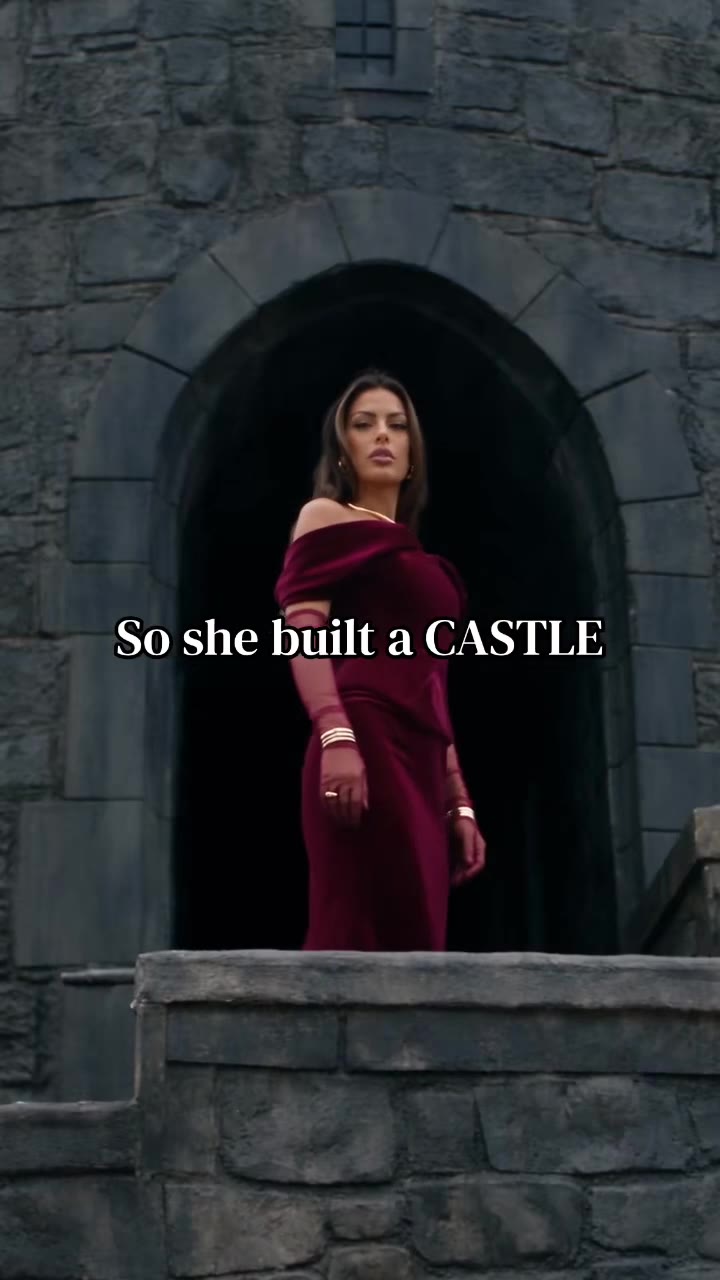
Make your Frankenstein Transformation AI video
Upload a photo and press Generate. 10 credits, refunded if it fails.
Get the next trend first
One email when new trends land on videosi, about once a week. Unsubscribe in one click.
See videosi first on Google
Add videosi as a preferred source and our trend pages show up first in your Top Stories and AI answers on Google.