Deep Sea AI Video: You Plunge Into the Deep, a Monster Behind You
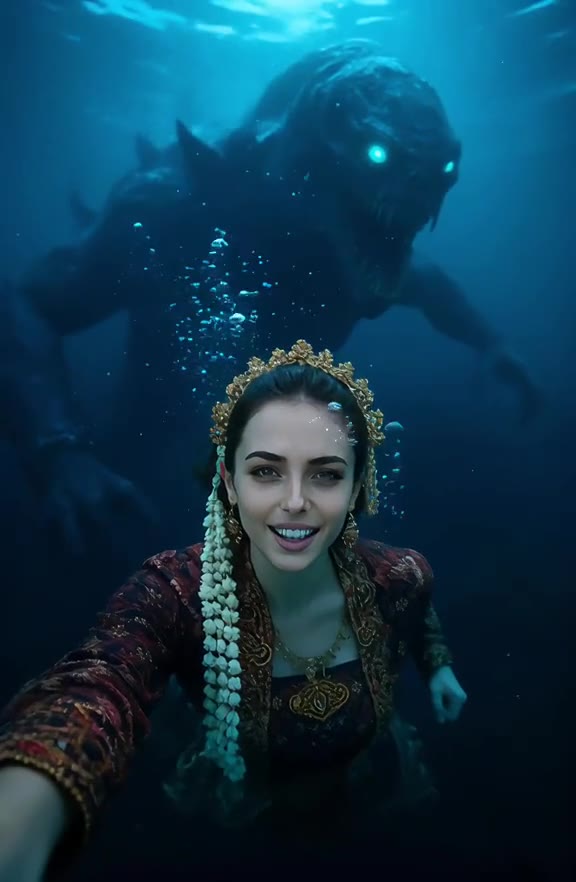
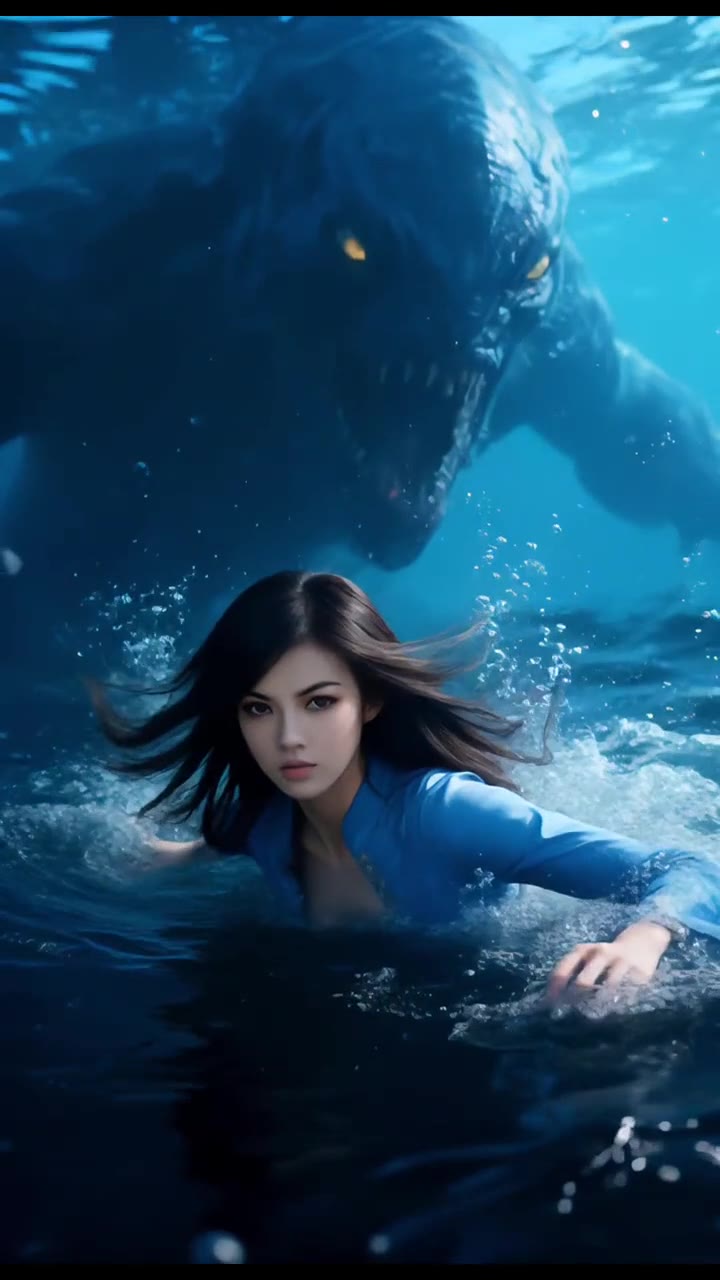
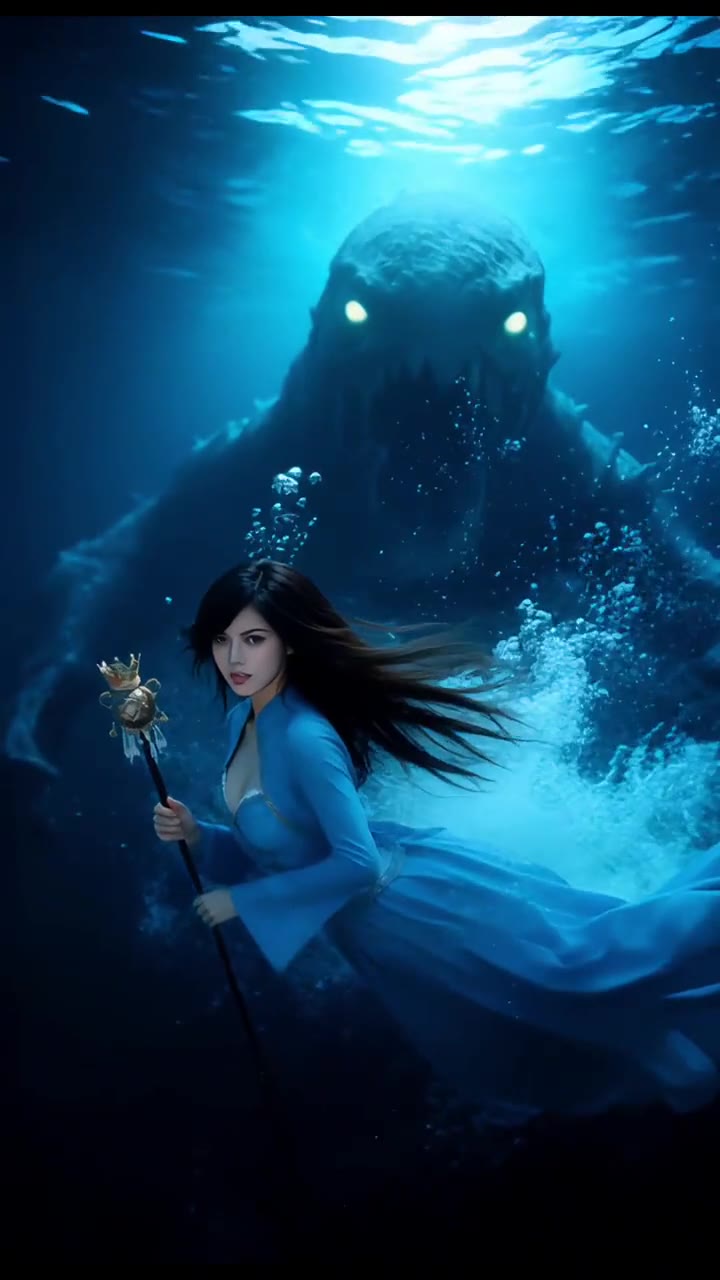
You drop out of your photo into dark blue water and surface just as a giant sea monster with glowing eyes rises behind you. One photo of you is all it takes.
Updated : Page published.
1Add your photo
What you'll get
Front-facing, well-lit selfies work best. One face per photo.
2Choose quality
By generating you confirm you have permission to use the people in your photos. Terms
No subscription needed · Ready in about 3 minutes · Failed renders are free
The deep sea AI video is a 5-second clip in which a person drops out of their photo into dark blue water and surfaces as a giant sea monster with glowing eyes looms behind them; videosi makes it from one photo of you.
- Fast facts
- First seen
- Stage
- Past its peak
- Started on
- TikTok (unconfirmed)
- Sound
- No single sound: each post uses its own, usually a dark ambient or horror track.
- Meaning
- The deep sea AI trend is a photo effect in which the person in a photo drops into dark ocean water and surfaces with a giant glowing-eyed sea monster rising behind them.
Page updates
- November 3, 2026 — Page published.
The Deep Sea AI Video prompt and model
Deep Sea AI Video is made with Seedance 2.0 / 2.5 (you pick the tier) by ByteDance. The prompt behind it has 5 parts, and the timing is what makes or breaks it.
- Model
- Seedance 2.0 / 2.5 (you pick the tier)
- Mode
- Photo + motion reference to video
- Length
- 5 seconds, 9:16, 1:1 or 16:9
- Input
- 1 photo
- Swap The person in the reference clip is replaced by the person in your photo in every shot, on land, falling and in the water.
- Identity Face, hair, skin tone, build and clothes come from your photo and stay yours when wet, with nothing of the original person left.
- Face shape Your face keeps its own shape even in the close-up at the surface.
- Timing Drop, plunge and the monster's reveal follow the reference clip second by second.
- Rules One person, the monster never touches you, no blood, text or logos, silent render with the sound added after.
Replace the young woman with long brown hair and a black long-sleeved top in Video 1 with the person from Image 1, in every shot.…
Why it goes wrong when you do it yourself
- Without a reference clip, most models put you underwater from the first frame and lose the drop out of the photo, which is the joke.
- If the prompt only borrows the motion, the woman from the reference clip can stay in the water wearing your clothes.
- Wet hair and water on the face are where likeness slips: models tend to swap in a generic face once you are under.
- Asked for a "sea monster", some models make it bite or grab, which gets the render blocked or turns it into gore.
Deep Sea AI Video examples
How to make your Deep Sea AI Video video
Upload one photo of yourself
Face to the camera, sharp and evenly lit, ideally from the waist up. What you wear in the photo is what you wear in the water.
Pick a format
Choose 9:16 for TikTok, Reels and Shorts, or 1:1 or 16:9.
Generate and download
Press Generate. You get a 5-second MP4 with the original sound on it and no watermark.
Post it
Post it with the AI-generated label switched on. The sound is already in the file.
What is the Deep Sea AI Video trend?
Updated · videosi is an independent tool. It is not affiliated with TikTok, Instagram, YouTube, or with the owners of any trend, song, game or brand named on its pages.
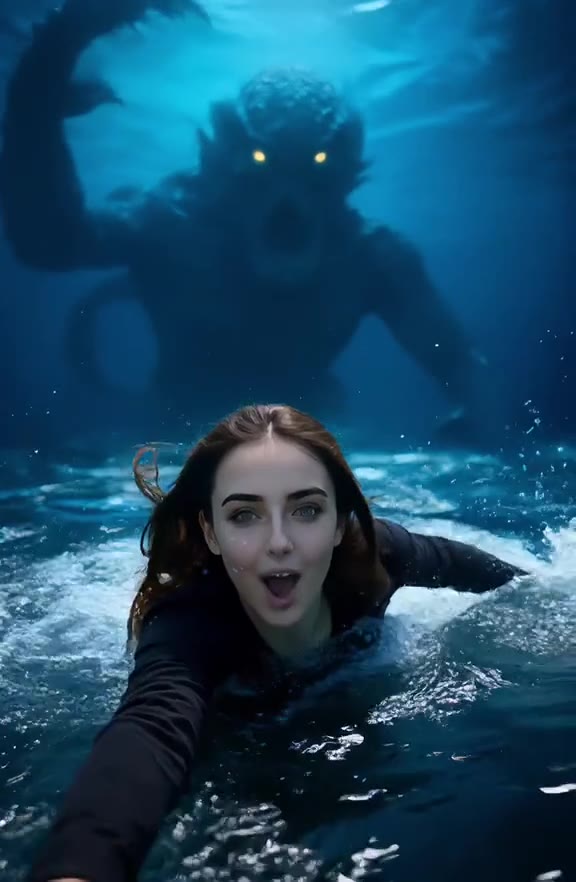
The deep sea AI video is a short photo effect: a still photo of someone suddenly gives way, they fall into dark blue water, and when they come up a giant sea monster with glowing eyes is rising right behind them. The whole thing lasts about five seconds and is played for a jump scare that turns into a grin.
It started as one of TikTok's own AI photo effects. The earliest posts we found are dated 27–29 March 2026, from creators trying effects listed as "Deep Sea Horror POV" and "Deep Sea Drawn" (in Indonesian, "Ditarik laut dalam", pulled into the deep sea). Those test posts had a few thousand views each. The name "deep sea" is also shared with a separate, much bigger wave of AI found-footage clips of megalodons and sea monsters with no person in them, which pushed searches for "deep sea AI". Our trend tracker first picked the effect up on 16 October 2026 and marked it as past its peak on 27 October 2026.
There is no single song: each post carries its own sound, usually a dark ambient or horror track.
The videosi version keeps the 5-second shot of the original effect, the drop, the bubbles and the monster, and makes the person in it you, with your own face, hair and clothes. The video comes with the reference clip's original sound.
Deep Sea AI Video: shot by shot
- 0–1 s
Your photo
You stand smiling in front of a plain wall, like an ordinary photo.
- 1–2 s
The drop
The ground gives way and you fall face-first toward deep blue water.
- 2–3 s
Under
You plunge under in a burst of bubbles while a huge shadow moves below.
- 3–5 s
It's behind you
You surface facing the camera, startled then grinning, as a giant sea monster with glowing yellow eyes looms behind you.
Tips for a better result
Show your face clearly
The last seconds are a close-up of your face at the surface. A sharp, front-facing photo keeps it looking like you.
Smile in the photo
The clip starts on your photo pose; a relaxed smile makes the switch to the scare land better.
One person per photo
Only one person falls in. Crop out friends so faces do not merge.
Skip sunglasses and hats
They slip or vanish when you go under, and the model may guess your eyes and hair.
Good to know before you make a Deep Sea AI Video video
- Your photo supplies you only. The fall, the water and the sea monster come from the reference clip, so the monster looks the same in every video.
- The first second shows you in front of a plain white wall from the reference clip, not the background of your own photo.
- Likeness is not guaranteed, especially with wet hair at the surface. This page has not been test-rendered.
- The video comes with the reference clip's original sound. A failed, timed-out or blocked render returns its credits automatically.
Deep Sea AI Video: questions
What is the deep sea AI trend?
The deep sea AI trend is a photo effect in which the person in a photo falls into dark ocean water and surfaces with a giant glowing-eyed sea monster behind them. The earliest posts we found are from late March 2026. videosi makes a 5-second version of it from 1 photo of you.
How do I make the deep sea AI video from my photo?
On videosi you make the deep sea AI video from 1 photo: upload it, pick a format and press Generate. You get a 5-second MP4 in which you drop into deep water and come up with a sea monster rising behind you. You do not write a prompt or edit anything.
Is there a deep sea AI video generator or website?
Yes, videosi has a deep sea AI video generator on this page that runs in a phone or computer browser with no app. It takes 1 photo and returns a 5-second video with sound. Template sites also sell underwater prompts, but most show a calm swim rather than the drop and the monster.
Is there a TikTok deep sea filter or CapCut template?
TikTok listed AI photo effects called "Deep Sea Horror POV" and "Deep Sea Drawn" in March 2026; whether they are still in the app in November 2026 we could not confirm. videosi makes the same 5-second idea from 1 photo with no filter, template or prompt.
What AI model and prompt make the deep sea video?
videosi makes the deep sea AI video with Seedance by ByteDance: Seedance 2.0 Mini by default, with higher tiers you can pick. The model edits a 5-second reference clip of the drop and the sea monster and swaps the person in it for you. We describe the prompt's structure on this page, not its full wording.
How much does the deep sea AI video cost?
The deep sea AI video on videosi is not free: a standard video (Standard model, 720p) costs 10 credits, and better models or resolutions cost more. Credit packs start at $6.99 for 10 credits and never expire, plans start at $29.90 a month, and a failed render returns its credits.
Why doesn't the person in my deep sea video look like me?
A deep sea AI video on videosi can drift from your face when the 1 photo is blurry, dark, side-on or hides your eyes, because the model falls back on the person in its reference clip. Wet hair at the surface is where likeness slips most. Use a sharp, front-facing photo from the waist up.
Can I use a friend's photo or my pet?
videosi takes 1 photo per deep sea AI video, and exactly 1 person falls into the water. You can use a friend's photo if they have agreed to it. Pets are not supported on this page, because the 5-second reference clip is a person falling and surfacing.
Is the sea monster scary? Is there blood?
The videosi deep sea AI video is a jump scare, not gore: in 5 seconds the monster rises behind you with glowing eyes but never touches or bites you, and there is no blood. Most people end the clip grinning at the camera, as in the original effect.
What does "deep sea" mean in this trend?
"Deep sea" in this trend means being pulled from an ordinary photo into the dark open ocean where something huge is waiting, the thalassophobia joke behind TikTok's 2026 "Deep Sea Horror" effect. videosi uses the name for a 5-second clip with you as the one who falls in.
What song or sound is used in deep sea AI videos?
There is no single song in deep sea AI videos: each post uses its own sound, usually a dark ambient or horror track. The videosi deep sea AI video comes with the 5-second original sound of the clip it is built on, so you do not need to add music.
Is the deep sea AI trend still trending?
As of 3 November 2026 our tracker marks the deep sea AI trend as fading: it first appeared as a TikTok effect in late March 2026, our tracker picked it up on 16 October 2026 and it passed its peak on 27 October 2026. The 5-second videosi version stays online.
Trending this week
All trends this week



Make your Deep Sea AI Video video
Upload a photo and press Generate. 10 credits, refunded if it fails.
Get the next trend first
One email when new trends land on videosi, about once a week. Unsubscribe in one click.
See videosi first on Google
Add videosi as a preferred source and our trend pages show up first in your Top Stories and AI answers on Google.