Chinaza Dynamic Filter AI: The Viral Video, Starring You
You fling an arm at the lens, lean in with your mouth wide open and throw both hands in the air. One photo of you is all it takes.
Updated : Page published.


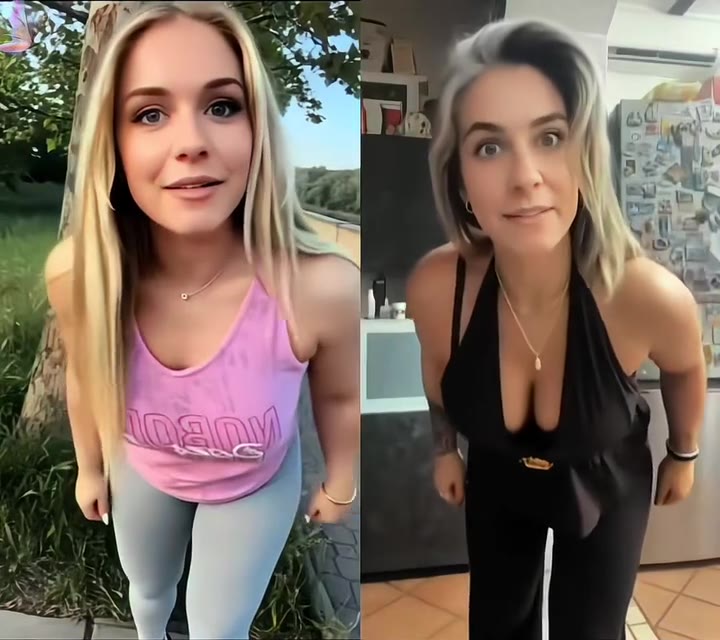
1Add your photo
What you'll get
Front-facing, well-lit selfies work best. One face per photo.
2Choose quality
By generating you confirm you have permission to use the people in your photos. Terms
No subscription needed · Ready in about 3 minutes · Failed renders are free
The Chinaza dynamic filter is a 5-second AI performance in which a person laughs, leans into the lens and throws their hands in the air to the trend sound; videosi makes it from one photo of you.
- Fast facts
- First seen
- Stage
- Spreading
- Started on
- TikTok (unconfirmed)
- Sound
- Most tutorial posts we checked label it only as an original sound; song title and artist are unconfirmed.
- Meaning
- "Chinaza dynamic filter" is the TikTok name for an AI effect that turns a still photo into a person laughing, leaning into the lens and throwing their hands up to one shared sound; the origin of the word Chinaza is unconfirmed.
- Related trends
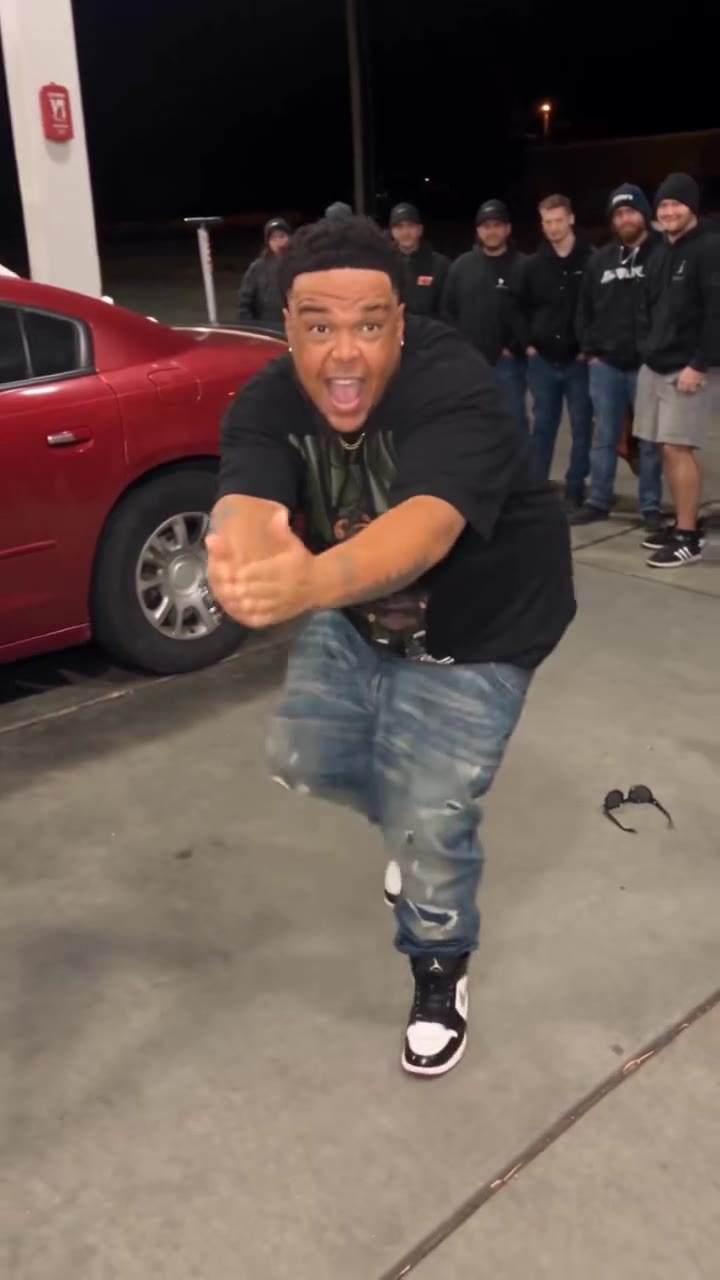
- Gas Station Dance AI
Page updates
- October 30, 2026 — Page published.
The Chinaza Dynamic Filter AI prompt and model
Chinaza Dynamic Filter AI is made with Seedance 2.0 / 2.5 (you pick the tier) by ByteDance. The prompt behind it has 5 parts, and the timing is what makes or breaks it.
- Model
- Seedance 2.0 / 2.5 (you pick the tier)
- Mode
- Photo + motion reference to video
- Length
- 5 seconds, in the format you pick
- Input
- 1 photo
- Replace instruction The person in the short reference clip is swapped for the person in your photo, and everything about the movement stays.
- Identity lock Your face, hair, build and outfit come only from your photo, and the reference person's glasses, apron and tattoos are named as things not to keep.
- Face shape guard The prompt stops the close lean-in from slimming or reshaping your face toward the reference.
- Timeline Five one-second beats, from the arm fling to the lean-in, raised hands, wide arms and the return to centre.
- Rules One adult, five fingers per hand, no text, watermark, logos, slow motion or scene change; sound is added afterwards.
Replace the man with short fair hair, glasses, a red T-shirt, black apron, gold cross necklace and tattooed arms in Video 1 with the adult person from Image 1.…
Why it goes wrong when you do it yourself
- Without a motion reference, models tend to produce a generic dance instead of this exact sequence of beats.
- The lean into the lens distorts faces easily, and models often reshape your jaw or cheeks in that second.
- Raised, open hands are a common place for extra or melted fingers.
- The original person's glasses, apron or tattoos can stay in the shot unless the prompt rules them out by name.
Chinaza Dynamic Filter AI examples


How to make your Chinaza Dynamic Filter AI video
Upload one photo of yourself
Choose a sharp, front-facing photo of one adult, with your face and upper body visible and even light.
Pick the format
Choose 9:16 for TikTok, Reels and Shorts, or another format if you are posting somewhere else.
Generate and post
Press Generate and download the 5-second MP4. The trend sound is already on it, so you can post it as it is.
What is the Chinaza Dynamic Filter AI trend?
Updated · videosi is an independent tool. It is not affiliated with TikTok, Instagram, YouTube, or with the owners of any trend, song, game or brand named on its pages.
The Chinaza dynamic filter is a short AI video trend, not a camera filter you can switch on. You start with a still photo of a person, and the result is a video of that person laughing and performing straight at the camera: an arm flung toward the lens, a sudden lean right up close with the mouth wide open, both hands in the air with the head thrown back, then arms swept out wide. Every version uses the same moves and the same sound, so the fun is seeing a new person do them.
It spreads on TikTok mainly through CapCut template tutorials. The earliest dated tutorial we found was posted on 27 September 2026, English and Spanish tutorials followed through October, and one tutorial had reached 2.2 million views by 30 October 2026. The CapCut template we checked showed more than 160,000 uses on the same day. We could not identify who made the first clip, and we could not confirm where the name Chinaza comes from.
Most of what you will see is itself AI generated. The same performance appears on a chef in a kitchen, a cowboy, party couples and many other faces. A lot of TikTok versions use baby photos; this page is made for photos of adults, and the examples here all show adults.
This page does the template's job from one photo, and you do not need to write a prompt. You upload a clear picture of yourself, choose a format and get a 5-second clip that already has the trend sound on it.
Chinaza Dynamic Filter AI: shot by shot
- 0–1 s
The arm fling
You laugh and throw one arm toward the lens, so the clip starts already in motion.
- 1–2 s
The lean-in
You lean right up to the camera with your mouth wide open. This is the closest moment, and it is where your face matters most.
- 2–3 s
Hands up
You pull back, both open hands rise beside your head and your head tips back.
- 3–4 s
Arms wide
Your arms sweep out to the sides with palms up, as if you are asking the whole room.
- 4–5 s
Back to camera
You return to centre and gesture at the lens again, ready to loop.
Tips for a better result
Show your shoulders
Both arms move in the first few seconds, so a photo cropped tightly to your face leaves the model to invent your body.
Use a sharp, close-enough photo
The lean-in fills the frame with your face, and any blur in the photo is much more obvious at that size.
Keep your face clear
Hair across the eyes, sunglasses and hats make the likeness drift, especially when your head tips back.
Pick clothes you like
The outfit in your photo is the outfit in the video, and plain colours stay the most stable when your arms move.
Good to know before you make a Chinaza Dynamic Filter AI video
- Likeness is not guaranteed, and the close lean-in is the moment when any difference shows most.
- The clip is 5 seconds, shorter than the roughly 14-second CapCut template, and it covers the core performance rather than the whole routine.
- The mouth moves expressively but does not lip-sync exactly. The video comes with the trend sound already on it.
- The page is for a photo of one adult. A failed, timed-out or blocked render returns its credits automatically.
Chinaza Dynamic Filter AI: questions
What is the Chinaza dynamic filter trend?
The Chinaza dynamic filter is an AI video trend that took off on TikTok in late September 2026, where one still photo becomes a person laughing and performing at the camera. videosi makes a 5-second version from one photo of you, with the trend sound already on it. It is a generated video, not a live camera effect.
How do I make the Chinaza dynamic filter video from one photo?
On videosi you make the Chinaza dynamic filter video in three steps: upload one clear photo, choose a format, and press Generate. You get a 5-second MP4 with the sound on it and no prompt to write. Use a photo that shows your face and at least your upper body, because the performance leans close to the lens and then moves both arms.
Is there a Chinaza dynamic filter AI generator or website?
Yes, videosi has a Chinaza dynamic filter AI generator on this page, and it works from one photo in a browser on your phone or computer. It renders a 5-second video using a Seedance model, so there is no app to install and nothing to edit. You do need credits: a Standard 720p video costs 10 credits.
Is the Chinaza dynamic filter a TikTok filter or a CapCut template?
The Chinaza dynamic filter is mostly a CapCut template rather than a real TikTok camera filter, despite its name. The template we checked on 30 October 2026 showed over 160,000 uses and runs about 14 seconds. videosi is a separate option: you upload one photo to this page and get a 5-second clip without opening CapCut.
What AI model and prompt does the Chinaza dynamic filter use?
videosi renders the Chinaza dynamic filter with ByteDance's Seedance 2.0 or 2.5, depending on the tier you pick, using your photo plus a 5-second motion reference. The written prompt replaces the person in the reference, locks your identity and times each beat. We describe its five parts on this page but do not publish the full prompt.
How much does the Chinaza dynamic filter video cost, and is it free?
The Chinaza dynamic filter video on videosi is not free: there is no free generation and no free trial. A 5-second Standard 720p video costs 10 credits, and other models and resolutions are priced differently. Credit packs start at $6.99 for 10 credits and never expire, and plans start at $29.90 a month. A failed render returns its credits.
Why doesn't my Chinaza dynamic filter video look like me?
A Chinaza dynamic filter video on videosi drifts most when the photo is small, dark, or cropped tight, because the 5-second clip includes a very close lean into the lens. Use a sharp, front-facing photo with even light and your shoulders in frame, and avoid sunglasses or hats. Likeness is never guaranteed, even with a good photo.
Can I use a friend's photo or a baby photo for the Chinaza dynamic filter?
You can use the Chinaza dynamic filter on videosi with a photo of another adult if they have agreed to it. This page is built for one adult in one photo, and it is not meant for photos of children, even though baby versions are common on TikTok. Keep it to people who would be happy to see the 5-second result posted.
What does Chinaza mean in the Chinaza dynamic filter?
The word Chinaza in the Chinaza dynamic filter has no confirmed explanation as of October 2026. Tutorials use the name consistently, but none we watched says where it came from, and we did not find a verified original creator. In practice, people use it to mean this one laughing, close-to-camera AI performance, which videosi makes in 5 seconds.
What song or sound is used in the Chinaza dynamic filter?
The Chinaza dynamic filter uses one recognisable voice-and-music sound, and on TikTok most tutorials we checked label it only as an original sound. We could not confirm a song title or artist as of October 2026. videosi adds that trend sound to your 5-second video automatically, so you do not need to add it when you post.
Is the Chinaza dynamic filter still trending?
Yes, the Chinaza dynamic filter was still spreading as of 30 October 2026, about five weeks after the earliest tutorial we found, dated 27 September 2026. New tutorials were still being posted that week in several languages. videosi tracks it as a spreading trend, and we will update this page if the stage changes.
Does the person lip-sync to the sound?
No, the person in a videosi Chinaza dynamic filter video does not lip-sync exactly to the sound. The mouth moves expressively through the 5-second performance, and the trend audio is added after the video is rendered, so some words will not line up. It reads as a laughing performance, not a precise lip-sync, which is worth knowing before you post it.
Trending this week
All trends this week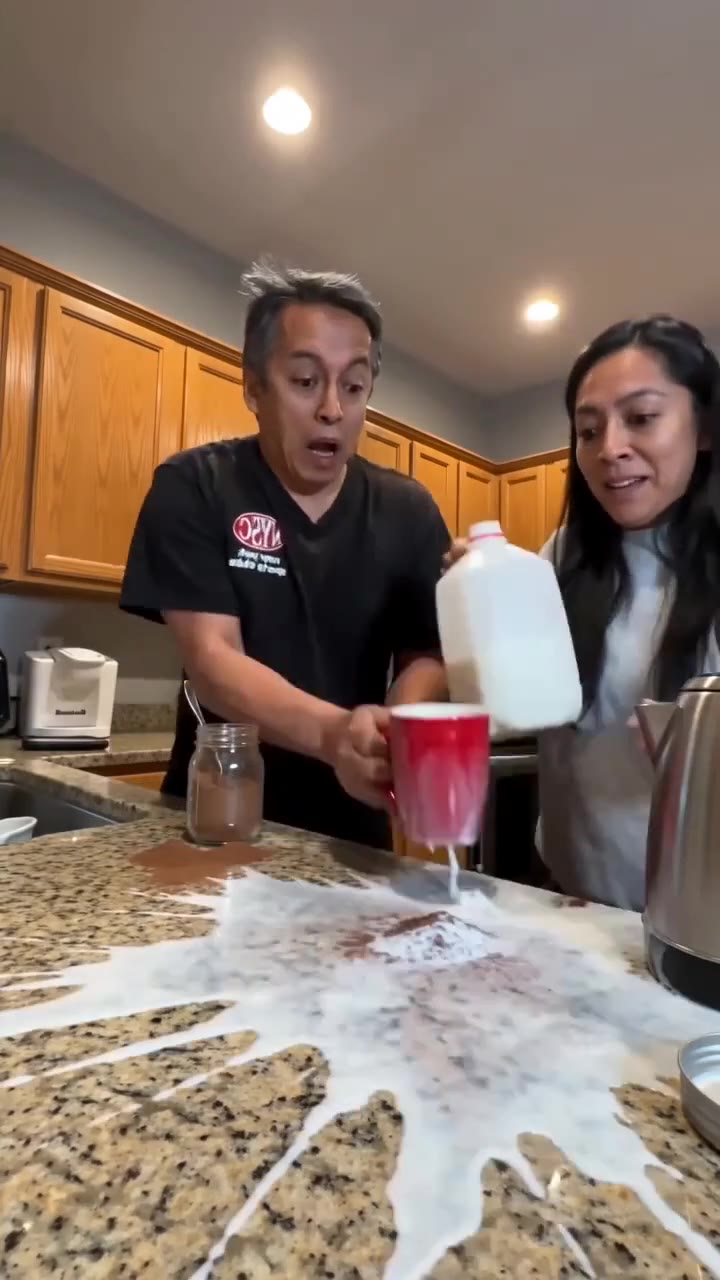



More effects like this
All dance effects

Make your Chinaza Dynamic Filter AI video
Upload a photo and press Generate. 10 credits, refunded if it fails.
Get the next trend first
One email when new trends land on videosi, about once a week. Unsubscribe in one click.
See videosi first on Google
Add videosi as a preferred source and our trend pages show up first in your Top Stories and AI answers on Google.