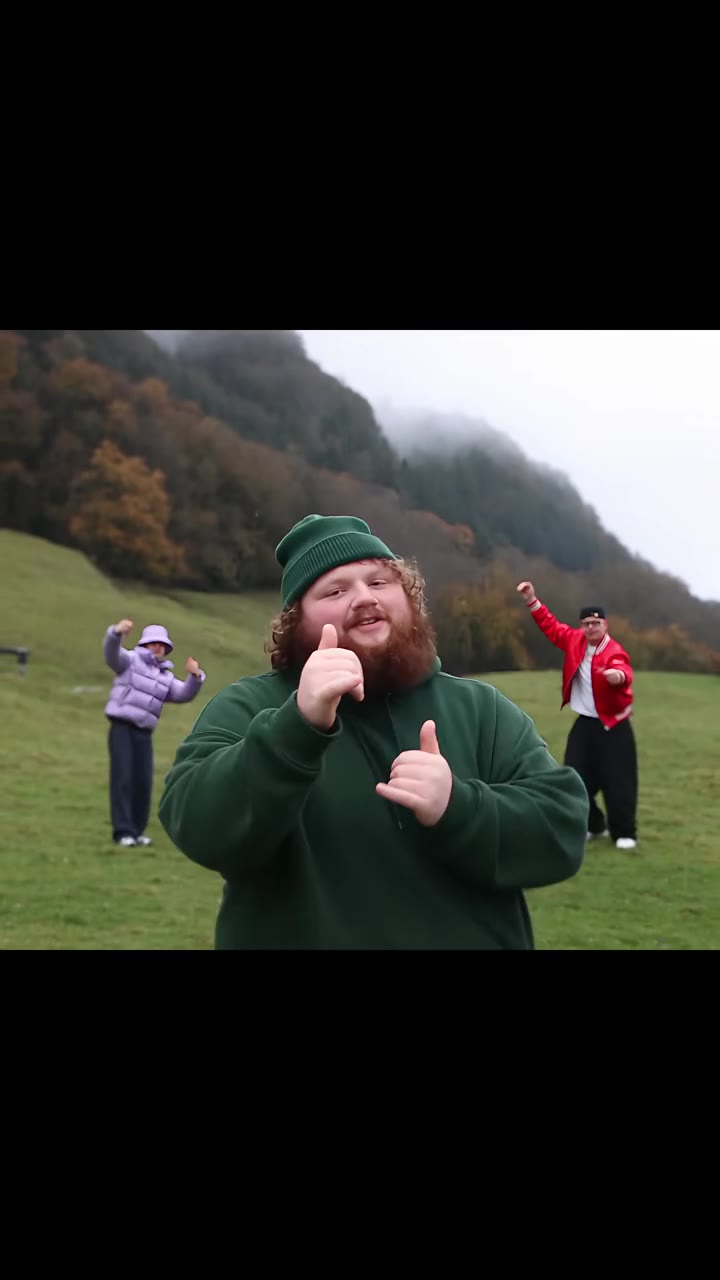
The SRK AI dance is a 15-second AI video trend in which a fan dances a Bollywood couple routine with a Shah Rukh Khan lookalike: a spin in, a high clap, a twirl and a waist swing. On videosi every dancer is replaced, so you dance it with your partner or a stand-in. To make it with your own photo, upload one clear picture to the SRK AI dance page on videosi, pick her part or his part and a scene, and generate the clip.
This guide goes past the basic steps and answers the questions people ask before they try it: which photo to use, what happens to the real actor, why the waist swing is the risky moment, and what to check before you post. For the short version, the main page has the full FAQ.
Key takeaways
- The video is made from one photo of you, with an optional second photo for your partner.
- Every dancer is replaced, so neither Shah Rukh Khan's face nor a lookalike's face appears in the result.
- The clip is 15 seconds long, in three scenes: city plaza, blue spotlight stage and beach. On Standard at 720p it costs 13 credits, and nothing is free.
- The song is Hawayein from Jab Harry Met Sejal, and platforms may mute it, so keep a licensed sound ready.
- Start from the SRK AI dance page and check the waist swing first when the clip comes back.
In this guide
- What photo works best for the SRK AI dance?
- Should I dance with a partner or let a stand-in take the other part?
- Why does the result never show the real Shah Rukh Khan?
- Which scene should I pick: city plaza, spotlight stage or beach?
- Why does the waist swing blur faces, and what can I do about it?
- Where did the SRK AI dance trend come from?
- Which song is it, and is it safe to post?
- How do I post it on Reels or WhatsApp Status without the music being muted?
- Can I make the SRK AI dance for free, or with ChatGPT or Gemini?
- How long does it take to make the video?
What photo works best for the SRK AI dance?
A clear, well-lit photo with your face turned to the camera works best, ideally waist up or full length. The video model has to copy your face onto a dancer who spins, claps, twirls and is swung around, so it needs to see your face, hair and the shape of your outfit without anything in the way.
Avoid sunglasses, caps, heavy filters, group shots and photos where your face is small or cut off. A tight selfie works for the face, but a waist-up photo gives the model more to work with when your arms go up for the high clap. If you are unsure, pick the sharper photo, not the prettier one. Keep one person in each upload box.
Should I dance with a partner or let a stand-in take the other part?
Both work. The routine is a couple dance, so there are always two dancers on screen. You choose whether you take her part or his part, and then the other part is filled either by your partner or by an ordinary stand-in dancer.
If you upload a second photo, your partner takes the other part, and that is the version people tend to share with a husband, wife or friend. If you leave the second box empty, an ordinary adult in plain clothes appears instead. Either way, the lookalike from the reference clip is replaced, so nobody in the result keeps that face. Only use photos of people who agree to it.
Why does the result never show the real Shah Rukh Khan?
Because every dancer in the clip is replaced. The most shared versions of this trend put a fan next to a Shah Rukh Khan lookalike, and the setup on videosi hands one part to your photo and the other to your partner or a stand-in. There is no SRK face and no lookalike face in anyone's video.
That is a deliberate choice. A video of you next to a real, named actor invites confusion about what is real, and it makes the clip harder to post safely. The routine is what you keep: the spin in, the high clap, the twirl under joined hands and the waist swing, then the two of you ending close together, smiling at the camera.
Which scene should I pick: city plaza, spotlight stage or beach?
There are three scenes, and all of them run 15 seconds with the same couple routine. The city plaza is the default, a daytime open space. The blue spotlight stage is a dark set under a coloured light. The beach is the one with camera cuts, so it feels a little busier than the other two.
Each scene uses its own reference clip taken from a real creator post, which sets the camera and the timing of each step. If you want the cleanest, simplest look, start with the city plaza. Pick the stage for a more dramatic mood and the beach if you like cuts. You can also choose 9:16, 1:1 or 16:9, so pick 9:16 for Reels and Status and 16:9 if you plan to embed it elsewhere.
Why does the waist swing blur faces, and what can I do about it?
The waist swing is the hardest moment for any video model. Between roughly 8 and 14 seconds, the dancer in his part swings the other dancer around his waist, legs off the ground, for several turns. When one dancer is spun sideways, models often blend the two faces and smear hands and hair.
We have not test-rendered this page yet, and the mix of two people, a face that looks like a film star and a lift makes face swaps harder than usual. So treat the swing as the place to look first when you check the clip. You can improve your odds in three ways. Use a sharp photo with the face clearly visible. Use two photos of two different-looking people, so the model has an easier time keeping them apart. And if one render drifts, run it again, since each render is a new attempt. A failed, timed-out or blocked render returns its credits automatically.
Where did the SRK AI dance trend come from?
The earliest posts we found are on Indonesian TikTok. The earliest posts we found are from 7 September 2026, and the most viewed creator post we found, a city plaza version, passed 680,000 views within a few weeks. Indonesian CapCut tutorials for the template, posted from 17 September 2026, have passed 2 million views.
The template's original maker is not identified, so we do not credit anyone as the origin. English searches such as "srk ai dance" only started to appear in early November 2026, so outside South and Southeast Asia the trend is just beginning. Because it is young, details can still change, and we update the page as we learn more.
Which song is it, and is it safe to post?
Most posts use "Hawayein" from the 2017 film Jab Harry Met Sejal, starring Shah Rukh Khan. It is sung by Arijit Singh, with music by Pritam and lyrics by Irshad Kamil. You can read about the album on Wikipedia. We identified the song from the lyrics heard in the most viewed posts, which share the same audio.
The clip you get from videosi comes with a short excerpt of that sound already on it. That is music someone else owns, and a platform may mute the clip or flag it for copyright. If that happens, upload the video without our sound and add the platform's own licensed audio instead. We cannot promise how any platform will treat the excerpt, so check before you post anything for a brand or for money.
How do I post it on Reels or WhatsApp Status without the music being muted?
Post the clip first and see what the platform says. Instagram Reels and other apps can mute or limit a video with copyrighted music, and the rules differ by account type and country. WhatsApp Status is a private share to your contacts, which makes it the lowest risk place to start.
If a platform mutes the audio, replace it with a sound from that platform's own library, which is licensed for use inside the app. Label the video as AI when you post it, because viewers react better when they know what they are watching, and several platforms now ask for that label anyway.
Can I make the SRK AI dance for free, or with ChatGPT or Gemini?
On videosi nothing is free: a 15-second video on the Standard model at 720p costs 13 credits, and better models or higher resolutions cost more. Credit packs start at $8.90 for 10 credits and never expire, and plans start at $29.90 a month. A failed render returns its credits.
ChatGPT and Gemini cannot make this video from a chat prompt alone, because they lack a motion reference of the real trend clip. Without a real trend clip to copy, general video models tend to invent a generic slow dance and lose the high clap and the waist swing that make this clip recognisable. Free CapCut templates exist, but their links change often and the result depends on the template. The SRK AI dance page is built around the reference clips, so you do not need to write a prompt.
How long does it take to make the video?
The video renders in a few minutes. You do not need to keep the tab open: we email you when it is ready, and the clip appears in your account too.
The whole process is three steps. Upload one clear photo, pick her part or his part and the scene, then generate. If you want a partner in it, add their photo in the second box before you start. Each scene has one example clip on the page, so you can compare the three before you pick.
The short version
Use a sharp photo, pick your part and a scene, and give the waist swing a close look when the clip arrives. Label the video as AI, and keep a licensed sound ready in case a platform mutes the Hawayein excerpt. When you are ready, open the SRK AI dance page and try it. For more couple and Bollywood dances, see AI dance trends and the La La Land AI dance.