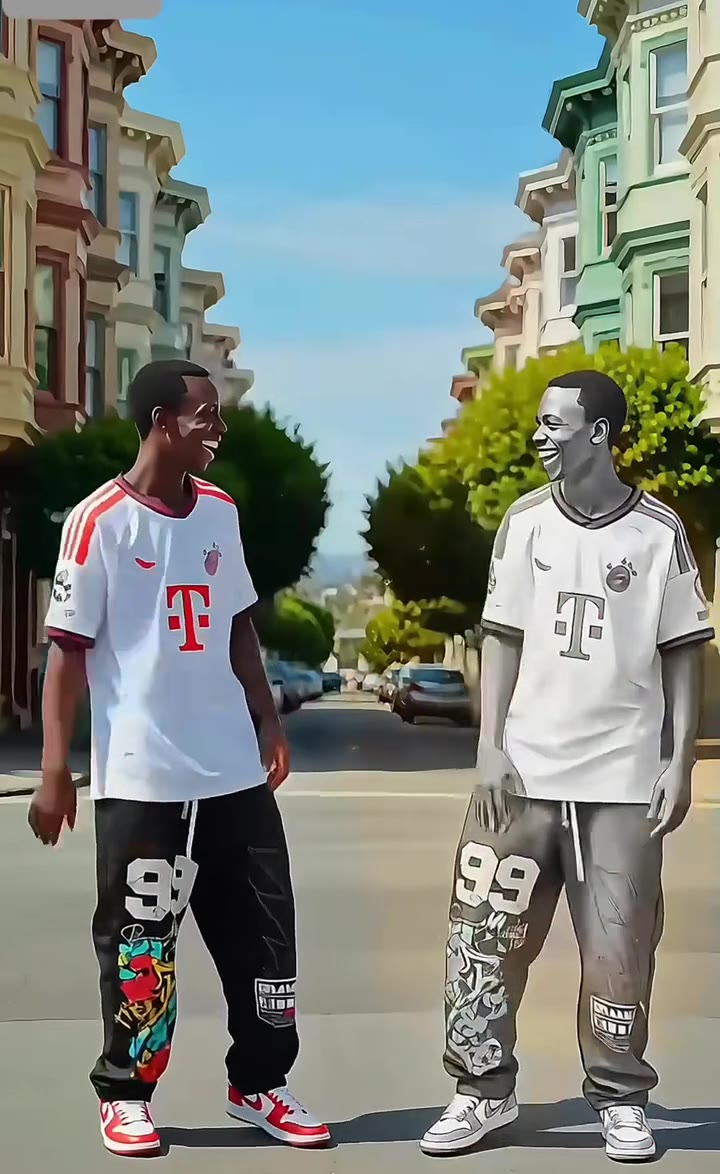
The AI snow globe trend is an 11 second clip where your selfie slides away and you stand, as a Pixar-style cartoon, inside a snow globe. You can make it from one photo, with no prompt and no CapCut template.
This guide goes deeper than the FAQ on the trend page: which photo to use, how groups and pets work, how it differs from older filters, and how to post it honestly. It is based on what the page says and on TikTok template posts dated 13 to 18 November 2026.
Key takeaways
- The trend is brand new: template posts from 13 to 18 November 2026 sit at a few hundred to about 2,000 views.
- Snow globe filters existed in December 2024 and November 2025, but the selfie slide-away reveal is the 2026 hook.
- One to three people, or a pet, with large clear faces gives the best likeness.
- A standard 11 second video is 10 credits, and Single is $8.90 for 10 credits.
- Turn on the AI-generated label when you post; there is no link to Pixar.
In this guide
- Which photo works best for a AI snow globe video?
- Can I put two people, three friends or a pet in the globe?
- How is this different from the CapCut template version?
- How is this year's snow globe trend different from the 2024 and 2025 filters?
- Is the snow globe trend big yet?
- How do I post it on TikTok with the AI label?
- Does this have any link to Pixar?
- What is actually in the snow globe scene?
- Why is it hard to make by hand with ChatGPT or Sora?
- What does it cost to make one?
Which photo works best for a AI snow globe video?
Pick a sharp, front-facing photo where every face is large and fully visible. The cartoon figures in the globe are built from the faces in your photo, so the photo decides the likeness more than any setting does.
Good photos have even light, no motion blur and faces that fill a fair share of the frame. Sunglasses, hats pulled low and heavy filters all make the cartoon version drift. What you wear in the photo is what your figure wears, so a winter coat or a knit looks natural in a Christmas scene, but your own clothes are kept either way.
A selfie works well because the face is close. A wide shot of a party shrinks every face and the likeness suffers. If you only have a group photo, crop it to the people you want in the globe before you upload.
Can I put two people, three friends or a pet in the globe?
Yes. A couple, three friends, or one person with a pet all work, and everyone in the photo appears twice: once in the opening photo and again as a cartoon figure under the glass. The sweet spot is one to three people. The globe is small, and past three people each figure gets too little room.
Only use photos of people who agree to be in the clip. If you post a friend or partner, tell them first. The result is a stylised version of them, not a copy, so it is worth showing it to them before it goes public.
How is this different from the CapCut template version?
Most of the November 2026 posts were made with a CapCut template: you drop a photo into a fixed edit and the app fills in the rest. A web generator like videosi works differently. It sends your photo and a short motion reference to Seedance, ByteDance's video model, and renders a new 11 second clip from scratch.
That means details differ. A template gives a very consistent result for everyone, while an AI render adapts to your faces and clothes and can come out slightly different each time. If you already have CapCut and like its look, the template is fine. If you want to start from one photo on the web without installing anything, the AI snow globe page does that in one step, with no watermark on the MP4.
How is this year's snow globe trend different from the 2024 and 2025 filters?
The idea is not new. A "Me in a Snowglobe" filter was on TikTok in December 2024, and a Hypic video titled "trapped in a Christmas snow globe" was posted in November 2025. Both were about being placed inside a globe.
What is different now is the reveal. In the 2026 clips, your own selfie sits still for a moment, then slides upward like a window blind and uncovers a Pixar-style 3D globe with cartoon versions of the same people inside. The photo-to-globe move is the hook, and it is why the clip reads as a small story rather than a filter overlay. It also runs about 11 seconds, long enough to hold the finished globe at the end.
Is the snow globe trend big yet?
No, it is just starting. The template posts we found are dated 13 to 18 November 2026, and each has only a few hundred to about 2,000 views. We have not confirmed an original creator, so nothing here claims one.
Early does not mean unimportant. Snow globe content is seasonal by nature, and the 2025 version appeared in November too. Posting early in the Christmas run is the opposite of arriving after the wave has peaked. The real risk is only that the trend stays small, and a single 11 second video costs little to test.
How do I post it on TikTok with the AI label?
Download the MP4, upload it to TikTok as normal, and switch on the AI-generated content label in the post settings before you publish. Add a plain caption such as the one the trend uses, "Trying the pixar snowglobe trend", and a Christmas hook.
Labelling is simple and protects you if a viewer asks whether it is real. It also matches how the template posts in this trend are marked. The 9:16 format fits TikTok, Reels and Shorts, so you can post the same file on all three.
Does this have any link to Pixar?
No. Pixar is a computer animation studio in California that Disney has owned since 2006, according to its Wikipedia page. In this trend, "Pixar" only describes the soft 3D cartoon look of the figures.
videosi has no connection to Pixar, Disney or any of their films, and the clip uses no Pixar characters. You only get cartoon versions of the people in your own photo. Do not describe the video as made by or for Pixar when you post it.
What is actually in the snow globe scene?
Per the page, one snow globe sits on a wooden shelf. Inside are snowy pine trees, a snowman and falling snow, with a night window and warm lights behind the glass. The scene is fixed, so you cannot swap it for a beach or a city.
Snow globes themselves are old objects. A glass sphere with a miniature scene that stirs up white flakes when shaken dates to at least 1878, as this snow globe history notes, which is part of why the Christmas look feels familiar at once.
Why is it hard to make by hand with ChatGPT or Sora?
The trick is timing, and general tools do not hold it. A text prompt to ChatGPT or Sora rarely keeps your real face, makes the photo slide away like a blind, and lands on a clean globe in the right seconds. An image model also redraws your face between the photo and the cartoon, so the two stop matching.
Without a motion reference, the photo tends to fade out instead of sliding, and the globe just dissolves in. Each failed attempt costs credits or minutes, and most people need several tries. The AI snow globe recipe has the reference clip and the rules about whose face goes where already built in, so all you do is upload one photo.
What does it cost to make one?
A standard 11 second video costs 10 credits on videosi. The Single pack is $8.90 for 10 credits, so one standard clip equals one Single pack. Higher quality tiers use more credits. A failed, timed-out or blocked render returns its credits automatically.
Because the page is built around one photo and one reference, you do not pay for prompt experiments. Pick the format, press Generate and download the MP4 with the trend's original sound already on it.
Ready to try it? Upload one photo on the AI snow globe page and get your 11 second clip.