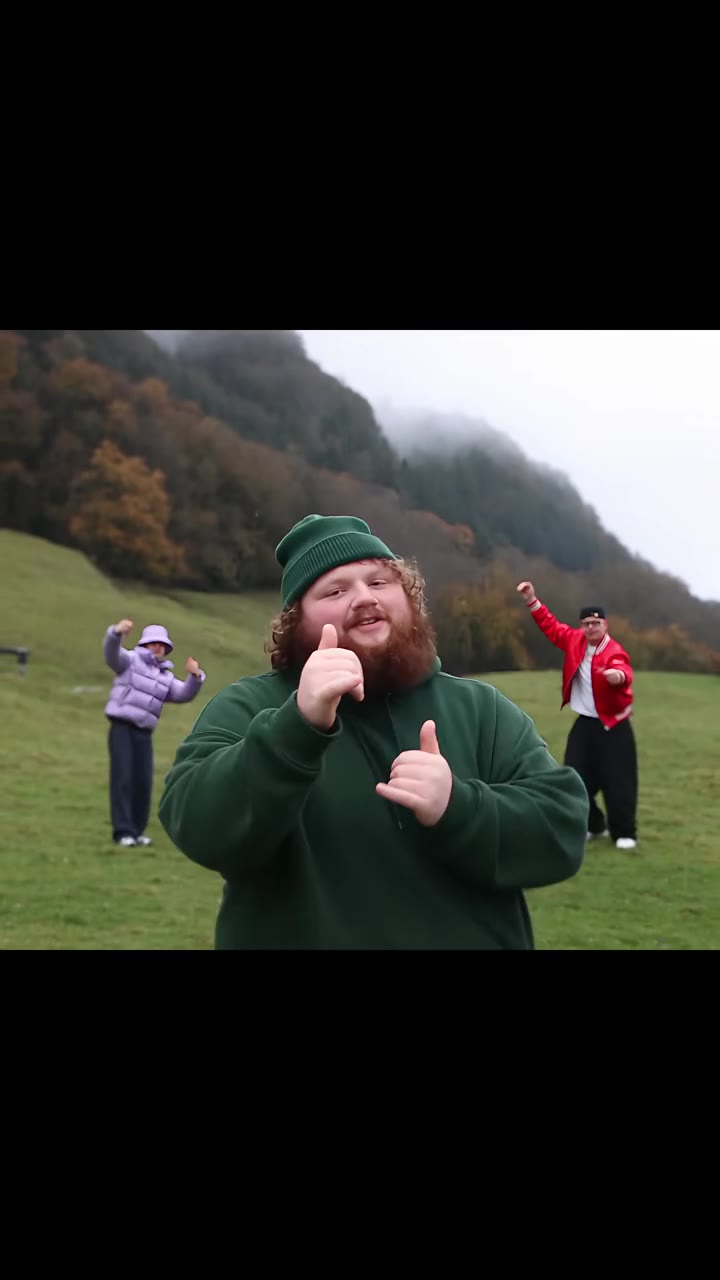
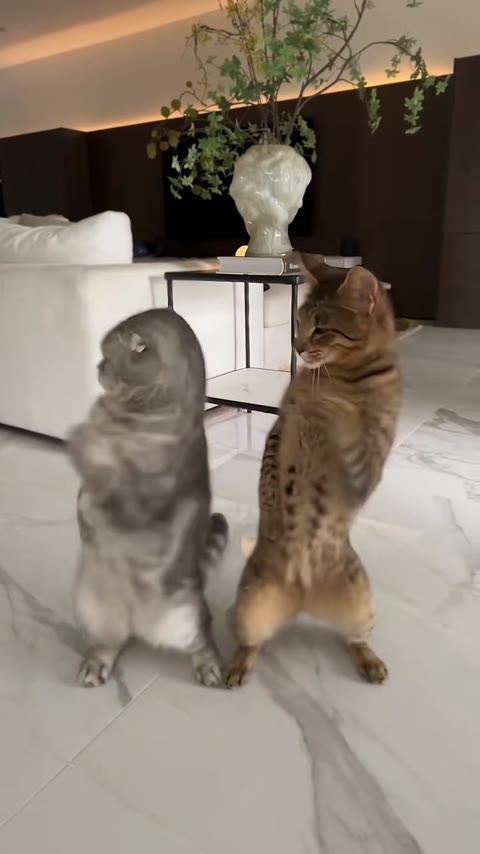
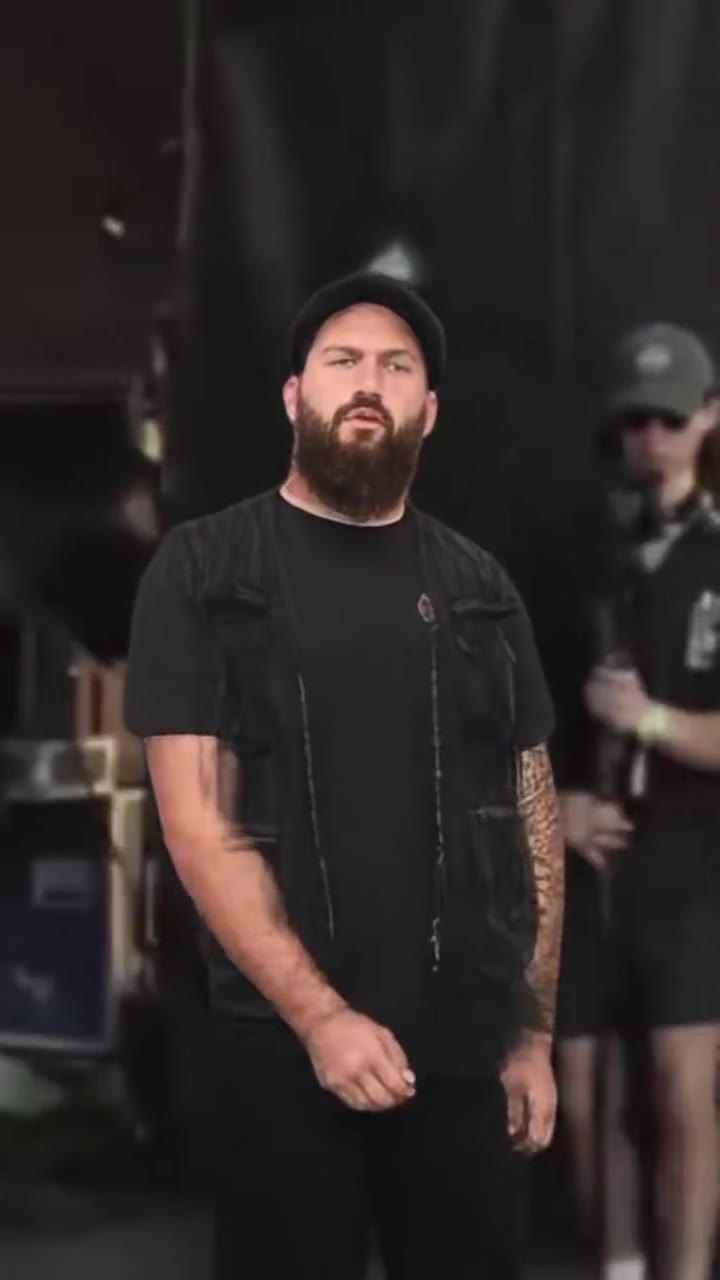
The shoulder carry trend is a 9-second TikTok clip in which one person sits on the other's shoulders, gets swung down in one move and ends leaning into the camera. You can make a shoulder carry AI version on videosi from two photos, with the trend sound already on the video.
This guide goes deeper than the shoulder carry AI page FAQ: how to film the real version, how two people make it work, why it is called I'm the One, how the template route compares with an AI video, and how to post it responsibly.
Key takeaways
- The clip has four beats over about 9 seconds: the carry, the swing down, the lean into the camera and a thumbs-up.
- The name I'm the One comes from the caption line "he don't wanna fw cause I'm the one", used with a sound TikTok lists as original sound.
- The song is unconfirmed: one template site names DJ Khaled, but that is not verified.
- For the AI version, use one sharp, front-facing adult in each photo and keep hair and shoulders in frame.
- A 9-second AI video costs 10 credits on the Standard model at 720p (5 at 480p); a real carry needs a sturdy carrier and a clear floor.
In this guide
- Why is it called the I'm the One trend?
- Is the sound really DJ Khaled?
- What happens second by second?
- How do you film the real version?
- How do you keep a real shoulder carry safe?
- How do the two people work together?
- CapCut template or AI video: which should you pick?
- Which photos work best for the AI version?
- Who is photo 1 and who is photo 2?
- How do you post it with an AI label?
- What does the AI version cost?
Why is it called the I'm the One trend?
The name comes from the sound, not from the move. The clips use a TikTok sound listed as original sound, captioned with the line "he don't wanna fw cause I'm the one". People started calling the format the I'm the One trend because that line is the hook everyone lip-syncs to.
The move fits the line. The person on top is swung down in front of their carrier and ends up with their face in the lens while the carrier is left behind them. It reads as a playful role-swap joke between couples and best friends: the person in front is the one.
Is the sound really DJ Khaled?
Unconfirmed. A template site names DJ Khaled's I'm the One as the song, but the posts we checked list the audio only as original sound, and we could not verify the link. Treat it as a guess until a credit shows up on the sound page itself.
This matters when you post. If you search for the song title, you may miss the sound that the trend actually uses. Search the caption line instead, or open the sound from a post you already know uses it. On videosi the sound from the reference clip is added to your finished video, so you do not need to find it at all.
What happens second by second?
There are four beats, and the timing is the whole trick.
- 0 to 2.5 s, the carry: the carrier stands facing the camera with the other person on his shoulders, legs draped over his chest, one leg kicking up.
- 2.5 to 4 s, the swing down: he leans forward and swings the person over his shoulder in one quick move.
- 4 to 7 s, the lean into the camera: the swung-down person lands in front, bent forward with face and hair filling the frame, singing along while the carrier stays behind.
- 7 to 9 s, the thumbs-up: a thumbs-up from the carrier and a happy shake of the head to finish.
The swing is the moment people replay, so a clean cut around 4 seconds is what makes a copy look right. The longest hold is the face close-up, which is why a good face photo matters so much in the AI version.
How do you film the real version?
Set the phone on a stable surface or a tripod at about chest height, in portrait, with the carrier standing a step or two back so the whole upper body fits in frame. Pick a room with a clear floor and nothing breakable nearby. A living room or garage with plain walls works well because the face and hair carry the shot.
Play the sound from a second device or start the video and lip-sync in silence, then add the sound in your editor afterwards. Do a couple of dry runs without the swing so both people know the count. Film three or four takes and keep the one where the lean into the camera lands exactly on the lyric.
How do you keep a real shoulder carry safe?
Be honest about the weight difference. A carry on the shoulders puts a lot of load on the carrier's neck and back, and the swing down moves the other person through the air in a short space. If either of you has any doubt, do not film the real version.
- Use a carrier who can comfortably hold the other person's weight, and keep the carry short.
- Clear the floor, take off shoes with hard heels, and stay away from stairs, tables and low ceilings.
- Have a third person spot you if you are trying it for the first time.
- Stop if anything hurts. A clip is never worth a fall.
This is the main reason many people prefer the AI version. Nobody lifts anybody, and you still get the full carry, swing and lean from two photos.
How do the two people work together?
Agree on the count before you start. A simple one is carry for two beats, swing on the third, lean in on the fourth. The carried person should keep their legs relaxed and hold the carrier's head or shoulders lightly, not tightly, so the swing is smooth and nobody gets pulled off balance.
The carried person does the acting. After the swing they need to land, bend forward and hit the lip-sync with a clear face, because that is the longest shot. The carrier's job is smaller: stay steady, then give the thumbs-up and a happy head shake at the end. Settle who is on top before filming, since the roles are the joke.
CapCut template or AI video: which should you pick?
As of 10 November 2026 the tutorials we found send people to a CapCut template and an AI filter inside TikTok and CapCut. Both need a photo upload of their own. We could not confirm an official TikTok effect, so check what the tutorial you follow actually uses.
The difference is mostly about what you start with. A template remixes footage or photos you supply into a fixed layout. An AI video like the one on videosi rebuilds the whole 9-second clip with your two faces, using the real trend clip as a motion reference so the swing stays on beat. Pick a template if you already have your own footage and want a quick edit. Pick the AI route if you have two photos and no willing carrier, or do not want to try the lift for real.
Which photos work best for the AI version?
The person on top is hidden or upside down for the first 4 seconds, so their face really shows in the second half. That means the model has fewer frames to get your likeness right, and photo quality matters more than usual.
- Use a sharp, front-facing photo with even light.
- Keep hair and shoulders in frame, because the person on top is mostly hair and face in close-up.
- Show one adult per photo. Group shots confuse who plays which role.
- Avoid sunglasses, heavy filters, dark rooms and tight crops.
There are exactly two people in the clip. Nobody else is added, so a photo with more than two faces can confuse it. If a result looks like the original pair, try a different photo rather than the same one again, and remember that AI results can vary.
Who is photo 1 and who is photo 2?
Photo 1 is the person who gets carried, swung down and ends in the camera. Photo 2 is the carrier. If you would rather upload one photo of you both, the left person is carried and the right person carries.
If the result looks odd, swap the order. The carried person is the one who ends up in front of the lens, so give that spot to whoever should be the star of the joke. Use photos of adults who are happy to be in the clip, such as a partner, a best friend or a sibling, and never photos of strangers.
How do you post it with an AI label?
Download the clip from videosi and upload it as a normal vertical video. When you post on TikTok, Reels or Shorts, switch on the platform's AI-generated content label if it asks, and say it in the caption too. A line such as "made with AI" is enough.
Add the shoulder carry trend and I'm the One trend tags so the clip lands with the right audience. Be clear that it is a joke between people who agreed to it. Do not present an AI clip of someone as real footage, and do not use a photo of anyone who has not said yes.
What does the AI version cost?
The AI version is not free: there is no free generation and no free trial. A 9-second shoulder carry video costs 10 credits on the Standard model at 720p, or 5 at 480p. Better models and higher resolutions cost more, and the generator shows the exact amount before you press Generate. Credit packs start at $8.90 for 10 credits and never expire, and a failed render returns its credits automatically.
The video is usually ready in a few minutes. You can run the whole thing in a phone browser: open the shoulder carry AI page, upload two photos, pick 9:16 for TikTok and Reels, and generate.