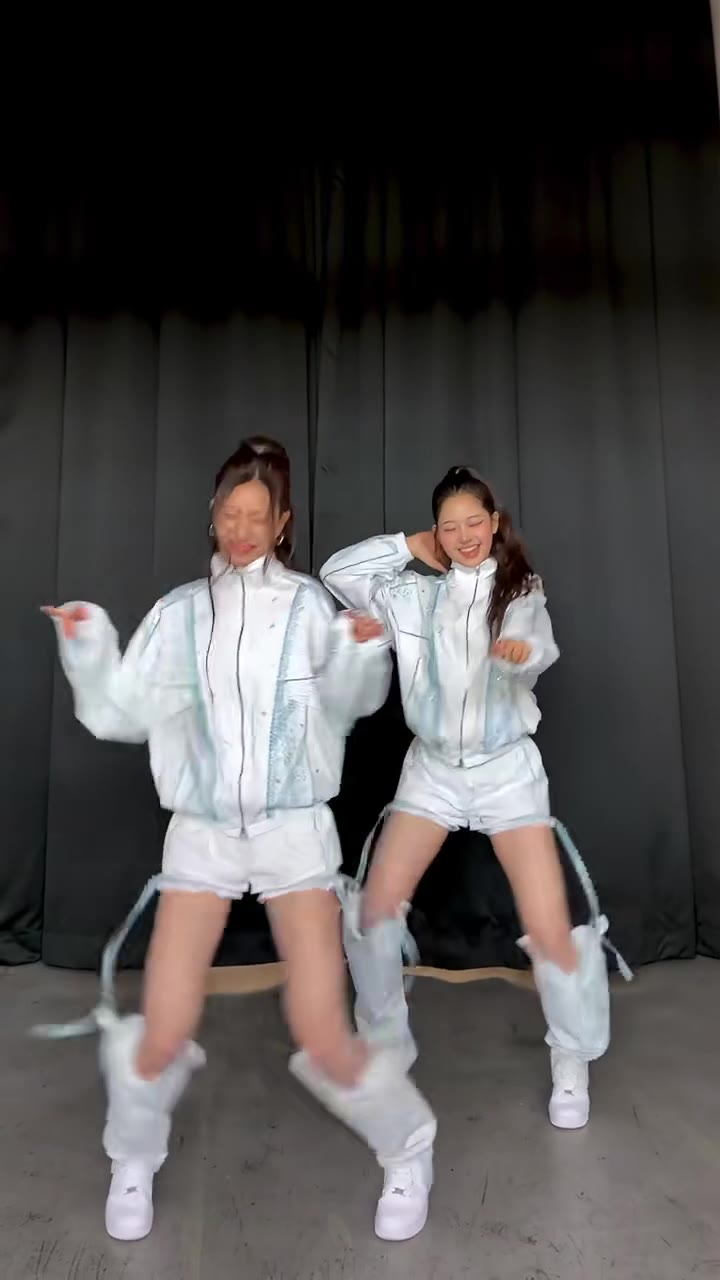
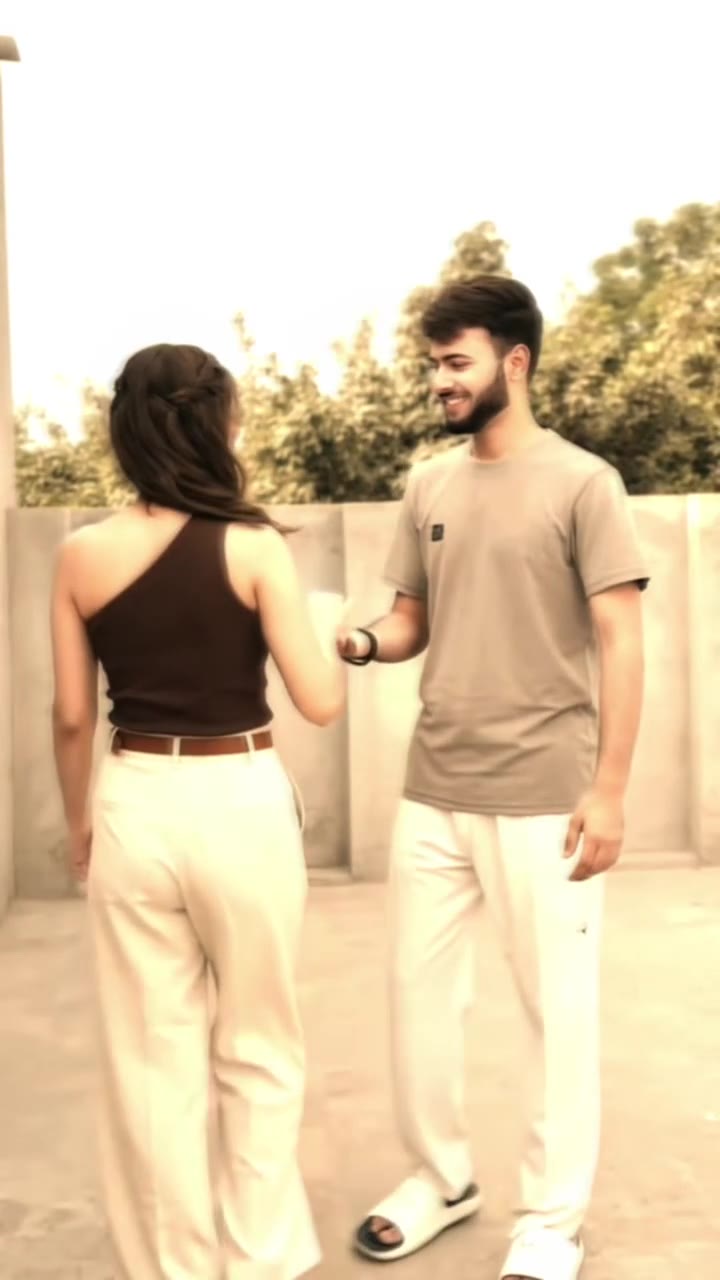
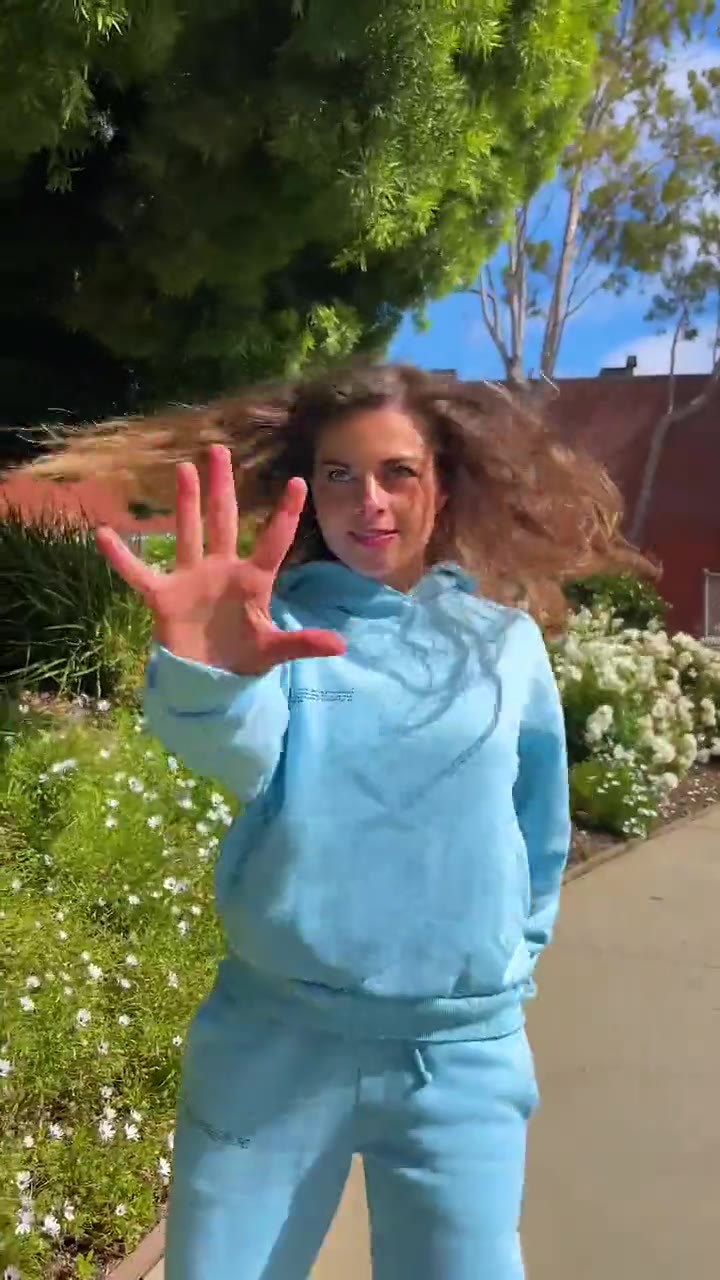
The I just beat the case AI trend is a 15-second comedy dance in which someone walks out of a courthouse, points at the camera and dances a victory lap to the line "I just beat the case, I'm back". To make it with your own photo, upload one picture to videosi, choose a format and download the finished video with the original sound on it.
This guide goes deeper than the page FAQ. It covers where the clip came from, how to choose a photo, what happens with pets, why some results miss, and what to check before you post.
Key takeaways
- The earliest copy we found is dated 22 April 2026; the AI template wave began in October 2026.
- One sharp, front-facing photo with the body in view gives the steadiest result.
- Pets work and dance upright on two legs; the video comes with the trend sound and the dancer does not lip-sync.
- The clip ends mid-dance, without the original close-up.
- A standard 15-second video is 13 credits, and credits never expire.
In this guide
- Where does the "I just beat the case" clip come from?
- How did it turn into an AI trend?
- What photo gives the best result?
- Can my dog or cat do the courthouse walkout?
- What is in the 15 seconds, and what is left out?
- Does the video come with the original sound, and does it lip-sync?
- Why does my result sometimes look wrong?
- Should I label the video as AI when I post it?
- What about copyright and privacy?
- How is this different from a CapCut template?
Where does the "I just beat the case" clip come from?
The earliest copy we found on TikTok is dated 22 April 2026. It is a 26-second clip of a man in a bright patterned shirt, and its caption mentions a Louisville man beating his case. We have not confirmed the dancer, the place or the original poster, so treat all three as unverified. No creator is named here on purpose.
What we can say is how the clip is built. A person pushes out through glass courthouse doors, points at the camera and dances down a brick walkway. The voice line over it is "I just beat the case, I'm back", often followed by "bow bow bow". The joke is the victory lap: someone leaving court behaves as if he has won the lottery.
How did it turn into an AI trend?
In early October 2026 the same dance came back as an AI template. Creators swapped the dancer for other people, cats, dogs and cartoon mascots. According to the play counts we saw, several of those clips passed 400,000 plays and one passed 1.6 million. Our trend radar flagged it as emerging on 3 November 2026.
That path is common for dance memes. A short, readable motion with a loud, quotable sound is easy to copy, and swapping the person is the natural next step. The I just beat the case AI page does that swap from a single photo.
What photo gives the best result?
The photo matters more than anything else you control. The dancer is in view for almost the whole clip, so a photo that shows your face and as much of your body as possible works best. A face-only selfie forces the model to invent the body and the clothes, and the invented parts tend to change from frame to frame.
Pick a sharp, front-facing photo in daylight. Keep one person only, because groups and collages can blend into a strange mix. Avoid heavy filters, sunglasses and hats that hide the face, and avoid photos where your arms are crossed or hidden, since the dance uses a lot of arm movement. Whatever you wear in the photo is what the dancer wears, so choose an outfit you are happy to see kicking and hopping down a walkway.
A tidy background helps a little, but it is not required. The courthouse doors, the walkway and the camera move come from the built-in reference, not from your photo.
Can my dog or cat do the courthouse walkout?
Yes. Upload a pet photo and the animal takes the dancer's place, keeping its fur and markings from the image. It dances upright on two legs, like the person it replaces, rather than walking on all fours. That upright walk is part of the joke, and cats and dogs were among the swaps creators made in the October AI wave.
Use a clear photo that shows the whole animal if you can. A close-up of a face leaves the model to guess the body, and fur patterns are easiest to keep when they are visible. If you want a different pet dance, the dancing dog AI page is built for that, and the AI dance page covers people and general dance clips.
What is in the 15 seconds, and what is left out?
The videosi version runs 15 seconds as one continuous take. You push out of the door, strut toward the lens, point at the camera and throw both arms out. Then comes a kick, a hop and a loose shuffle while the camera pulls back, followed by a wide, bouncy stance and a one-arm swing. It ends while you are still dancing.
One thing differs from the original. The original dance ends with the person walking up to the lens and grinning into it. We do not recreate that close-up. A close-up asks the model to hold a face at very short range, which is where likeness slips most, and asking for a cut to a close-up can bring in a different person. So the clip stays wide and stops mid-dance.
Does the video come with the original sound, and does it lip-sync?
The finished MP4 comes with the trend sound already on it, lined up with the moves. The sound is the same recording as the original clip, so you do not need to add it yourself. If you prefer, you can still swap the sound inside TikTok or Instagram when you post.
The dancer does not lip-sync. The voice line plays over the dance, and the person on screen does not mouth the words. That matches how the trend is usually posted: the sound is a punchline over the movement, not a performance.
Why does my result sometimes look wrong?
Most failures trace back to three causes. The first is the photo: blurry, dark, cropped or crowded photos give the model less to hold on to, and the face drifts in the fastest moves, the kick and the hop. The second is the model keeping parts of the original dancer when nothing tells it to let go. On videosi that is handled for you, which is why you do not write a prompt. The third is chance. Video models are not exact, and likeness is never guaranteed.
If a result misses, change the photo before you change anything else. Try a sharper image, a straighter angle or a photo with more of the body in view. Our default tier is the cheapest, and the higher tiers can hold detail better, at a higher credit cost. A failed render returns its credits automatically.
Should I label the video as AI when I post it?
Yes, we recommend it. The clip is a parody and nobody should mistake it for a real courthouse event, but a clear label keeps the joke honest and avoids confusion, especially if your video shows a real person who is not you. TikTok, Instagram and YouTube each have their own AI-content settings, and the rules change, so check the current options inside each app before you post.
The phrase also carries a caveat. "I just beat the case" jokes about winning a court case. It is comedy, not legal advice, and it should not be used to mock a real case or a real person's legal trouble.
What about copyright and privacy?
Use photos of yourself, your own pet, or people who have agreed to appear. A photo of another person is only fine if you have the right to use it. Do not upload photos of other people to make them look like they are celebrating something they did not do.
On sound, the voice line is an original sound whose rights we have not confirmed, and no song title or artist is recorded. Platforms handle original sounds differently, and a video that is fine on one app can be muted on another. For anything commercial, such as a brand account or an ad, check the platform's rules and do not rely on this guide. videosi is independent and is not affiliated with TikTok or CapCut.
How is this different from a CapCut template?
Much of the trend was made with CapCut AI templates that swap the dancer for your photo. Templates like those change or disappear often, so check inside CapCut to see what is available today. They also only run inside the CapCut app.
The videosi version is a web tool. You upload a photo, pick 9:16, 1:1 or 16:9, press Generate and download a 15-second MP4 with no watermark and the sound already on it. There is nothing to type. It is not free: a standard 15-second video is 13 credits, and better models and higher resolutions cost more. Credits never expire, so one try does not use up a monthly allowance. Open the I just beat the case AI generator to try it.
If the trend is new to you, the I just beat the case AI page shows the sample and the pet examples before you spend anything.