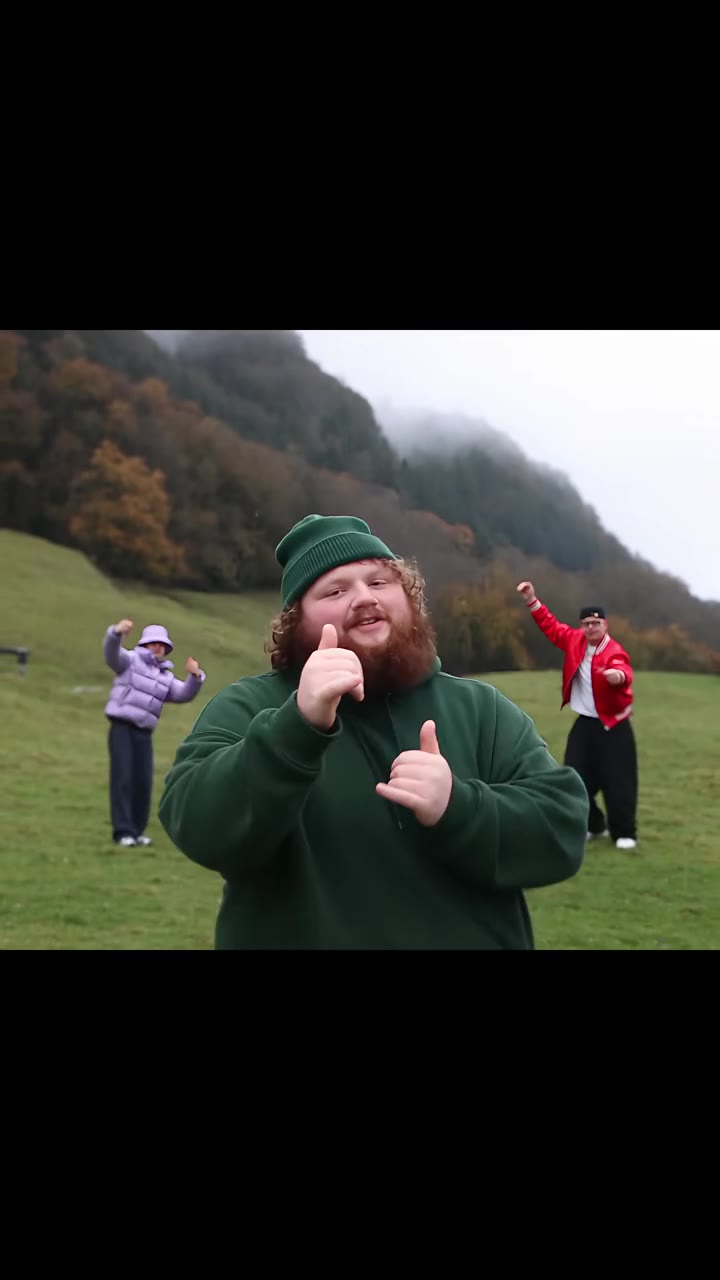
Head bop AI turns one photo of you into the bedroom phonk dance: headphones on, head nodding, arms folded, claw hands at the camera. On videosi you upload a photo, pick a scene and get a 15 second video with the trend sound, for 13 credits on the Standard model at 720p.
This guide goes past the basics of head bop AI and answers the questions people ask once they try it: how it differs from a CapCut head effect, how to choose a photo, why results sometimes miss, and how to post honestly.
Key takeaways
- The head bop is a 15 second bedroom dance to slowed phonk; videosi swaps you in from one photo.
- A CapCut head bop effect nods one head; the AI version recreates the whole dance.
- Show your head and upper body, face clear, one person, in even light.
- Label the video as AI when you post it. A Single pack is $8.90 for 10 credits.
In this guide
- How is a CapCut head bop effect different from the full-body head bop dance?
- What does it take to be moved into the dance with one photo?
- How do I choose the right photo for a head bop video?
- Why does the finished video sometimes not look like me?
- How is this different from motion transfer tools?
- How should I post a head bop AI video so it is not flagged as a problem?
- Which scene should I pick first?
- What does a 15 second head bop actually contain, beat by beat?
- Is the head bop trend still worth joining?
How is a CapCut head bop effect different from the full-body head bop dance?
The name covers two different things. The CapCut version is an editing effect: you take a clip or a still, and the effect makes the head bounce or nod on the beat. The tutorials for it started to appear in early September 2026. It changes one body part and leaves the rest of the picture alone.
The dance is a whole performance. A person puts on headphones, nods to a slowed phonk beat, folds their arms, sways low and finishes with claw hands reaching at the camera. That is what grew through October and November, and it is what head bop AI on videosi recreates.
The practical gap is effort and result. A head-only effect is quick, but it works on a photo or clip you already have and only moves the head. The dance needs a full performance, and the AI route supplies it from a single photo. If you only want a funny nodding head, use the editor. If you want to star in the dance, use the AI version.
What does it take to be moved into the dance with one photo?
Very little on your side. You upload one photo, pick one of three scenes (the headphones phonk dance, the pink bat and kick, or the crown and cape flex), choose 9:16 or 16:9, and press Generate. The result is a 15 second MP4 with the trend sound mixed in.
Behind that, videosi uses a reference clip for the motion, the camera and the timing, and your photo takes the performer's place. That is why the bedroom stays locked off and the cuts land on the beat. Nothing about the choreography is invented from a text description, which is the usual reason generic tools give a generic dance.
Cost is simple to plan. A 15 second video is 13 credits on the Standard model at 720p, or 7 credits at 480p, and the Single pack is $8.90 for 10 credits. The price of the scene you choose is shown before you generate, so there is no surprise at the end.
How do I choose the right photo for a head bop video?
The photo decides most of the outcome, so spend a minute on it. The dance is full-body, so show your head and upper body, not a face cropped tight. If the frame ends at the chin, the model has to invent shoulders, arms and hands, and invented hands are where mistakes show first.
Face the camera in even light. Skip sunglasses, hats and heavy shadows across the face, because the likeness can drift while the head is nodding. Use one person only: this is a solo dance, and a second face leaves the model unsure who to swap in.
Remember that what you wear in the photo is what you wear in the video. A plain top reads well against the beige bedroom of the reference. A busy pattern or a printed logo is harder to hold steady through the sway. A sharp, recent, front-facing photo beats a stylish but angled one nearly every time.
Why does the finished video sometimes not look like me?
Three causes cover most cases. The first is the photo: a small face, a side angle or a filter gives the model little to hold on to. The second is the motion. The lowest part of the sway, with the body bent and the head turned over one shoulder, is where the face is seen from the hardest angle, so likeness can drift there. The third is that fast hands and claw poses are drawn from scratch, so fingers may look slightly off.
The fix is almost always a better input. Retake the photo straight on, in daylight, with the face large in the frame and nothing covering it. Keep the hair and clothes you want to see on screen, because they carry over.
One more point worth knowing: the system is built to keep your face and age instead of drifting toward the original performer, which is a common failure in general video tools that swap a person into existing footage. If a result still looks like someone else, treat it as a photo problem first and try again with a cleaner shot.
How is this different from motion transfer tools?
Motion transfer tools usually ask you to supply two things yourself: a driving video and a picture. You hunt for a good clip, match the framing, and then experiment. The result depends on how well the two inputs fit.
With the head bop page the driving clip is already chosen and cut for the trend, so the only input is you. The room, the camera position, the timing and the beat are fixed, which is exactly what makes the dance recognisable. You give up the freedom to change the location, because the video follows the reference scene, but you gain a result that looks like the trend rather than a loose version of it.
The trend audio is also mixed in for you, so there is no hand syncing in an editor.
How should I post a head bop AI video so it is not flagged as a problem?
Label it. That is the simple answer and it is the one platforms reward. On TikTok, a creator turns on the AI-generated content setting under More options before publishing, and a tag then appears under the caption. A clear caption, sticker or watermark can also disclose it, according to Hootsuite's guide to the TikTok AI disclosure policy.
The same guide lists realistic AI-generated videos of people among the things that need a label, while minor edits such as colour correction, cropping or everyday filters do not. A realistic video of you dancing in a bedroom falls on the labelled side, so toggle it on.
Labelling also keeps you ahead of automatic detection. TikTok reads C2PA Content Credentials, a metadata record of how a file was made, to label AI content from other platforms, as Voicebot reported. Auto labels only work where the credentials are present, and a label added that way is not something you control. Disclosing yourself, in your own words, looks better than being tagged. Policies change, so check the current rules in the app before you post.
Which scene should I pick first?
Start with the headphones phonk dance. It is the base version of the trend and the one most viewers will recognise: headphones go on, hands go up, the head bops with folded arms, a low sway follows and the clip ends on the claw reach.
Pick the pink bat and kick if you want the opening to be a swing and a high kick, followed by folded arms, a clap and a shrug. Pick the crown and cape flex for a gold crown, a two-arm flex, claw hands and a shrug. All three are 15 seconds, so the choice is about style, not length.
What does a 15 second head bop actually contain, beat by beat?
Knowing the structure helps you judge a result. In the first second and a half the person lifts the headphones onto their head as the beat starts. From 1.5 to 3 seconds both hands go up beside the head and wave while the nod begins. From 3 to 6 seconds the arms fold across the chest, the head tilts and bops and the face stays smug.
From 6 to 8 seconds the knees bend, the shoulders roll and the body swings low while looking over one shoulder. The last seven seconds are the claw reach: one arm and a clawed hand extend to the camera, then a fist push and spread fingers finish the phrase.
If your video has all five beats in that order, the motion reference worked. If the face looks off in the low sway or the claw reach, the usual cause is the photo, not the timing: the motion comes from the reference clip, and the trend sound is mixed in after the video is made.
Is the head bop trend still worth joining?
It is at its peak rather than just starting. The first head bop CapCut tutorials showed up in early September 2026, the dance clips grew through October and November, and by 12 November 2026 the most-viewed single clip had passed 13 million views. Trends like this move in weeks, so a post made now meets an audience that already knows the format.
The format also suits a personal twist. Because the setup is a locked-off bedroom and a short dance, viewers judge it on how well it fits you, and swapping in your own face is the whole joke. That is why a photo-based version spreads: anyone can make one without filming. If you like this kind of short room dance, Vossi Bop AI and Wipe Me Down AI work the same way, from one photo.
If you want to try, open the head bop AI page, upload one clear photo and pick a scene. For background on how the editing-effect side works, Tuts+ has a guide to CapCut body effects, which apply sliders such as Head to video footage, not to a still photo.