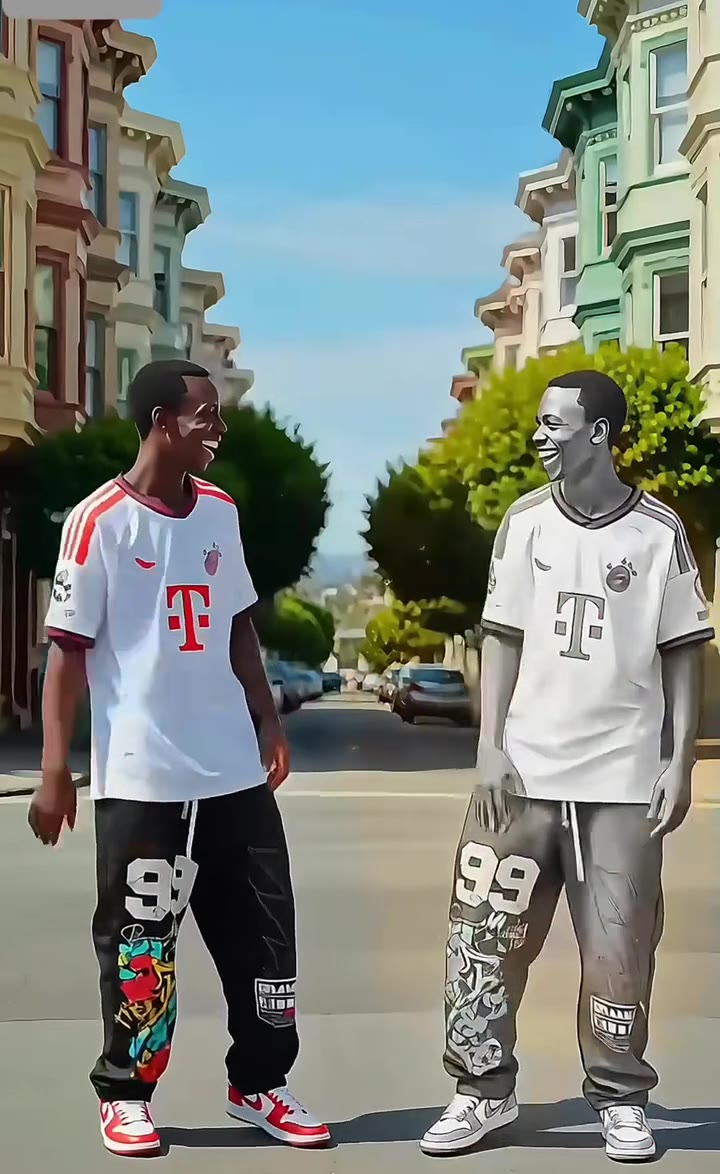
A gta loading screen ai photo is a comic-style portrait of you, drawn in the look of a game loading screen, with a sunset city and a parked car behind you. On videosi you upload one photo and get one vertical 2:3 image for 1 credit, with no prompt to copy.
This guide goes deeper than the trend page. It covers how to shoot the source photo, why copied prompts add logos or change your face, the two looks, doing it in ChatGPT, labelling, sizes and the GTA VI date.
Key takeaways
- A sharp, front-lit, full-face photo with the clothes you want is the best input.
- Copied prompts bring logos and lookalike characters because they name the game and forget to lock your face.
- Pick LA for an orange golden hour or neon for a pink dusk; both come out as a 2:3 still.
- It is one adult only, costs 1 credit, and carries no game logo, title or text.
- Neon posts clustered on 10 to 16 November 2026, ahead of Grand Theft Auto VI, announced for November 2026 (release date unconfirmed).
In this guide
- How should I shoot the source photo for a GTA loading screen?
- Why does a copied prompt add a game logo or turn me into a stranger?
- What is the difference between the orange LA look and the neon GTA 6 look?
- Should I make it in ChatGPT myself or use a one-click page?
- Do I need to label the post as AI?
- Can I make one with two people or a pet?
- How do I post a 2:3 image on TikTok and Instagram?
- Why does the image have no GTA logo, title or loading bar?
- How does the GTA VI release date affect the trend?
- What does it cost, and what happens if the result is wrong?
How should I shoot the source photo for a GTA loading screen?
Take one sharp, front-lit photo with your whole face visible and your eyes open. Daylight from a window works better than a ring light, because hard shadows across the nose or cheek get painted in as dark ink and can change how your face reads. Stand a metre or two from the camera so the picture shows you from the waist or knees up, since the portrait is drawn three-quarter length.
Wear what you want to see in the result. The clothes in the portrait come from your photo, and if they are not visible the tool gives you a simple casual outfit. Leave out sunglasses, heavy beauty filters and group shots. If several people appear, only the most prominent one is used, so crop the others out first. Glasses, tattoos, jewellery and head coverings are usually kept, though the illustrated style can change or drop small details, so keep them clearly in frame if they are part of how people recognise you.
Why does a copied prompt add a game logo or turn me into a stranger?
Copied prompts usually fail in two ways. The first is the words "GTA 6" or a game title inside the prompt. Image models read that as a request for the poster itself, so a logo, a fake title or a lookalike character can appear in the picture. You cannot safely post or sell an image like that.
The second is a missing identity rule. If the prompt only praises a look and never says to keep your face, age, skin tone and hair from the photo, the model redraws you as a generic comic character. Asking for a realistic photo style also fights the illustration look and leaves a muddy, half-painted face, and asking for a loading bar makes the model misspell text and cover your legs. The videosi page avoids all four mistakes by locking the identity to your photo and asking for no text of any kind, and it keeps its own prompt private.
What is the difference between the orange LA look and the neon GTA 6 look?
The sun-baked Los Angeles look is the older style. It has an orange and yellow golden-hour sky, tall palm trees, a wall of abstract graffiti scribbles and an olive lowrider parked behind you. It is the look in the CapCut template clip from 21 January 2026, which showed about 4.9 million views when we checked on 17 November 2026.
The neon look is the newer wave. Think hot-pink and orange sky, art-deco hotels lit with neon tubes, palm trees in silhouette and a retro teal sports car. Most of the neon posts we found were published between 10 and 16 November 2026. On videosi you choose one of these two looks before you press Generate, and the graffiti and hotel signs are only abstract shapes, never readable words. If you want a warmer, grittier mood pick LA, and if you want a pink dusk that suits a caption about the new game pick neon.
Should I make it in ChatGPT myself or use a one-click page?
Doing it yourself is fine if you enjoy iterating. You write a long prompt, attach your selfie, and repeat until the face, outlines and background all behave. Results vary a lot by photo and by tool, and every retry is another message to tune. Many people in the trend do exactly this and share the prompt in comments.
A one-click page trades that control for speed and consistency. With the gta loading screen ai photo tool you upload one picture, pick a look and download one image, usually in about a minute for 1 credit. The identity rules, the style and the no-text rule are already built in. If you want to experiment with wording, do it in a chat tool. If you want a result you can post tonight, use the page.
Do I need to label the post as AI?
Yes, it is the safer habit. Both TikTok and Instagram let you mark content as AI-generated, and a short caption such as "made with AI" costs you nothing. The portrait is a stylised drawing of a real person, so labelling also stops friends from asking whether you hired an illustrator.
There is a second reason. The image is meant to feel like a loading screen, but it is not an official one. videosi adds no game logo, title or character, and you should not add one either. Keep the caption about you, for example "What would I look like as a GTA character?", and you avoid implying any link with a game publisher.
Can I make one with two people or a pet?
Not on this page. It is built for one adult, and the instructions tell the model to use only the most prominent person if several appear. A pet photo is not a supported input either, so a dog or cat may be redrawn badly or ignored.
If you want a friend in the trend, make two separate portraits, one each, in the same look. Post them as a pair in a carousel or put them side by side in any editor. Because both come out as 2:3 images with the same sunset palette, they match well when placed next to each other.
How do I post a 2:3 image on TikTok and Instagram?
The file is a vertical 2:3 still. Instagram feed posts show it fully, and Stories and Reels crop to 9:16, so the top and bottom may be trimmed a little; the face is kept large and central, so it survives the crop. On TikTok, use photo mode to post it as a slideshow of one or more images, or drop it into a video editor and add a short wipe from your original photo to the portrait, which is the format the trend is known for.
For the wipe, put the plain photo first and the portrait second, then add a transition of about a second. Mute or choose your own sound, because the clips in the trend do not share one sound: the template clips use an original sound and other posts use different songs, so there is no single audio to match.
Why does the image have no GTA logo, title or loading bar?
On purpose. A logo or title would suggest the picture comes from the game, and a loading bar means the model has to draw words, which it often misspells. The prompt asks for no text of any kind, no signs with readable words and no watermark, so the picture is yours to caption.
It also never copies a real character or poster. The background, light and car come from the look you choose, and the person is you. videosi is a separate web tool and is not connected to any game company, so the result is a comic-style portrait inspired by the look, not game art.
How does the GTA VI release date affect the trend?
The neon version rides the countdown. Grand Theft Auto VI has been announced for November 2026, but we have not confirmed the exact release date, and most of the neon posts we found were published between 10 and 16 November 2026. Captions like "Your GTA 6 loading screen" fit that moment.
Expect attention to peak around release week and then settle, though the older LA version has shown it can come back with a new template. The trend is still early in its run, and no original creator has been identified. If you want to post while it is hot, release week is the likely window, and the image takes about a minute to make.
What does it cost, and what happens if the result is wrong?
One portrait costs 1 credit. Credit packs start at $8.90 for 10 credits, and plans start at $29.90 a month. There is no free generation on this page, and purchases are final.
If a generation fails, the credits come back automatically. If it finishes but the likeness is off, the cause is almost always the source photo, so retake it in even light with your full face visible and try the other look, since each look redraws the face a little differently.