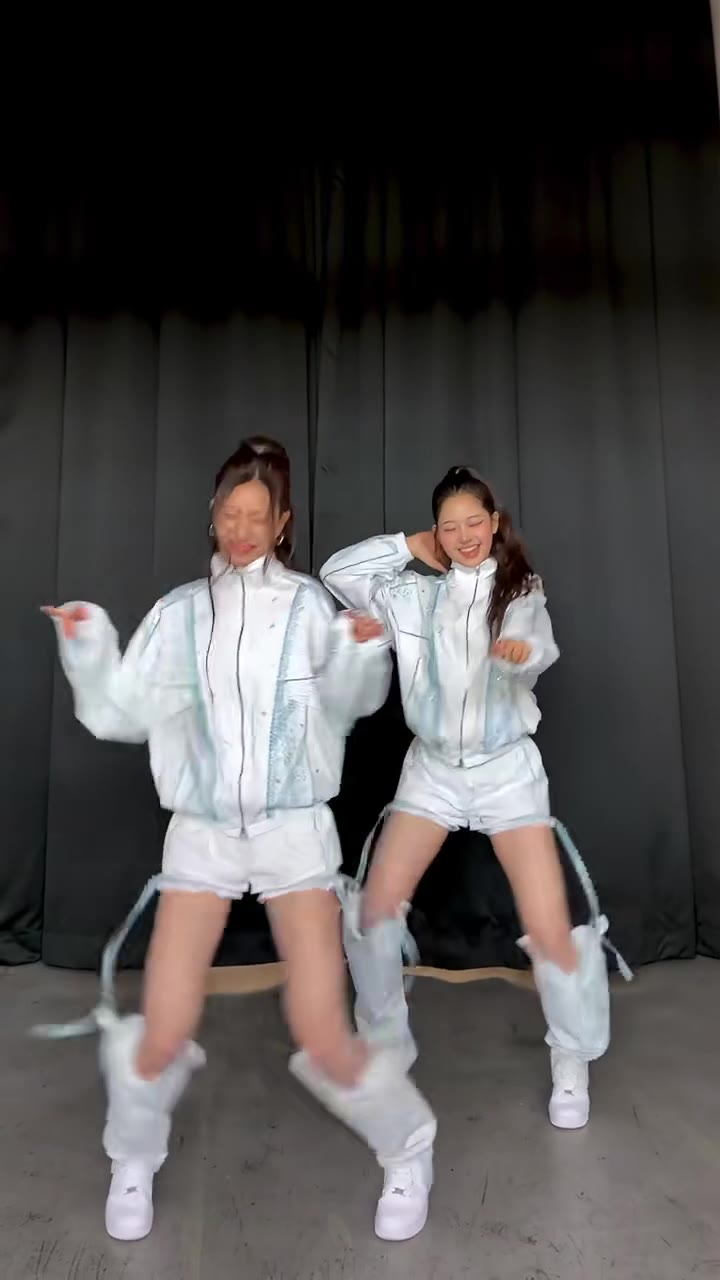
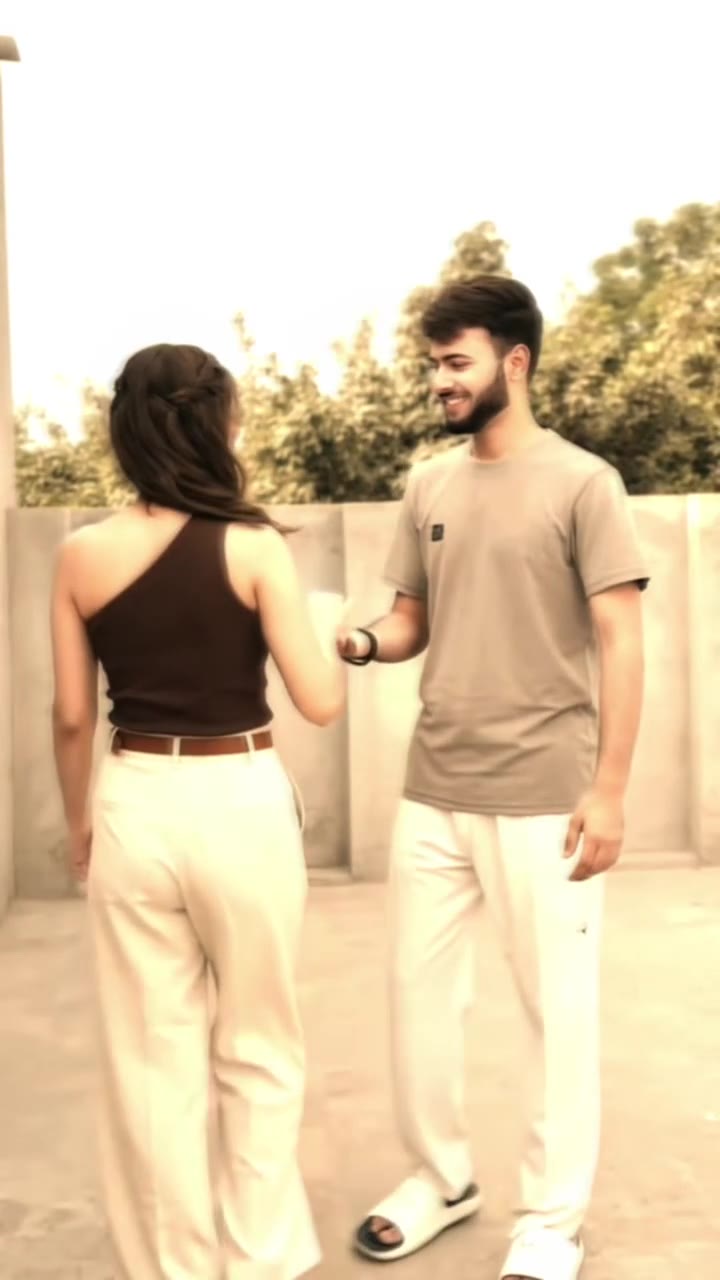
The Come Closer dance meme is a 15-second TikTok format set to Ne-Yo's 2008 song Closer: one person sprints up to the camera, a second squares up for a comic face-off, and both break into a jerky dance. To make it with your own photos, open the Come Closer dance AI page on videosi (videosi.io), upload 2 photos (or 1 photo of you both) and press Generate; you write no prompt. This guide answers the questions the page FAQ does not, from where the closer ne-yo dance came from to why faces drift.
Key takeaways
- The Come Closer dance is a mock stand-off that ends in a jerky dance, and the trend's original sound comes already on the video.
- The AI version needs 2 photos of adults who agreed to it, or 1 photo of both, and renders in a few minutes.
- A standard 15-second video (Standard model, 720p) is 13 credits; there is no free generation.
- Fast cuts make faces drift, so use clear front-facing photos and try Ultra if a render slips.
- Turn on the AI-generated content label when you post.
In this guide
- What is the Come Closer dance, and who made it?
- What happens second by second in the 15 seconds?
- How do I do the Come Closer dance in real life?
- How do I make the AI version from two photos?
- What should we wear, and which photos work best?
- Why do faces drift in AI remakes of this dance?
- What is the song about, and which part is used?
- How do I post it with an AI label?
- How much does it cost, and is there a free version?
- Which AI model makes it, and can I use ChatGPT, Sora or Veo?
- Is the trend still going, and is there a filter or template?
What is the Come Closer dance, and who made it?
Nobody has confirmed who first did it. The most-viewed version found is a 15-second park clip by the TikTok account gnomeboys, dated 12 December 2023. A remake that credits the same account is dated 26 April 2022, so the format is older than that post. View counts change daily, so none are quoted here.
That is why the origin is marked unconfirmed on the Come Closer dance AI page. What is clear is the shape: one person sprints in from the far end of a path, stops at the camera, a second person arrives, and the two stage a comic stand-off before a stiff, jerky dance. Creators in several countries keep re-filming it in car parks, streets and gardens, and it goes by several names: come closer dance, come closer dance meme, come closer dance challenge, closer ne-yo dance and i just can't stop dance. There is no known official challenge behind it.
What happens second by second in the 15 seconds?
The video is built from seven beats, and knowing them helps you judge any remake, filmed or AI.
- 0 to 1 s: a shoulder fills the foreground while a tiny figure sprints down the path far behind.
- 1 to 3 s: the first dancer pulls sunglasses down and stares into the lens, then the second dancer's running legs cut across.
- 3 to 5 s: a bent-over lunge, then a wobbly turn on the path as the second dancer closes in.
- 5 to 8 s: the first dancer arrives in a close-up, smirks and flings both arms wide.
- 8 to 11 s: over-the-shoulder cuts of the second dancer's face as their palms meet in the stand-off.
- 11 to 13.5 s: both back away along the path doing the stiff, jerky moves in time with the beat.
- 13.5 to 15 s: a wide stance, with the second dancer in the distance and the first in the foreground.
How do I do the Come Closer dance in real life?
You need two people, a long straight path and a phone. Film hand-held from one end. Dancer one stands near the camera, dancer two starts far back and sprints toward you. Keep the run-up long enough that the first cut shows a small figure in the distance.
Rehearse the stand-off before you film: a stare, a lunge, arms flung wide, a mock slap and shove with palms meeting, then a stiff walk backward with jerky arm moves on the beat. Film it in short takes and cut between them. The quick cuts and close-ups are part of the look, so do not try to shoot it in one long take.
If you would rather skip the filming, the AI version makes the same clip from two photos, with no camera, path or rehearsal.
How do I make the AI version from two photos?
Upload photo 1 for the first dancer and photo 2 for the second. If you only have one picture of both people, switch to One photo together and upload that instead. Pick the model, the resolution and a format (9:16, 1:1 or 16:9), then press Generate. You write no prompt: the motion reference, the scene and the prompt are built in.
The render takes a few minutes and you can leave the page, because the result waits in My creations. Photos upload as JPG, PNG, WEBP or HEIC up to 10 MB, so an iPhone picture works as it is. Photo 1 is the dancer who reaches the camera first; to swap roles, upload the photos in the other order.
What should we wear, and which photos work best?
The AI takes the faces from your photos, so the photo matters more than the outfit you wear in real life. Use front-facing photos with head and shoulders in even light, and keep both faces clear. Sunglasses, hats, a tight face crop and dark or blurry shots are the usual reasons a result comes out wrong.
The clip has exactly two dancers, so a photo with more than two faces can confuse it. In a one-photo version, place both people side by side; the person on the left is the first dancer.
For a real-life shoot, pick plain, contrasting tops so the two of you read apart in fast cuts, and wear sunglasses you can push down for the stare in the second beat.
Why do faces drift in AI remakes of this dance?
This format is hard for a video model. It has quick hand-held cuts, close-ups, over-the-shoulder angles and two people who swap places, so the model has to hold two identities steady across many changes of view. Faces can drift between cuts, and one render may keep a hint of the original dancers.
Hands and the slap in the stand-off are where invented detail shows first. If a render drifts, check the photos first, then try again with the Ultra tier (Seedance 2.5), which is steadier for this clip. Likeness is never guaranteed in a fast clip with close-ups.
A failed, timed-out or blocked render returns its credits automatically.
What is the song about, and which part is used?
The sound is Closer by Ne-Yo, released in 2008. It is a pop and R&B song about being drawn to someone you cannot stay away from, and the hook repeats that you just cannot stop. That pull toward another person is why the dance suits a mock face-off between two people who keep ending up closer.
The clips use the stretch around that repeated hook, and many use the original sound from the gnomeboys post, which is the same recording. The videosi clip comes with a 15-second cut of it already on it. The dancers do not mouth the words.
How do I post it with an AI label?
The clip is a playful stand-off with no real violence, but it is realistic AI video of real people. Turn on TikTok's AI-generated content label when you post it, and do the same on any other platform that offers one. Platform rules change, so read the current community guidelines before posting.
Only use photos of adults who agreed to it. Pets and children are not supported on this page. You can post the MP4 as it is: it has no watermark and the trend's sound is already on it.
How much does it cost, and is there a free version?
There is no free generation and no free trial. A standard 15-second video (Standard model, 720p) is 13 credits, and better models and higher resolutions cost more. Credit packs start at $6.90 for 10 credits and never expire. Plans start at $29.90 a month for 100 credits.
If you only want to try it once, a Single pack covers a first run. See the Come Closer page for the credit cost of each model before you press Generate.
Which AI model makes it, and can I use ChatGPT, Sora or Veo?
videosi uses ByteDance's Seedance video model: Seedance 2.0 Mini by default, with Fast, Pro and Ultra (Seedance 2.5) one click away. It works from a written prompt plus a 15-second motion reference.
You can try the same with a general video model, but it is hard. You need the original clip as a motion reference for the run-up and the cuts, and a swap-style prompt so the original dancers do not stay in the shot. Most people need several paid tries. On videosi the reference and prompt are built in.
Is the trend still going, and is there a filter or template?
Yes. As of November 2026 remakes dated April and May 2026 were found, and the gnomeboys account has posted new takes in 2026. The earliest remake found dates from April 2022, so it is an old format that returns in waves. See what else is moving on the trending AI video page.
Templates for dances like this appear in CapCut often and apps change quickly, so check inside them. videosi is independent and not affiliated with TikTok or CapCut. It is a web tool, so it runs in a phone browser with nothing to install.
If you like two-person or retro dance formats, the Car Alarm dance, the Thriller dance AI and the Young Folks baby dance work the same way from photos.
Ready to try it? Open the Come Closer dance AI page, add two photos and press Generate.