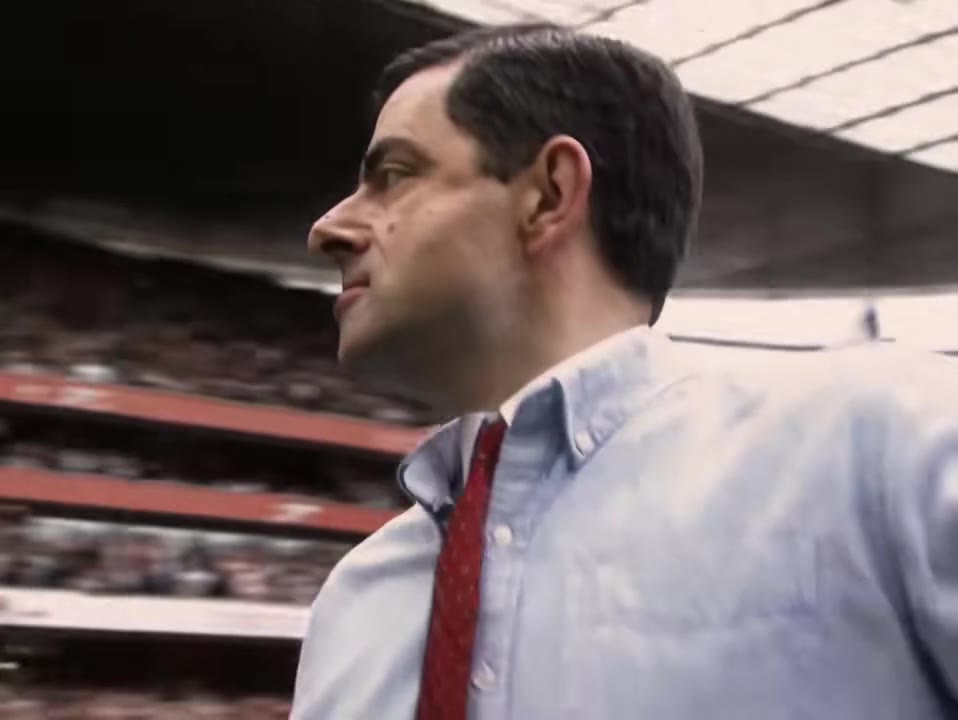
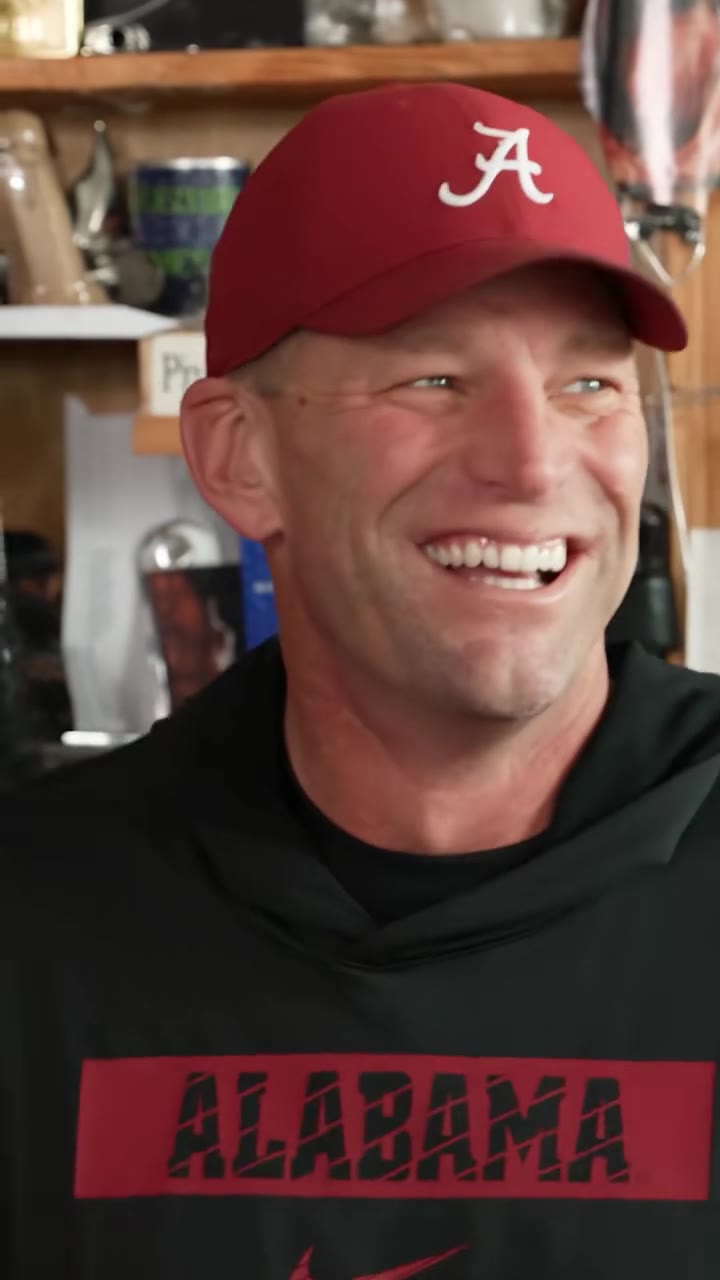
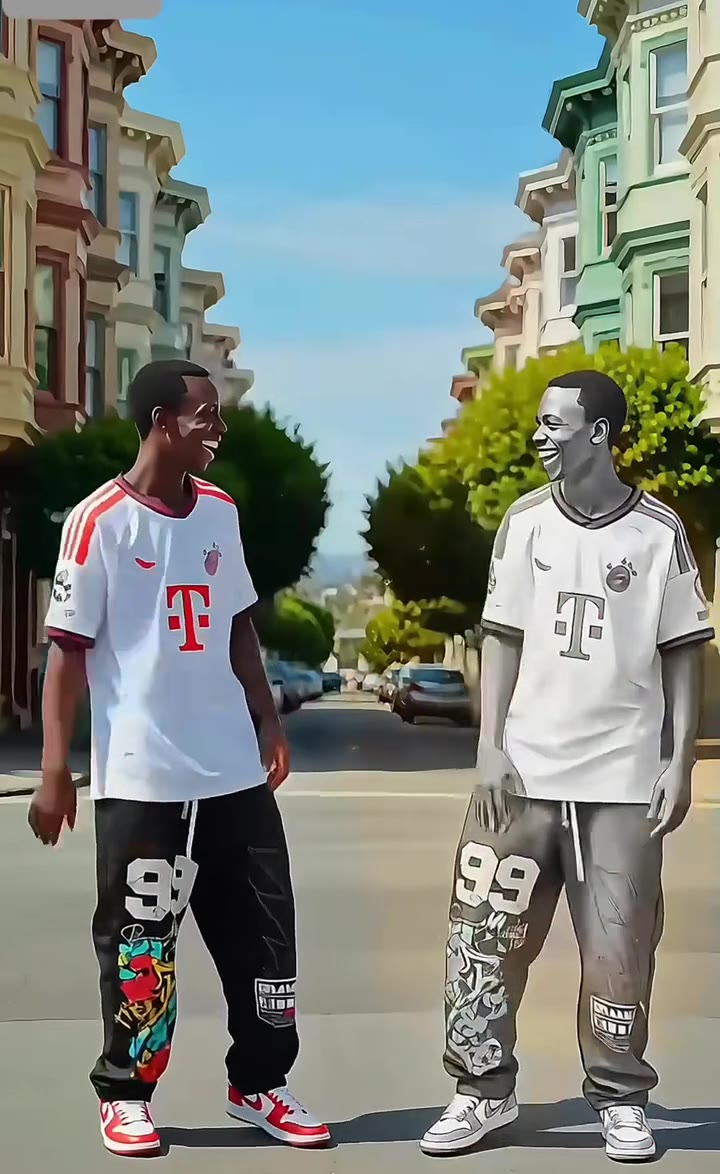
The AI glasses filter is a 6-second AI clip in which a black cap drops onto a person, the camera pushes in and a pair of sunglasses appears on their face. You can make it from one photo of yourself with no prompt, and it has nothing to do with smart glasses hardware.
This guide answers the questions people ask next: how it differs from smart glasses such as Ray-Ban Meta, how the TikTok effect compares, why results fail, what the cap is for, and how to post the clip with the right label.
Key takeaways
- It is a photo-to-video effect, not wearable smart glasses, and videosi is independent of TikTok, CapCut and Meta.
- The earliest clip we found is dated 12 September 2025, so it is a long-running format rather than a spike.
- Use a bare face and bare head in a front-facing head-and-shoulders photo for the best likeness.
- A standard 6-second video is 10 credits, and packs start at US$8.90.
- Turn on the platform AI label when you post.
In this guide
- What exactly is the AI glasses filter?
- Is it the same as smart AI glasses like the Meta Ray-Ban?
- How does the TikTok version work, and how is this different?
- How does the AI version get made from a single photo?
- Why do results fail, and how do I avoid it?
- Why not just write the prompt myself?
- What is the cap drop for?
- Which glasses style should I choose?
- Should I post 9:16 or 16:9?
- What about the sound and music?
- Do I need to label the post as AI?
- What does one video cost?
What exactly is the AI glasses filter?
It is a 6-second clip in which a person leans on a wall, a black cap drops onto their head, they turn to the camera as the shot pushes in, and a pair of sunglasses appears on their face. People also call it the AI sunglasses effect.
The format is a small fashion moment rather than a plain try-on. The cap is part of the original, so it always drops on, even if you only care about the glasses. On videosi the whole sequence is built in and you only supply one photo of yourself and pick a glasses style.
Is it the same as smart AI glasses like the Meta Ray-Ban?
No. Smart glasses such as Ray-Ban Meta are hardware: a pair of glasses with a built-in camera, speakers, microphones and the Meta AI assistant. You wear them and they record or answer things in the real world.
The AI glasses filter is the opposite. Nothing is worn and nothing is recorded by glasses. A video model draws sunglasses onto a person in a generated clip. This page and videosi are independent of TikTok, CapCut and Meta, and have no connection to any glasses maker.
How does the TikTok version work, and how is this different?
On TikTok the trend is a built-in effect that people find by searching "AI sunglasses" or "AI sunglass" in the effects tab. The earliest result clip we found is dated 12 September 2025, taken from the post ID, and no single creator or sound belongs to it.
The in-app effect works inside the app on your camera or camera roll, and it changes over time, so check the effect itself for current behaviour. The videosi version is a web tool: you upload one photo, pick the glasses, and download a 6-second MP4 with no watermark. The two are separate products and the results will not match frame for frame.
How does the AI version get made from a single photo?
A video model is given your still photo plus a short reference clip that supplies the movement, and a written prompt says who to swap in and what the glasses look like. videosi runs ByteDance's Seedance model, Seedance 2.0 Mini by default, with Fast, Pro and Ultra one click away.
The prompt does three jobs: it replaces the person in the reference clip with you, it keeps the wall, the push-in and the timing, and it lists the action in order, glance aside, cap drops, turn to camera, glasses appear. You never see or write any of it.
Why do results fail, and how do I avoid it?
Most failures come from the photo, not the model. A tight face crop leaves the model nothing to keep when the shot starts wide. Glasses already on your face fight the new pair. A cap or hood clashes with the cap that drops in. Dark or blurry photos make the likeness drift.
The fix is simple: a front-facing photo with head and shoulders, a bare face, a bare head and even light. A full-length photo works best because the clip starts wide. Likeness is not guaranteed across all 6 seconds, and a failed, timed-out or blocked render returns its credits automatically.
Why not just write the prompt myself?
You can, but expect several tries. If a prompt only asks to copy the motion, the person from the reference clip stays in the result. If the order of cap, turn and glasses is not written down, the sunglasses land in the wrong frame or fuse with the cap. If the glasses are not described in detail, lens reflections and frame shape drift between frames.
Each attempt also costs model credits and several minutes, and the push-in rarely lands in the same place twice. That is the reason the AI glasses filter page has the prompt and reference clip built in.
What is the cap drop for?
It is the hook of the original effect. The cap gives the clip a beat before the reveal: the person is looking aside, something lands on their head, and they turn to camera. That turn is what the push-in follows, so by the time the sunglasses arrive the shot is already a head-and-shoulders close-up.
For the timing, think in five steps: a wall lean for about one second, the cap drop, the turn and push-in over roughly two seconds, the glasses landing with a quick glint, then a calm hold. Remove the cap and the clip loses its rhythm, which is why videosi keeps it.
Which glasses style should I choose?
There are three: mirrored aviators with thin gold frames, glossy black wayfarers and a wrap-around sport shield with a mirrored blue lens and an orange frame. The cap, the push-in and the 6-second timing stay the same whichever you pick.
Pick by the look you want. The mirrored aviators and the sport shield catch the street behind you, so they flash the most on screen; the black wayfarers are the quietest option and keep the attention on your face. If you want to compare, render one style at a time.
Should I post 9:16 or 16:9?
Pick the format by where the clip will live. Use 9:16 for TikTok, Reels and Shorts, where the full-screen vertical frame suits a wall lean that pushes in on a face. Use 16:9 for a YouTube video or a website, and 1:1 for feeds that crop to a square.
Choose the ratio before you generate, not after. The clip is rendered in that shape, so cropping a 16:9 render to vertical afterwards cuts into the face during the close-up.
What about the sound and music?
No single song belongs to this trend. Posts we checked in 2025 and 2026 used many different tracks. The videosi clip arrives with the original sound of its 6-second reference post already on it.
If you would rather use a trending song, download the MP4 and swap in a track from your platform's music library at upload. That also keeps the audio licensed for the platform you post on.
Do I need to label the post as AI?
Yes, treat it as required. In its newsroom announcement of AI content labels, TikTok says its synthetic media policy requires creators to label realistic AI-generated images, audio or video, and that it may add an "AI-generated" label automatically to content it detects. Stickers or captions can also disclose it.
The videosi clip has no watermark, so the label is your job. Turn on the platform's AI label when you post, say so in the caption, and only use photos of adults who agreed to it. videosi does not accept photos of minors for this effect.
What does one video cost?
There is no free generation. A standard 6-second video (Standard model, 720p) is 10 credits, and better models and higher resolutions cost more. Credit packs start at US$8.90 for 10 credits, and a failed render returns its credits.
If you want a few glasses styles to compare, plan for one render each, since the style is chosen before generation.
Ready to try it? Open the AI glasses filter, add one photo and pick your glasses. For other one-photo filters, see the Photogenic filter and the AI age filter.