Prank Filter AI: The Boyfriend Makeup Prank, from One Photo
Your boyfriend stares into the camera, then gives himself concealer, blush, lashes and glossy lips in 10 seconds. One photo of an adult who is in on the joke is all it takes.
Updated : Page published.
1Add your photo
What you'll get
Front-facing, well-lit selfies work best. One face per photo.
2Choose quality
By generating you confirm you have permission to use the people in your photos. Terms
No subscription needed · Ready in about 3 minutes · Failed renders are free
The prank filter is a family of AI templates that fake a shocking moment, and its most copied version is a 10-second clip of a boyfriend giving himself full glam makeup; videosi makes it from one photo of you or an adult who agreed.
- Fast facts
- First seen
- Stage
- Spreading
- Started on
- TikTok (unconfirmed)
- Sound
- No single sound: seven makeup template posts compared in October 2026 did not share one audio track.
- Meaning
- The prank filter is a family of AI templates that fake a shocking moment from one photo, best known for a clip of a boyfriend doing his full makeup, posted with captions like "Pranking my bf with this filter".
- Related trends
- Perfect Partner AI
Page updates
- October 31, 2026 — Page published.
The Prank Filter prompt and model
Prank Filter is made with Seedance 2.0 / 2.5 (you pick the tier) by ByteDance. The prompt behind it has 5 parts, and the timing is what makes or breaks it.
- Model
- Seedance 2.0 / 2.5 (you pick the tier)
- Mode
- Photo + motion reference to video
- Length
- 10 seconds, 9:16, 1:1 or 16:9
- Input
- 1 photo
- Subject swap The man in the muted reference clip is replaced by the person in your photo, while the framing, timing and hand movements stay.
- Identity lock Face, hair, facial hair, clothes, skin tone and hands all come from your photo and hold in every frame.
- Makeup order Concealer, blush, eyeliner, lashes and gloss land in sequence on the new face, over its own skin tone.
- Face shape A rule stops the close-up from slimming or reshaping the face toward the person in the reference clip.
- Clean-up One adult only, five fingers, and the captions and the template mark from the reference clip are removed.
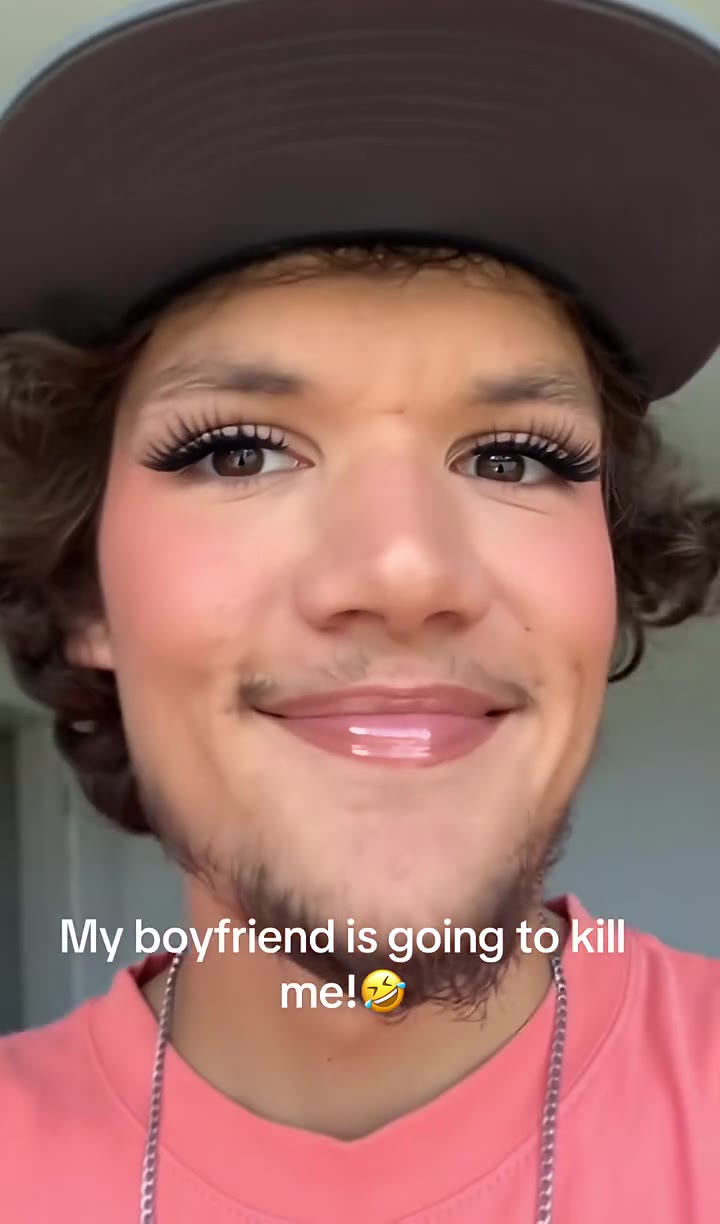
Replace the man in the dark flat-brim cap, coral t-shirt and silver chain in Video 1 with the person from Image 1…
Why it goes wrong when you do it yourself
- Without a reference clip the model tends to show finished makeup straight away, so the before and after that sells the joke disappears.
- When hands cross the face in a close-up, a weak prompt lets the reference person's skin tone and hands stay in the shot.
- Close-up clips slim the face toward the reference person unless the prompt forbids it, and then the victim no longer looks like himself.
- Captions and template marks burned into source clips tend to come back unless the prompt removes them, and each try costs credits and several minutes.
Prank Filter examples
How to make your Prank Filter video
Upload one photo of an adult who agreed
Yourself, your boyfriend or a friend who is in on it. Use a clear, front-facing photo, head and shoulders, in even light.
Pick the format
Choose 9:16 for TikTok, Reels and Shorts, 1:1 for a feed post or 16:9 for wide, then the model tier and resolution.
Generate and download
Press Generate and the 10-second makeup video is rendered for you. It takes several minutes and is saved in My creations.
Add your caption and post
The sound is already on the video. Add a line like "Pranking my bf with this filter" and turn on the AI-generated label.
What is the Prank Filter trend?
Updated · videosi is an independent tool. It is not affiliated with TikTok, Instagram, YouTube, or with the owners of any trend, song, game or brand named on its pages.
"Prank filter" is what people search for after seeing a TikTok captioned "I pranked my bf with this filter". It is not one effect. It is a family of AI templates that fake something alarming from one photo, then get sent to a partner, a friend or a parent. Versions we watched in October 2026 include a bowl-cut haircut, a street chase with police, a ghost and a Ballon d'Or win.
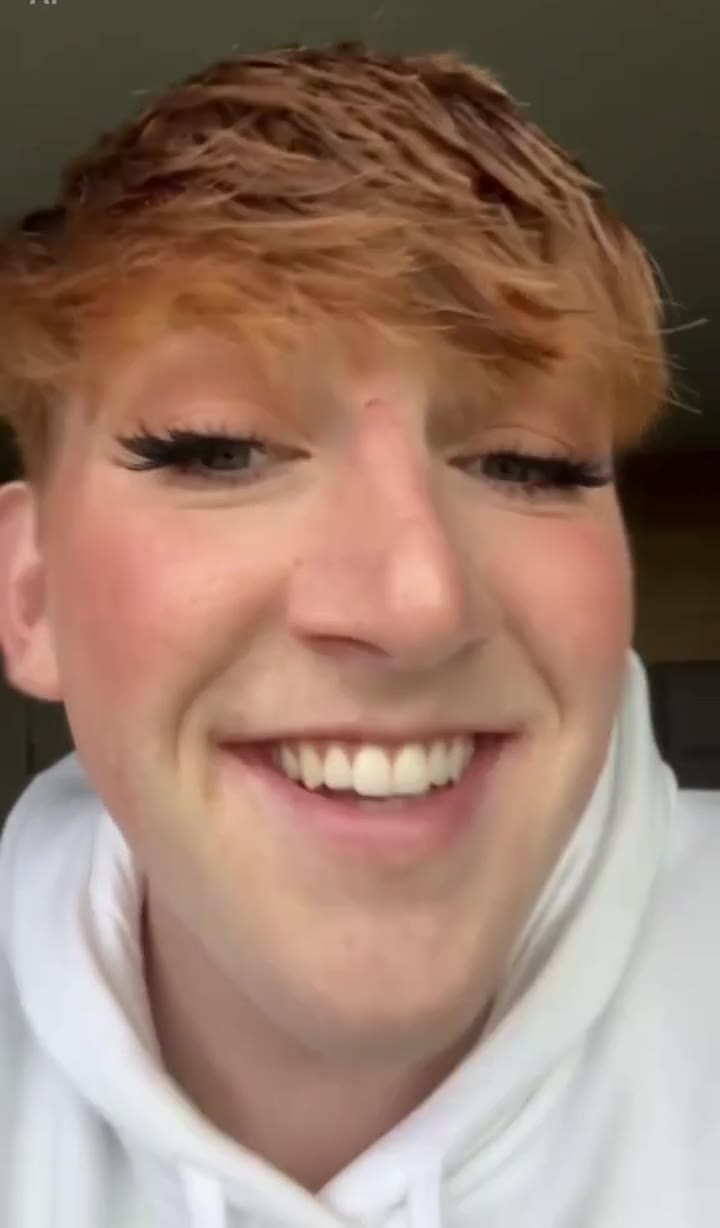
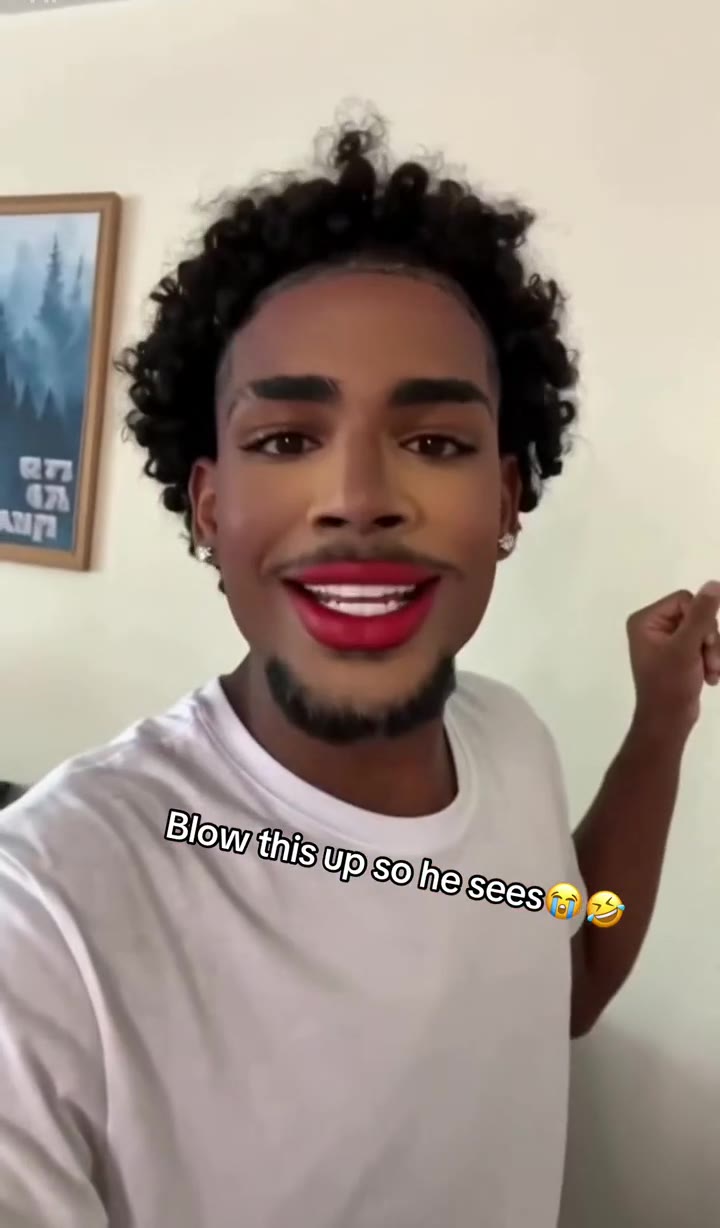
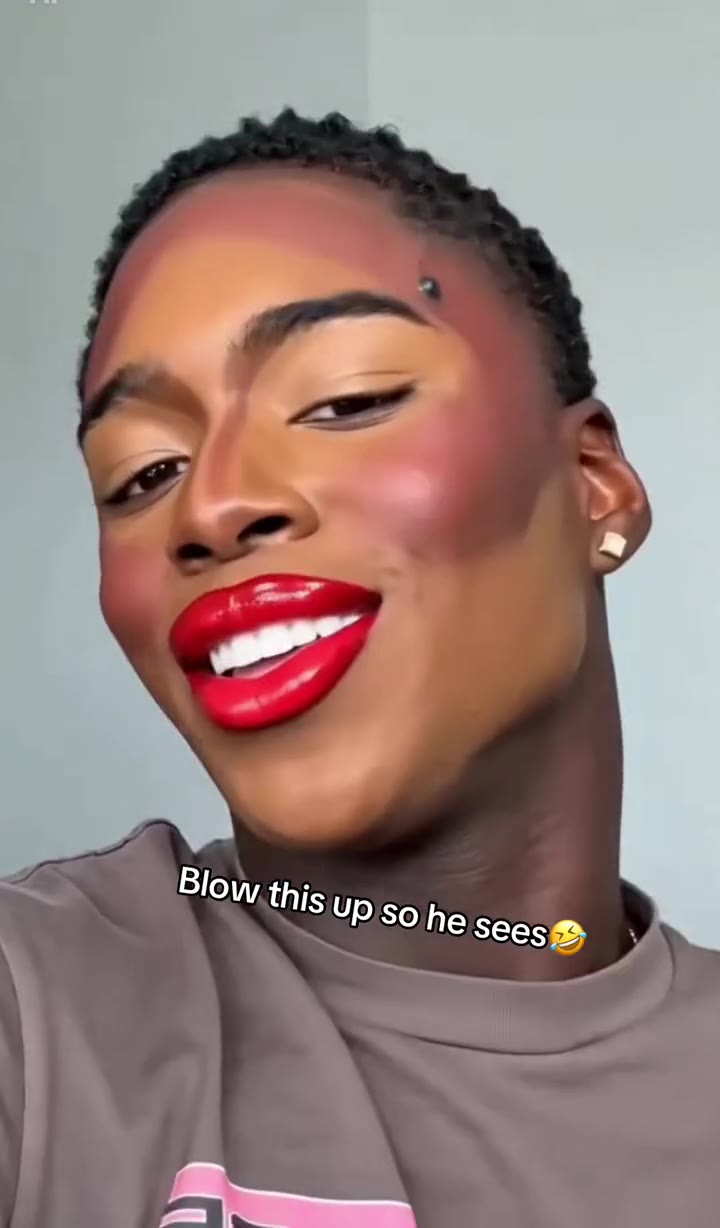
The version with the most copies is the makeup one. A man looks into a selfie camera, wide-eyed and bare-faced, and in 10 seconds dabs on concealer with a sponge, sweeps on blush, draws eyeliner, presses on false lashes, glosses his lips and finishes with a proud grin. Captions include "Pranking my bf with this filter", "My boyfriend is going to kill me" and "Blow this up so he sees". The man never did any of it: the footage is generated from one picture of him.
The earliest template posts we found are dated 20 April 2026, some tagged #seedance2, with no single original creator confirmed. A second wave began in September 2026, and by 31 October 2026 one English how-to video about it showed about 7 million views on TikTok. Those how-to videos send people to CapCut templates, which is why so many searches end in "app".
videosi is not a phone app and not a CapCut template. It is a website that makes this makeup prank as a new 10-second video from one photo, with the prompt and the reference clip built in. Use a photo of an adult who is fine with the joke, keep it friendly, and label it as AI when you post it.
Prank Filter: shot by shot
- 0–1 s
Bare face
Close selfie framing: the person stares wide-eyed at the lens and talks to the camera with no makeup on.
- 1–3 s
Concealer
An orange sponge dabs pale concealer stripes under the eyes and down the nose.
- 3–4 s
Blush
A big fluffy brush sweeps pink blush across the cheeks.
- 4–6 s
Eyes
Eyeshadow and a sharp line of eyeliner go on, and the person gives a quick smug smile.
- 6–9 s
Lashes and gloss
Tweezers press on long false lashes, and glossy colour goes on the lips.
- 9–10 s
The grin
Full glam look, held up to the camera with a proud smile. The clip ends here.
Tips for a better result
Use a close, sharp face
The clip stays near the face from start to finish, so a sharp photo looking at the camera holds the likeness best.
Choose a bare-faced photo
The joke is the change, so a photo with no makeup and no beauty filter gives the strongest before and after.
Leave off caps and sunglasses
Lashes and eyeliner need clear eyes and brows to land on. Anything hiding them gets guessed by the model.
Facial hair stays
A beard or moustache from the photo stays in the video, and many of the funniest versions keep it under the lipstick.
Good to know before you make a Prank Filter video
- videosi is a website, not a phone app or a CapCut template, and has no connection with TikTok or CapCut.
- Only use photos of adults who have agreed. videosi does not accept photos of minors, celebrities or public figures.
- This page makes the makeup prank only, as one fixed 10-second routine with one person. The makeup look cannot be changed.
- Hands crossing the face can glitch briefly, and likeness is not guaranteed. A failed, timed-out or blocked render returns its credits automatically.
Prank Filter: questions
What is the prank filter trend on TikTok?
The prank filter trend is a family of AI CapCut templates that fake something shocking from one photo, and the most copied version on TikTok in October 2026 shows a boyfriend giving himself full glam makeup in 10 seconds. videosi makes that makeup prank video from one photo. It is a generated clip, not a live camera effect.
Is there a prank filter app?
videosi is a website rather than an app you install: open it in your phone browser, upload one photo and get a 10-second prank filter video with the makeup routine built in. On TikTok the prank filter usually spreads as CapCut templates, and those are separate products that change often. videosi has no connection with TikTok or CapCut.
How do I make the prank filter video from one photo?
Upload one clear, front-facing photo to videosi, pick 9:16, 1:1 or 16:9 and press Generate. The prank filter video is a 10-second MP4 in which that person goes from bare-faced to full glam makeup, with sound already on it. You write no prompt, and rendering takes several minutes.
How do I prank my boyfriend with the makeup filter?
Ask him first or show him straight after: videosi needs one photo of an adult who is fine with the joke. The prank filter turns it into a 10-second makeup video, and people caption it "Pranking my bf with this filter" or "My boyfriend is going to kill me". Label it as AI when you post it.
Is the prank filter a TikTok filter or a CapCut template?
Mostly a CapCut template: the prank filter posts we watched open from "Try this filter" links, and many carry an AI label and the CapCut pioneer hashtags. Since April 2026 several accounts have offered their own version. videosi is independent of both apps and generates a new 10-second video from one photo.
What AI model or prompt makes the prank filter video?
The videosi prank filter is made with ByteDance's Seedance video model (Seedance 2.0 Mini by default; Fast, Pro and Ultra are one click away) from one photo and a muted 10-second reference clip. Some April 2026 template posts also carry a #seedance2 hashtag. The full prompt stays private, and the page explains how it is built.
Is the prank filter free, and how much does it cost?
The prank filter video on videosi is not free: there is no free generation or trial. A 10-second video on the Standard model at 720p is 10 credits; better models and higher resolutions cost more. Credit packs start at $6.99 for 10 credits and never expire, and plans start at $29.90 a month. A failed render returns its credits.
Why did my prank filter video not look like the person?
The usual causes are a blurry or side-on photo, sunglasses, a cap or heavy filters. For the videosi prank filter, use one sharp, front-facing photo in even light, because the 10-second clip stays close on the face. Hands crossing the face can glitch for a moment. Likeness is not guaranteed, and failed renders return their credits.
Can I use a photo of my boyfriend, a friend or a woman?
Yes, if the person is an adult who has agreed; the videosi prank filter is usually made of boyfriends and friends, and a woman's photo works too, though the joke lands best on someone who never wears makeup. videosi does not accept photos of minors, celebrities or public figures. The result is one 10-second video of one person.
What does "pranking my bf with this filter" mean?
It means posting an AI video that makes your boyfriend appear to do a full makeup routine, as a joke he finds out about later. The 10-second videosi prank filter clip follows the same order as the template posts: bare face, concealer, blush, eyeliner, lashes, gloss and a proud grin. The makeup is generated, so nobody has to wear any.
What song or sound is used in the prank filter?
No single song defines the prank filter: when we compared seven makeup template posts in October 2026, each had its own short audio rather than one shared track. The videosi 10-second MP4 comes with the audio of the reference clip already on it, and you can replace it in TikTok or CapCut.
Is the prank filter still trending?
As of 31 October 2026 the makeup prank filter is spreading: the earliest template posts we found are dated 20 April 2026, a wave of copies started in September, and new posts and tutorials were still appearing in late October. videosi keeps this page and the 10-second generator up while the trend lasts.
Are there other prank filters besides makeup?
Yes. The prank filter name also covers a bowl-cut hair prank, a ghost prank, a Ballon d'Or award prank and clips where you run from police on a street. This videosi page makes the 10-second makeup version only; the award prank has its own page, and other versions are not offered here.
Will my prank filter video be taken down on TikTok?
A harmless makeup joke is ordinary content, but TikTok and Instagram ask you to label realistic AI videos. Turn on the AI-generated label when you post the 10-second videosi prank filter clip, and take it down if the person in it asks. Do not use it to mock someone for how they look or who they are.
Trending this week
All trends this week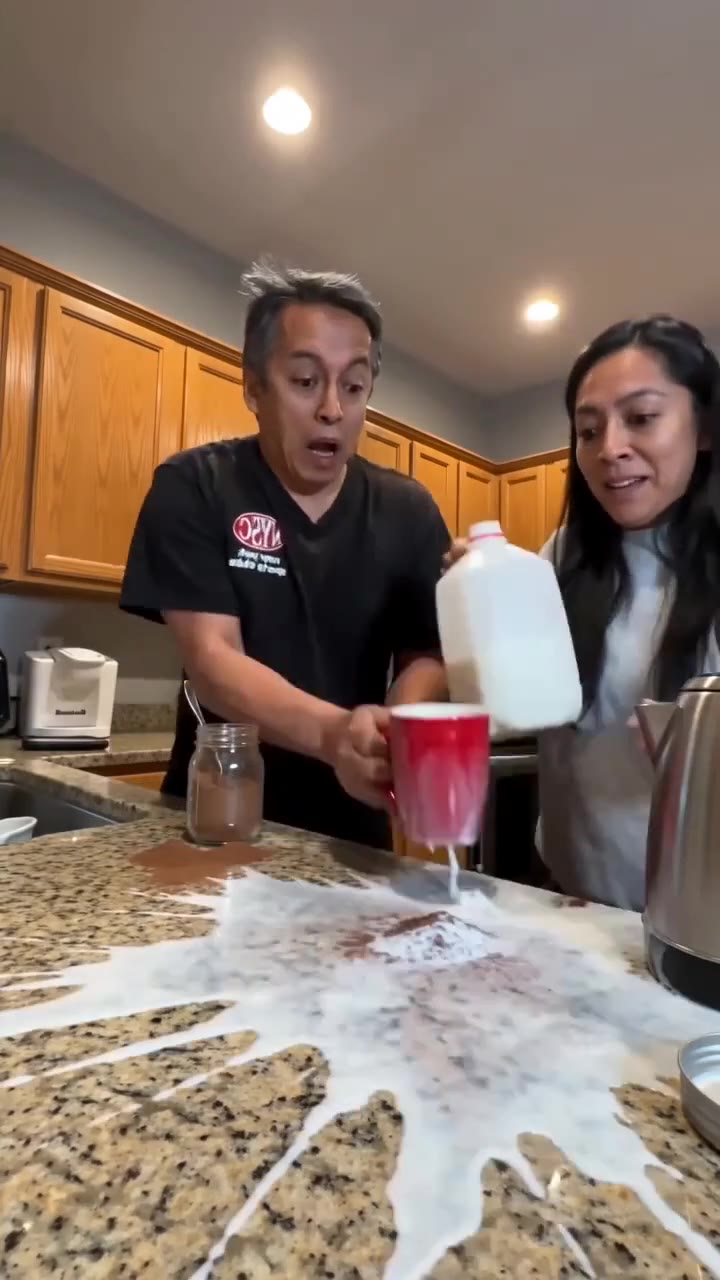

More effects like this
All viral effects
Make your Prank Filter video
Upload a photo and press Generate. 10 credits, refunded if it fails.
Get the next trend first
One email when new trends land on videosi, about once a week. Unsubscribe in one click.
See videosi first on Google
Add videosi as a preferred source and our trend pages show up first in your Top Stories and AI answers on Google.