F1 AI Camera Transition: The Pit Lane Camera Merge, Starring You
A fixed pit-lane camera slides along your car and locks into the onboard view in one unbroken move, the shot F1 fans swore was AI. One photo of you puts you in the cockpit.
Updated : Page published.
1Add your photo
What you'll get
Front-facing, well-lit selfies work best. One face per photo.
2Choose quality
By generating you confirm you have permission to use the people in your photos. Terms
No subscription needed · Ready in about 3 minutes · Failed renders are free
The F1 AI camera transition is a 6-second shot in which a fixed pit-lane camera glides along a Formula 1 car and merges into the onboard view behind the driver's helmet in one unbroken move; videosi makes it from one photo of you.
- Fast facts
- First seen
- Stage
- Just starting
- Started on
- Formula 1 TV broadcast
- Sound
- No single sound: reposts keep the broadcast noise or add their own music.
- Meaning
- "F1 camera merge" or "F1 AI camera transition" refers to 2026 Formula 1 broadcast shots in which a fixed pit-lane or trackside camera blends into the car's onboard camera in one unbroken move, which many fans believe is made with AI.
Page updates
- October 29, 2026 — Page published.
The F1 AI Camera Transition prompt and model
F1 AI Camera Transition is made with Seedance 2.0 / 2.5 (you pick the tier) by ByteDance. The prompt behind it has 5 parts, and the timing is what makes or breaks it.
- Model
- Seedance 2.0 / 2.5 (you pick the tier)
- Mode
- Photo + motion reference to video
- Length
- 6 seconds, 9:16, 1:1 or 16:9
- Input
- 1 photo
- Driver swap The driver in the reference clip is replaced by the person in your photo; everything about the camera move stays.
- Identity lock Your face, skin tone and features, visible through a raised visor, with helmet and suit in your outfit's colours.
- Unbranded car One generic single-seater in plain paint, with no team livery, sponsor names or numbers.
- Timeline Four beats over 6 seconds: static pit-box shot, launch, the camera merge along the sidepod, the onboard view.
- Rules One continuous shot with no cut, fade or slow motion, no broadcast graphics, text or logos.
Replace the driver in the dark-blue Formula 1 car in Video 1 with the person from Image 1, and repaint the car.…
Why it goes wrong when you do it yourself
- Without a motion reference, video models cut from the outside shot to the onboard shot instead of making one continuous move.
- Models love to copy real team liveries and sponsor names from F1 footage unless the prompt forbids them.
- A helmet hides the face, so the likeness has to be shown in the short window when the camera passes the open visor.
- Each try costs model credits and minutes, and the fast camera move often warps the car on the first attempts.
F1 AI Camera Transition examples
How to make your F1 AI Camera Transition video
Upload one photo of yourself
A sharp, front-facing photo with your face clear and even light. The colours of your outfit become your helmet, race suit and car.
Pick the format
9:16 for TikTok, Reels and Shorts, 1:1, or 16:9 like the original TV broadcast.
Generate and download
Press Generate and the 6-second camera transition is rendered for you, an MP4 with no watermark, with the pit-lane sound from the original clip on it.
Post it
Post it from your app, maybe with a 'was this AI?' caption, and label the clip as AI-generated.
What is the F1 AI Camera Transition trend?
Updated · videosi is an independent tool. It is not affiliated with TikTok, Instagram, YouTube, or with the owners of any trend, song, game or brand named on its pages.
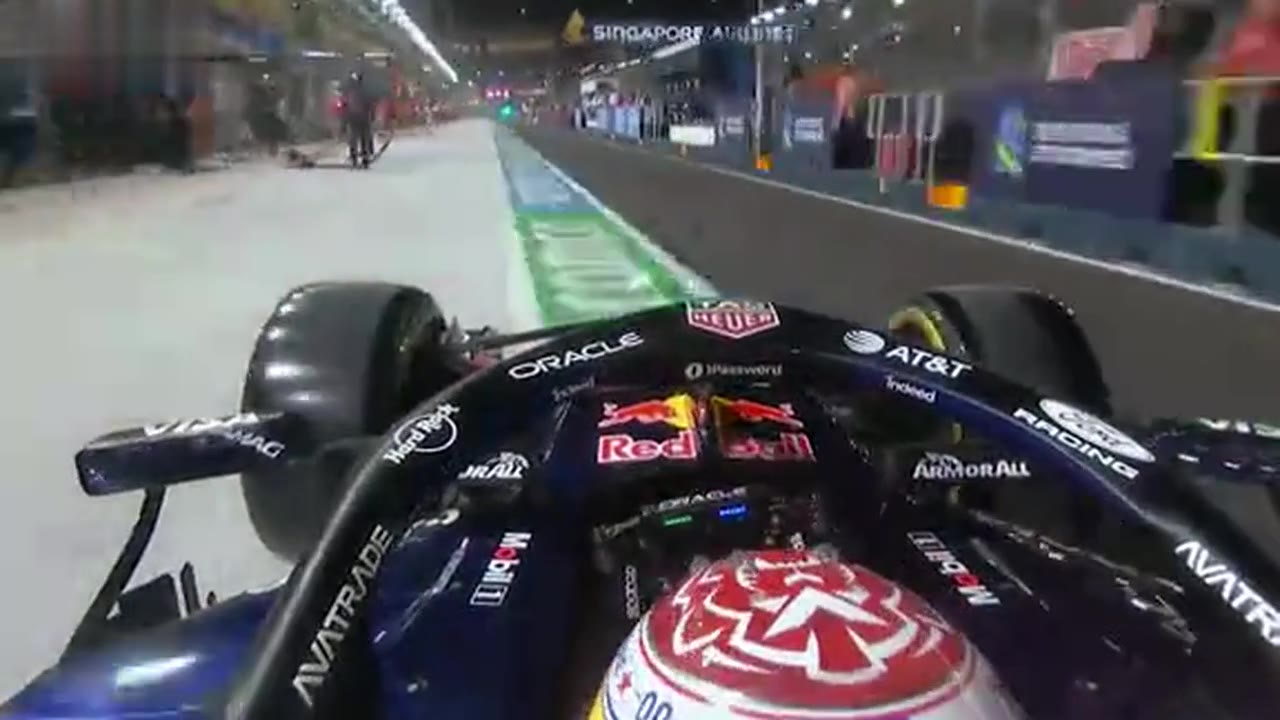
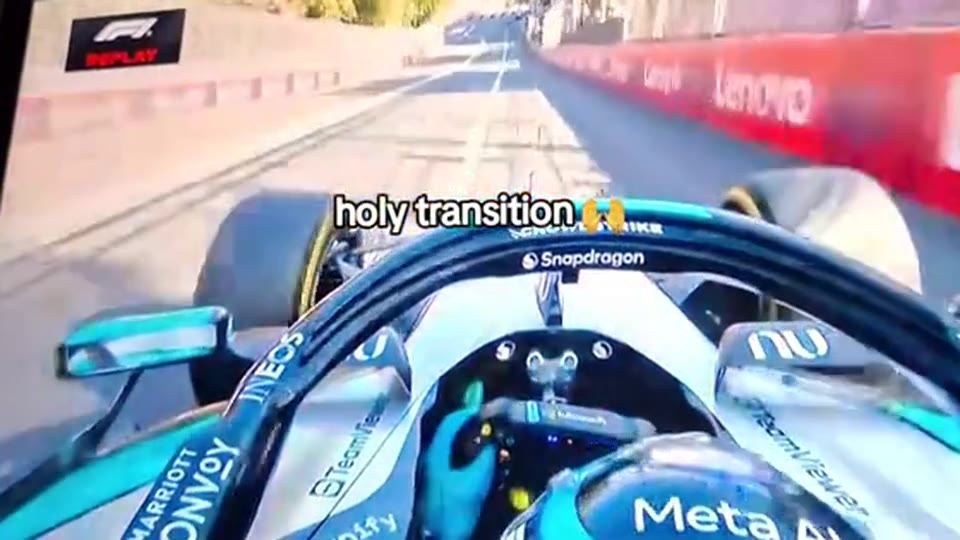
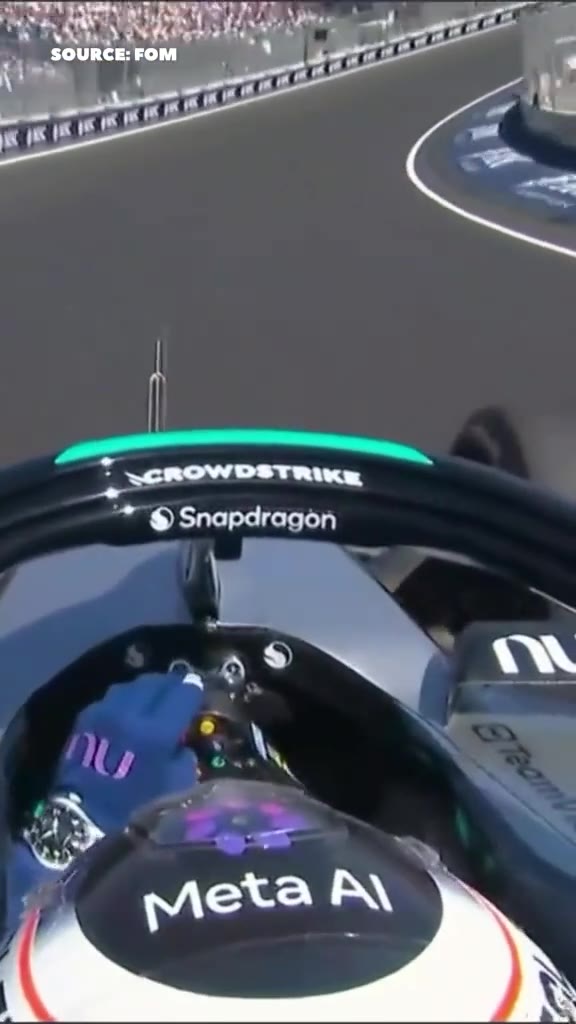
The F1 AI camera transition, also called the F1 camera merge, is a broadcast shot from the 2026 Formula 1 season. A camera that is clearly bolted down, in the pit box or on a trackside wall, starts to move as the car goes past, slides along the bodywork, rises over the cockpit and becomes the onboard camera behind the driver's helmet. There is no cut. It looks physically impossible, which is why so many viewers decided it had to be AI.
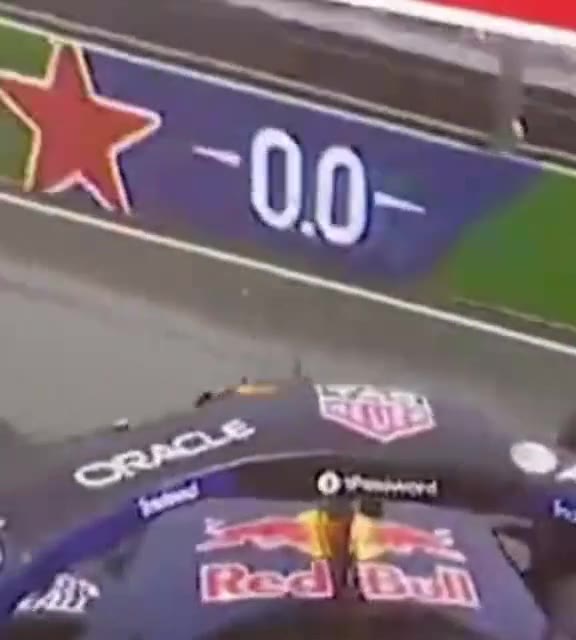
The clip that made it a trend is Max Verstappen's pit stop at the Singapore Grand Prix on 11 October 2026: the pit-box shot flows straight into his onboard view as he leaves the box. Reposts with captions like 'the F1 camera transition that people are calling AI' spread on TikTok from 12 October. The same kind of move had already been noticed at Zandvoort in August 2026 and Baku in September 2026. Explainers believe AI generates the frames between the two cameras; Formula 1 has not said, so that part is unconfirmed.
On TikTok it is still small and only just spreading, mostly as reposts of the TV footage, debates about whether it is AI, and a few creators recreating it with AI video tools. There is no single sound.
This page puts you in the shot. Your photo becomes the driver, the car is repainted in your outfit's colours with no team livery, and the one-take camera move from the pit box to the onboard view is built in.
F1 AI Camera Transition: shot by shot
- 0-1 s
Static pit-box shot
A low fixed camera in front of the car in the pit box at night, the crew stepping back from the wheels.
- 1-2 s
Launch
The car pulls away and, instead of staying put, the camera swings in beside the front wing.
- 2-3.5 s
The merge
The camera rides along the sidepod at car speed and rises over the cockpit; your face shows through the raised visor.
- 3.5-6 s
Onboard
It locks into the classic onboard view just behind your helmet, racing down the floodlit pit lane.
Tips for a better result
Face first
Your face is on screen for about 2 seconds, through the visor. A close, sharp, front-facing photo helps far more than a full-body shot.
Wear the colours you want to race in
The car and suit are painted in the main colours of your outfit: a red top makes a red car, black and gold makes a black and gold car.
No sunglasses or hats
They fight with the helmet and make the likeness harder to keep.
Even light beats flash
The scene is a floodlit night pit lane. Soft, even light on your face blends in better than harsh flash or deep shadow.
Good to know before you make a F1 AI Camera Transition video
- Inside the helmet your face is only visible for part of the clip; for the last 2.5 seconds the camera is behind your head, like the real onboard view.
- The car never carries a real team livery, sponsor logos or a race number: it is one generic single-seater.
- The fast camera move is where AI detail fails first: the car can bend or the wheels can blur oddly for a few frames.
- The clip is 6 seconds and comes with the pit-lane sound of the original broadcast. A failed, timed-out or blocked render returns its credits automatically.
F1 AI Camera Transition: questions
What is the F1 AI camera transition everyone is talking about?
The F1 AI camera transition is a 2026 Formula 1 TV shot in which a fixed pit-lane or trackside camera glides, in one unbroken move, into the car's onboard camera. The clip that spread most is Max Verstappen's pit stop at the Singapore Grand Prix on 11 October 2026; fans called it AI. videosi makes a 6-second version with you as the driver.
How do I make the F1 camera transition with my own face?
Upload one photo of yourself to videosi, choose 9:16, 1:1 or 16:9 and press Generate. The F1 AI camera transition is a 6-second MP4: a pit-box shot of you in the car, the camera sliding along the sidepod past your open visor, then the onboard view down the pit lane. You write no prompt and the pit-lane sound is already on it.
Is there an F1 AI camera transition generator or app?
videosi (videosi.io) is an F1 AI camera transition generator that works from one photo. It is not free: a standard 6-second video (Standard model, 720p) is 5 credits; credit packs start at $6.99 for 10 credits and never expire, and plans start at $29.90 a month. A failed render returns its credits automatically.
Is there a TikTok filter or CapCut template for the F1 camera transition?
There is no TikTok camera filter for the F1 camera transition, and the CapCut 'F1 cam filter' templates from May 2026 are a different effect (a still photo made to look like a broadcast fan-cam). videosi is independent and not affiliated with TikTok, CapCut or Formula 1: upload 1 photo and download a 6-second MP4 with the move built in.
What AI model and prompt does the F1 camera transition use?
The videosi F1 AI camera transition runs ByteDance's Seedance model with the broadcast move as a motion reference and a five-part prompt: driver swap, identity, an unbranded car, a 4-beat timeline and rules. We do not publish the full prompt: without the reference clip, models cut between two shots instead of making one continuous move.
Did F1 really use AI for the camera transition?
Explainers believe the 2026 F1 broadcast fills the gap between a fixed camera and the onboard camera with AI-generated frames (a first-frame, last-frame interpolation), but Formula 1 has not published how it is done, so treat that as unconfirmed; videosi recreates the look with Seedance. The same kind of move appeared in broadcasts from Zandvoort in August 2026 and Baku in September 2026.
What does F1 camera merge mean?
"F1 camera merge" is a fan name for the 2026 broadcast shot in which two Formula 1 cameras, one fixed in the pit lane or at the track and one on the car, seem to merge into a single camera move. videosi turns it into a 6-second clip in which you are the driver the camera lands on.
What song or sound is used in the F1 camera transition videos?
There is no single sound: the F1 camera transition clips are reposts of TV footage, and each account adds its own music or keeps the broadcast noise. The videosi F1 AI camera transition comes with the 6-second pit-lane and engine sound from the original broadcast clip; you can swap it when you post.
Is the F1 camera transition trend still going?
As of late October 2026 the F1 AI camera transition is an emerging trend: the Singapore clip spread from 11 October 2026, reposts and recreations kept coming through late October, and searches for 'f1 ai camera transition' appear in Google suggestions. It is still small, so an early videosi version stands out more.
Why doesn't the F1 driver in my video look like me?
In the videosi F1 AI camera transition your face is visible only for about 2 seconds through the raised visor, then the camera sits behind your helmet, so the photo matters a lot: use one sharp, front-facing photo with even light and no sunglasses. Likeness is not guaranteed and it drifts most while the camera is moving fast.
Can I use a friend's photo or put my own car in it?
You can use a photo of an adult who has agreed to it; videosi does not accept photos of celebrities, public figures or minors, and users must be 18 or older. The car is always 1 generic single-seater painted in the colours of the outfit in the photo, with no team livery, sponsor logos or numbers.
Can I make the F1 camera transition with ChatGPT, Sora, Veo or Kling?
You can try, but the F1 camera transition depends on one continuous camera move from outside the car to the onboard view, and text-only prompts usually produce a hard cut or a morph. videosi runs Seedance with the broadcast move as the reference, for 5 credits per 6-second standard video.
Trending this week
All trends this week

More effects like this
All viral effects
Make your F1 AI Camera Transition video
Upload a photo and press Generate. 10 credits, refunded if it fails.
Get the next trend first
One email when new trends land on videosi, about once a week. Unsubscribe in one click.
See videosi first on Google
Add videosi as a preferred source and our trend pages show up first in your Top Stories and AI answers on Google.