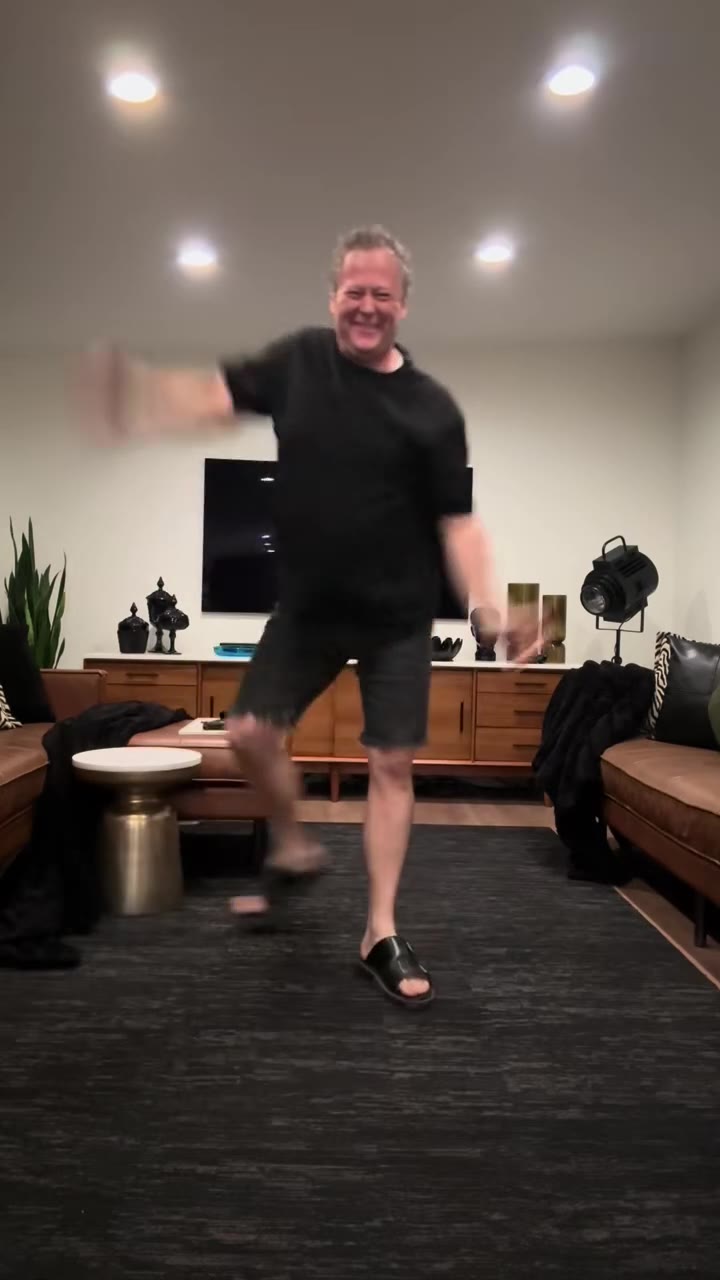
To make the "you open my gallery" video with AI, upload one photo of yourself to videosi and press Generate. You get a 15-second camera-roll photo dump with the title card, about 40 fast cuts and the trend sound, and you never write a prompt. This guide covers the you open my gallery AI page in more depth than its FAQ.
The trend is the "POV: you open my gallery" photo dump: a title card, then dozens of camera-roll images at about three a second. Below are the details people ask about after the first try, from the cuts and the pet option to the Indian Reels song that is a different thing.
Key takeaways
- The video is 15 seconds and about 40 cuts of roughly 0.3 seconds each, made from one photo of you.
- A pet photo is optional and replaces the dogs; leave it out and the original animals stay.
- The photos in the video are generated, not your real camera roll, and likeness is not guaranteed.
- A standard video is 13 credits (Standard model, 720p), with credit packs from $8.90 for 10 credits.
- The "Dilruba Dilnasheen" Reels edit is a separate use that videosi does not make.
In this guide
- Why does the video open on a blank title card?
- How many photos flash by, and how often do I appear?
- Are the photos in the video my real photos?
- What does the optional pet photo change?
- Which photo of myself works best?
- Why not just type a prompt into a video model?
- Is the "Dilruba Dilnasheen" version the same trend?
- What sound comes with the video, and is the song known?
- What if the render fails or the face does not match?
- How should I post it so it reads as the trend?
- What does it cost, and what is the trend's status?
Why does the video open on a blank title card?
The plain cream screen with small serif text reading "pov: you open my gallery" is the setup. Nothing moves for about the first two seconds, so the sudden burst of photos after it feels like someone handing you their phone. The videosi version keeps that card from a real reference clip instead of asking a model to invent the lettering.
That matters because typed text inside AI video often comes out garbled. Keeping the card, the timing and the framing from a real gallery dump is why the title reads correctly in the videosi video.
How many photos flash by, and how often do I appear?
The clip is about 40 cuts of roughly 0.3 seconds each, about three photos a second. You do not appear in every one. The original poster is in some of the photos, and in those you replace her; the rest are animals, landscapes and other camera-roll filler.
The beats are easy to follow. The first two seconds are the title card. From 2 to 6 seconds the first flashes show a dog by the water, a parrot, a horse's head and two dogs in the dirt. From 6 to 10 seconds people break up the animals with riding shots, a hair-flick by the lake and a close selfie with a chicken on the shoulder. The last five seconds are the long scroll of snow hugs, daisies, a dog on a rock and a rider on a beach, ending mid-scroll.
Are the photos in the video my real photos?
No. The photos in the video are generated to look like a camera roll. Your upload is used to define who you are, not to be shown as a photo. This is why the result looks like a gallery dump while only needing one image from you.
It also means the likeness is a rendering, not a copy. Likeness is not guaranteed, and very fast cuts make small faces harder to keep, so treat the first result as a draft you may want to compare against your photo.
What does the optional pet photo change?
The second photo is a swap for the dogs. Add a pet photo and the dogs in the gallery become your pet, with the same fur and markings. Leave it empty and the original animals stay, including the dogs and horses from the reference.
For the best result, use one animal facing the camera. A pack of pets in one frame gives the model too many things to match. The pet photo is optional, so you can make the video with only a photo of yourself.
Which photo of myself works best?
Use a clear, front-facing photo with even light. Your hair and outfit in the photo are what the video uses, so choose a look you want to see repeated across the cuts.
- Show your face and shoulders. Many gallery shots are selfies and riding photos, so some upper body helps likeness.
- Keep one person in the frame. The video is built to swap one person, and several people leave the model unsure who to replace.
- Skip hats and sunglasses. They hide the features the model copies, so the likeness drifts between cuts.
Why not just type a prompt into a video model?
You can try, but the page lists the problems people hit. A typed prompt alone tends to give a slow slideshow, not about 40 cuts in 15 seconds. The title card text comes out garbled unless it is kept from a real reference. Models also redraw your face differently in every photo unless the identity comes from one image.
There is a cost side too. Each try takes credits and minutes, and most do-it-yourself attempts need several tries to get the pace. videosi uses ByteDance's Seedance model with a short replacement prompt and a 15-second reference clip of a real gallery dump, so the rhythm is copied rather than described. The full prompt is built in and not published.
Is the "Dilruba Dilnasheen" version the same trend?
No, it is a separate use. Indian editing tutorials also pair the phrase with the song "Dilruba Dilnasheen" for Reels templates. videosi does not make that version on this page.
The videosi page is a photo-dump generator that follows the TikTok gallery format: a title card, then a fast scroll of images. If you were looking for the Reels edit with that song, you will need a Reels template for it, and the videosi video will not match it.
What sound comes with the video, and is the song known?
The video includes the trend sound for this format, cut to the same 15 seconds, so you can post it as it is. The CapCut template posts videosi found use the TikTok original sound "suara asli - agus sutikno", but the song behind it is unconfirmed, and other posts use their own sounds.
In practice, do not describe the audio as a named song in your caption. Say it is the trend sound, or leave the audio unlabelled, because videosi could not confirm the track.
What if the render fails or the face does not match?
A failed, timed-out or blocked render returns its credits automatically. A render that finishes but does not look like you is different: it counts as a finished video, and likeness is not guaranteed.
Before you try again, check the usual causes. A small, dark or cropped photo, a photo with several people, or a hat or sunglasses over the face are the common ones. A second attempt with a sharper, evenly lit photo is more useful than the same photo again.
How should I post it so it reads as the trend?
Upload to TikTok or Reels with the caption "pov: you open my gallery" and mark it as AI-generated. The caption matches the title card, so viewers recognise the format at once.
Only use photos of an adult who has agreed to it. videosi does not accept photos of celebrities, public figures or minors for this video, and users must be 18 or older. Photos and results are deleted within 30 days, so download your MP4 when it finishes.
What does it cost, and what is the trend's status?
A standard 15-second video (Standard model, 720p) is 13 credits, and the MP4 downloads without a watermark. Credit packs start at $8.90 for 10 credits. Better models and higher resolutions cost more.
On timing, the earliest CapCut template posts videosi found are dated 27 and 28 August 2026, and a similar template goes back to January 2025. As of 19 November 2026 fresh gallery dumps were still being posted, so the trend is emerging again rather than new. No single original creator is identified. You can start from the you open my gallery AI page.