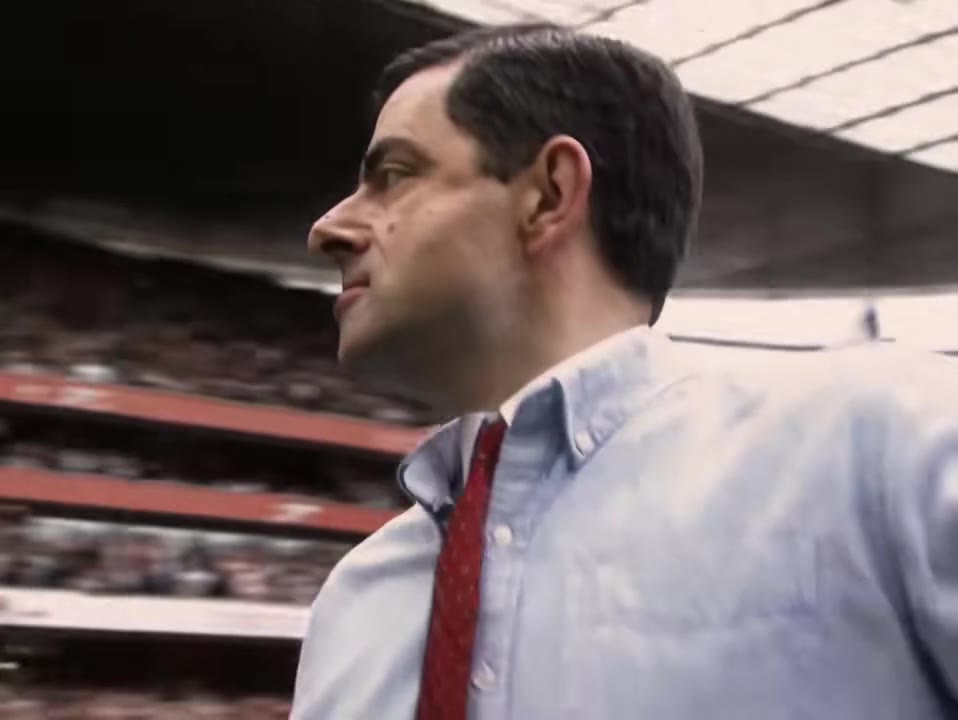
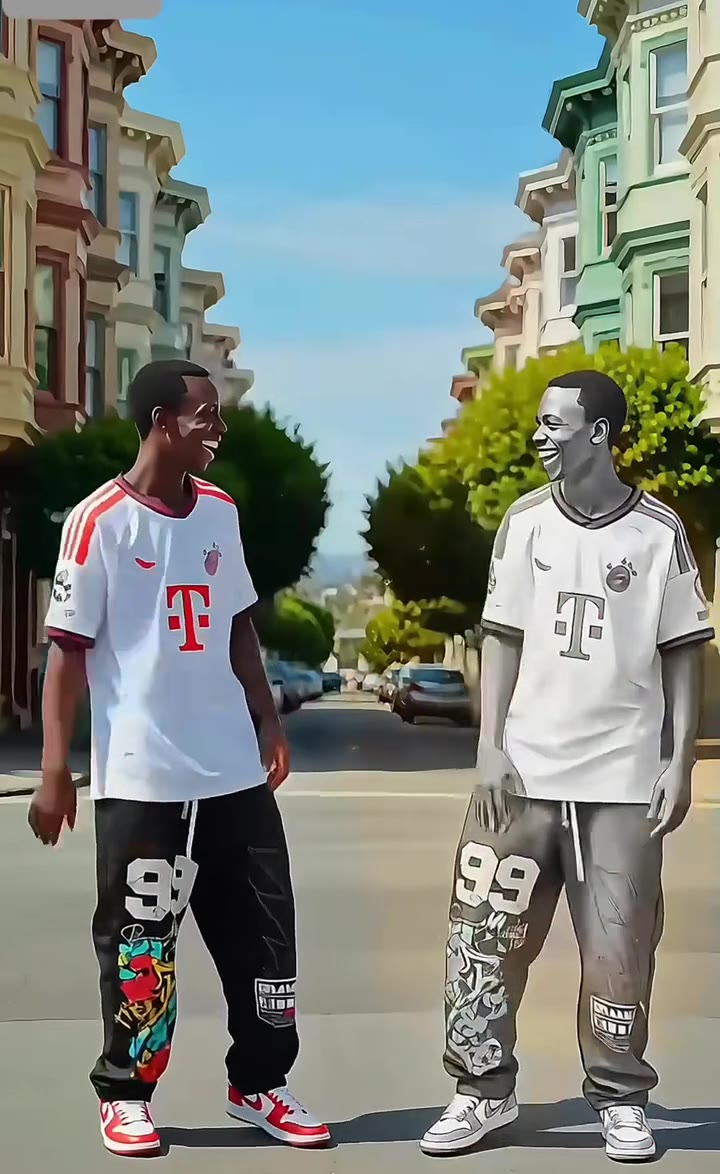
Spirit Tunnel AI is a 10-second vertical video that puts you in the Spirit Tunnel, a corridor of cheering people, from one full-length photo. The Spirit Tunnel itself is a long-running bit from The Jennifer Hudson Show, and the AI version is a fan-made copy of it.
This guide goes deeper than the FAQ on the trend page. It covers where the bit comes from, how the real version is shot, what the AI version changes, how to pick a photo, labels, rights and cost. videosi is not affiliated with The Jennifer Hudson Show.
Key takeaways
- The Spirit Tunnel is a Jennifer Hudson Show tradition: staff line a corridor and cheer a guest as they walk to the set. The first clip we found is from 9 October 2024.
- The AI version is one full-length photo in, a 10-second vertical video out, with the cheering original sound on it.
- The crowd is generic and the walker is the sharp part, so a clear head-to-toe photo matters most.
- Turn on the platform's AI label when you post. The video is not an official clip and videosi is not affiliated with the show.
- A Standard 720p video is 10 credits, and the Single pack is 10 credits for $8.90.
In this guide
- Where does the Spirit Tunnel come from?
- How do people shoot the real version?
- What is different between the AI version and a real tunnel?
- What happens second by second in the 10-second clip?
- Which photo works best?
- Why can the face drift between the far shot and the close-up?
- Should I label the video as AI when I post it?
- Is this the official Jennifer Hudson Show Spirit Tunnel?
- How is the Spirit Tunnel different from other walking and entrance trends?
- How long will the Spirit Tunnel keep trending?
- What does it cost to make one?
Where does the Spirit Tunnel come from?
The Spirit Tunnel is a habit of The Jennifer Hudson Show. Before a guest reaches the set, the staff line both sides of a backstage corridor and cheer, clap and sing while the guest walks, dances or even crawls through. The show's own account posted the earliest clip we found on 9 October 2024.
It stayed a talk show bit for a long time, then guest clips kept going viral. The biggest so far is the Zendaya walk from April 2026, which passed 60 million views. Once a format has a clear picture (a long hallway, two rows of people, one walker), anyone can copy it, and that is how it moved from a studio into ordinary hallways and into AI video.
How do people shoot the real version?
The real version needs a hallway and a crowd. People ask friends, coworkers or classmates to stand in two rows, then one person walks, dances or struts down the middle while the others cheer. The camera usually backs away at walking pace, so the walker stays in the frame and the crowd closes in on both sides.
The hard part is people, not gear. You need a dozen or more volunteers at the same time, a space wide enough for a clear aisle and a take where everyone cheers on cue. Some viewers turned the bit around and filmed an empty tunnel as a joke, which shows how well known the shape of the clip has become.
What is different between the AI version and a real tunnel?
A real tunnel has real people who know you. The AI version has a generic crowd of cheering strangers, taken from the motion reference clip, and none of them is anyone you know. In return you need nobody on set: one full-length photo of you, no helpers and no hallway.
The look is different too. Faraway faces in the crowd can look soft or odd, and the walker is the sharp part. The AI video is also a fixed 10 seconds in vertical format, while a real clip runs as long as the guest keeps walking. See the Spirit Tunnel AI page for sample results next to the settings.
What happens second by second in the 10-second clip?
The walk is built from four beats. From 0 to 2 seconds the walker steps into the corridor at the far end, small in frame, with a dense crowd along both walls under a pink-lit sign. From 2 to 4 seconds they start walking toward the camera, dancing, while people on both sides clap, wave and lean in.
From 4 to 7 seconds comes the mid shot: arms up, a hand on the hip, a spin and a wide laugh, with the camera backing away. From 7 to 10 seconds they come close to the lens, still dancing, with a big smile and the cheering crowd filling the frame behind them. Knowing the beats helps you pick a photo, since the first shot shows your whole body and the last one shows your face.
Which photo works best?
Use one photo of you standing, head to toe, facing the camera, in even light. The first shot is a small full-body view, so legs and shoes need to be visible, and the model takes your outfit from the picture. A clean wall behind you makes the face and clothes easier to lift.
Skip group photos, because only one person walks. Skip sunglasses and hats too: the walk ends in a smiling close-up, so your eyes and hairline need to be visible. A sharp, bright, front-facing photo beats a dark, blurry or seated one every time.
Why can the face drift between the far shot and the close-up?
The video moves from a tiny figure far away to a face in front of the lens, and the model has to keep the same person across both. Outfit and face can drift between those two ends, and fast dance moves and hands are where invented detail shows first. Likeness is never guaranteed in a 10-second clip.
The page locks the walker's face, hair, build and outfit to your photo from the first shot to the last, and it asks for only one walker with no extra people in the aisle. If a result still looks off, the most useful change is usually a clearer photo, then a higher model tier, which keeps the crowd and your face cleaner. A crowd of dozens of faces can need more than one try.
Should I label the video as AI when I post it?
Yes. The clip is an AI video of a real person, so turn on the platform's AI-generated label when you post. It is quick, it keeps you on the right side of platform rules and it tells viewers what they are watching. A label also fits the format: nobody expects a talk show crew to be cheering in your hallway.
The video already carries the cheering original sound, so there is nothing to add before you post. A caption that says it is the AI version of the Spirit Tunnel makes the joke clearer, and it helps people who search for the trend find your clip.
Is this the official Jennifer Hudson Show Spirit Tunnel?
No. videosi is not affiliated with The Jennifer Hudson Show, and the AI video is not a clip from the show. It is a fan-made video that copies the idea of the corridor walk. No show logo or name appears in the video, and the crowd is a generic one.
Treat it the way you would treat any parody or fan edit. Do not present it as footage from the show, do not claim a guest was there and do not put someone else in the tunnel without their consent. Use your own photo, or a photo you have the right to use.
How is the Spirit Tunnel different from other walking and entrance trends?
Many trends show someone walking into a room: a runway walk, a red carpet arrival or a slow motion entrance. The Spirit Tunnel is defined by the crowd. The walker is the star, but the energy comes from two rows of people reacting, so the camera shows faces cheering on both sides and the walker keeps dancing toward the lens.
It also has a clear start and end. The walker begins small at the far end of a corridor and finishes in a smiling close-up, which makes it easy to read in a 10-second vertical video. If you want a plain entrance, the Celebrity Red Carpet AI or Lil Yachty Walkout AI fits better. If you want applause and a dance, this is the one.
How long will the Spirit Tunnel keep trending?
Nobody can say for sure. The first clip is from October 2024, and the biggest guest clip so far, the Zendaya walk, came 18 months later in April 2026. That gap shows the format keeps coming back whenever a well known guest walks through it.
The AI version is newer and sits on top of that. Our page currently tags the trend as peaking. If you want to ride it, post while guest clips are still circulating, and treat any one video as a quick joke rather than a lasting format.
What does it cost to make one?
videosi sells credits. A Standard 720p video is 10 credits, and the Single pack is 10 credits for $8.90, so one video at that tier is about the price of one Single pack. Higher tiers use more credits: Pro 720p is 20 credits and Ultra 720p is 37 credits. Packs go up to bigger sizes with a lower price per credit, and credits never expire.
A failed render returns its credits, but there are no refunds for a result you simply do not like. Because a crowd scene can need more than one try, start with a good photo before you spend credits on a higher tier. Open the Spirit Tunnel AI page to see the price for your chosen tier before you generate.
Ready to try it? Upload a head-to-toe photo on the Spirit Tunnel AI page and the walk is built for you, with no prompt to write.