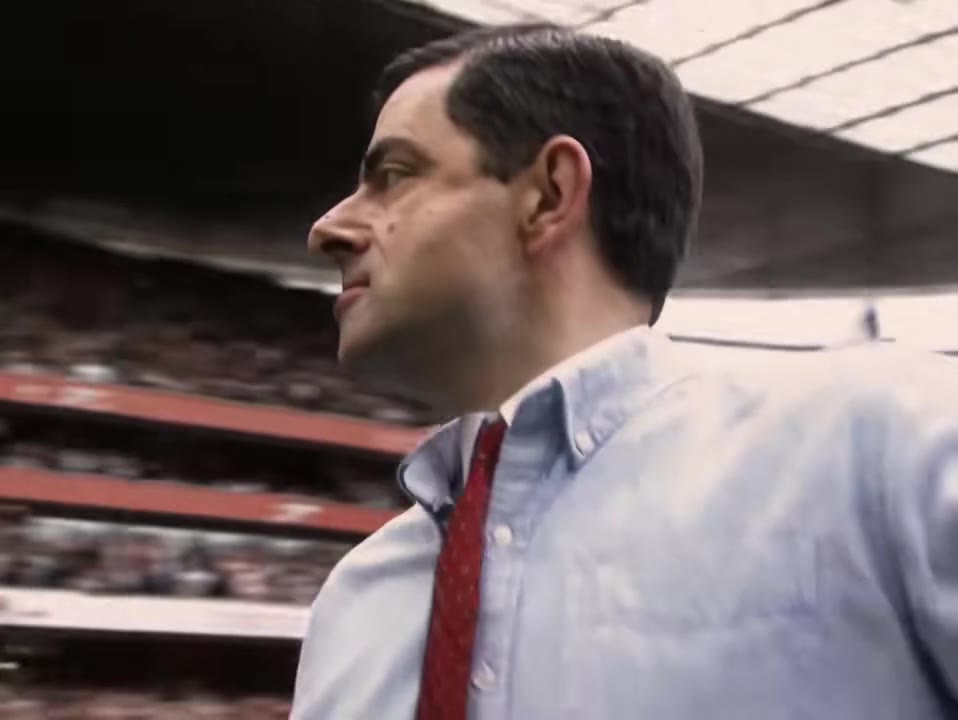
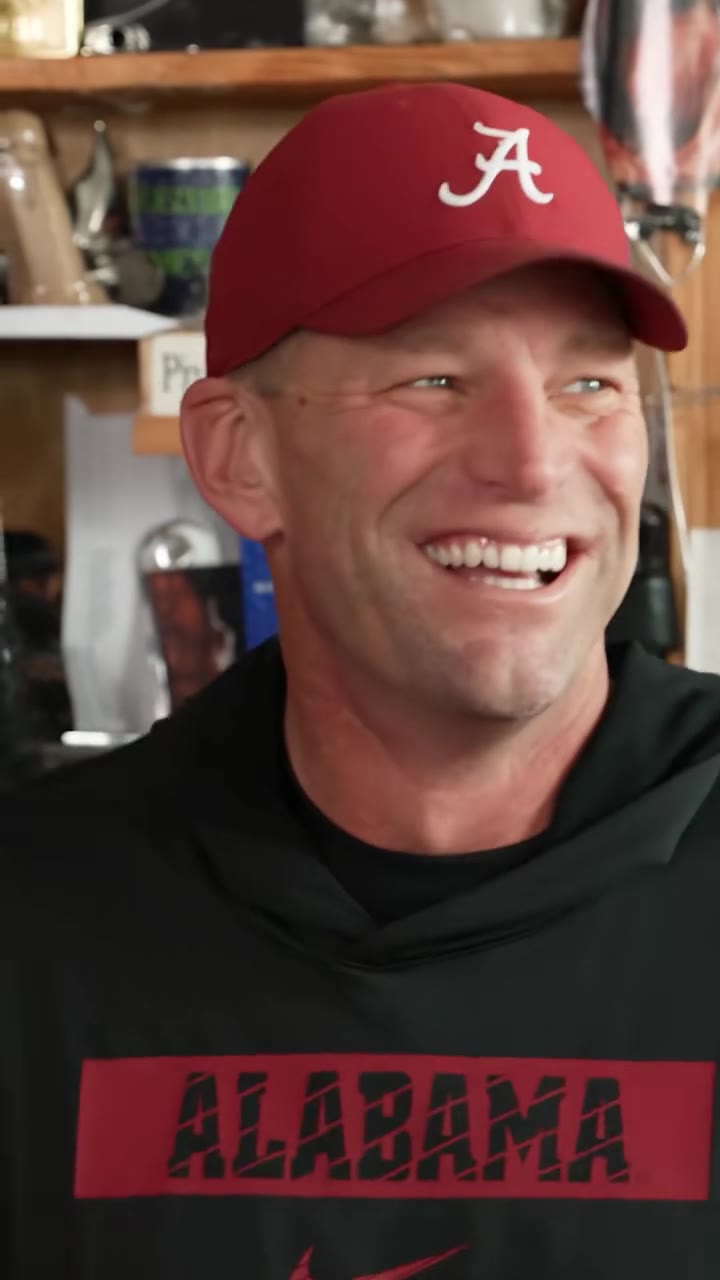
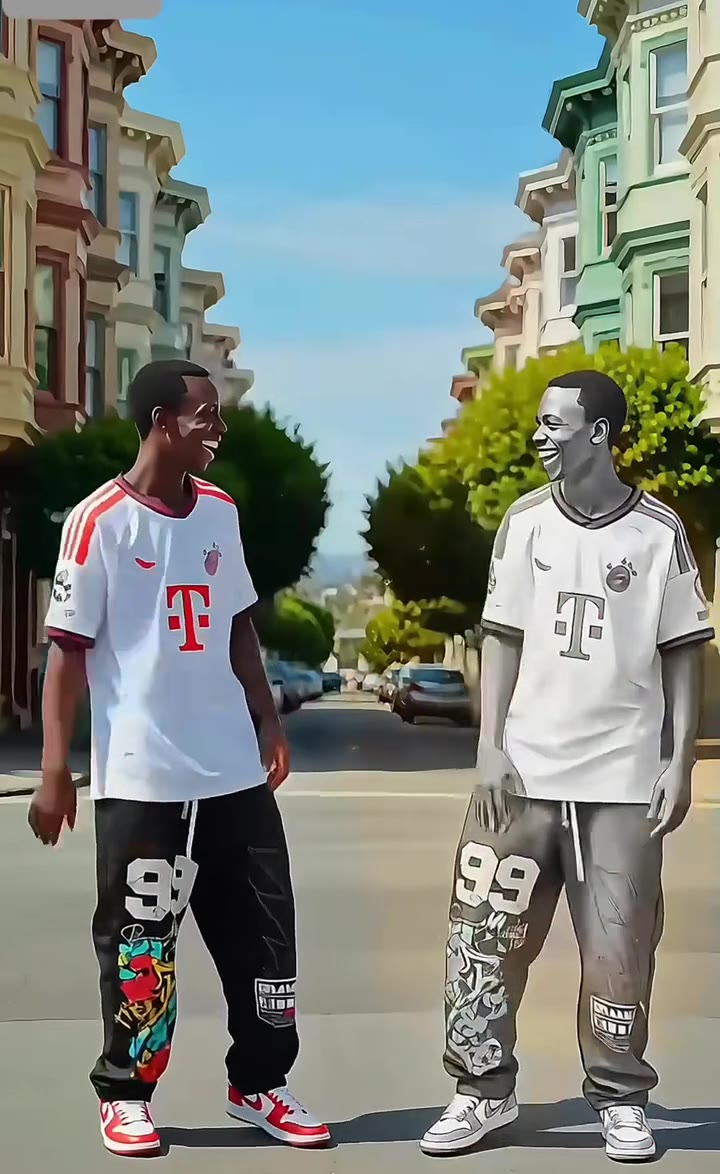
The Spin That Coupe Like What AI trend is a 10-second remake of a football changing-room clip in which one man points, a teammate raps and a third bursts in dancing, now starring your face. To make it, upload one photo of yourself to videosi, pick a ratio and press Generate; you get the finished video with the clip's own sound on it.
This guide answers the questions the page FAQ leaves open: where the clip came from, why three-person swaps are tricky, how to choose photos, and what to check before you post.
Key takeaways
- The clip dates to early February 2024; the AI template wave began in mid November 2026.
- One clear photo is enough; two optional photos add your friends as the other two players.
- A standard 10-second 720p video costs 10 credits, with no free generation.
- The audio is unidentified and has mild profanity, so check before posting outside TikTok.
In this guide
- Where did the changing-room clip come from?
- What happens in the 10 seconds, beat by beat?
- How does the AI template wave actually work?
- Why do three-person swaps fail in a text prompt?
- Which photo works best for the rapper in the middle?
- Can I put my friends in the other two roles?
- Is the original sound safe to post everywhere?
- Does the rapper's mouth follow the words?
- How does this compare with CapCut or Kling templates?
- What AI model is used, and why not publish the prompt?
- How much does it cost?
Where did the changing-room clip come from?
The footage is older than the AI wave. The earliest copy we found was posted on 5 February 2024 and has about 5.1 million views, so the clip dates to early February 2024. TikTok tags link it to Millwall, but we could not confirm who posted the first copy, so we do not name anyone.
What changed in mid November 2026 is that people stopped reposting it and started remaking it. The trend was first seen emerging on 14 November 2026, when creators began putting new faces into the same room.
What happens in the 10 seconds, beat by beat?
Four beats carry the whole joke. From 0 to 3 seconds a young man in a navy tracksuit sits on a bench and points across the room. From 3 to 4.5 seconds the rapper steps in through the doorway with a phone in his hand. From 4.5 to 7.5 seconds he raps to the room by the white door with a hole in it. In the last 2.5 seconds a man in a black jacket walks in, dancing, while the handheld camera swings toward the chaos.
Because the order matters, the remake works best when it keeps the point, the entrance, the freestyle and the pile-on in sequence. That is what the Spin That Coupe Like What AI template locks in.
How does the AI template wave actually work?
Most remakes follow the same pattern: take the original clip as a motion guide, then replace the people in it with new faces. Creators share this through CapCut, Kling and PixVerse templates and tutorials, which usually ask you to copy a link and follow several steps.
videosi collapses that into one upload. The room, the three beats and the sound are already built in, so you give one photo and get back the finished clip. There is no prompt to write and nothing to install.
Why do three-person swaps fail in a text prompt?
A plain text-to-video prompt has to invent the room, the camera shake and the timing from words alone. With three people in a small frame, the model tends to merge them, swap their roles or keep the original players, and the point, the entrance and the pile-on land in the wrong order.
A motion reference fixes most of that. When the model edits a real 10-second clip instead of imagining one, the doorway entrance and the handheld movement come from the footage, and the prompt only has to say who replaces whom. Even then, three faces and a shaky camera are hard, so expect the middle rapper to be the sharpest and the friends slightly softer.
Which photo works best for the rapper in the middle?
Use a clear, front-facing photo of one person, well lit, with the whole face visible and no sunglasses or heavy filters. The photo is the only source for the rapper's face, hair, build and clothes, so a sharp image gives a steadier likeness than a cropped group shot.
Avoid photos where the face is tiny or turned away. The rapper spends several seconds in the middle of the frame, and a small face in the source tends to drift once the camera starts moving.
Can I put my friends in the other two roles?
Yes. Besides your own photo, you can add two optional photos: one for the young man on the bench who points, and one for the man in the black jacket who bursts in at the end. Use the same kind of photo for each, one person, face clearly visible.
If you skip them, the page fills those roles with two different ordinary adults, so the original players never stay in your video. That makes the two-photo version a nice gift for a group chat, and the one-photo version a quick solo test. You can start from the trend page and decide there.
Is the original sound safe to post everywhere?
Not automatically. The sound is a changing-room rap whose recording we could not identify, and the phrase also appears in Abra Cadabra's 2020 track "Spin This Coupe". We could not confirm that they are the same audio, and we could not identify a rights holder. The audio also contains mild profanity, which some platforms and audiences treat differently.
Rights holders can use automated matching to claim videos. YouTube's own help page explains that a Content ID claim can block a video, monetize it with ads or only track its views, depending on the owner's settings (YouTube Help on Content ID claims). If you post outside TikTok or use the clip commercially, swap in that platform's own library audio first.
Does the rapper's mouth follow the words?
Not word for word. The sound is the clip's own audio laid over the video, and the lip movement comes from the motion reference rather than from a lip-sync pass. The result reads as a freestyle in the room, which is what the trend is about, but it is not a dubbed performance.
If you want tight lip sync to a different track, this is the wrong tool. If you want the meme, with the hands, the bouncing shoulders and the original sound, it does exactly that.
How does this compare with CapCut or Kling templates?
Template tutorials give you control and cost you time. You copy a link, import the footage, line up the face swap and often rebuild the audio. That is fine if you enjoy editing, and some creators use those routes to get a specific look.
The videosi page is the shorter route. One photo in, one finished 10-second video out, with the clip's sound on it and no watermark on the download. It is not a live filter, and it does not give you timeline editing, so pick it when you want the result fast and in one step.
What AI model is used, and why not publish the prompt?
videosi renders this effect with Seedance, ByteDance's video model. ByteDance Seed describes Seedance 2.0 as a model that takes text, image, audio and video inputs and can use images and videos as references to control performance and camera movement (ByteDance Seed on Seedance 2.0). Here the photo supplies the identity and a 10-second clip supplies the motion.
The prompt itself is short and mostly about replacement: who swaps with whom, and what stays the same. We do not publish it in full, partly because a pasted prompt without the reference clip does not reproduce the room or the three-person timing anyway.
How much does it cost?
A standard 10-second 720p render is 10 credits, and there is no free generation. On the current price list, a Single pack is $8.90 for 10 credits, so one standard video is one pack. Larger packs and plans lower the cost per credit, and credits do not expire.
Higher tiers use more credits per video. Failed renders return their credits, but there are no refunds for a result you simply do not like, so choose your photo with care before you press Generate.
What should I do next?
Pick a sharp photo, decide whether to add friends, and open the Spin That Coupe Like What AI page to render your version. Check the sound rules for the platform you plan to post on first.